A:AnswerVizio TVs are designed and manufactured to provide the best reflection and glare resistance possible. I would recommend to also set the picture brightness settings high if the TV is located in a room with lots of light.
A:AnswerVIZIO is committed to bringing you a pro gaming experience on your next generation console. With VIZIO & console developers frequently releasing new updates, features, and patches, we'd recommend you go to support.VIZIO.com & click on ' PS5 & Xbox Series X|S FAQs ' for the most up to date tips on how to get the most out of your console.
A:AnswerThis would depend on how the headphones connect to the TV. This TV is not designed to output audio over Bluetooth. You could purchase a Bluetooth transmitter and connect it to this TV to listen over Bluetooth.
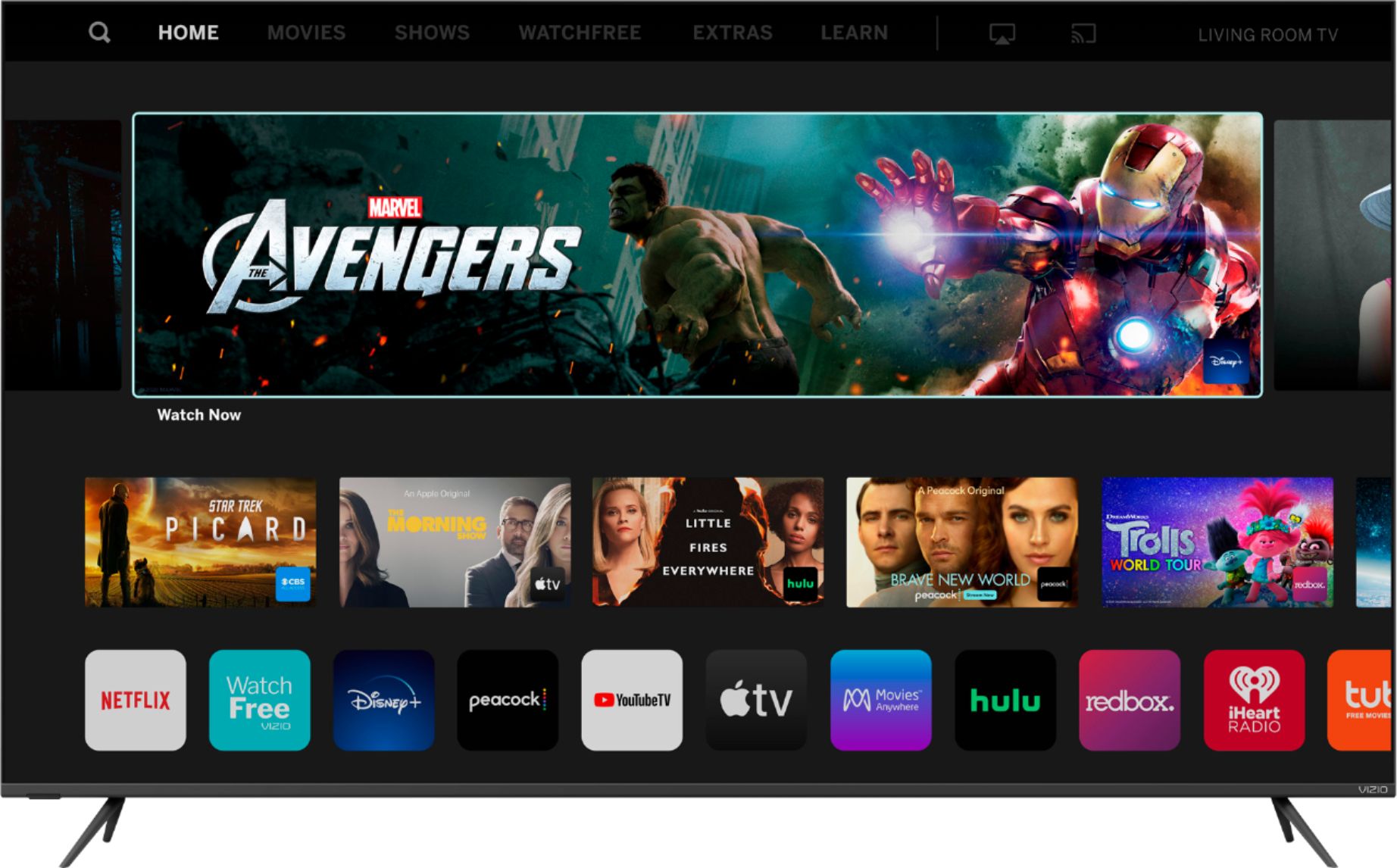
A:AnswerThis TV uses our SmartCast Platform which offers a host of built in apps, as well as support for Google's Chromecast, Apple's AirPlay 2, and voice support for SIRI, Google Home, and Alexa. You are not able to manually download additional apps, however new apps are added to the platform often. If you find there is an app you want to watch that is not on SmartCast you may be able to cast it using Chromecast or Apple AirPlay from your phone or mobile device.
A:AnswerApplications like Netflix and Amazon Prime are created and maintained by their own app developers. While I believe there is a way to fast forward and rewind in those apps, I ultimately would recommend visiting their support teams for specifics and how to use those controls.
A:AnswerHello,
You can adjust the aspect ratio of the TV in the menu, however often times widescreen/full screen is a result of the move you are watching being formatted for that particular viewing style. If you have any questions or need any assistance, we are available through text message, chat, or over the phone. Just go to support.VIZIO.com and click on ‘Contact Us’.
A:AnswerHello Vlad,
I would like to get our technical support team involved to help troubleshoot your issue. They’re available through text message, chat, or over the phone. Just go to support.VIZIO.com and click on ‘Contact Us’. They should be able to find a resolution to this.
A:AnswerWhen cleaning your VIZIO TV or Display, DO NOT use any ammonia based cleaning product, or any 'Glass Cleaner' type of solution.
If you would like to clean your VIZIO display, please use an LCD Screen Cleaning solution. Most electronics retailers sell a variety of solutions that are designed for (or state they are safe to use on) LCD displays.
When cleaning your TV or Display, do not spray any cleaning solution directly on the device that you are trying to clean. We recommend spraying the cleaning solution on a soft cloth (ie: microfiber, cloth diaper, etc) do not use a paper towel or a rough cloth.
A:AnswerIt was fixed in November in a firmware update, I was in the same boat as you where this was one of the things that was driving me up the wall since I bought the PS5 to play games and movies and movies simply didn't work well. 120hz was always working if you were willing to deal with that weird sub sample issue when the TV would revert back to 60hz but again in the firmware update that was also fixed.
A:AnswerWe think VIZIO TVs are great for every day view! Sites like CNet, RTings, and Reviewed.com consistently rate VIZIOs picture quality among the best in the industry.
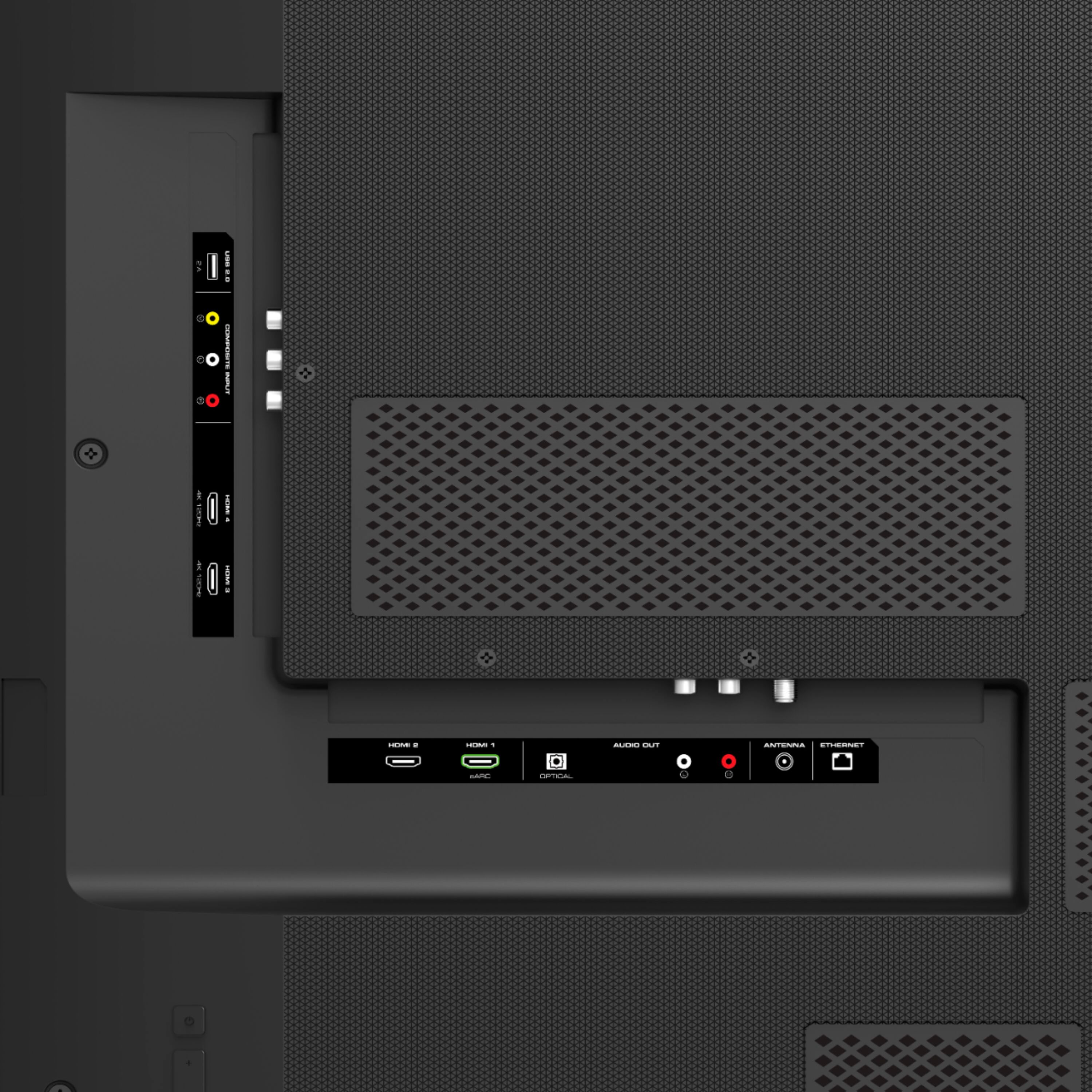
A:AnswerAdd-on streaming devices can be added to the TV with one of the HDMI ports on back of the TV. You will then want to adjust the input on the TV screen as well to the same HDMI port you plug the streaming device in to.
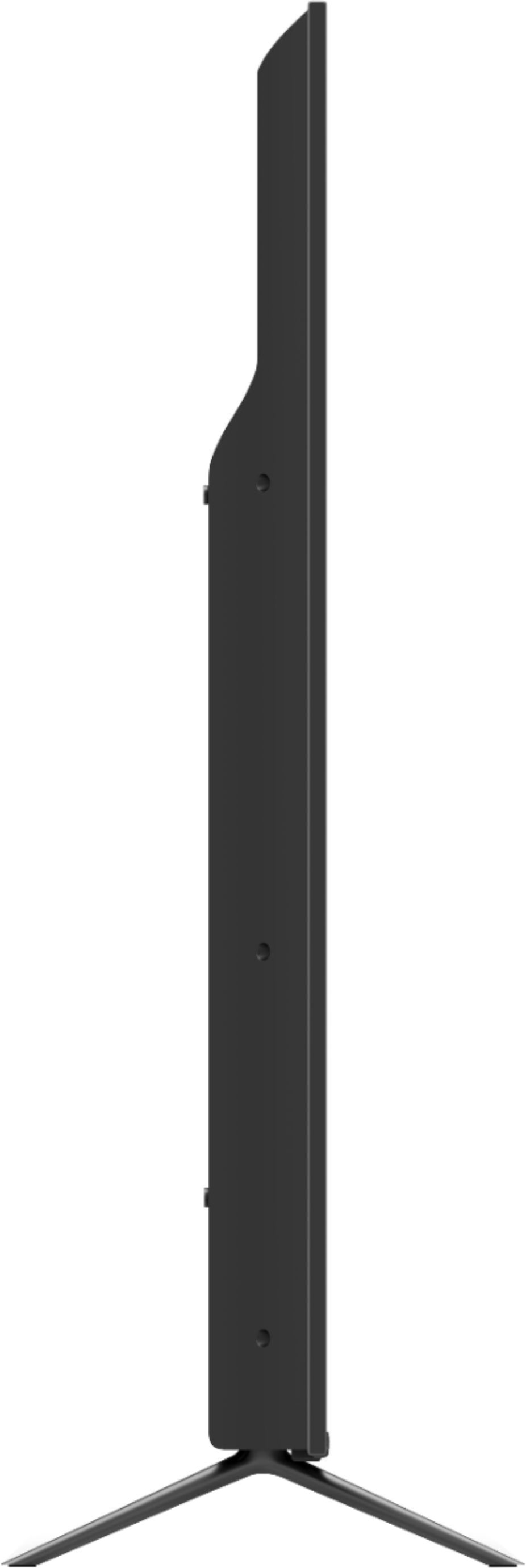
A:AnswerI would surely think that vizio would be happy to replace the missing legs as it is a fairly new tv. They are just snap in legs and don't have any screws that hold them. I really don't know if you could find any third party legs that fit it. It does have VESA mounts though,.,,,,
A:AnswerTo answer your question, I want to gather a bit more information. When you have a free moment, we are available through text message, chat, or over the phone. Just go to support.VIZIO.com and click on ‘Contact Us’.