A:AnswerWhat you would need is known as an external tuner. Here is a link to one on Best Buy's website. You don't need this one specifically but one similar that comes with its own remote. http://www.bestbuy.com/site/airbox-digital-receiver-black/4347600.p?skuId=4347600
A:AnswerThis points to a possible issue with the service or a cable going bad. We recommend checking another device such as a Bluray player or casting an application to the display. If it happens on another device or when casting then it points to the display itself and we would be happy to assist in any way possible. If you need to please contact our customer support team. They can be reached at 877-878-4946 – we’re here Monday thru Friday from 7am to 11pm and Saturday and Sunday from 8am to 6pm CST.
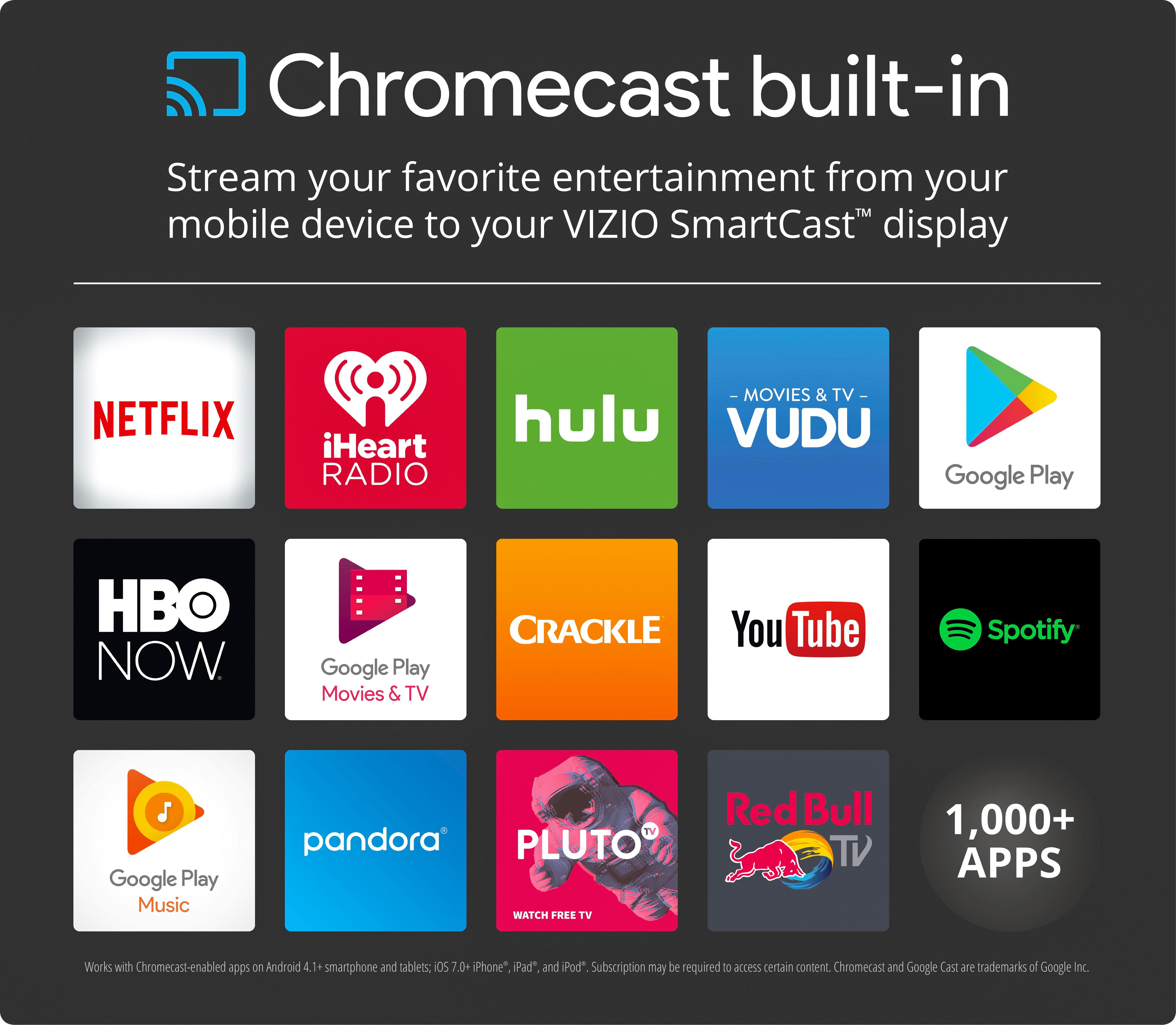
A:AnswerThe single answer here other than mine is not correct. 4K resolution and HDR are 2 different things. Google has several versions of its stand alone Chromecast. Only the latest greatest is 4K (and HDR) capable and if thats not whats built into this TV then no, it will only cast 1080p. It would be nice to hear from someone who actually owns one to find out.
A:AnswerHi Barry!
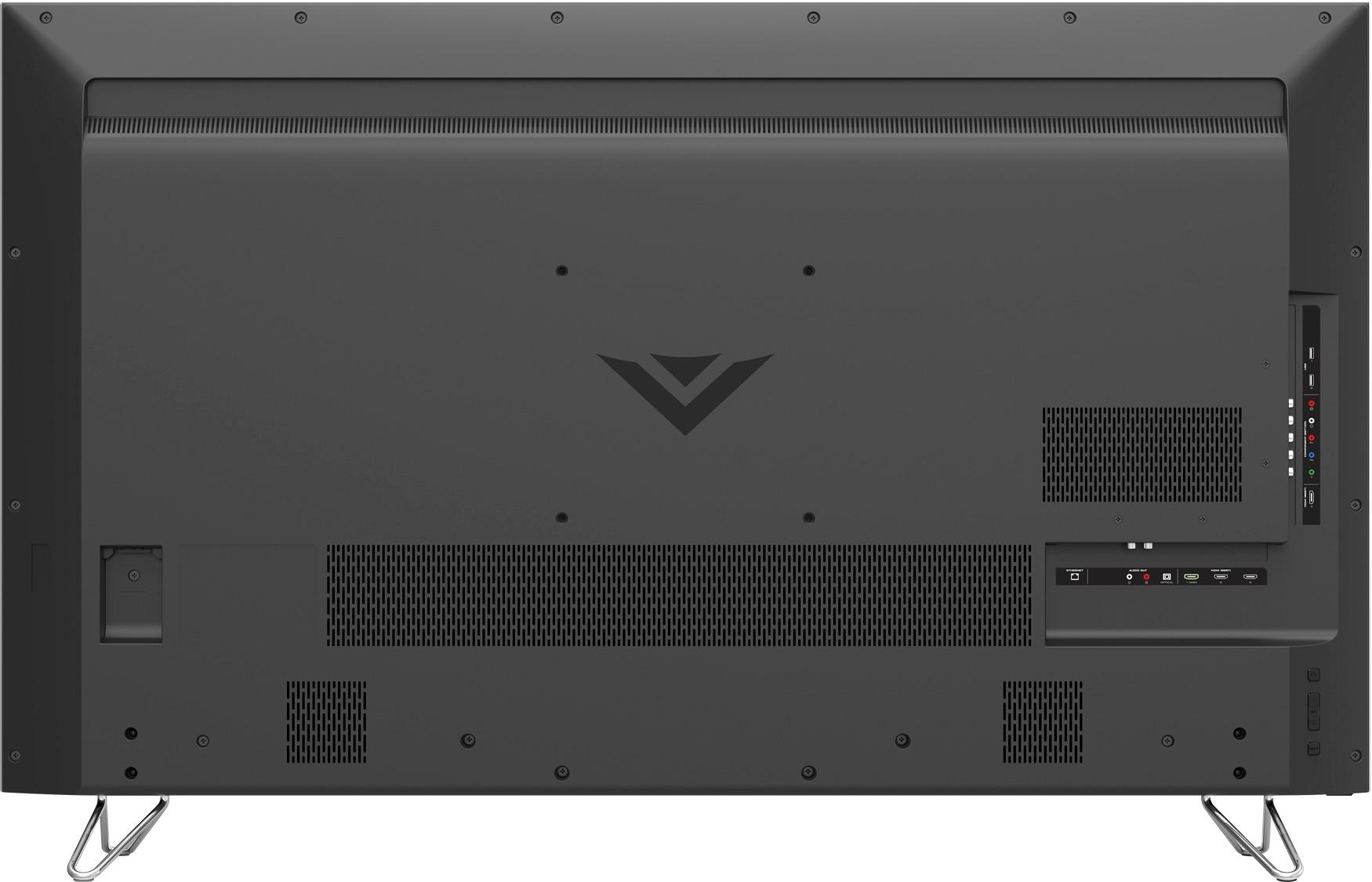
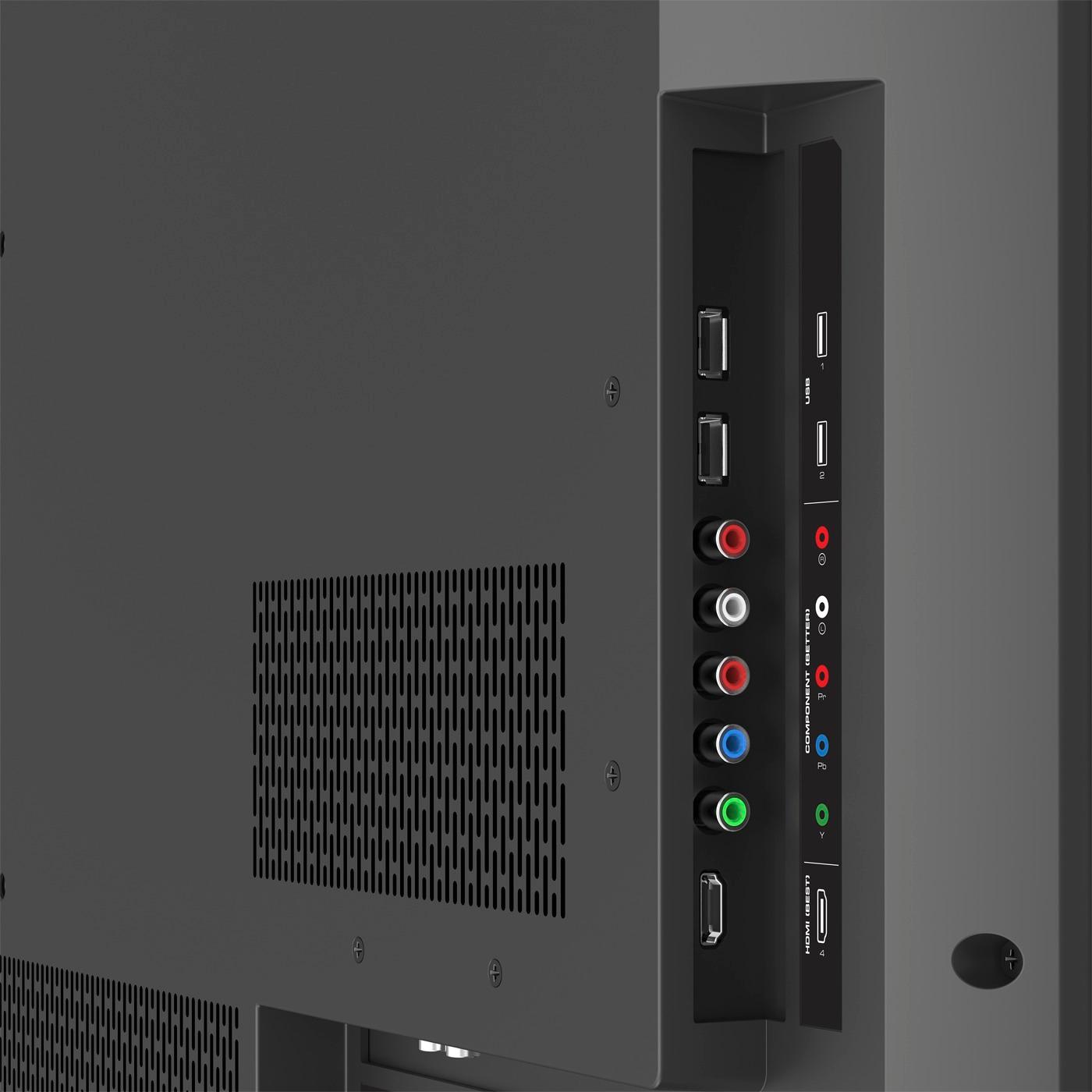
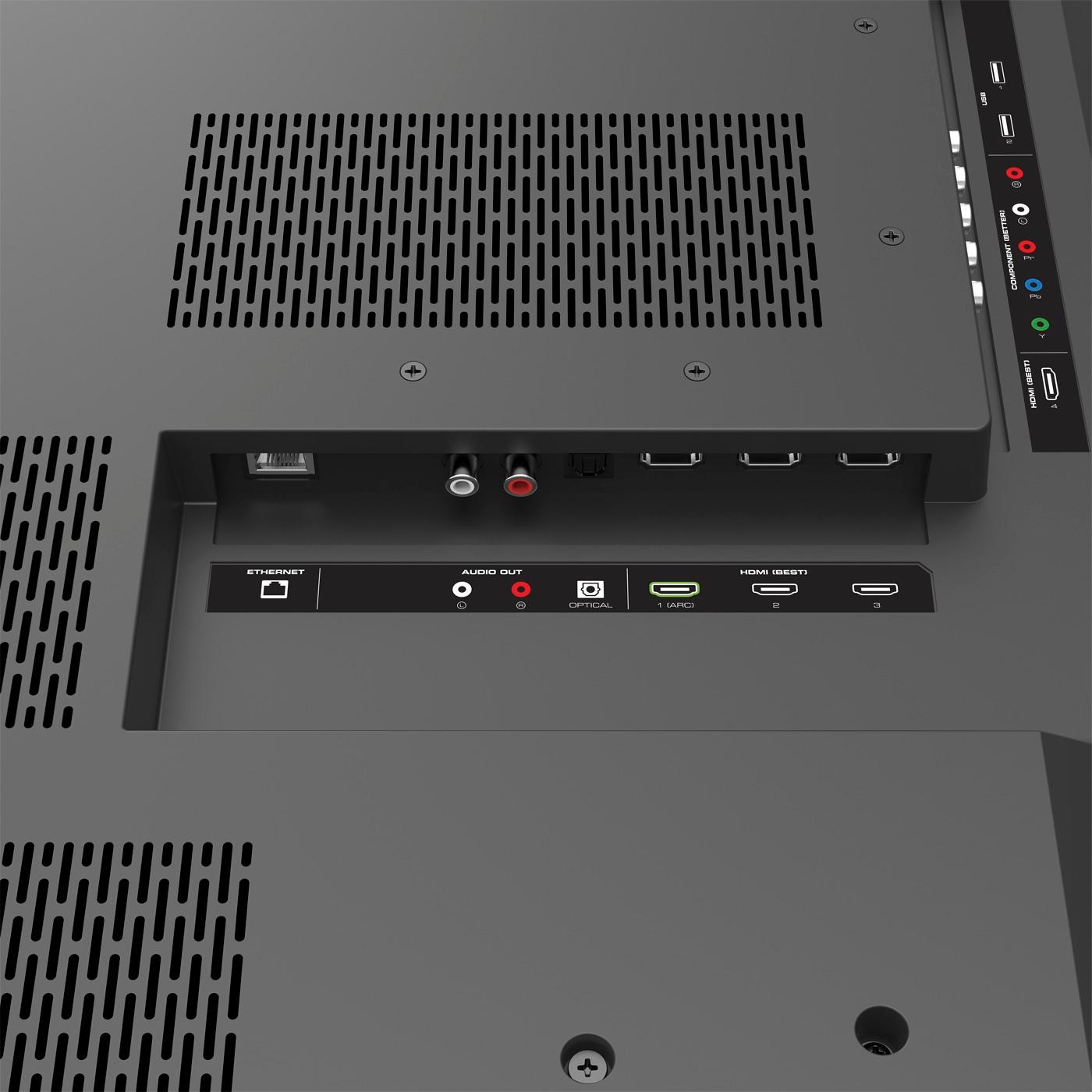
It is all personal preference as to which HDR port you wanted to connect your devices up to. On this model HDR is only supported on the HDMI 1 input but the HDMI 5 input does not have some of the video processing features such as Reduce Signal Noise or Reduce Block Noise that can sometimes cause a slight amount of lag. If you wanted to use the HDR for HDMI 1 VIZIO recommends turning on the Game Low Latency which will help reduce video lag when gaming. - Drew