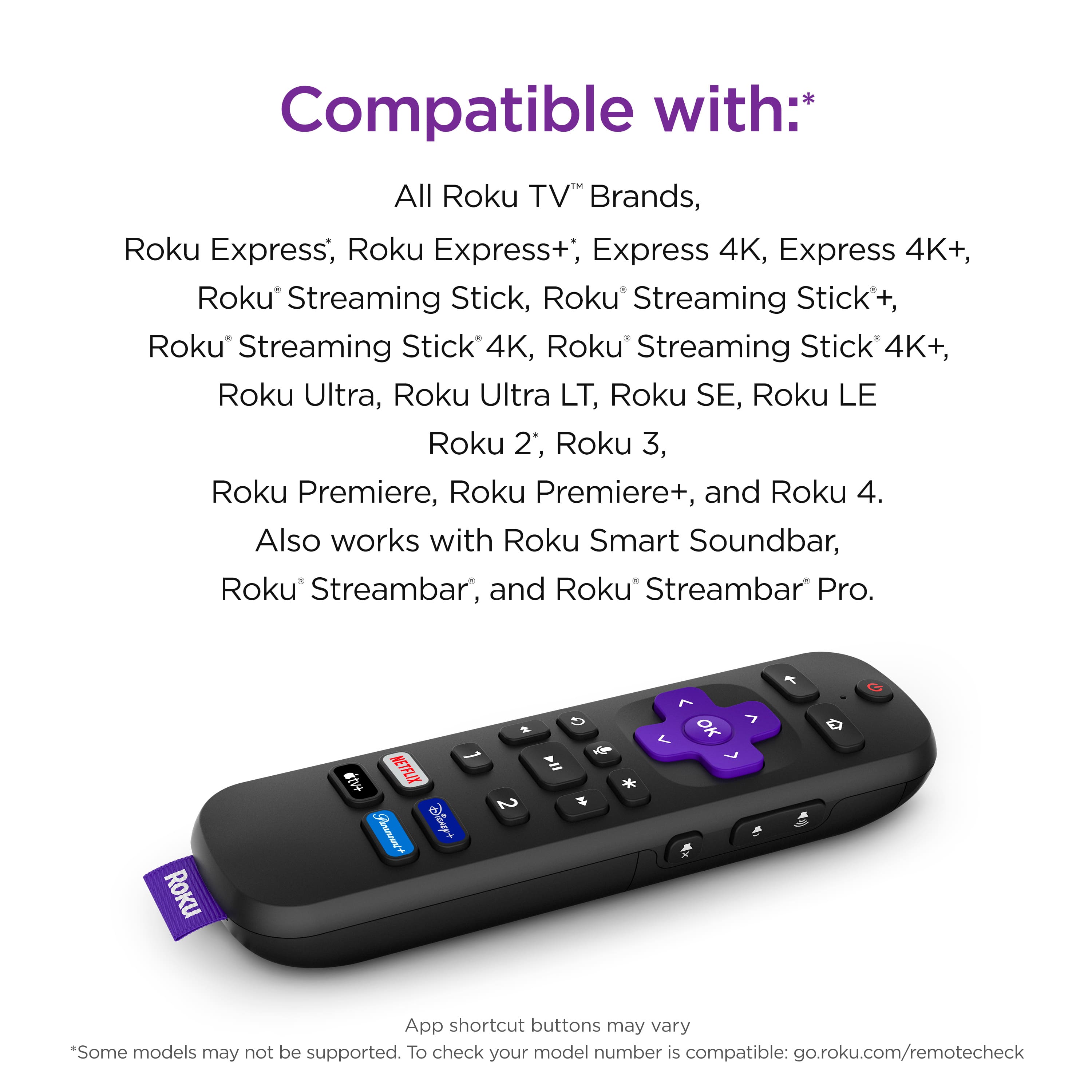
A:AnswerIf you’re not sure if it’ll work with the ATV my suggestion would be and I’ve told a few people this they make very affordable Roku boxes and very expensive Roku boxes find the cheapest Roku box you can I think it runs anywhere from $15-$25 it comes with a remote you attach to your TV and then problem is solved. So far around the same price it would cost you for the one remote you get a box and a remote and it’ll definitely work
A:AnswerLook on the back of your TV… you have HDMI input ports correct??? For that feature to work you need one that says either arc or e-arc And that’s the place will you plug in the HDMI port in the back of your TV and the other part in the Roku box and then it should work
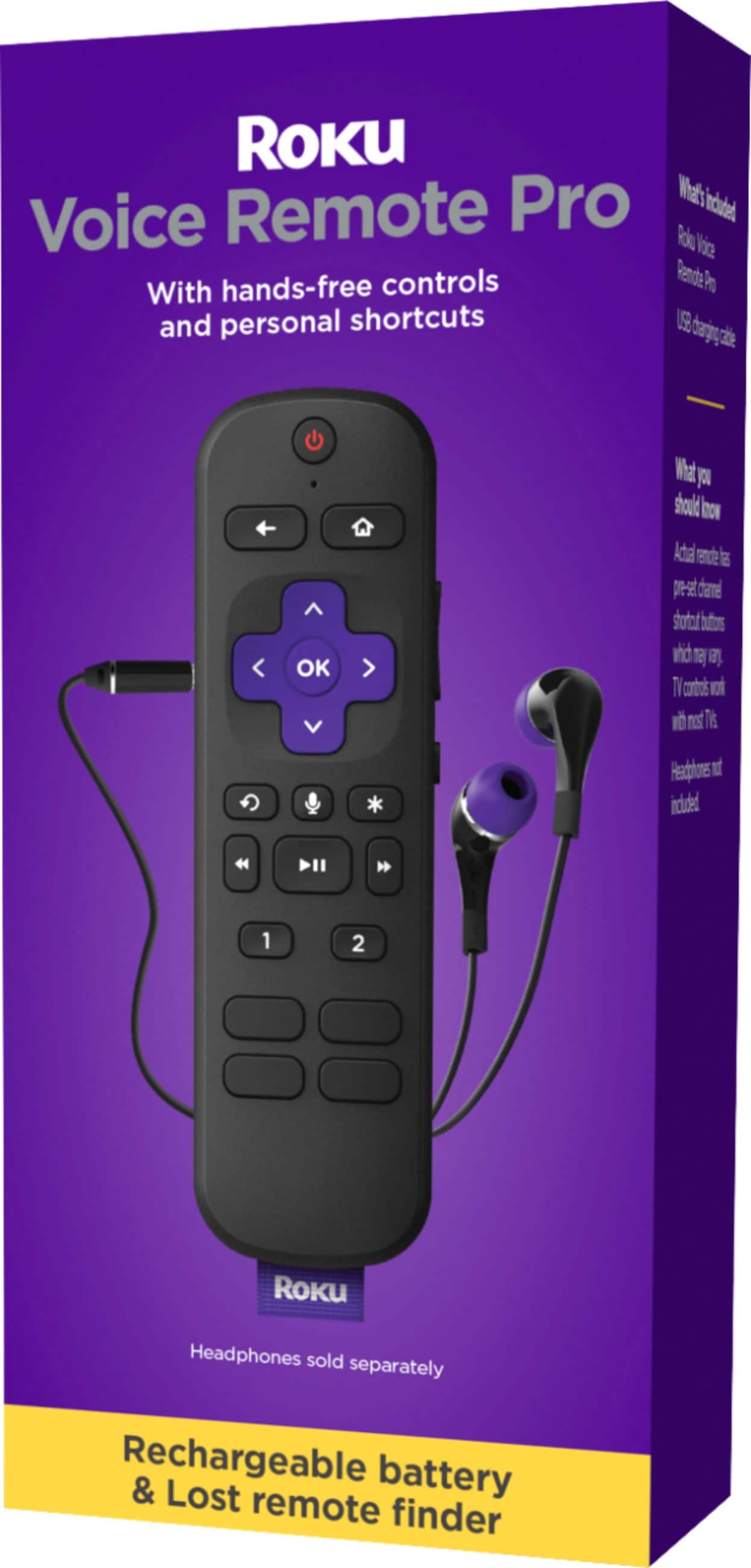
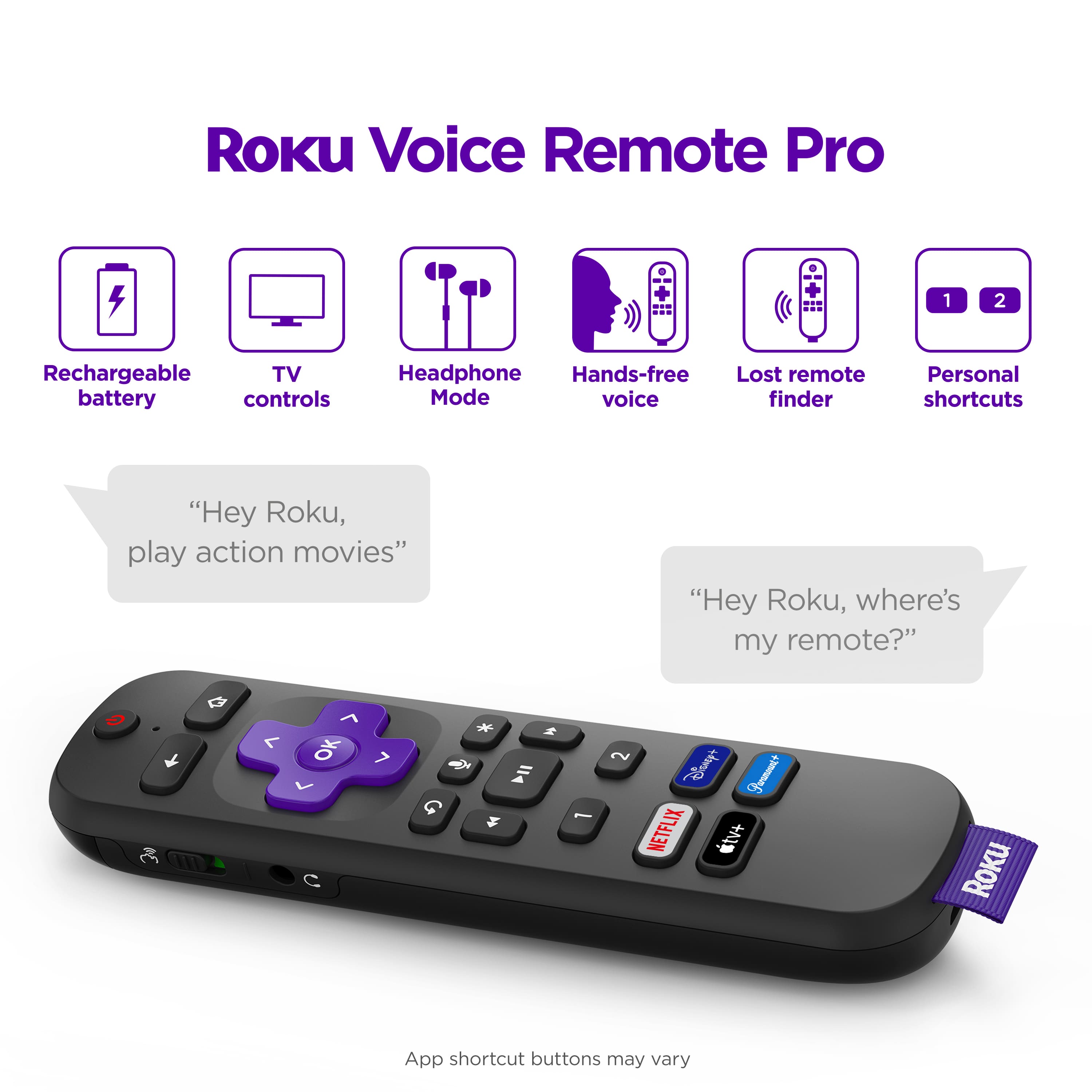
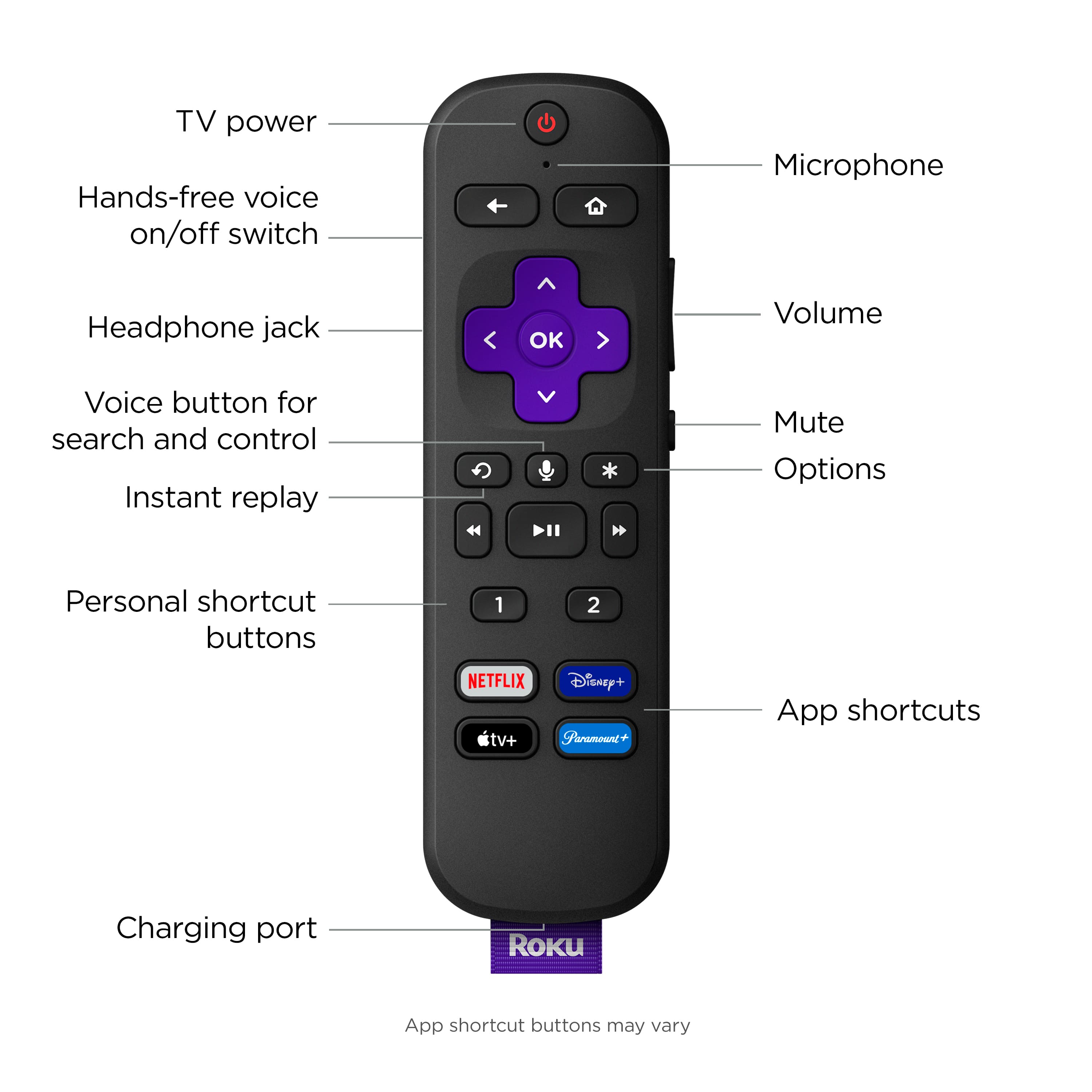
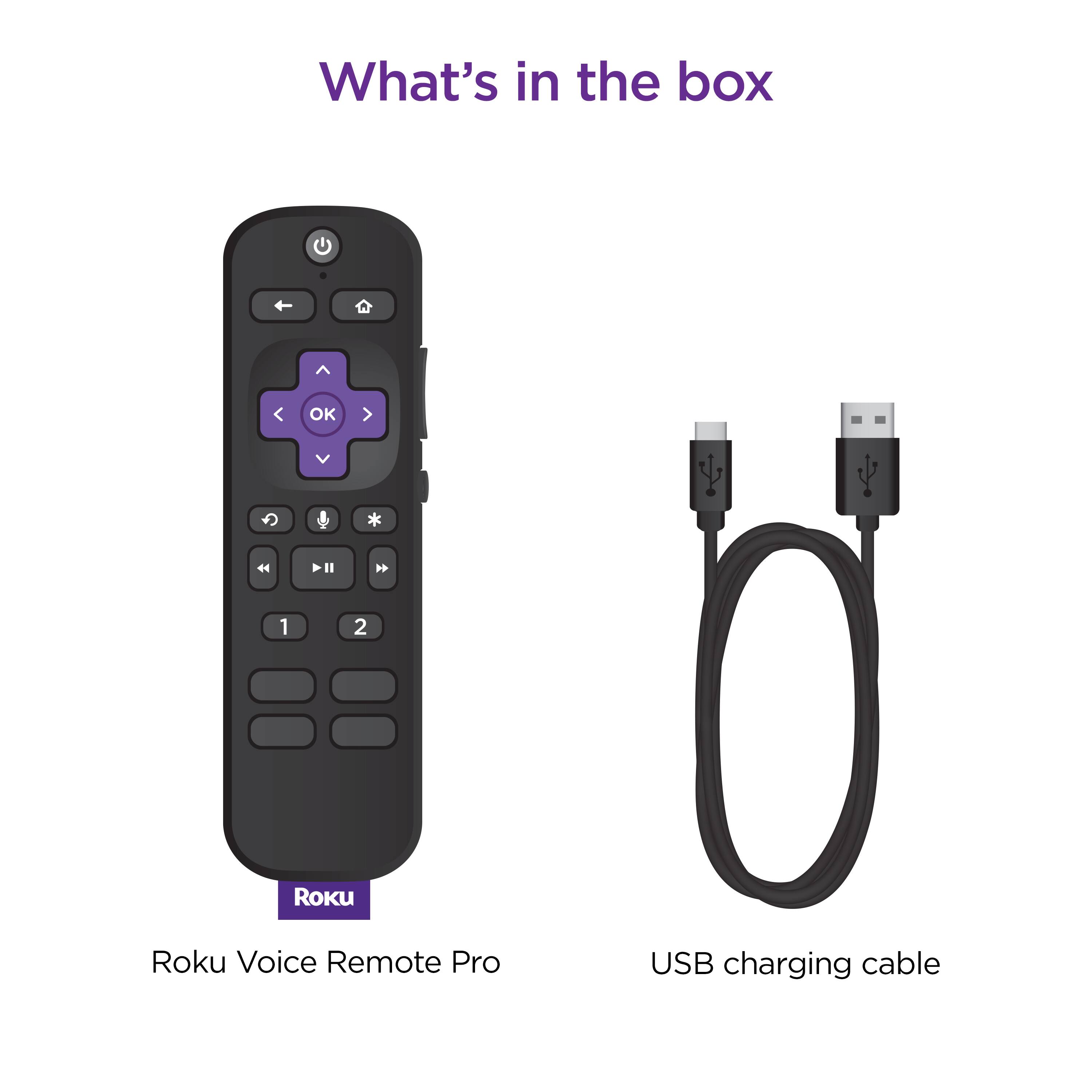
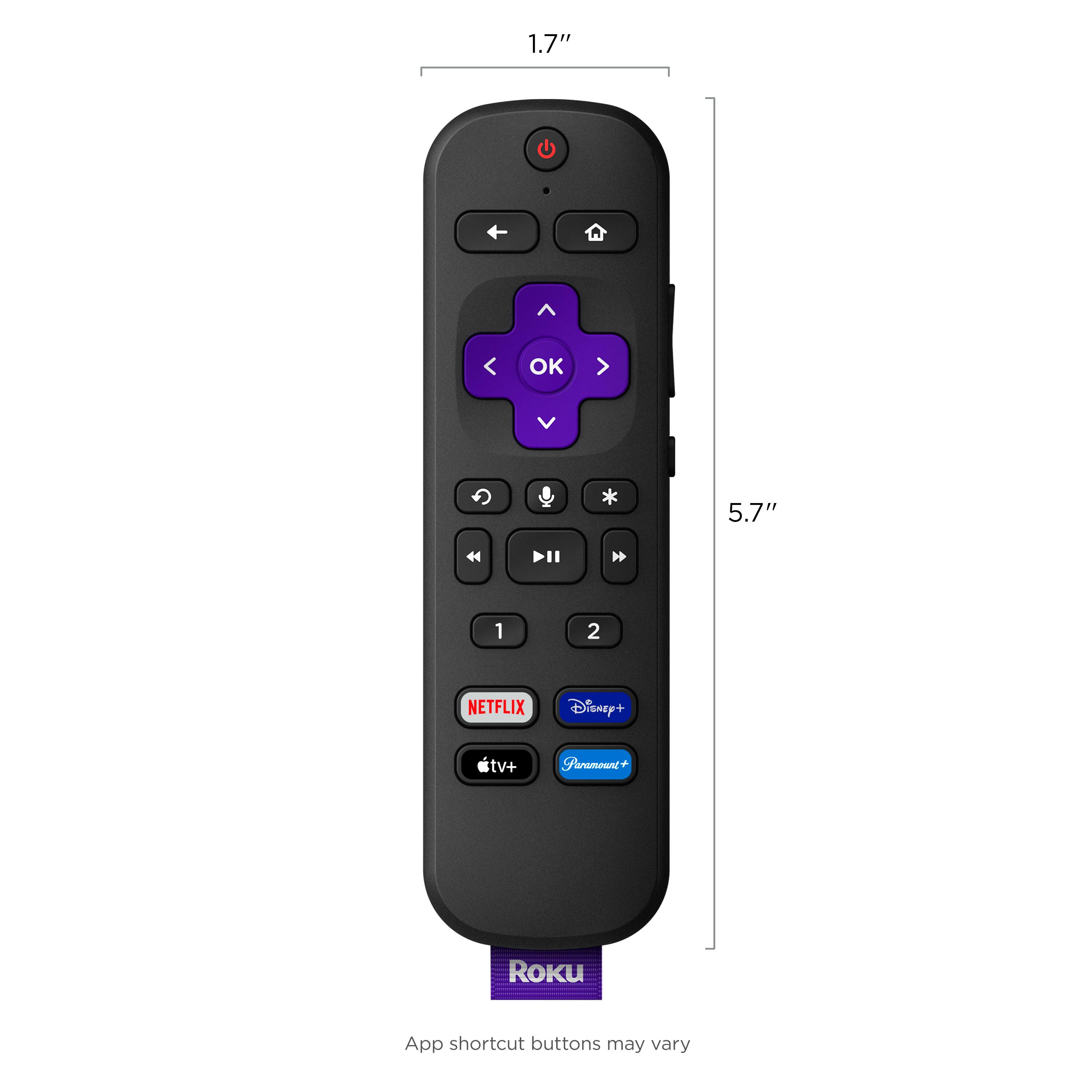
A:AnswerThe Roku Voice remote control has two programmable buttons on it if those apps that you’re referring to can be downloaded onto the Roku home screen then you should be able to program those two apps into buttons number one and two so when you press buttons one or two it will open up those apps automatically
A:AnswerHello WithSonosPlaybar! The TCL 75" Q-class 4K MINI-LED QLED HDR Smart TV is a Google TV. The Roku TCL 75" QLED TVs are class 4 series, class 5 series, class 6 series, and class 8 series. To determine the remote you would need the specific model and determine if its a Google TV or Roku TV.
A:AnswerI just got the remote and I have the same problem the other day here is exactly what you do…
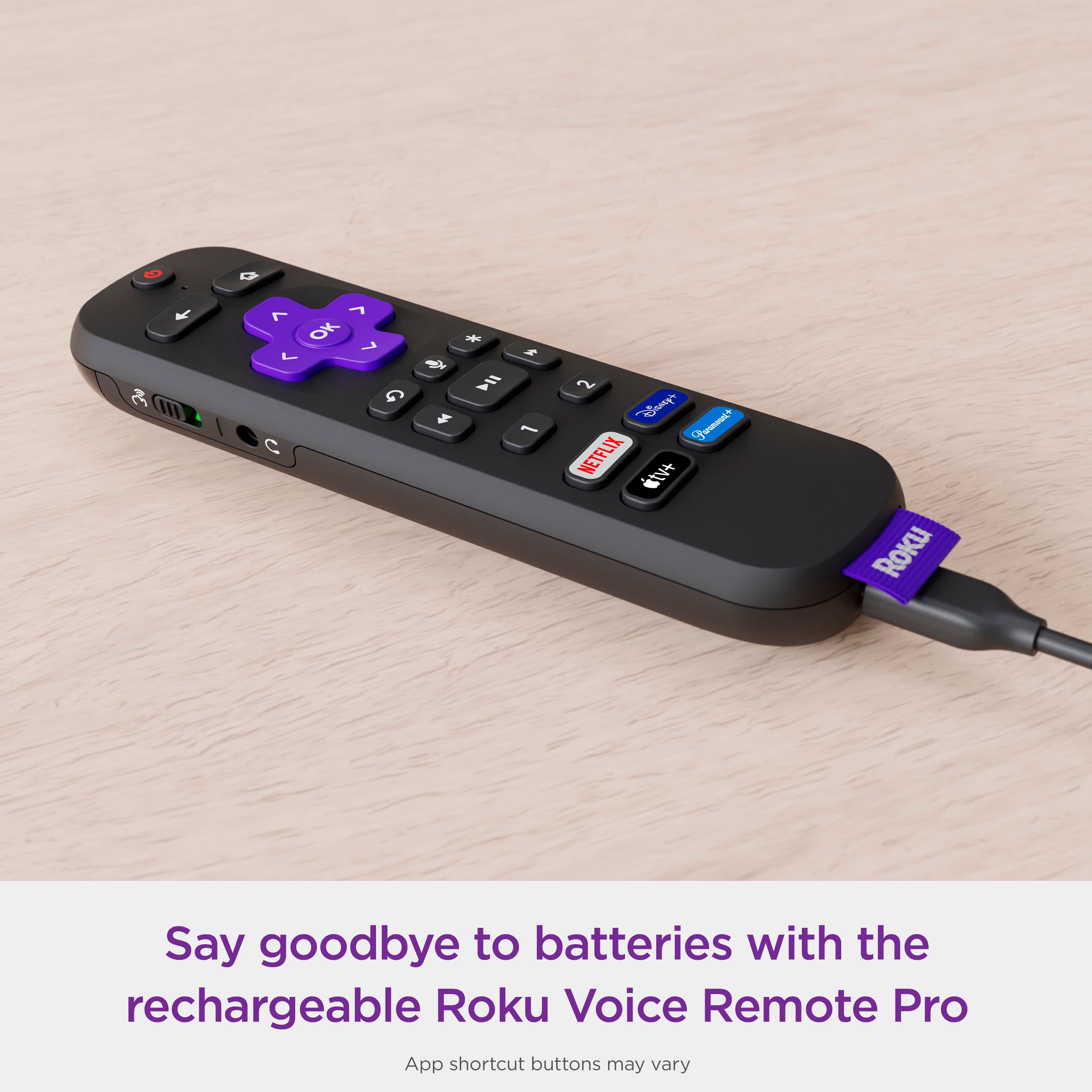
First charge the remote for a day and I mean a whole day leave it alone don’t touch it don’t do anything with it leave it charging for a day and make sure the charger is working meeting look on the back of the remote it should be lighting up a blue color and it’s blinking If it’s not doing that it’s not charging
Next, once it’s fully charged unhook it and then press the power button nothing else just the power button to see if it even turns on your TV or does anything….
If that doesn’t work you may have to pair it again to ur Roku box
The only way to do that without a remote is you have to download the app on your iPhone or android and then your phone will automatically work just like the remote you follow the settings on your home screen until you get to the remote page and then you pair the remote… than it should work
If all that fails I would definitely call Roku because usually you get a year warranty. Good luck