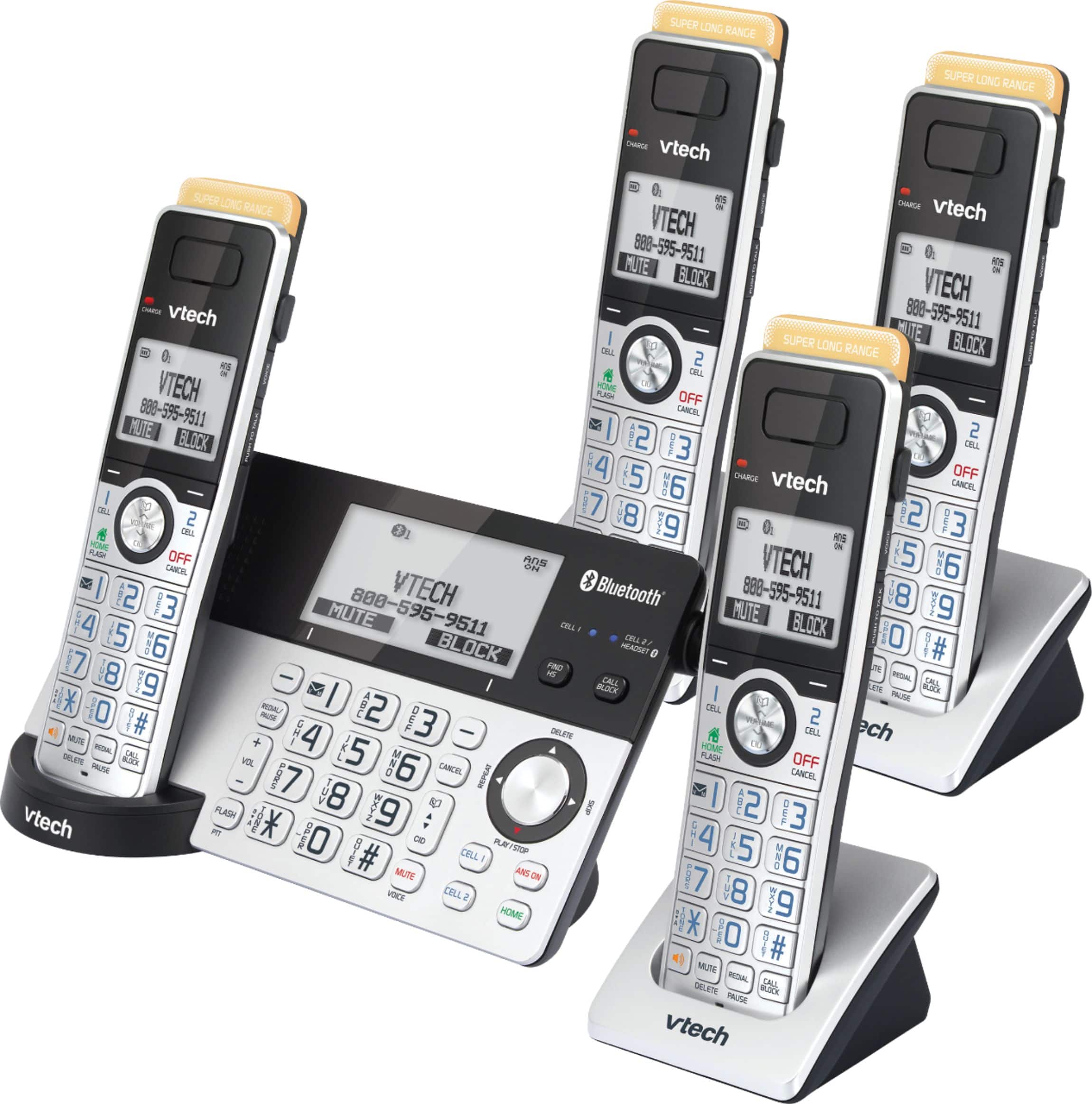
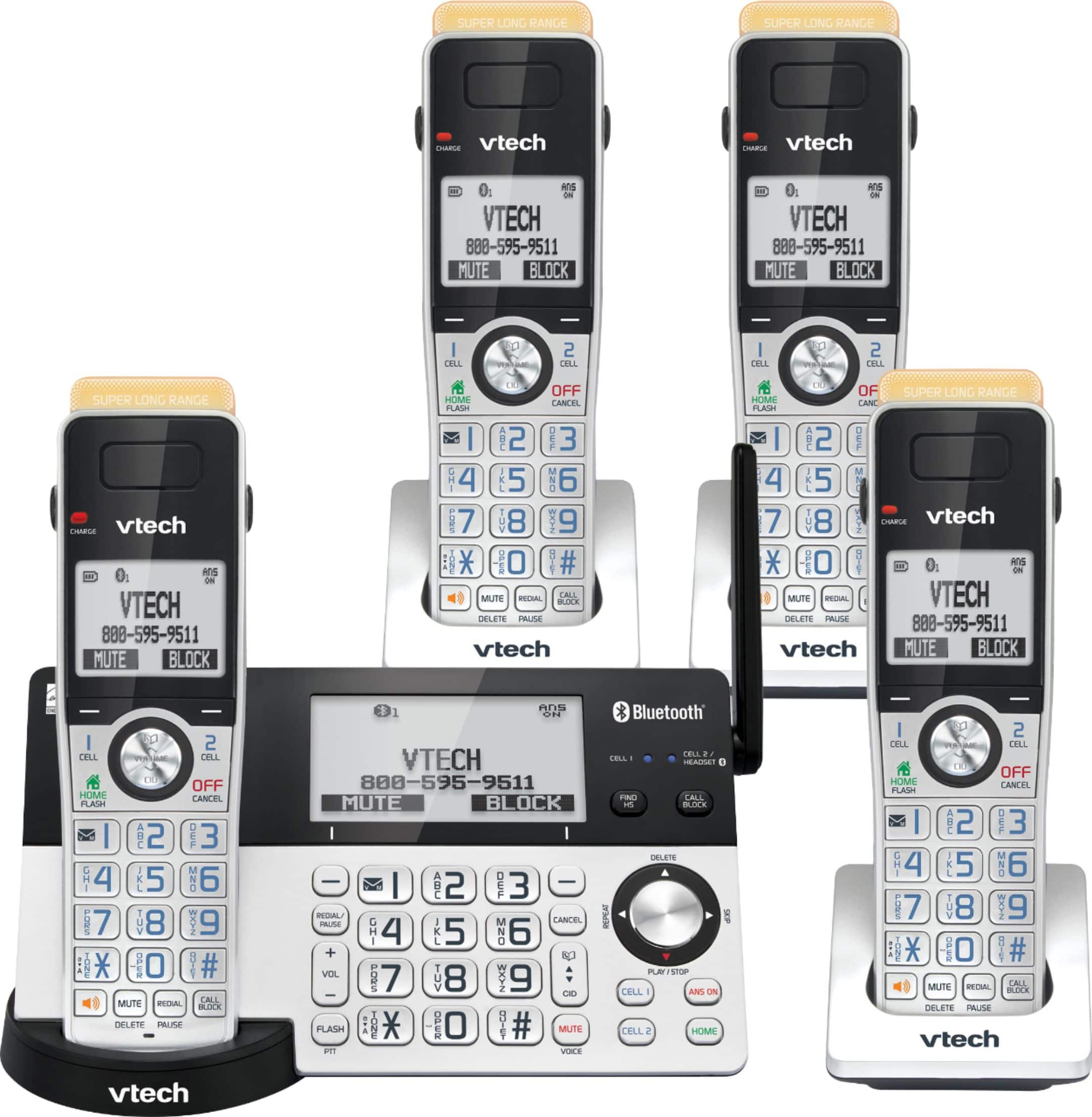
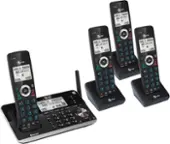
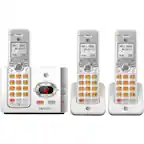
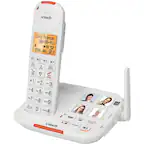
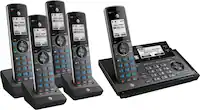
A:AnswerThere is an allow list that you can just put in the doctors and dentist's office name, or just the doctor or dentist name and phone number and it will ring through.
A:AnswerHi - You can lower down the ringer volume on the cordless handset or telephone base of the VTech IS8151-4 if you would like to adjust the volume of the Caller ID announce. There is also an option to turn off the Caller ID announce feature for the unit not to announce the caller's information on every call. For more details, please contact our Consumer Sales and Service Center between the hours of 9:00 AM and 3:00 PM Monday through Friday at 1-800-595-9511.
Thank you,
-VTech Support
A:AnswerHi - The VTech IS8151-4 has a speakerphone on the telephone base. You can use it for a hands free conversation. The telephone system also has an Equalizer feature that enables you to change the quality of the audio to best suit your hearing.
Thank you,
-VTech Support
A:AnswerHi - The answering machine of the VTech IS8151-4 will only capture the time and day of the week. It does not include the date when the message is recorded.
Thank you,
-VTech Support
A:AnswerCarolyn - Yes, the VTech IS8151-4 has a message alert tone feature. The telephone base will beep every 10 seconds when there is at least 1 new message recorded on the built-in answering machine.
Thank you,
-VTech Support
A:AnswerHarry - The telephone base and cordless handsets of the VTech IS8151-4 will display on the screen "Home line in use" when a system handset or another telephone on the same home line is in use.
Thank you!
-VTech Support
A:AnswerHi - We do not offer a similar phone without a built-in answering machine. You can permanently turn off the answering machine of the VTech IS8151-4. You may press the ANSWER on to turn the answering machine off. If the answering machine is turned off, it announces, "calls will not be answered." and the ANSWER on button light will be turned off.
Thank you!
-VTech Support
A:AnswerHi - Yes, the VTech IS8151-4 has intercom capability. Please be advised that you need to go through the menu selection to initiate the intercom.
To intercom using the cordless handset:
Step 1. Press MENU in idle mode to enter the main menu. Press ▼ or ▲ to scroll to Intercom, then press SELECT.
Step 2.If you have other registered device(s) or more than one handset, the handset shows "INTERCOM TO:" Use the dialing keys to enter a specific device number (0 for the telephone base, 1-9 for handsets 1-9, TONE followed by 0-2 for handsets 10-12, or # for a single headset, # followed by 1 or 2 for headset 1 or 2, or TONE followed by # for all devices), or press CID or DIR to scroll to the desired device and press SELECT.
Step 3. To answer the intercom call, press HOME/FLASH, , CELL 1 , CELL 2 or any dialing key (0-9, TONE ) on the destination handset, or press HOME on the telephone base. Both devices now show Intercom.
Step 4. To end the intercom call, one party presses END, OFF/CANCEL, or places the handset back in the telephone base or charger; or one party presses END on the telephone base. The other party hears four beeps. Both devices display Intercom Ended.
Using the telephone base:
Step 1. Press MENU in idle mode to enter the main menu. Press ▼ or ▲ to scroll to Intercom, then press SELECT.
Step 2. If you have one handset and no other registered devices, the telephone base shows Calling HANDSET X. If you have other registered device(s) or more than one handset, the telephone base shows "INTERCOM TO:". Use the dialing keys to enter a specific device number (1-9 for handsets 1-9, TONE followed by 0-2 for handsets 10-12, or # for a single headset, # followed by 1 or 2 for headset 1 or 2, or TONE followed by # for all devices), or press q CID or p to scroll to the desired device and press SELECT. The telephone base shows Calling HANDSET X or Calling all. The destination device(s) rings and shows Base is calling, BASE 0 is calling or BASE 0 is calling all.
Step 3. To answer the intercom call, press HOME, CELL 1 , CELL 2 or any dialing key (0-9, TONE ) on the telephone base. Both base and handset now show Intercom.
Step 4. To end the intercom call, one party presses END, CANCEL, or places the handset back in the telephone base or charger; or one party presses END on the telephone base. The other party hears four beeps. Both devices display "Intercom ended".
Hope this information helps.
Thank you!
- VTech Support
A:AnswerJeff - Yes, the handsets of the VTech IS8151-4 or IS8151-5 are compatible with the VTech IS8151-3. You need to deregister the handsets from the main telephone base of the VTech IS8151-4 or IS8151-5 before you can have them registered to the IS8151-3. To deregister the handsets:
Step 1. Press and hold HANDSET LOCATOR on the base (approx. 10 seconds) until the base screen shows "Deregister all device?"
Step 2. Release HANDSET LOCATOR, then briefly press and release it again or press and release YES soft key. Soon, the handset(s) will display To register HS, see manual.. You can now register each handset, one at a time.
To register the handset(s) :
Step 1. With "Put HS on Base to register" (or To register HS, see manual.) displayed, place the handset in the base. "Registering...Please wait" or "Registering handset....." is displayed. Soon, the handset will confirm successful registration. This process can take up to 60 seconds.
Hope this information helps.
Thank You!
-VTech Support
A:AnswerMick- Yes, the VTech IS8151-5 base will have access to answer incoming cell calls to the paired devices. Thank you for your interest! - VTech Support