A:Answer Before registering:
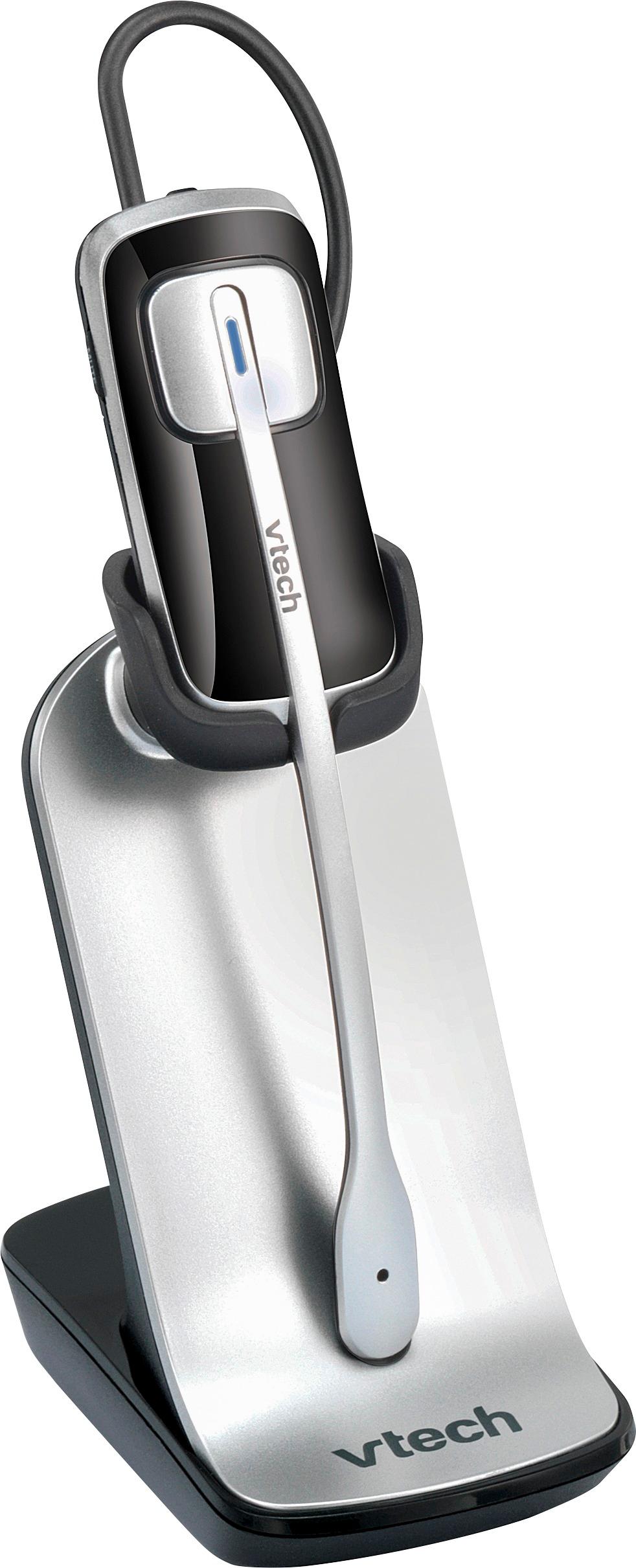
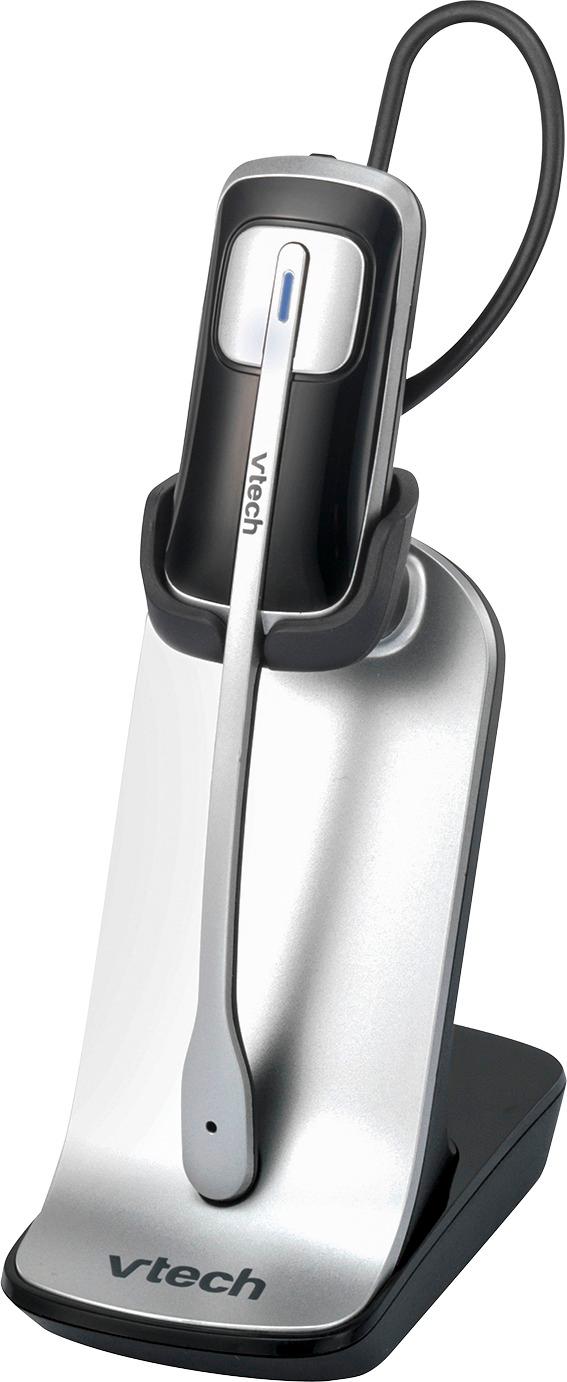
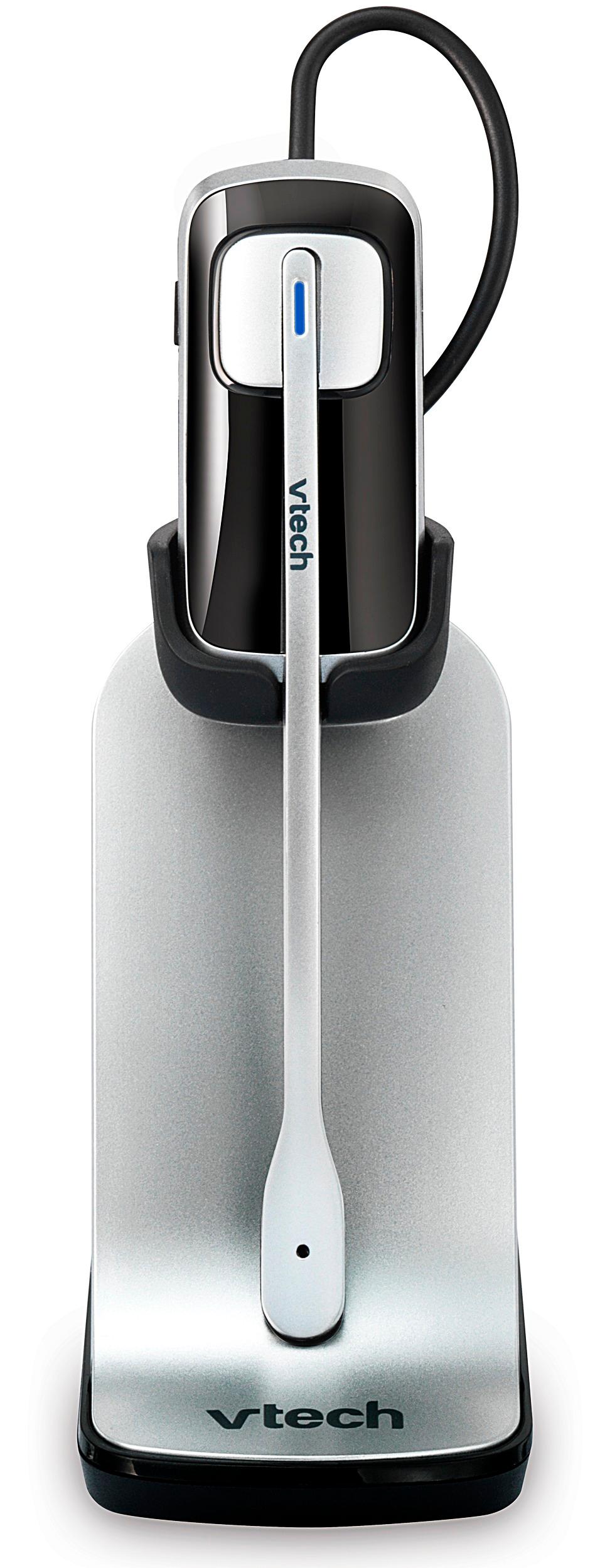
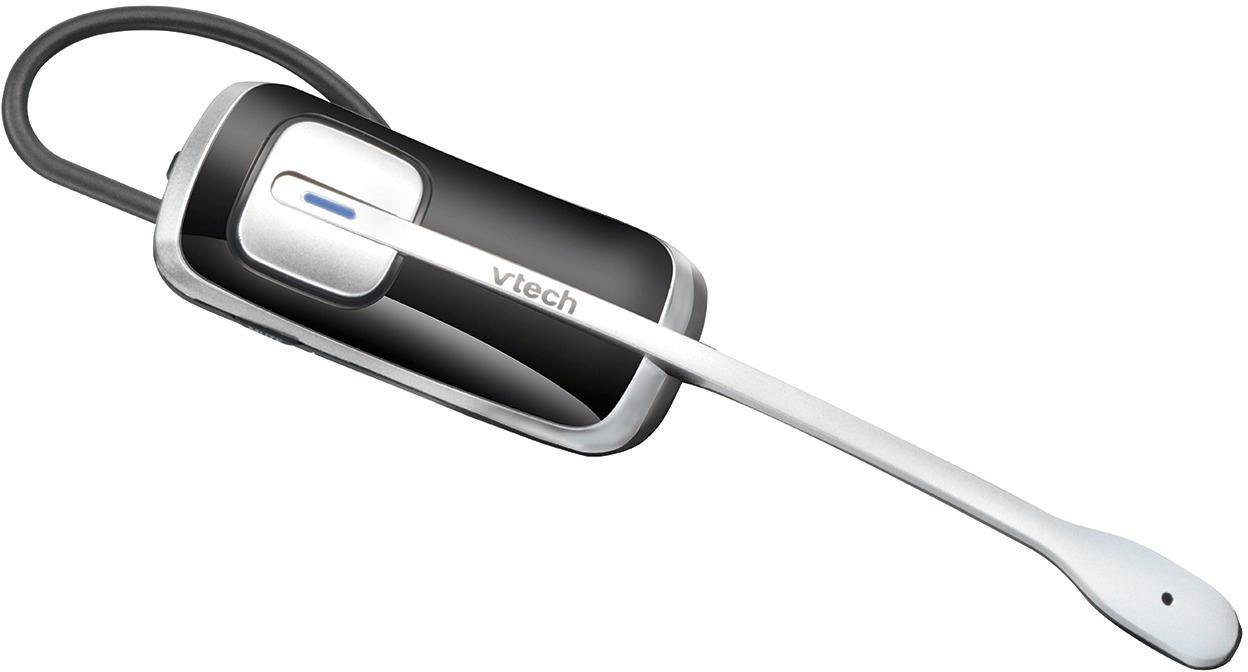
Place the non-registered headset in the headset charger and allow it to charge for at least 15 minutes before registration. Remove the headset from the headset charger. The LED light on the headset flashes slowly and alternately in red and blue.
To register it to CM18445:
1. Press MENU on the console.
2. Scroll to Registration, then press SELECT.
3. Press SELECT again to select Register Ext.
4. Place the headset in the charger. It may take up to 60 seconds to complete the registration. The console shows HDST/SPK X registered. (X represents the extension number 9 to 1) and beeps when the registration is successful.
5. The console shows Link HDST/SPK X to extension?. If you want to link the headset with an extension, scroll to Yes. Otherwise, choose No and then skip to Step 7. Press SELECT to confirm.
6. Scroll to select a desired extension to be linked with the headset or speakerphone. Press SELECT to confirm.
7. Lift the headset, then press ON / OFF key on the headset. If you hear a dial tone, the registration was successful. If you linked the headset with an extension, the extension screen displays the extension number along with the line number it is using.