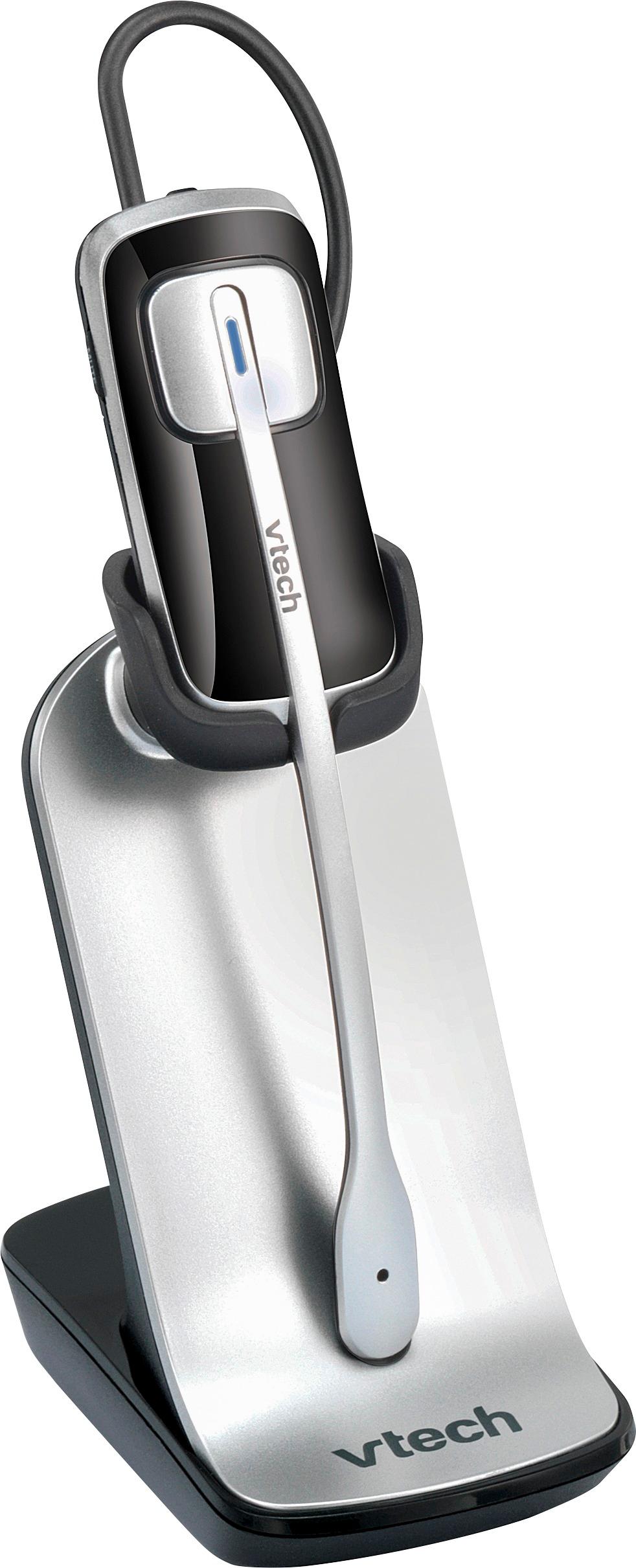
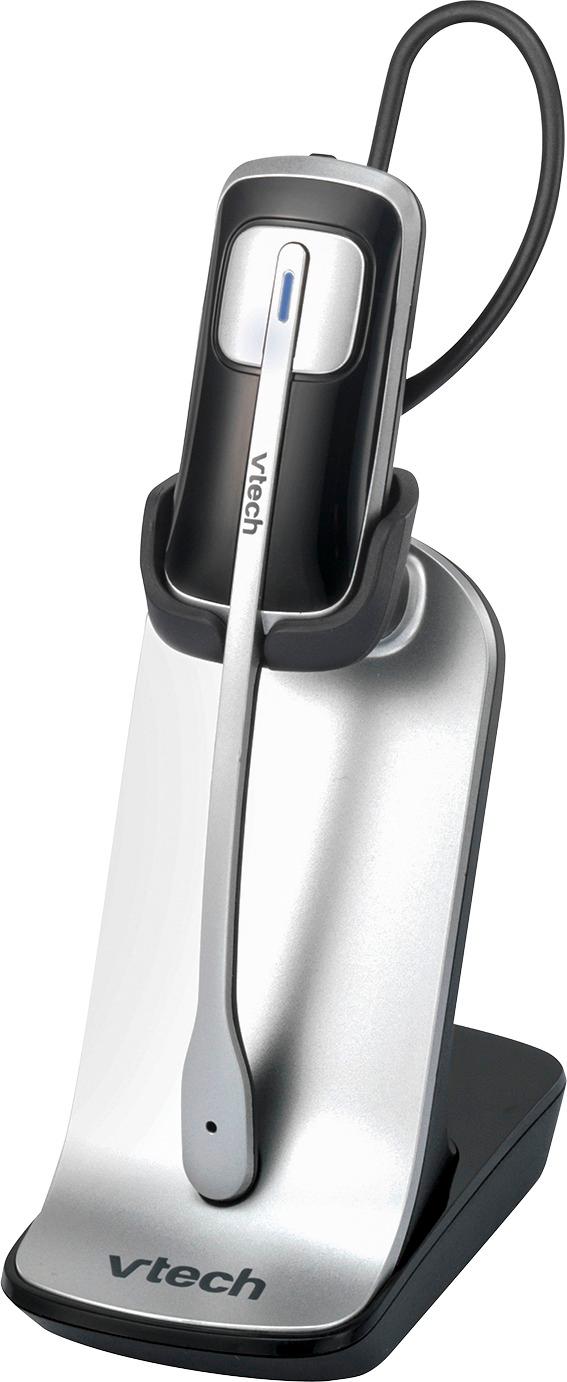
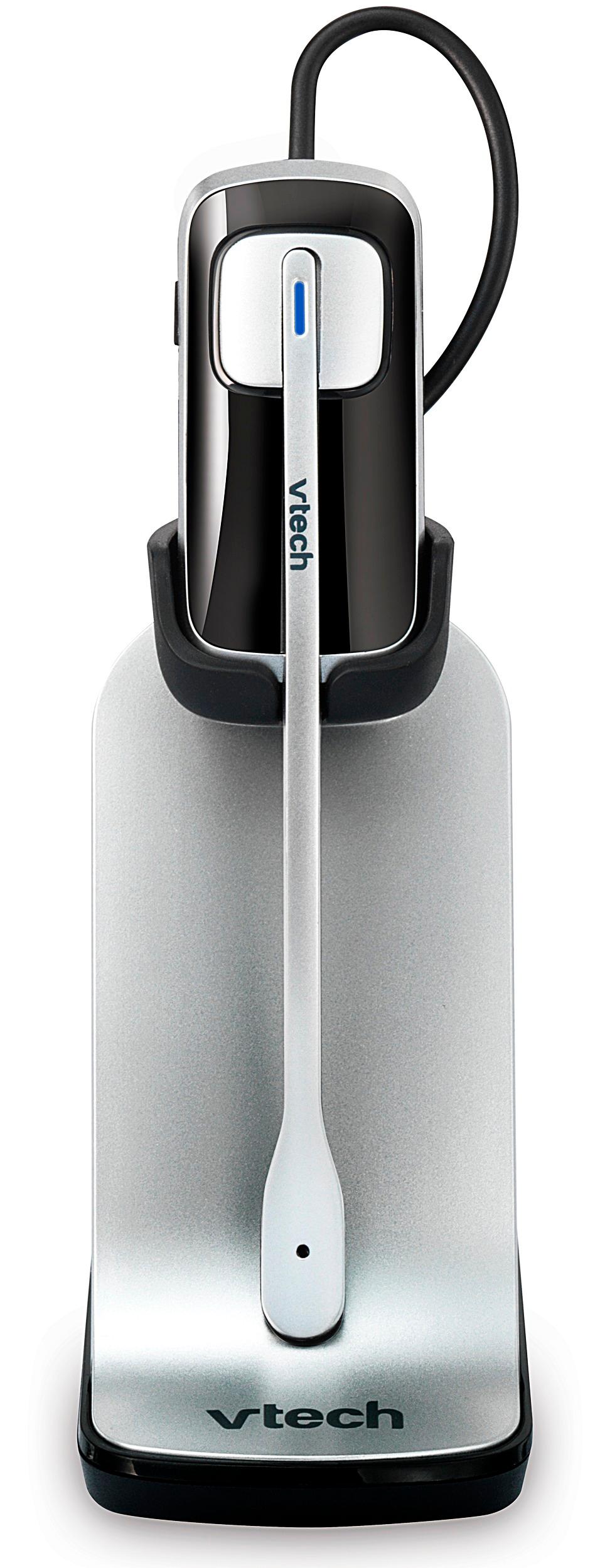
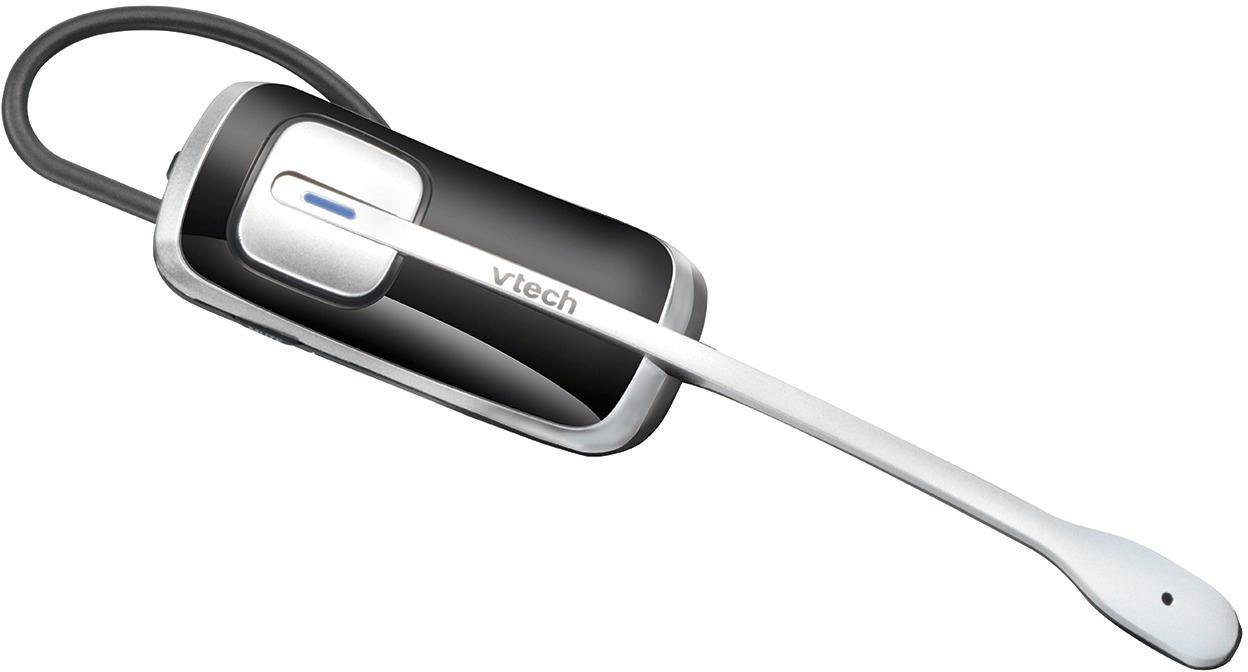
A:Answer Hi - We apologize if you are having issues with pairing your cordless headset to your AT&T CLP99287. Your telephone system can handle up to 12 devices. Please follow the procedure to pair your IS6200 headset: Step 1. Press and hold the /HANDSET LOCATOR button on the telephone base for about four seconds until the IN USE light turns on, or the base displays Registering... Please wait. Then, release the button. Step 2. Immediately place the headset in the headset charger. The ON / OFF light on the headset flashes quickly and alternately in red and blue to indicate the registration is in progress. This may take up to five minutes to complete. The ON / OFF light on the headset turns red when it is registered and charged. You hear a confirmation tone.Step 3. Lift the headset, then press ON / OFF key on the headset. If you hear a dial tone, the registration was successful. Hope this helps! ~AT&T Support