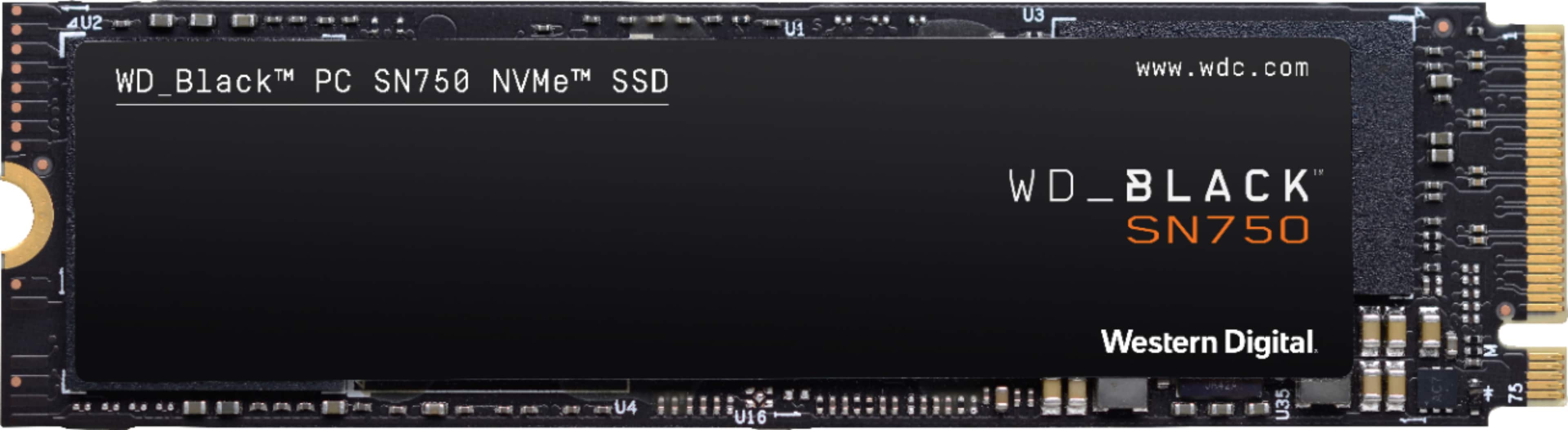
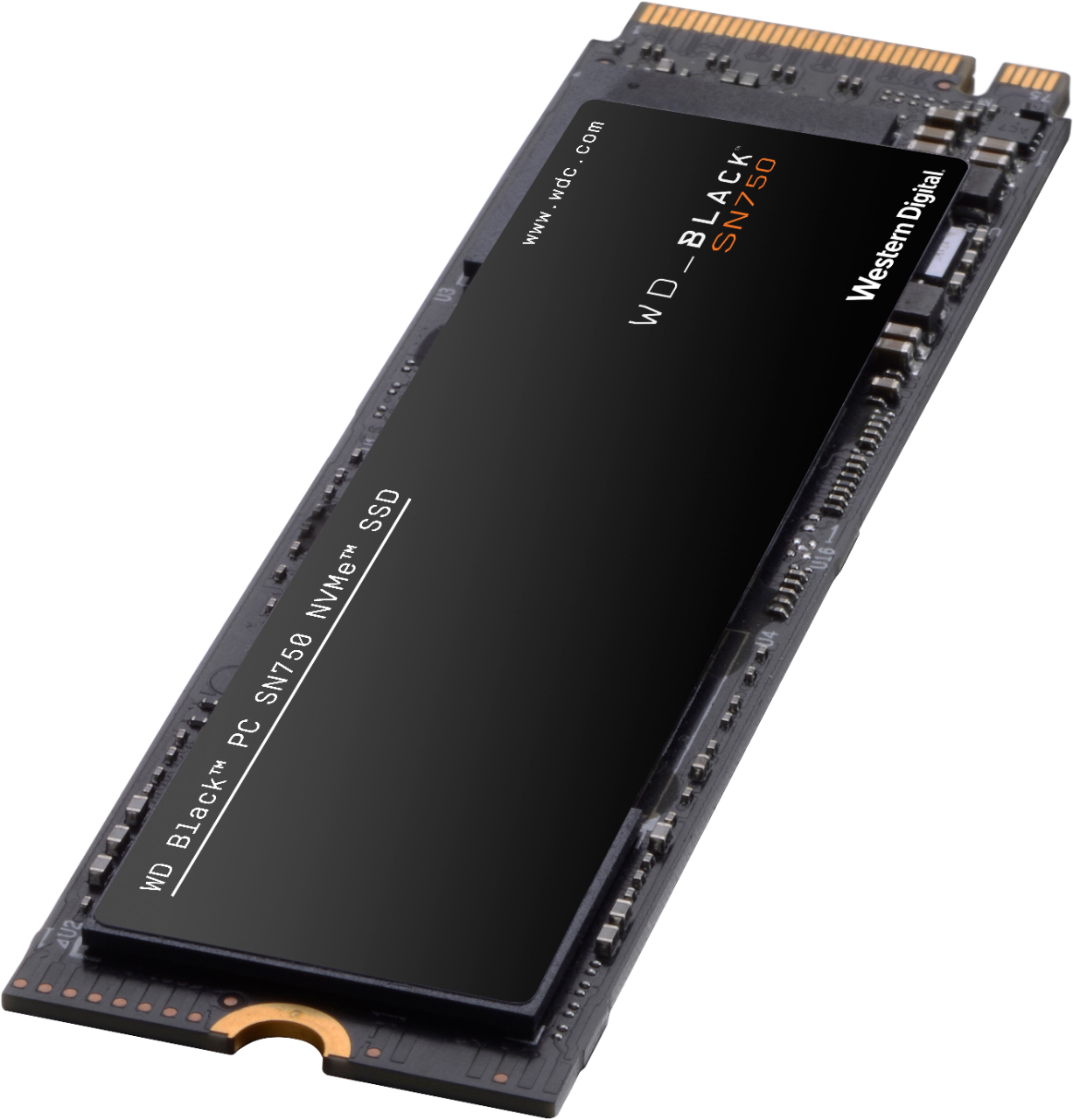
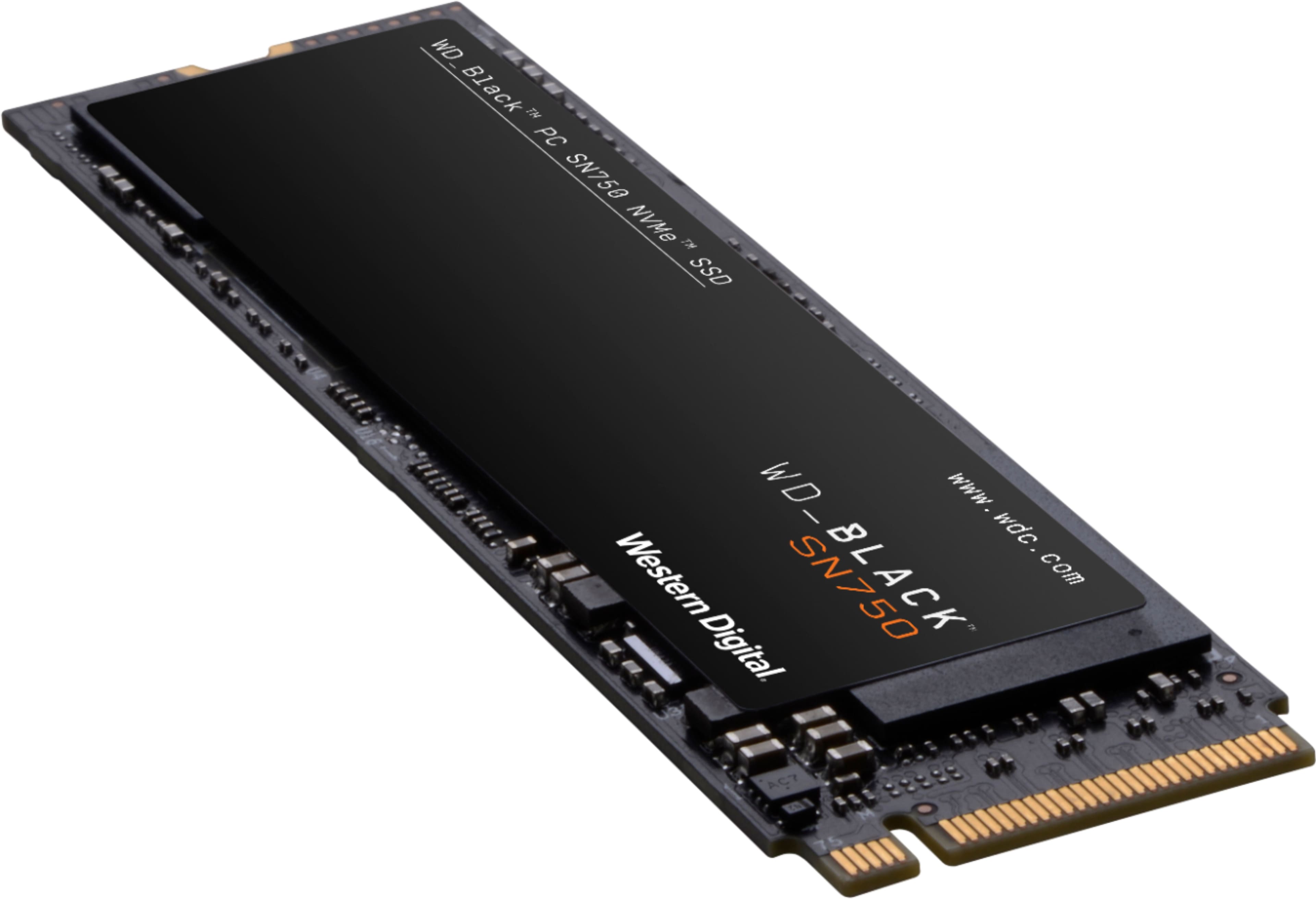
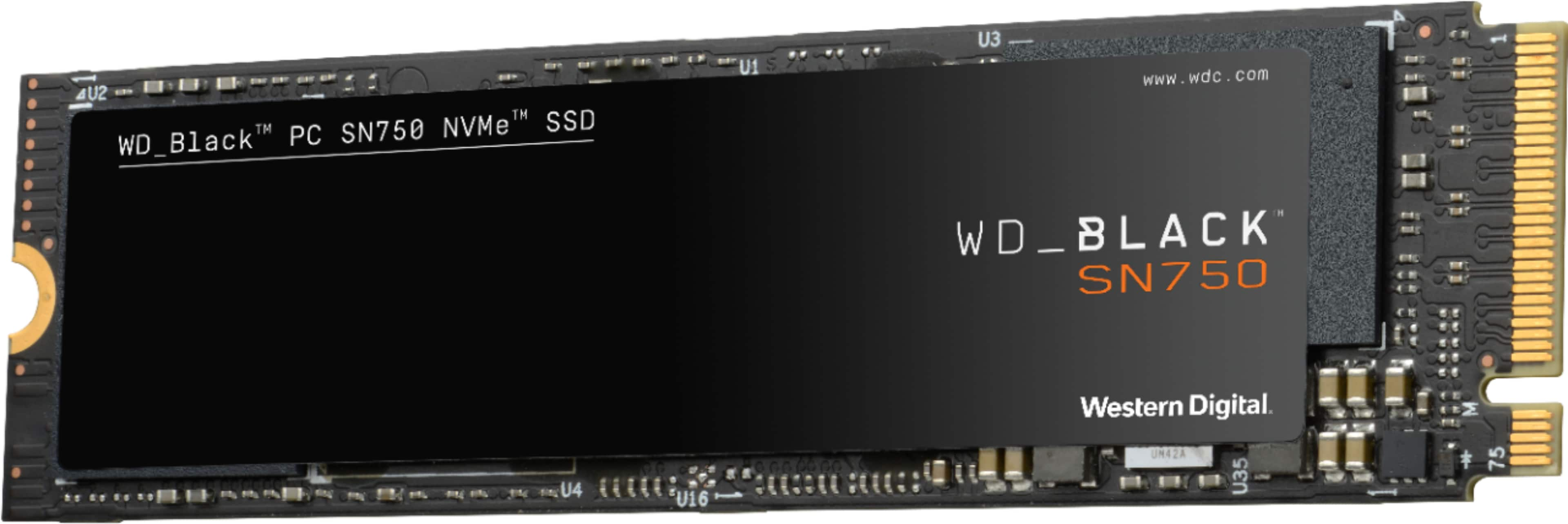
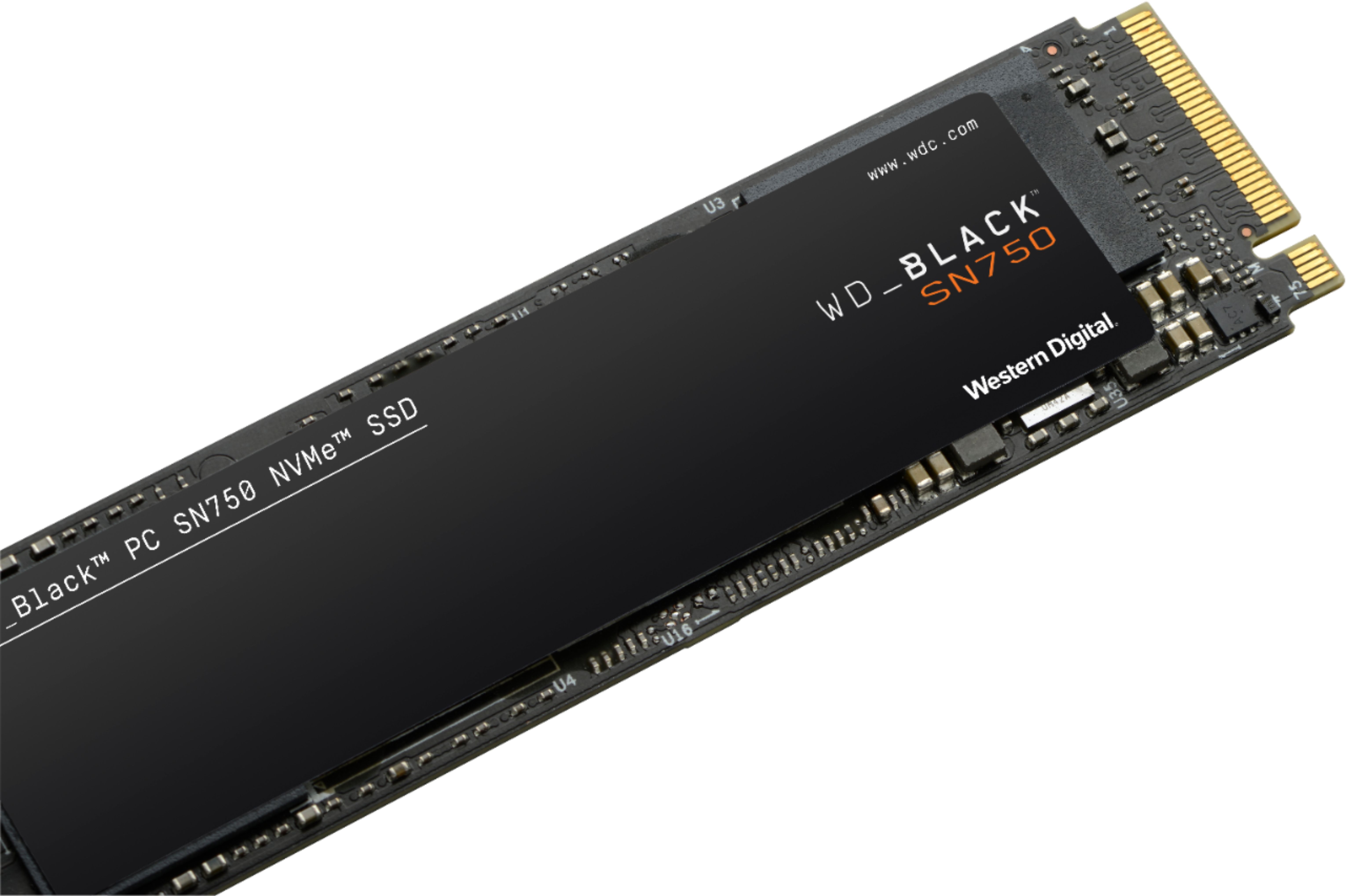
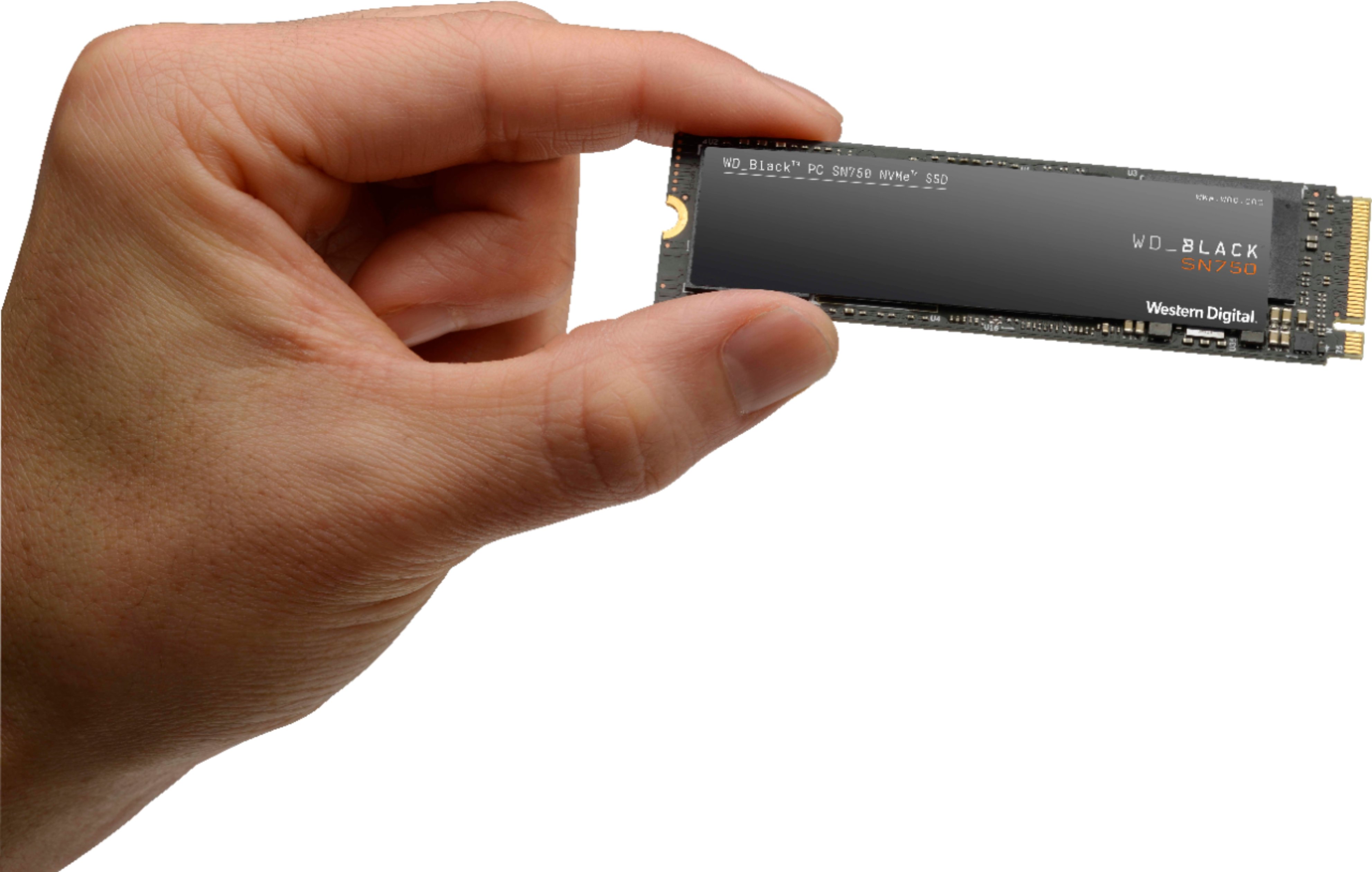
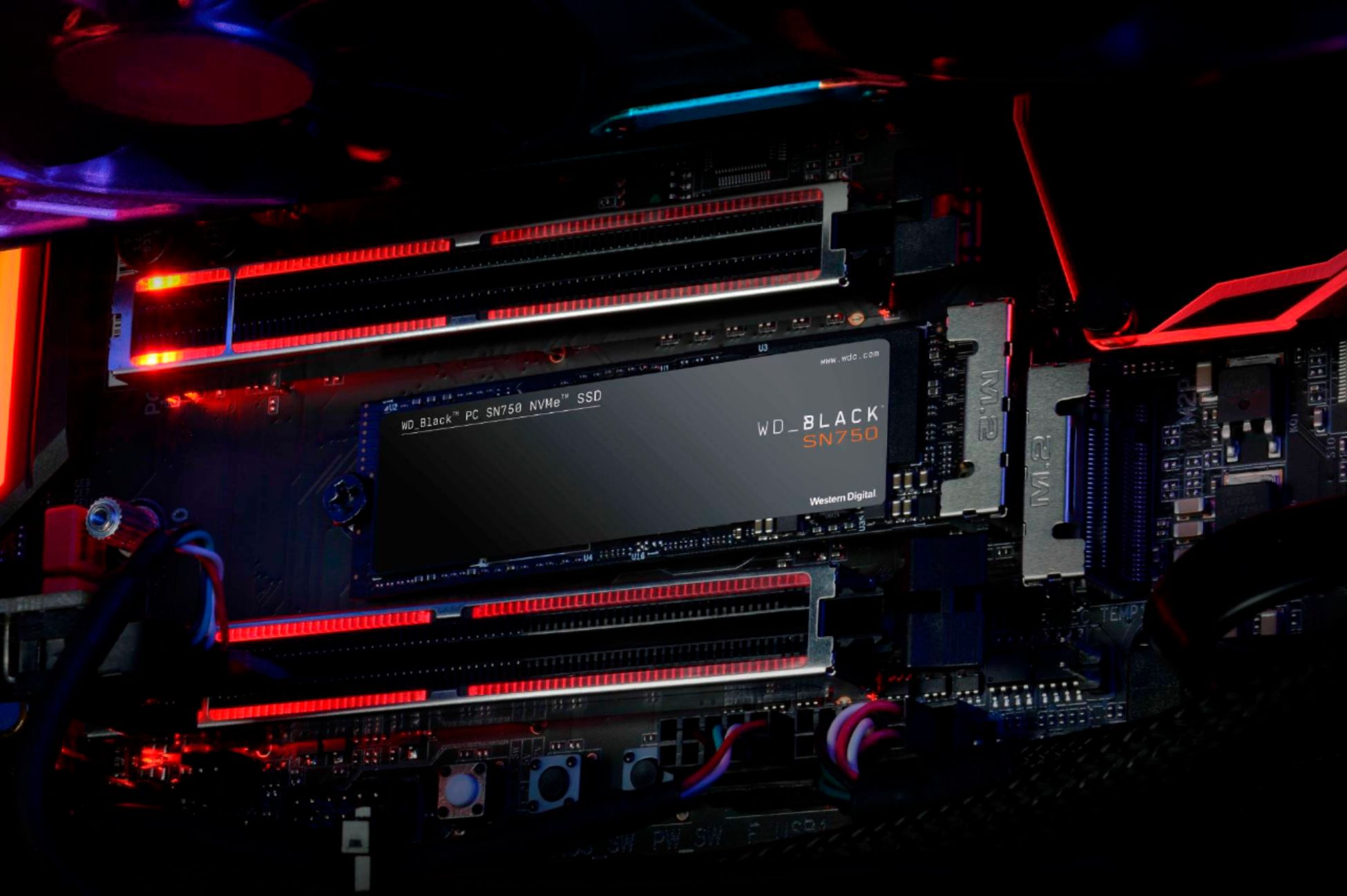
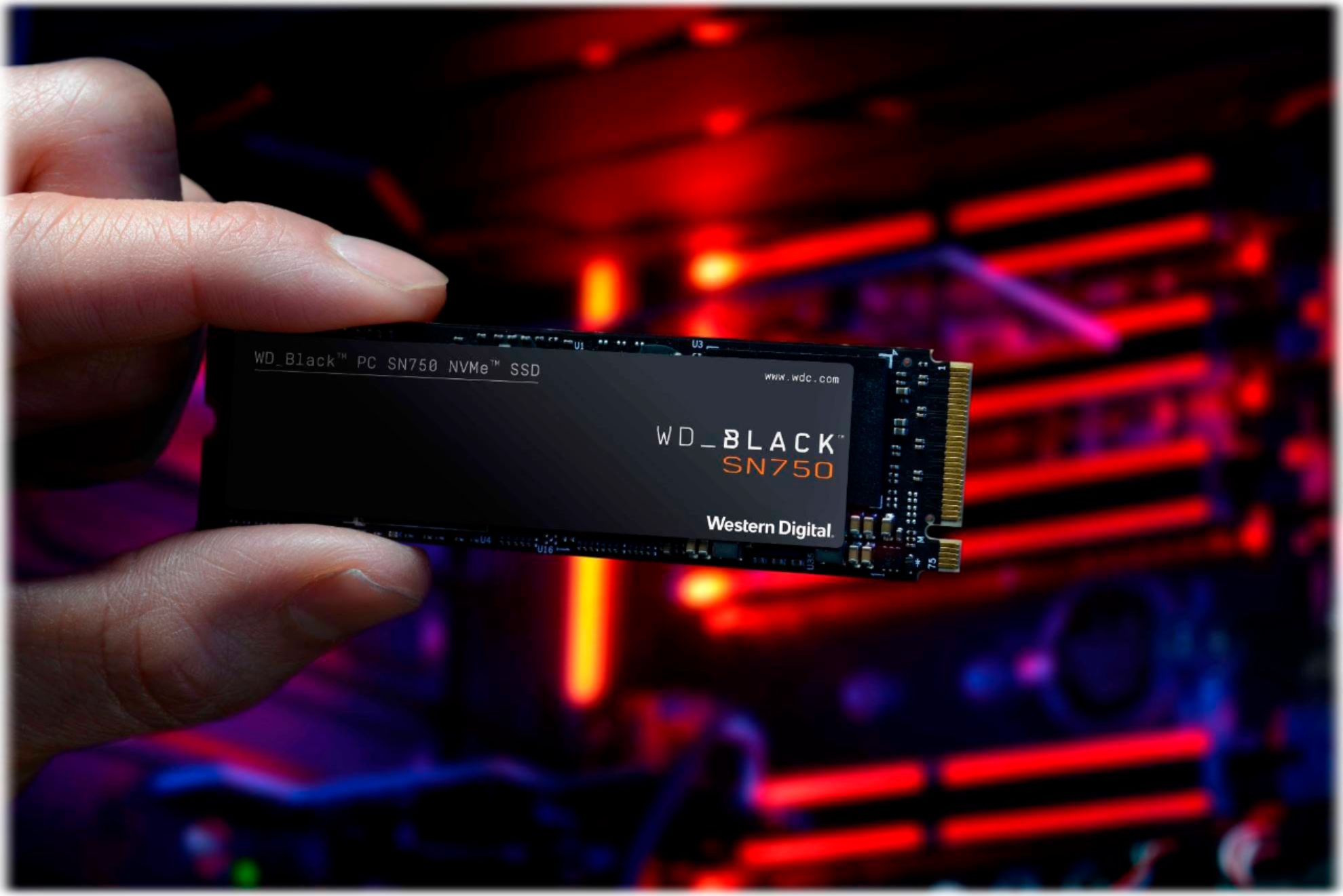
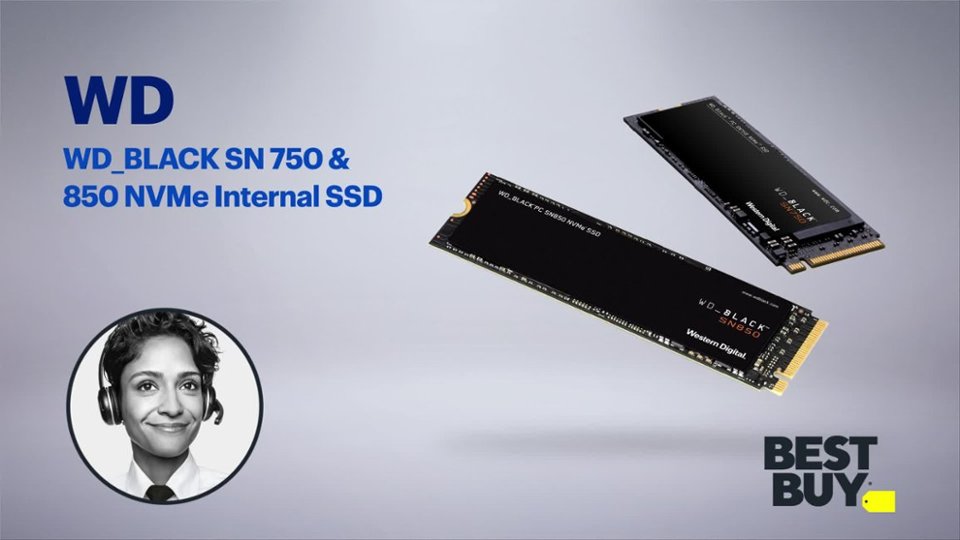
A:AnswerHello Tony, Please know that WD Black SN750 NVMe SSD comes with PCIe Gen3 interface, has M.2 2280 form factor. Please check with your PC/Laptop vendor support whether WD Black SN750 drive will fit and support. To know more about the drive refer link: http://products.wdc.com/library/SpecSheet/ENG/02-05-WW-04-00054.pdf -Need Help? Please see our "'Contact Us" page for information.
A:AnswerHello, Please know that WD Black SN750 NVMe SSD comes with PCIe Gen3 interface, has M.2 2280 form factor. Please check with your PC/Laptop vendor support whether WD Black SN750 drive will fit and support. To know more about the drive refer link: http://products.wdc.com/library/SpecSheet/ENG/02-05-WW-04-00054.pdf -Need Help? Please see our "'Contact Us" page for information.
A:AnswerHi Bears04, Please know that WD Black SN750 NVMe SSD comes with PCIe Gen3 interface, has M.2 2280 form factor. Please check with your PC/Laptop vendor support whether WD Black SN750 drive will fit and support. To know more about the drive refer link: http://products.wdc.com/library/SpecSheet/ENG/02-05-WW-04-00054.pdf -Need Help? Please see our "'Contact Us" page for information.
A:AnswerHi Ravan1, Please know that WD Black SN750 NVMe SSD comes with PCIe Gen3 interface, has M.2 2280 form factor. Please check with your PC/Laptop vendor whether WD Black SN750 drive will fit and support the host device. To know more about the drive refer link: http://products.wdc.com/library/SpecSheet/ENG/02-05-WW-04-00054.pdf -Need Help? Please see our "'Contact Us" page for information.
A:AnswerHi Nick, Please know that WD Black SN750 NVMe SSD comes with PCIe Gen3 interface, has M.2 2280 form factor. Please check with your PC/Laptop vendor whether WD Black SN750 drive will fit and support the host device. WD Black SN750 NVMe SSD: http://products.wdc.com/library/SpecSheet/ENG/02-05-WW-04-00054.pdf -Need Help? Please see our "'Contact Us" page for information.
A:Answerim pretty sure it wont work or wont work well on the dell xps 8300 since from what i can look at online it looks to be a sandy bridge era mobo. i think you would be better off getting a sata ssd. ive had personal experience with putting a sata ssd in an old ivy bridge dell optiplex and that worked without issues. but even though there are adapters to convert pcie slots to take m.2’s but im unsure if the bios would work with a boot drive on a pcie slot on a older pc.
A:AnswerHi Angel, Please refer to the link given below for a list of motherboards that have been tested to fit the WD BLACK SN750 NVMe SSD. https://documents.westerndigital.com/content/dam/doc-library/en_us/assets/public/western-digital/product/internal-drives/wd-black-ssd/compatibility-list-wd-black-sn-750.pdf -Need Help? Please see our "'Contact Us" page for information.
A:AnswerHi JJ, Please refer to the link given below for a list of motherboards that have been tested to fit the WD BLACK SN750 NVMe SSD. https://documents.westerndigital.com/content/dam/doc-library/en_us/assets/public/western-digital/product/internal-drives/wd-black-ssd/compatibility-list-wd-black-sn-750.pdf -Need Help? Please see our "'Contact Us" page for information.
A:AnswerYou can install it in place of your 256gb but you will need to reinstall windows. You can contact them to get the license reinstated. Or if your pc has a secondary m.2 slot you can use it as a backup storage.
A:AnswerI don't believe so. You need a PCIe M.2 slot to be able to use this drive. It appears that you model doesn't have a M.2 PCIe slot. You could check your laptop's service manual or contact Acer for further information.