A:AnswerIf your computer comes with a mechanical Hard Drive or a slow/small capacity SATA drive. You will see improvements with the WD - Blue 1 TB Internal SSD SATA Drive over the original drive. Longer life for saving your data.
A:AnswerThis SSD is the same size as your current hard drive. One thing to know, you must have a operating system on cd or USB drive. Your computer will boot into the Bios system. Get familiar with the choices to load your operating system onto your drive. Once you have the operating system loaded, you will be pleasantly surprised how fast your computer responds.
A:AnswerHi Fred, The WD Blue SSDs are available in either a 2.5”/7mm cased or an M.2 2280 model to evolve with smaller and thinner computers. With form factors to accommodate most laptops, desktop PCs, and small form PCs, a WD Blue SSD is ready for the job. Moreover, we would recommend you to please contact motherboard or computer manufacturer to check whether the drive will fit and support. -Need Help? Please see our "'Contact Us" page for information
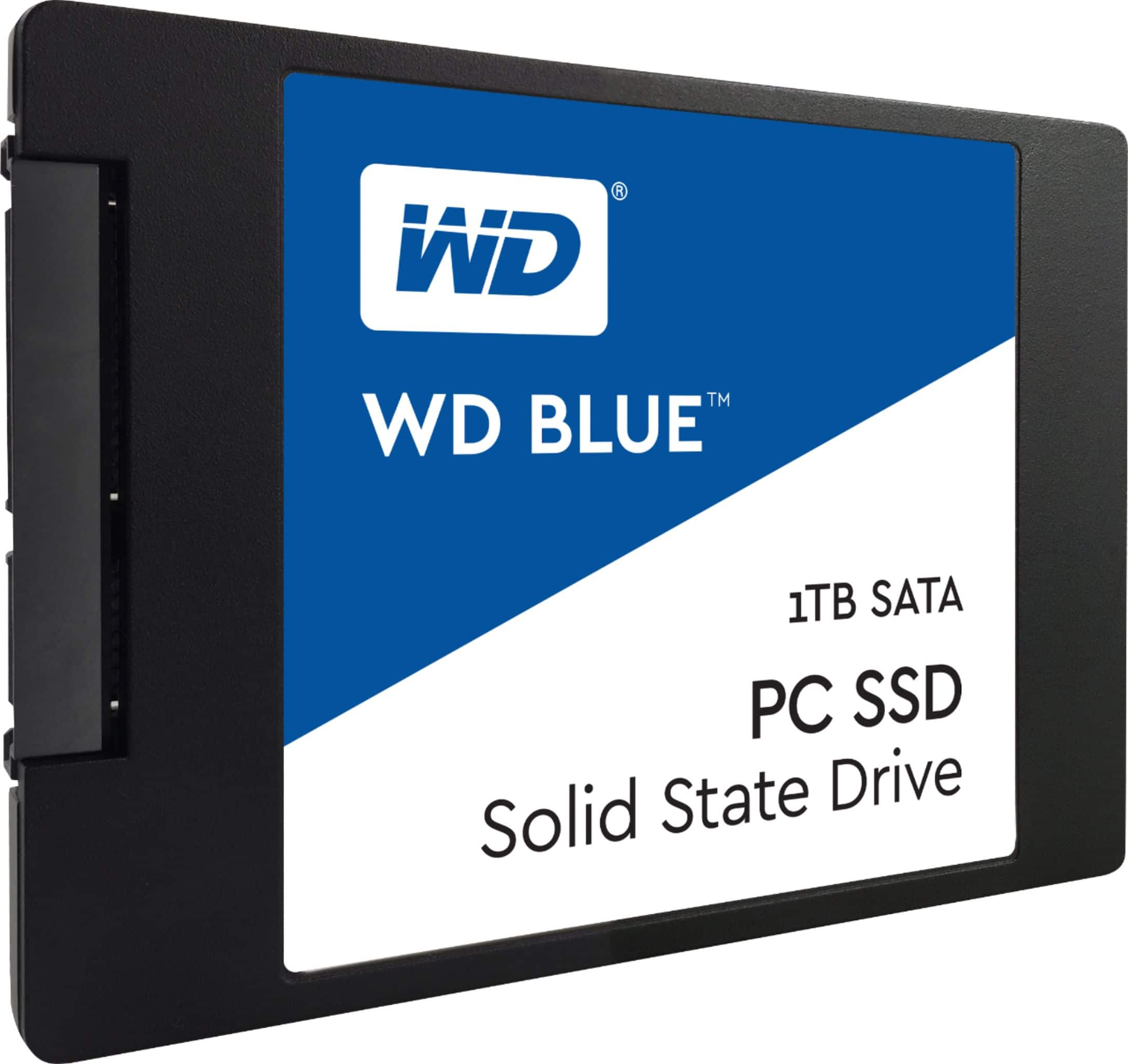
A:AnswerMaximum Data Transfer Rate
560 megabytes per second
Maximum Read SpeedSpecifications Info info
560 megabytes per second
Maximum Write SpeedSpecifications Info info
530 megabytes per secoond
A:AnswerHi, The WD Blue SSDs are available in either a 2.5”/7mm cased or an M.2 2280 model to evolve with smaller and thinner computers. With form factors to accommodate most laptops, desktop PCs, and small form PCs, a WD Blue SSD is ready for the job. Moreover, we would recommend you to please contact to your motherboard or computer manufacturer to check whether the drive will fit and support. -Need Help? Please see our "'Contact Us" page for information
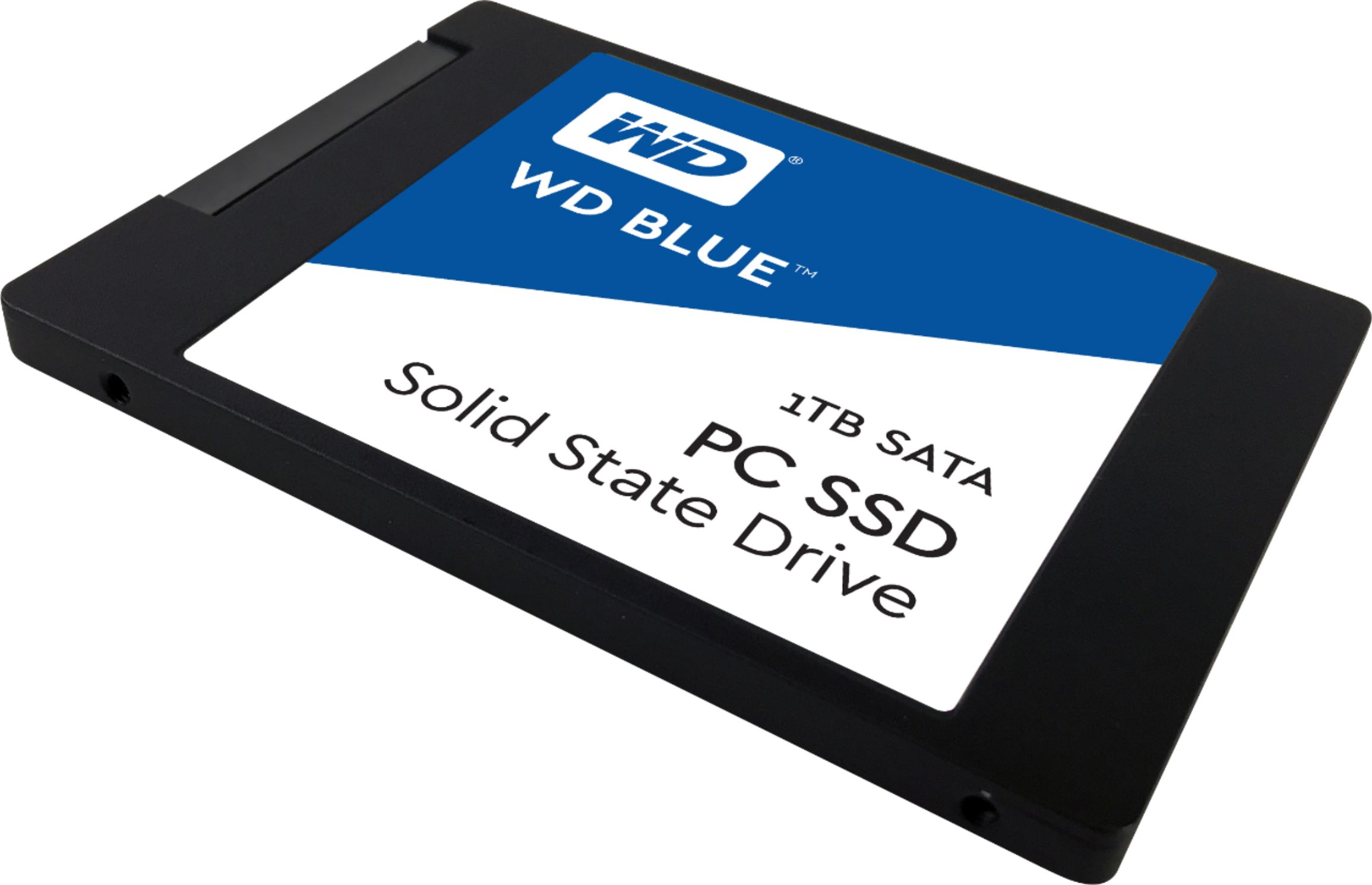
A:AnswerHi Mumakil, The WD Blue SSDs are available in either a 2.5”/7mm cased or an M.2 2280 model to evolve with smaller and thinner computers. With form factors to accommodate most laptops, desktop PCs, and small form PCs, a WD Blue SSD is ready for the job. Moreover, we would recommend you to please contact to your motherboard or computer manufacturer to check whether the drive will fit and support. -Need Help? Please see our "'Contact Us" page for information
A:AnswerYes. Download the free program after installing the drive. The software detects the new drive and allows you to clone the primary drive with Windows. Then shutdown and swap the drive to the primary location and restart.
A:AnswerAs long as the PC requires a SATA disk drive this should work properly and will breathe new life into your PC. Unfortunately moving data to a new drive can be difficult when using Windows but a hardware professional can help you with this. Otherwise you will need to install a new operating system on the new drive. Good luck! You will be amazed how much faster your PC will be.
A:AnswerHi MacSSD, Please know that WD Blue SSD comes with SATA III 6 Gb/s interface. It is available in 2.5 Inch as well as M.2 2280 both form factors only. To know more about WD Blue SSD: https://support-en.wd.com/app/products/product-detail/p/277 -Need Help? Please see our "'Contact Us" page for information.
A:AnswerHi AlexGtz2003, The WD Blue SSDs are available in either a 2.5”/7mm cased or an M.2 2280 model to evolve with smaller and thinner computers. With form factors to accommodate most laptops, desktop PCs, and small form PCs, a WD Blue SSD is ready for the job. Moreover, we would recommend you to please contact to your motherboard or computer manufacturer to check whether the drive will fit and support. -Need Help? Please see our "'Contact Us" page for information
A:Answerwith a 2.5” hdd space you can use any ssd to replace your hard disk! the samsung ssds are higher priced but offer great performance and last for a long time!
A:AnswerIt can if you have a spare 2.5” drive bay available. If the space is occupied, or you only have room for an NVME drive, then you may have to consider another option
A:AnswerHow old is the computer? Most likely it is still using a SATA drive. And you can switch the PC to a SSD if you are on an HD. However, make sure you download the right drivers. I did that switch, made my laptop so much faster, but I could never make the touch screen part work anymore. Still not even mad because that screen makes the computer so slow to begin with.