A:AnswerHello Mario, Please be informed that the WD Easystore External drive comes preformatted in NTFS format for Windows OS, However, in order to use the drive for macOS you can reformat the drive with macOS supported HFS+J file system by using this link: https://support-en.wd.com/app/answers/detail/a_id/3879 .In order to use the drive with both Windows and MacOS you need to reformat the drive to exFAT file format by referring to the link: https://support-en.wd.com/app/answers/detail/a_id/20821 .Please be informed that reformatting is a data destructive process, please backup the data from the drive before reformatting it.-Need Help? Please see our "'Contact Us" page for information.
A:AnswerHello, Please be informed that the WD Easystore Portable Hard Drive is a plug 'n' play device and has connectivity with USB 3.0 devices as well as backward compatibility with USB 2.0 devices. The drive is designed and test for Windows and Mac computers. For more info about the drive, refer to the link: http://products.wdc.com/library/AAG/ENG/4078-705145.pdf -Need Help? Please see our "'Contact Us" page for information.
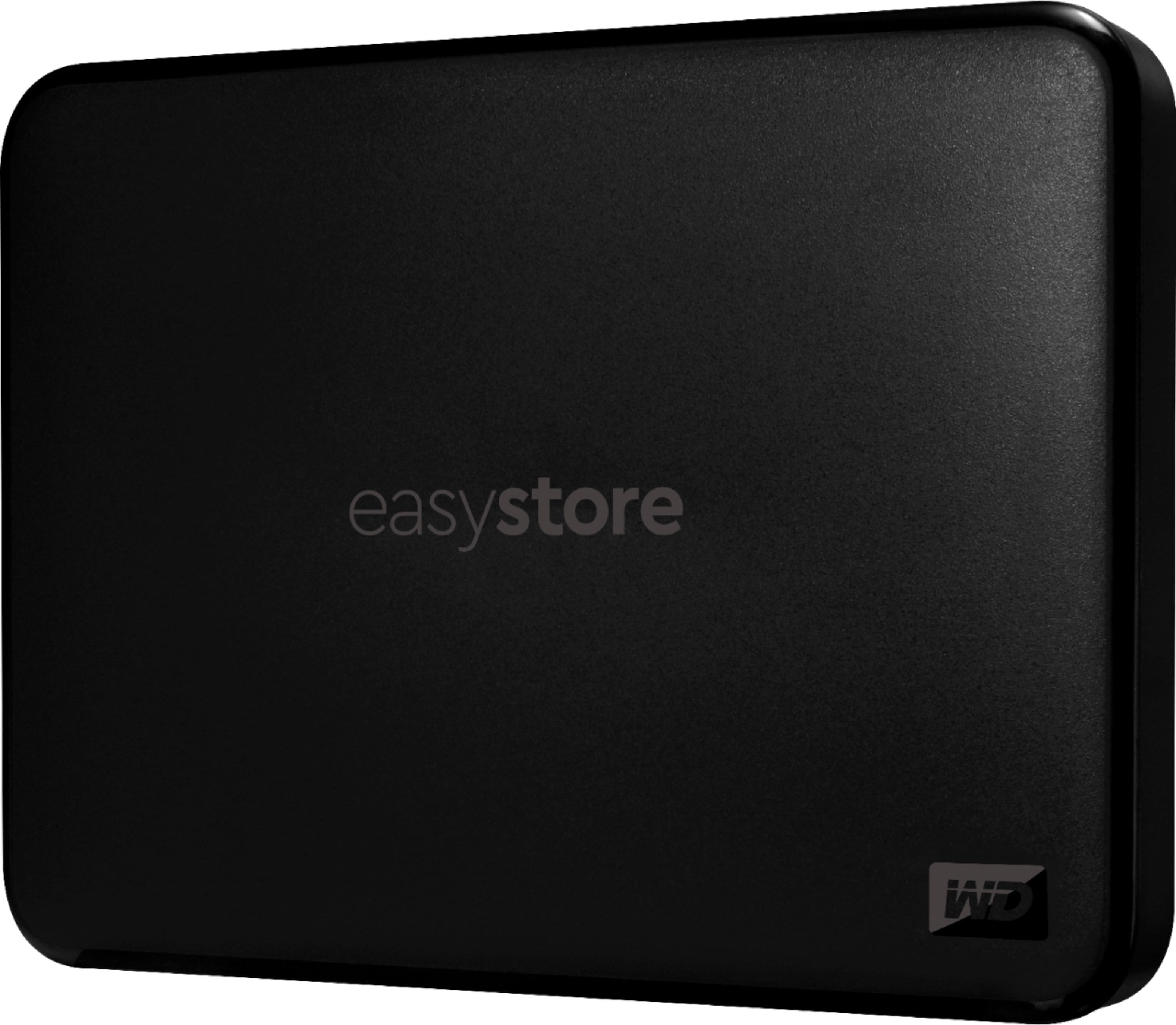
A:AnswerHello James, Please be informed that the WD Easystore drive is a plug 'n' play device tested and designed for Windows and Mac computers. The drive is both USB 3.0 ready and USB 2.0 compatible. It comes with USB 3.0 Type-A cable. Please check with the PC/Laptop vendor whether the WD drive will fit and support the host device. Refer to the link to know more about the drive: http://products.wdc.com/library/AAG/ENG/4078-705145.pdf -Need Help? Please see our "'Contact Us" page for information.
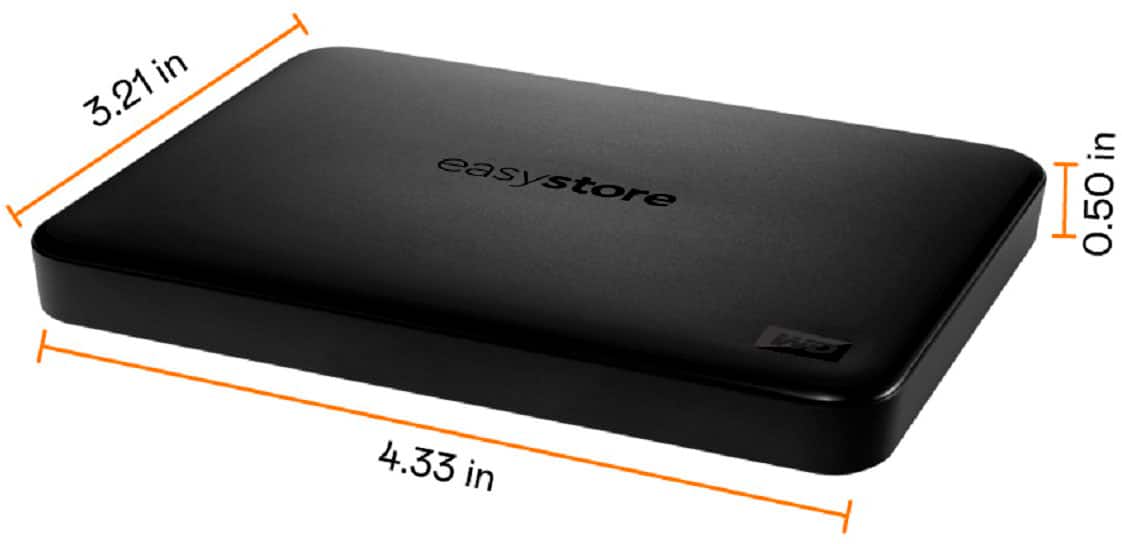
A:AnswerHello, Please be informed that the WD Easystore drive is a plug 'n' play device tested and designed for Windows and Mac computers. The easystore portable drive is both USB 3.0 ready and USB 2.0 compatible and comes with USB 3.0 Type-A Interface. For more information: http://products.wdc.com/library/AAG/ENG/4078-705145.pdf -Need Help? Please see our "'Contact Us" page for information.
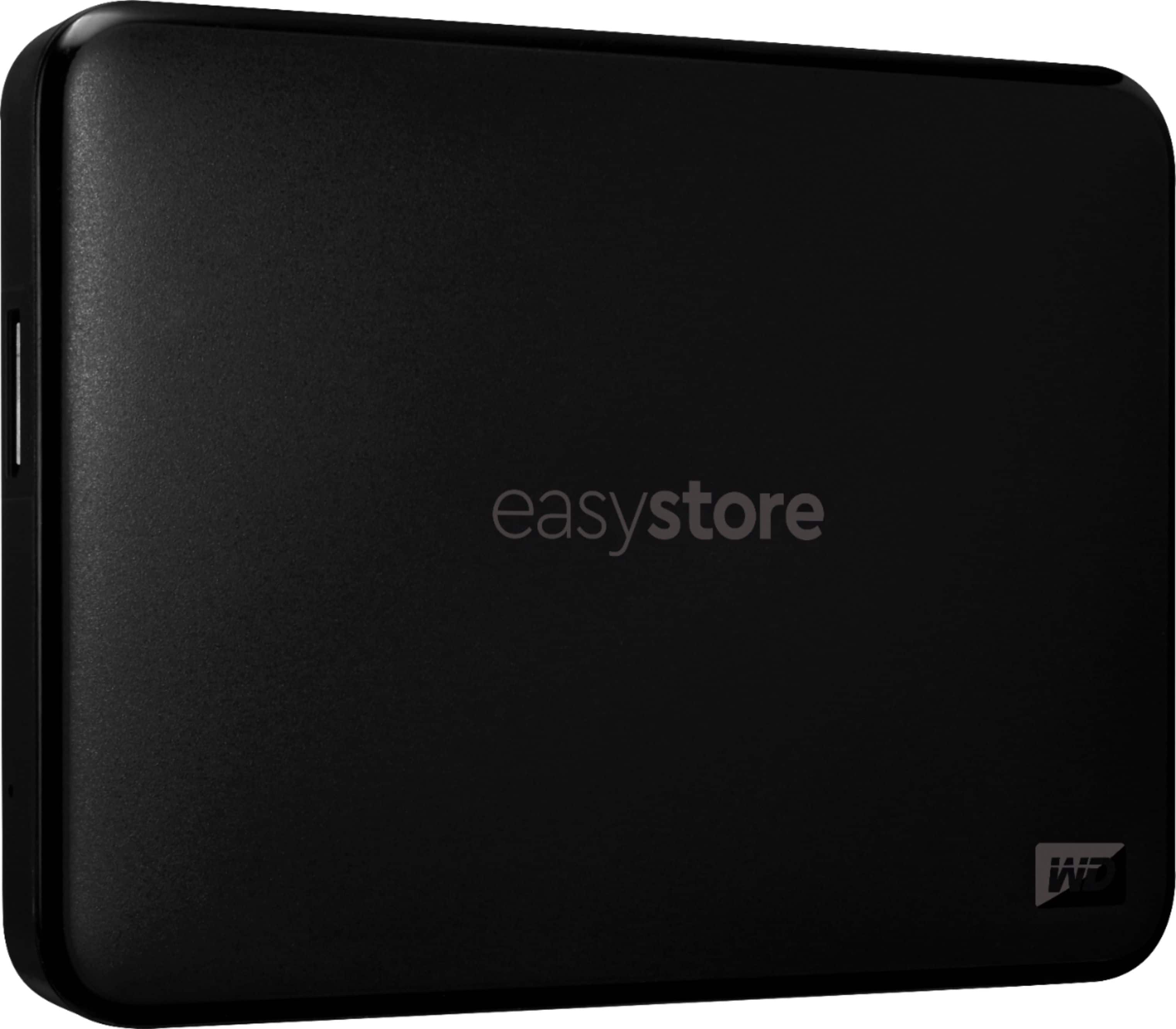
A:AnswerHello, Please be informed that for auto backup on Wd Easystore drive you could use file history on windows and time machine backup on mac. You could refer to the link mentioned below: Windows 10 and 11 File History Backup and Restore to a WD DAS-https://support-en.wd.com/app/answers/detail/a_id/25298/kw/file%20history and macOS Time Machine Backup and Restore to a WD DAS-https://support-en.wd.com/app/answers/detail/a_id/18952/kw/time%20machine -Need Help? Please see our "'Contact Us" page for information.
A:AnswerHello James, Based on your concern, we would suggest you to download the WD Discovery which allows you to download and keep up to date other WD Apps such as WD Security app, WD Backup and WD Drive Utilities, and learn about software from WD partners. Please refer to the given mentioned link to download the software: (For Windows) :https://downloads.wdc.com/wdapp/Install_WD_Discovery_for_Windows.zip (For Mac OS ): https://downloads.wdc.com/wdapp/Install_WD_Discovery_for_Mac.dmg -Need Help? Please see our "'Contact Us" page for information.
A:AnswerHello JimR, Please know that, the Easystore Portable drive is a high capacity option in a compact, lightweight device. The Easystore Portable drive is both USB 3.0 ready and USB 2.0 compatible, and built with the trusted quality and reliability that WD is known for. Yes, you can use this to store flies, docs pictures etc. In order to know more about the drive refer to the link: http://products.wdc.com/library/AAG/ENG/4078-705145.pdf -Need Help? Please see our "'Contact Us" page for information.

A:AnswerHi, Please be informed that the WD Easystore drive is a plug 'n' play device tested and designed for Windows and Mac computers. The drive is both USB 3.0 ready and USB 2.0 compatible. It comes with USB 3.0 Type-A cable. You can move the data from phone to drive using your computer. Refer to the link to know more about the drive: http://products.wdc.com/library/AAG/ENG/4078-705145.pdf -Need Help? Please see our "'Contact Us" page for information
A:AnswerHello Senior1, Please be informed that the WD Easystore Drive is a plug 'n' play device tested and designed for Windows and Mac computers. We recommend you to please contact your host device vendor support to check whether the drive will support. In order to know more about the drive refer to the link: http://products.wdc.com/library/AAG/ENG/4078-705145.pdf -Need Help? Please see our "'Contact Us" page for information.
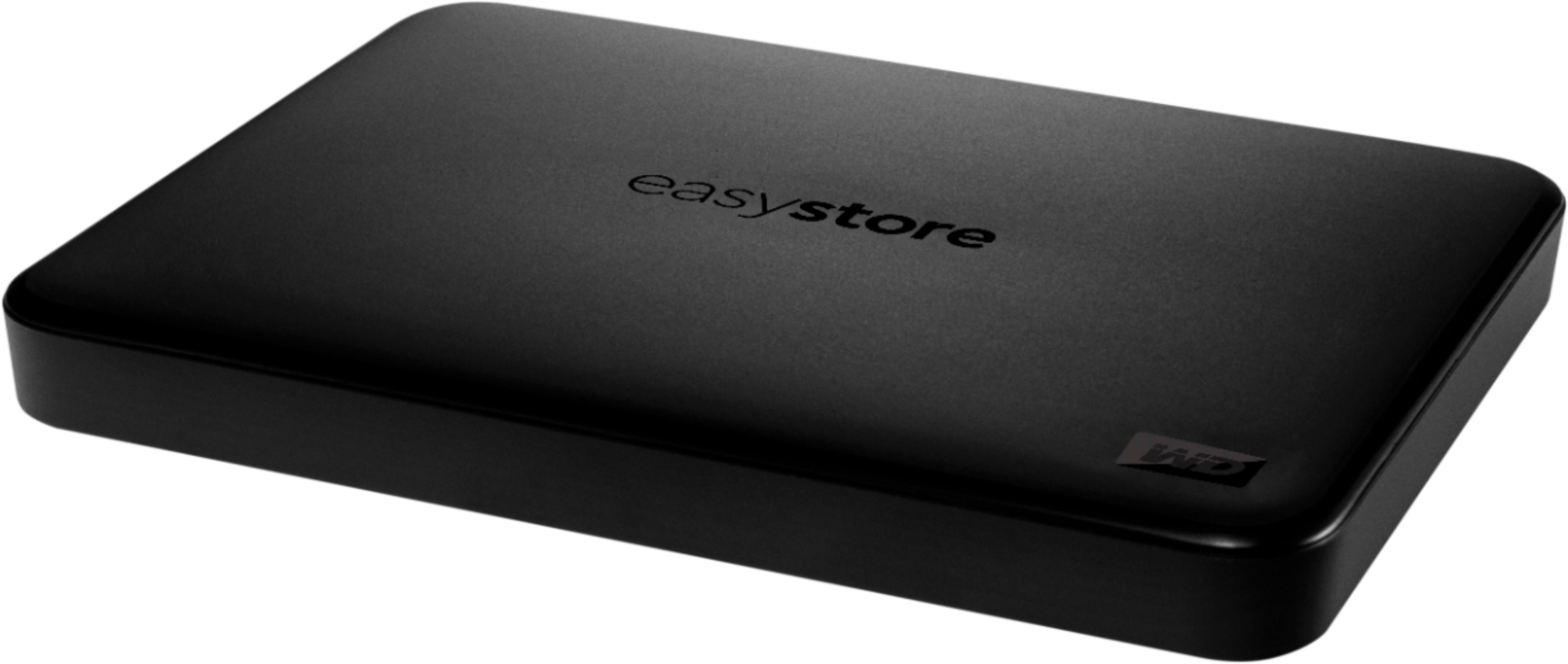
A:AnswerHello Lyn ,Please be informed that the WD Easystore drive is a plug 'n' play device tested and designed for Windows and Mac computers. The easystore portable drive is both USB 3.0 ready and USB 2.0 compatible and comes with USB 3.0 Type-A Interface. In order to know more about the drive refer to the link: http://products.wdc.com/library/AAG/ENG/4078-705145.pdf -Need Help? Please see our "'Contact Us" page for information.

A:AnswerHello, Please be informed that the WD Easystore drive is a plug 'n' play External Hard Disk Drive. The drive ships with a USB 3.0 cable and uses USB 3.0 Type-A interface. The drive comes pre-formatted with NTFS file system. However, you can format the drive in required/supported file system format. Please refer to the link mentioned: https://support-en.wd.com/app/answers/detail/a_id/20821 To know more about the drive please refer to the link: http://products.wdc.com/library/AAG/ENG/4078-705145.pdf -Need Help? Please see our "'Contact Us" page for information.
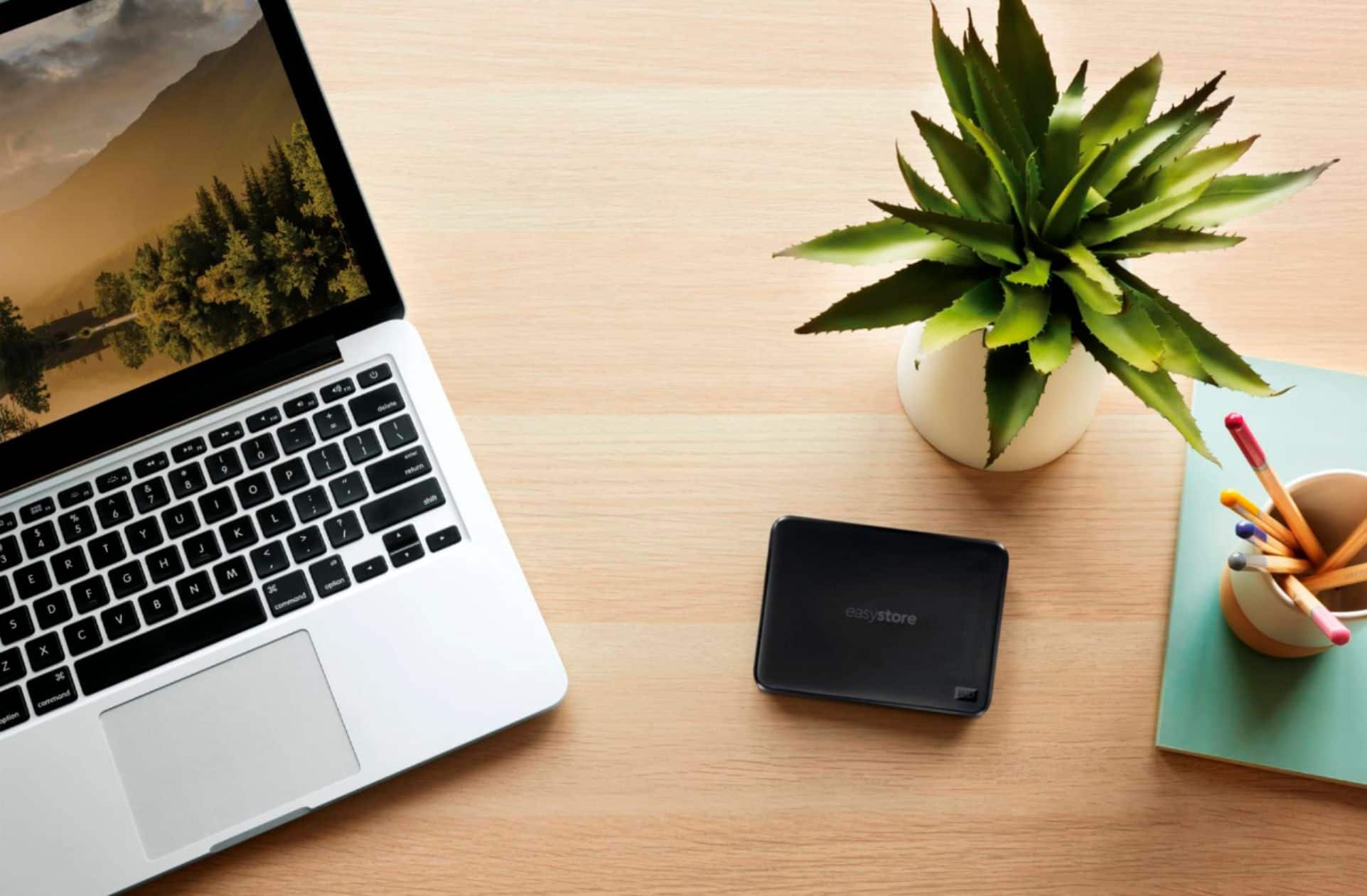
A:AnswerHello, Please be informed that the WD Easystore drive is a plug 'n' play device tested and designed for Windows and Mac computers. The easystore portable drive is both USB 3.0 ready and USB 2.0 compatible and comes with USB 3.0 Type-A Interface. For more information: http://products.wdc.com/library/AAG/ENG/4078-705145.pdf -Need Help? Please see our "'Contact Us" page for information.
A:AnswerHello Kevin,Please be informed that Western Digital drives are not tested with the vendor end of life operating systems and are optimized for more recent versions of OS. -Need Help? Please see our "'Contact Us" page for information.
A:AnswerHello, Please be informed that the WD Easystore drive is a plug 'n' play external portable drive tested and designed only for Windows and Mac computers. The drive ships with a USB 3.0 cable and uses USB 3.0 Type-A interface. Yes ,This drive can use to store data .Easystore Portable User Manual (PDF): https://products.wdc.com/library/?id=1542&type=25&cn=4779-705168&lang=en To know more about the drive please refer to the link: http://products.wdc.com/library/AAG/ENG/4078-705145.pdf -Need Help? Please see our "'Contact Us" page for information.

A:AnswerHello, Please be informed that the WD Easystore drive is a plug 'n' play device tested and designed for Windows and Mac computers. The easystore portable drive is both USB 3.0 ready and USB 2.0 compatible and comes with USB 3.0 Type-A Interface. For more information: http://products.wdc.com/library/AAG/ENG/4078-705145.pdf -Need Help? Please see our "'Contact Us" page for information.
A:AnswerHi, Please be informed that the WD Easystore drive is a plug 'n' play device tested and designed for Windows and Mac computers. The drive is both USB 3.0 ready and USB 2.0 compatible. It comes with USB 3.0 Type-A cable. You can store games on the drive. Moreover, We recommend you also to please contact your host device vendor support to check whether the drive will support. In order to know more about the drive refer to the link: http://products.wdc.com/library/AAG/ENG/4078-705145.pdf -Need Help? Please see our "'Contact Us" page for information.