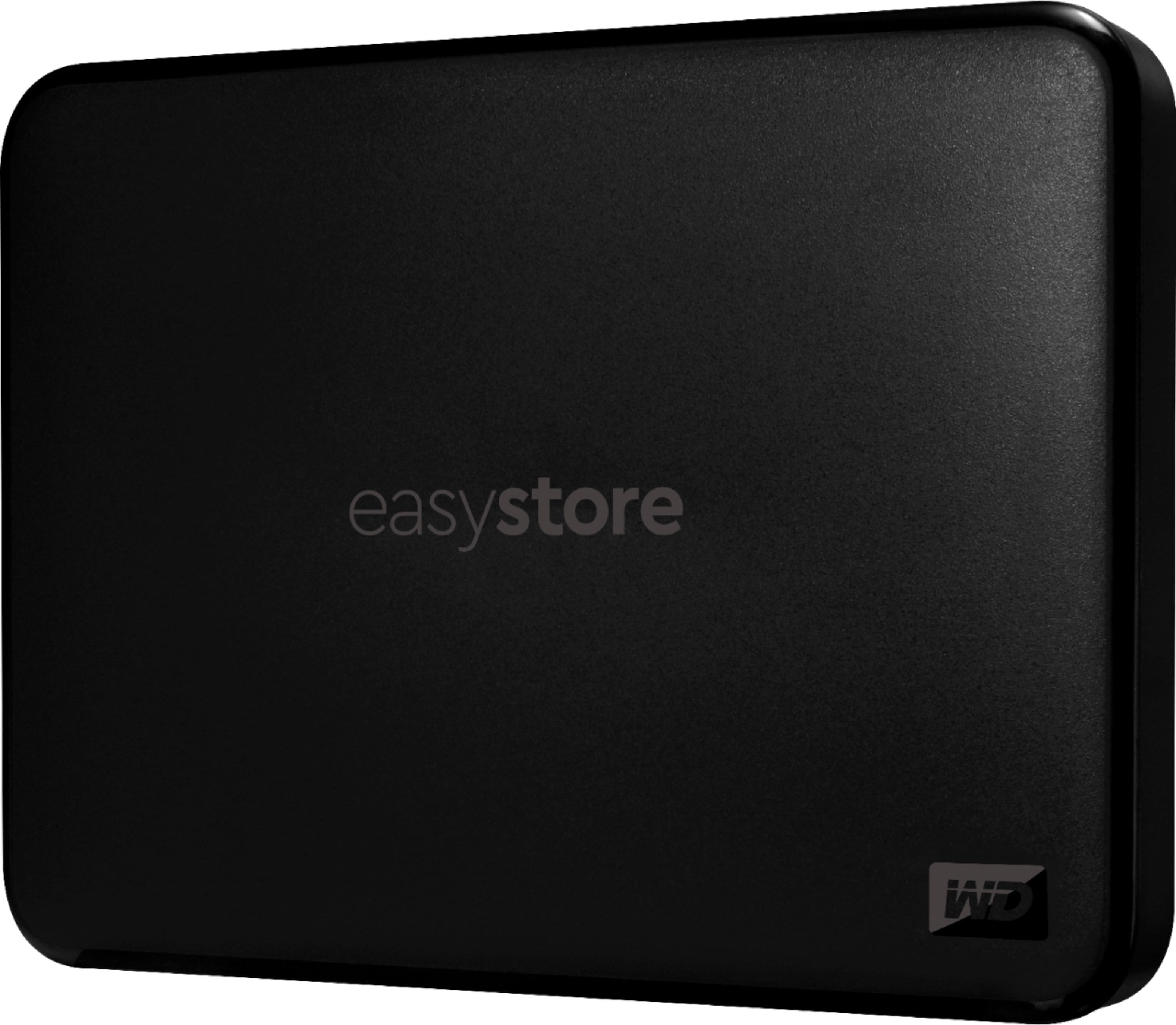
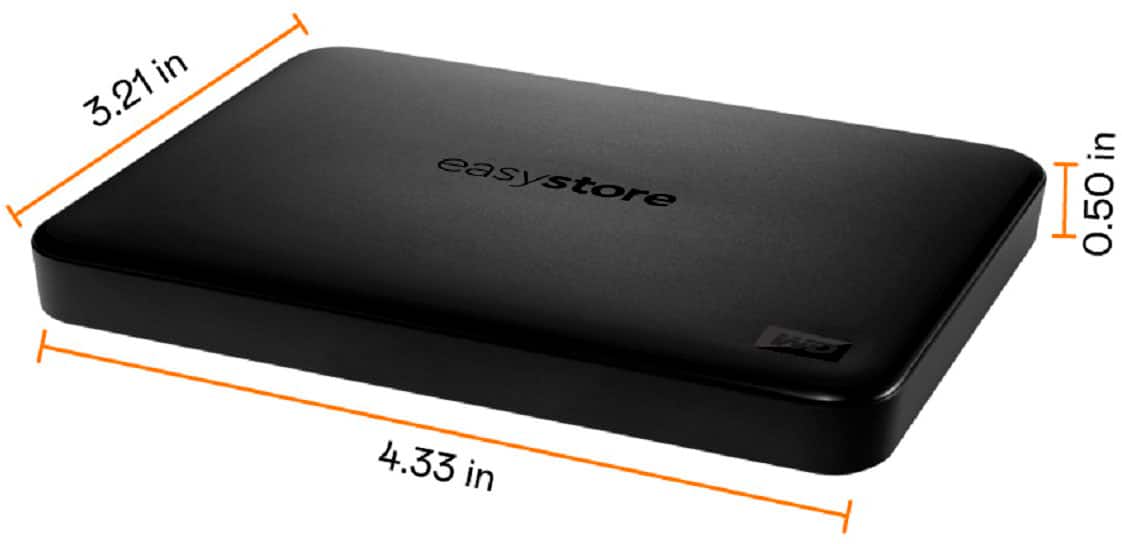
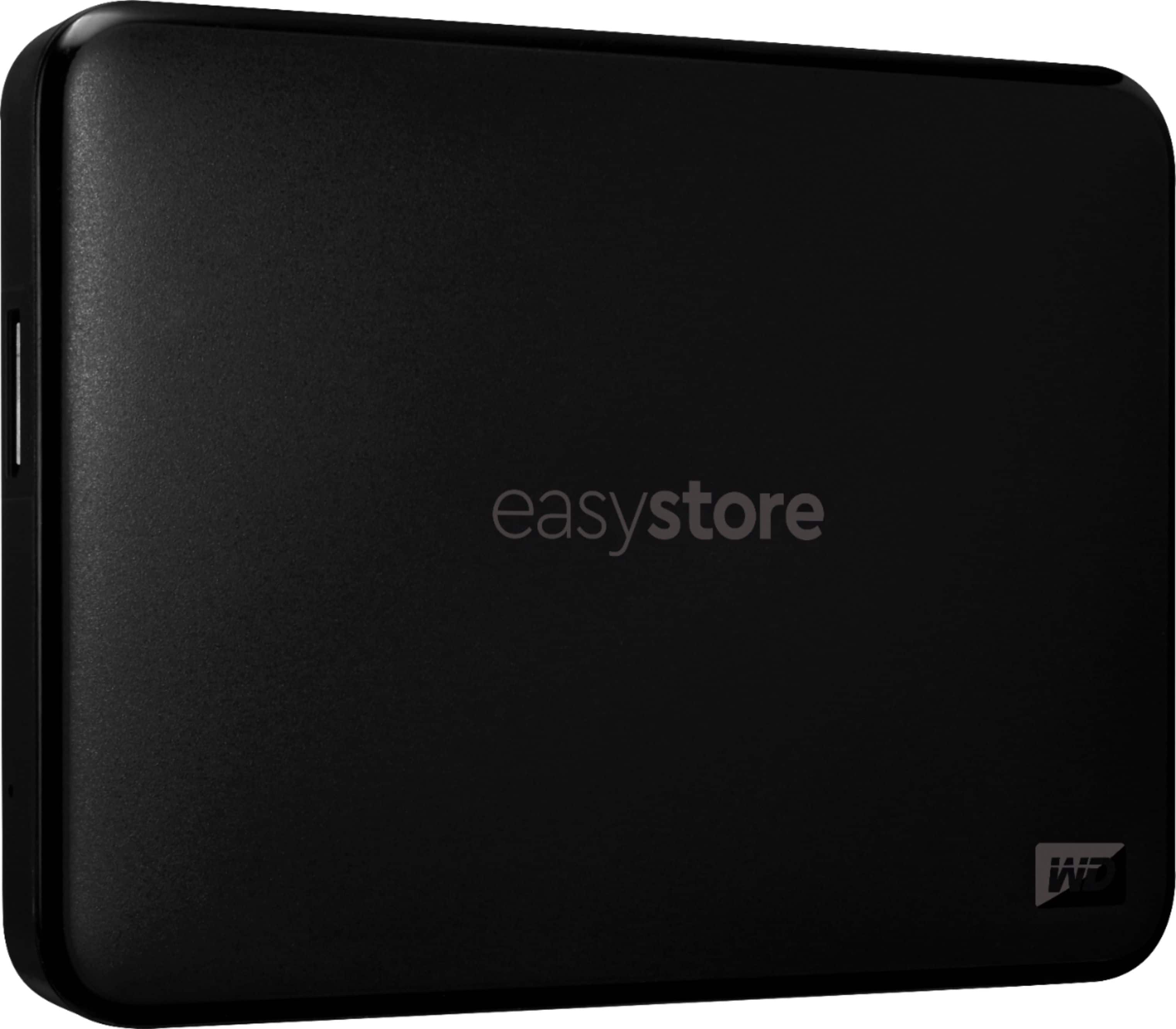
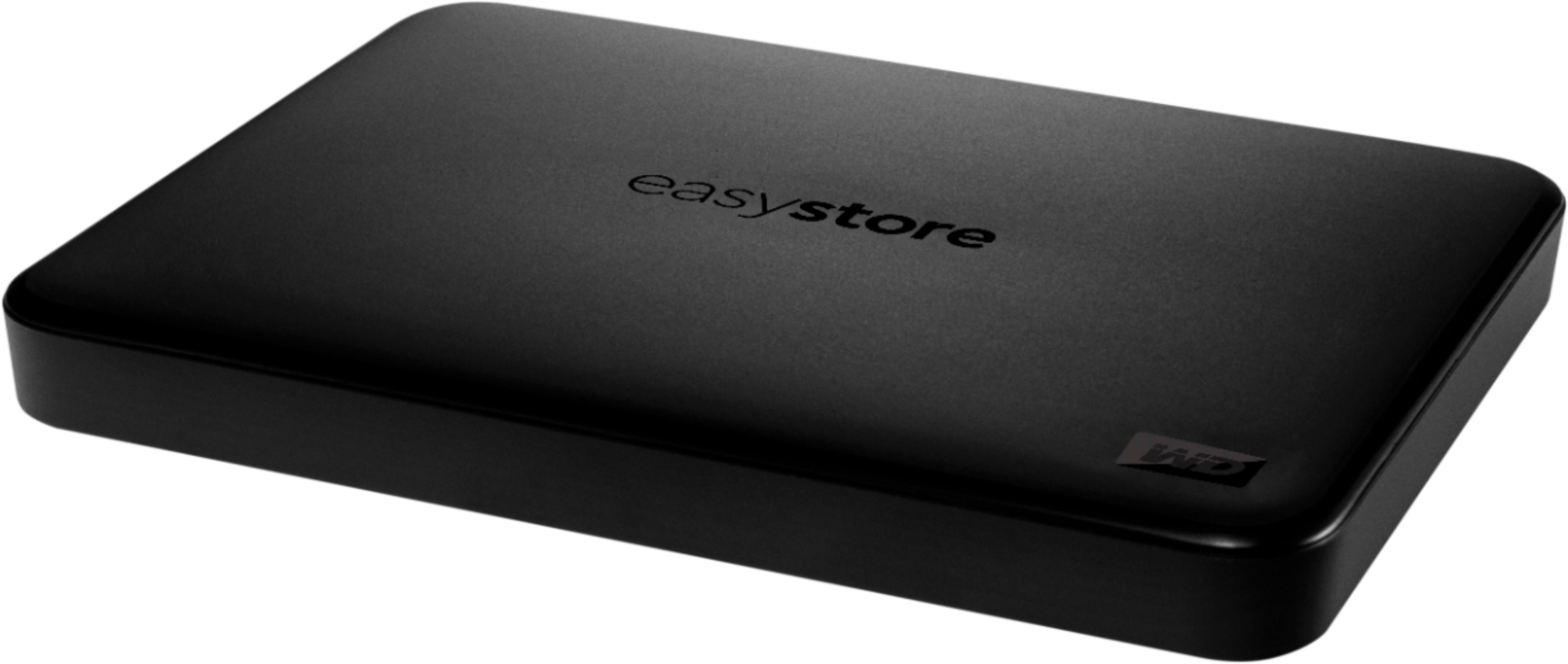
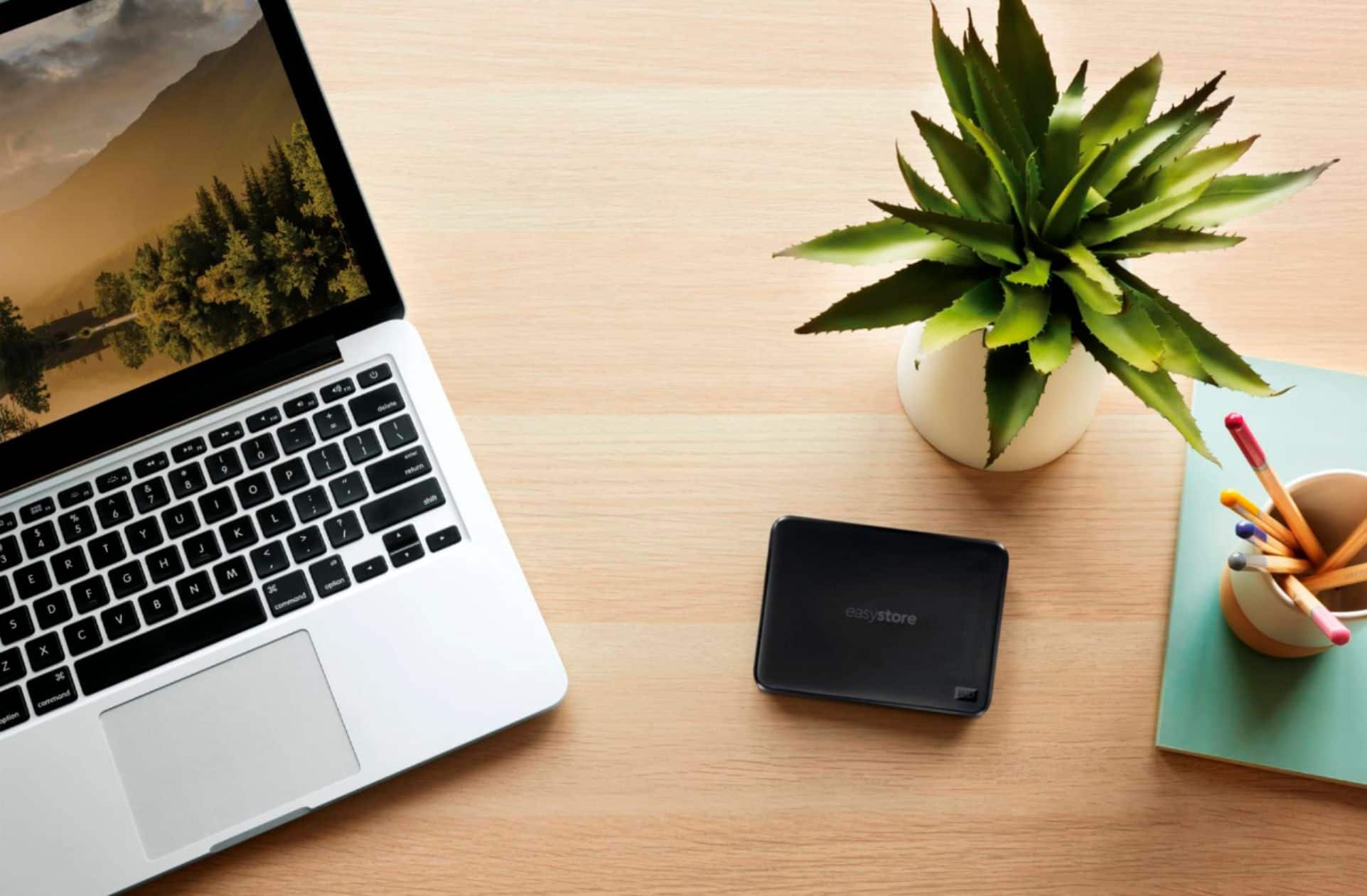
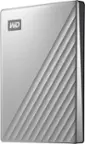
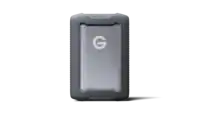
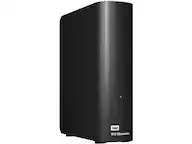
A:AnswerThe drive comes with the necessary USB cord and nothing else. I purchased a leather zip pouch carrying case for one of my drives (purchased a total of 9). We have them on every computer in the office and I use the extra for my laptop. Ransomware attacks will make you do serious backup routines. We do a backup of each of our computer hard drives every night when we leave and store them in a safe place. The 1TB storage is probably plenty for your computer unless you have a ton of photos or videos. If that's the case you might also want to look at cloud storage just for those.
A:AnswerIt should work perfectly fine with any laptop or desktop with a USB 2.0 or 3.0 access. If it's plugged into a 2.0 USB, it will simply run at 2.0 speeds vs 3.0 speeds. Keep in mind that you may need to format it to exFat if you plan on writing to the drive from a Mac. Either that, or you will need software like Paragon NTFS that allows for a Mac to write to NTFS formatted drives.
A:AnswerSure -- do it thru iTunes like you would with an iPhone. Take a backup of yourMacBook on the backup drive and restore it to your new MacBook Pro -- not difficult at all. The drive comes with the appropriate cable which will plug into both computers. Get the drive MAC version to make it simpler it's worth the difference in price.
A:AnswerYes, on your computer you have this option to set the day and time your back begins. You can do a back up now and not set it up on a schedule. I set mine for Sunday after 10:00 pm. I log onto my computer before I go to bed and the program runs backup. When I get up Monday morning I unplug and store in travel bag. The system will go into sleep mode and the back up will still be completed. You can always double check by going into the menu to see the back up files on this unit.
A:AnswerIf the software was an image file (ISO) or all the software was in a folder that can be installed from that folder, then yes. If the software is installed on your computer but you have no other backup beside that then no.
Option 2 is to make a backup of your full computer onto this drive then you can use that snapshot to recover your drive in case it crashes or get corrupt.
Hope that helps.
A:AnswerHello, Please be informed that the WD Easystore Portable drive is a plug 'n' play device tested and designed for Windows and Mac computers. Simply connect it via the USB port and you can use it to backup and store your files.