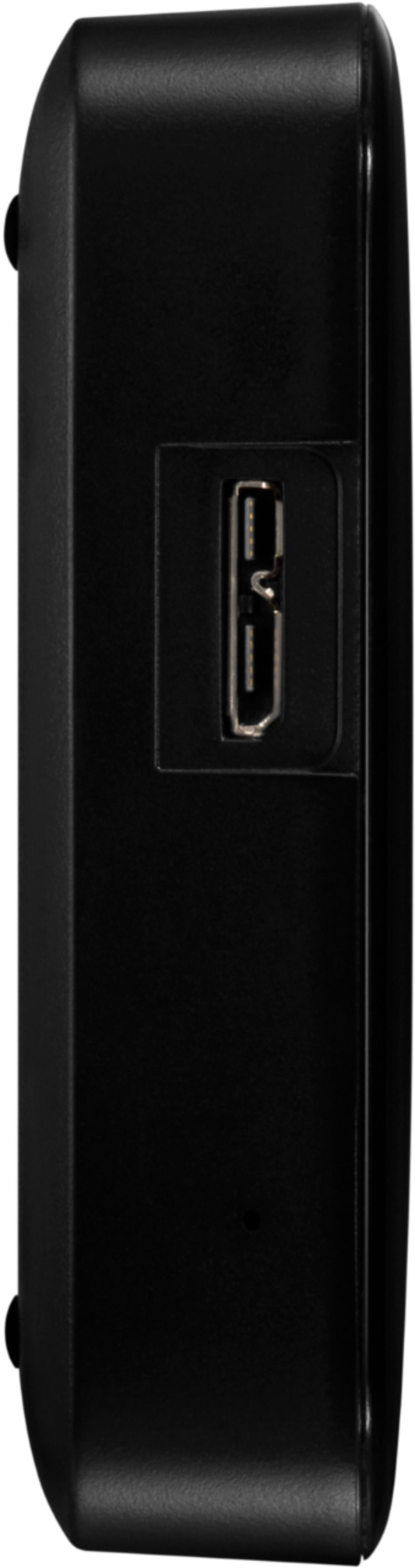
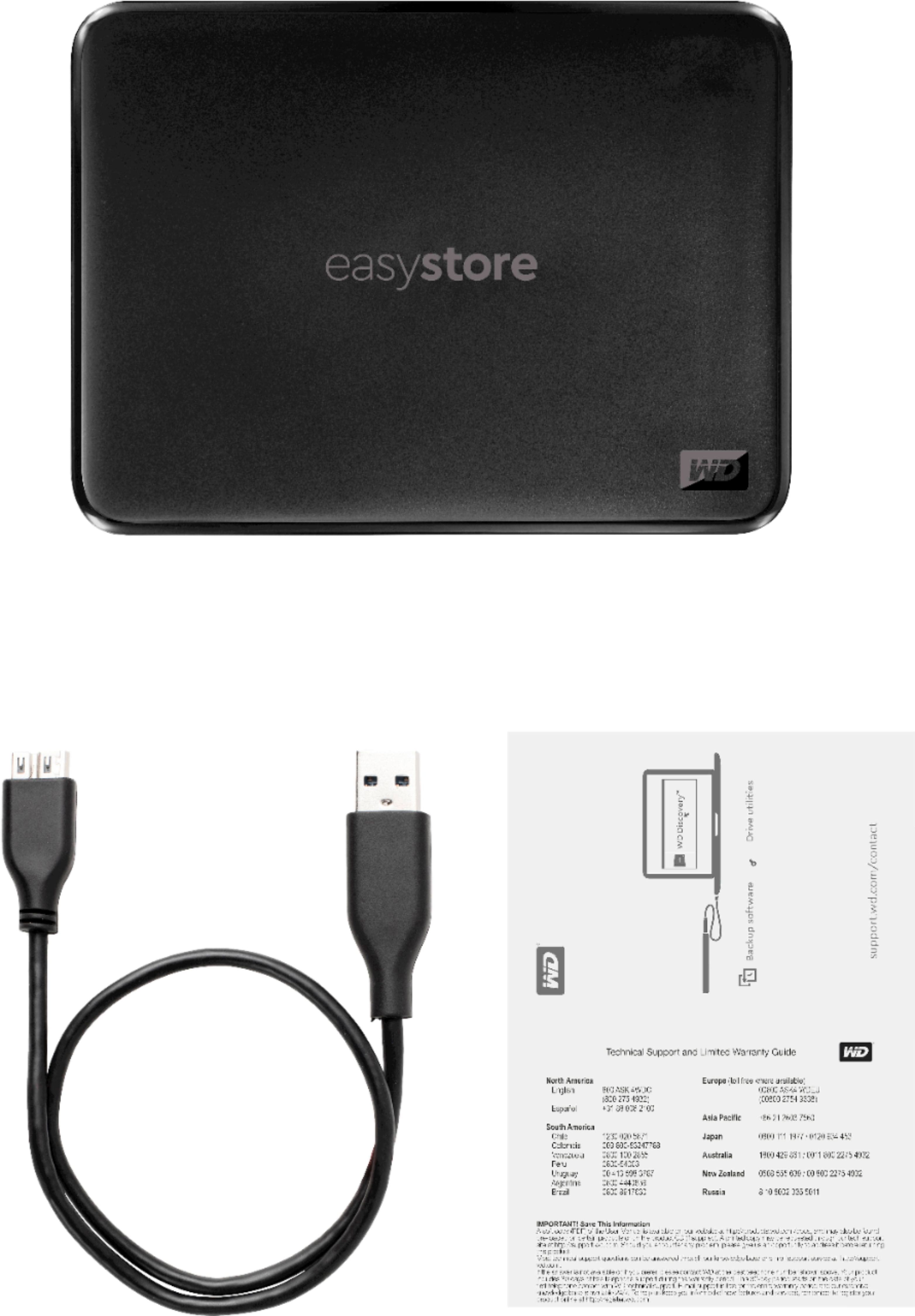
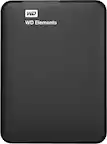
A:AnswerIts included cable is USB-A so it wont directly plug in, even if you got an adapter I dont think the phone would supply nearly enough power to it(it draws its power directly from its USB interface). Maybe look for On the Go(OTG) type adapter for something like a thumb drive or MicroUSB card as a phone can def power those whereas this is a mechanical hard drive inside the enclosure(not an SSD) so it needs a bit of power.
A:AnswerMine is working well with Samsung QLED TV, may depend more on the TV. All smart TV's do not have ability to play movies but may show pictures or play music. If the TV will do it this drive will work!
A:AnswerYou should be able to transfer files from your computer that IPOD syncs with. Not using I Tunes, just transfer mp3 files from hard drive. However most of my music did not come from the ITUNES store!
A:AnswerIf you back up your iPhone to a MacBook Pro or Windows, you can easily transfer the backup over. I don’t think you can plug directly into the drive with a lightning to USB cord.
A:AnswerIt should be. I bought this for my for Ps4 Pro and it recognized it right away. I used my old one on an Xbox. So by the transitive property it will work.
A:AnswerI have a WD 8 TB drive plugged into my XBox One X...it works like a dream. Your Xbox will format the drive so it will work with the Operating System.
A:AnswerI don't think so - it requires a USB connection that can provide the necessary power from the iPad to actually run the disk motors. Even if you had a cable with the correct connectors, it's probably not going to work. Most of the external storage devices for iPhones and iPads are solid state chip based which require much less power.