A:AnswerHello Carlos, Please be informed that we need to use the internal drives of same capacity in the NAS devices. If different capacity drives will be installed in a NAS then the drive will use both the drive of same capacity and the remaining capacity in the high capacity drive will not be used. So, we do not recommend to use two drive of different capacity and always recommend to use the internal drive of same capacity in NAS.
A:AnswerHello. Please be informed that you could map the My Cloud EX2 ultra device to access it on your computer under local network. Please refer to the following resources: For Windows: https://support-in.wd.com/app/answers/detailweb/a_id/9323/ and For Mac : https://support-in.wd.com/app/answers/detailweb/a_id/24148/ If you are facing any issue then please open a support ticket on the given link: https://support-en.wd.com/app/askweb , We will be happy to assist you.
A:AnswerHello, Please be informed that you can connect it to the Mac using an ethernet cable with an active internet connection on your Mac. For more information please refer to the following link : https://support-en.wd.com/app/answers/detailweb/a_id/16312/~/access-my-cloud-when-connected-directly-to-a-computer -Need Help? Please see our "'Contact Us" page for information.
A:AnswerHello, Please be informed that My Cloud EX2 needs to be connected to the router using an ethernet cable and the computer needs to be on the same network, if you want to access the device on the local network. You could access the device remotely on mycloud.com. Please refer to the link mentioned below to setup the device: https://support-en.wd.com/app/answers/detailweb/a_id/29391 For more information please refer to the mentioned link below: https://documents.westerndigital.com/content/dam/doc-library/en_us/assets/public/wd/product/nas/my_cloud/ex2_ultra/user-manual-my-cloud-expert-series-ex2-ultra.pdf -Need Help? Please see our "'Contact Us" page for information.
A:AnswerHello, Please be informed that our NAS devices use HDD as internal drives, not SSD. However, the noise level in My Cloud may be higher than other WD products but this is normal. For more information please see the following link: "Causes of hard drive noise" https://support-in.wd.com/app/answers/detailweb/a_id/32906#subject2 .If you have any specific concerns or require technical support, Please feel free to contact us directly at www.westerndigital.com/support
A:AnswerI have since figured out my solution, I didnt realize I had to create a separate Date Volume and Data Folder which I named "Public 2", and then transferred files to that drive.
I thought the NAS would recognize my two drives and just use them as one volume (JBOD mode), but I discovered they have to be setup as individual volumes and loaded individually. Thanks again though!
A:AnswerHello, Please allow me to inform you that you could add users to your My Cloud device from Admin Dashboard and provide access to the users of particular access to the users of particular shares which you want to. Please refer to the following link: https://support-in.wd.com/app/answers/detailweb/a_id/30188/ -Need Help? Please see our "'Contact Us" page for information.
Published by Western Digital Team a month
A:AnswerIn the MyCloud App you can select a specific folder to upload towards onto the HDD, but it's a more set it and forget it type of setting. Although It can be changed manually at any time.
In the IOS app at least there is an option to select specific folders / files only.
A:AnswerYes, but back up any information on these drive first before installing them into your WD EX2. That's what I did I had a 4tb drive and purchased a second drive after purchasing my WD EX2.
If using the raid you will only see 2tb of storage.
A:Answer1) No drives included so bring your own.
2) I don't see why not. But I don't think it would be a good use of the SSD unless its just what you have laying around.
A:AnswerHello JP, We mentioned the power supply specifications of the My Cloud EX2 Ultra: Input Voltage: 100V to 240V AC ,Input Frequency: 50 to 60 Hz ,Output Voltage:12 VDC , Power Supply:
36W For 4TB, 8TB, 12TB capacity , 48W for 0TB, 16TB capacity and above . For more information please refer to the mentioned link below: https://documents.westerndigital.com/content/dam/doc-library/en_us/assets/public/wd/product/nas/my_cloud/ex2_ultra/user-manual-my-cloud-expert-series-ex2-ultra.pdf -Need Help? Please see our "'Contact Us" page for information.
A:AnswerHello Michael, We would like to inform you that WD recommends you to use fresh or new formatted drives in a NAS devices without any data. To know more about the drive please refer to the mentioned link :https://bit.ly/37nX3px. Need Help? Please see our "'Contact Us" page for information.
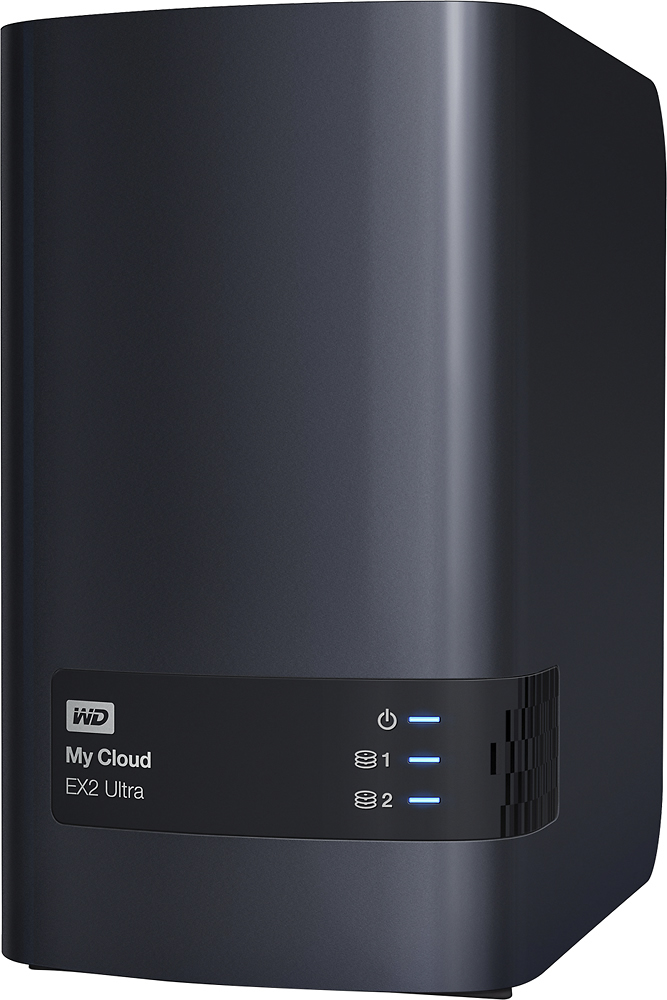
A:AnswerIt will work as network storage but you might want to look at the one with the Thunderbolt interface, it may be a little faster! You can install up to 2 8TB drives and configure as a single storage disk or separate, your choice. WD has multiple options for storage sizes.
Good luck!
A:AnswerHello Bobby, Based on your concern we would request you to please disable the cloud access from the dashboard. Please refer to the link mentioned below :https://support-en.wd.com/app/answers/detail/a_id/29448/kw/cloud%20access#Cloudenable -Need Help? Please see our "'Contact Us" page for information.
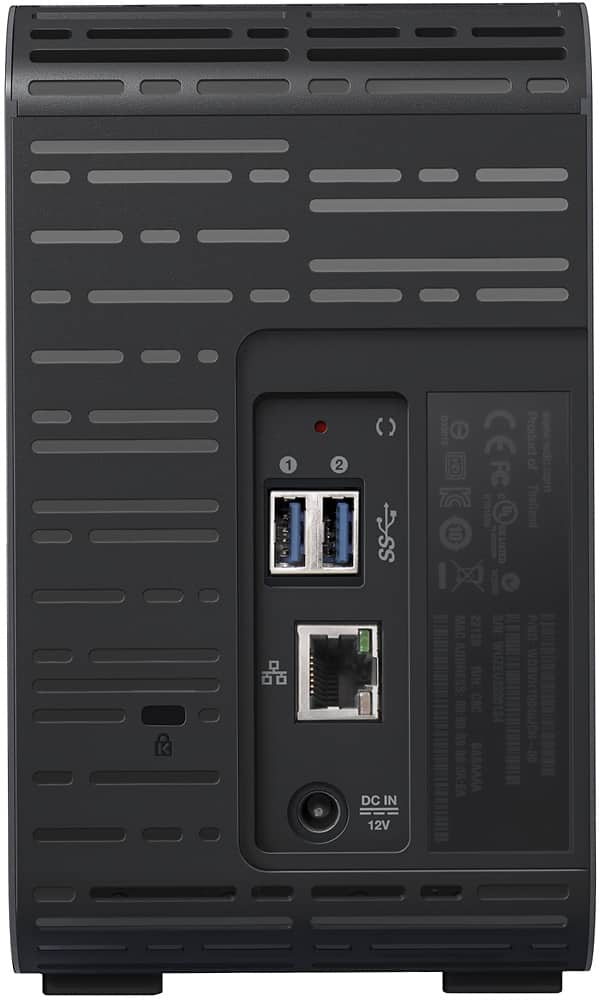
A:AnswerHello, Please be informed that the My Cloud EX2 Ultra can be quickly found on your network and installed over the web, making the setup process simple and intuitive. Please check with the PC/Laptop vendor whether the WD drive will fit and support the host device. To know more about the compatibility please refer to the mentioned link :https://bit.ly/37nX3px. Need Help? Please see our "'Contact Us" page for information.
A:AnswerIn reply to Dmost: You asked for an update. Process went without a hitch. After a 10 hour cloud backup session (I have about 1.5 terabytes of data), I pulled both disks out of the DL2100 and dropped them into the EX2 Ultra. System went through whatever processes it goes through, and in the end the full system was on the new unit, including shares and (surprising to me) two iSCSI target disks. The only hiccup was that the new system claimed that both HDs had failed their S.M.A.R.T. tests. That warning went away with the new firmware installation and reboot. So it appears that OS5.xx makes disks compatible at least between DL2100 and EX2 devices.