A:AnswerHello RB, Please be informed the data is stored in the device itself so if the device has been damaged the data would have been damaged unfortunately. -Need Help? Please see our "'Contact Us" page for information.
A:AnswerHello, Please be informed that My cloud PR4100 devices have WD red or WD red plus drives installed in it. To check the specifications for the WD red and red plus drives, we would request you to please refer to the link mentioned below: https://support-en.wd.com/app/products/product-detail/p/288
WD Red Plus : https://support-en.wd.com/app/products/product-detail/p/2241 .-Need Help? Please see our "'Contact Us" page for information.
A:AnswerHello, Based on your query, we would like to inform you that maximum size of 5tb file you could upload at a time using mycloud.com in my cloud os5. -Need Help? Please see our "'Contact Us" page for information.
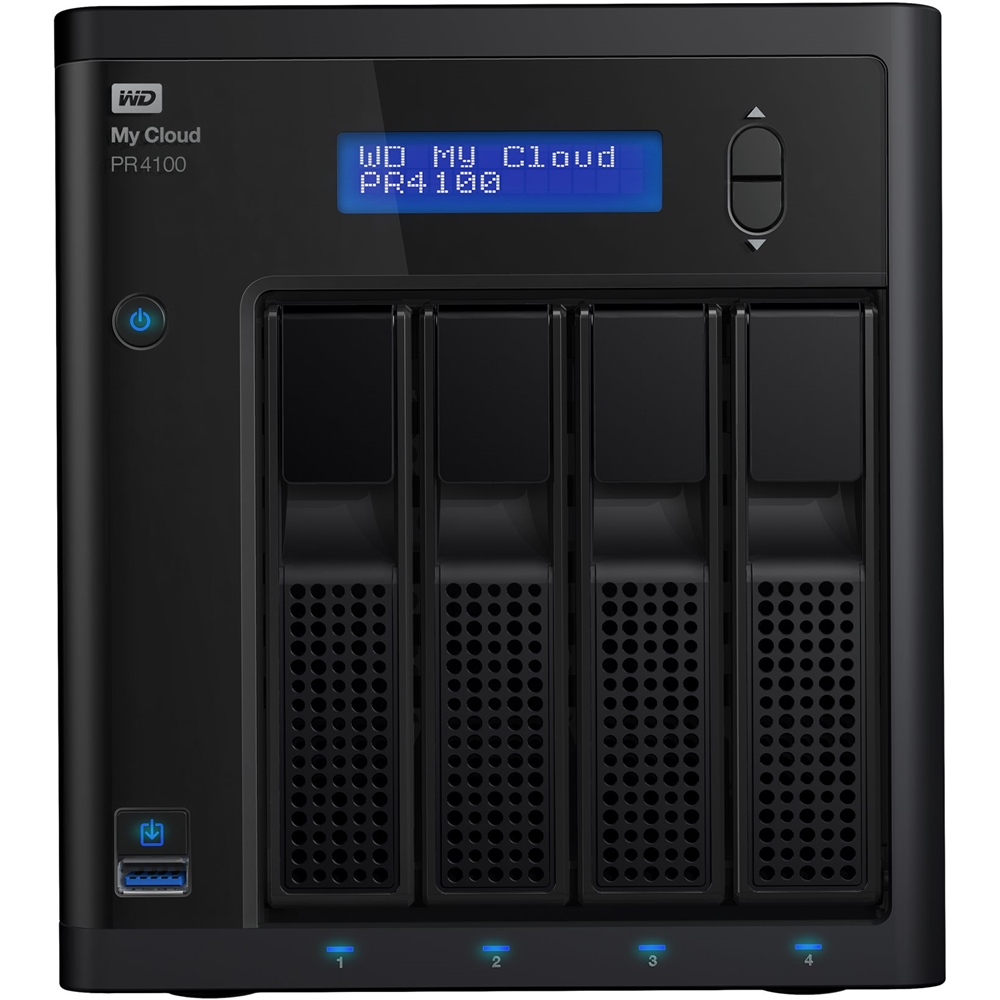
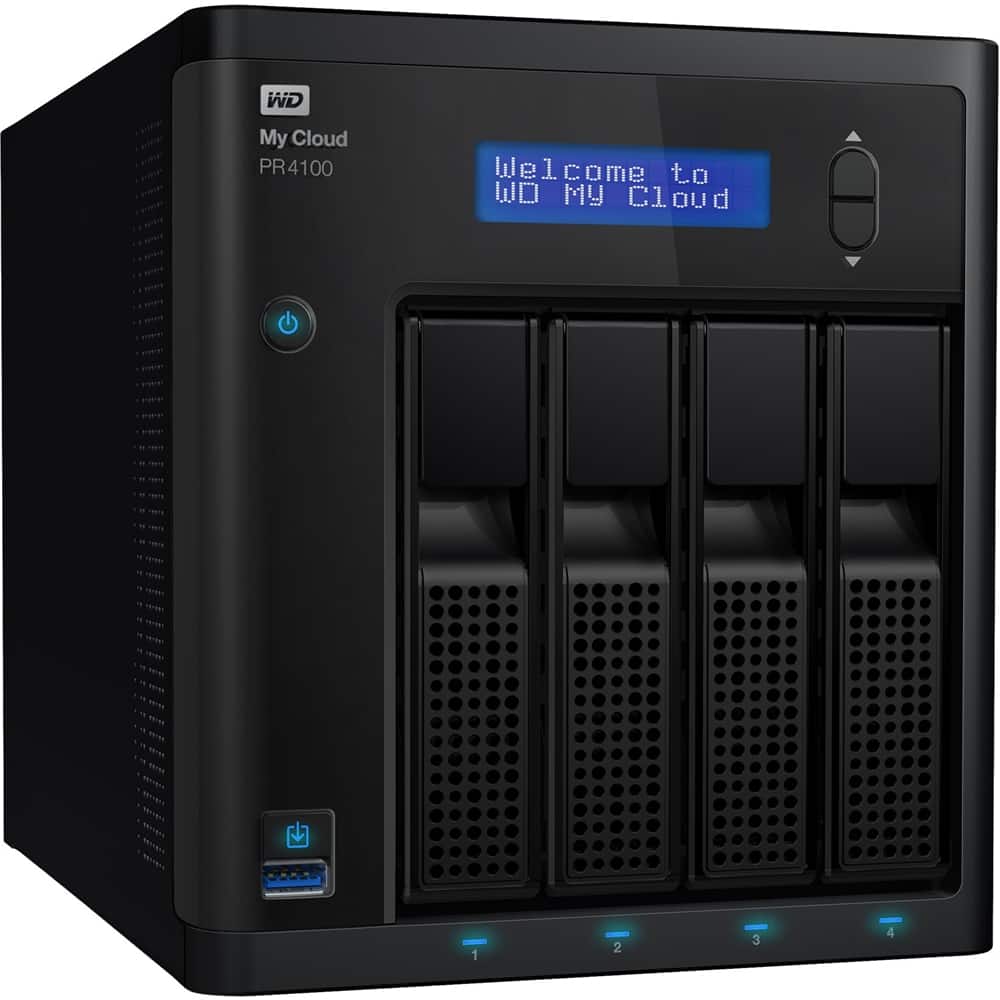
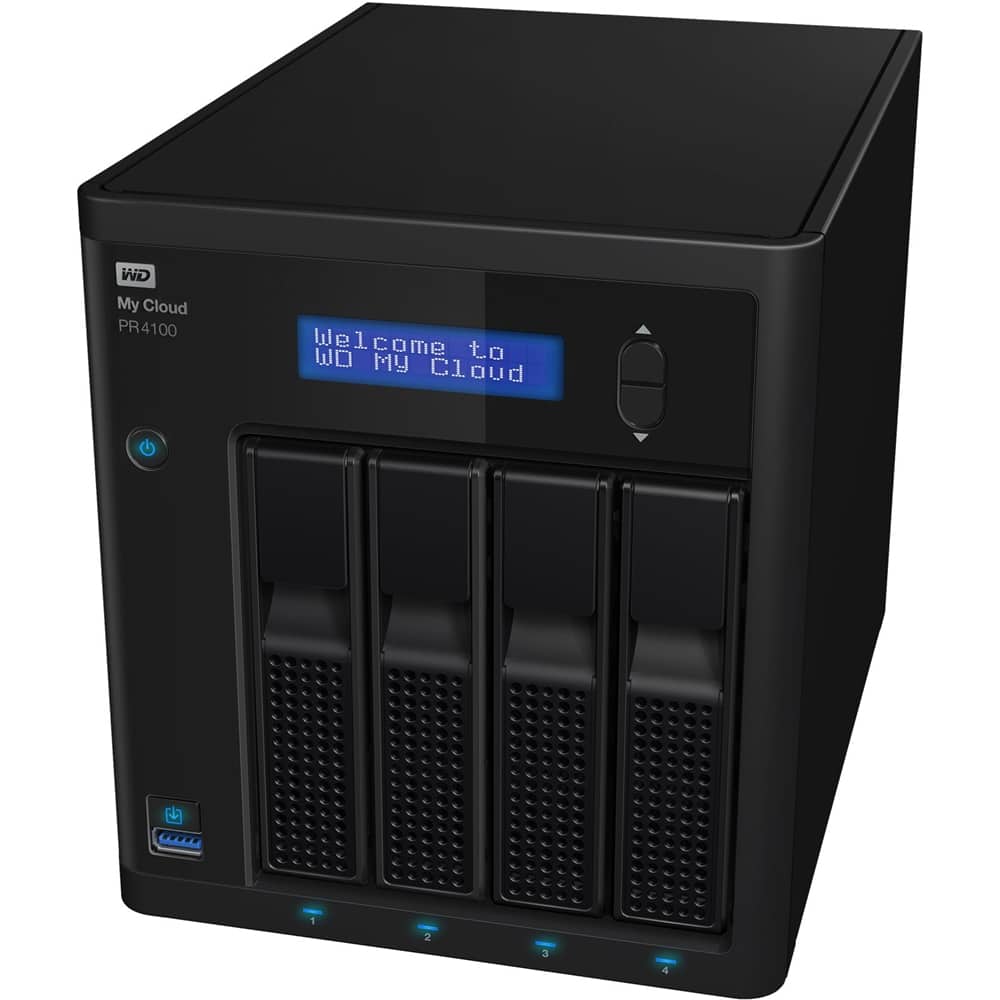
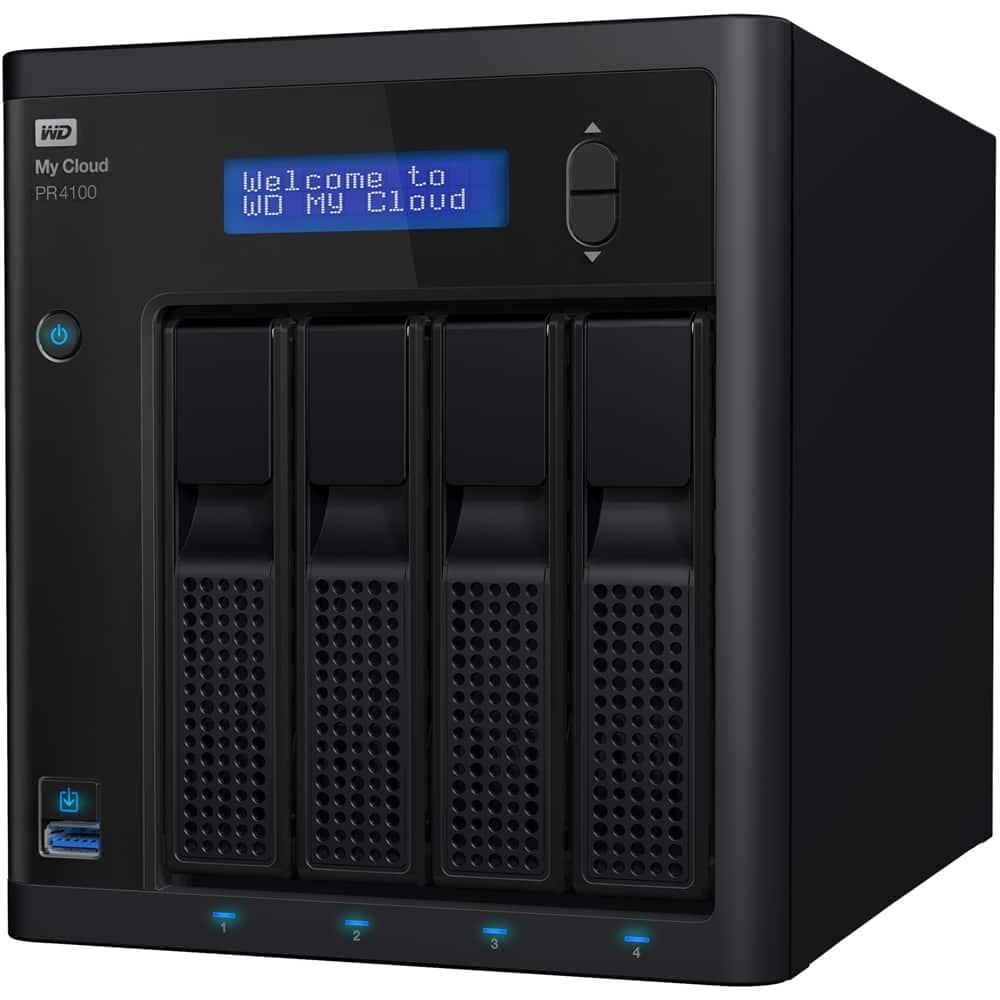
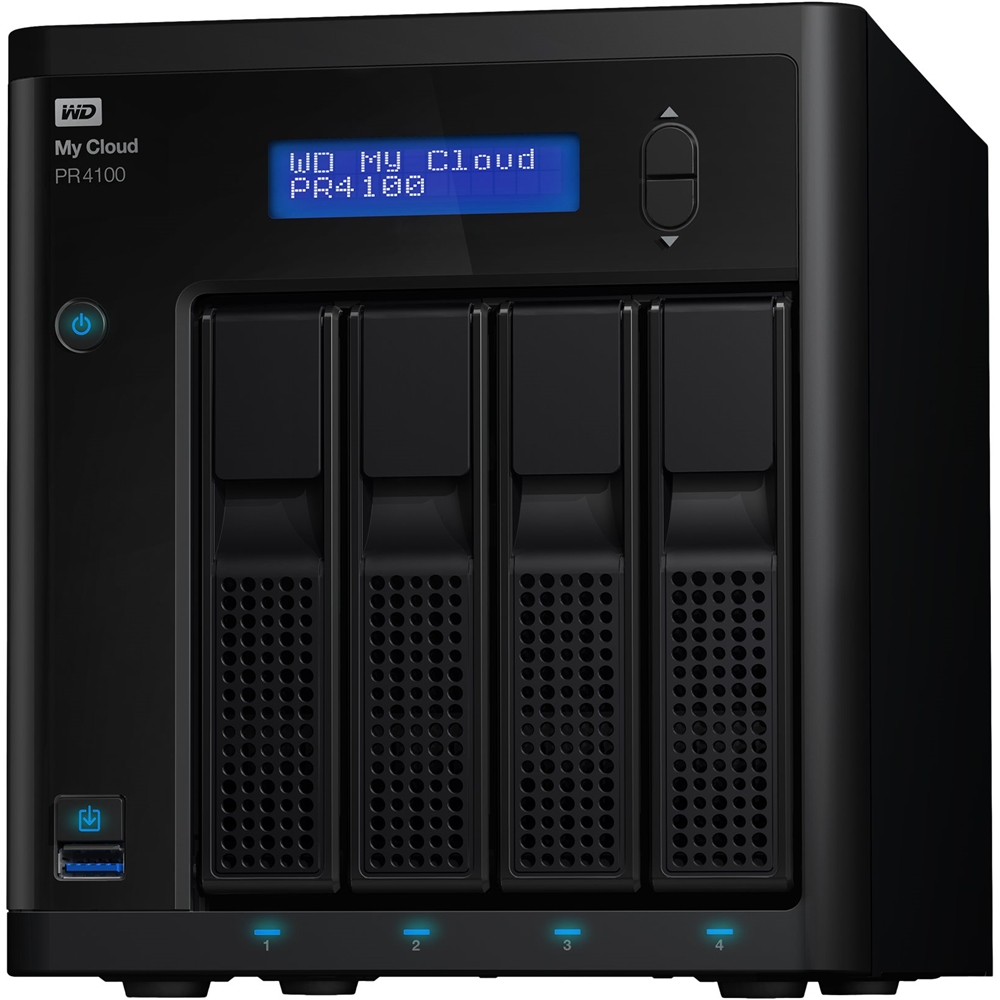
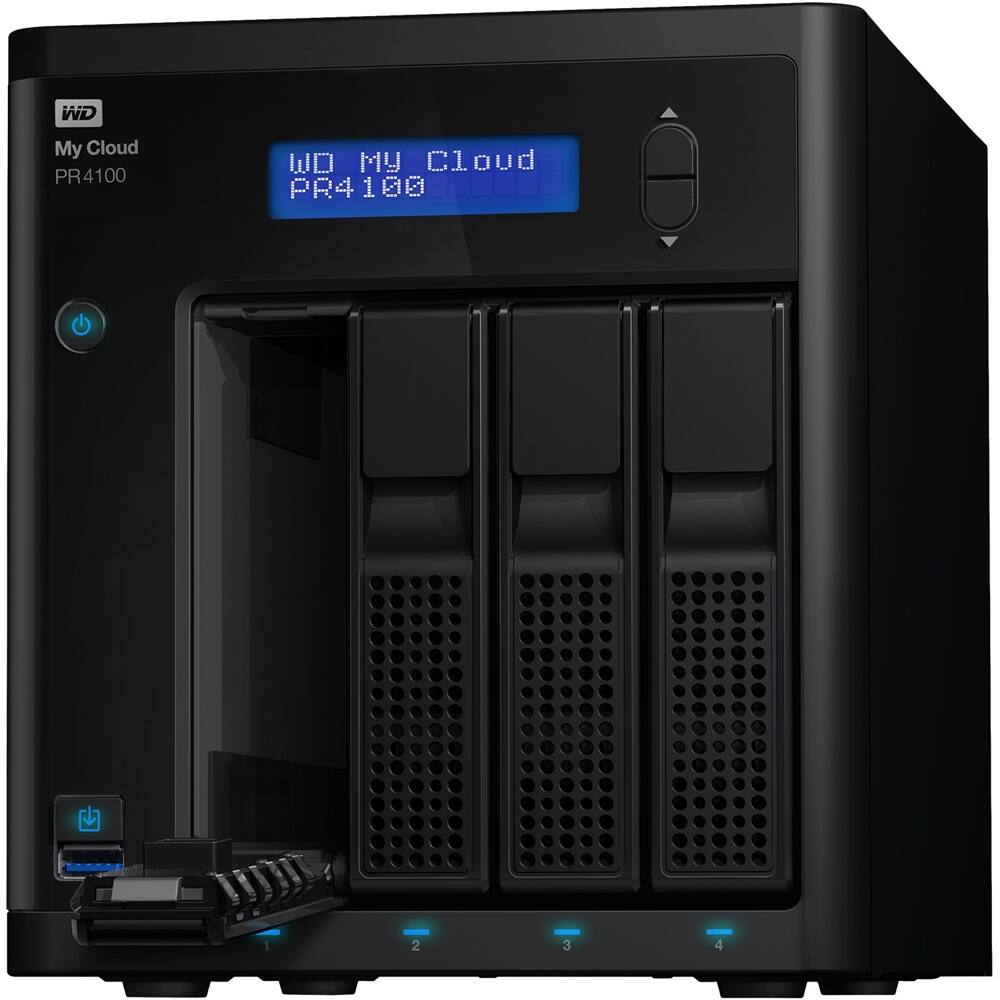
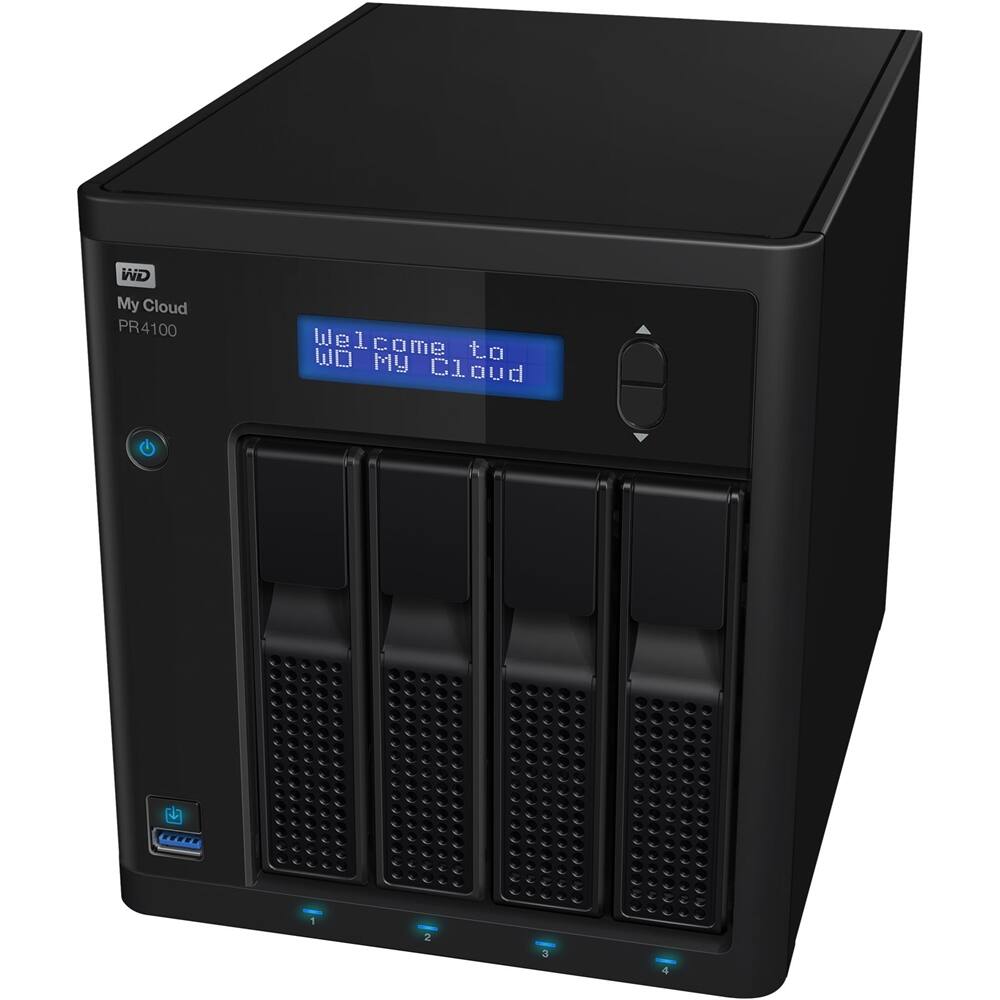
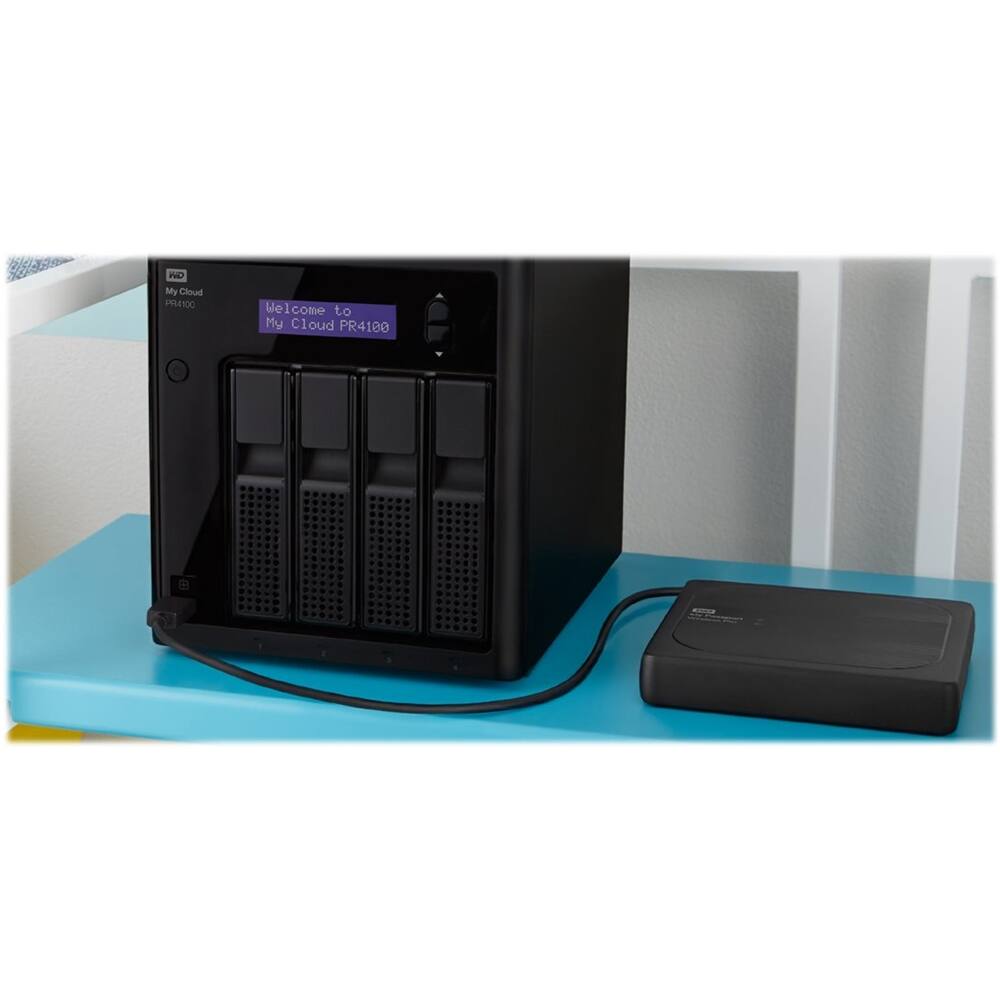
A:AnswerHello Spooky, Please know that my cloud PR4100 is a 4 bay device where you can use 4 drives at a time to make a storage capacity of your choice. Yes, My cloud PR4100 is a NAS device using mycloud.com multiple users can access the data on the drive. For more information please refer to the user manual of the device: https://support-en.wd.com/app/products/product-detail/p/139.-Need Help? Please see our "'Contact Us" page for information.
A:AnswerPer the vendor website, the EX4100 can go up to 56 TB max capacity and the PR4100 can go up to 72 TB max capacity, thus, with the appropriate drives, this is the maximum possibility. But of course, the higher the capacity, the more expense involved.