Early Black Friday DealsNew Doorbusters through SundayShop now

Skip to content
Gift Ideas
26 Cypress St
Williston, VT 05495
Opens at 10 am
Find Another Store
Main Content

Questions & Answers

Your price for this item is $74.99
The comparable value price is $84.99
Page Showing 21-40 of 106 questions
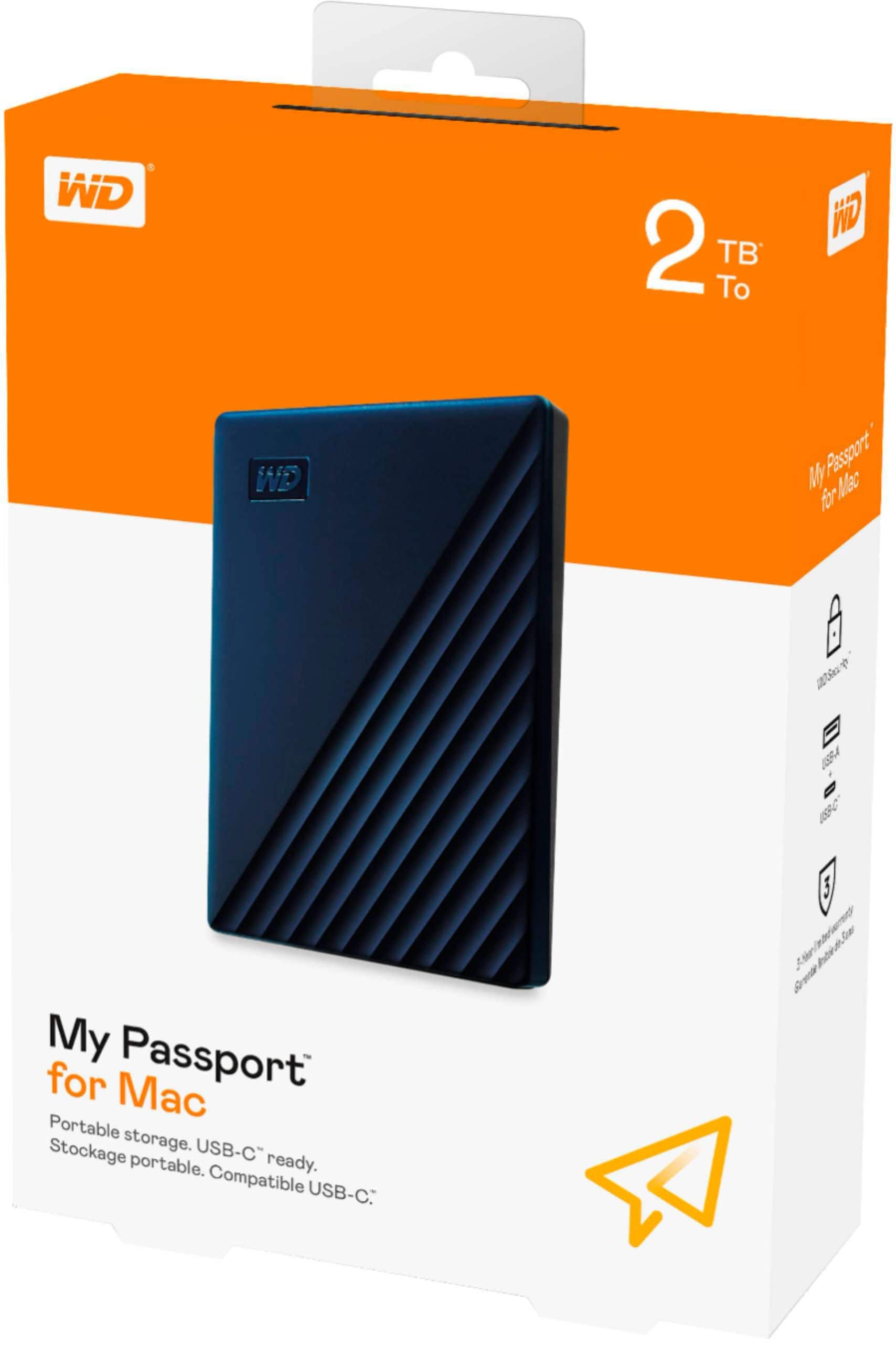
  • QuestionDoes this external drive require any additional software to use it?

    Asked by gcleach.

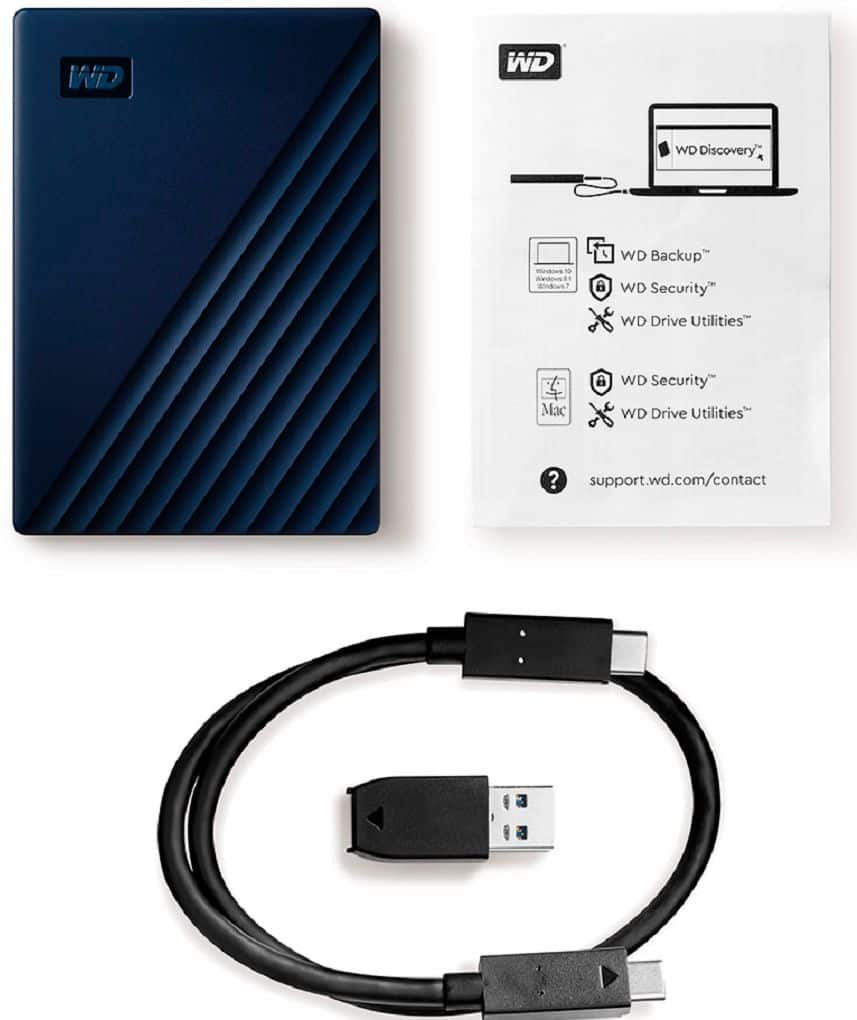
    • Answer No , it comes with two different usb port attachments for older and newer computer models.

      Answered by GoodB

  • QuestionWill this work with macOS Catalina 10.15.4?

    Asked by daph.

    • Answer Yes

      Answered by Jeff

  • Questionis this WD 2T My Passport external drive made in china?

    Asked by gijoe.

    • Answer No, it is made in Thailand

      Answered by sportydancer

  • QuestionWill this work with a Mac book

    Asked by Josh.

    • Answer yes I use it with my MacBook Air

      Answered by honestreview

  • QuestionDoes is work with Sierra 10.12.6?

    Asked by Skelly.

    • Answer Yes it works with Sierra & High Sierra fine. It feels a little slow on start up but otherwise works fine.

      Answered by James

  • QuestionWhat about USB-C? My MacBook only has USB-C? Thank you

    Asked by Dapple.

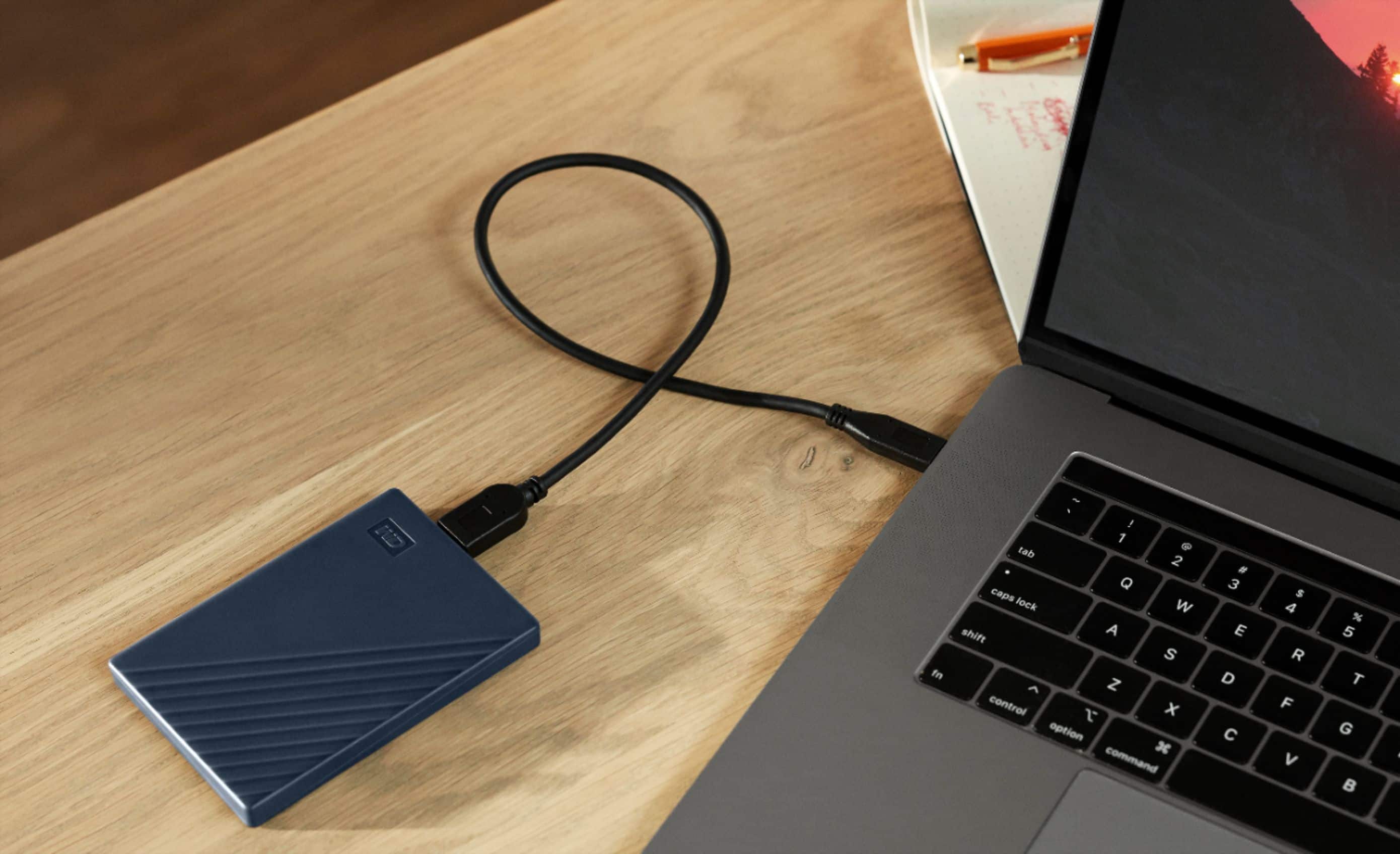
    • Answer It has 2 sets of cables being USB and USB-C

      Answered by honestreview

  • Questioncan I use it in an iPad?

    Asked by Yesenia.

    • Answer The only it can be used on an ipad is if you have an adapter to change the USB to the lightning connector. Even then i'm not sure how it would work.

      Answered by Clif

  • Questioncan this drive be formatted to work on both MAC OS and Windows?

    Asked by HUGH.

    • Answer Hi, Please be informed that in order to use the drive with both Windows and MacOS you need to reformat the drive to exFAT file format by referring to the link: https://support-en.wd.com/app/answers/detail/a_id/20821 Please be informed that reformatting is a data destructive process, please backup the data from the drive before reformatting it. If you are facing any issues please contact us at https://support-en.wd.com/app/ask/session/ we will be happy to assist you.

      Answered by Western Digital Team

  • QuestionI bought this to use with time machine. It's advertised as plug and play but when I opened it I installed the software thinking I had too. Now I see I didn't. When I try to add it as a backup disk I get this massage to erase. What do i need to do?

    Asked by memaw.

    • Answer Hi, We are sorry for the inconvenience caused to you. You need to reformat the drive in APFS file system to use for time machine backup, please refer to the following link: https://support-en.wd.com/app/answers/detailweb/a_id/8200/ Please be informed that reformatting is a data destructive process, please backup the data from the drive before reformatting it. For Time Machine backup and restore from MacOS to WD External Drive please refer to the link: https://support-in.wd.com/app/answers/detailweb/a_id/18952/ If you are facing any issue, please open a support ticket at https://support-en.wd.com/app/ask/session, the customer support team will contact you as soon as possible.

      Answered by Western Digital Team

  • QuestionCan I use it on Two devices?

    Asked by ARBG.

    • Answer Hi, Yes you can use the drive on multiple devices, but not at the same time. You can plug it into one computer, safely eject it, and then connect it to another. If both devices are Macs, it will work directly. If you want to use it on both Mac and Windows, you may need to reformat it to exFAT, since the default Mac format may not be compatible with windows. If you have any further questions or need technical assistance , kindly open a support ticket at https://support-en.wd.com/app/askweb

      Answered by Western Digital Team

  • QuestionWill it work with macOS Sequoia 15.5 straight out of the box?

    Asked by memaw.

    • Answer Hi, Please be informed that the WD My Passport for Mac drive is a plug 'n' play device tested and designed for Windows and Mac computers. The comes pre-formatted HFS+ Journaled for macOS ready out of the box. To know more about the drive refer to the link: https://products.wdc.com/library/AAG/ENG/4078-705156.pdf

      Answered by Western Digital Team

  • QuestionCan I backup my iPhone

    Asked by jj.

    • Answer Hi, Please be informed that the WD My Passport for Mac drive is a plug 'n' play device tested and designed for Windows and Mac computers. We have not tested the drive on mobile devices or an iPad. We recommend you to use the computer to move the data from the phone to the drive. To know more about the drive refer to the link: https://products.wdc.com/library/AAG/ENG/4078-705156.pdf

      Answered by Western Digital Team

  • QuestionCan I connect this directly to my iphone via lightening/usb to back up my iPhone photos?

    Asked by iPhone.

    • Answer Hi, Please note that the My Passport For Mac portable hard drive is designed and tested for Windows and macOS computers. We have not tested the drive on mobile devices or iPads. We recommend using a computer to back up the phone to the drive. For more information about the drive, see the link: https://products.wdc.com/library/AAG/ENG/4078-705156.pdf -Need help? Please see our "Contact Us" page for information.

      Answered by Western Digital Team

  • QuestionCan this be used to back-up photos and videos from an iPhone? I'm an android user... but trying to get a gift for someone and don't want to get it wrong, lol :-)

    Asked by Rye.

    • Answer Hi Rye, Please be informed that the WD My Passport for Mac drive is a plug 'n' play device tested and designed for Windows and Mac computers. We have not tested the drive on mobile devices or an iPad. We recommend you to use the computer to move the data from the phone to the drive. To know more about the drive refer to the link: https://products.wdc.com/library/AAG/ENG/4078-705156.pdf -Need Help? Please see our "'Contact Us" page for information.

      Answered by Western Digital Team

  • QuestionThis is a yes or no question, I have an older computer with iOS system 10.13.6 will this hard drive back up my computer?

    Asked by Hemi.

    • Answer Hello Hemi, Please be informed that the WD My Passport for Mac drive is a plug 'n' play device tested and designed for Windows and Mac computers. The comes pre-formatted HFS+ Journaled for macOS ready out of the box and compatible with macOS 11+. To know more about the drive refer to the link: https://products.wdc.com/library/AAG/ENG/4078-705156.pdf -Need Help? Please see our "'Contact Us" page for information.

      Answered by Western Digital Team

  • QuestionI have an older Mac computer the last os update is10.13.6 High Sierra is this hard drive compatible?

    Asked by Hemi.

    • Answer Hi, Thank you for getting in touch with us. Please know that the WD My Passport for Mac External USB 3.0 Portable Hard Drive is compatible with macOS 11 and above. If you encounter any issues, you can open a ticket at (https://support-en.wd.com/app/askweb) with detailed problem and error screenshots.

      Answered by Western Digital Team

  • QuestionWill this provide more storage to download games?

    Asked by KimR.

    • Answer Definitely once you go ahead and set it up as an external storage drive on the device you are using you can have your games stored and played seamlessly through that method.

      Answered by LajayW

  • QuestionIs there an adapter so I can use this in an I Mac that only has the small lightning sized port?

    Asked by CMB.

    • Answer Hello, Please be informed that this drive does not come with an adapter. You could purchase the adapter or connector from nearby store. Refer to the link in order to know more about the drive: http://products.wdc.com/library/AAG/ENG/4078-705156.pdf -Need Help? Please see our "'Contact Us" page for information.

      Answered by Western Digital Team

  • QuestionIs this in the apfs format?

    Asked by Will.

    • Answer yes

      Answered by normalpidgeon

  • QuestionIs Passport an SSD?

    Asked by Maxtravis.

    • Answer Hi Maxtravis, Please be informed that the WD My Passport For Mac drive is a plug 'n' play device tested and designed for Windows and Mac computers. It's not a solid state drive. Refer to the link in order to know more about the drive: http://products.wdc.com/library/AAG/ENG/4078-705156.pdf -Need Help? Please see our "'Contact Us" page for information.

      Answered by Western Digital Team