A:AnswerHello TerryIMAC, Please be informed that to configure backup on this drive you could use Acronis True Image for Western Digital software and the software will give you the option to select the folders which you want to backup and not to backup. Please refer to the following link: https://support-en.wd.com/app/answers/detailweb/a_id/30022/related/1 -Need Help? Please see our "'Contact Us" page for information.
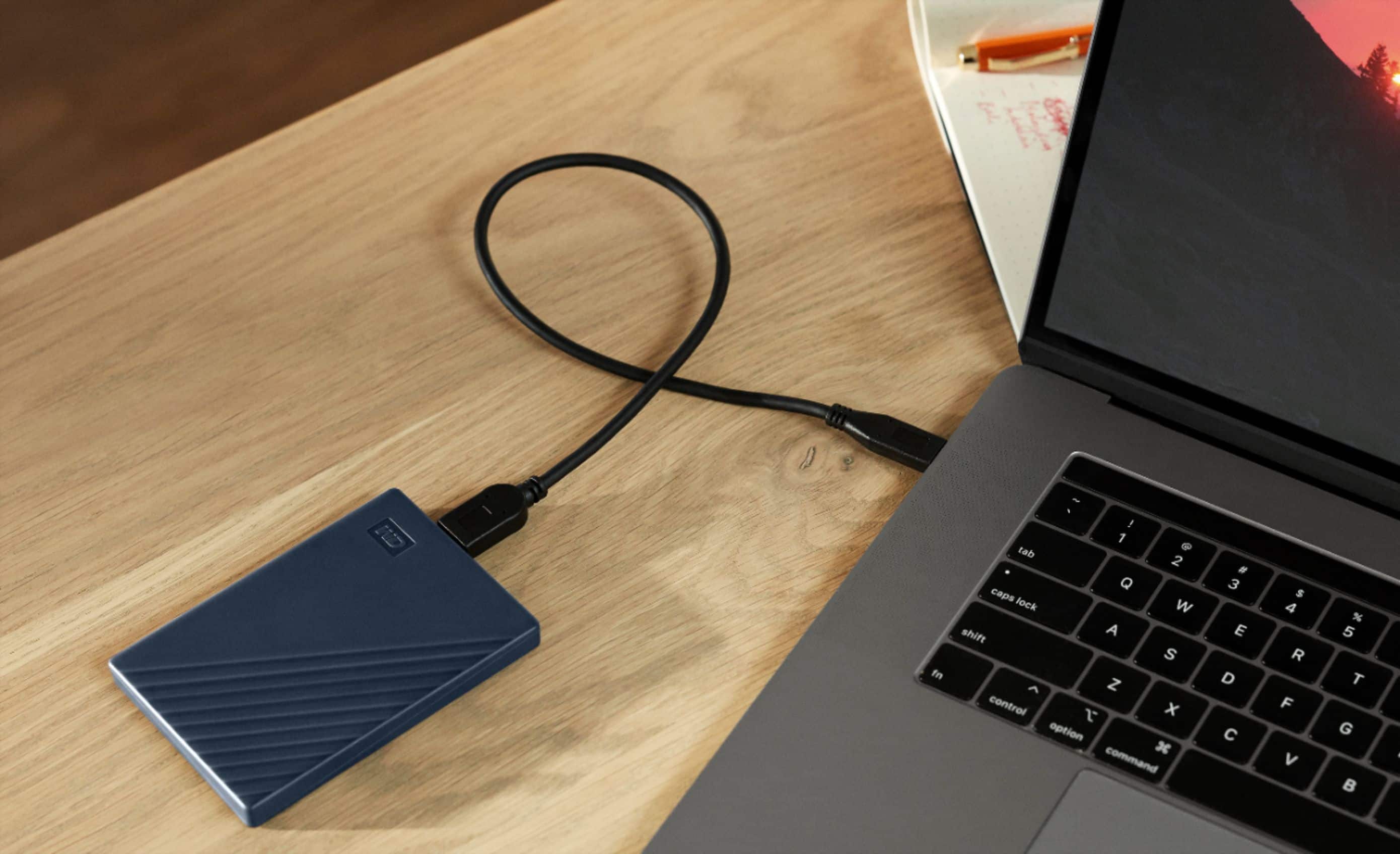
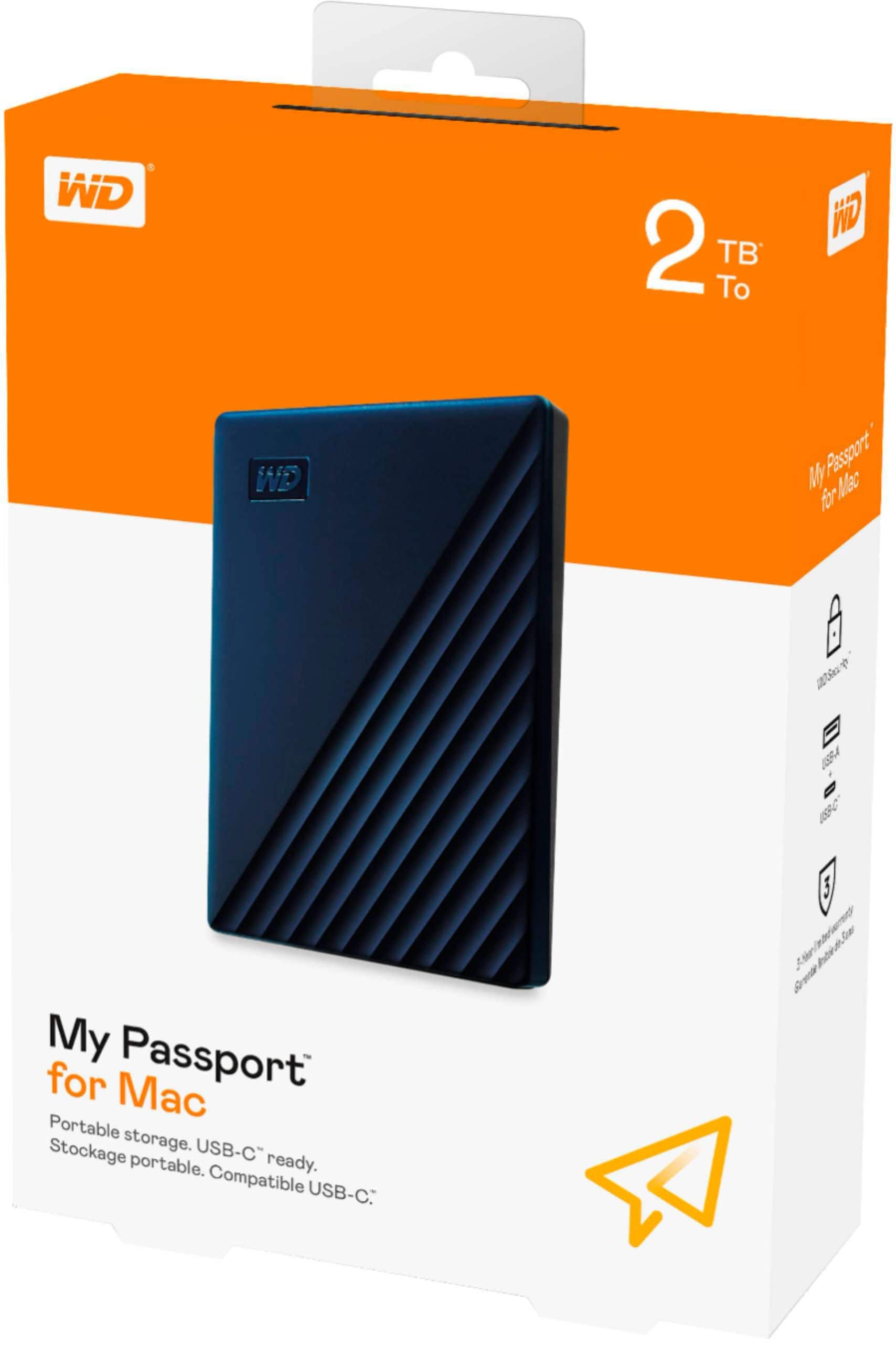
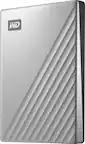
A:AnswerHi , Please be informed that the WD My Passport for Mac drive is a plug 'n' play device tested and designed for Windows and Mac computers. We suggest you to please contact your host device vendor support to check whether the drive will support. To know more about the drive refer to the link: http://products.wdc.com/library/AAG/ENG/4078-705156.pdf -Need Help? Please see our "'Contact Us" page for information.
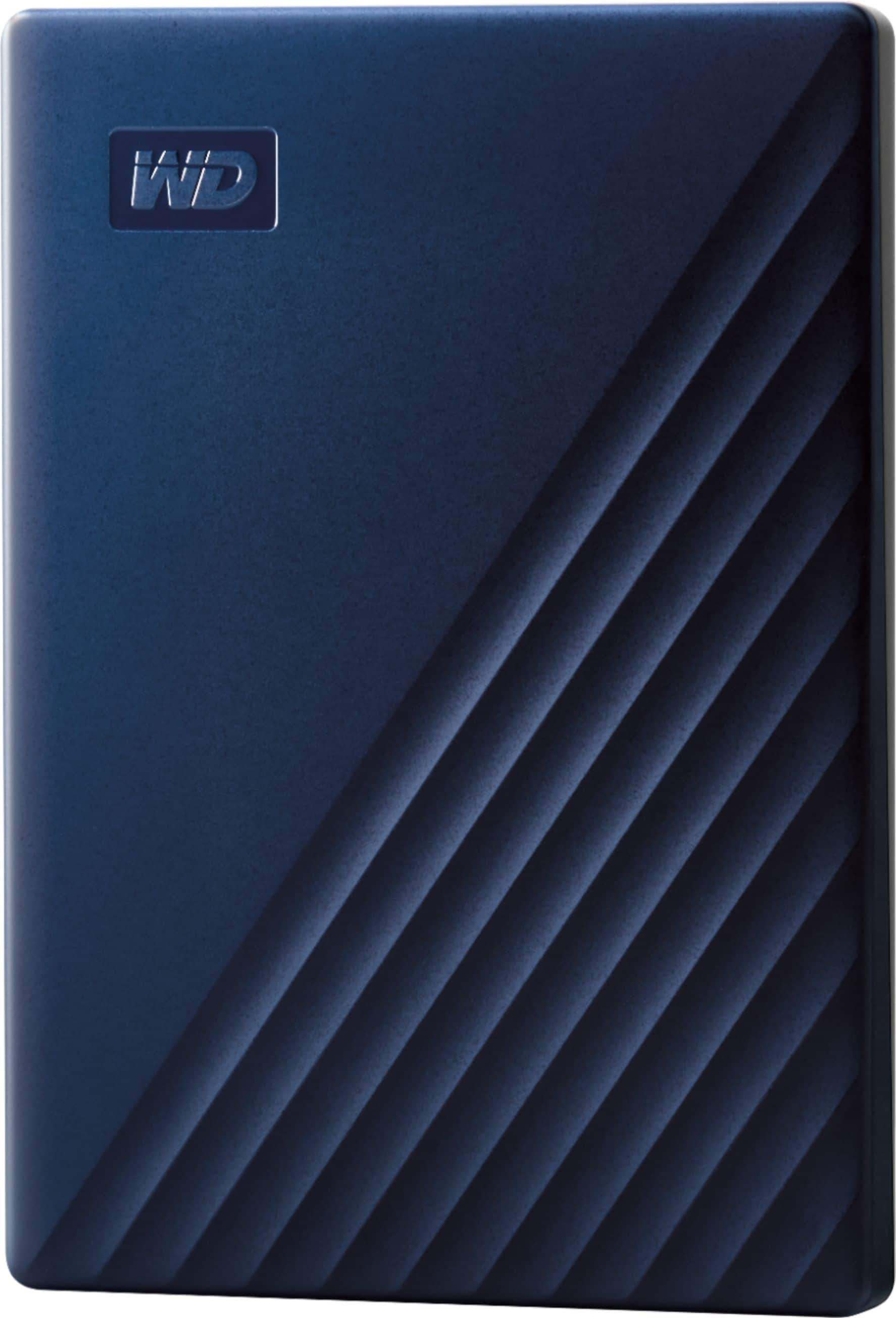
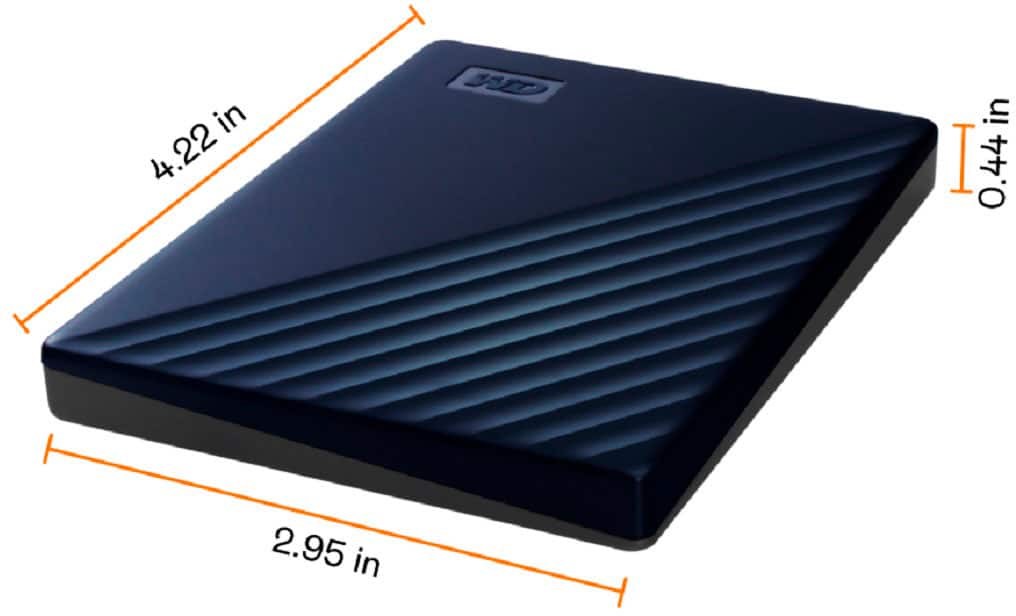
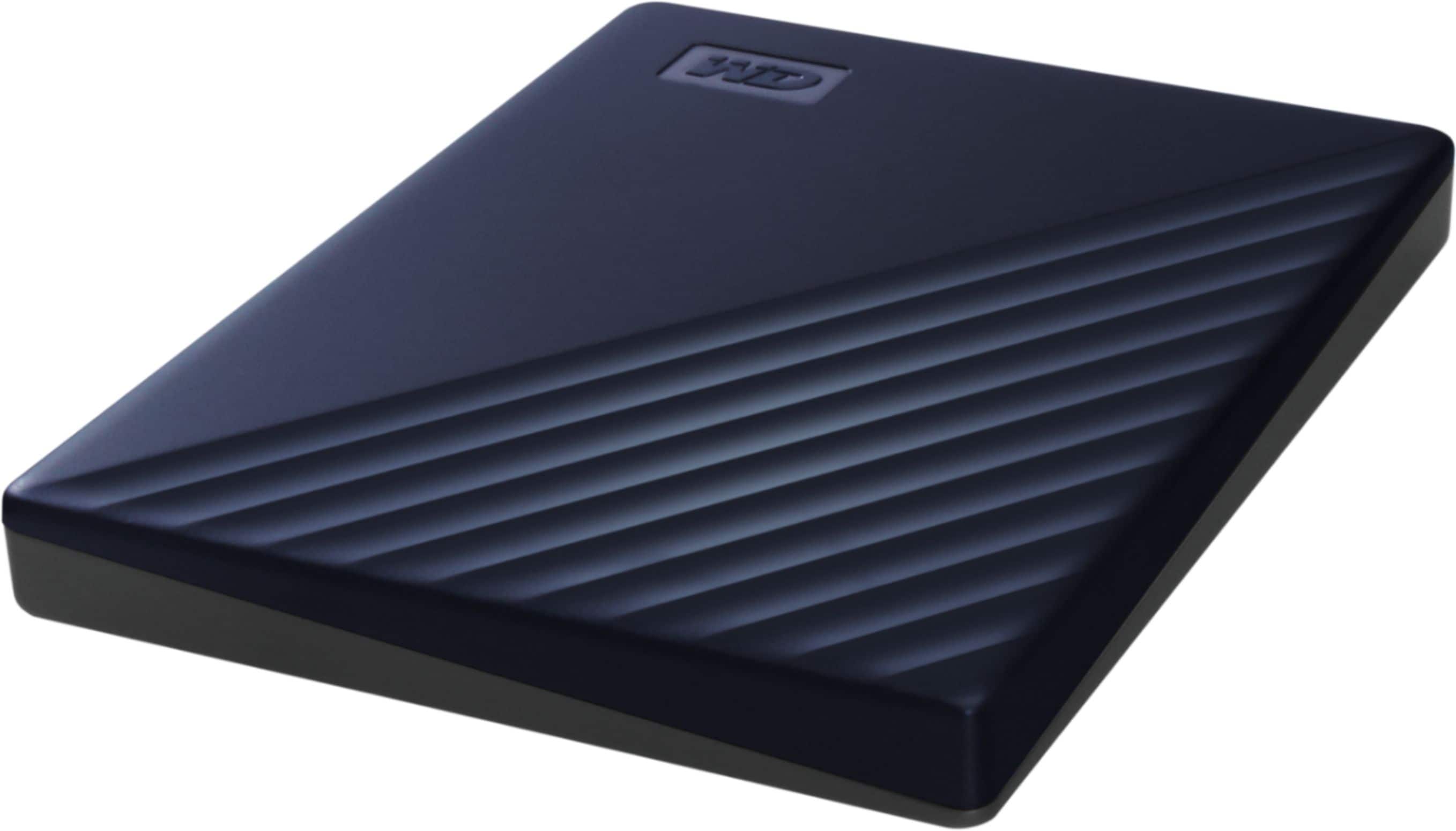
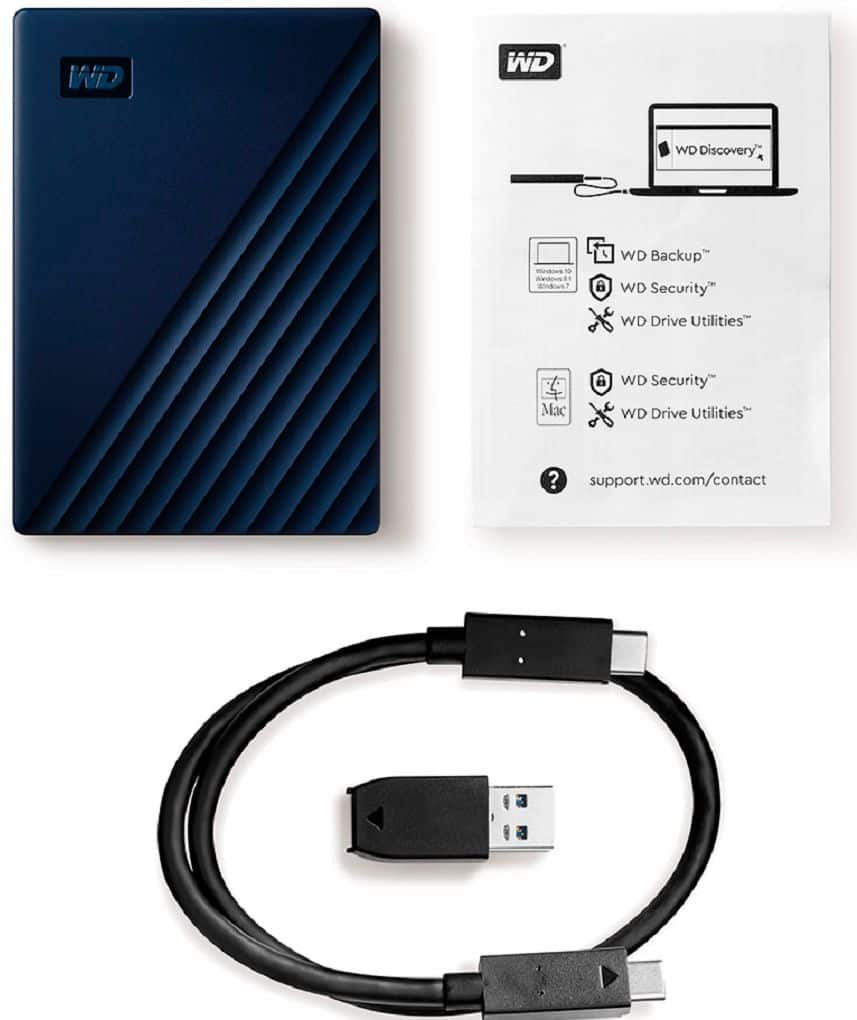
A:AnswerHi Fussie, Please be informed that the WD My Passport for Mac drive comes macOS compatible and is formatted in the HFS+ file system, which is ready out of the box to use with macOS. The SuperSpeed USB cable comes inside the box with the drive and the drive has 3 years limited warranty. You can use WD security to encrypt the drive with a password. To know more about the drive refer to the link: http://products.wdc.com/library/AAG/ENG/4078-705156.pdf -Need Help? Please see our "'Contact Us" page for information.