Early Black Friday DealsNew Doorbusters every Friday.Shop now

Main Content

Questions & Answers

Page Showing 81-100 of 107 questions
  • QuestionHow can I update my Password

    Asked by Anonymous.

  • QuestionCan this portable drive be formatted for a ps4 through an iPad Pro 2020 version

    Asked by TImothy1.

    • Answer Hi, Please be informed that the WD My Passport for Mac drive is a plug and play device tested and designed for Windows and Mac computers for seamless operation. ​​​​​​​Need Help? Please see our "'Contact Us" page for information.

      Answered by Western Digital Team

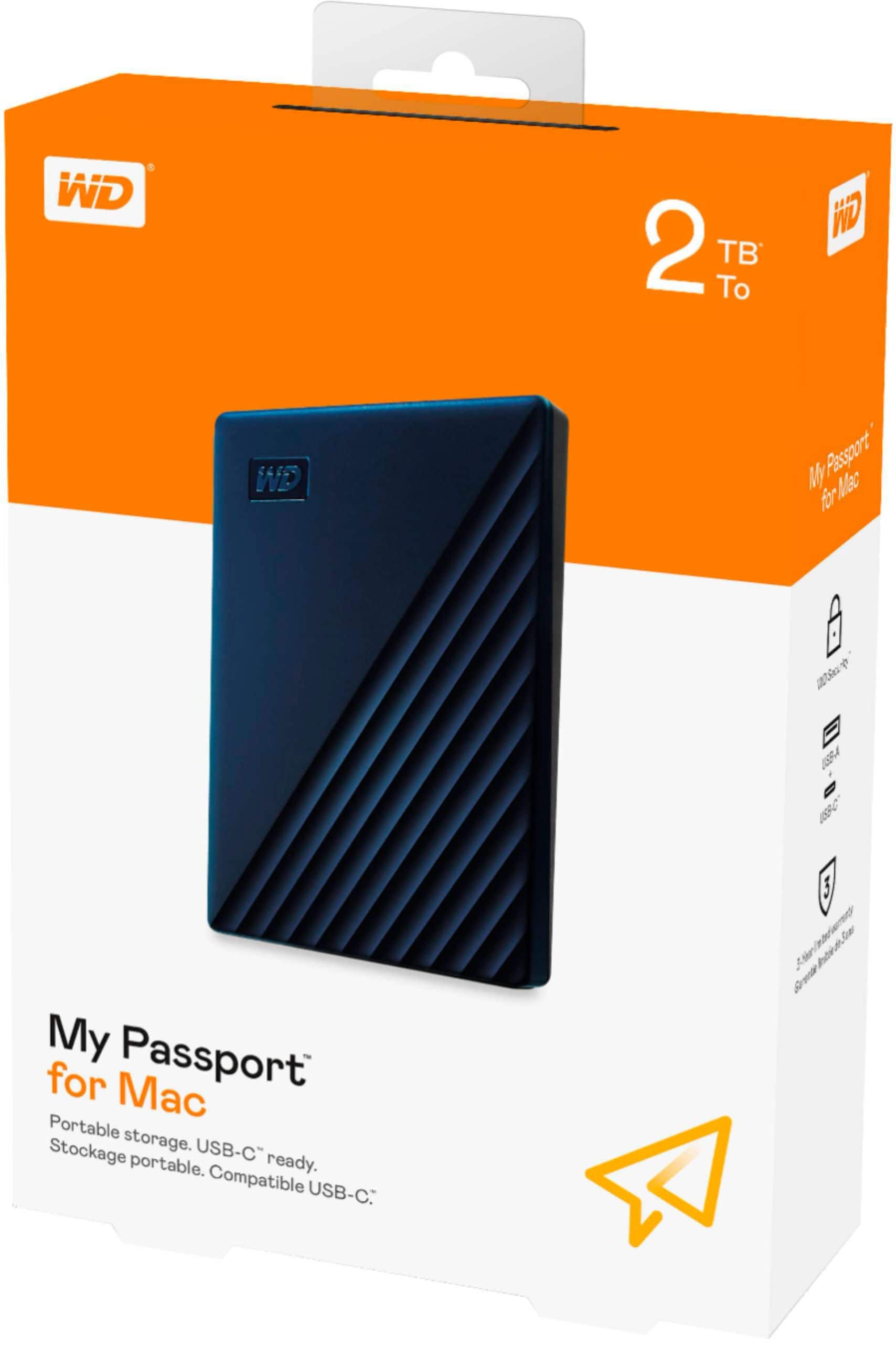
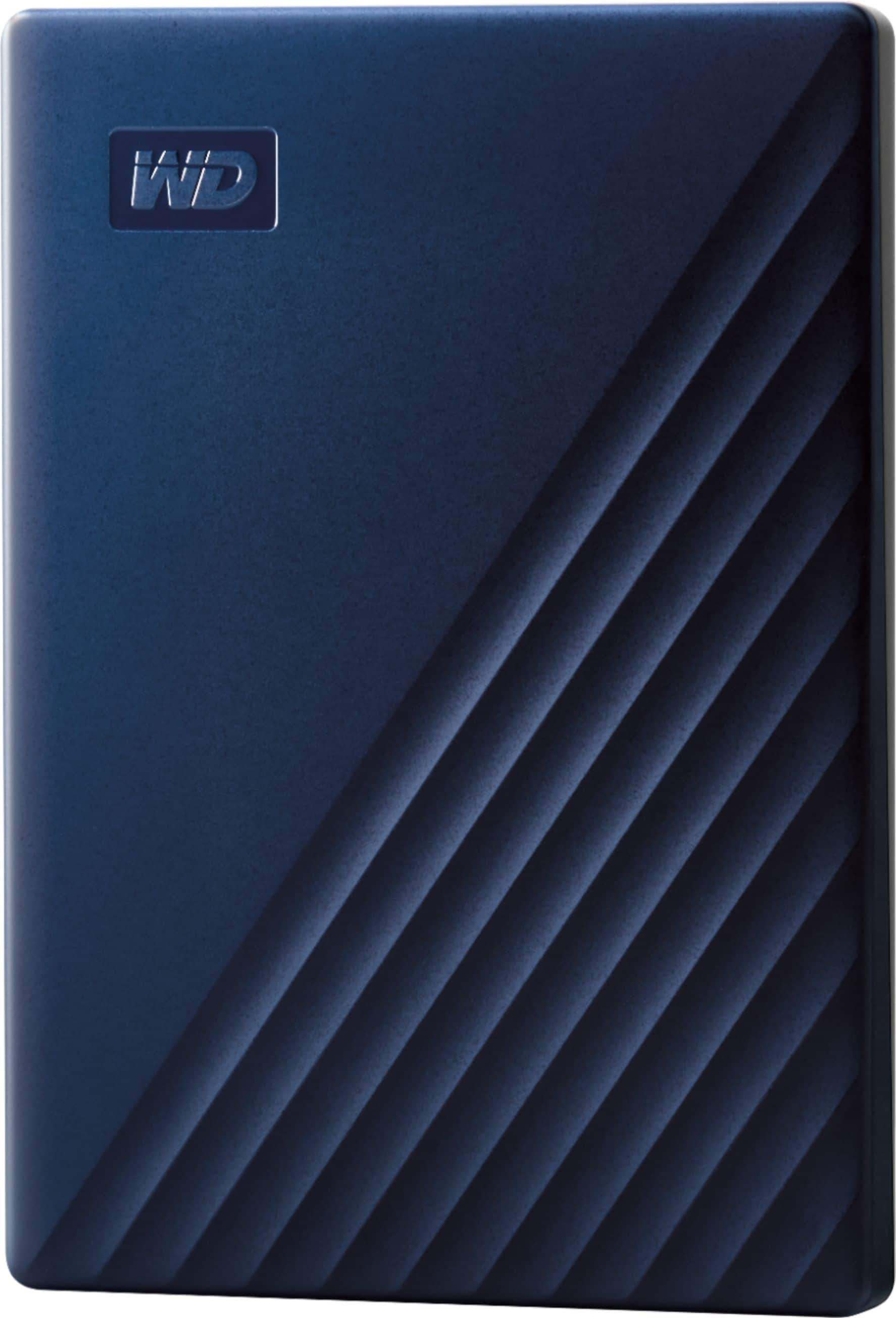
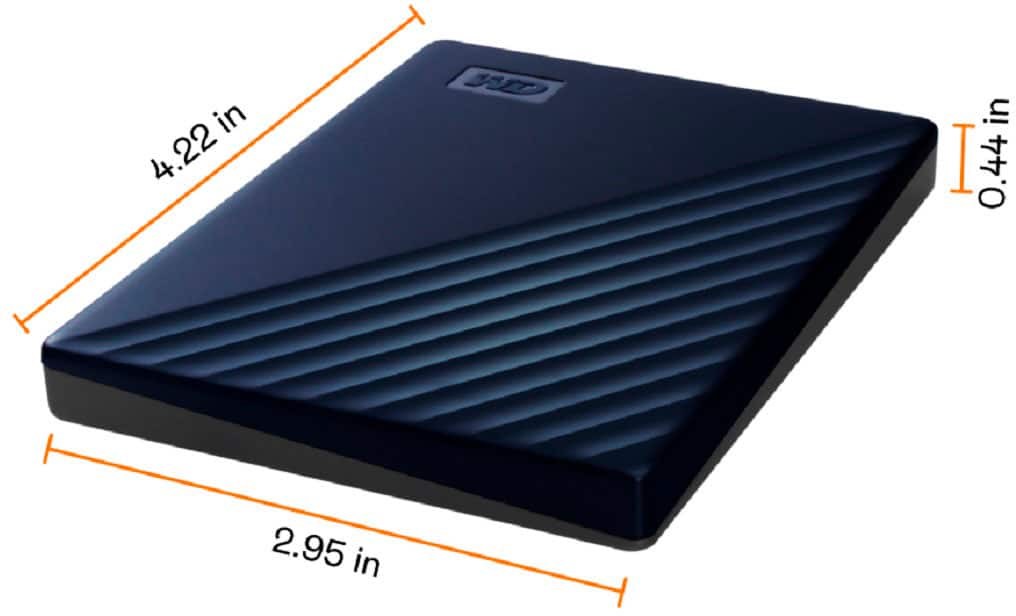
  • QuestionIs this external hard drive compatible with Catalina and Big Sur and is it at least one terabyte? WD-My Passport for Mac2TB External USB 3.0 Portable Hard Drive with Hardware Encryption

    Asked by Sandy.

    • Answer Hi, Please be informed that the WD My Passport for Mac drive is a plug and play device tested and designed for Mac computers for seamless operation. However, Western Digital drives are not tested with the vendor end of life operating systems and are optimized for more recent versions of OS.​​​​​​​Need Help? Please see our "'Contact Us" page for information.

      Answered by Western Digital Team

  • QuestionCan I directly transfer data from older seagate external HD to WD may passport HD?

    Asked by Rusty.

    • Answer Hi Rusty, The WD My Passport for Mac drive is a plug and play device tested and designed for Mac and Windows computers for seamless operation. So, you can connect both the drives to the computer's USB port and then manually move the data from one to another drive. ​​​​​​​Need Help? Please see our "'Contact Us" page for information.

      Answered by Western Digital Team

  • QuestionI have a 2013 MacBook Air and just upgraded to Big Sur OS. Is this compatible with the My Passport?

    Asked by reyen.

    • Answer Yes and perfect for your next Mac.

      Answered by Yourmacguy

  • QuestionIs WD My Passport for Mac 2 TB External USB 3.0 Portable Hard Drive compatible as Time Machine with iMac V 10.13.6 with High Sierra?

    Asked by Ann.

    • Answer Hi, Please know that the My Passport for Mac portable storage works straight out of the box with Mac devices and is Time Machine ready. Starting macOS Time Machine Backups to My Passport: https://support-en.wd.com/app/answers/detail/a_id/18952 Need Help? Please see our "'Contact Us" page for information.

      Answered by Western Digital Team

  • QuestionDoes this plug into my MacBook Air, or do I need a converter

    Asked by Willie.

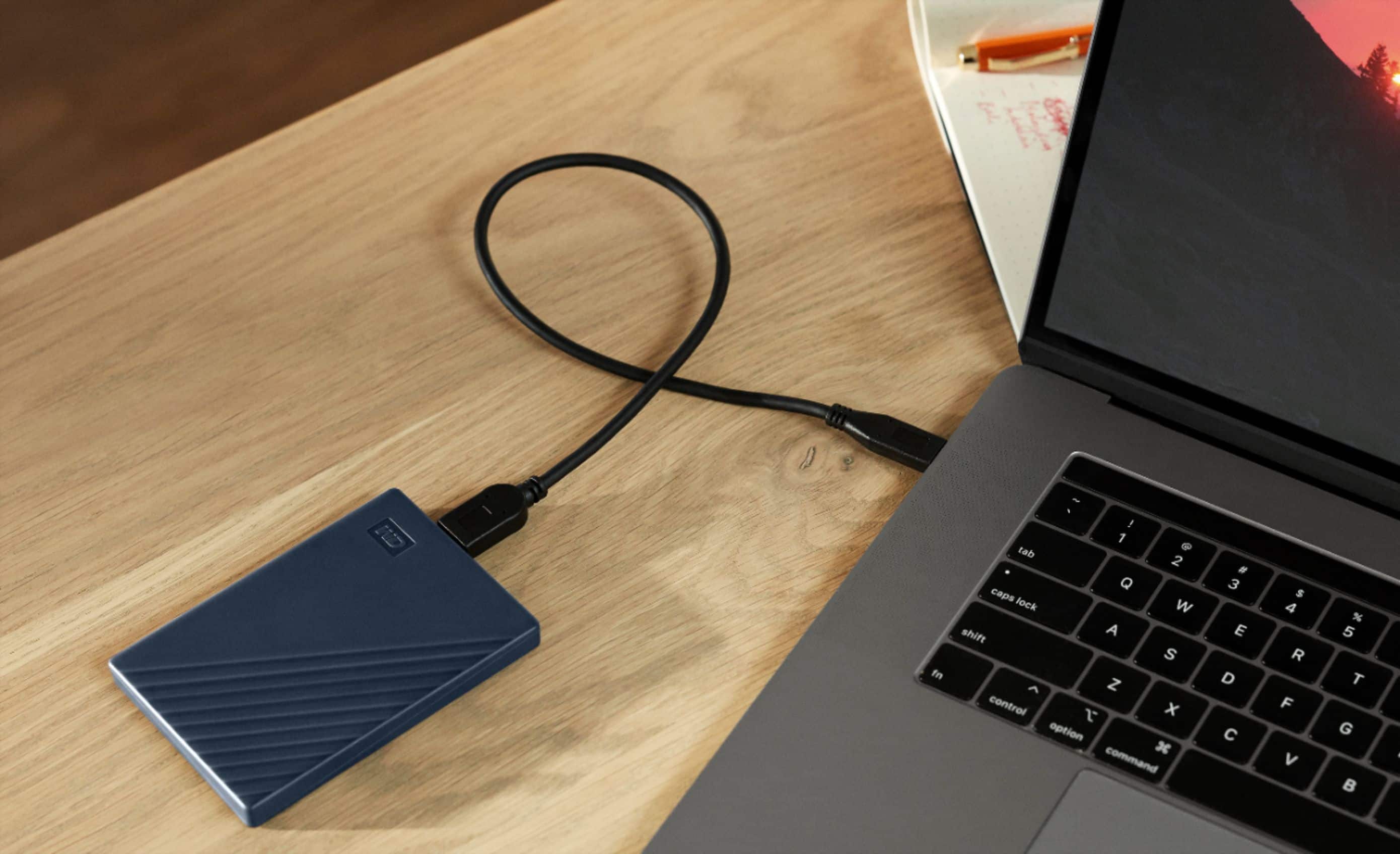
    • Answer Hi Willie,  Please be informed that the WD My Passport for Mac has USB 3.2 Gen 1 (Superspeed USB), USB 3.0, USB 2.0 support. Need Help? Please see our "'Contact Us" page for information.

      Answered by Western Digital Team

  • QuestionIs this hard drive fast enough to directly run an application from? Trying to find alternatives for an overheating Mac air 2020. Live classes and school software cause it to overheat and shut down.

    Asked by Ajpeepers.

    • Answer What BS answer from WD! Very misleading... almost an outright lie. USB 3.0 transfer speeds are up to 5 Gbps, but that's not the HDD transfer (read/write) speeds. How about a little honesty and transparency WD? Tell the readers what the read and write speeds are for the drive. Seriously, WD doesn't even include this info in their manual or marketing specs. Based on tech reviews I've seen that include Passport drives, actual transfer speeds are likely in 120-135 Mbps range, so not even close to USB 3.0 transfer speeds.
      Answered by Honesty

  • QuestionDo you have to have an external hard drive plugged into your Mac all the time? Or can you just use it for transferring photos over to it?

    Asked by NewtoThis.

    • Answer Hi NewtoThis, You can use the drive either for Time Machine backup or as extended storage to store photos and specific files onto it. Need Help? Please see our "'Contact Us" page for information.

      Answered by Western Digital Team

  • QuestionCan this be used with Xbox one or Ps4

    Asked by Stove.

    • Answer Hi Chris, The WD My passport for Mac drive is designed to be used with Windows or Mac OS. We recommend using "WD GAMING DRIVE ACCELERATED FOR XBOX" to be used on the Xbox console and "WD GAMING DRIVE (WORKS WITH PLAYSTATION 4)" to be used on Playstation. Please refer to the link mentioned below for more information. WD GAMING DRIVE ACCELERATED FOR XBOX: https://documents.westerndigital.com/content/dam/doc-library/en_us/assets/public/wd/product/portable/wgdxbox1/4078-705152.pdf WD GAMING DRIVE (WORKS WITH PLAYSTATION 4) https://shop.westerndigital.com/en-us/products/portable-drives/wd-gaming-drive-usb-3-0-hdd#WDBDFF0020BBK-WESN Need Help? Please see our "'Contact Us" page for information

      Answered by Western Digital Team

  • QuestionI have I mac 27" mid 2011 computer running High Sierra 10.13.6. Is this unit compatible? Thanks

    Asked by AlaR.

    • Answer Hi AlaR, You can use the drive directly without reformat the drive as the My Passport for Mac comes out of the box ready to use with Mac OS. Please refer to the link given below to set up the Time Machine backup. https://support-en.wd.com/app/answers/detail/a_id/18952 Need Help? Please see our "'Contact Us" page for information.

      Answered by Western Digital Team

  • QuestionIs this comparable with OSX Yosemite 10.10.5

    Asked by TUNE.

    • Answer Hi Tune, Yes! it will compatible. The hard drive can be reformatted in the supported file system for Mac OS by following simple steps mentioned in the link mentioned below: Reformatting Required for Mac OS Compatibility: https://support-en.wd.com/app/answers/detail/a_id/3879 Need Help? Please see our "'Contact Us" page for information.

      Answered by Western Digital Team

  • QuestionIs this as fast as SSD?

    Asked by Pitr.

    • Answer No! It has 5400rpm drive, so much slower.

      Answered by Yourmacguy

  • QuestionWill this work with MacBook Pro, Mid 2012?

    Asked by Ruf.

    • Answer Hi Ruf, Yes, it does. For more information visit the link below http://products.wdc.com/library/AAG/ENG/4078-705156.pdf Need Help? Please see our "'Contact Us" page for information.

      Answered by Western Digital Team

  • QuestionWill this work on a I pad is this wifey

    Asked by Anonymous.

    • Answer No not WiFi. It will work with iPads with usb-c with proper cable.

      Answered by Yourmacguy

  • QuestionIs it compatible with Yosemite?

    Asked by Anonymous.

    • Answer Hi, The My Passport Ultra for Mac comes pre-formatted in HFS+ Journaled for macOS Catalina, Mojave and High Sierra Need Help? Please see our "'Contact Us" page for information.

      Answered by Western Digital Team

  • QuestionWill this work on a Macbook AIR 2017?

    Asked by Patch.

    • Answer Hi Patch, The hard drive can be reformatted in a supported filesystem for Mac OS. Please refer to the link mentioned below for more information. Reformatting Required for Mac OS Compatibility: https://support-en.wd.com/app/answers/detail/a_id/3879\ please refer to the link mentioned below. http://products.wdc.com/library/AAG/ENG/4078-705156.pdf Need Help? Please see our "'Contact Us" page for information

      Answered by Western Digital Team

  • QuestionCan you plug an I phone into this and transfer videos from the phone to it?

    Asked by Jenni.

    • Answer Hi Jenni, The My passport hard drive is designed to be used with Mac computer. We have not tested and will not recommend connecting this drive to a mobile phone. Please refer to the link mentioned below to know more about this drive. http://products.wdc.com/library/AAG/ENG/4078-705156.pdf Need Help? Please see our "'Contact Us" page for information

      Answered by Western Digital Team

  • Questionis it good to hold memory for games

    Asked by garay.

    • Answer Hi garay, This drive is compatible for macOS, and ready to use as it is preformatted for macOS. Although, you can save the games if the file format is supported.

      Answered by Western Digital Team

  • QuestionIs this compatible with gaming consoles

    Asked by Patrick.

    • Answer Hi, I think you would have to reformat it if you want to use it with any other machines - it specifically mentions For Mac in the item name, so it comes pre-formatted for those machines.

      Answered by SoCalmacman