A:AnswerI would either check with the company you bought the laptop from or simply scroll through "apps and programs" on your computer until you find it.
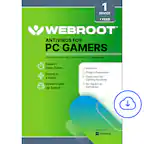
A:AnswerYes. I have it on two desktops and a laptop, not Dell, but runs smoothly and reliably. All running Windows 10. I've had Webroot for 3 years, never an issue.
A:AnswerYes, you can definitely use this for MacOS! Go here if you need installation instructions: https://answers.webroot.com/Webroot/ukp.aspx?pid=12&vw=1&solutionid=1220
A:AnswerI'm not sure I understand this question. Are you asking what features come with Webroot Internet Security Plus? If so, you can find all of the features on our official spec sheet here: https://www.webroot.com/us/en/home/products/isp
Hope that helps!
A:AnswerIf you place a new key code on your account before your current subscription has ended, they will not "combine". The new code will overwrite the old subscription time. My suggestion is to wait until a day or two before your current subscription ends to do so. Hope that helps!
A:AnswerThere is no difference in the software whether you buy digital or physical copies. Most people opt for a digital copy due to ease of use and the fact that very few computers have CD-drives nowadays.
A:AnswerYes, you can buy a new key through Best Buy instead of the renewal option. Once you have a new key, you just got to the webroot settings and change the key.
A:AnswerWe have a secure web browser app for the mobile iOS on iPhone and iPad - search the app store for "secure web browser" and install it from there!
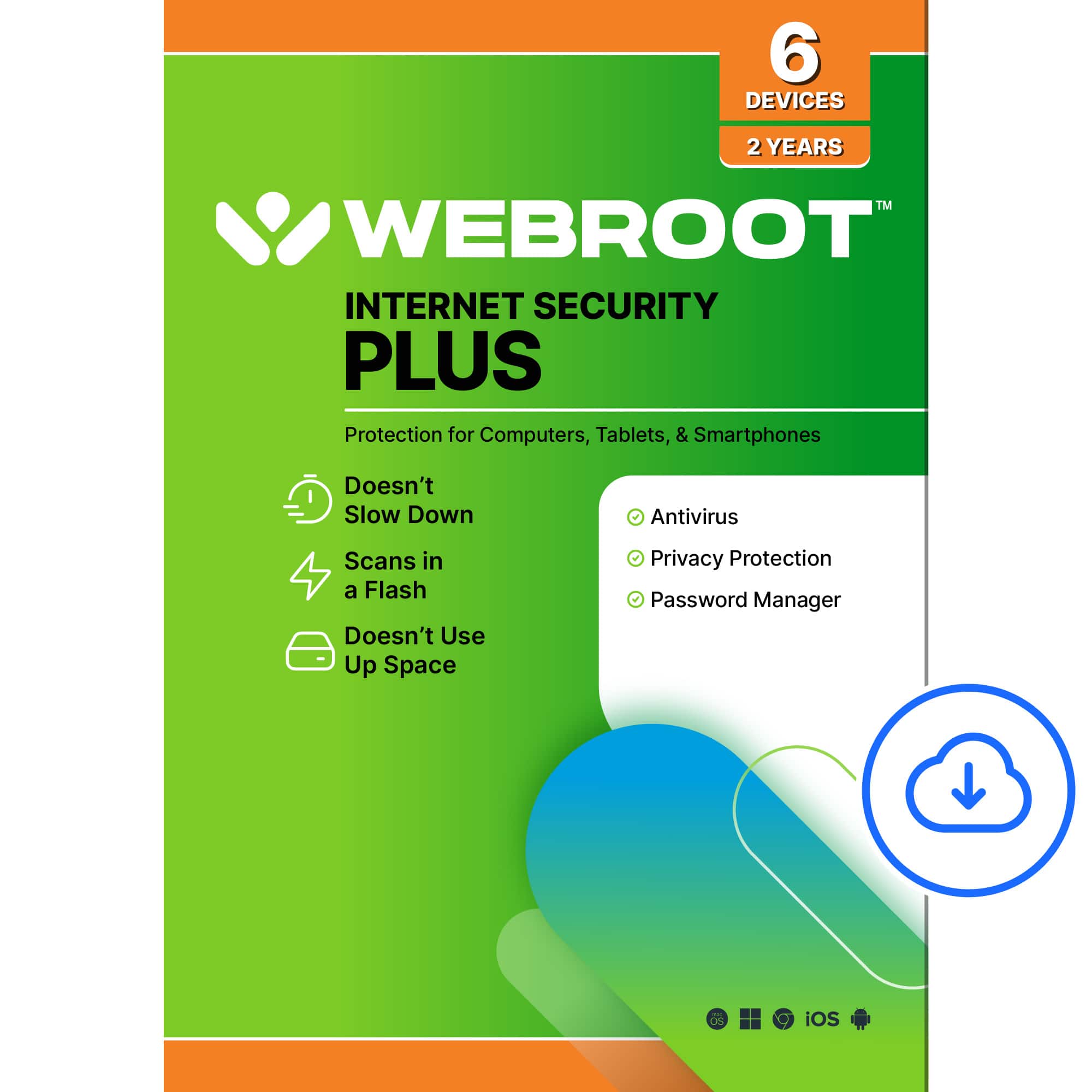
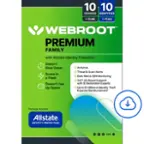
A:AnswerThis product is compatible with Android phones, Mac computers, and Windows computers. Any combination of those devices will fall under your "6 device" product.
A:AnswerPlease see all of our listings and prices using this amazon search link: https://www.amazon.com/s?k=webroot&ref=nb_sb_noss_1
Thanks!
-Webroot Community Team