A:AnswerI believe you should be able to-
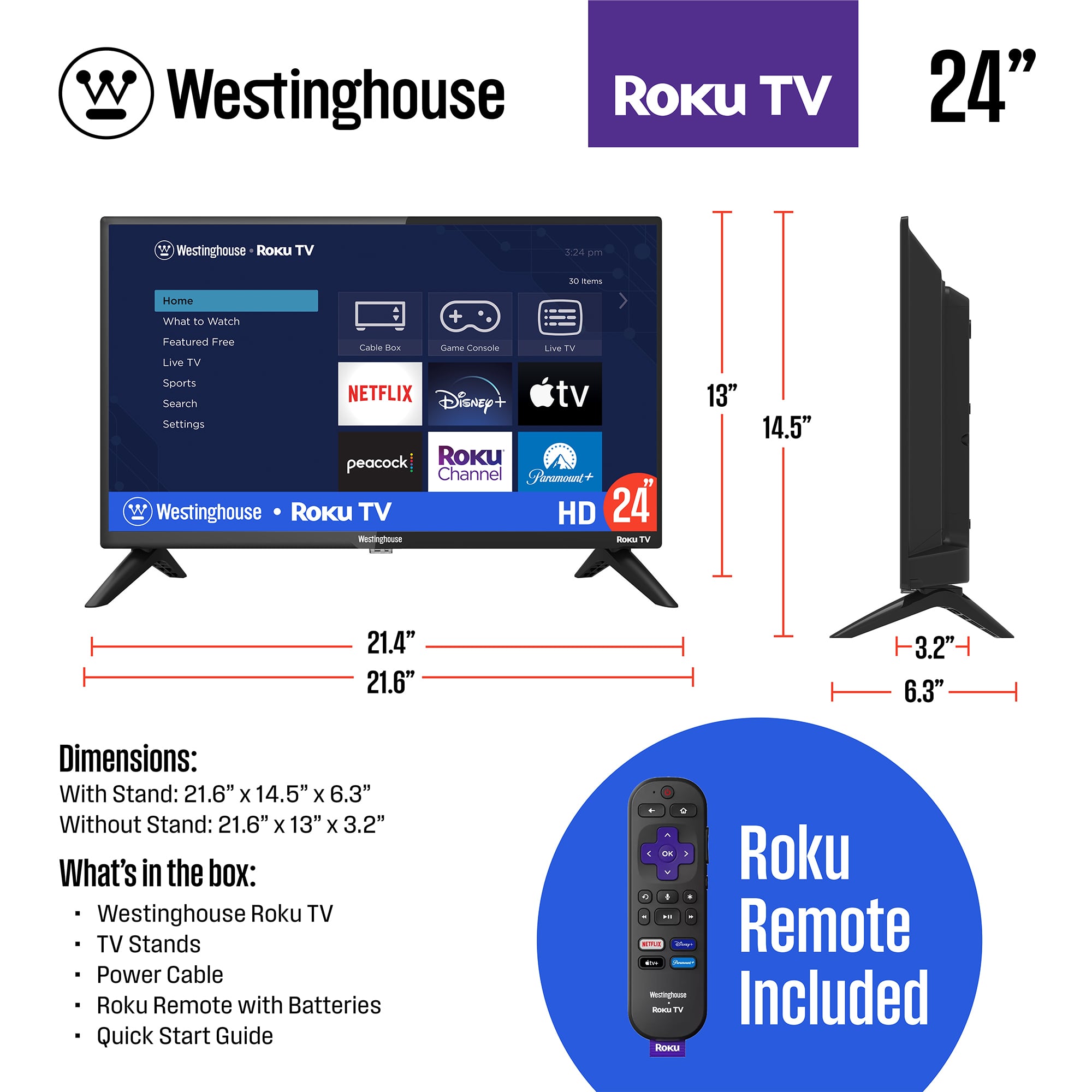
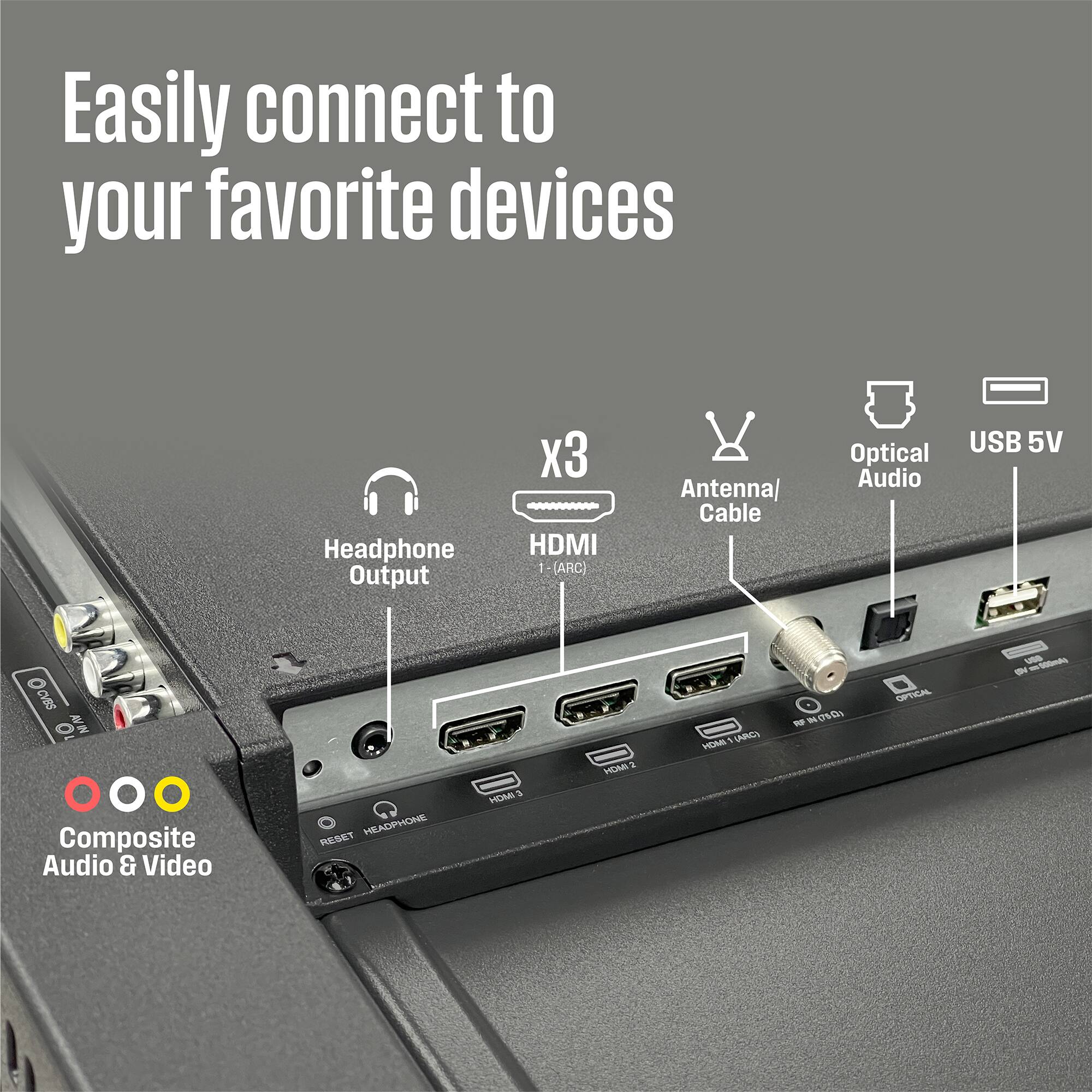
There are three hdmi ports and when you turn on the tv, the menu will let you name each HDMI port that is hooked up, so you can easily switch from PlayStation to the dvd. Hope that helps!
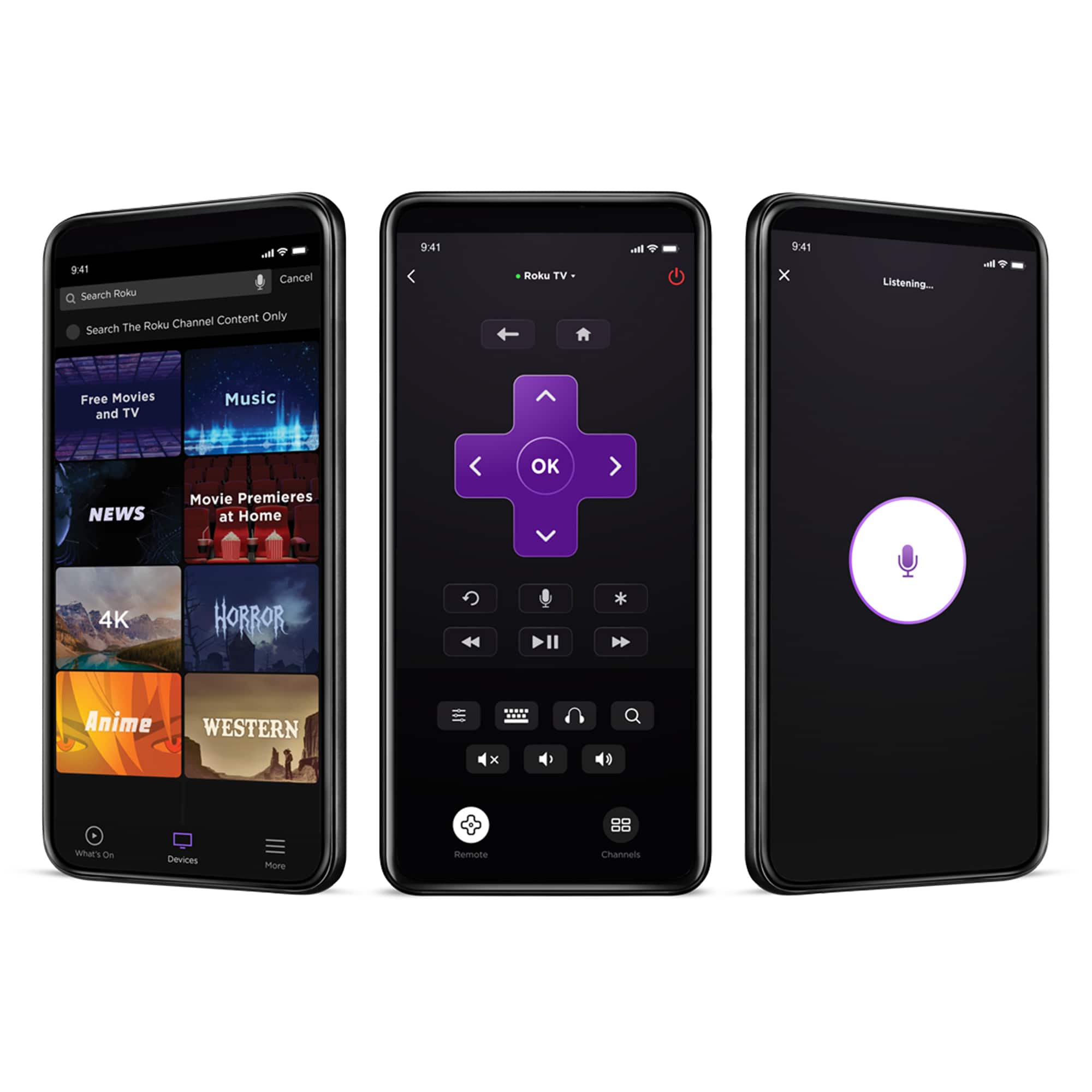
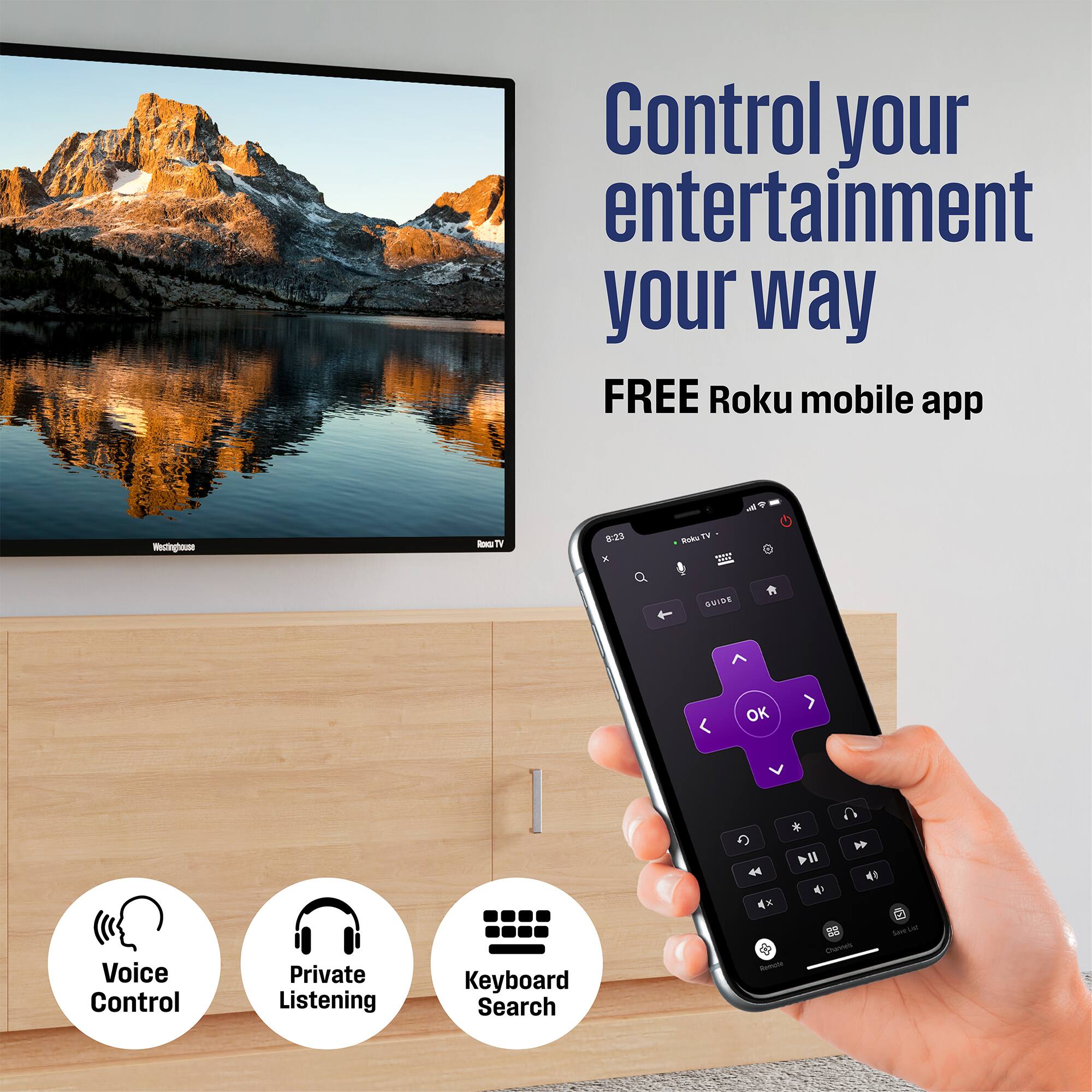
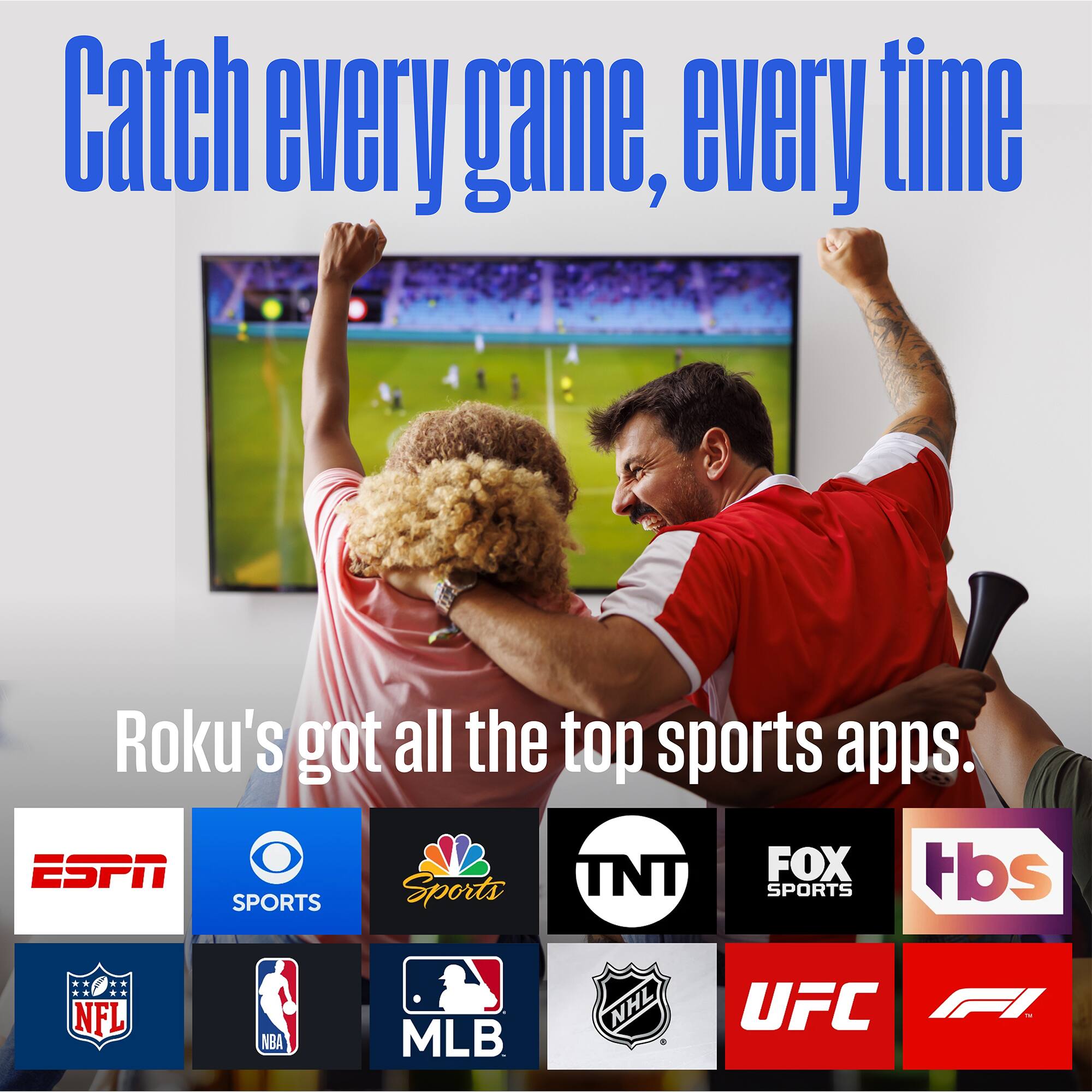
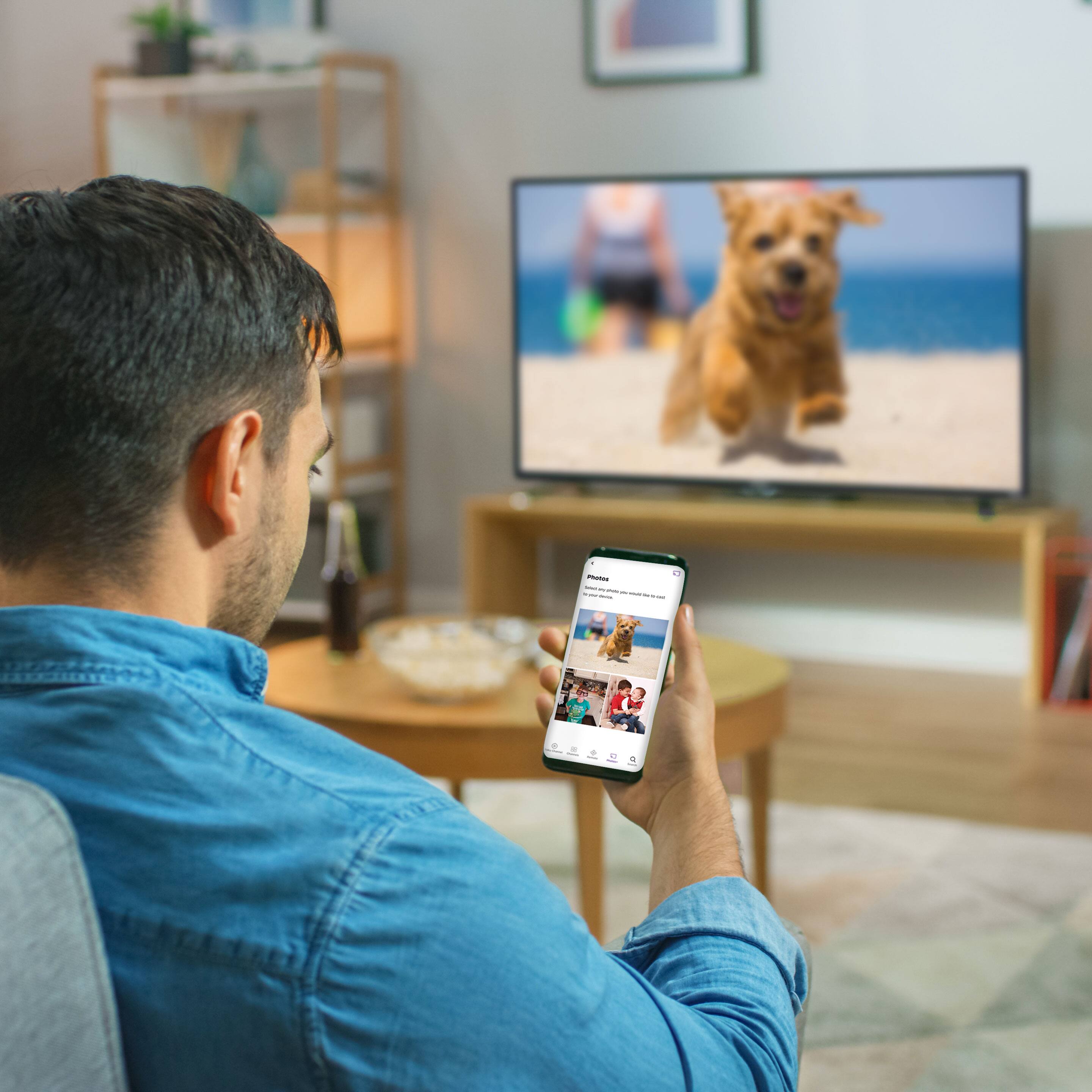
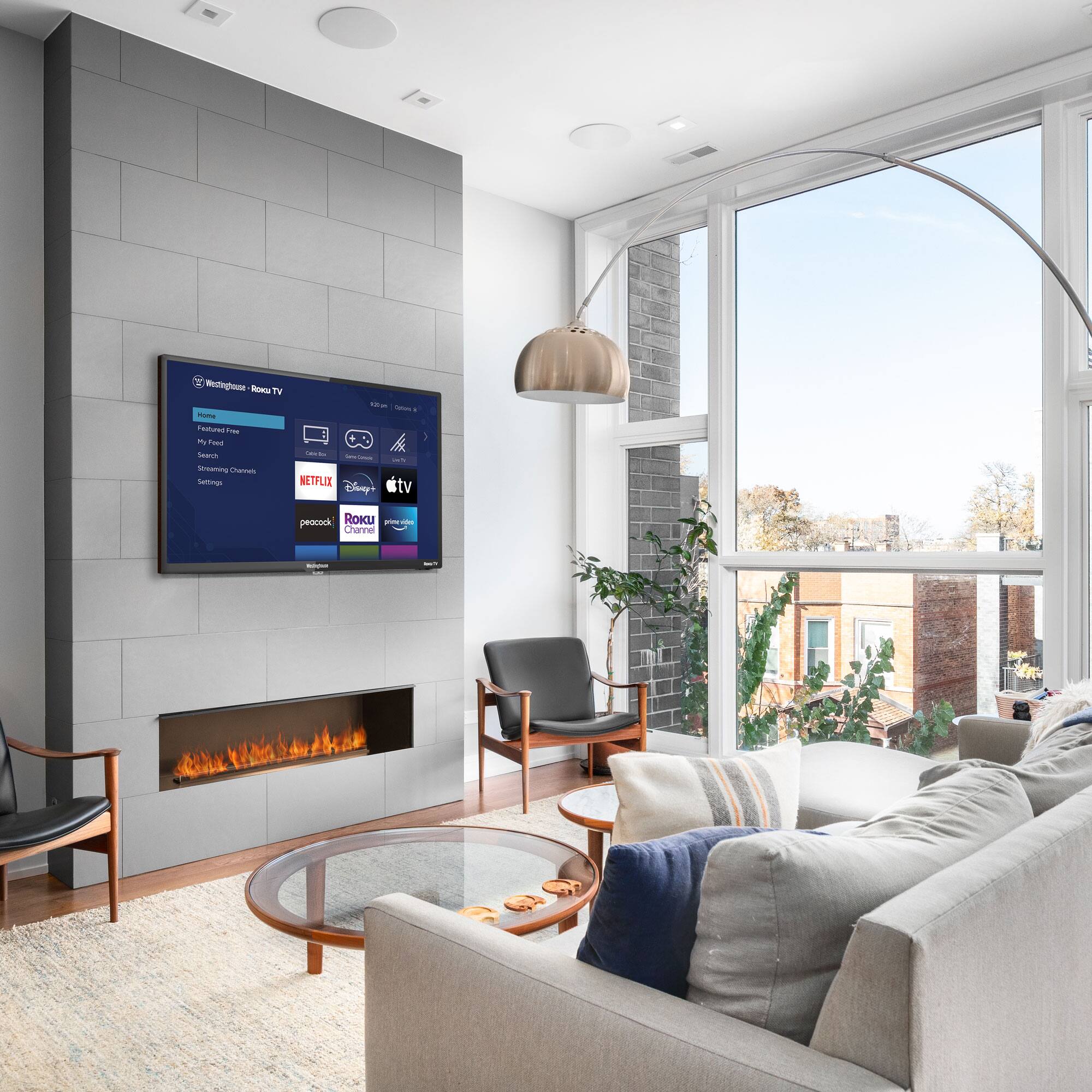
A:AnswerI've never had to cast apps from my phone to ROKU. You can add lots of different apps through ROKU search and apps. You name it and ROKU can probably add it. You can add apps when you set up your TV and you can add more anytime after you set up. You can mirror your phone to the screen too.
A:AnswerNot sure. I'm not familiar with Verizon's Jetpacks. That's probably a question for Verizon. I purchased a Roku for streaming and it works great.
A:AnswerI deleted Netflix and then added it again and it’s working just fine now on this TV. Maybe you can set TV to its original settings and delete Netflix…then start again by setting TV up and then download Netflix, good luck
A:AnswerYou can use the mirroring from your iPhone to this TV and watch YouTube. I do the mirroring with my music to this TV and it works great! Plus if you have internet you can download YouTube app and should be able to watch it just fine on this TV
A:AnswerHello, Yes this device is capable of communicating with another device via Bluetooth, provided they are within the required range of each other. A Bluetooth-enabled device must also be the same Bluetooth version or higher than the accessory it is intended to pair with.