A:AnswerHello! I am sorry to hear that you're having issues with your product. Please contact our customer support team for further assistance at 1 (800) 701-0680.
A:AnswerHello! Yes, you should be able to connect your VHS player by connecting it through the video inputs. For further details and specifications regarding this product, please visit our website at www.westinghouseelectronics.com.
A:AnswerHello! I am sorry to hear that you are having issues with your product. We offer a 1-year manufacturer warranty for all of our products, Please contact our customer support team at 1 (800) 701-0680
A:AnswerHello! You should be able to connect a DVR device to this TV. For further details and specifications regarding this product, please visit our website at www.westinghouseelectronics.com.
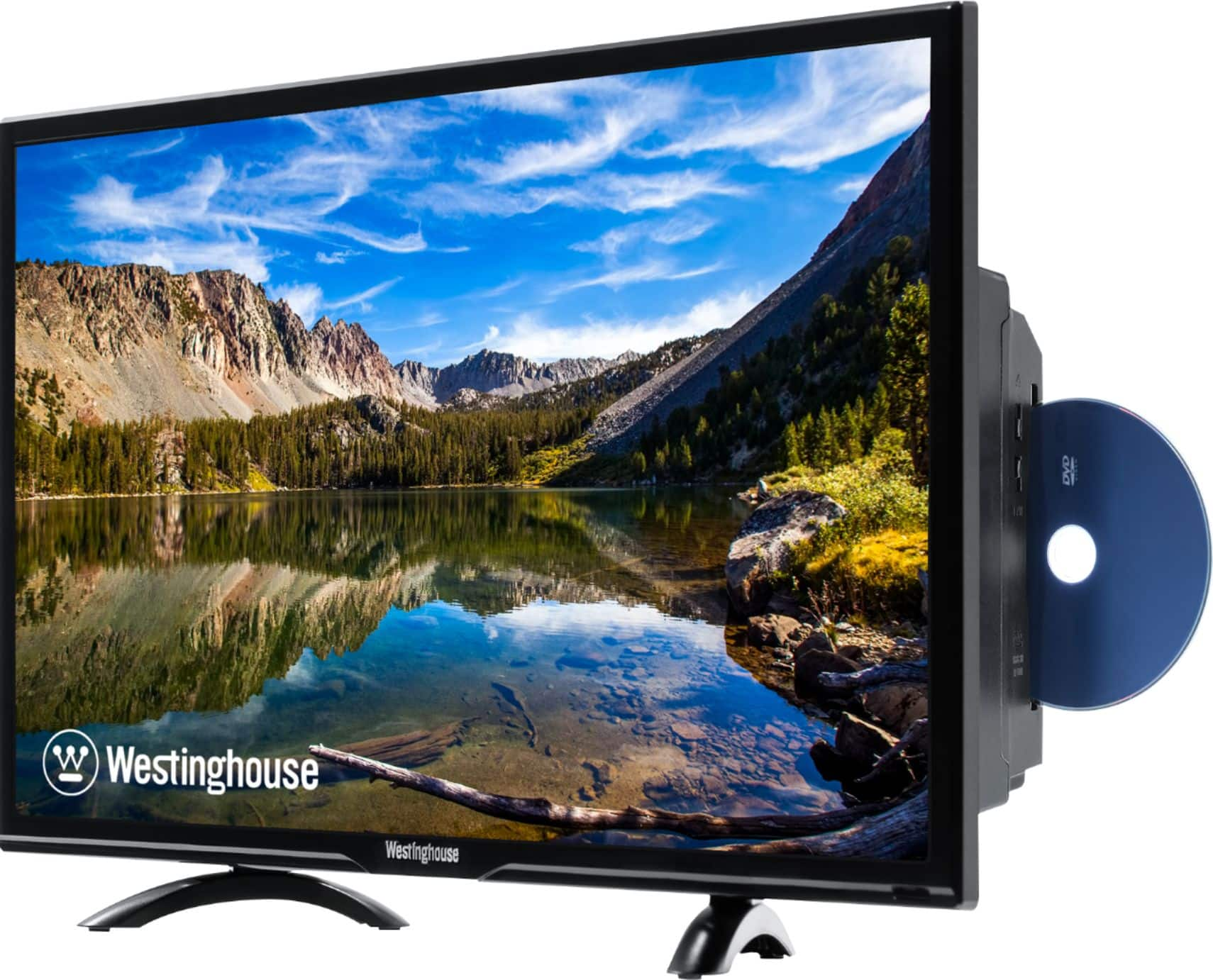
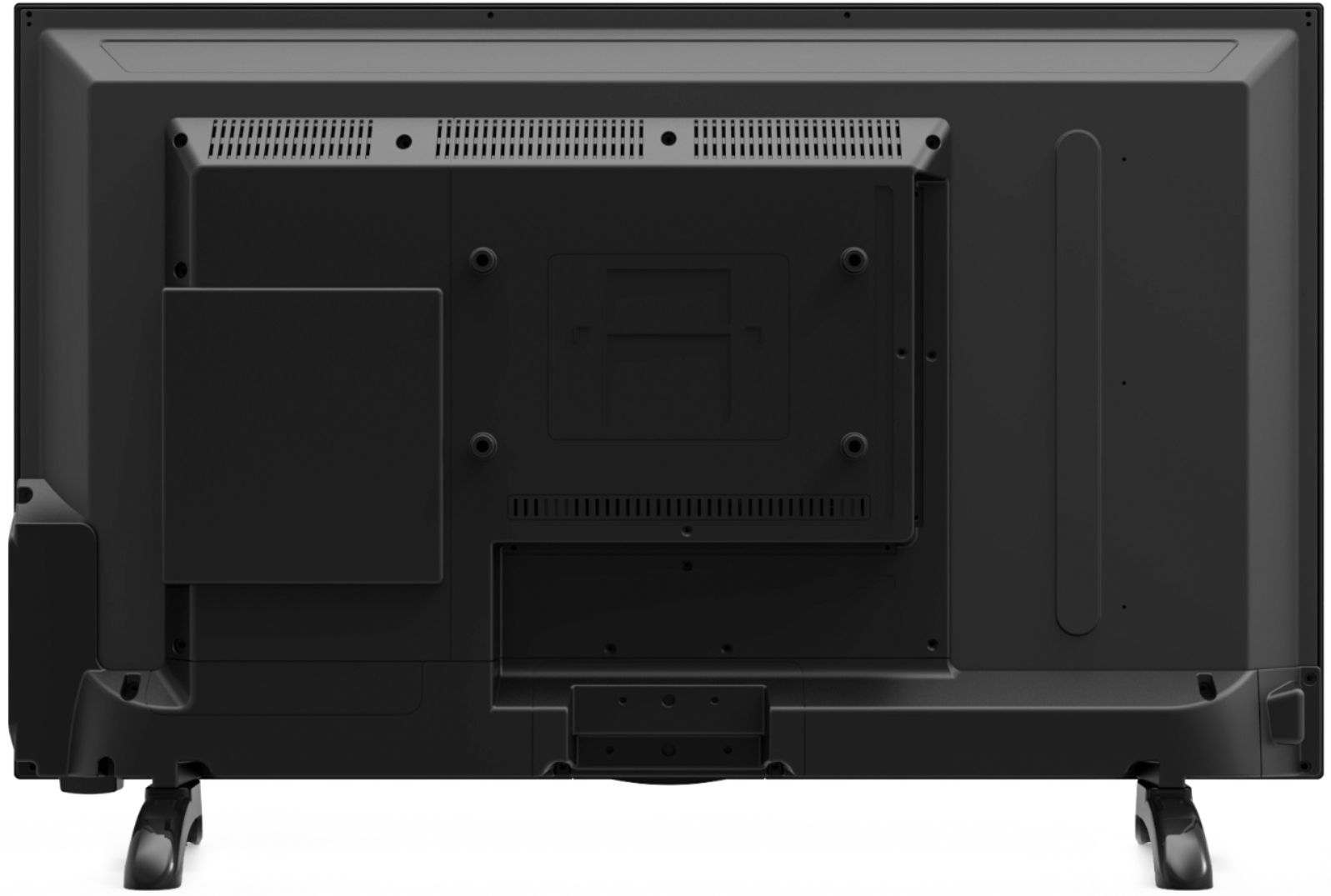
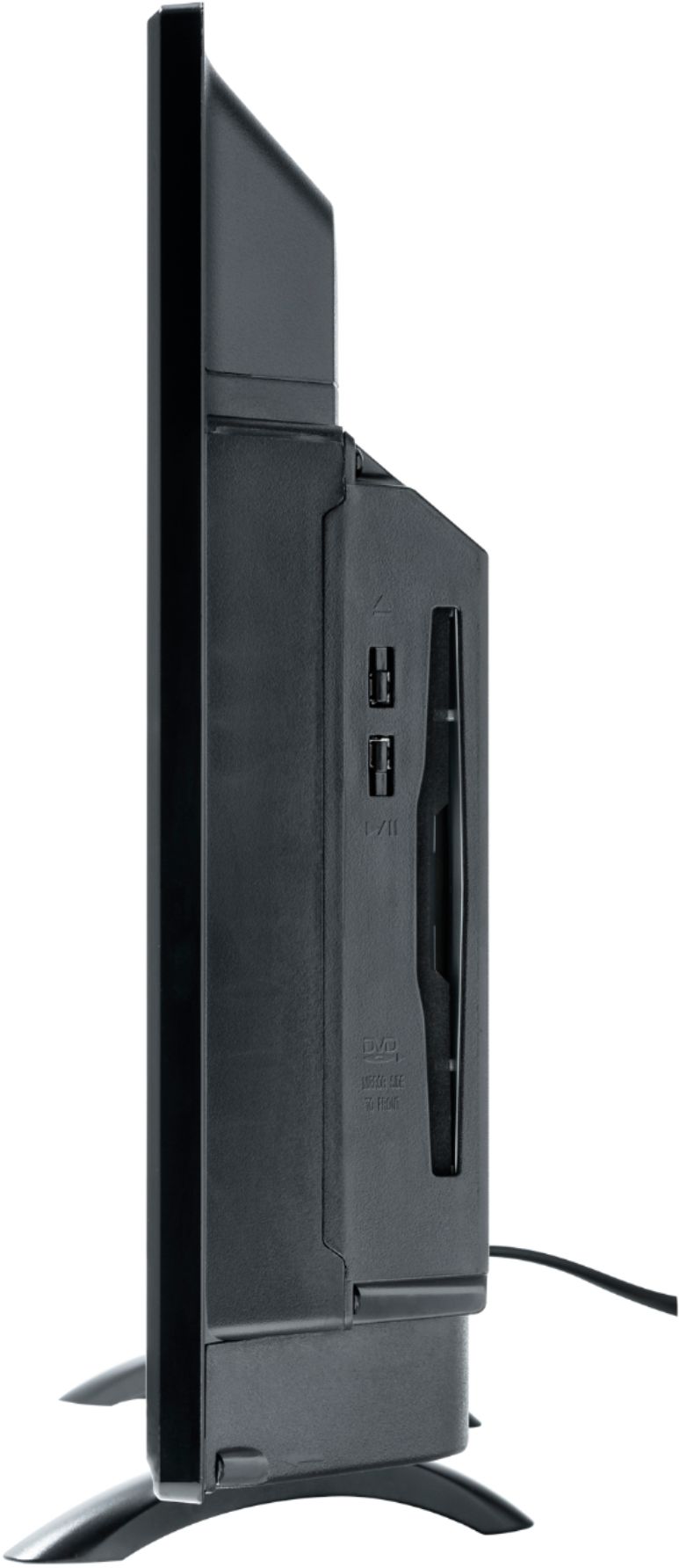
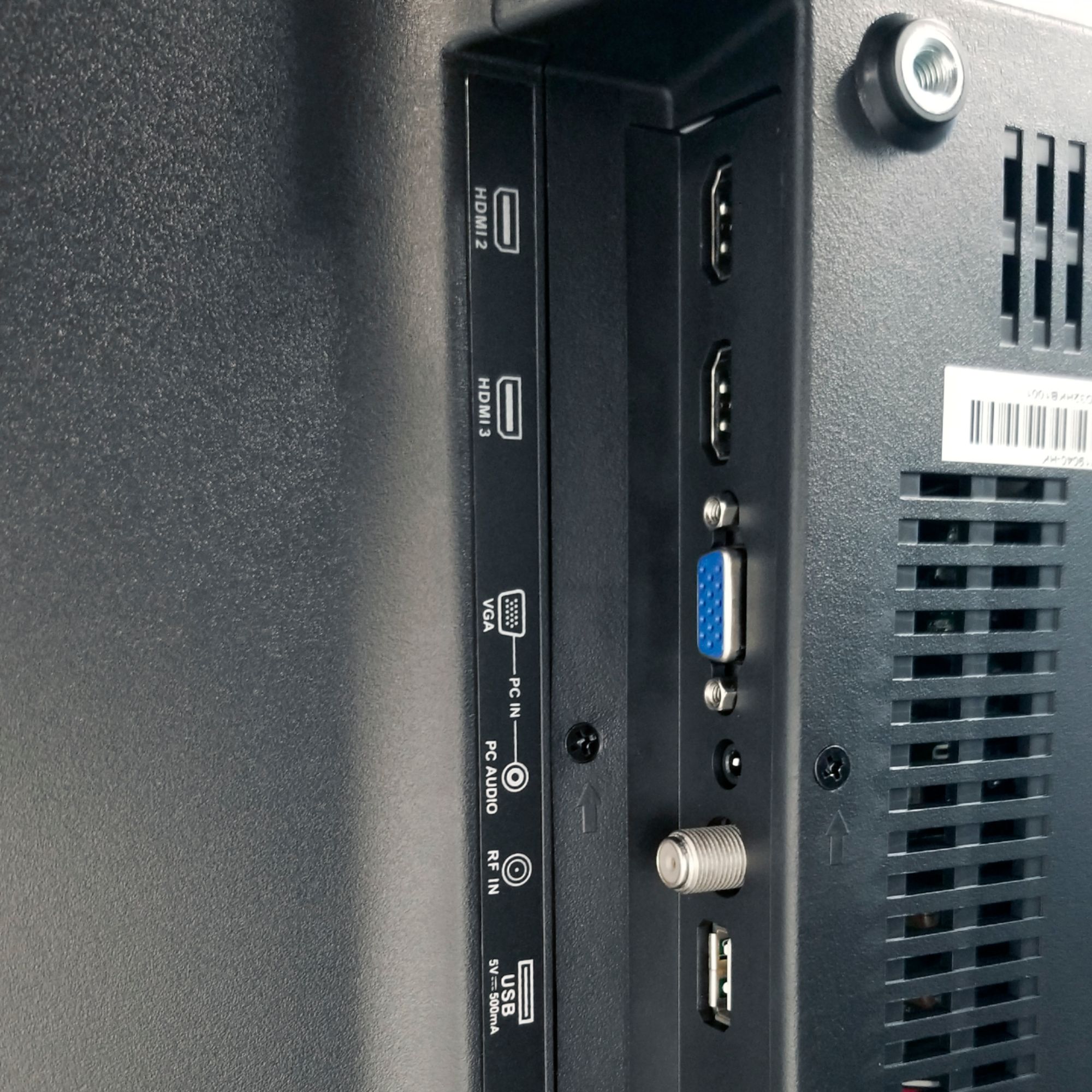
A:AnswerThe connectivity options this TV has are as follows: Composite Video Input, Headphone Input, Optical Digital Output, Tuner Type ATSC/NTSC, USB, Supports Multimedia (Photos,Video & Audio), VGA Output, and HDMI.
A:AnswerYou may contact our customer support team at 1-800-701-0680 or you may chat with our team! Simply click on the following link: https://westinghouseelectronics.com/support/
A:AnswerYou may contact our customer support team at 1-800-701-0680 or you may chat with our team! Simply click on the following link: https://westinghouseelectronics.com/support/
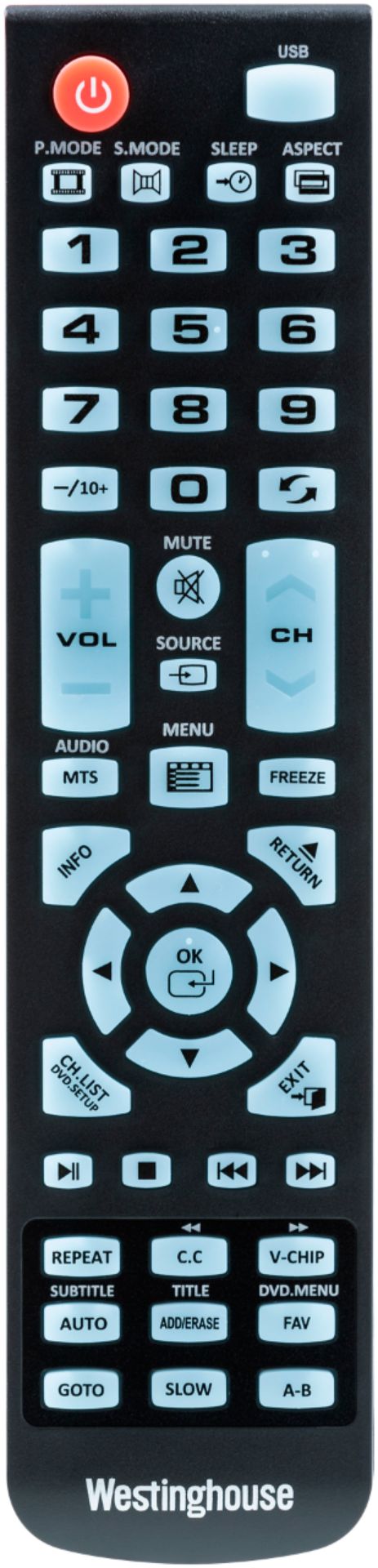
A:Answerpress the c.c. button on remote to cycle closed captions on or off. if you've done that and you're watching a dvd and the subtitles are still there you may need to go into the settings of the dvd you're playing