
Skip to contentGo to Product Search
Main Content

Questions & Answers

$99.99
Page Showing 1-10 of 10 questions
  • QuestionAre there USB ports available on this monitor?

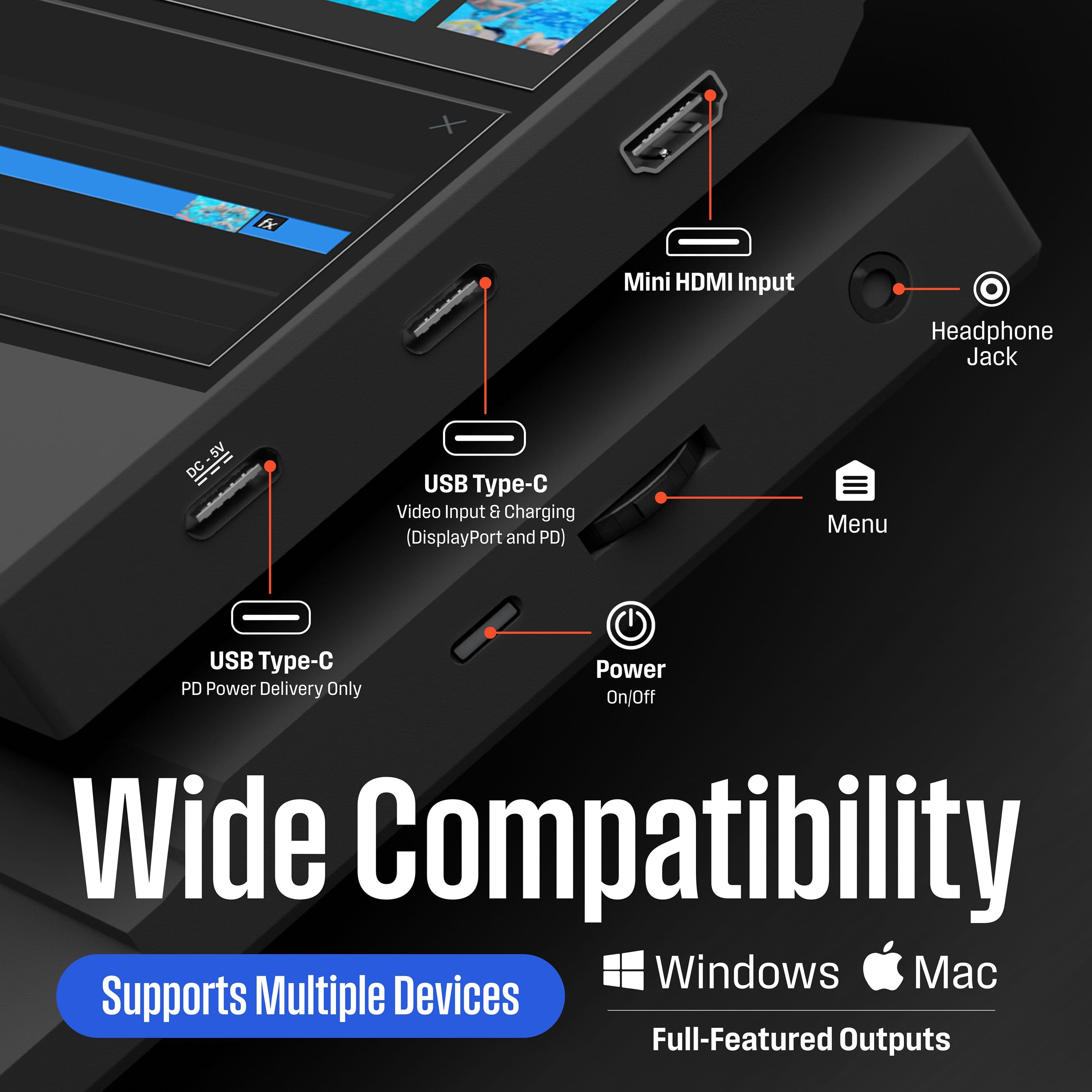
    • Answer Yes, there are two USB ports available on this monitor.
    This question and answer was generated by AI based on customer and product data.

  • QuestionDoes the monitor have a headphone jack?

    • Answer Yes, the monitor has a headphone input.
    This question and answer was generated by AI based on customer and product data.
  • QuestionIs this monitor suitable for travel?

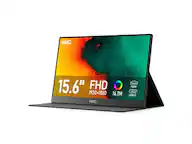
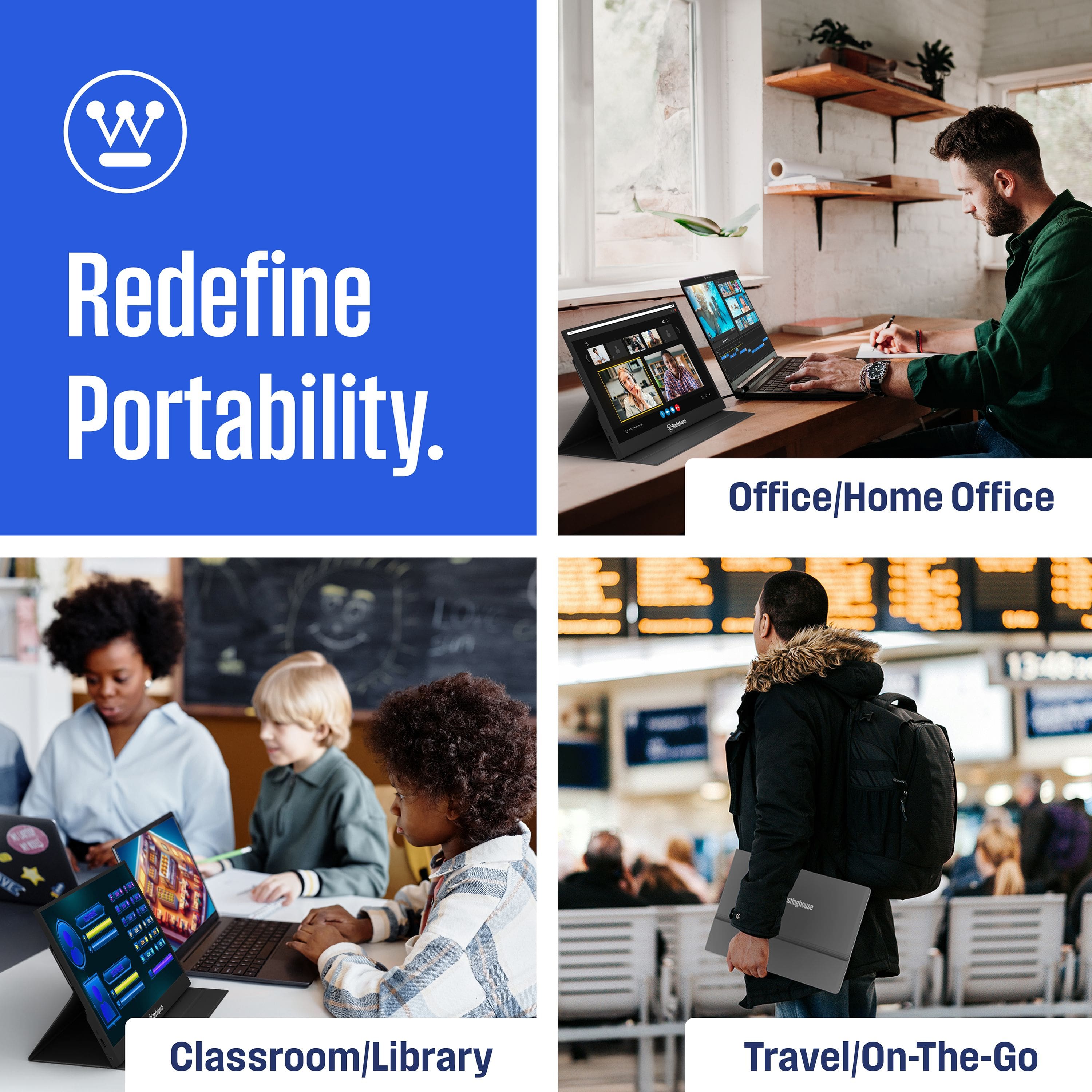
    • Answer Yes, this portable monitor is ultra-thin and travel friendly.
    This question and answer was generated by AI based on customer and product data.
  • QuestionCan I connect my laptop to this monitor?

    • Answer Yes, you can easily connect your laptop to this monitor.
    This question and answer was generated by AI based on customer and product data.
  • QuestionWhat is the maximum resolution supported by this monitor?

    • Answer The maximum resolution supported is 1920 x 1080.
    This question and answer was generated by AI based on customer and product data.

  • QuestionDoes this monitor have an HDMI input?

    • Answer Yes, this monitor has one HDMI input.
    This question and answer was generated by AI based on customer and product data.
  • QuestionDoes this monitor have built-in speakers?

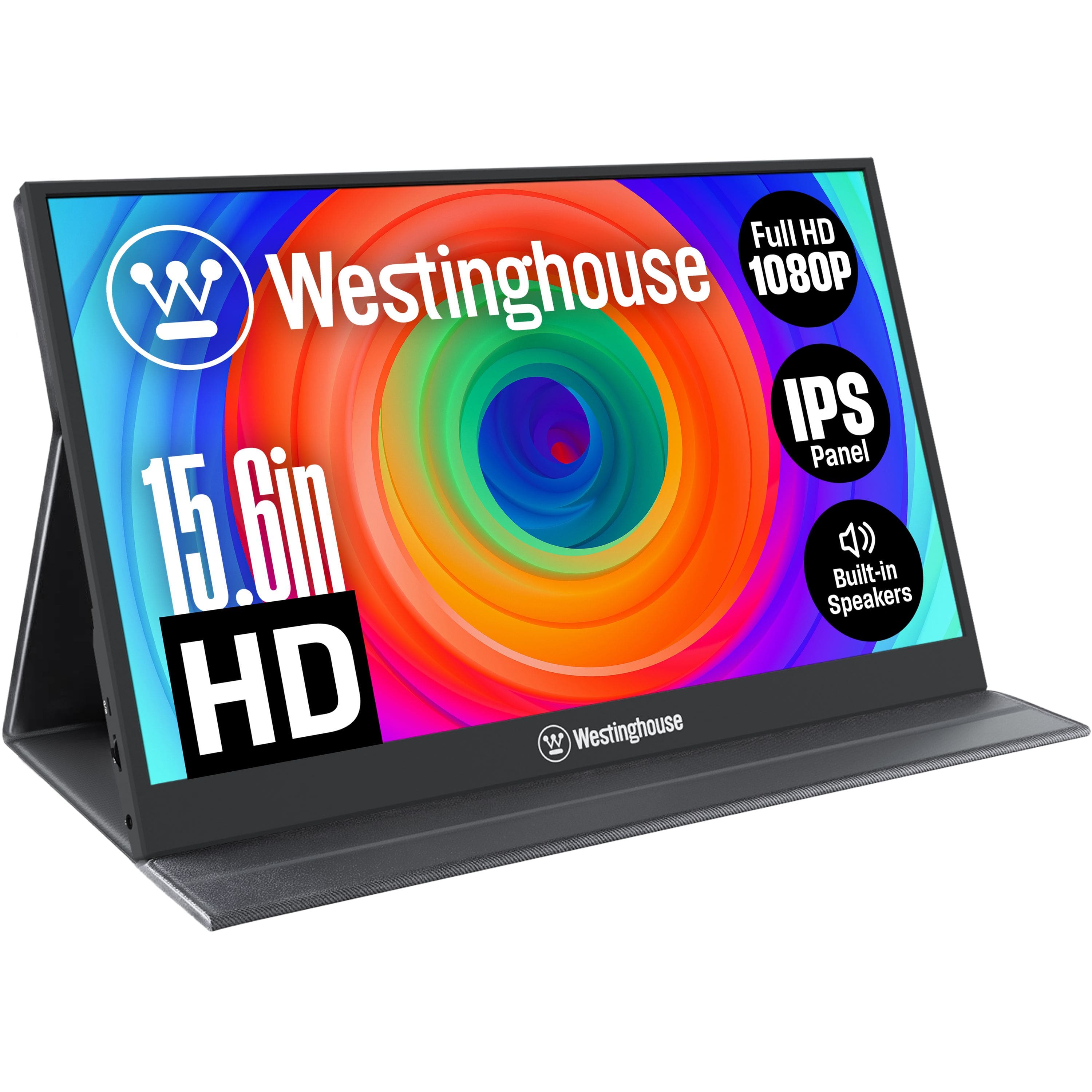
    • Answer Yes, this portable monitor has built-in speakers.
    This question and answer was generated by AI based on customer and product data.
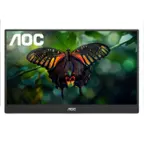
  • QuestionIs this monitor cordless, or does it need a power cord at all times?

    Asked by Nathanael.

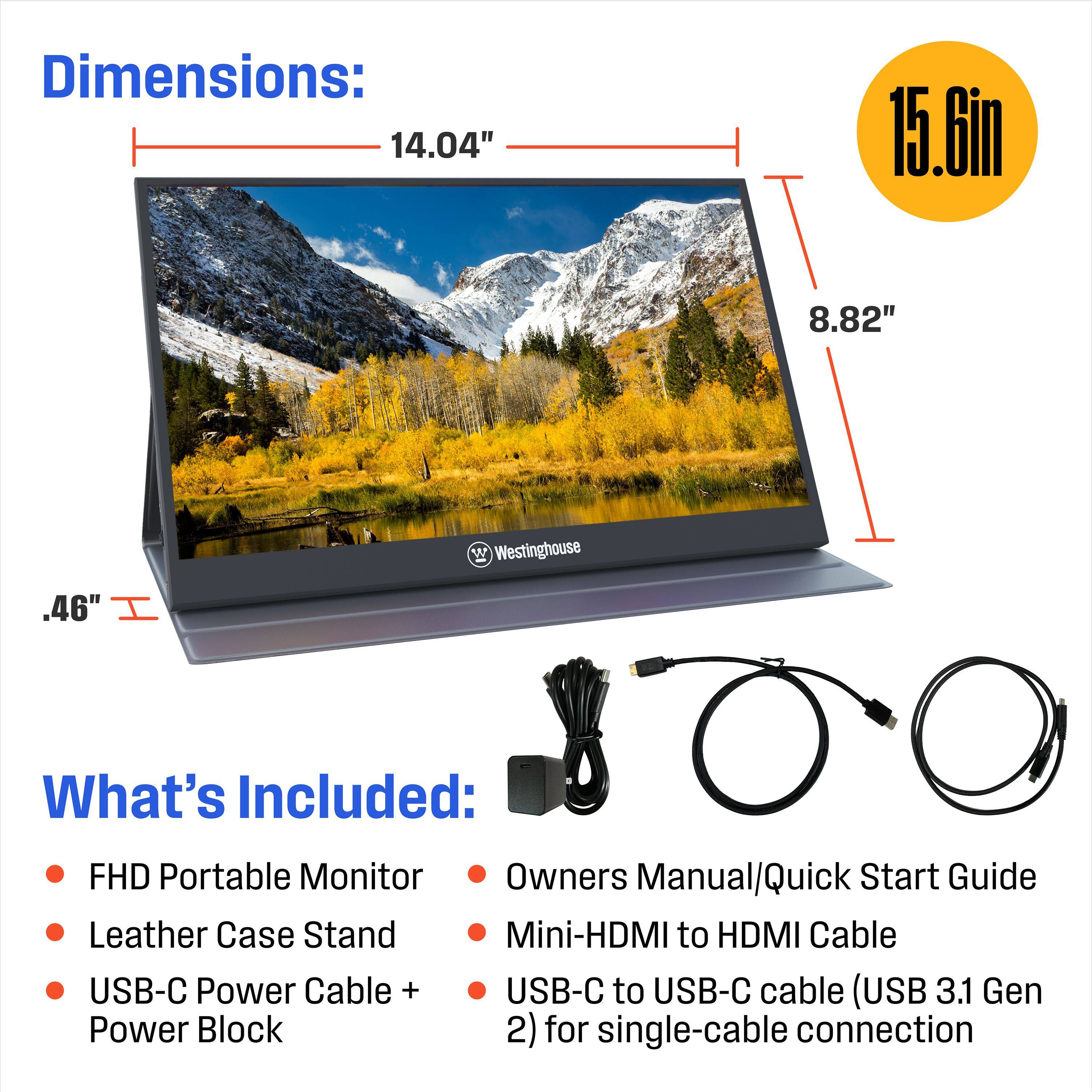
    • Answer Hi Nathanael, the monitor does not require have to be plugged in to power at all times. To keep things cordless, you can use the signal cable (Thunderbolt3 USB-C) to connect to a compatible port on your external device. If you have other questions, contact our customer support team at 1 (800) 701-0680. Thanks!

      Answered by WestinghouseElectronics

  • QuestionDoes this connect directly to my ihpone with the usbc conncection-

    Asked by Brian.

    • Answer Hi Brian! You can use the USB-C to USB cable (3.1 Gen 2) to connect with a compatible device. You'll want to check the specifications on your iPhone to be sure it can send or receive a video/audio signal through the built-in USB-C port. Hopefully this helps. Please reach our technical support team at 1 (800) 701-0680 if you have any other questions!

      Answered by WestinghouseElectronics

  • QuestionHow do you connect it to an android phone?

    Asked by C.

    • Answer Hi C! To connect a portable monitor, please be sure to use the signal cable provided with a compatible device. For technical support, please reach out to 1 (800) 701-0680. Have a great day!

      Answered by WestinghouseElectronics