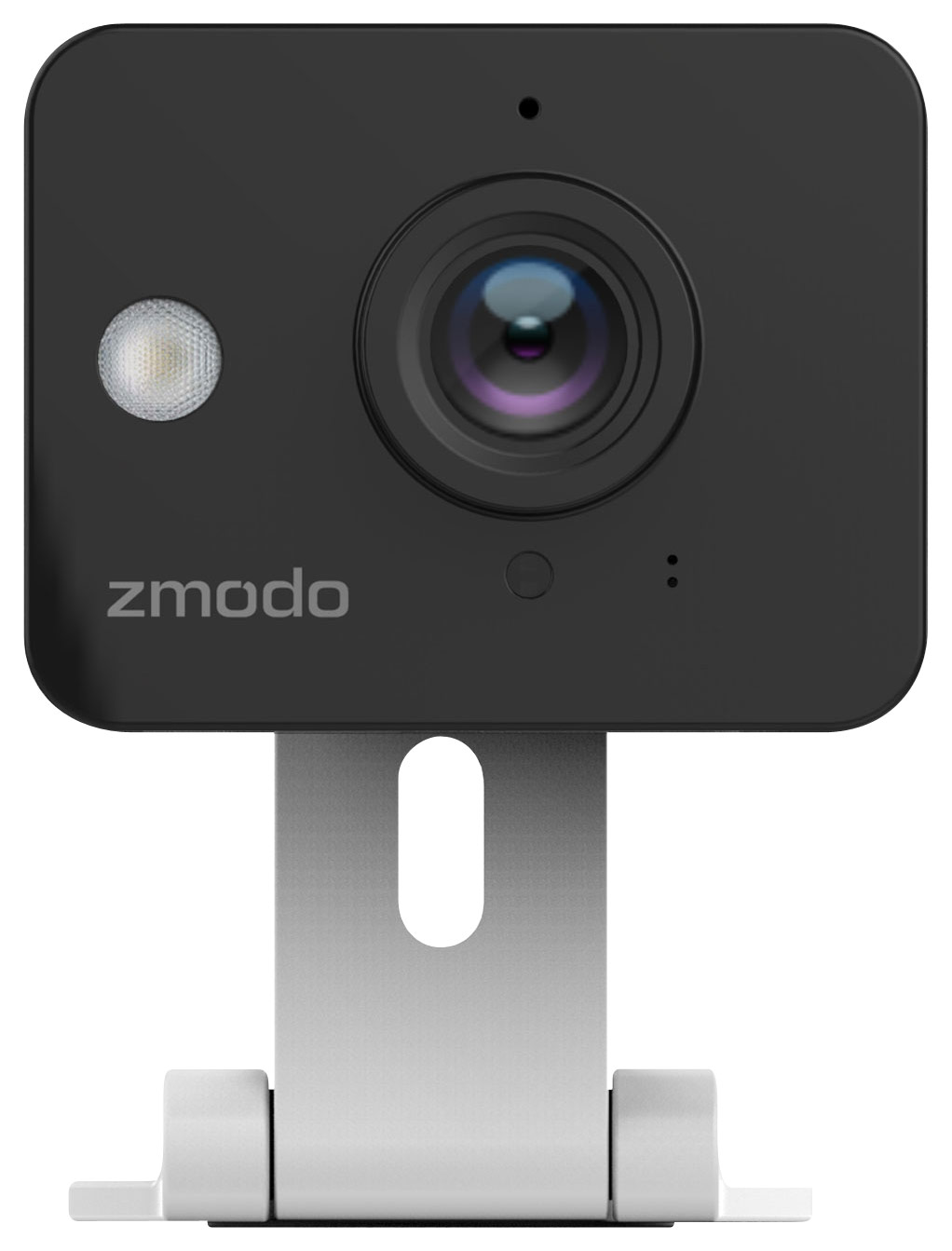
A:AnswerWhen my camera detects a sound it will notify me on my cell phone. I then go to the app and look at the picture that was snapped when the sound was detected. I usually go look through the camera just to make sure things are good at home. I will also turn on the sound so I can hear what is going on in that room. The camera doesn't "monitor" the sound but will notify you when I hears a sound and it will snap a picture.
A:AnswerYou can't either mount it by screwing/drilling holes in the wall or you could get some strong command strips and try that. We have done both. Using command strips gives you the option to relocate without leaving any damage.
A:AnswerOur devices require connection to high speed internet. Hot spots and satellite internet connections will not be able to support the upload speed requirements.
A:AnswerSatellite internet will not work with this camera. You will need to have high speed internet with a standard wireless router for this camera to work.
A:AnswerYou can't "broadcast" but you can certainly see what the camera sees in real time by logging into the camera on the Zmodo App and selecting "Live"
A:AnswerHopefully you are using the phone app called "Zmodo" in conjunction with this camera. Make sure you have notifications turned on. If you're still having trouble please call our tech support at 217-903-5037 Mon-Fri between 8am-8pm and let us assist you.
A:AnswerThis camera's intention is mainly to have access to the live view from your smartphone at any time. It comes with its own power supply adapter to plug into any normal AC outlet, so you don't ever have to worry about batteries. Many other questions including instructions on how to get it set up can be answered here -------> http://support.zmodo.com/index.php?lang=en&action=show&cat=20
A:AnswerYes it would be good for that. As for power loss at that location where camera was, as long as the WiFi router comes back on ok after the power outage, then the camera should automatically connect again too.
A:AnswerIf the video stream is not being viewed on the smartphone app, then it does not use data. If you have just 1 of these cameras, we'd recommend an upload speed of 500 kilobytes per second.