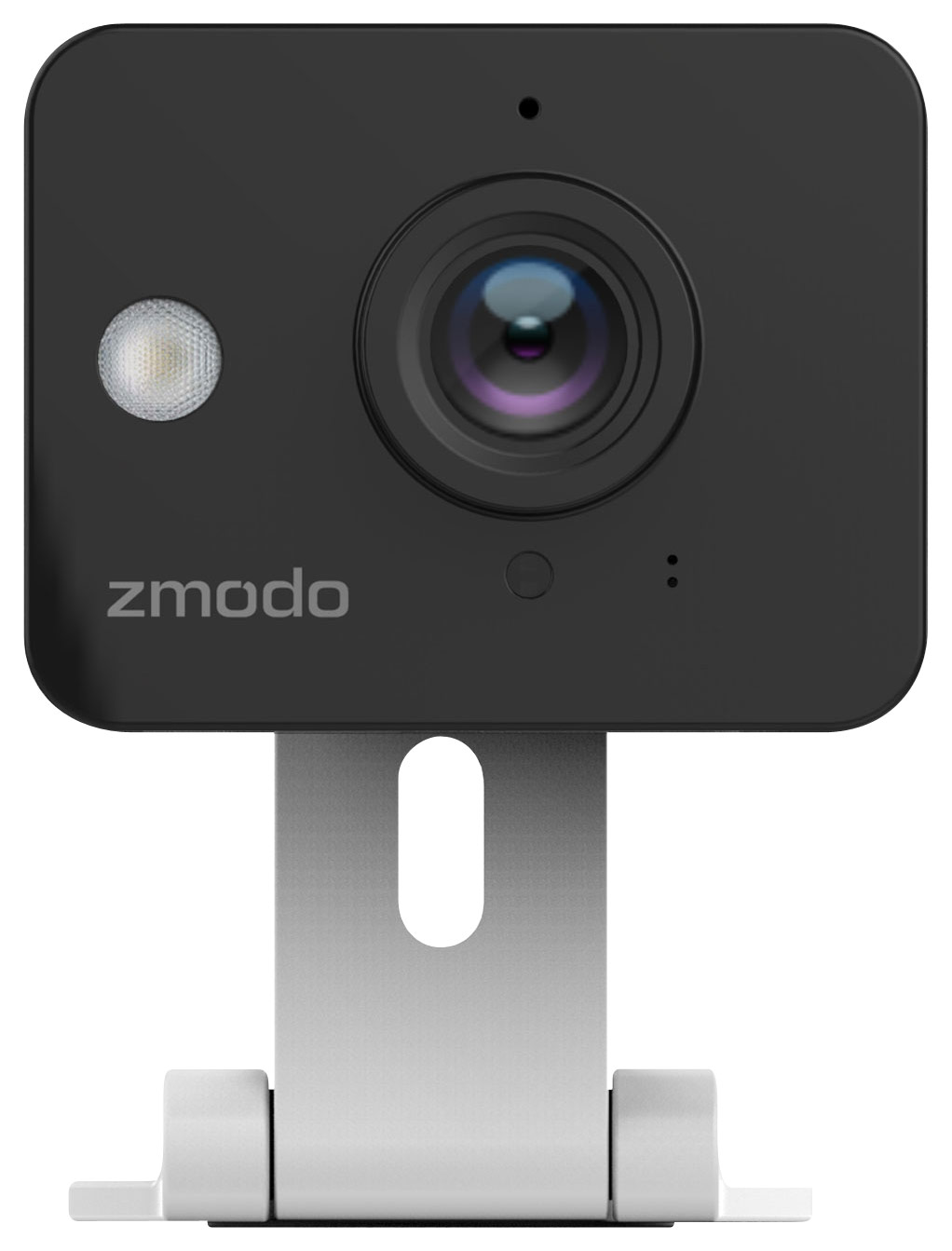
A:AnswerYes. Go to website www.user.meshare.com and create an account and you will be able to access the camera via your laptop. During set up, it will ask you for the device ID name and password that you create for it.
A:AnswerYou need a 2.4Ghz WiFi signal in your home or business to connect the camera to. A smartphone. Download our free app called "Zmodo". Open the app and it will walk you through setting it up so you can view the camera from your phone any time.
A:AnswerBecause of the very low price for this item, there really isn't a good way to record video footage. We do have a slightly higher priced camera called the EZ Cam (Best Buy sku number: ZM-SH721-SD) that has an SD card on the camera that can record video.
A:AnswerHi Faze, you can access the camera through Zmodo app and get to know its status. Zmodo accounts are protected by bank-level encryption that can be accessed only by you, to ensure that videos are always kept safe.
A:AnswerWhen setting up the camera, you will enter a password or your choosing for that camera. A person would need that password in order to access it.
A:AnswerNo you have to have a Wi-Fi router the camper has a Wi-Fi router you wouldn't be able to connect to it. You could get a travel Wi-Fi usb internet router plugged into your laptop which might work.
A:AnswerThis camera is designed to work with our mobile app and web portal. You could try to use camera's IP address and required ports to try to connect it to third-party software; however, our support team only supports Zmodo software and can't guarantee that the camera will be compatible with any third-party products.