Customer Ratings & Reviews
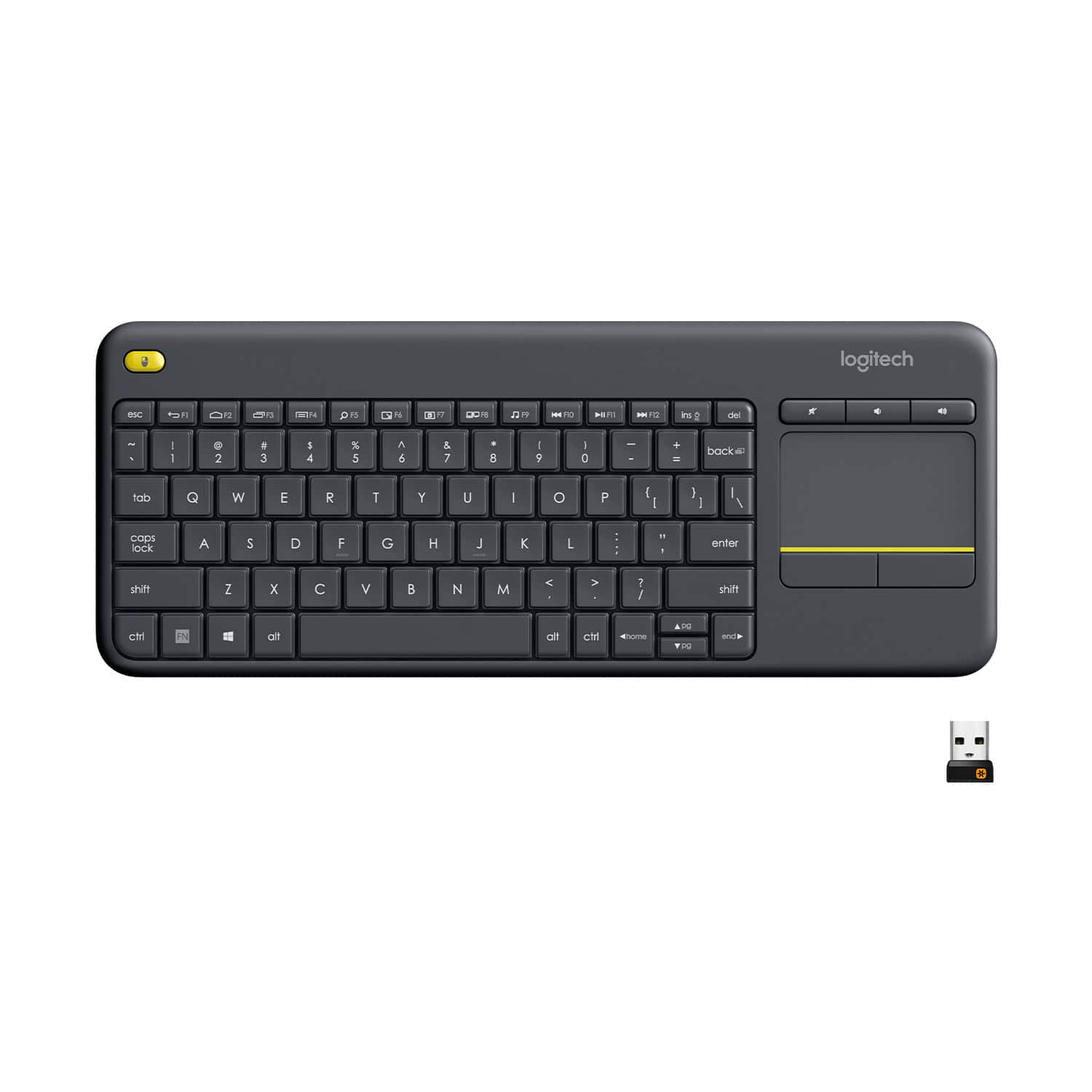

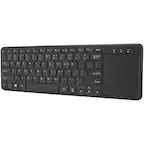
![Built-in touchpad logitech ins PC del + = back } ] I / POINT SCROLL enter shift](https://pisces.bbystatic.com/image2/BestBuy_US/images/products/9b5a0d6f-631a-4c6c-a7bf-e65b20135ee8.jpg)

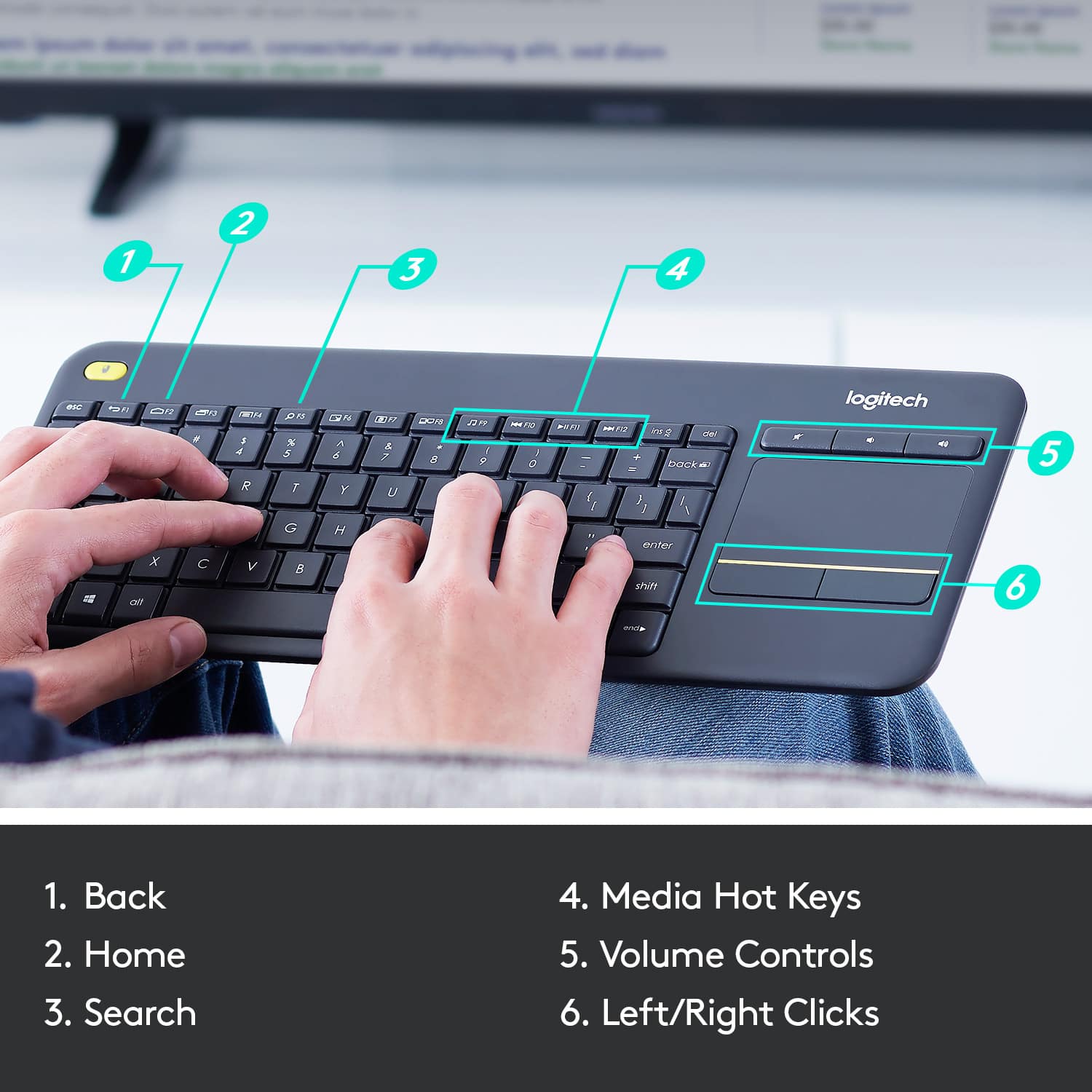
- Model:
- 920-007119
- |
- SKU:
- 7575039
Customer reviews
Rating 4.6 out of 5 stars with 8095 reviews
(8,095 customer reviews)Rating by feature
- Value4.7
Rating 4.7 out of 5 stars
- Quality4.5
Rating 4.5 out of 5 stars
- Ease of Use4.6
Rating 4.6 out of 5 stars
Customers are saying
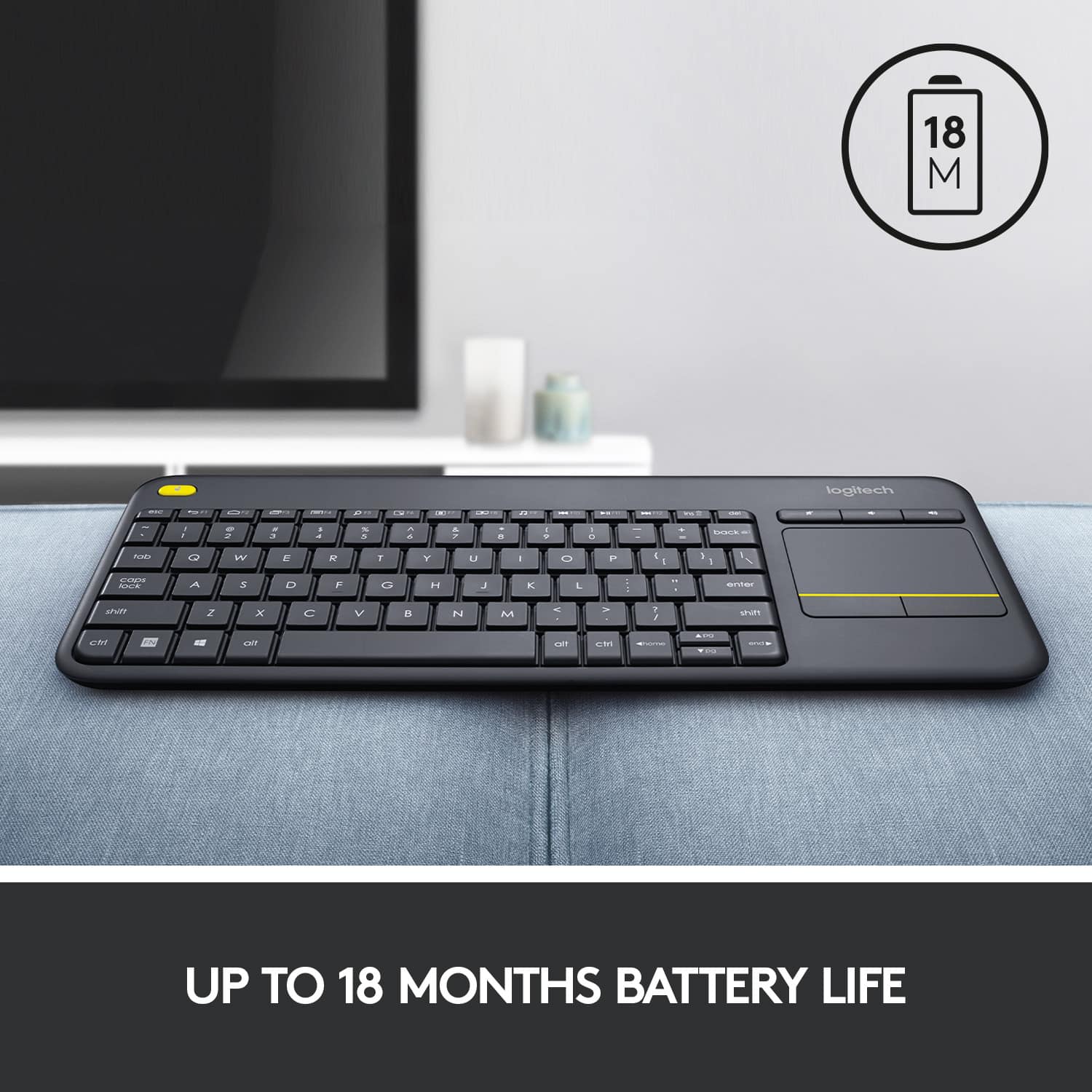
Customers appreciate the K400 Plus TKL Wireless Membrane Keyboard for its ease of use, convenient touchpad, and compact size. Many users also value its wireless connectivity, reliable range, long battery life, and affordable price. The keyboard's lightweight design and broad compatibility are additional benefits noted by customers. However, a small number of users have reported experiencing lag.
This summary was generated by AI based on customer reviews.
- Pros mentioned:Touchpad
Rated 3 out of 5 stars
Lower quality than expected
||Posted .This reviewer received promo considerations or sweepstakes entry for writing a review.I wanted to like this. I'm a huge Logitech fan and they usually make high quality products. This however missed the beat. The touchpad on this is quite bad. It's so unresponsive and "sticky" feeling it actually made me feel like my PC was running slow. I purchased this for couch browsing on my PC, this was not a good answer. I often find myself looking for a real mouse just because of the speed the touchpad is lacking. To add to this, the touchpad settings in Windows do not connect to this, and the Logitech software offers no adjustments. The keyboard aspect works great. I could see this being useful if you are using it on a SmartTV as a keyboard and mouse - but that's it.
No, I would not recommend this to a friend - Pros mentioned:Touchpad
Rated 4 out of 5 stars
Good keyboard
||Posted . Owned for 3 weeks when reviewed.This reviewer received promo considerations or sweepstakes entry for writing a review.Good keyboard. Keys and mouse function well. It didn’t work for me but I think that’s because I’m not used to the shape or size.
I would recommend this to a friend - Pros mentioned:Ease of use
Rated 4 out of 5 stars
Great keyboard for streaming movies/shows
||Posted . Owned for 1 month when reviewed.This reviewer received promo considerations or sweepstakes entry for writing a review.A good keyboard that is practical for controlling my tv, and devices.
I would recommend this to a friendBrand response from Logitech
Posted .We're glad to hear the K400 Plus is working well for your entertainment needs! The built-in touchpad makes controlling your PC and devices a breeze.
Rated 5 out of 5 stars
Works
||Posted .This reviewer received promo considerations or sweepstakes entry for writing a review.It does what it's suppose to. I wasn't looking for a fancy one with bells and whistles. To me it is a standard wireless keyboard. I like that you don't have to use a mouse with it since it has the pad. The sale price was great as well.
I would recommend this to a friendRated 4 out of 5 stars
Logitech K400 Wireless Keyboard
||Posted . Owned for 1 month when reviewed.This reviewer received promo considerations or sweepstakes entry for writing a review.Keyboard is nice for the features it provides. I wanted a keyboard to use with a mini computer connected to my home theater system. This keyboard fulfills that need. I especially like button on the top left of the keyboard that is an additional left mouse button. So, you can hold the keyboard with both hands, use the track pad with the right hand and be able to click with left hand. I don't like the responsiveness of the track pad, the movements are jerky so I give the K400 4 stars. Bought on sale for $20 so I can deal with the track pad issue. If you are looking for s keyboard to use with you entertainment system this fits the bill.
I would recommend this to a friend- Pros mentioned:Touchpad
Rated 5 out of 5 stars
Laptop keyboard stroker
||Posted . Owned for 1 year when reviewed.This reviewer received promo considerations or sweepstakes entry for writing a review.Tipo ng away and loving every struck of this smooth keyboard
I would recommend this to a friend - Pros mentioned:Ease of use
Rated 5 out of 5 stars
Amazing keyboard
||Posted .This reviewer received promo considerations or sweepstakes entry for writing a review.I love this keyboard mouse combo it's very nice for couch PC navigation and it has a left click on the upper left hand corner of the keyboard that makes it easy to make longer strides on the mouse pad while holding the left click button in
I would recommend this to a friend Rated 4 out of 5 stars
Fits my needs.
||Posted .This reviewer received promo considerations or sweepstakes entry for writing a review.Needed an all in one wireless keyboard w/ trackpad for HTPC use. Initially I wasn’t a fan as the build quality was very plasticky, almost toy-like and the trackpad can be slow to respond at times. Also, it was a bit bigger than I had hoped. Last thing I wanted was to have a keyboard laying around on my bed. I tried one of the Chinese mini keyboards from Amazon and it was even worse. Having seen both sides of the coin, I’ll gladly live with the K400+ and its imperfections. Just wish it was a bit smaller. I would say my biggest gripe is with click and drag. I’m used to double tapping the trackpad and dragging the file. But as soon as you lift your finger, for example a long drag, the drag disables and the only way to execute it is to hold down the left mouse button. This is not configurable in the software so it’s just something I’ll have to get used to.
I would recommend this to a friend- Pros mentioned:Touchpad
Rated 4 out of 5 stars
Keyboard easy to use.
||Posted . Owned for 1 year when reviewed.This reviewer received promo considerations or sweepstakes entry for writing a review.Great product, the touchpad its easy to use. We use it for navigating the internet, in all the house.
I would recommend this to a friend - Pros mentioned:Touchpad
Rated 5 out of 5 stars
Great tool to have
||Posted .This reviewer received promo considerations or sweepstakes entry for writing a review.This keyboard saved my bacon. He have a server that is tired to several TV. When it went down there is no way to add a monitor to it in the data center. But with this I could plug into the server and stand by the monitors to fix the problem.
I would recommend this to a friend - Pros mentioned:Size
Rated 5 out of 5 stars
Nice wireless keyboard with mouse on board
||Posted .This reviewer received promo considerations or sweepstakes entry for writing a review.We use these to control micro computers like Intel NUC that we have controlling wall monitors in the foyer of our Church building. The Nuc's or Gigabyte BRIX micro's mount behind the monitors so we can play videos or slides in the Foyer...
I would recommend this to a friend - Pros mentioned:Wireless
Rated 5 out of 5 stars
Works great!
||Posted .This reviewer received promo considerations or sweepstakes entry for writing a review.One of the keys on my laptop was stuck and would no longer work. Purchasing this wireless key board has allowed me to continue to use my laptop. I place it right over the keypad on the laptop. Works like a charm.
I would recommend this to a friend - Pros mentioned:Ease of use
Rated 5 out of 5 stars
Best Multimedia keyboard
||Posted . Owned for 3 months when reviewed.This reviewer received promo considerations or sweepstakes entry for writing a review.Best multimedia keyboard available. I've tried many. The controls are spot on, and it's easy enough for my 5 year old to use on our HTPC.
I would recommend this to a friend - Pros mentioned:Range
Rated 5 out of 5 stars
Works great with my TV
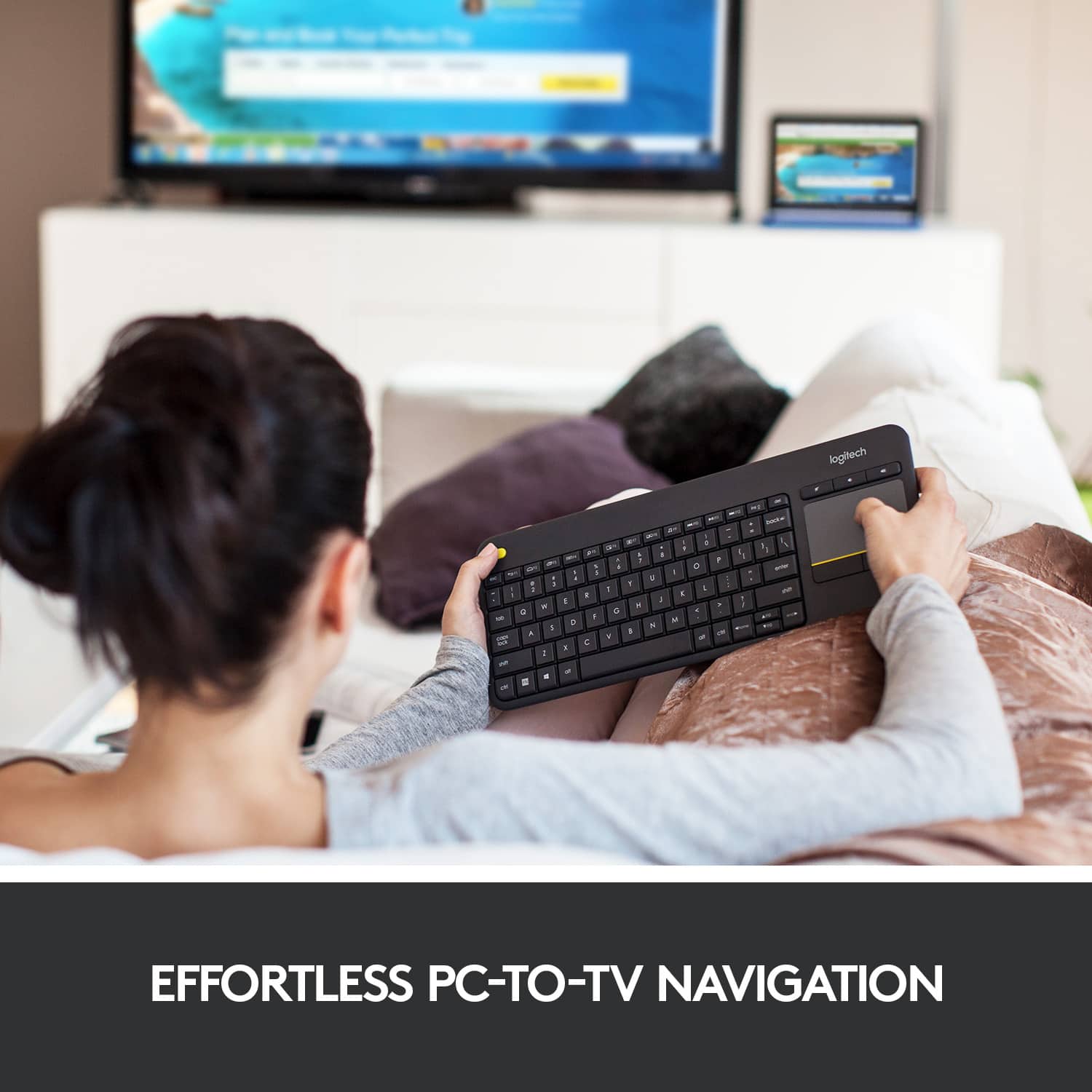
||Posted .This reviewer received promo considerations or sweepstakes entry for writing a review.I bought this one to connect with my LG TV and it works great. Easy to use that even my kids can operate it. The range is also pretty good. The mouse pad is really handy for video selection on you tube !!
I would recommend this to a friend - Pros mentioned:Touchpad
Rated 5 out of 5 stars
Does the Trick
||Posted .This reviewer received promo considerations or sweepstakes entry for writing a review.We purchased this for our LG Smart TV because it has a touch pad. This makes it a lot easier to use with the TV menu since we are no longer juggling the remote, a keyboard, and a mouse.
I would recommend this to a friend - Pros mentioned:Wireless
Rated 5 out of 5 stars
Logitech K400
||Posted . Owned for 1 month when reviewed.This reviewer received promo considerations or sweepstakes entry for writing a review.Wireless and solar-powered is a great combination. Take the BestBuy insurance as the device is a bit fragile and can stop working. No user fixable parts.
I would recommend this to a friend - Pros mentioned:Touchpad
Rated 5 out of 5 stars
Great
||Posted .This reviewer received promo considerations or sweepstakes entry for writing a review.I like the Logitech K400 Plus 920-007119 keyboard features a 33' wireless range, so you can operate your TV-connected Windows, Android or Chrome device with ease from the comfort of your couch. The integrated touchpad enables easy navigation.
I would recommend this to a friend - Pros mentioned:Size
Rated 4 out of 5 stars
Nice board!
||Posted .This reviewer received promo considerations or sweepstakes entry for writing a review.I'm using this keyboard with integrated mouse for a media PC in my living room. It's nice and small and very cost-effective. Pretty good bluetooth range, although I would have liked it with a little better range, but it works well for the most part.
I would recommend this to a friend - Pros mentioned:Touchpad
Rated 5 out of 5 stars
remote/keyboard
||Posted . Owned for less than 1 week when reviewed.This reviewer received promo considerations or sweepstakes entry for writing a review.is it a remote? Is it a keyboard? We may never know for sure. One thing is for certain: This thing is the best thing that has ever been made for computering on the couch! Boom!
I would recommend this to a friend - Pros mentioned:Touchpad
Rated 4 out of 5 stars
Good keyboard for the money!
||Posted .This reviewer received promo considerations or sweepstakes entry for writing a review.I bought this keyboard with the intention of just needing the Keys. But the tracking pad was a very nice feature I didn't think I didn't think i would like. But it's awesome to have!! Overall good keyboard. Plastic and light, but I didn't need a strong or crazy nice one!
I would recommend this to a friend