Customer Ratings & Reviews

- Model:
- XV275K P5biipruzx
- SKU:
- 6639154
to a friend
Needs firmware update for an annoying bug
||Posted .This reviewer received promo considerations or sweepstakes entry for writing a review.Local dimming doesn't work properly with HDR sources. Every single time you wake from sleep or start using the monitor, you need to use the poorly laid out controls to enter the on-screen display and change to a different picture mode and back to HDR to fix it. Incredibly annoying but the picture looks horrible until you do these steps.
No, I would not recommend this to a friendBrand response from TeamAcer
Posted .We are very sorry to hear that your newly purchased Acer Nitro monitor did not meet your expectations in some areas. We are constantly working to improve the designs and appreciate hearing directly from customers what they need and expect out of a product. We have sent this feedback to our product development teams for review. If you need any assistance with your monitor, don't hesitate to contact our support team at 866-695-2237 so we can help.
We appreciate you taking the time to write this review.
Regards,
Acer America
- Pros mentioned:Image quality
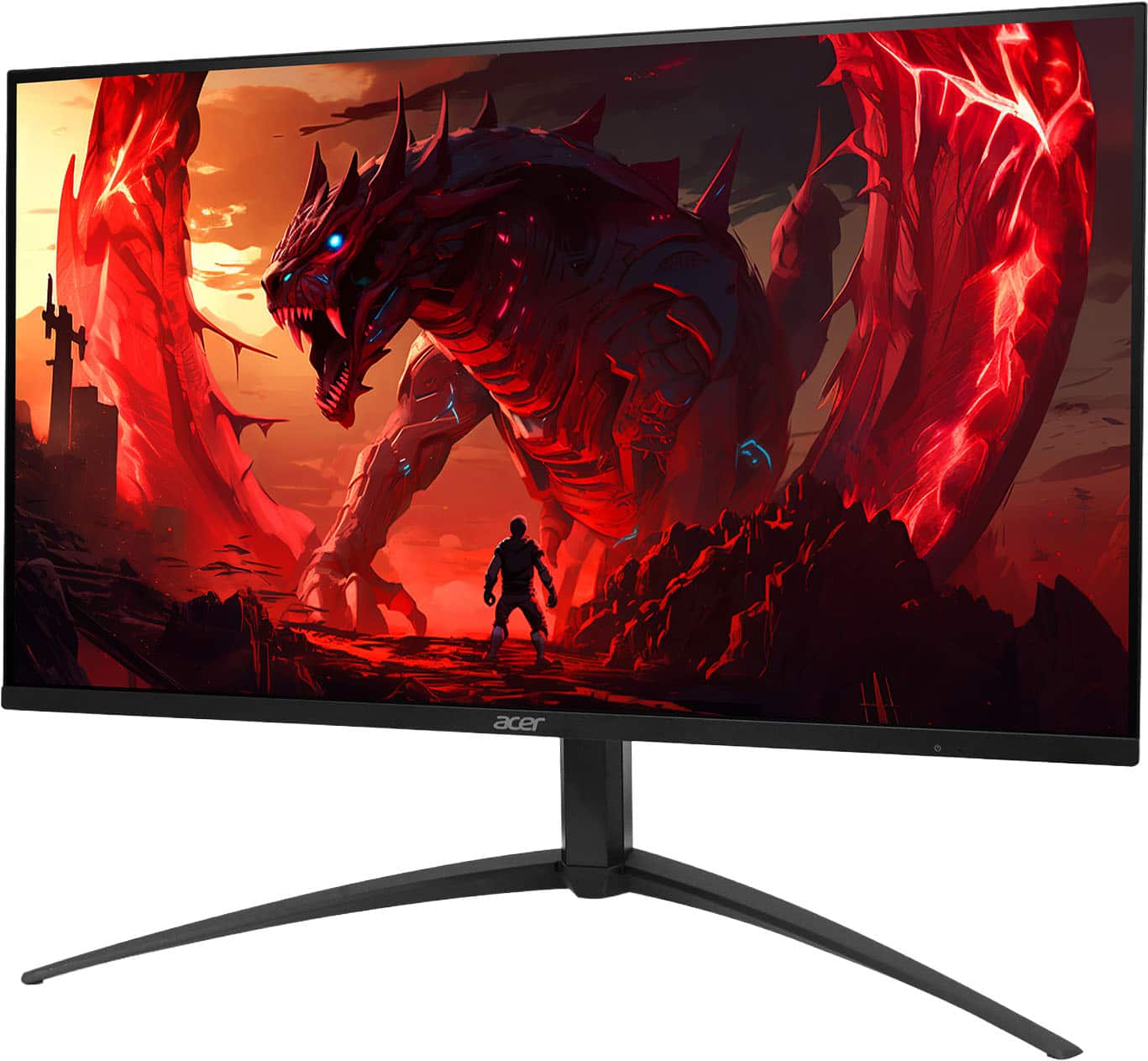
Acer Nitro 4K Monitor
||Posted . Owned for 3 weeks when reviewed.This reviewer received promo considerations or sweepstakes entry for writing a review.Item came in perfect condition. Just wanted a 4k monitor for long term use.
I would recommend this to a friend - Pros mentioned:Image quality
Dual Mode = Dual Solution
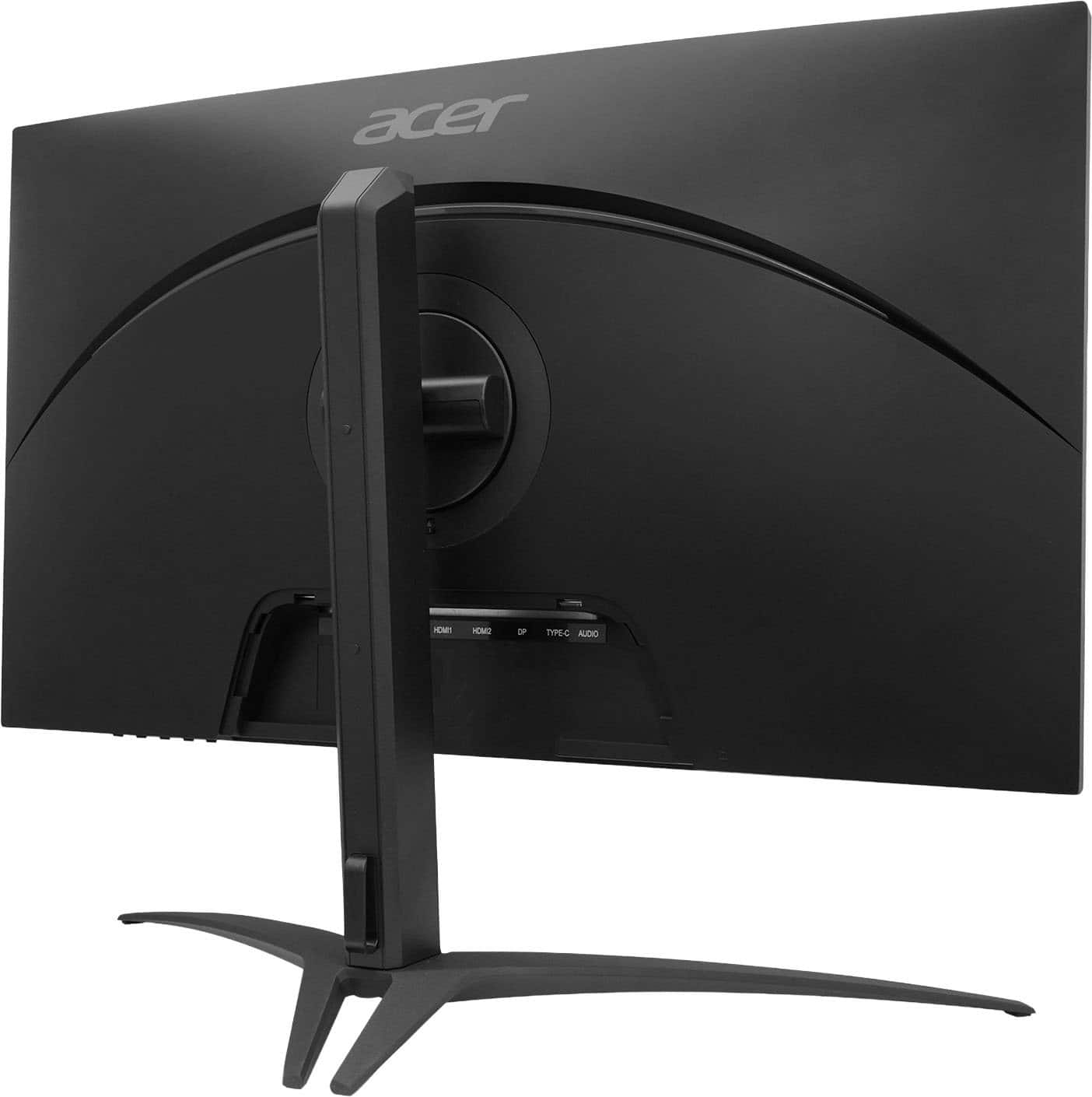
||Posted . Owned for 1 week when reviewed.This reviewer received promo considerations or sweepstakes entry for writing a review.(Dear Acer, please release a firmware update that learn you directly turn off and on local dimming and also enable you to edit contrast and colors in hdr mode.) Ok so I upgraded from a 27GP950-B and I wanted to sell my dell alien ware 360hz monitor . Since this had dual mode and was HDR 1000 I figured why not ? I got it during the Black Friday deal era for $449.99 at Best Buy. Firstly , let’s address the elephant in the room . The HDR on this monitor is great . I haven’t seen really any noticeable blooming . You have to have the monitor in hdr mode and windows with hdr turned on to use hdr and more specifically to use local dimming the monitor has to be on hdr mode. (That's the mistake the 1-star review didn't know) Local dimming works with sdr content and hdr off on my ps5 but not my pc. I have to hdr turned on regarding my pc. The quality is solid . I’m not sure if there’s a panel lottery because I don’t have any crazy bloom or anything as seen . Also note it looks even better than my camera as it exaggerates some of the brightness . Make sure you download the Windows Calibration app for HDR. Some games you might have to download mods to get hdr working properly but this is a windows issue. Regarding the osd , it’s not as bad as people make it out to be . Could it be better ? Yes, but once you get used to it, it gets the job done . You can also download a Acer desktop app in order to control the monitor . For the price I paid (I also used a 45 dollar certificate so paid like 404 for it ), I am happy and feel like it’s a good value . If you’re on the fence about this monitor , buy it from BestBuy if you're local and just return it if you don’t like it . All and all monitor like a solid 8.8-9. The fact I can’t edit the color and contrast on the monitor itself in hdr takes it back 1-1.2 points for but my gpu settings make up for it . Note: I don’t usb ports on the monitor or audio because of NVIDA drivers blue screening my computer for nvida Audio sending HiD input via the monitor. It’s the nvlddmkm.sys issue . I disabled audio drivers and roll backed my drivers.
I would recommend this to a friend Poor edge lighting
||Posted .This reviewer received promo considerations or sweepstakes entry for writing a review.Extremely poor edge lighting, either that or a defective unit. Left and right screen edges fade to be ~50% darker. Top is only ~10% darker. Bottom screen edge is fine. OSD UX is terrible. HDR mode results in high amounts of heat due to poor thermal solution. It is noticeable within sitting distance. Do not assume this is an upgrade of the praised XV275U P3. Do not buy at $600, and return if you experience the same edge lighting.
No, I would not recommend this to a friendBrand response from TeamAcer
Posted .Hello John,
Thank you for taking the time to leave a review on your Acer Nitro monitor. We are sorry to hear that the product did not meet your expectations in some areas, and we want to work with you to see how we can help improve this experience. If you are in the US or Canada, please feel free to contact our support team at 866-695-2237; they are available to assist 24/7 for in-warranty products.
Regards,
Acer America
Much better than the budget options.
||Posted . Owned for 3 weeks when reviewed.This reviewer received promo considerations or sweepstakes entry for writing a review.I've been through a lot of monitors over the years, and they've all been budget monitors, so this is a big upgrade for me. It's also my first monitor with higher than FHD (1920x1080) resolution. The monitor is very bright. I had to turn down the brightness from the default 80 to keep eye strain at bay. Text is clear at the 150% scaling that Windows 10 recommended. While this is a gaming monitor, it's also being used for productivity, which it appears to be highly rated for as well. You may find you have to figure out the monitor settings that are best for you by trial and error. There are also some issues related to Windows and/or your GPU that can come into play. The issues aren't necessarily because of this monitor in particular, just general issues with using multiple monitors. With my dual monitor setup, this primary 4K display next to a Full HD monitor creates some issues. Moving between the two can be annoying, since the edges don't scale between the two. You can move from the Full HD monitor to the 4K monitor easily, but you can only move the reverse direction from half of the 4K monitor's edge. What half that is depends on how you have the displays set up in Windows. It's like you have 1 big misshapen monitor as far as moving your cursor around is concerned, though you have a little control over that shape. I'm was already looking at a 2nd 4K monitor to pair with this one, and this is another reason to make the move. HDR seems to be something you need to manually set in the OSD whenever you want to stream HDR content. I haven't found a setting combination between the monitor, Windows, and the GPU software that knows when to turn HDR on and off reliably. I don't have enough experience with HDR content to offer meaningful input on HDR quality on this monitor. Waking up from any kind of power saving (system sleep or powering off the displays) can move open windows around from monitor to monitor depending on your setup. In my case, I had to change monitor settings on this one so the open windows on my 2nd monitor don't move to this primary 4K display every time I wake the computer or the monitors up from sleep. You may or may not have that issue based on multiple things, like your GPU and how you are connecting your monitors to the GPU (HDMI/DP/etc.) In the end, the monitor appears to be well made, good quality, and hopefully will last a very long time for both gaming and productivity use.
I would recommend this to a friend- Pros mentioned:Image quality
Fantastic gaming monitor
||Posted . Owned for 2 weeks when reviewed.This reviewer received promo considerations or sweepstakes entry for writing a review.Fantastic gaming monitor great pure blacks the colors are superb
I would recommend this to a friend - Pros mentioned:Image quality
Avoid. Not ready for Primetime.
||Posted . Owned for 3 weeks when reviewed.This reviewer received promo considerations or sweepstakes entry for writing a review.Item stand came damage. Also the panel was defective and I don't think that had anything to do with physical damage. It would keep blinking to black. The colors and light were bright, but it was very cumbersome to try to use HDR and take advantage. It could have been great ; but instead it was a great waste of time. Based on my experience with this monitor, I don't think MINILED are ready for primetime. Disappointing since the panel color and light seem beautiful. The quality control of the package, stand, panel, and OSD are all terrible.
No, I would not recommend this to a friendBrand response from TeamAcer
Posted .Hello Nadim,
Thank you for taking the time to leave a review on your Nitro monitor. We are sorry to hear that the product did not meet your expectations in some areas, and we want to work with you to see how we can help improve this experience. If you are in the US or Canada, please feel free to contact our support team at 866-695-2237; they are available to assist 24/7 for in-warranty products.
Regards,
Acer America
- Pros mentioned:Image quality
great monitor
||Posted . Owned for 2 weeks when reviewed.This reviewer received promo considerations or sweepstakes entry for writing a review.Monitor has a great picture at an excellent price.
I would recommend this to a friend