Customer Ratings & Reviews
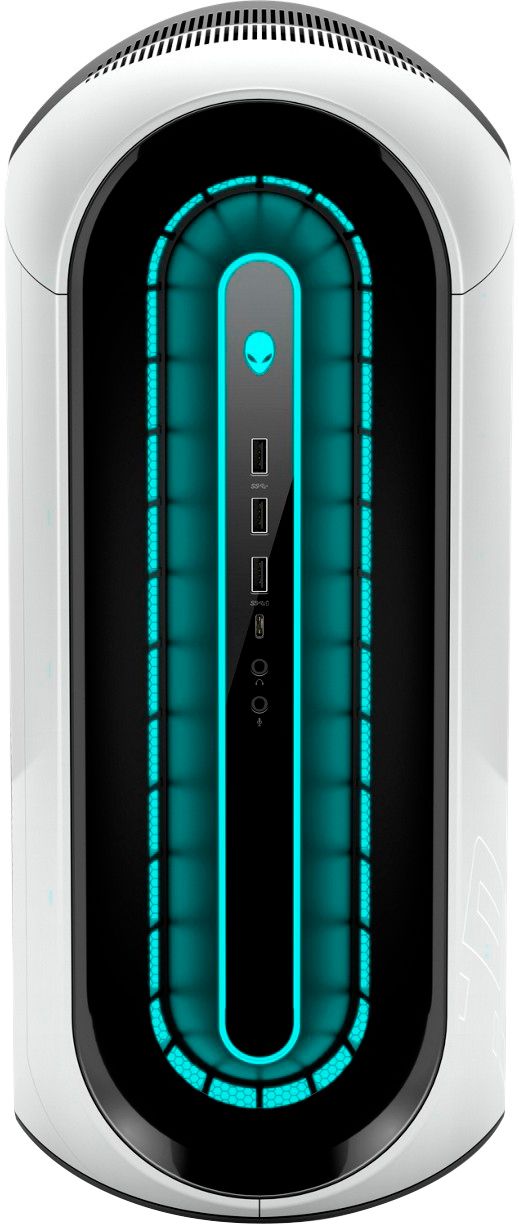
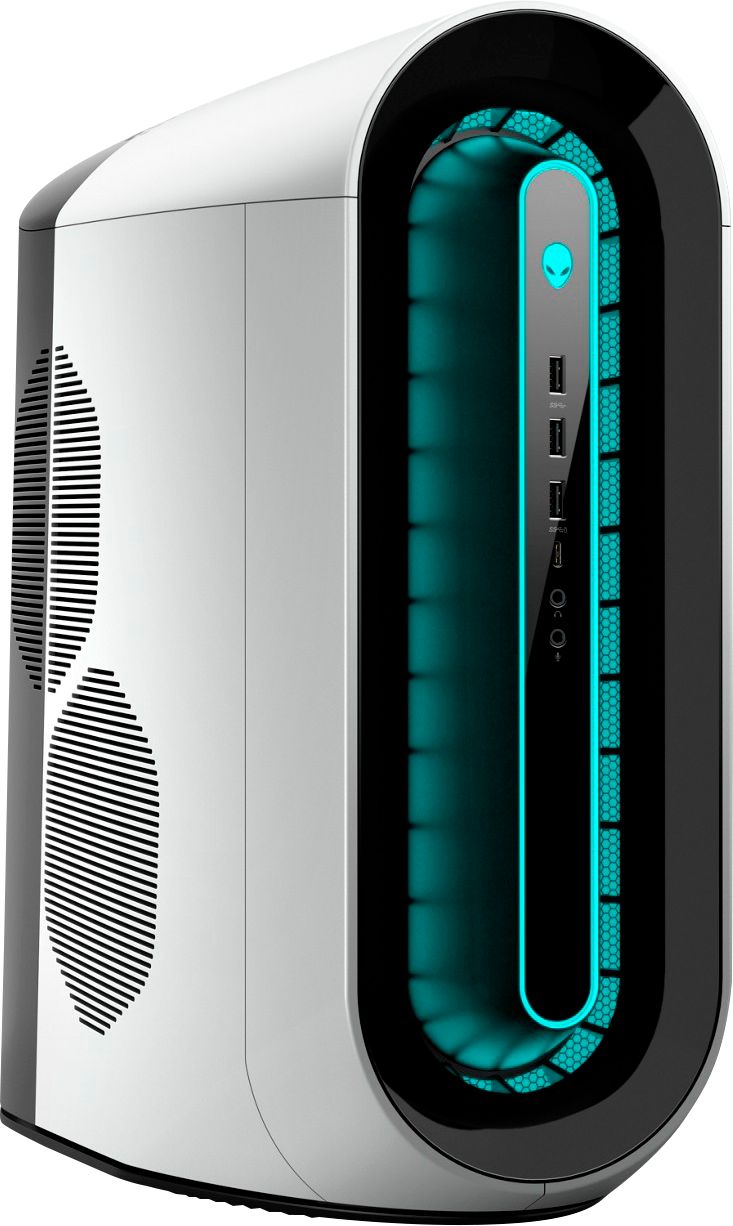
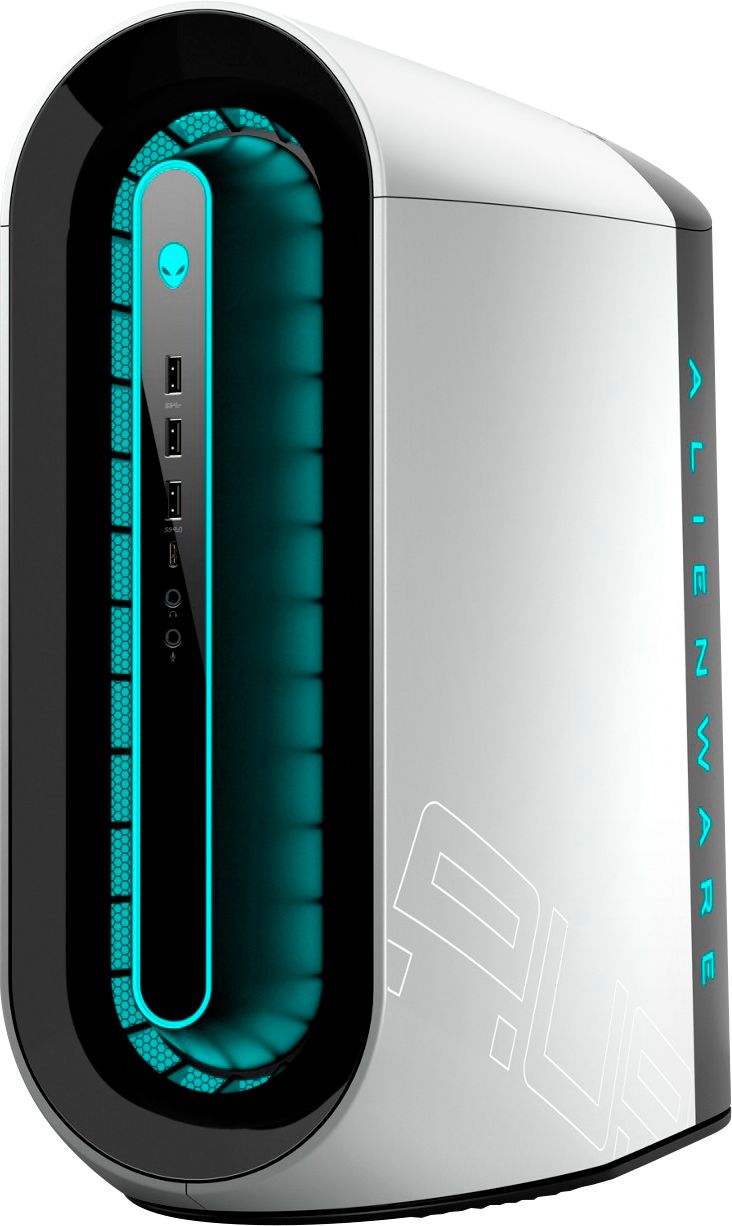
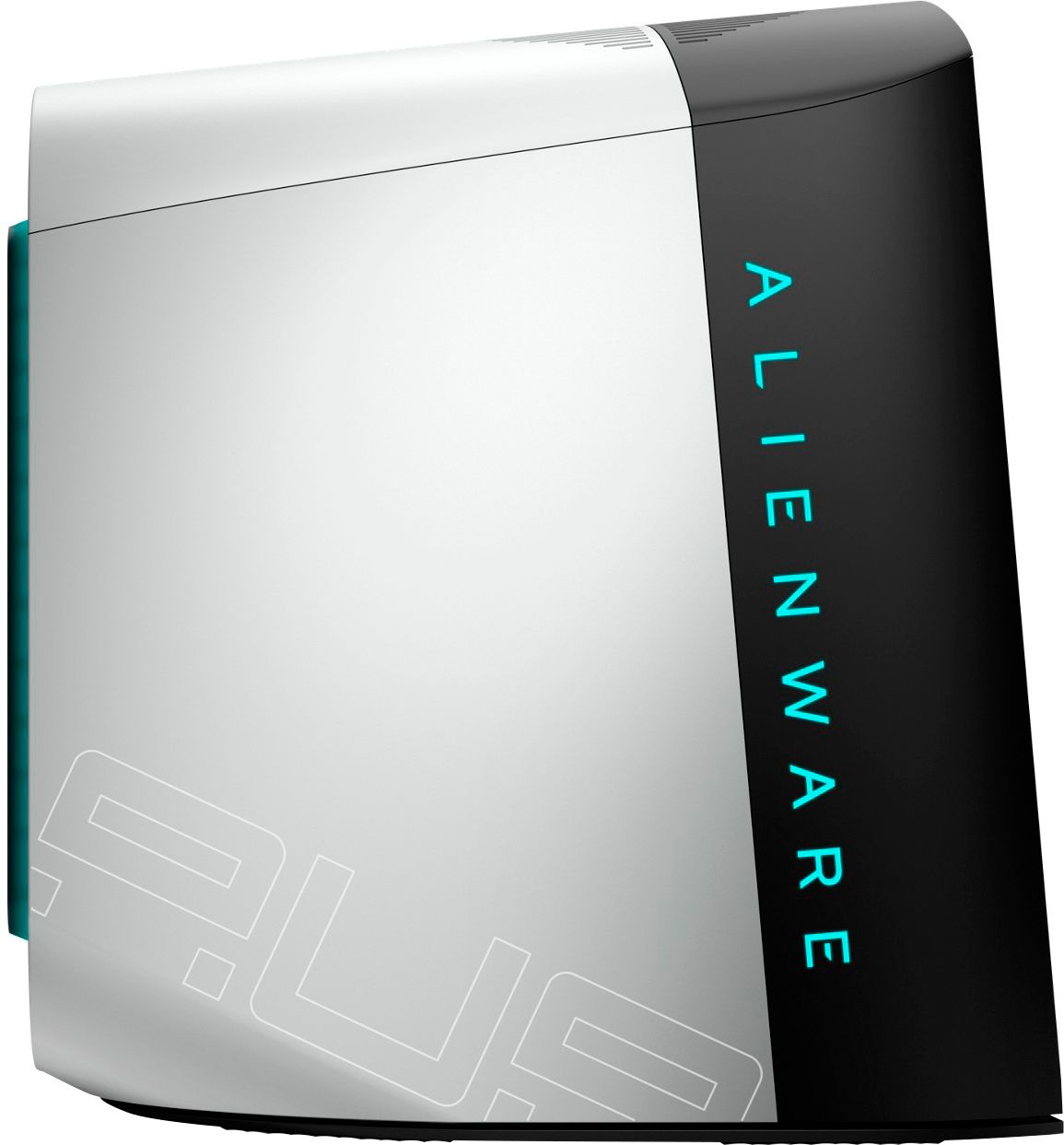

- Model:
- AWAUR12-7979WHT-PUS
- SKU:
- 6455826
Rating by feature
- Value
Rating 3.4 out of 5 stars
- Quality
Rating 3.5 out of 5 stars
- Ease of Use
Rating 3.8 out of 5 stars
Customers are saying
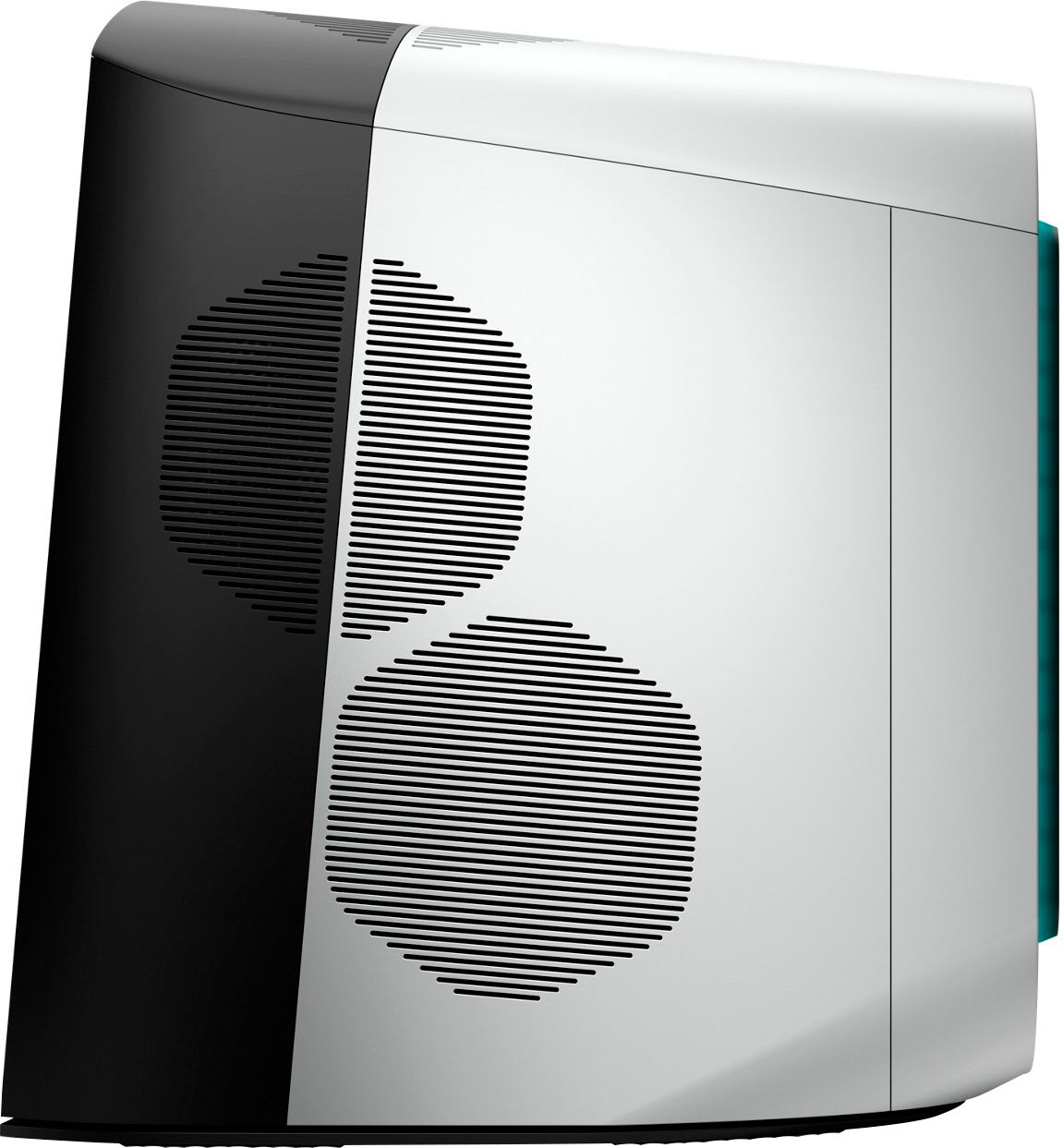
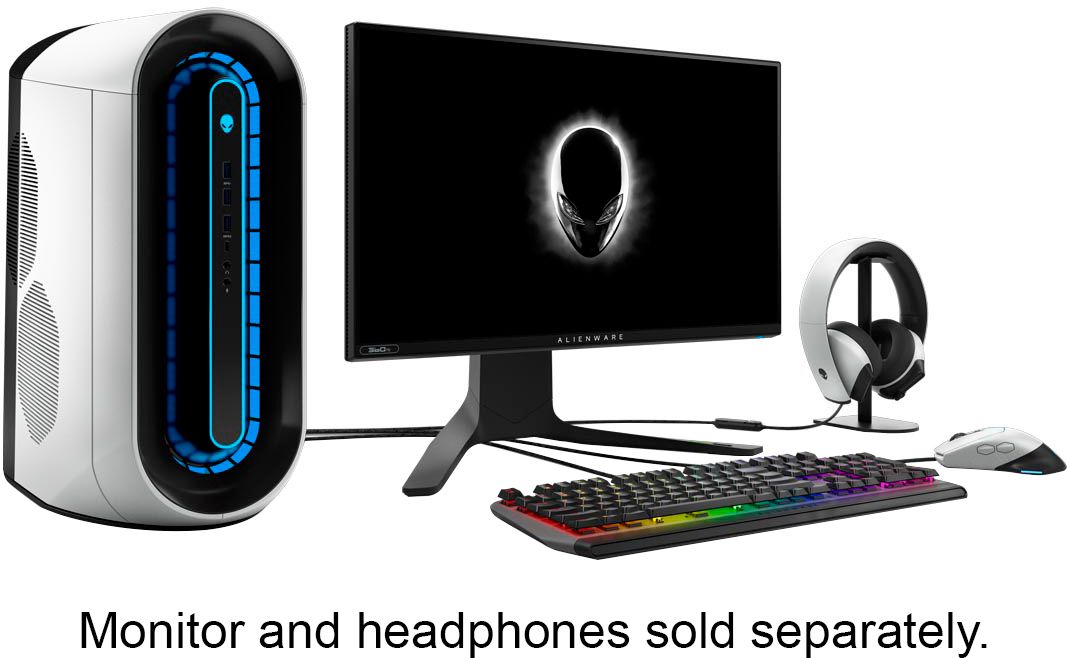
Customers are impressed with the Aurora R12's performance and powerful GPU, finding it delivers a great gaming experience at a reasonable price. However, many customers express concerns regarding the cooling system's inadequacy and the limitations of the RAM configuration. Some also mention noise issues related to the fans.
This summary was generated by AI based on customer reviews.
Awesome Buying Experience
||Posted . Owned for 1 month when reviewed.This reviewer received promo considerations or sweepstakes entry for writing a review.I had a great experience with my associate at Best Buy. He was very knowledgeable and offered up some great ideas for me. This is the only place I go to for me electronics and other fun stuff.
I would recommend this to a friendDo not trust best buys "condition" unless its new.
||Posted . Owned for less than 1 week when reviewed.This reviewer received promo considerations or sweepstakes entry for writing a review.I purchased this preowned, supposedly excellent condition. What I received was far from excellent condition. The casing looks like it was thrown down a few flights of stairs. There was black marks all over, the casing was super loose and looked like someone had pried it off the tower. This was far from what i expect an item that is supposedly in excellent condition to look like. When you power it on it smelled heavily of cigarette smoke.
No, I would not recommend this to a friendOverheats like crazy
||Posted .This reviewer received promo considerations or sweepstakes entry for writing a review.Not a great computer and it’s definitely prone to overheating. I returned mine after a few day
No, I would not recommend this to a friendBrand response from YourDellTeam
Posted .Hello Jonc78472,
Thank you for your review. We're sorry to hear about the heating issues that you had with this Alienware desktop. Your feedback is sincerely appreciated. If needed in the future, we would recommend checking to ensure that the latest BIOS is installed on your system. Last week, there was a BIOS update released for this series. It can be downloaded here - https://dell.to/3y6irY7. You can prioritize cooling by going to the Alienware Command Center application and selecting the 'Cool' thermal profile. We hope this helps with any overheating issues.
Best regards,
Wendy C.
https://bit.ly/DellSupportTeam.
Phone number to Dell: 1-800-264-9896.
Zero real heat management
||Posted .This reviewer received promo considerations or sweepstakes entry for writing a review.It came with 1 intake fan, 1 exhaust fan, and a completely inadequate CPU cooler fan. It reached temps in excess of 100C just booting up games. Why it does not come with liquid cooling as the standard is mind boggling. I will be returning mine to the store shortly.
No, I would not recommend this to a friendBrand response from YourDellTeam
Posted .Hello Unhappy,
Thank you for your review. We are sorry to hear that your desktop is running a little warmer than you would like. Your feedback is sincerely appreciated. We would recommend checking to ensure that the latest BIOS is installed on your system. There was a BIOS update for this series and you can download the update here - https://dell.to/3tAQ4PI. We hope this helps with any overheating issues that you are experiencing.
Best regards,
Wendy C.
For further assistance, you can contact Dell directly with the information below Chat or Call:
https://bit.ly/DellSupportTeam.
Phone number to Dell: 1-800-264-9896.
- Cons mentioned:Cooling
Bad Temps
||Posted .This reviewer received promo considerations or sweepstakes entry for writing a review.CPU temps go up to 80c while idle I recommend case swapping for better cooling
No, I would not recommend this to a friendBrand response from YourDellTeam
Posted .Hello Bnard,
Thank you for your review. We are sorry to hear that your desktop is running a little warmer than you would like. Your feedback is sincerely appreciated. We would recommend checking to ensure that the latest BIOS is installed on your system. There was a BIOS update for this series and you can download the update here - https://dell.to/3tAQ4PI. We hope this helps with any overheating issues that you are experiencing.
Best regards,
Wendy C.
For further assistance, you can contact Dell directly with the information below Chat or Call:
https://bit.ly/DellSupportTeam.
Phone number to Dell: 1-800-264-9896.
Good gaming computer
||Posted . Owned for 1 week when reviewed.This reviewer received promo considerations or sweepstakes entry for writing a review.Bought this for my grandson. He said it was very responsive and perfect for gaming. It is very quiet and looks great!
I would recommend this to a friendGreat desktop, not enough available
||Posted . Owned for 2 weeks when reviewed.This reviewer received promo considerations or sweepstakes entry for writing a review.It’s a great desktop and everyone that knows Alienware knows what they are re getting. Only down side is lack of Availability
I would recommend this to a friendThe CPU and GPU benchmarks were good. Not Gameplay
||Posted . Owned for less than 1 week when reviewed.This reviewer received promo considerations or sweepstakes entry for writing a review.Had gpu performance issues. Couldn’t barely pull 100 FPS. Getting a refund. Or I might buy another one. They only had a few good ones in stock. Sucks to suck.
No, I would not recommend this to a friendBrand response from YourDellTeam
Posted .Hello JOMA,
Thank you for your feedback and review. We're sorry about the trouble you have encountered with the gaming performance of your Alienware. To make sure we can help in the future, below is a link that can be used to maximize your gaming experience. We hope this helps and if you have any questions, please visit the Support Page of your product.
Here is the link to the full article to assist with your gaming performance issue:
https://dell.to/3nNAT46.
Best regards,
Wendy C.
For further assistance, you can contact Dell directly with the information below Chat or Call:
https://bit.ly/DellSupportTeam.
Phone number to Dell: 1-800-264-9896.
EXCELLENCE!
||Posted .This reviewer received promo considerations or sweepstakes entry for writing a review.I am very happy with my purchase! I definitely recommend it to anyone looking for a amazing desktop!
I would recommend this to a friendPc gaming
||Posted . Owned for 1 month when reviewed.This reviewer received promo considerations or sweepstakes entry for writing a review.It works straight out of the box ready to stream, great product still have and very durable
I would recommend this to a friend- Cons mentioned:Noise
Fan
||Posted .This reviewer received promo considerations or sweepstakes entry for writing a review.Fan is super loud. Looks good but is pretty large.
No, I would not recommend this to a friendBrand response from YourDellTeam
Posted .Hello DndL,
Thank you for your review. We apologize for the issues you have with the fan noise of your Alienware. We really do appreciate your feedback and will use it to help improve our current and future products. To make sure we can help in the future with your system noise, we would recommend checking to ensure that the latest BIOS is installed on your system. There was a BIOS update for this series last week and you can download the update here - https://dell.to/2TeMluE. We hope this helps with the fan noise.
If you come across any fan noise after updating the BIOS, feel free to reach out to Dell Support directly using the information below via Chat or Call.
Best,
Wendy C.
https://bit.ly/DellSupportTeam.
Phone number to Dell: 1-800-264-9896.
Good prebuilt pc
||Posted . Owned for 3 weeks when reviewed.This reviewer received promo considerations or sweepstakes entry for writing a review.It’s a really good pc for a decent price and has a good graphics card
I would recommend this to a friendGreat Pre Built
||Posted . Owned for 7 months when reviewed.This reviewer received promo considerations or sweepstakes entry for writing a review.I am very happy with my purchase, especially with the NVidia 3070 at the price.
I would recommend this to a friendExcellent hard drive fast speed no glitching highh
||Posted . Owned for 2 weeks when reviewed.This reviewer received promo considerations or sweepstakes entry for writing a review.Excellent hard drive fast speed no glitching highly recommend the purchase of this
I would recommend this to a friendGreat for the parts if you can find open box.
||Posted . Owned for 1 month when reviewed.This reviewer received promo considerations or sweepstakes entry for writing a review.Honestly bought the open box for the parts, computer itself had a huge issue, under the heatsink there was still plastic attached which would have melted if I turned the computer on right away.
I would recommend this to a friendNice for gaming
||Posted . Owned for 1 month when reviewed.This reviewer received promo considerations or sweepstakes entry for writing a review.Great PC I ever had I would recommend this to anybody but it’s a little bit expensive
I would recommend this to a friendVery poor performance.
||Posted . Owned for less than 1 week when reviewed.This reviewer received promo considerations or sweepstakes entry for writing a review.This PC has very poor performance. Runs games worse then my old computer. Something is very wrong with the way it was built or the parts used. I ended up returning it because I don't have the experience to try to fix it.
No, I would not recommend this to a friendBrand response from YourDellTeam
Posted .Hello Maxwell,
Thank you for your review. We're sorry about the trouble you have encountered with the performance of your Alienware. To make sure we can help in the future there. we would recommend checking to ensure that the latest BIOS is installed on your system. There was a BIOS update for this series and you can download the update here - https://dell.to/3tAQ4PI.
If you come across any further questions, issues or concerns, please visit the Support Page of the product.
Best regards,
Wendy C.
For further assistance, you can contact Dell directly with the information below Chat or Call:
https://bit.ly/DellSupportTeam.
Phone number to Dell: 1-800-264-9896.
Your mom
||Posted . Owned for 1 month when reviewed.This reviewer received promo considerations or sweepstakes entry for writing a review.Alienware rocks. Buy it. Do it. Buy it. Now. Don't hesitate.
I would recommend this to a friendDOA junk
||Posted . Owned for less than 1 week when reviewed.This reviewer received promo considerations or sweepstakes entry for writing a review.DOA plugged it in turned on and nothing appeared on the monitor. I tested it on my tv nothing. No video signal. Dont waste your time
No, I would not recommend this to a friendBrand response from YourDellTeam
Posted .Hello Jonathan,
Thank you for your feedback and review. We apologize for the issues you have come across with your product. We suggest performing diagnostics to determine what may be causing the issue. Provided below are instructions to do so.
1. If the computer is displaying the Dell logo and does not move past that point, it has probably failed POST.
2. If the power indicator lights up and it is amber or orange, this is usually an indicator that it has failed POST.
3. If you see text on a black screen, the computer is currently performing the POST. If the computer stays in that condition and does not move past it, it has probably failed POST.
4. If the video screen displayed anything at all during the startup process but is now black, this probably indicates that the computer failed POST.
5. If the computer is beeping or if Caps/Num/Scroll Locks are flashing, note if there is a particular pattern in which it beeps or flashes.
6. If the computer is not beeping and caps/num/scroll locks are not flashing, unplug all connections and remove all media communication devices (e.g. external monitors); reconnect one at a time and check if the computer functions.
7. For a notebook, press and hold the Fn key and then press the power button. This starts the pre-boot testing and will launch ePSA. In case you have a Desktop at the Dell logo screen tap the F12 key to enter One Time Boot Menu and use the arrow keys to highlight Diagnostics and press enter.
You can read the full article here - http://dell.to/2uj1Sby.
Best regards,
Wendy C.
For further assistance, you can contact Dell directly with the information below Chat or Call:
https://bit.ly/DellSupportTeam.
Phone number to Dell: 1-800-264-9896.
Gift
||Posted . Owned for 3 weeks when reviewed.This reviewer received promo considerations or sweepstakes entry for writing a review.Got a great deal and made a perfect gift for the family.
I would recommend this to a friend