Customer Ratings & Reviews
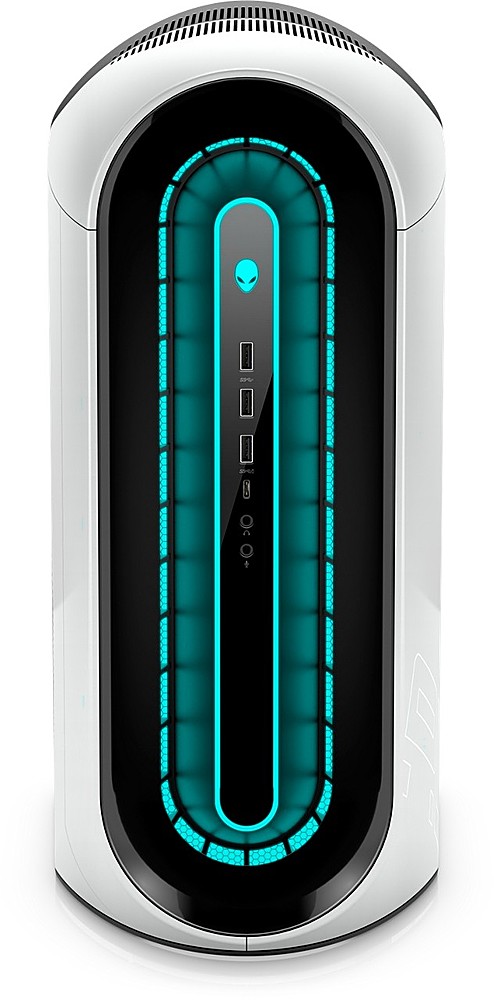
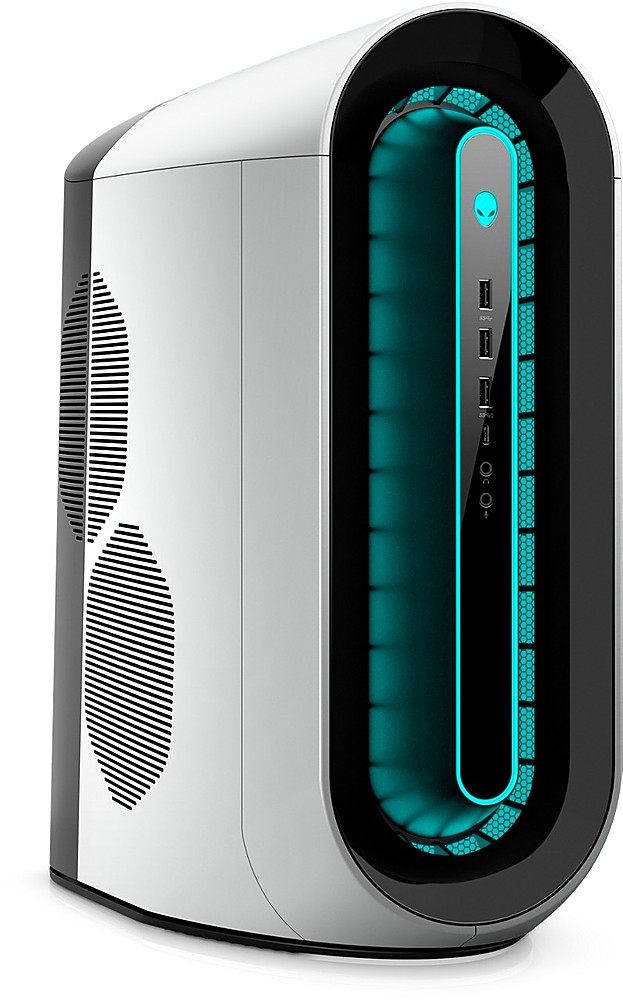
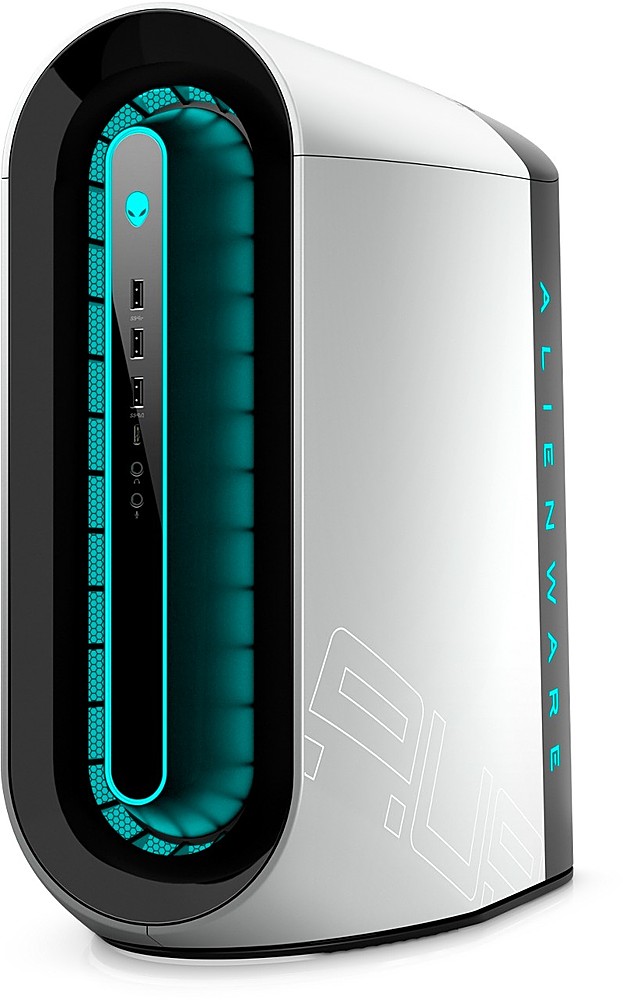


- Model:
- AWAUR12-9020WHT-PUS
- |
- SKU:
- 6459578
Customer reviews
Rating 4.7 out of 5 stars with 29 reviews
(29 customer reviews)Rating by feature
- Value4.1
Rating 4.1 out of 5 stars
- Quality4.7
Rating 4.7 out of 5 stars
- Ease of Use4.6
Rating 4.6 out of 5 stars
Customers are saying
Customers regard the Aurora R12 Gaming Desktop as a high-performance machine, particularly praising its speed and ability to run games smoothly, even at maximum settings. Its capacity for virtual reality gaming is also highlighted. However, some customers express concerns about the system's cooling capabilities, suggesting that it may overheat, even with liquid cooling. Upgrades to the cooling system may be necessary for optimal performance.
This summary was generated by AI based on customer reviews.
- Pros mentioned:RamCons mentioned:Cooling
Rated 5 out of 5 stars
Stunning aesthetic yet powerful performance
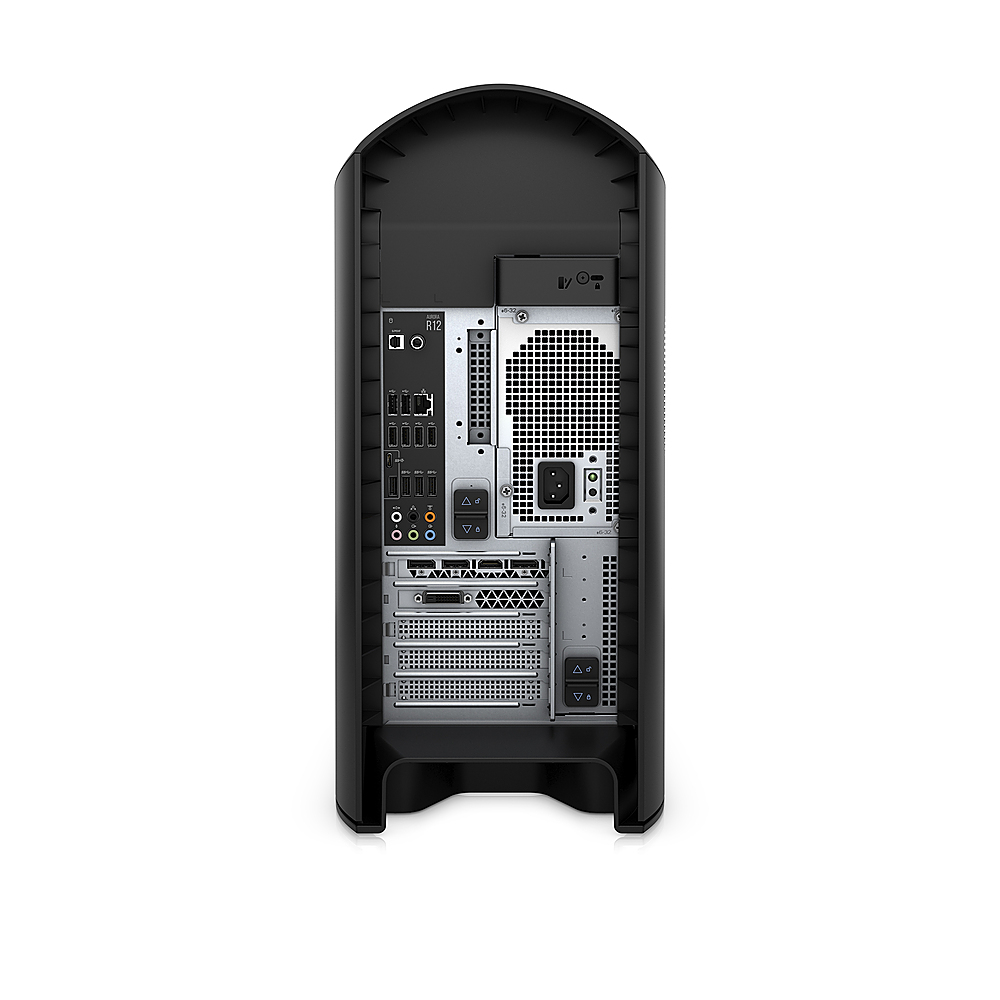
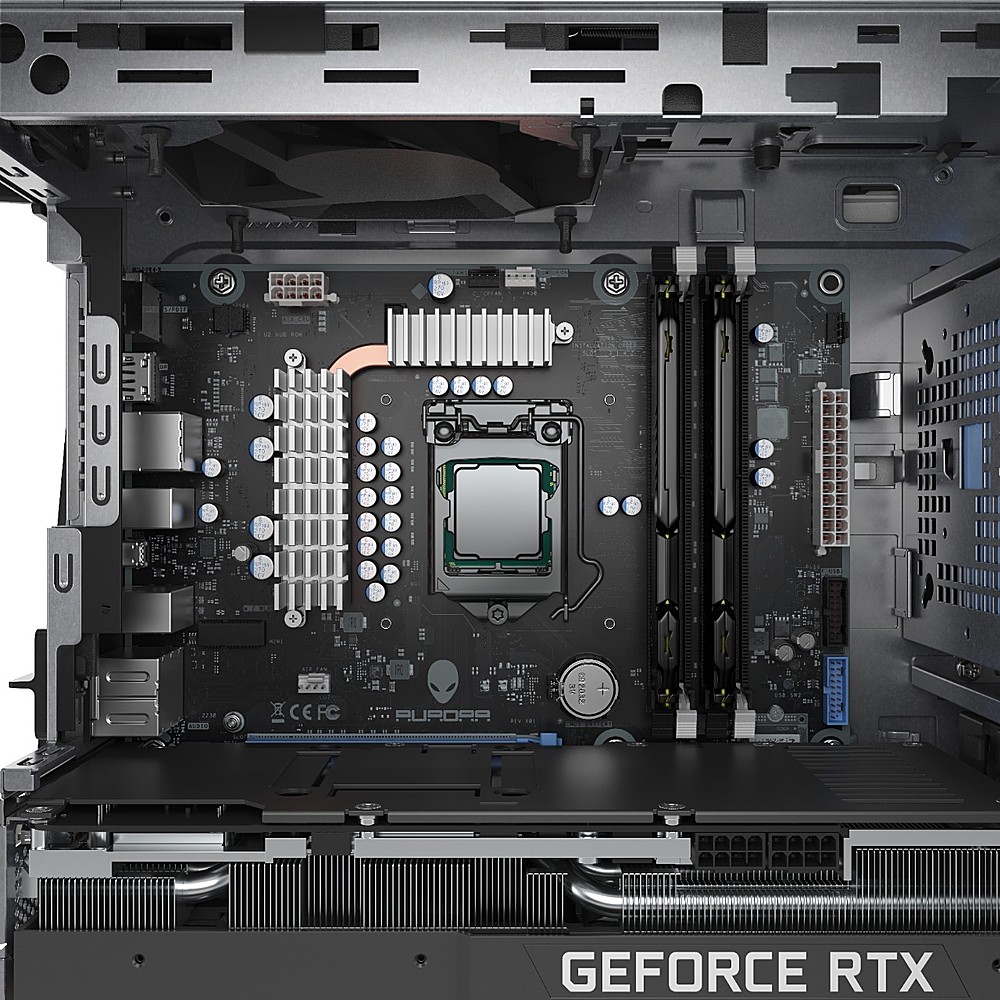
||Posted . Owned for less than 1 week when reviewed.This reviewer received promo considerations or sweepstakes entry for writing a review.No regrets. After two failures with buying an Alienware Aurora R12 from Dell, I suddenly came across this one from Best Buy. Was already made and ready to be shipped out. Had it shipped to my local store for safe pick-up rather than delivery + signature. Sold out at time of review, but I hope others have the chance to get this. For the prebuilt itself, its beautiful, but that is subjective to my opinion. It is something I've always dreamed about owning. Buying this exact spec from Dell itself would have been over $3,200. I was worried about the Answers from Dell stating this was air-cooled and had a 550 W, which made no sense. I can confirm after booting it up and also opening up the chassis, that it has the Liquid Cooling alongside the heatsinks and a 1000W PSU. It runs amazing. I've ran CS GO on max settings and R6 on medium/high settings and the temps are still below 60 Celsius. Fans never got loud at all. The 32 GB ram is set in dual channel and XMP2 was already enabled in the BIOS for my PC. I actually bought four Corsair fans, but I'm not sure if I'll need them yet. Boot up was lightning quick and everything is just so so smooth. Had a small issue as the computer itself wasn't turning on right out of the box. I switched it to a direct power supply, shut it off, pressed the power button for 30 seconds, also pressed the back black button to make sure the PSU was good (it was), opened the chassis and made sure everything was secure. This worked. One other thing, the Display Port was initially not working. HDMIO did though, so I recommend you use whichever cable works for you and update drivers via NVIDIA GEForce. I'm really impressed with this unit. Yes, it's not the most optimal chassis and its tight in there. But, it does the job for me, and it does it exceptionally well. I'm glad I was able to snag this particular one (avoid the cheaper model without Liquid Cooling tbh or buy it and plan to replace the air-fan with a Corsair AIO H60 Liquid Cooler). I'm slowly getting more used to the Alienware Command Center too, its not the best designed layout, but I don't mind it at all. Happy guy over here. Would recommend this 10/10 times to anyone looking. This is the crème de la crème for me:) I plan to use this for as long as possible, its definitely an investment and the specs will for sure let me keep up for a good while! ^__^
I would recommend this to a friend - Pros mentioned:Performance
Rated 5 out of 5 stars
Excellent prebuilt gaming PC for the price!
||Posted . Owned for less than 1 week when reviewed.This reviewer received promo considerations or sweepstakes entry for writing a review.I'm amazed at what you get for the price. This system is a beast. It runs Cyberpunk 2077 with no problem. I included a capture of the benchmarks from Novabench. That's straight out the box with no tweeking yet. Does not include the Alienware Mouse or Keyboard, just generic but for this price I didn't expect them. It's quieter than I thought it would be. Very easy to configure and update. All in all I'm impressed with this build.
I would recommend this to a friend - Pros mentioned:Performance, VrCons mentioned:Cooling
Rated 4 out of 5 stars
A little toasty in VR, but pretty solid
||Posted . Owned for 1.5 years when reviewed.This reviewer received promo considerations or sweepstakes entry for writing a review.I have had mine for almost 2 years now, and while it runs a bit toasty it actually performs pretty well. I have had a few instances where it doesn't seem to POST, but another power cycle usually resolves that. It does have horribly inadequate cooling - so I added a 2nd intake fan to it (lots of YT vids for this) and also modified the removable side panel to eject some heat from the vid card area. Even before I did that - when setting to performance mode for cooling - it would get a bit noisy with the fans and it belched heat out the top... but it seems to work great, even after hours of constant flight sim in VR. Really wish they would go with a more traditional case inside to allow for proper cooling and cable routing.
I would recommend this to a friend - Pros mentioned:Performance
Rated 5 out of 5 stars
AMAZING PC
||Posted . Owned for 1 year when reviewed.This reviewer received promo considerations or sweepstakes entry for writing a review.The best home PC I have ever had, this thing is a beast! super fast, I am able to play all the latest games in high settings. the graphics are amazing
I would recommend this to a friend - Pros mentioned:Ram
Rated 5 out of 5 stars
At last a quality build from Best Buy
||Posted .This reviewer received promo considerations or sweepstakes entry for writing a review.After several failed attempts mostly from cyber power pc this build meets my expectations for a next generation gaming rig it has i9 32gb ram and actual liquid cooling no more et phone home Alienware finally got this one down for the price I think is fair
I would recommend this to a friend - Pros mentioned:Performance, Ram
Rated 5 out of 5 stars
Amazing deal with this beast of a PC
||Posted . Owned for 2 months when reviewed.This reviewer received promo considerations or sweepstakes entry for writing a review.A powerful beast of a machine. It's definitely worth the price considering what you get. I was able to expand the storage with an additional 1TB SSD and 1TB HDD. I also plan to increase the RAM in the future.
I would recommend this to a friend - Pros mentioned:Performance, Speed
Rated 5 out of 5 stars
Awesome build
||Posted . Owned for 4 months when reviewed.This reviewer received promo considerations or sweepstakes entry for writing a review.5 months now so far no issues. Great build on its price. Very fast. Haven’t tried playing latest games but the new COD modern warfare ran smoothly on max settings. 240hz
I would recommend this to a friend - Pros mentioned:Performance
Rated 5 out of 5 stars
Great Computer
||Posted . Owned for 3 weeks when reviewed.This reviewer received promo considerations or sweepstakes entry for writing a review.Awesome performance and easy to use, right out of the box! Priced better than buying directly from the manufacturer!
I would recommend this to a friend Rated 5 out of 5 stars
Great System
||Posted . Owned for less than 1 week when reviewed.This reviewer received promo considerations or sweepstakes entry for writing a review.After reading reviews and online commentary, order this system and it is doing great. The same system from Dell is probably about $500 more. It came with an option to install Windows 11, which was a pleasant surprise. I saw a few reviews that indicated loud fan noise, but this has not been my experience. The system runs great and would recommend it to anyone. The only negative for this system is the documentation that is include wit the system - almost nothing. I went online to get more info, but it would have been nice to have been included with the system though.
I would recommend this to a friend- Pros mentioned:Speed, Vr
Rated 5 out of 5 stars
Súper fast
||Posted . Owned for 1 month when reviewed.This reviewer received promo considerations or sweepstakes entry for writing a review.Very happy with this computer very fast I can play any game at ultra settings with out problems and vr games
I would recommend this to a friend Rated 5 out of 5 stars
Great for Video Work
||Posted . Owned for 1 week when reviewed.This reviewer received promo considerations or sweepstakes entry for writing a review.My first desktop machine in over a decade. I needed more video processing power and the ability to create smooth livestreams for YouTube / Zoom / Teams / etc.. My laptop was getting the job done, but stressed and glitchy at times. This can handle everything I throw at it. Very happy!
I would recommend this to a friend- Cons mentioned:Cooling
Rated 4 out of 5 stars
Great System but Poor Thermals
||Posted . Owned for 1 month when reviewed.This reviewer received promo considerations or sweepstakes entry for writing a review.The hardware is great and Best Buy did a good job with latest specs in a good price. There performance is also good. The only downfall is Alienware's Thermal issue and even Liquid cooling won't help. Becomes hot, nearly 90-110 Degrees and the stock intake fan is not so great. Overall great system but with heating issues.
No, I would not recommend this to a friend - Pros mentioned:Performance
Rated 5 out of 5 stars
Great PC!
||Posted . Owned for 5 months when reviewed.This reviewer received promo considerations or sweepstakes entry for writing a review.Beast of a machine! So far it has run everything I've thrown at it on max settings without a struggle. Definitely worth the buy if you are looking for a higher end pre-built PC.
I would recommend this to a friend - Pros mentioned:Speed
Rated 5 out of 5 stars
Beast Battle Station
||Posted . Owned for 1 month when reviewed.This reviewer received promo considerations or sweepstakes entry for writing a review.No issues so far, runs everything well. The liquid cooling is awesome, as it does get warm when playing but cools off fast when you are done. FAST machine!
I would recommend this to a friend - Pros mentioned:Performance
Rated 5 out of 5 stars
Strong Build
||Posted . Owned for 1 month when reviewed.This reviewer received promo considerations or sweepstakes entry for writing a review.Its fast and smooth, worth the penny. Plays all games and good for general computing as well. Way better pricing than the manufacturer.
I would recommend this to a friend - Pros mentioned:Performance
Rated 5 out of 5 stars
Great Buy
||Posted . Owned for 3 weeks when reviewed.This reviewer received promo considerations or sweepstakes entry for writing a review.After a few weeks I decided to review this product. Out of the box is a monster of a gaming system. will run anything smoothly
I would recommend this to a friend - Pros mentioned:Performance
Rated 5 out of 5 stars
Gaming PC
||Posted . Owned for 1 month when reviewed.This reviewer received promo considerations or sweepstakes entry for writing a review.This PC is amazing and does the job perfectly when it comes to gaming. I strongly recommend it for everyone before buying the PC.
I would recommend this to a friend - Pros mentioned:Vr
Rated 5 out of 5 stars
Worth every penny!
||Posted . Owned for 6 months when reviewed.This reviewer received promo considerations or sweepstakes entry for writing a review.This PC was bought specificslly to play and stream population: one on Oculus in VR and has been peefect!
I would recommend this to a friend Rated 4 out of 5 stars
Hdmi signal issue
||Posted . Owned for less than 1 week when reviewed.This reviewer received promo considerations or sweepstakes entry for writing a review.Just purchased a few days ago and the issue I have is the hdmi input is failing to pick up signal to my LG CX series tv, didn’t have this as an issue with my R11 so just curious if anyone knows a solution?
I would recommend this to a friend- Pros mentioned:Speed
Rated 5 out of 5 stars
Good for gaming and general computing.
||Posted . Owned for 1 month when reviewed.This reviewer received promo considerations or sweepstakes entry for writing a review.Nice gaming outfit. Easy to set up. Upgradable. Quiet and blazingly fast. Ample number of USB 3.2 ports.
I would recommend this to a friend