Customer Ratings & Reviews
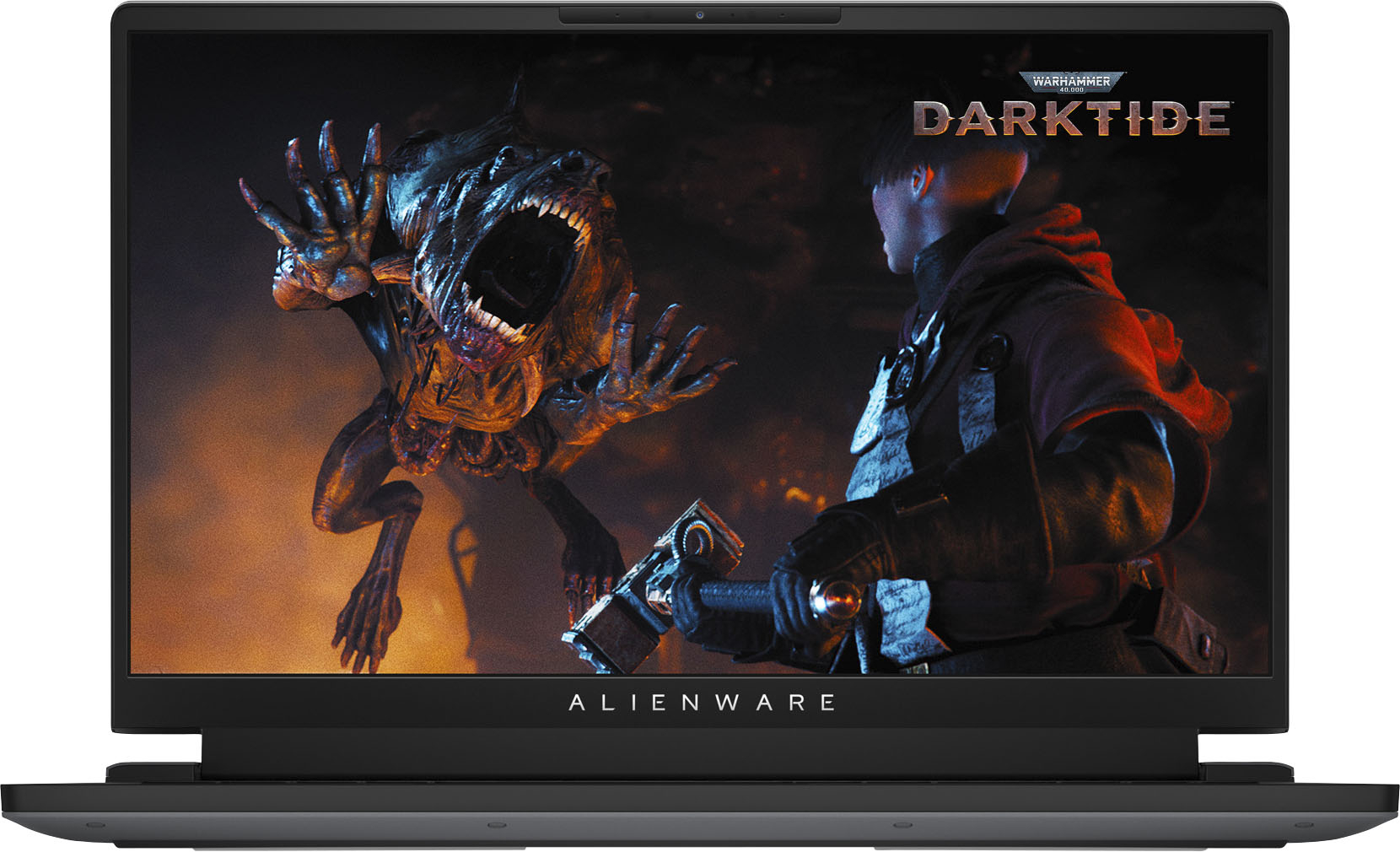
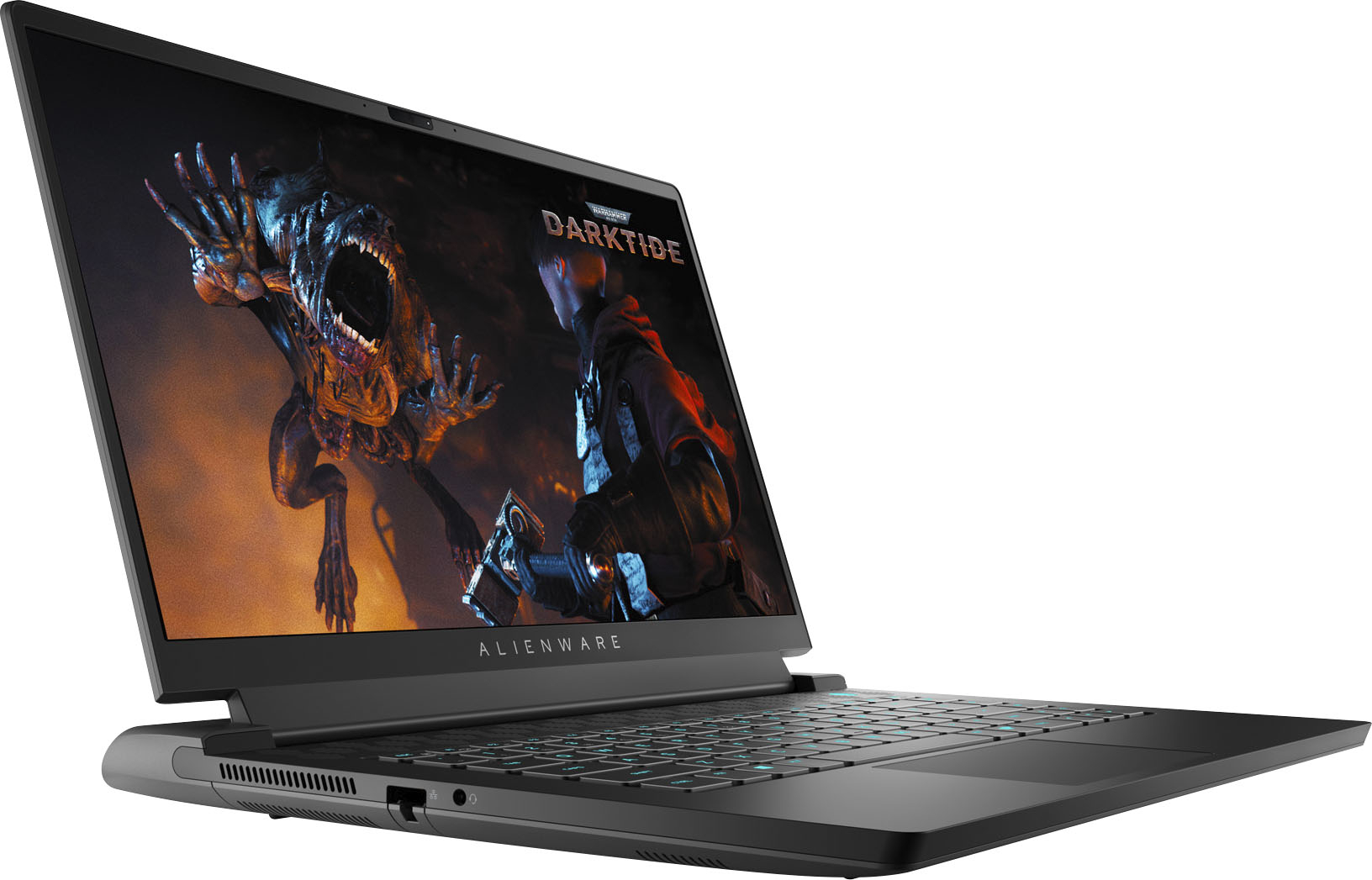
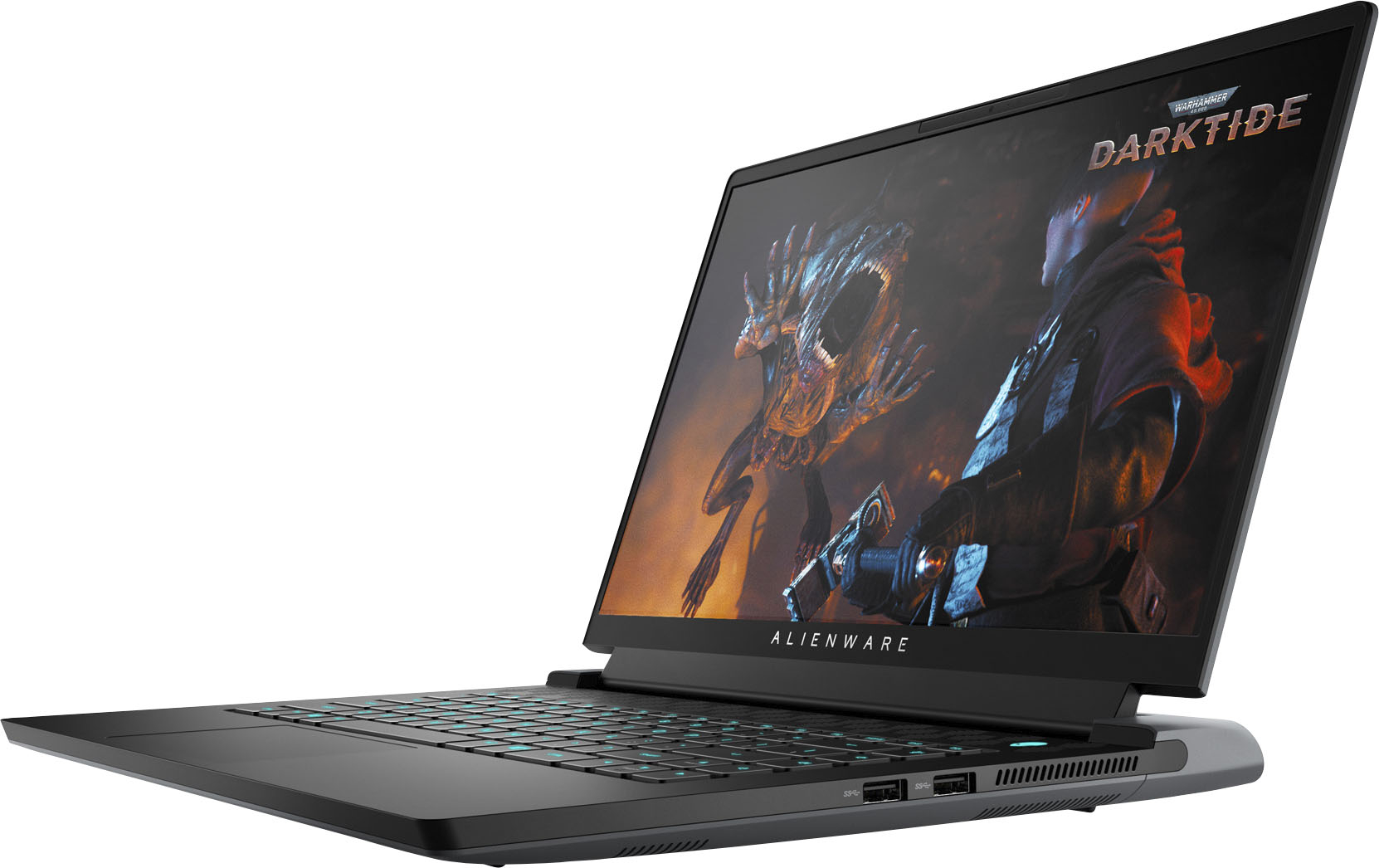
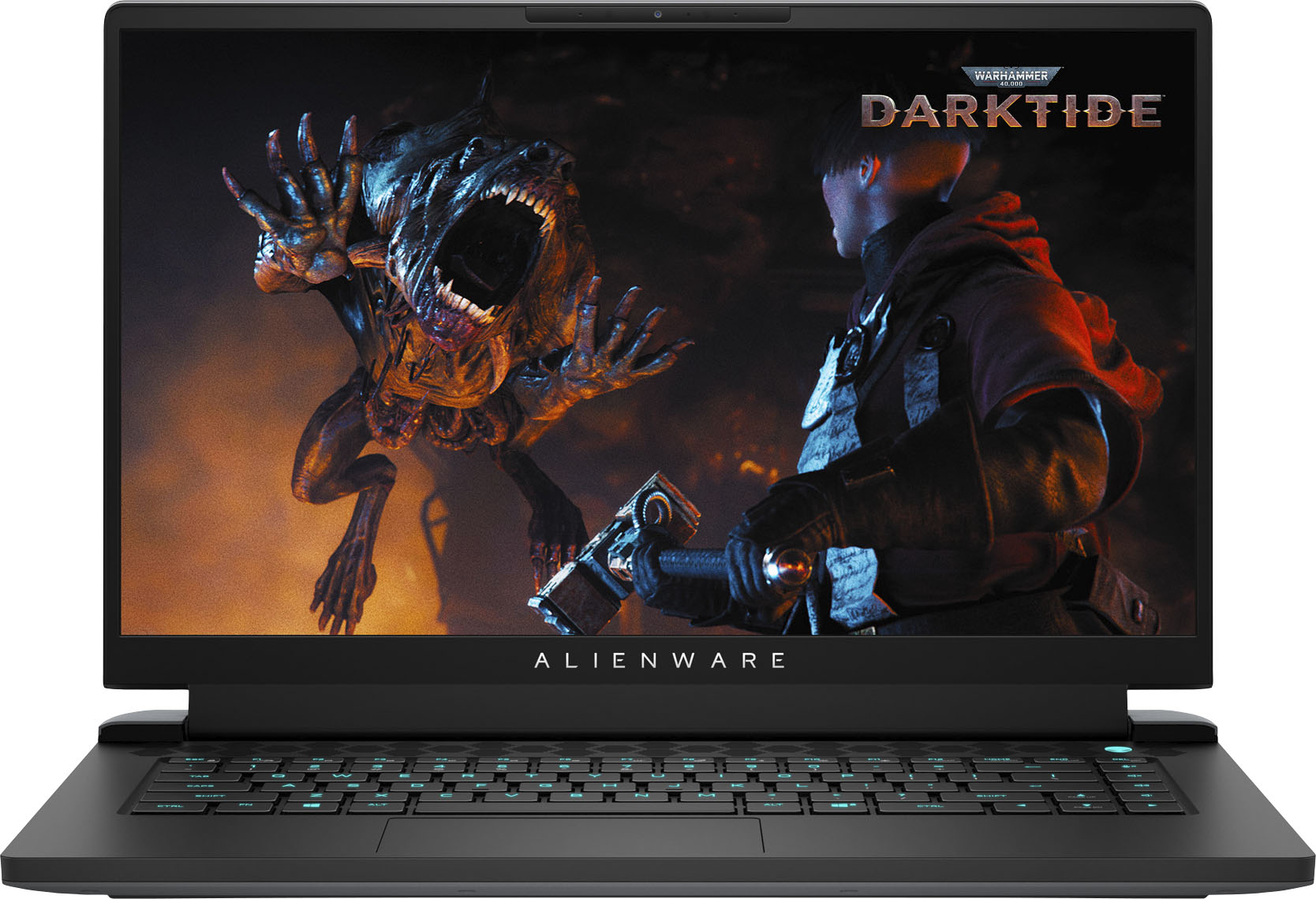

- Model:
- AWM15R5-A104BLK-PUS/A217BLK-PU
- SKU:
- 6468110
to a friend
Customers are saying
Customers are impressed with the powerful CPU, high-quality keyboard and display, and excellent performance of the m15 R5 gaming laptop. However, some users noted that the laptop runs warm during extended use and has less-than-stellar battery life. The weight of the system was also mentioned as a potential drawback for some. While the sound quality is considered adequate, it is not a standout feature.
This summary was generated by AI based on customer reviews.
- Pros mentioned:Performance
Great Laptop!
||Posted . Owned for 1 week when reviewed.This reviewer received promo considerations or sweepstakes entry for writing a review.Good to go and screaming fast right out of the box.
I would recommend this to a friend - Pros mentioned:Cpu, Display, PerformanceCons mentioned:Heat

It's Amazing Performance
|Posted .This reviewer received promo considerations or sweepstakes entry for writing a review.The Alienware M15 is nothing short of amazing. This laptop packs ridiculous power for some of the best performance I've seen on a gaming laptop. There are a few different variants or customized models with different specs, but for mine I went with the M15 with the Ryzen7, QHD 240hz screen, 512GB SSD, and the Nvidia 3070, and I am absolutely loving it. Playing Halo MCC looks beautiful and runs buttery smooth. The RGB keyboard customization is a nice touch and let's me pick my color/lighting patterns that appeal to my asthetic preferences. Honestly this thing is awesome. Not to sound to much like a simp there is one issue I have found and that is the heat. It's not uncommon in gaming laptops and it was something I was used to with my old Zephryus G14 but still I've gotta say the M15 runs a little hot after a while. You won't be burning your lap but it will be uncomfortable so maybe don't have it on your lap for long gaming sessions. Other than that the Alienware M15 is perfect and an absolute must buy for anyone wanting a powerful gaming laptop.
I would recommend this to a friend - Pros mentioned:PerformanceCons mentioned:Battery life
My last Alienware
||Posted . Owned for 1 week when reviewed.This reviewer received promo considerations or sweepstakes entry for writing a review.The laptop gets very hot and the battery doesn’t last that long. It’s a powerful machine but it does have its flaws.
No, I would not recommend this to a friendBrand response from YourDellTeam
Posted .Hello Anthony,
Thank you for taking a moment to share your input and review. We are glad to hear that you're pleased with the performance of your m15. We greatly appreciate your feedback and we would like to apologize for the overheating issue you have come across. We understand how frustrating this can be and we would like to assist you as soon as possible.
Here are the recommended steps for troubleshooting overheating:
• To tune your system, go to Alienware Command Center and select out of 4 different thermal profiles that will help you manage system temperatures as well as performance output to your preference. These include Cool, Quiet, Balanced, and Performance thermal profiles.
• Our Alienware m15 follows 8th and 9th generation Intel performance design guidelines, which can lead CPU temperatures to reach 100°C to output top in-game performance.
• We fully warrant the product under these conditions. If you see CPU temperatures rising beyond 100°C on Alienware Command Center, please contact support and they will take care of your issue - https://dell.to/2Inbc8F.
• You can view additional information on this site: https://dell.to/2IIhqjJ.
We recommend following the steps above to resolve your issue. If the issue continues, please contact our support team here: https://bit.ly/DellSupportTeam.
Best,
Wendy C.
https://bit.ly/DellSupportTeam.
Phone number to Dell: 1-800-264-9896.
- Pros mentioned:Design, Display, PerformanceCons mentioned:Heat
Good computer
|Posted .This reviewer received promo considerations or sweepstakes entry for writing a review.I love the design and led lighting, feel very durable and strong and it preforms very well. It does get quite hot really fast and fan seems to be running most of the time, even when it laying simple games such as roblox or minecraft. Display is awesome and on that side I am very happy with it. Device is heavy which is expected for hight performance computer. I have decided to make this my son gaming computer and he is extremely happy with it. Pros: Design RGB lighting Performance Cons: Gets very hot
I would recommend this to a friend Worth the money and powerful machine
||Posted . Owned for 3 weeks when reviewed.This reviewer received promo considerations or sweepstakes entry for writing a review.pretty good, definitely gonna recommend it to my friends.
I would recommend this to a friend- Pros mentioned:Cpu, Keyboard
A pleasure to play fast paced games on!
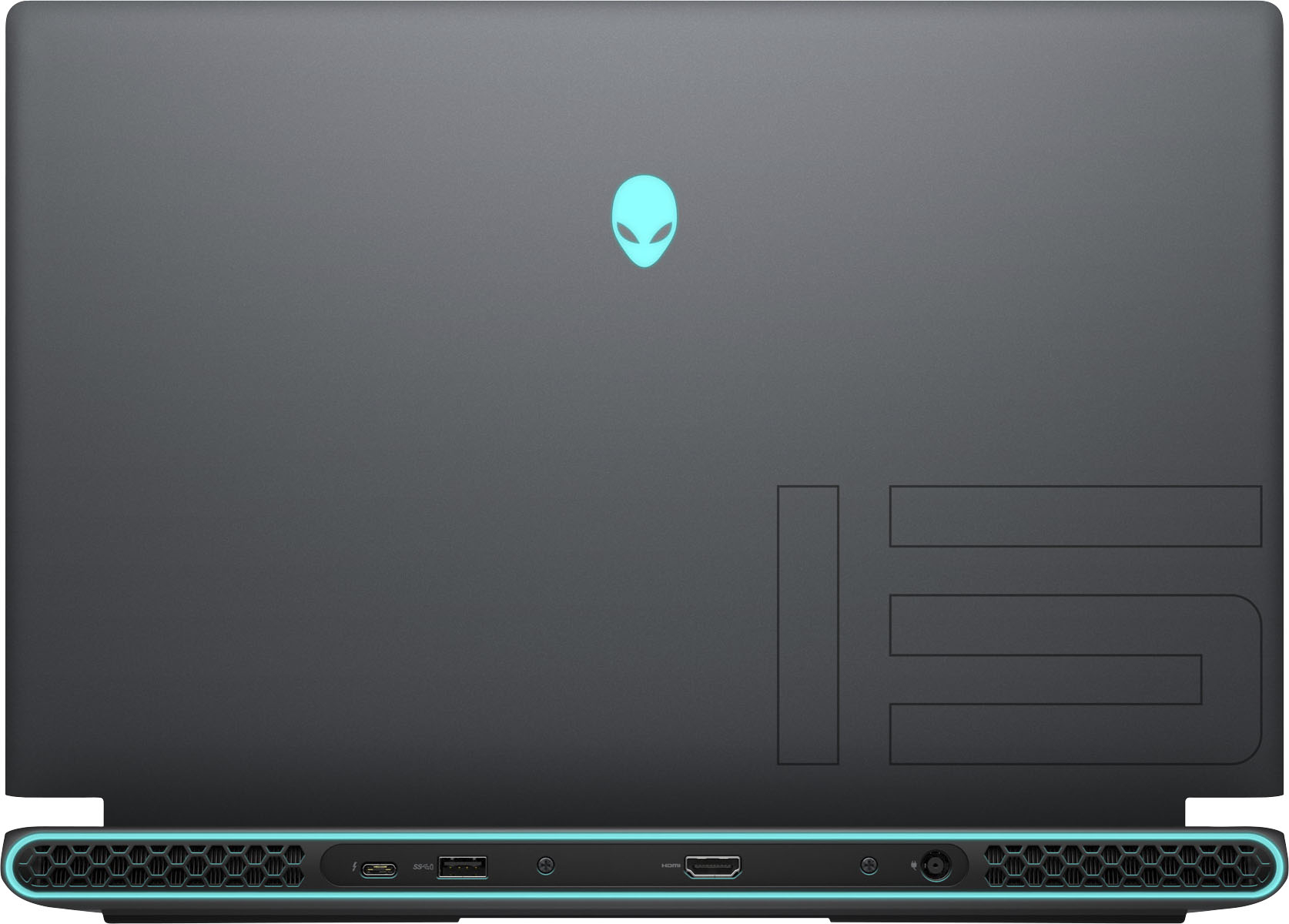
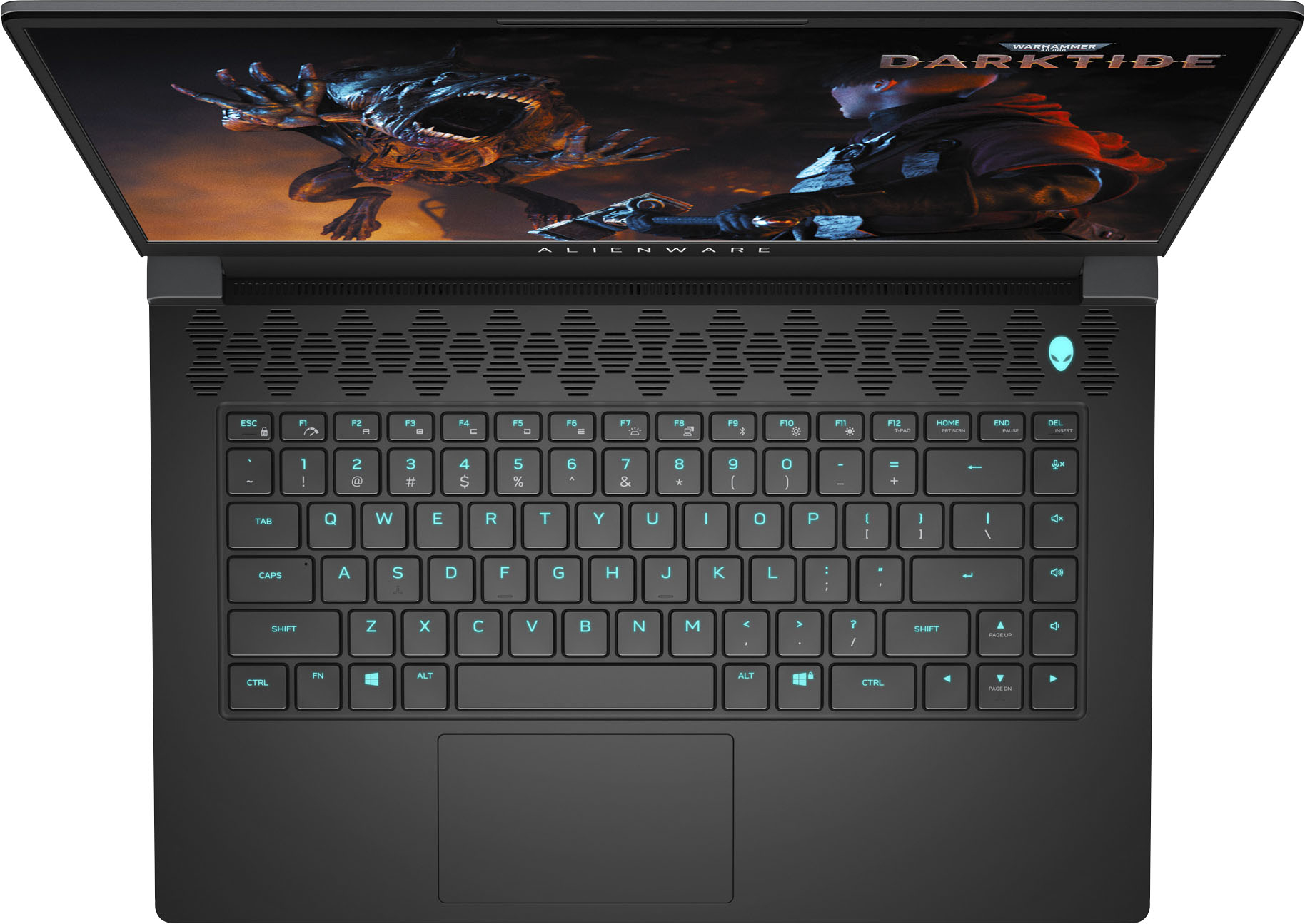
|Posted .This reviewer received promo considerations or sweepstakes entry for writing a review.Alienware machines are in my opinion, the top machines for gaming or more intensive business applications. I've used this particular machine for gaming only. The features and specs on it are impressive, and I've found they all work well together to deliver a very competent machine that gives you a fantastic gaming experience. Lets start with the obvious, the build quality. There are a lot of subtle features about the quality and innovations that are included with it. Alienware machines just have a really cool look to them, that's a given, but look a little deeper and you'll notice “The Dark Side Of The Moon” finish. It's a matte black finish that's comfortable on the hands and looks great. It doesn't have a cheap plastic look to it, and it holds up really well. The touchpad is responsive but I'm not a big fan of touchpads that have integrated buttons because I always end up hunting around for them. The Cherry mechanical keyboard has the best feel of any laptop I've ever used. Keystrokes don't have to be dead center to actually register, so there are no missed letters when you type. The screen is thin, so don't expect it to have a beefy feel, but the hinges are solid and the 240Hz, 2560x1440 resolution display is beautiful. You'll find the ports you need and they are laid out nicely and separated adequately. They include several USB ports (one of them a USB-C port), headphone jack, Network jack, HDMI port and the power input jack. Adding to the super fast speed of the machine is 16GB of memory and a 512GB SSD. Video is processed with an NVIDIA GeForce RTX 3070 processor with 8GB of RAM. The Ryzen CPU is a competent beast. I played a variety of games on this machine, all at the highest settings for video, including DOOM, Diablo III, Age of Empires (for Windows 10) and Resident Evil. The newly updated graphics on AOE were absolutely beautiful. Especially the water effects. Movement of people never faulted and battles were easy to control thanks to zero lag. The first person shooter DOOM (2016) was absolutely stunning. Anyone familiar with this game knows how intense the gameplay can get, and I never saw any stutter in performance and the video quality never faltered. Diablo III is another one of those games that really shines on a machine like this. Color depth is unreal and shadowing is dark and dramatic but at the same time clean. All these games were an absolute pleasure to play on this machine. It is truly set up for gaming and everything I played on it was an absolute pleasure. During normal, non game use, the machine stays pretty cool. Ramping up the intensity while playing fast paced games does dramatically increase the operating temperature, but between good cooling fans, temperature monitoring software and the internal copper cooling ducts, the machine never overheated. Not to say that it doesn't get warm, it definitely does, but the machine manages the heat well enough that even repeating intense game levels over and over (and over... talking about you DOOM!), doesn't slow it down. Processors these days are virtual small heaters and they have to be managed well. This particular one is an AMD Ryzen 7 5800H. The Alienware Command Center will let you tweak the machine for more performance, lower running temperature, lower fan volume, etc.. These are all pre-configured profiles, but you can also set limits for a custom profile (if you're into that kind of thing). I found the “Full Speed/High Performance” profile worked great for any game I threw at it, and I keep it as my default. The special LED illumination in the back of the machine and under the keyboard is always a fun addition and is one of the hallmarks of the Alienware name. The exhaust port light is really unique and gives it a very futuristic look. You're able to set up different color profiles for individual games, which is pretty cool. I was able to set up several different lighting profiles that all look really good, and they are easy to change between to suit my mood. If you're looking for a competent gaming machine that won't slow you down, I found this machine to be an excellent choice. Really the only complaint I have is on the integrated touchpad buttons. And that's not so much a complaint as a personal preference because it does work well. Very nice machine, great job Alienware!
I would recommend this to a friend - Pros mentioned:Display, Keyboard
Hits on the key points for a gaming laptop
|Posted .This reviewer received promo considerations or sweepstakes entry for writing a review.This Alienware M15 R5 with the Ryzen CPU and RTX 3070 provides a spectacular portable gaming platform. Personally, there are a few things gaming laptops need to do well to be considered great: Display, keyboard, gaming performance. I don’t really critique the mousepad because its not used for gaming. However, it is solid on this laptop for your non-gaming activities. The display on this laptop is a 240hz QHD. When you consider this laptop has an RTX 3070, a 240hz display is basically a necessity. However, if you want to play some games in 4k 60fps that is also doable with the QHD resolution. This display gives you all the flexibility to give you the choice of what you prefer, resolution or FPS? Really no letdowns in that department. Next, the keyboard is a vital part of any laptop. However, its very important on a gaming laptop. I don’t want to bring a dedicated keyboard around with me as it defeats the portable nature of a laptop. Thankfully, the keyboard on this Alienware is fantastic. The travel feels great, and the feedback is very tactile. You won’t have any problems doing longer gaming sessions with this keyboard if that’s a concern. Lastly, what’s a gaming laptop with poor gaming performance. With the current GPU shortage, this is a super important part of any gaming device right now. This Alienware M15 R5 is equipped with the RTX 3070 which is about on par with a 2080 Ti. That’s been the 3070’s claim to fame. It has not disappointed me at all. When you pair it with the excellent Ryzen 7 5800H you get high levels of gaming performance. I have been playing Risk of Rain 2, Forza Horizon 4, Overwatch, and Red Dead Redemption 2. All games have played without a hiccup. The CPU and GPU combo on this laptop isn’t going to struggle with any game out right now as long as you’re not trying to play maxed out settings on 4k. I have been playing a mix of high FPS with 1080p on competitive shooters, to 2K resolution maxed out on Forza Horizon 4 with still regularly over 100fps. The laptop can get loud and warm. However, Alienware can’t change physics. Powerful GPUs in small bodies produce insane heat. The cooling system does its job. When I use headphones, I can’t hear the fans at all so its not a bother to me. The Alienware M15 R5 with Ryzen 7 5800H and RTX 3070 is a great gaming platform. Alienware has done a good job of making a powerful right out of the box machine that is a joy to use. It has a good feel, and the materials seem higher end. The display is an out of the park hit, and the keyboard is fantastic. Check one out and see for yourself if it fits your needs. For me, it’s a great choice for gaming and daily work.
I would recommend this to a friend - Cons mentioned:Battery life, Fan noise
Great gaming laptop under $2000
|Posted .This reviewer received promo considerations or sweepstakes entry for writing a review.You get everything you expect with Alienware, speed, bells and whistles, colorful displays and a cool power button. Getting into the performance aspect, the M15 R5 is quick, I experienced zero issues during the several games I tested it on. From flight simulators to FPS and racing simulators, this Alienware kept asking for more. Battery life is decent but don't expect to be at it all night without putting it on the charger and the fan can be loud. The built in speakers are very good. The one issue I had was during the initial startup, the computer froze after setting up the WiFi so I had to hard reset it a few times to get the initial setup going again, after that, everything has been great. You will definitely get your moneys worth out of this laptop, however, at this price range, I would have liked to see a 1TB SSD hard drive.
I would recommend this to a friend - Cons mentioned:Battery life
Fast and sharp, a little warm
|Posted .This reviewer received promo considerations or sweepstakes entry for writing a review.Review for Dell Alienware M15 AMD Ryzen 7 5800H Edition R5 Gaming Laptop The display is one of the biggest highlights for this laptop. It is incredibly crisp and the refresh rate helps make games look smooth if they can handle it. Although it could technically handle higher settings, I found myself turning it down slightly because I preferred that smoother movement over having the highest possible shadow physics (and it still looked great). For watching videos and movies, the HD display and colors shine through beautifully. The screen itself is quite thin which at first seemed really nice since it feels sleek and not bulky like many other gaming laptops, but then I became a bit concerned when closing the laptop and I noticed I could see it bend when I’m pulling from one corner. This doesn’t seem like it’s been an issue, but may be something worth some caution. I found myself using a separate mouse as the trackpad is sometimes inconsistent and doesn’t pick up your initial click. Completely the opposite of the trackpad, the keyboard is extremely responsive both for gameplay and for standard use. That said, the layout is a bit odd with the sound controls on the right side. I found myself regularly missing the enter and backspace keys, expecting them to be at the edge. Heat dispersal is pretty good for what it is; it manages to keep the heat away from the keyboard, but can definitely heat up your lap or whatever surface you place it on while using it. Considering the power of the processor and the graphics card in this laptop, heat management is well engineered! The battery life is not great for extended gameplay, so definitely be sure to keep the brightness down and try not to play anything too intensive if you cannot stay plugged in wherever you are. The built in camera and microphone are both very solid. Setup *should be* a breeze, with built-in Cortana voice prompts and speech recognition for startup. I made the mistake of attaching an external monitor before starting up for the the first time. After several hours of idling, I Googled it and found that NO peripherals should be connected at startup. This could have been noted somewhere. After my initial troubles, startup was fast and smooth!
I would recommend this to a friend Alienware Ryzen Edition Nvidia RTX3070 Powerhouse
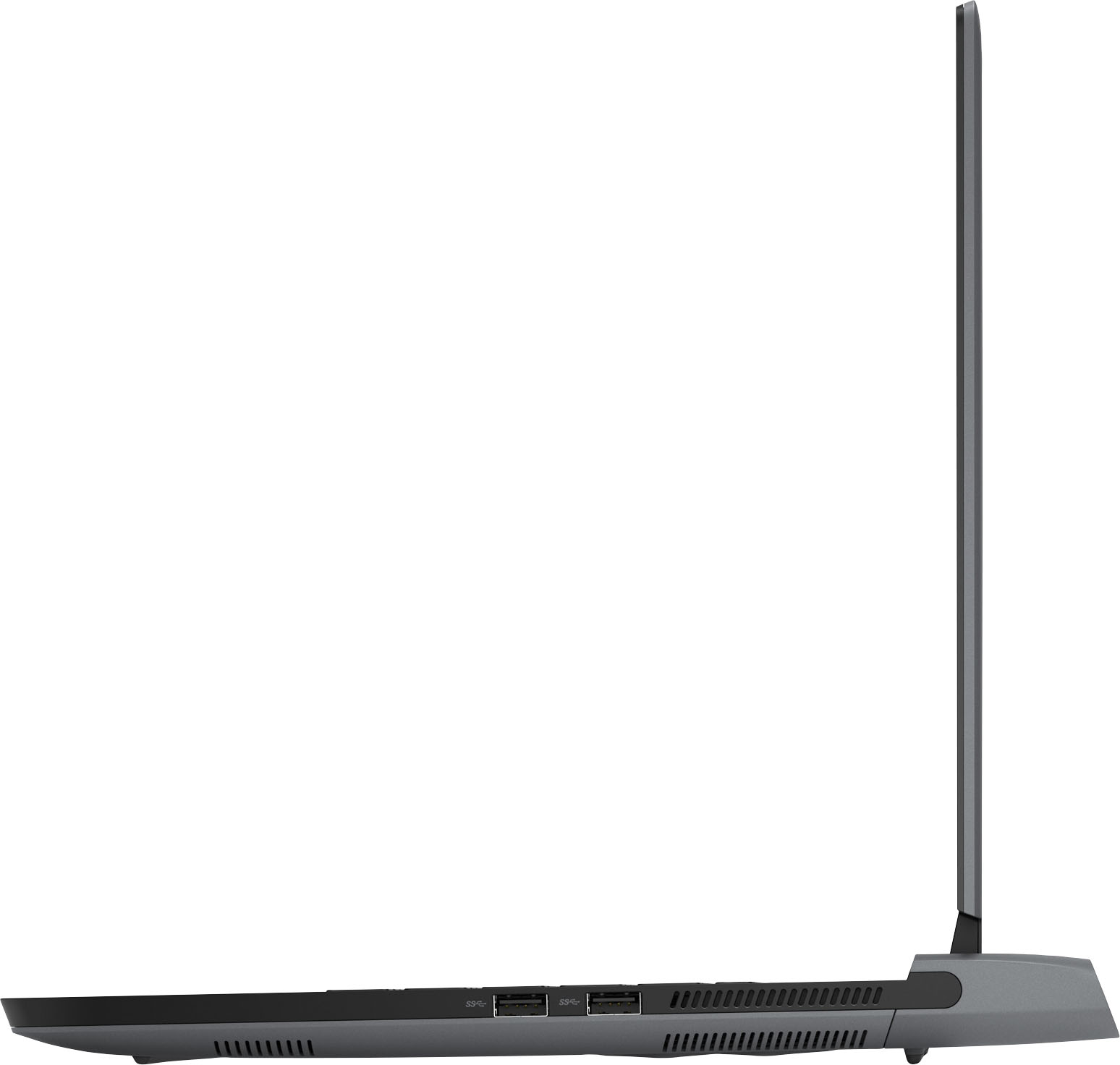
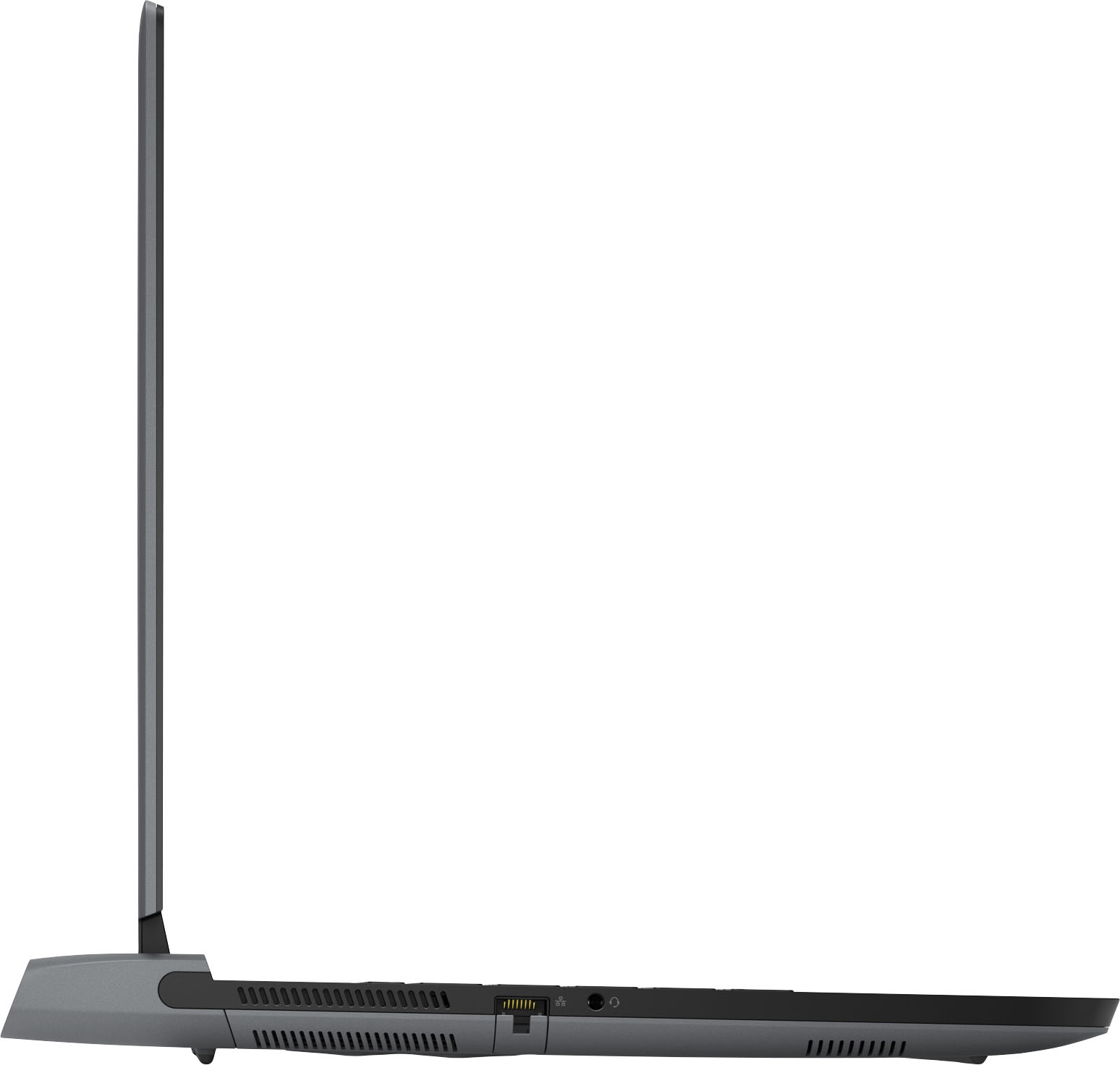
|Posted .This reviewer received promo considerations or sweepstakes entry for writing a review.I spent a lot of my younger years as a pretty dedicated gamer and now somehow I ended up being a businessman. I work hard now but I never lost my love of gaming. In fact I still game almost daily to relax and unwind from work. Lately I have been traveling for work and while on the road I’ve missed my gaming escape. I tote along a laptop for business anyway so why not make it a gaming laptop. Even better why not make it a Dell Alienware M15 AMD Ryzen 7 5800H Edition R5 gaming laptop. Unboxing was a simple affair. The box comes wrapped in a plain brown paper wrapping as if some guilty pleasure lies within, and one certainly does. Removing it brought a smile to my face with my first glimpse of the Alienware alien logo. Inside the box you find the laptop and a hefty power adaptor. I do like that the large adaptor is at least thin so as to slip in a laptop bag more easily. Removing the laptop from its plastic protective envelope reveals a sharp looking laptop in a gray metallic color that Alienware calls Dark Side of the Moon. I like the sleek sophisticated look. The monitor is a 15.6" QHD (2560 x 1440) 240Hz 2ms display. ComfortView Plus and Nvidia G-Sync are supported. Dell defines ComfortView Plus as an always-on, built-in low blue light screen that optimizes eye comfort by reducing potentially harmful blue light emissions while delivering excellent color accuracy. The laptop measure in at 14.2 inches wide by 10.73 inches deep. At nearly an inch thick and weighing in at 5.34 lbs there are thinner and lighter gaming laptops but there are also thicker and heavier ones. With the power brick it weighs in at a total of about 7.8 lbs. I don’t really mind these dimensions or weight. I’m more concerned about what’s inside. Specification wise this M15 R5 is loaded. It packs the AMD Ryzen 7 5800H processor, 16gb ram, 512 gb NVMe SSD, and a 8 gb Nvidia GeForce RTX3070. It’s been a long time since Alienware has paired a Nvidia gpu with a Ryzen cpu and it’s a scorching combination. Wireless capabilities include Killer Wi-Fi 6 AX1650 802.11ax, 2x2 Wireless LAN, and Bluetooth 5.2. Port wise you get 2 SuperSpeed USB 3.2 Gen 1 Type A ports, 1 SuperSpeed USB 3.2 Gen 2 Type C port, 1 SuperSpeed USB 3.2 Gen 1 Type A port, a HDMI 2.1 Output, a 2.5 Gbps RJ-45 Ethernet port, and a headphone jack. The one USB 3.2 port also supports PowerShare which offers charging of USB devices while the laptop is off. The USB C port also supports USB C to display port so you can use an external display if desired. It was time to power the M15 on. Light effects come to life which include the keyboard, the Alienware logo power button, the Alienware logo on the back of display, and the Tron halo light around the rear edge of the laptop. All are customizable in the Alienware control panel. The keyboard has four zones which one can customize for effects but this model does not have individual key customization. Regardless, I think these add a perfect amount of lighting effects for a gaming laptop. You of course can turn all lighting effects off in you so chose to in say a more subdued or professional environment. Windows setup was pretty typical. Of note is that the M15 R5 has a webcam so it supports Windows Hello Face which signs you into Windows using facial recognition which is nearly instantaneous upon booting up. I was ready to start gaming but first there were a few preliminary steps. I updated Windows, installed the latest Nvidia drivers, and ran the Alienware update. I even installed Office so I was ready to use the M15 R5 not only for gaming but for work too. After installing Steam I was particularly eager to play a game that supported ray tracing since this is the first RTX gpu that I’ve owned. I opted for Wolfenstein Youngblood which I really love playing. The fun was promptly delayed as I immediately experienced a crash upon launch. I tried several other game titles with similar issues. I note this in the event that others have a similar issue. I ultimately fixed the issue by installing the AMD Radeon graphics and Ryzen chipset drivers. After this update the system functioned flawlessly. During setup of Wolfenstein video options I of course opted for the maxed out settings on uber or ultra to see how the RTX3070 would perform. Having played Wolfenstein Youngblood for many hours I was immediately impressed with the impact of the ray tracing effects which brought a whole new level of realism to an already amazing looking game. At QHD 2560 x 1440 2k resolution the game is stunning. With a 240Hz refresh rate on a 2ms display with G-Sync gameplay was perfectly fluid with no motion stuttering or screen tearing. With maxed settings I was getting 156 frames per second. I was thrilled. I fired up another favorite Wolfenstein ll and here on maxed settings I got nearly 170 frames per second. On Cyberpunk 2077 I got around 60 FPS at 1080p with ray tracing on. Game was very playable and looked amazing. Fan speeds really crank up and this baby gets hot but fan noise is tolerable. I play with headphones on anyway so this is of no concern to me. I was anxious to take a look inside the case in regard to upgradeability. Most of the bottom plate screws are captive only 2 are removable. I did have to fuss more than I liked getting it open. Inside I note the 6-cell, 86 Wh "smart" lithium-ion battery. There a 2 ram slots. This M15 R5 comes with 16gb of RAM with two 8gb sticks installed. You can upgrade to 32gb max. On the SSD front I was happy to learn that there are two NVMe slots. This Alienware comes with one 512gb NVMe SSD installed but it is a smaller 30mm drive. If you want to upgrade this drive to an 80mm SSD you need to move the 30mm stand-off to the 80mm position. No problem but I was very disappointed to learn that the second SSD slot comes with no stand-off mount included. What? You can of course order one from Dell but I think this is a big oversight. I have read that Dell intends to include this mount moving forward. I sure hope they offer free mounts to those who did not get one included. Overall I am extremely pleased with the Dell Alienware M15 AMD Ryzen 7 5800H Edition R5 gaming laptop.
I would recommend this to a friendThis is not your Dad's laptop
|Posted .This reviewer received promo considerations or sweepstakes entry for writing a review.This item was sent to me for the purpose of this review. The opinions expressed are my own. This laptop is a true gaming performer. With the Ryzen 5 5800H and Nvidia RTX3070 this is a portable powerhouse. It played Player Unknown Battleground flawlessly at high graphics setting. I don’t play many other games that can be played comfortably on a single 15” screen. Most of my playing is with a triple screen setup and simulators. I am sure this laptop could handle simulators very easily, but for certain ones it is better to have three screens, which I don’t believe this laptop is capable of doing. Not that the 3070 can’t handle them, it’s just that the video output is limited to an HDMI port or a USB-C port. Finding my way around the keyboard and figuring out how to shut off the touchpad was a bit cumbersome, mainly because I was trying to do it while being mid gameplay. It is more comfortable to play FPS games with a regular mouse. The keys have good tactile feedback and are very responsive. I Did not try to use the touchpad for mouse functions, as I am not a fan of touch pads in general. There is extremely basic information that comes in the box. It is a warrantee pamphlet and a quick start guide. The user manual can be found online, but at the time I was using it for gaming I had not looked for the manual. A better quick start guide that explains what all of the second function keys are for would be better to have than just the basics to get it up and running. As far as an everyday laptop to carry around this thing is a hefty beast with a heavy power brick. I would not want to use it for everyday schoolwork to drag between classes. As a gaming laptop that can be played at home or brought to LAN parties this will work very well. It is a much lighter alternative to a PC desktop and monitor combo. It weighs in at approx. 11 pounds which includes the power brick. When using static benchmarking software, it held its own compared to desktop gaming PC’s and high end desktop gaming PC’s and fell somewhere in between score wise. It is upgradable in the memory and SSD categories. The max memory is 32GB and it has a second M.2 SSD slot if your need extra storage built in. The most impressionable asset in the computer is the RTX 3070 that has dedicated 8GB video memory leaving most of the 16GB memory to handle the rest of the workload. Nothing worse than having the graphics engine of a PC share the main memory to get decent looking graphic and robbing CPU performance. This system has plenty of CPU performance as well. Other things worth noting are the lighting zones. They give the laptop a cool factor. The don’t do anything for performance but they sure do look cool. I have not had the time to dive into all of the functions of the lighting, but from what I have been able to figure out(again no instructions on any of this that I could find.) it is pretty easy to change the colors for either alien head logo, the keyboard or the LED around the exhaust for the fans. One possible downside that I have found is the fan noise when the CPU and GPU are being driven to their extreme. The fans get quite loud at full speed. Overall I think this system is great and may be giving my main PC a run for its money. It gets a four stars due to lack of paper documentation and fan noise.
I would recommend this to a friendFinally, Alienware with AMD
|Posted .This reviewer received promo considerations or sweepstakes entry for writing a review.My go-to games are Fortnite and Minecraft. I’ve being using “another” PC laptop with AMD Ryzen 7 and NVIDIA GeForce GTX 1660, so I was excited to get my hands on this Alienware version with the upgraded NVIDIA GeForce GTX 3070 graphics card. Booting up the PC for the first time, I got to the step where it says “Now we have some important setup to do.” I waited a few minutes and, since that was still on that step, I walked away to take care of some things. I came back about an hour later and it was still stuck on that step. That didn’t seem right to me so I performed a hard reboot. It powered back on and got to that step again. I sat there for another 30 minutes and it seemed to be stuck on that step again. This time, I manually powered it down and unplugged the power cord. I left it off for a few minutes before turning it on again. This time, it powered up and was able to get through the entire setup process. Whew! Not a good first impression. Now on to the fun stuff. This seems to offer a lot of gaming performance with putting out less heat, as compared to an Intel laptop I’ve used in the past. That being said, this can still run a bit warm, which kicks the fan on. The fan does seem a bit loud, but I usually game with headphones on anyway. Media keys on the right side of keyboard take some getting use to. I’ve never used a keyboard with the media keys in that area so I accidentally hit the volume keys a couple times. The 15" screen is a bit small, but it is very bright and the colors appear very vibrant to me. I fired up Fortnite and it was running at 440 fps in creative mode. This was absolutely beautiful thanks to the 3070 graphics card. I had the game set at the highest display resolution - 2560p. The frame rate was very smooth with max graphics, making it a great GPU choice. The performance of the CPU was as expected. It did not Wow me, but it did its job. Next, I tried Minecraft. My video settings were: Fullscreen Resolution: 2560p; Graphics: Fancy; Framerate: Unlimited; Render Distance: 16 Chunks; Sync: On; and, Brightness: Moody. My world was running from 80 - 120 fps. Though this was not too impressive, but it looked on par for AMD Ryzen 7. Minecraft is generally a more CPU intensive game, versus GPU. Overall, this computer is a pretty decent gaming PC, for a laptop. What really saves this PC is the NVIDIA GeForce GTX 3070 graphics card. I really had my heart set on a NVIDIA GeForce GTX 3080, but for the price I am actually impressed with the performance of the 3070. What would really make this laptop topnotch is AMD Ryzen 9.
I would recommend this to a friendVery Nice system but a couple issues
|Posted .This reviewer received promo considerations or sweepstakes entry for writing a review.After opening the laptop box and powering it up, it went through the usual 1st startup procedures. On try 1 the system hung. Waited for 2 hrs and no progress. Hard shut as it was unresponsive and rebooted. This time it never made it to the “First start-up-updating” start and it was at the Cortana screen. After the 3rd hard reset it went though and did the setup and booted fine after selecting language etc.. Once I was able to start playing around with it the first thing that obvious was that this system runs pretty darn hot. Everything ran fine though and seems like good air flow. I then wanted to go ahead and add my secondary M.2 SSD… Nope… They don’t include the stop you need to mount the card. Really?? Come on.. Now I plan to contact them to see if they supply them as I feel that should be included. Maybe I’m wrong in that thought but I really don’t feel I should have to purchase a stop to add a 2nd SSD. I want to run this through some games to see how it performs but I never install games on my main HDD so the testing will have to wait. Overall the system is pretty nice. Hopefully there won’t be a heat issue but as long as it gets good air flow everything should be ok. To change your keyboard, Alien and “Tron” lighting, you need to open the Alienware Command Center. When I first opened it it said I had no FX items installed. After a few seconds it updated and then could see my system lighting. I changed it to have the lights slowly change colors. So again if you do this, wait a few so the Command Center can update and load everything. Manuals and tech are in the Alienware program on the laptop which shows you your specs, checks for updates etc.. Overall, right now, I think the system will be a great holdover until my next PC upgrade. Wish I could run some gaming tests but until I can add a 2nd SSD that will have to wait. At idle the CPU runs at around 50 deg F and the NVIDIA 3070 at 52 Degrees. System boots FAST and I can not wait to see how the gaming is as I’m coming from a 1080 card. Good system with just a couple issues keeping it from being a higher “score”..
I would recommend this to a friend














