Customer Ratings & Reviews

- Model:
- B09ZXLRRHY
- SKU:
- 12006642
Rating by feature
- Value
Rating 4.8 out of 5 stars
- Quality
Rating 4.8 out of 5 stars
- Ease of Use
Rating 4.8 out of 5 stars
This product sucks. Do better Amazon!!
||Posted . Owned for 3 months when reviewed.This reviewer received promo considerations or sweepstakes entry for writing a review.Horrible product. Have had this for less than 4 months and it won’t even turn on. Used it to connect and extend our dot outside. That was spotty. Worked half the time. Brought it inside when not in use. Glad it was free. Not worth a penny.
No, I would not recommend this to a friendBrand response from Amazon Devices Customer Support
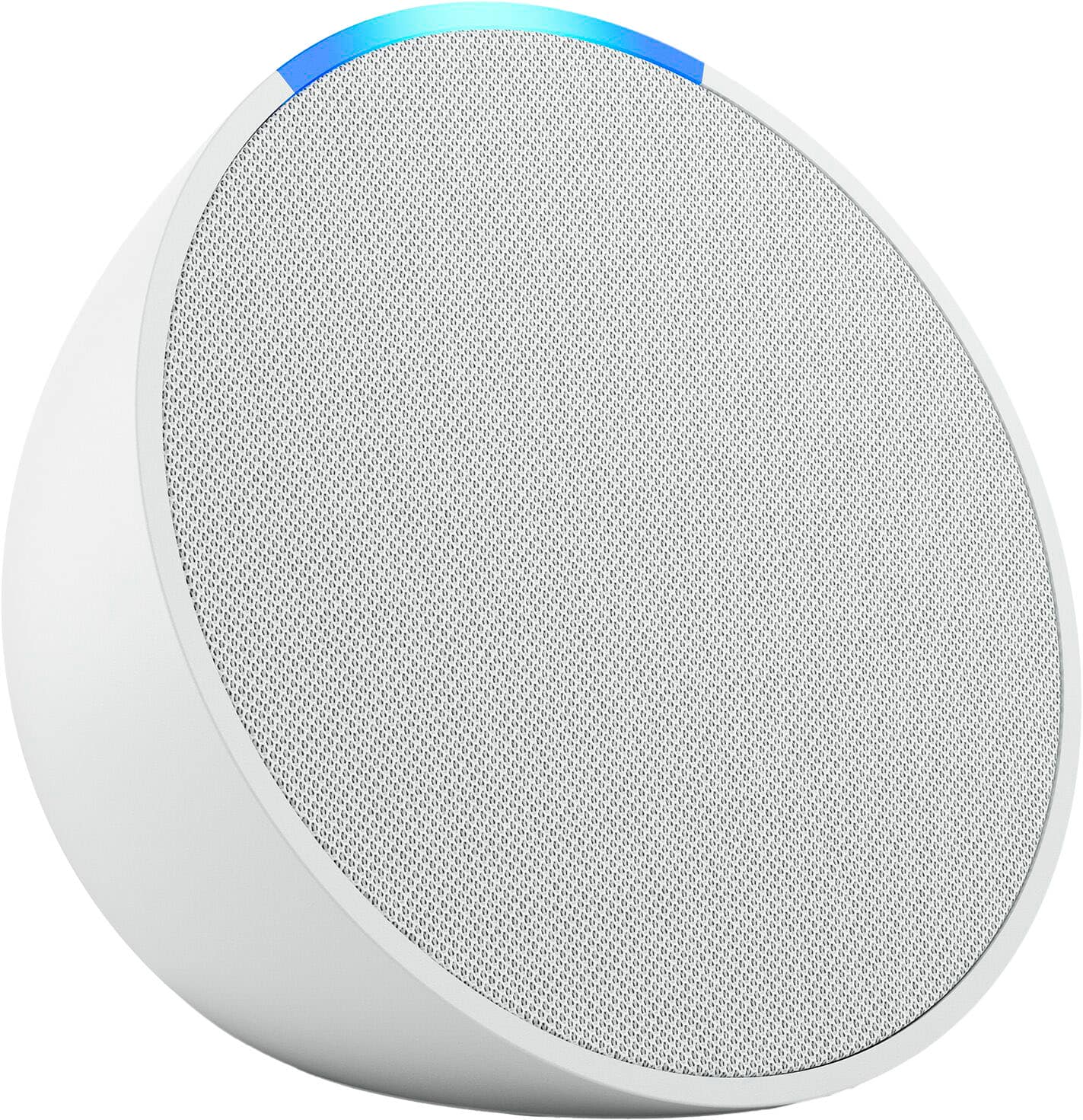
Posted .Thank you for your feedback Mac4588. I am sorry to hear you are having issues with your Echo Pop. Let's try some basic troubleshooting steps to resolve the issue. To reset your device and keep your smart home connections:
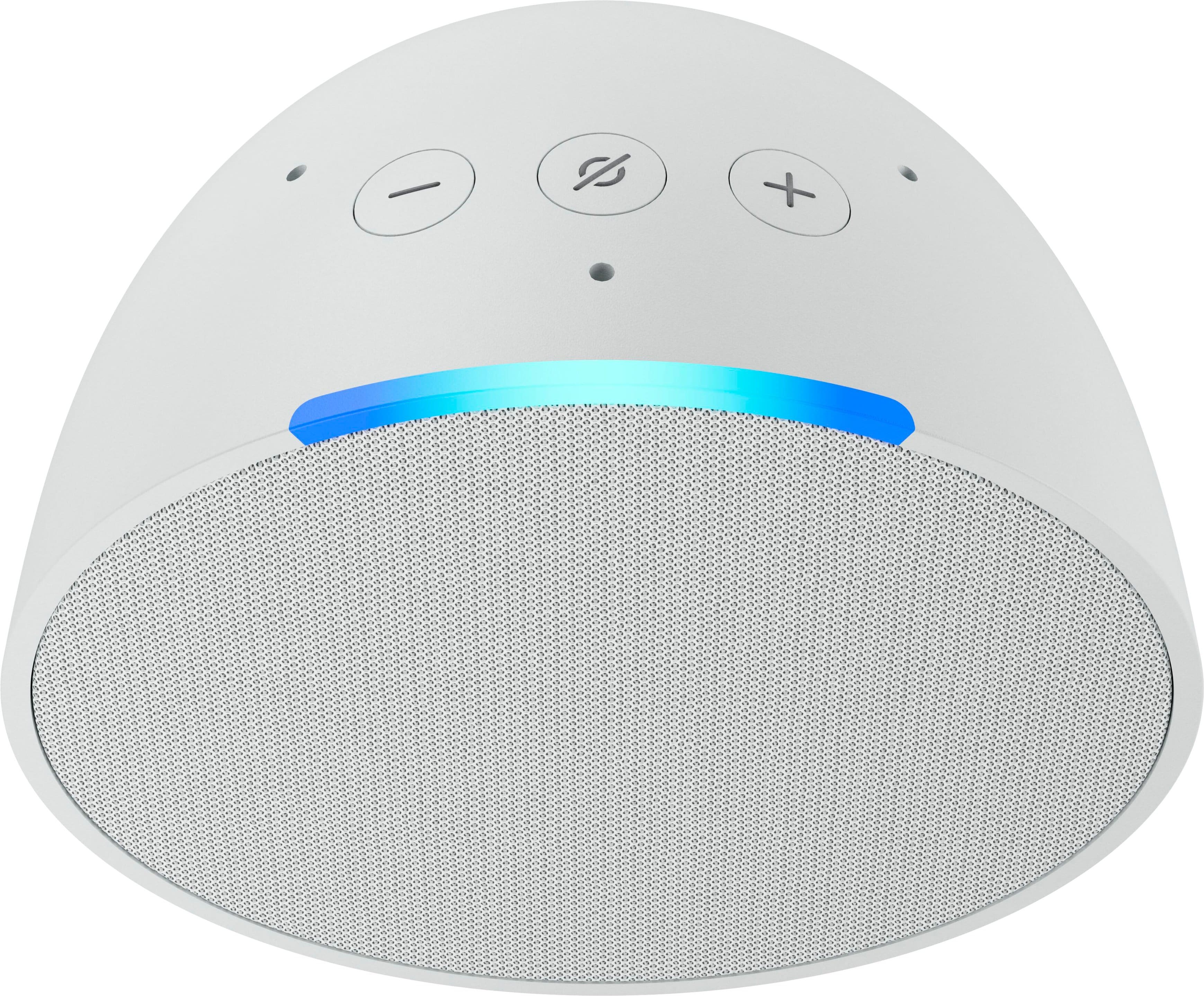
Press and hold the Volume down and Volume up buttons for 15 seconds.
Wait for the light bar to turn off and on again.
Your device enters setup mode. For setup instructions, go to Set Up Your Echo Pop.
To reset your device to its factory settings:
Press and hold the Volume down and Microphone off buttons for 25 seconds.
Wait for the light bar to turn off and on again.
Your device enters setup mode. For setup instructions, go to Set Up Your Echo Pop.
Note: This reset erases all your personal information and any device and smart home connections.
Tip: If resetting your device isn’t helpful or you no longer want to use your device, Deregister Your Device from your Amazon account. Deregistering your device erases all device settings. If this information does not help, you can reach Amazon Customer service 24/7 for assistance. You can reach them at 1-888-280-4331. I hope this information helps, thank you!
free with TV
||Posted . Owned for 1 month when reviewed.This reviewer received promo considerations or sweepstakes entry for writing a review.too early to say how good this is, still trying to figure it out but it came free with the TV so why not try it.
No, I would not recommend this to a friendOk.
||Posted . Owned for 2 weeks when reviewed.This reviewer received promo considerations or sweepstakes entry for writing a review.The quality of the music isn’t the best and music might be the only thing this is useful for.
I would recommend this to a friendEcho
||Posted . Owned for 1 week when reviewed.This reviewer received promo considerations or sweepstakes entry for writing a review.This was a sale item very difficult to use very hard to get the device to pick up the voice
I would recommend this to a friendNot a good options
||Posted . Owned for 3 weeks when reviewed.This reviewer received promo considerations or sweepstakes entry for writing a review.The inside speaker it’s a bit bigger but the sound quality it’s a step behind compared to old generations.
No, I would not recommend this to a friendNot echo dot sound quality
||Posted . Owned for 1 month when reviewed.This reviewer received promo considerations or sweepstakes entry for writing a review.Its ok, mediocre sound quality but it was free with a tv purchase. I gave it away
No, I would not recommend this to a friendIm perplexed
||Posted . Owned for 1 month when reviewed.This reviewer received promo considerations or sweepstakes entry for writing a review.I personally cant figure out how to use it but once i do im sure it will be amazing
I would recommend this to a friendAmazon - Echo Pop
||Posted . Owned for 2 months when reviewed.This reviewer received promo considerations or sweepstakes entry for writing a review.This gizmo was a no-cost gift with a BB purchase, but we find it pretty useless.
No, I would not recommend this to a friendAlexa
||Posted . Owned for 1 month when reviewed.This reviewer received promo considerations or sweepstakes entry for writing a review.Very delicate, my niece dropped it once and it stopped working
No, I would not recommend this to a friendNo USB Power Option
||Posted . Owned for 1 month when reviewed.This reviewer received promo considerations or sweepstakes entry for writing a review.This oddly does not have a USB power supply so it makes it less versatile
No, I would not recommend this to a friendBrand response from Amazon Devices Customer Support
Posted .Hello BrianK,
The Echo Pop is simple to use and set up. You simply plug in the device, connect to the internet with the Alexa app, and ask Alexa for the weather/music/news and so much more! Thank you for your feedback on the device, have a great day!
Alexia
||Posted . Owned for 3 weeks when reviewed.This reviewer received promo considerations or sweepstakes entry for writing a review.Audio not updated but connects to the television perfectly and my ring cameras
I would recommend this to a friendOkay
||Posted . Owned for 2 months when reviewed.This reviewer received promo considerations or sweepstakes entry for writing a review.Not the best but usable in small spaces if you need a small speaker.
No, I would not recommend this to a friendCould Be Better
||Posted . Owned for 1 week when reviewed.This reviewer received promo considerations or sweepstakes entry for writing a review.I have nothing wrong with the device. I wish it had better capabilities.
I would recommend this to a friendDisappointing Alexa
||Posted . Owned for 1 month when reviewed.This reviewer received promo considerations or sweepstakes entry for writing a review.The shape is kind of off putting, threatening to roll off the counter.
No, I would not recommend this to a friendAmazon - Echo Pop (1st Generation) Smart Speaker w
||Posted . Owned for 1 week when reviewed.This reviewer received promo considerations or sweepstakes entry for writing a review.Amazon - Echo Pop (1st Generation) Smart Speaker with Alexa - Charcoal
I would recommend this to a friendSpeaker
||Posted . Owned for 2 months when reviewed.This reviewer received promo considerations or sweepstakes entry for writing a review.The speaker do the job when it connects to your phone on the ap.
No, I would not recommend this to a friendI perfer a screen.
||Posted . Owned for 1 month when reviewed.This reviewer received promo considerations or sweepstakes entry for writing a review.I perfer a screen. It was okay but those are my preferences
No, I would not recommend this to a friendSpeaker
||Posted . Owned for 2 months when reviewed.This reviewer received promo considerations or sweepstakes entry for writing a review.Could be louder and better way to use. Could be bigger
I would recommend this to a friendSpeaker
||Posted . Owned for 2 months when reviewed.This reviewer received promo considerations or sweepstakes entry for writing a review.Awesome speaker love the Bluetooth speakers great product
I would recommend this to a friendThree out of five failed in the first month
||Posted . Owned for 1 month when reviewed.This reviewer received promo considerations or sweepstakes entry for writing a review.We purchased five of these, and three of them have already required a factory reset in the first month. And once we figured out how to solve the problem of an unresponsive device, the subsequent two times were pretty fast… But obviously not ideal so quickly after purchasing.
No, I would not recommend this to a friendBrand response from Amazon Devices Customer Support
Posted .Hello AaronO,
Thank you for your feedback on the Echo Pop. I am sorry to hear of the issues you are having with the functionality of the device. Here are a few troubleshooting tips for you to try to resolve the issues: 1. Check that your device has a strong internet connection. 2. If your device set up uses the Alexa app, please check that you have the latest version of the app. 3. Restart your Echo device-Unplug it from power, wait 30 seconds, and then plug it back in. 4. If none of these steps help or if you are having problems registering the device, reset your Echo device to clear up most issues. If you are still having issues with the functionality of the Echo Dot, Amazon Customer service is available 24/7 for assistance on the device. You can reach them at 1-888-280-4331. I hope this information is helpful to get your device working properly for you. Thank you! Check that your device has a strong internet connection.