Customer Ratings & Reviews

- Model:
- B0DC96PPZK
- SKU:
- 6642850
Rating by feature
- Value
Rating 4.5 out of 5 stars
- Quality
Rating 4.8 out of 5 stars
- Ease of Use
Rating 4.7 out of 5 stars
love it
||Posted . Owned for less than 1 week when reviewed.This reviewer received promo considerations or sweepstakes entry for writing a review.10/10 works so well!! it does everything just like a phone.
I would recommend this to a friendFive stars
||Posted . Owned for 1 month when reviewed.This reviewer received promo considerations or sweepstakes entry for writing a review.Love listening to music . Enjoy all the info you can get by asking .
I would recommend this to a friendLooks great. Screen is excellent.
||Posted . Owned for 2 weeks when reviewed.This reviewer received promo considerations or sweepstakes entry for writing a review.Looks great. The update to Alexa has some real glitches.
I would recommend this to a friendNot buy
||Posted .This reviewer received promo considerations or sweepstakes entry for writing a review.The design of this device is beautiful and the idea behind it is great, but the performance is very disappointing. It often works slowly and sometimes does not respond to simple questions. There are also moments when the display suddenly goes black for no reason. For a device at this price, I expected much better reliability and speed. Right now it feels frustrating to use and not worth the money.
No, I would not recommend this to a friendBrand response from Amazon Devices Customer Support
Posted .Hi CarlosjesusF,
Thank you for your feedback on the Echo Show 11. I am sorry to hear it is not working for you. There are a few things to try and get things moving smoothly: Power cycle the router by unplugging it for 30 seconds to clear any network traffic/errors. Ensure the Echo Show 11 has the latest updates. If these steps do not help and you are still experiencing issues, you can reach out to Amazon Customer Support 24/7 at 1-888-280-4331.
Waiting for Apple's HomePod with display
||Posted . Owned for 2 months when reviewed.This reviewer received promo considerations or sweepstakes entry for writing a review.It's OK but not much of an improvement over the Echo Show 8.
No, I would not recommend this to a friendBrand response from Amazon Devices Customer Support
Posted .Hi JerryM,
Thank you for sharing your thoughts on the Echo Show 11. I appreciate your feedback about the upgrade experience from the Echo Show 8.
I understand that the improvements may feel incremental if you're already familiar with the Echo Show 8. The Echo Show 11 does offer some enhancements that might become more noticeable over time:
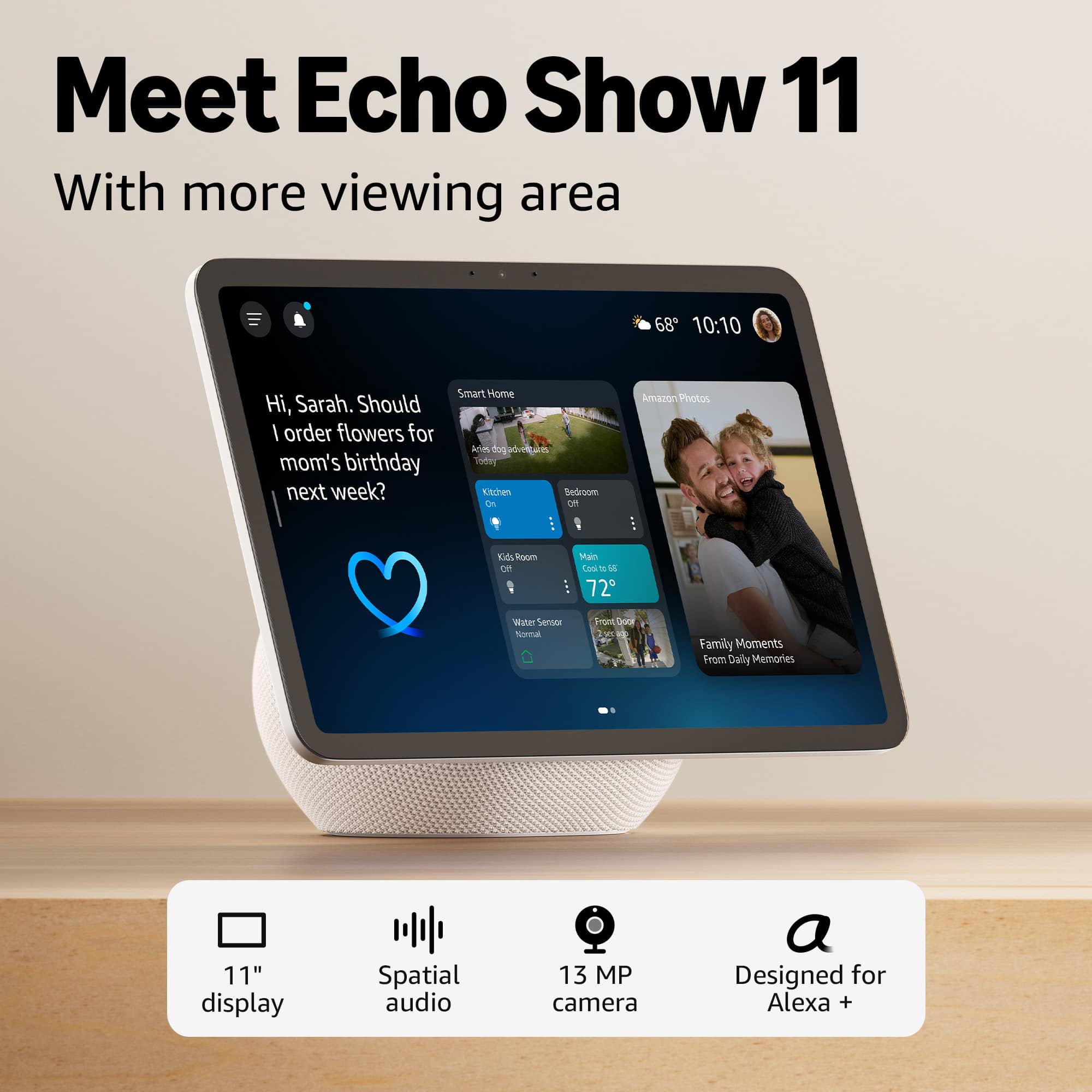
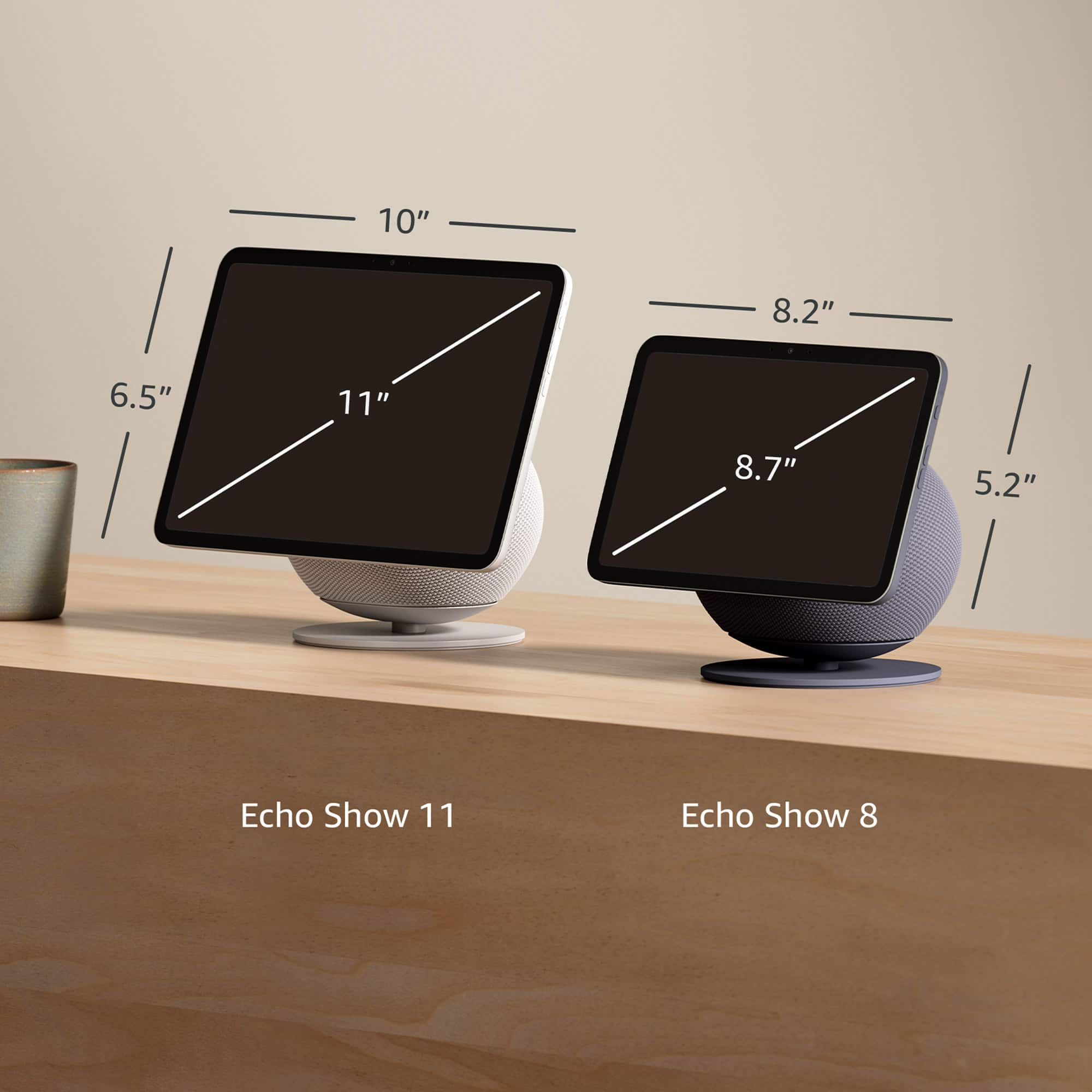
Larger 11" display: Provides more viewing area for video calls, recipes, and content
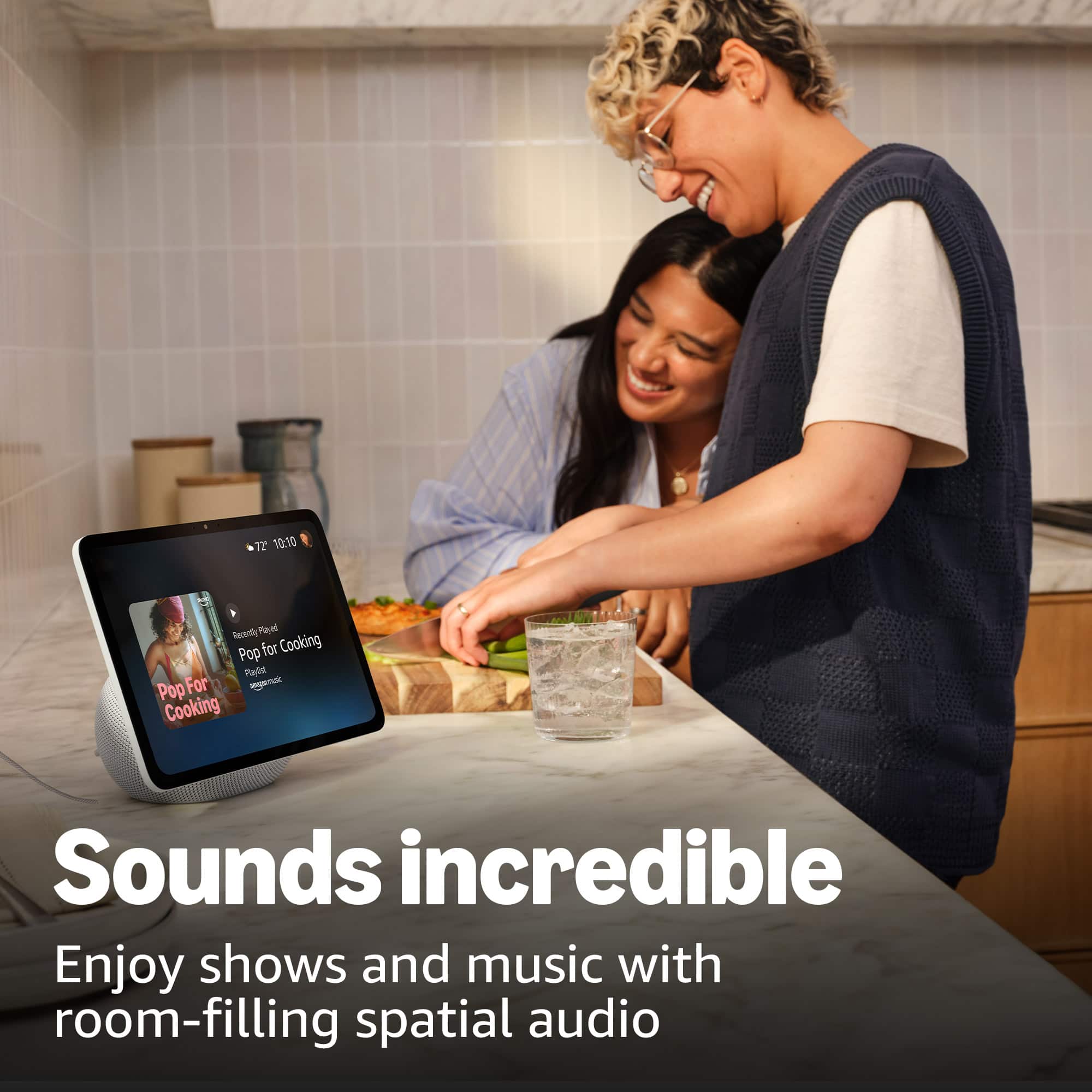
Spatial audio: Creates a more immersive sound experience for music and media
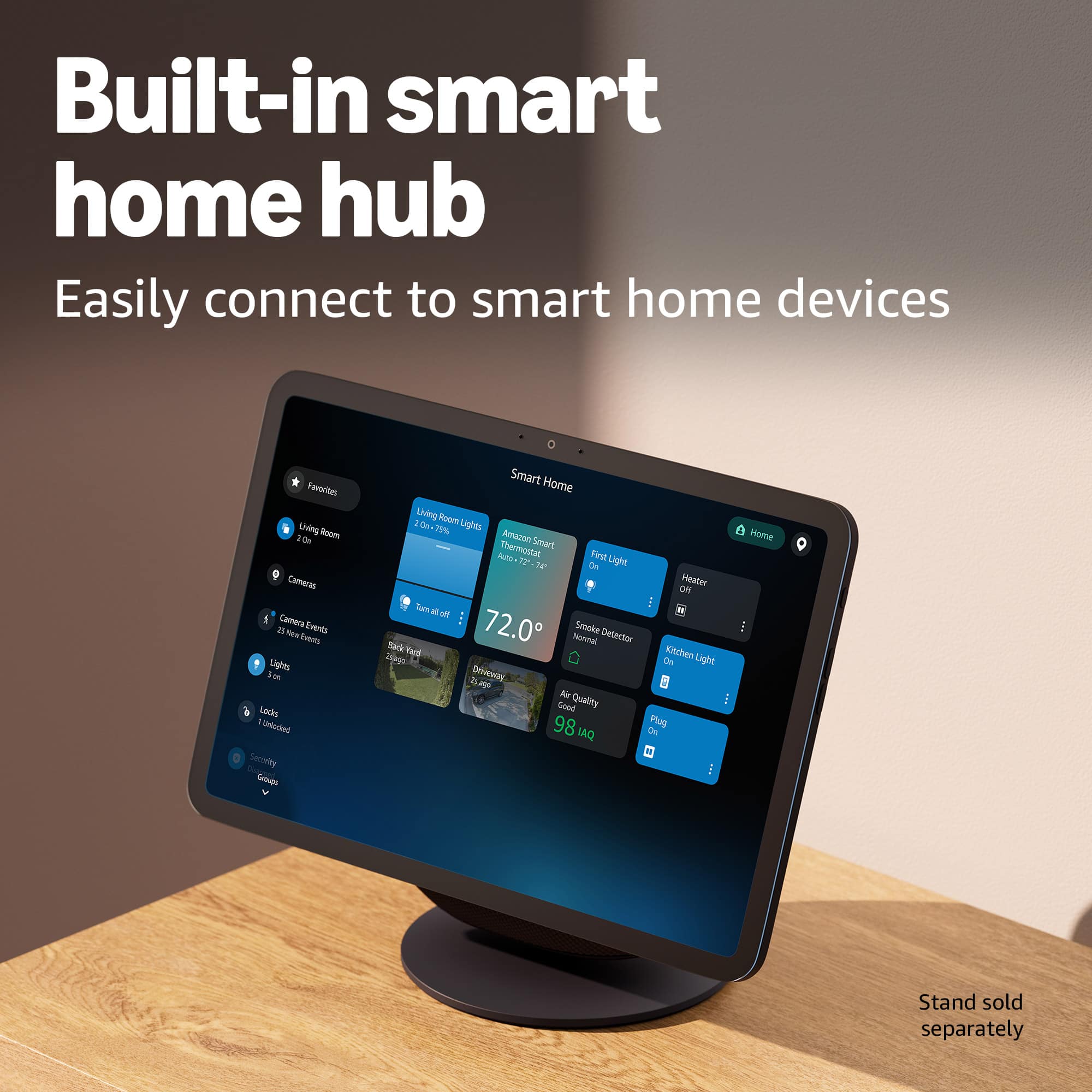
Enhanced smart home hub: Improved Matter and Zigbee support for device connectivity
That said, your feedback about the upgrade path is valuable—it helps us understand what features matter most to users considering the move from one Echo Show model to another. If there are specific features or improvements you were hoping to see, I'd love to hear more about what would make the upgrade more worthwhile for you.
If you have any questions about maximizing the features available on your Echo Show 11, or if there's anything we can help with, please feel free to reach out to our support team at 1-888-280-4331.
Alexa
||Posted . Owned for 2 weeks when reviewed.This reviewer received promo considerations or sweepstakes entry for writing a review.It doesn't worth the money the sneakers not very clear
No, I would not recommend this to a friendBrand response from Amazon Devices Customer Support
Posted .Hi RamiA,
Thank you for sharing your feedback about the Echo Show 11. I'm sorry to hear that you're disappointed with the speaker quality and don't feel the device is worth the investment – that's definitely not the experience we want you to have.
I understand your concern about the speakers not being very clear. The Echo Show 11 is designed with spatial audio technology and premium speakers that should deliver clear, room-filling sound, so if you're experiencing unclear audio, there are a few things that might help:
Audio settings adjustment: Try going to Settings > Audio > Equalizer in your Echo Show and adjusting the bass, midrange, and treble to better suit your preferences
Volume levels: Sometimes clarity improves at moderate volume levels rather than very low or maximum volume
Placement: The device's spatial audio works best when it's not placed too close to walls or in corners where sound can become muffled
Content source: Audio quality can vary depending on the source (music streaming services, video calls, etc.)
If you've tried these adjustments and the speaker quality still doesn't meet your expectations, I'd encourage you to contact Amazon Customer Service at 1-800-280-4331. Since you purchased this just 3 days ago from Best Buy, you're well within the return window if you decide the Echo Show 11 isn't the right fit for your needs. Amazon's support team can also help troubleshoot further or discuss whether there might be a hardware issue with your specific unit.
Your feedback about the audio quality is valuable and helps us understand where customer expectations aren't being met.
annoying adds
||Posted . Owned for 1 week when reviewed.This reviewer received promo considerations or sweepstakes entry for writing a review.i hate that it shows adds and there's no way to disactivate them
No, I would not recommend this to a friendBrand response from Amazon Devices Customer Support
Posted .Dear Strikergcom,
Thank you for your feedback about the Echo Show 11. We understand your frustration regarding the ads on the display. I'd like to help clarify that there are actually ways to manage content suggestions and advertisements through your device settings. You can adjust these by going to Settings > Home Content > Home Content Preferences, or by using the Alexa app under Device Settings.
If you're still experiencing issues, our customer service team would be happy to walk you through the process of customizing your display preferences. You can reach them at 1 888-280-4331.
We appreciate you bringing this to our attention and hope we can help improve your experience.
- Pros mentioned:Screen size, Sound quality
Perrrfect!
Posted .This reviewer received promo considerations or sweepstakes entry for writing a review.It's large enough for my kitchen counter. Beautifully made, great sound with exchangable voices. I perfer the calm male voice. He is sassy and sexy. Yea!
I would recommend this to a friend