Customer Ratings & Reviews

- Model:
- VMS5240-20000S
- SKU:
- 6432918
Rating by feature
- Value
Rating 3.7 out of 5 stars
- Quality
Rating 4.0 out of 5 stars
- Ease of Use
Rating 4.0 out of 5 stars
Customers are saying
Customers are positive about the camera quality, ease of use, and overall performance of the Ultra 2 Camera. Many also appreciate the easy installation, clear night vision, and wide field of view. However, customers express negative sentiment regarding the battery life and motion detection capabilities. Some customers report concerns about connectivity, signal strength, and the product's value for the price.
This summary was generated by AI based on customer reviews.
- Pros mentioned:Camera quality, Night visionCons mentioned:Battery life

High Quality Home Security Starter Set
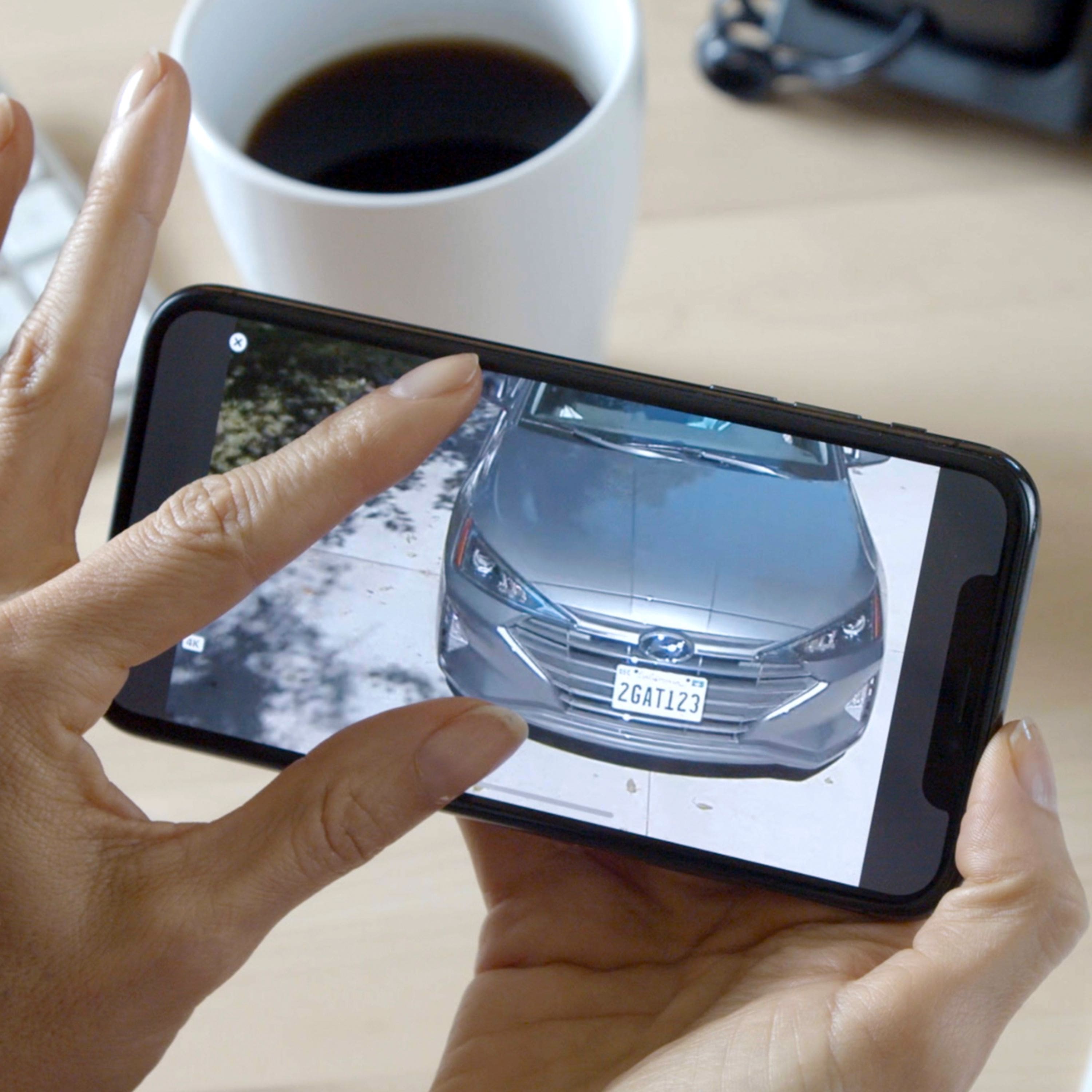
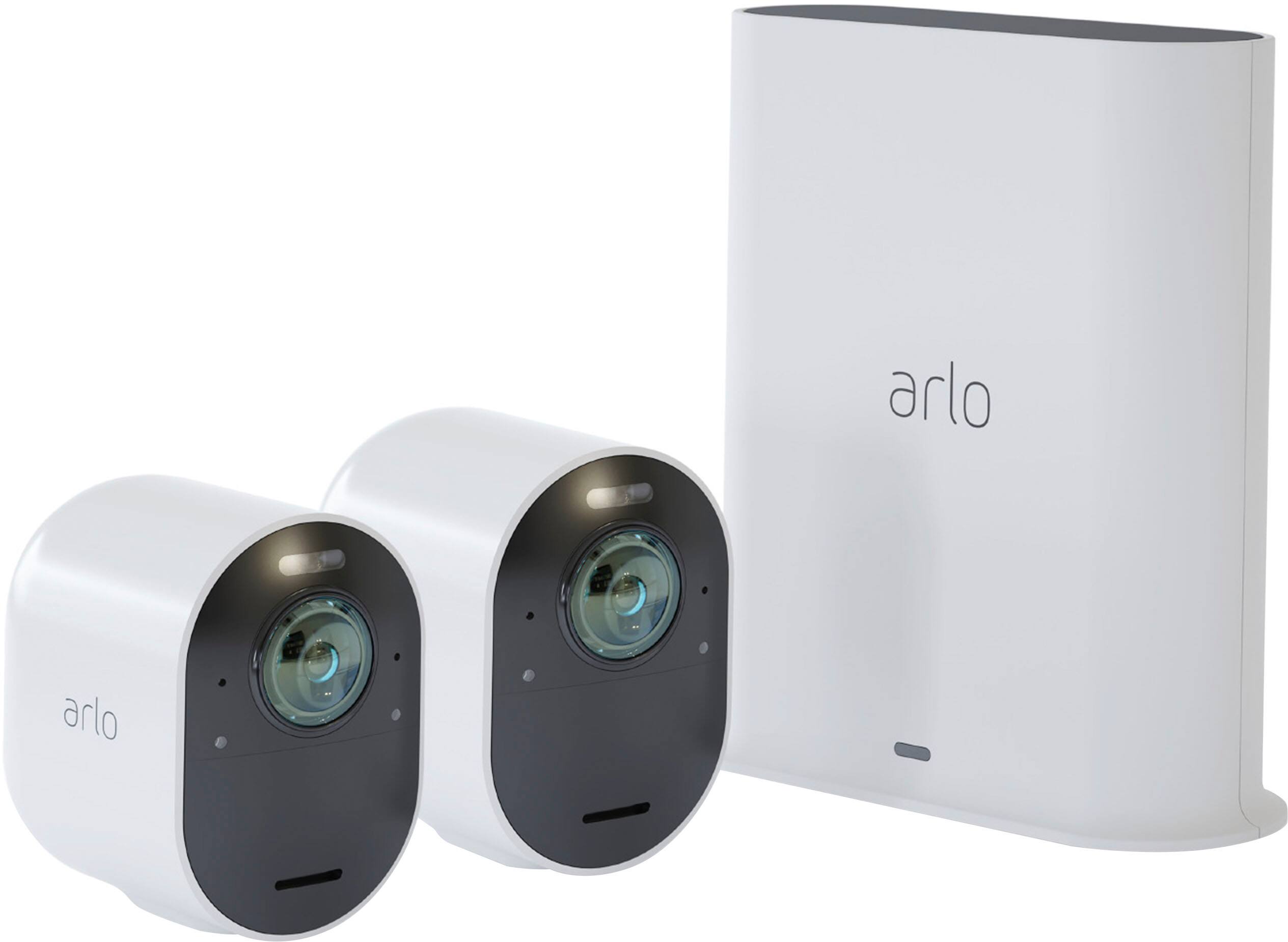
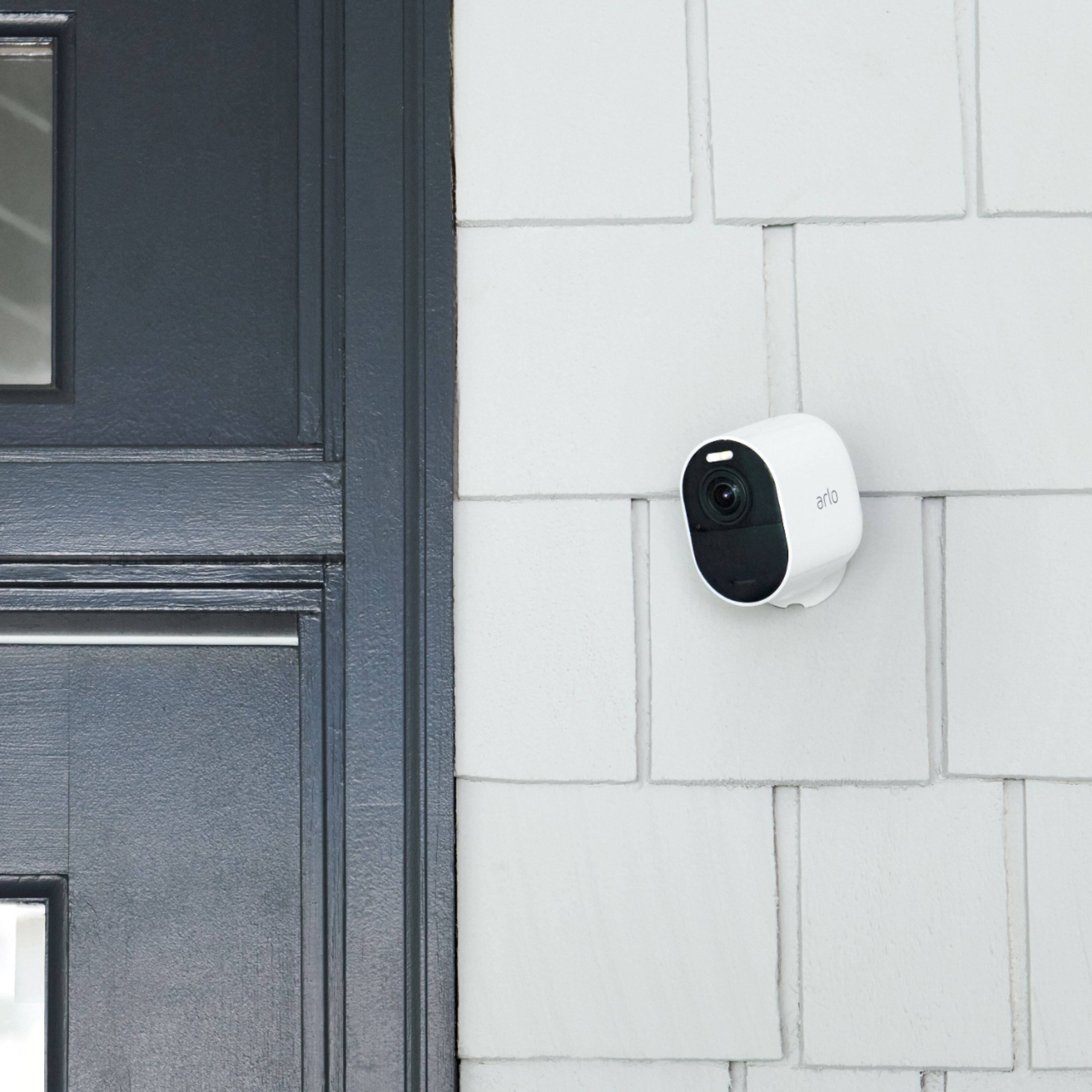
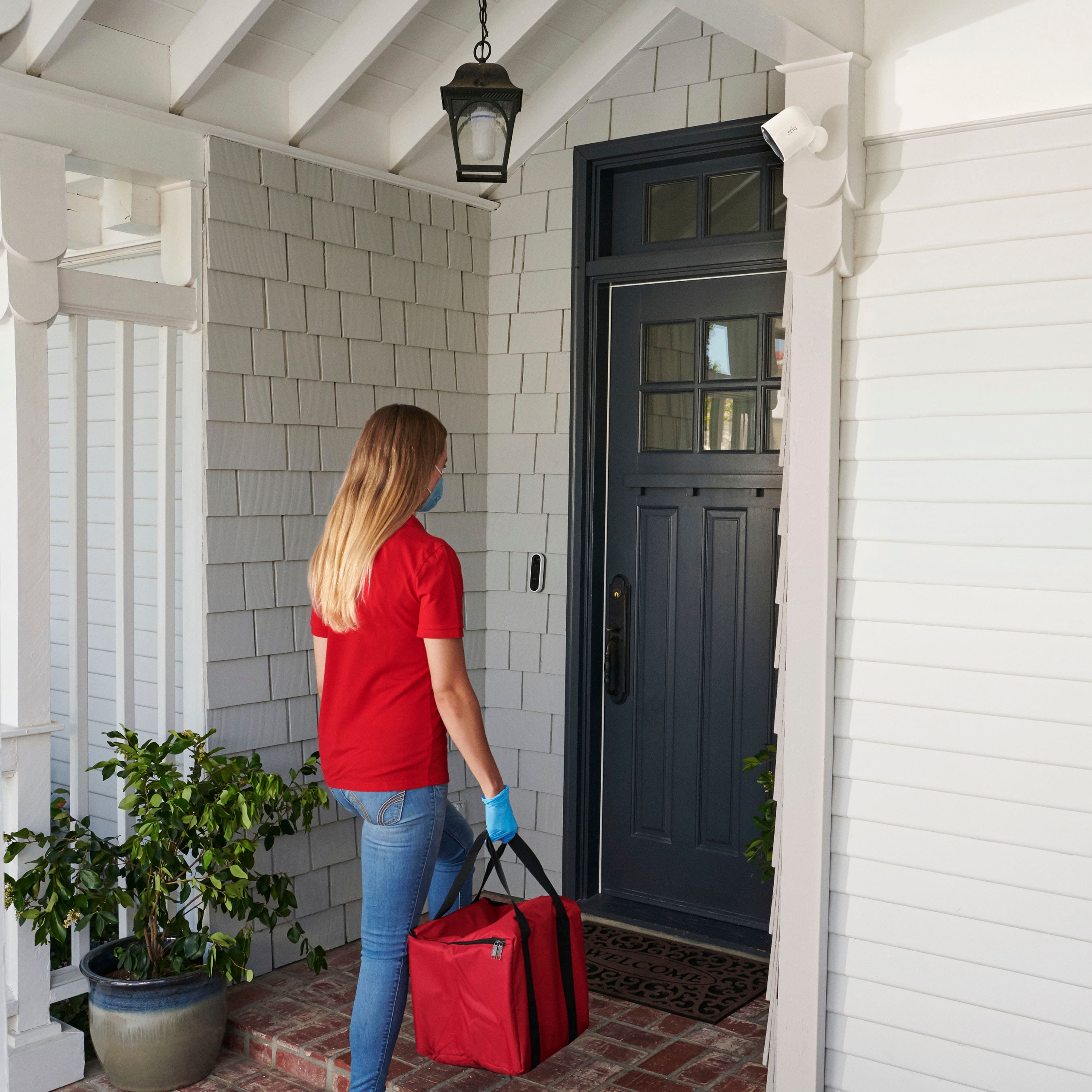
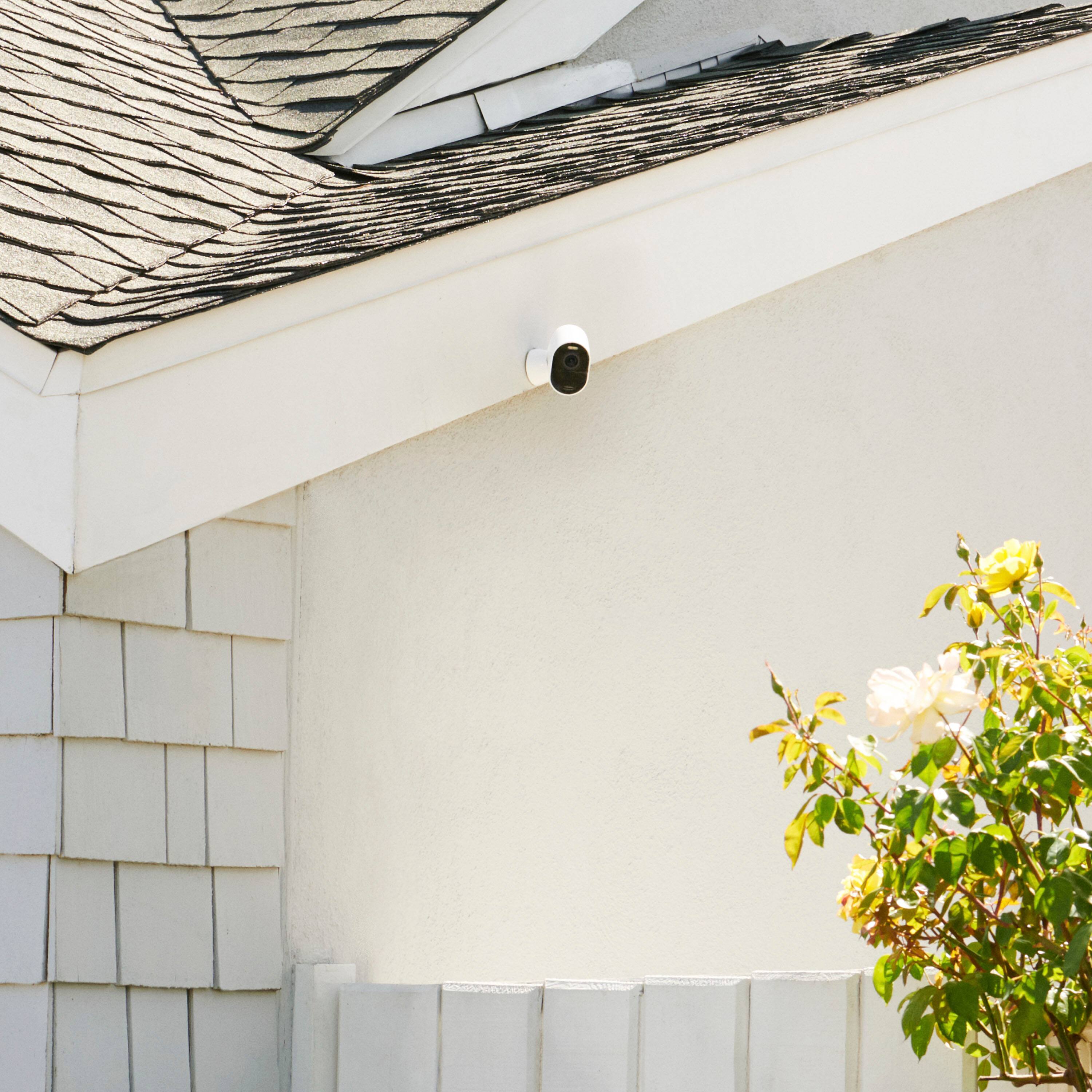
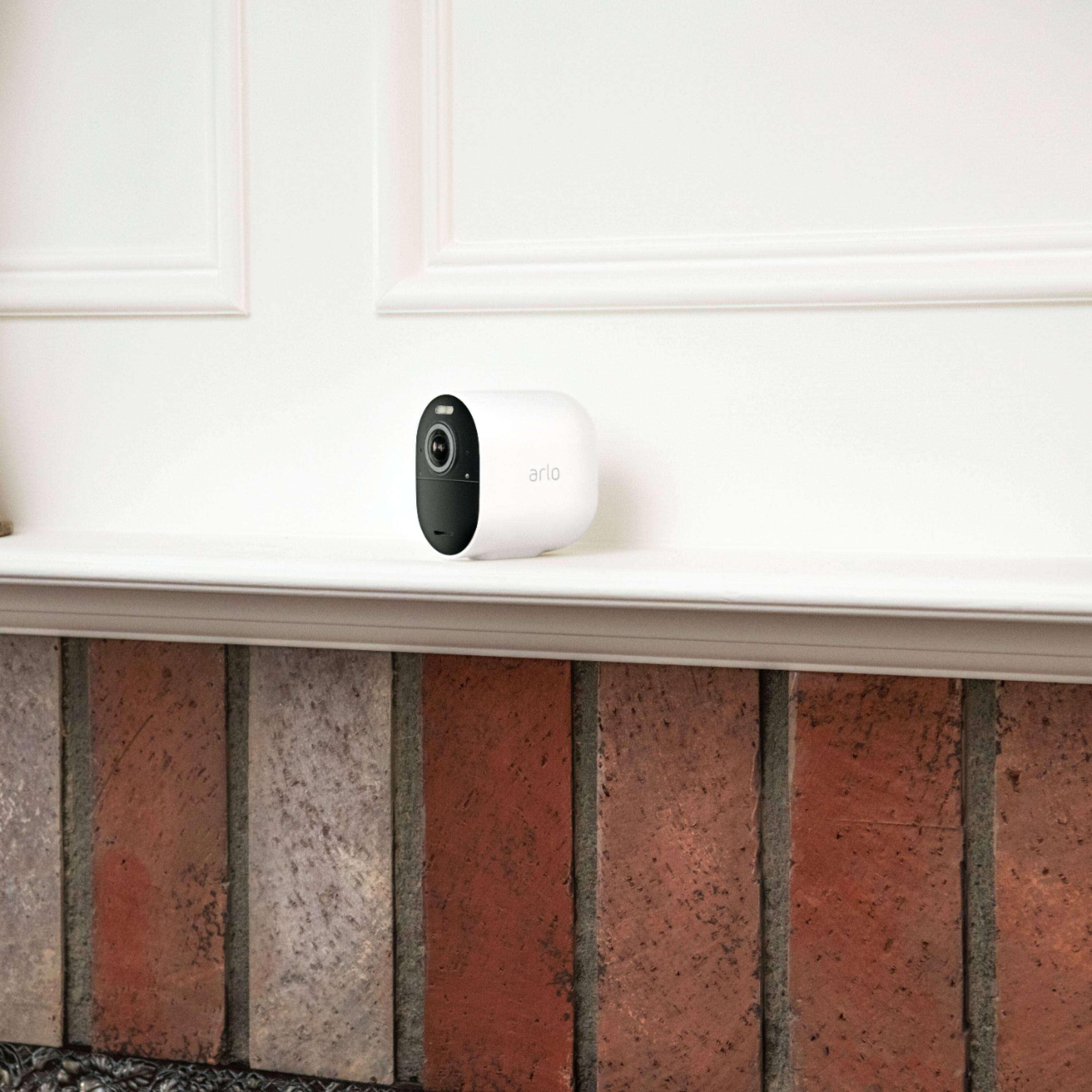
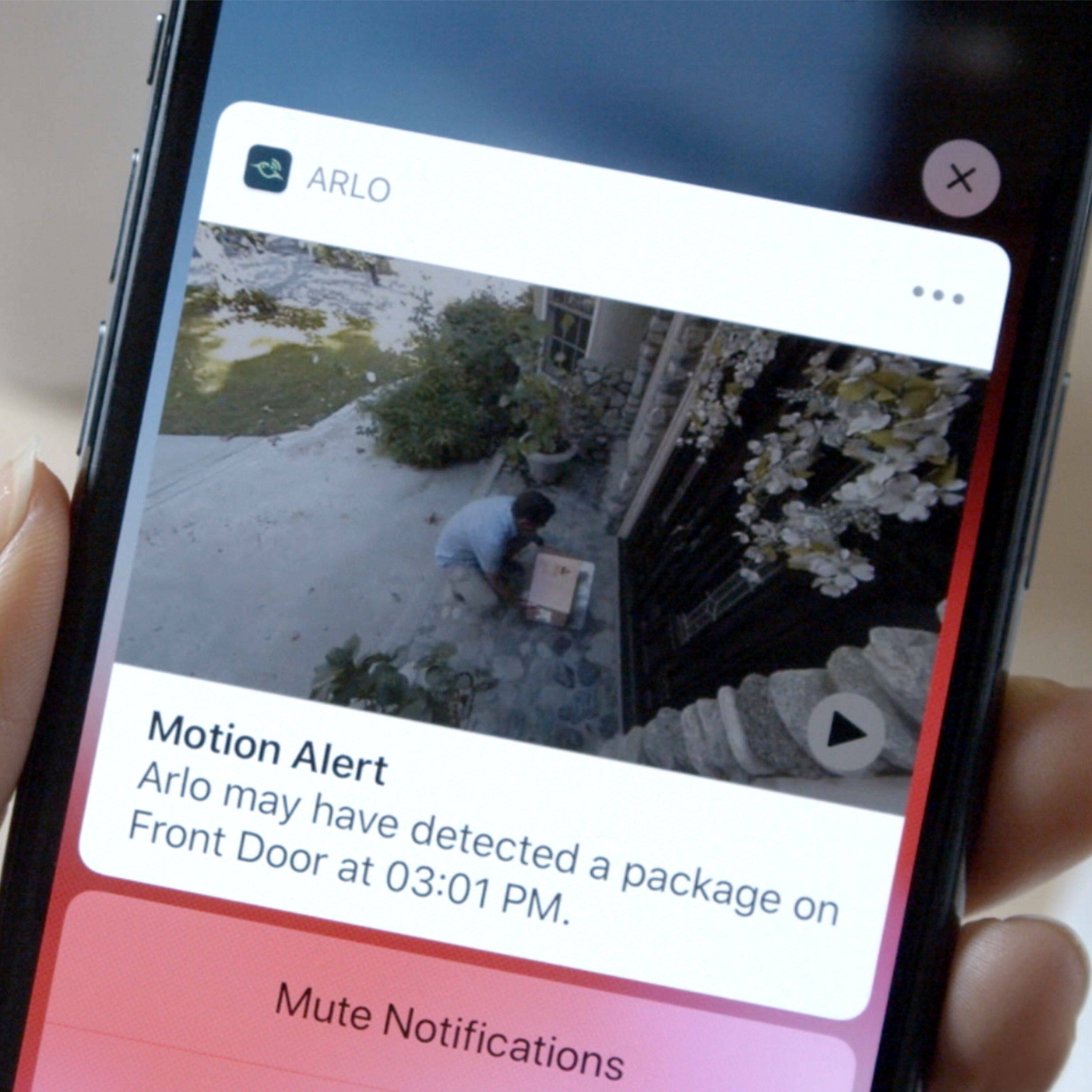
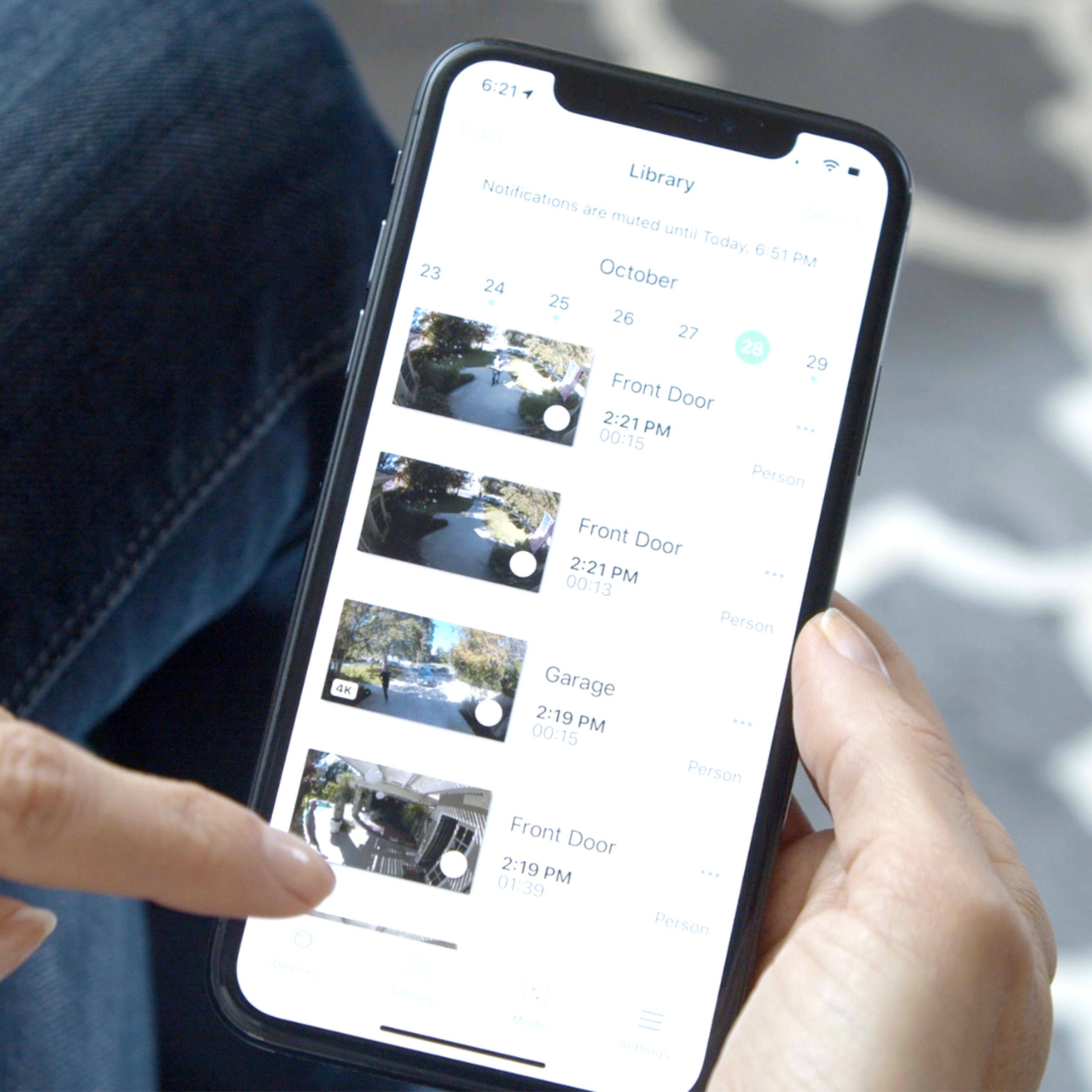
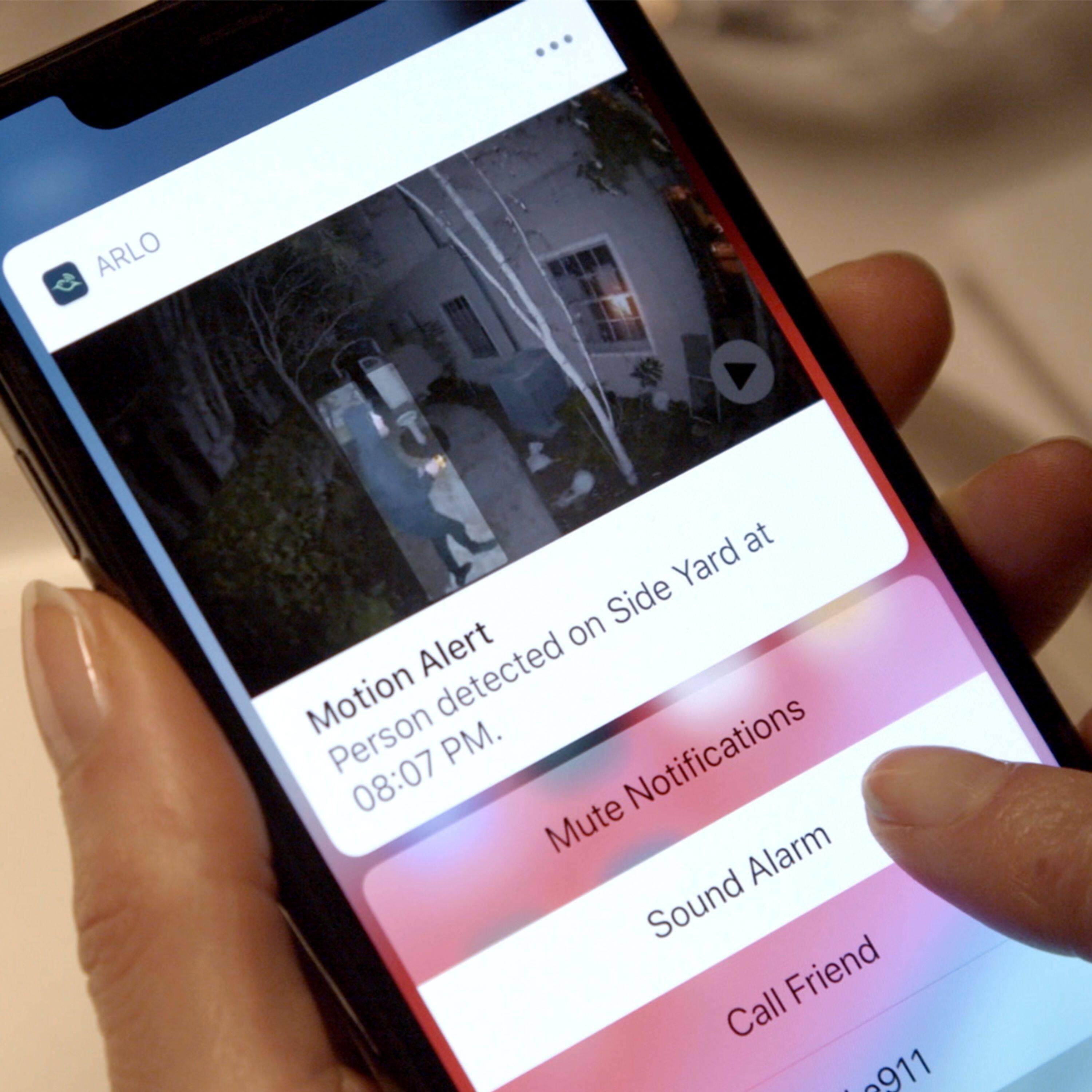
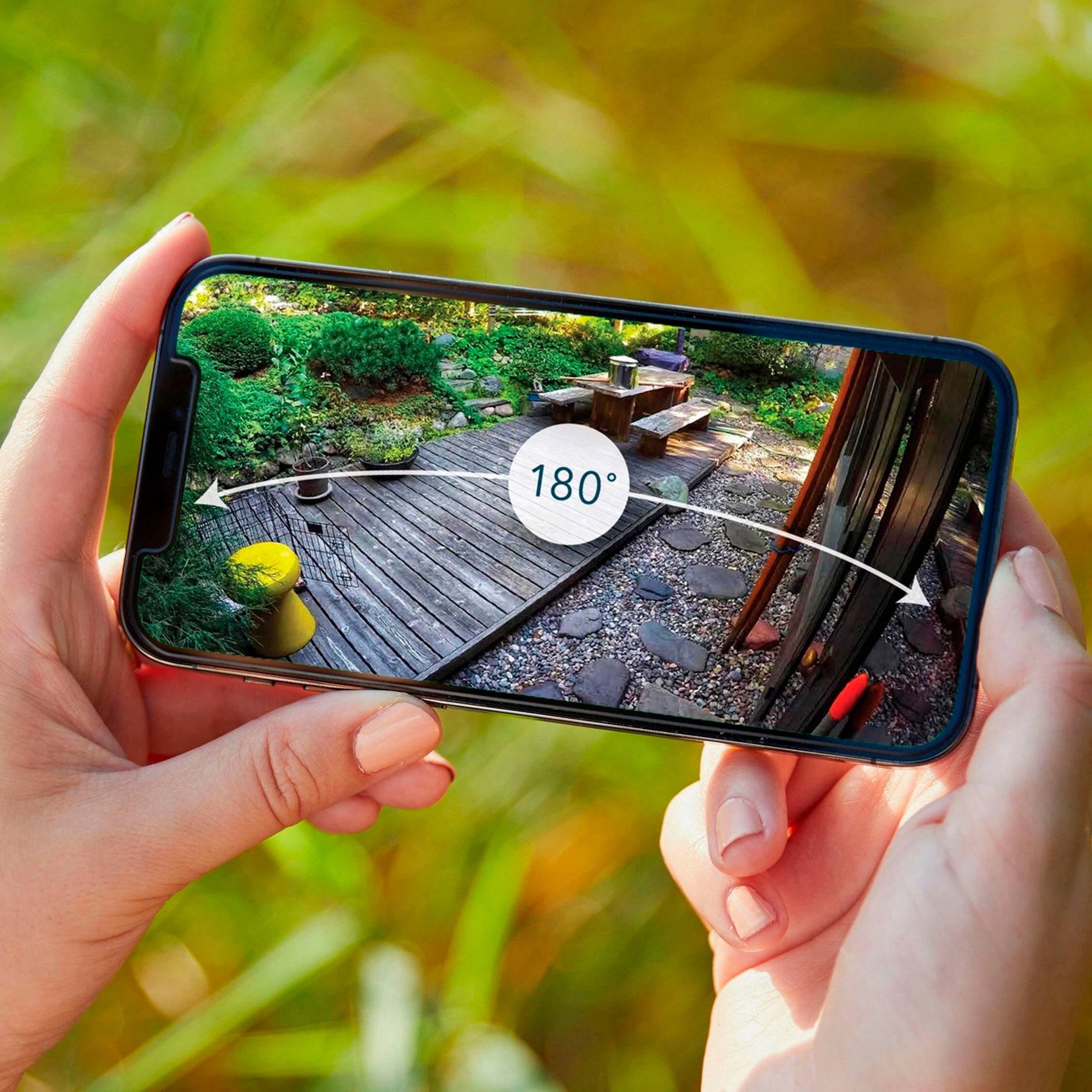
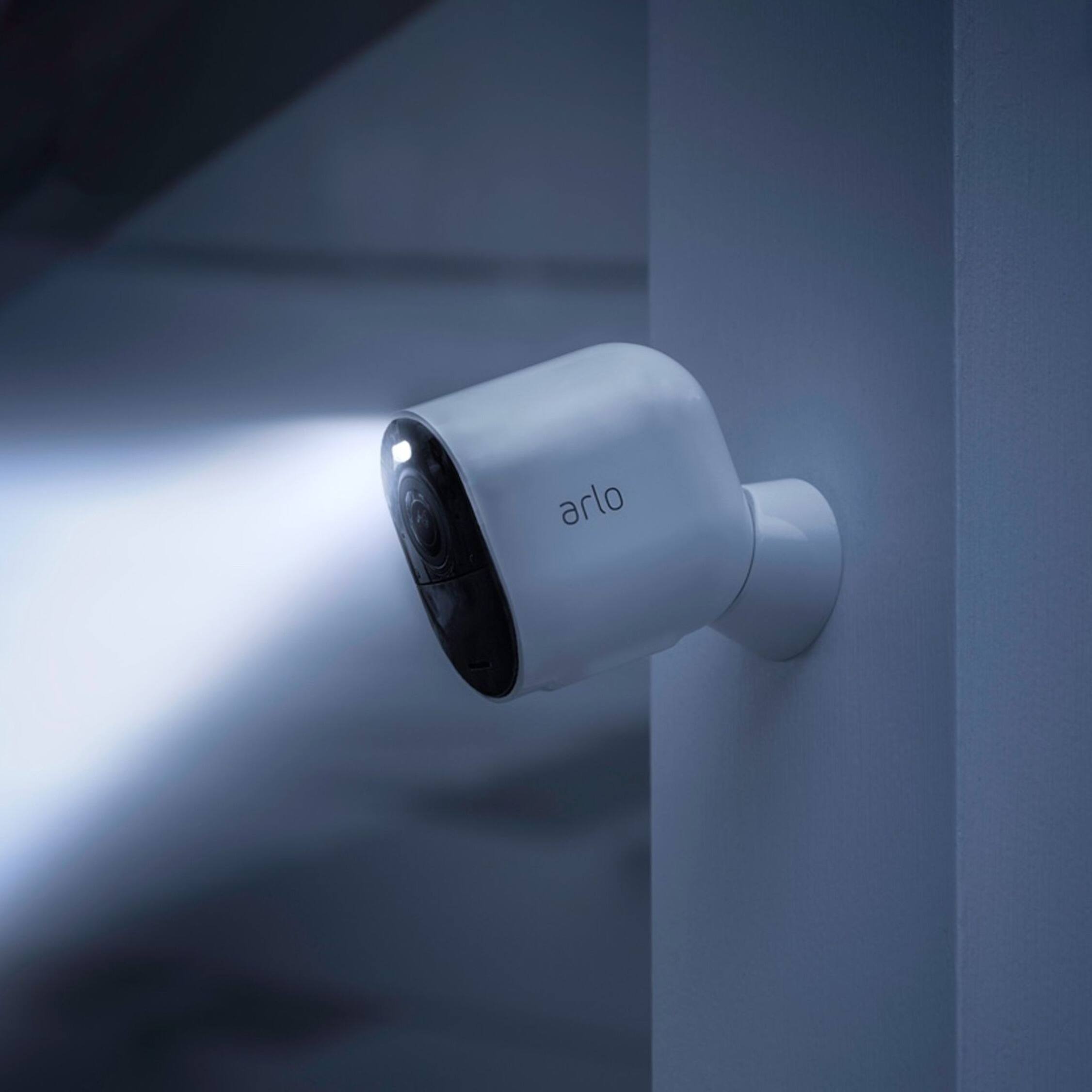
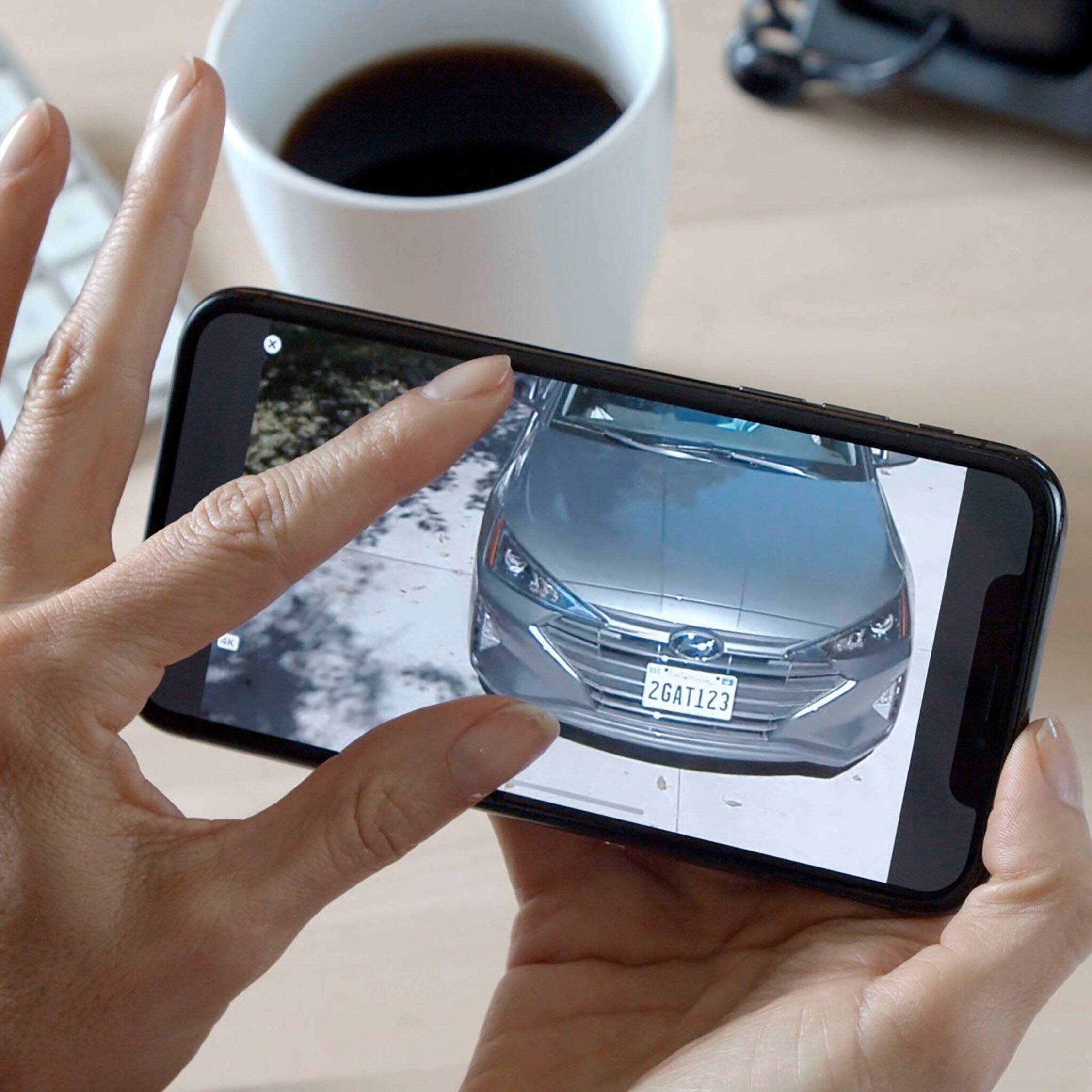
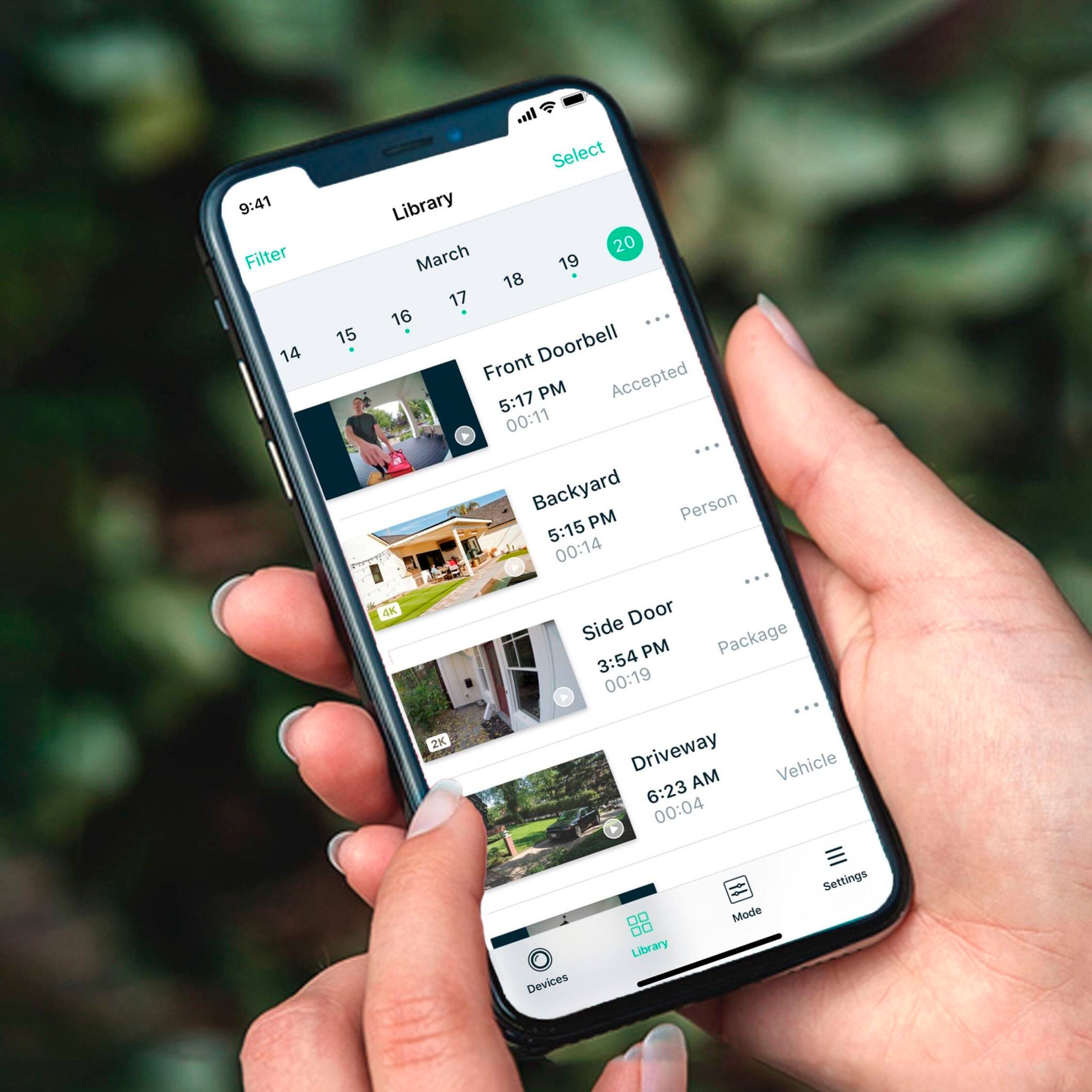
|Posted .This reviewer received promo considerations or sweepstakes entry for writing a review.The Arlo Utra 2 Spotlight 2-camera system is Arlo’s updated 4K camera system bundle. The pack comes with two Ultra 2 cameras, base station, charge cable, (1) magnetic mount, and (1) threaded mount. These cameras are intended for indoor or outdoor use. I’ve had the cameras up and running for a few days now, and I have had the chance to fiddle around and get comfortable with the settings. Setup of the Arlo system like all things nowadays is completed with their app. Download the app and add a new system. The app walks you through the entire process, step by step, and is pretty straightforward. I had no issue connecting the base station to my home network (plugged the base station into a free port on a mesh node). I had to think about where I wanted the cameras, and it just so happened that I had an access point right in between where I planned to install the cameras. I setup the cameras inside before installing them on the outside of my house. Doing so also let me mess around with some of the settings to get a feel for the system. I drilled down through the menus in the app, which helped me familiarize myself with it. I got to play with the siren, spotlight, 2 way talking, and object recognition before heading outside. When spec’ing out a camera system you have to take into account your coverage area and what you need to monitor. This being a fully wireless system (and high resolution one at that) you will have to take into account how far away each camera is from the base station. This 2 camera bundle works well for me as an outdoor system since I have 2 entrances. Both have accessible vantages with clear views of everything I wanted to cover. This was made possible by the camera’s wide angle FOV (180°). I can see my entire driveway, front yard, front door and garage door from a single point located in the middle of my roofline. Same goes for my backyard from a single point. I entered into the Camera Positioning (Camera>Device Settings>Device Utilities>Camera Positioning) to do my setup and align my image. This menu also gives you a gauge for signal strength. Both cameras right now are rated at “Strong.” I initially didn’t use this utility but rather just used the regular live feed – don’t do it. It became annoying due to the alerts, spotlight turning on, etc. – use the positioning tool to avoid this. I set both cameras to use the widest FOV (180° - the default setting). This gives me the widest picture possible and really takes advantage of the 4K resolution. I created several activity zones – 2 in front, and 1 in the back of my house. I customized the activities that I wanted the camera to monitor, as well as adjusted their sensitivities. When I first set it up I would get pinged about a vehicle in the camera view that just happened to be driving down my street. I was impressed that it picked that up, but I didn’t need that far of a reach. My backyard I left on motion and people detection. For the front I have motion, vehicle, package, and people. I had animal detection turned on in my backyard (trash cans and raccoons), but unfortunately I ran into some false detections. It kept picking up my wispy ornamental grass blowing in the breeze and thinking it was an animal. I mounted both of my cameras to the soffit underneath my gutters (using the short mount, and security mount I bought extra). I had to predrill the holes to use the provided screws, but they held on well (I hit a stud for at least 1 screw on each camera). Both cameras are easy to reach with a ladder but are out of reach without one. This way it should be easy for me to bring the cameras in when they need to charge, and I am confident that they can’t be swiped. As far as detection accuracy goes the camera does a really good job. The lag from detection to my phone getting a notification is about 3 seconds, so its pretty quick. One thing to note when using the wide angle is detection becomes difficult at the extremes of the FOV – detection range is listed as 150°. My package detection picked up a box if it was set a few feet away from my door, but it didn’t recognize a box if it was right at my door (the edge of my FOV). Same goes for detecting me when I walk out the front. If I walk right along the edge I can get right underneath the camera without it sending me a notification. Once I am close enough it will recognize me, but I can walk 10-15ft in view of the camera without it triggering a recording. I can adjust my camera to see less of my driveway and more of my front porch to get around this, but just something to note when you are setting up your zones. On the Brightside the cameras were not triggered by the rain I have had the last 2 days, so that’s pretty nice. The image quality out of the cameras is excellent. The 4K HDR image is very crisp and sharp, so even small details can be picked out. I can zoom in on a license plate that is 40ft away and read it. Daytime colors are somewhat expected to be good though. What I was most interested in was how it performed at night. The camera touts color night vision, and I have to say it works pretty well. The image certainly has its ISO turned way up, but I can see things pretty well. Once the little spotlight pops on it gets even better. Other features of the camera system include a siren, two-way talk, spotlight, call a friend, e911, local storage, cloud storage, and up to 6-month battery life. The siren is triggered by the user in the app when there is a detection event. You get a pop-up that warns you it may be loud – its not. I laughed a bit when I did the siren because its quiet. It might be enough to deter a person in the moment, but it won’t alert anyone in your home’s vicinity that something is going on. The two-way talk isn’t too bad. There’s some lag/delay with it, so a fluid conversation isn’t somewhat tough. Your voice sounds pretty good coming out of the camera (not super loud, but just above normal conversation). The microphone on the camera and playback through the app is pretty quiet though and can make it hard to hear. The spotlight works great and casts just enough light to give a clear picture. It also acts as a warning to anyone poking around that they have been spotted. Call a friend and e911 both have to be enabled and setup in the app. These features come in to play if there is a detected event. Local storage is done on the base station with a microSD card. Arlo recommends a minimum 16GB UHS-1 rated card, but supports up to UHS-3 cards. I couldn’t find anything regarding the maximum card size. Cloud storage is initially free for the first 3 months, and then there are 2 plans you can opt into that keeps a 30 day log of you recordings. The Premier Plan is for 2K and the Elite Plan is for 4K – both charge a monthly rate. If you want to do Continuous Video Recording the camera must be connected to a power supply. As far as battery life goes the advertised 6 months is if you don’t have a ton of alerts, streaming is at a minimum, the spot light isn’t on much, and power management is set to ‘Best Battery Life.’ Right now after 5 days of use I am down to 96% on both cameras – close to 1% a day. At this rate I should get close to 3 months, and this may vary depending on how the outside temp affects the battery life. There were a couple of things about this setup I have issues with. First being the mounts – why is there only 1 of each? The magnet mount is great for indoors, but I would be very leery using it outdoors. The opposite is true for the indoor/outdoor short mount since it seems a bit overkill for indoor usage. I ended up going to Best Buy and snagging the last (and only) Arlo mount they had in stock – the Outdoor Security Mount (VMA1000). This worked great, but it seems weird that only 1 of each mount is included at this price point. The other is the app. It just seems to run slowly and clunky. There is a noticeable amount of lag with the app. The 2-way voice is tough to use due to this. On multiple occasions the camera would freeze and I would have to jump around inside the app before it would re-establish the connection. I would say it has worked 95% of the time, but it really needs to be 100% uptime if you want to rely on this solution for security monitoring. Overall, the camera system worked as good as I expected. I have always heard good things about the Arlo cameras, and I was happy to see that they met those expectations. There were a view issues, but they are pretty minor, and likely something that can be improved with software/firmware updates. The cameras themselves were very easy to setup and deploy, so even a tech novice could setup this security system.
I would recommend this to a friend Security mounts are not secure.
||Posted . Owned for less than 1 week when reviewed.This reviewer received promo considerations or sweepstakes entry for writing a review.If you are looking at this package to prevent theft, you will be disappointed. There is physically nothing preventing someone from stealing the camera and buying a replacement mount. There is no security"key". You can unscrew the clamping ring and take the most expensive part (the camera) with no tools at all. This is merely a more secure mount than the magnet. Totally misleading. Also the mount, like the camera body, is just plastic. One of three mounts broke trying to click the front and half plates together. These should be metal. Very disappointed in this aspect of the product so far. In photo, back plate is left, mount ring with flimsy tabs is middle, and the unscrew able camera body on right. All plastic!
No, I would not recommend this to a friendBrand response from Arlo Team
Posted .Hello Ryan,
Thanks for your feedback. We want to mention that Arlo offers Theft Replacement program to cases where in warranty devices are getting stolen : https://kb.arlo.com/000056563/. Also, we recommend to always set the motion sensor of your camera to active so you will be alerted when someone tries to steal your camera.
Let us know if we can be of assistance with your system by contacting us here : https://www.arlo.com/en-us/support/contact.aspx.
Regards,
Arlo Team
^RM
- Cons mentioned:Motion detection
Waste of time and money
||Posted . Owned for 2 weeks when reviewed.This reviewer received promo considerations or sweepstakes entry for writing a review.Be aware, it's not good in bad weather ( wind, rain, loud sound...) I did averting, trouble shot, and called Arlo support ( case number attached), but it still did not help. So here is what I did; I lowered my motion detection all the way to 10 while the Arlo one is set to 80. After that we had to be 7 to 8 feet for the camera to detect us!!. I set it to 35% that is how it got 1300 motion videos. I also lowered my audio alert to 10 while Arlo one is set to 80. Has u can see in 48 hours I had 1300 motions detected, How can I read all the notifications in case of emergency!! I have 1000 Gate speed internet, the product uses half of my wifi speed, and my back camera keeps getting laggy. The picture with green spots on them shows that. If you are buying this camera so you CAN'T see license plates. My front camera is set to 14 feet from my car I still can't view my plate with zoom or no zooming on the video. The 4k video viewing on this camera good but nothing else. I'm not exaggerating the pictures speak for themselves. So it's a big disappointment, and I'm ready take it back unless Arlo ultra/Best Buy tech comes for free and make it work. Not to mention I bought the Arlo pro 4 which I returned after two weeks.
No, I would not recommend this to a friendBrand response from Arlo Team
Posted .Hi Onzee,
Thank you for taking the time to share your feedback. We would appreciate the opportunity to work with you to address the concerns you shared above. Please send us an e-mail at [email protected] by including a screenshot of this review, your case number, the email address associated with your Arlo account, and your phone number so that our team may follow up with you directly.
We appreciate your patience and understanding.
Thank you,
Arlo Team
Decent camera setup
||Posted . Owned for less than 1 week when reviewed.This reviewer received promo considerations or sweepstakes entry for writing a review.Decent cameras. The daytime video is pretty good. A little pixelated when zoomed in but overall I’d say the daytime quality is satisfactory. The night vision however is pretty bad. If the spot light isn’t on good luck seeing anything. With the spot light on the picture is super pixelated. Definitely wouldn’t be able to make out facial features for identification purposes. The motion detection works great and picks up everything. If you’re looking for a starter camera system that will let you know something is there but not what it is then this setup is for you.
No, I would not recommend this to a friendBrand response from Arlo Team
Posted .Hi Dylanr, Thank you for providing your honest review, we are glad to hear you are enjoying your cameras so far. Regards, Arlo Team
- Cons mentioned:Battery life
Arlo security Cameras
||Posted . Owned for 1 month when reviewed.This reviewer received promo considerations or sweepstakes entry for writing a review.Good n then not battery dies quicker then I thought it would, but honestly Arlo has always been good to us n I wouldn’t trade it for anything else
I would recommend this to a friendBrand response from Arlo Team
Posted .Hi NormaCarrion01,
Thank you for taking the time in sharing your Arlo Ultra 2 experience. We recommend trying these tips on extending the battery life of your Arlo Ultra 2 cameras detailed here: https://kb.arlo.com/291/
For additional assistance or information, please navigate to Settings > Support in the Arlo App for service options available to you.
Regards,
Arlo Team
Satisfied customer
||Posted . Owned for 1 month when reviewed.This reviewer received promo considerations or sweepstakes entry for writing a review.Great visuals and easy set up. I recommend this product to all my friends and family.
I would recommend this to a friendLove it recognizes individual people and vehicles.
||Posted . Owned for less than 1 week when reviewed.This reviewer received promo considerations or sweepstakes entry for writing a review.The 4k video resolution is great but I really love the ability to identify individual people and vehicles and receive individualized notifications so I know if I need to veiw a specific video or not.
I would recommend this to a friend- Pros mentioned:Camera quality
Great deal
||Posted . Owned for 1.5 years when reviewed.This reviewer received promo considerations or sweepstakes entry for writing a review.Amazing cameras, great range and battery life, and the app is easy to use.
I would recommend this to a friend - Pros mentioned:Ease of use
Great quality cameras!
||Posted . Owned for 3 weeks when reviewed.This reviewer received promo considerations or sweepstakes entry for writing a review.Cameras were very easy to set up. Bundled price from Best Buy was great!
I would recommend this to a friend Home security
||Posted . Owned for 3 weeks when reviewed.This reviewer received promo considerations or sweepstakes entry for writing a review.Excellent security system. Install was Very fast. Technical setup was just as easy. Very good resolution on all cameras. Home area completely covered with three cameras.
I would recommend this to a friendExcellent quality...
||Posted . Owned for 10 months when reviewed.This reviewer received promo considerations or sweepstakes entry for writing a review.Excellent quality, I am already buying a second set, in the future, I think I will buy a third set when I have my own home.
I would recommend this to a friend- Pros mentioned:Ease of use
Arlo ultra
||Posted . Owned for 1 month when reviewed.This reviewer received promo considerations or sweepstakes entry for writing a review.Kinda feel tricked that the 4k only works over wifi..... 2k over your phone service smh the foolery.. but other then that great cameras, very easy to use, no issues to report at the moment
I would recommend this to a friend Garbage system
||Posted . Owned for more than 2 years when reviewed.This reviewer received promo considerations or sweepstakes entry for writing a review.Owned 2 years, pay monthly plan (rent). Worse security cameras I've ever owned. The doorcam stopped working. The 2 main cams are spotty at best. Will never buy an Arlo product agin. Not worth the money. Support is non existence.
No, I would not recommend this to a friendOnly customer service is email or chat in India
||Posted . Owned for 1 month when reviewed.This reviewer received promo considerations or sweepstakes entry for writing a review.In one photo you can see their CS state that formatting is not an option, and in the other at the bottom, you can see it is an option. Wasted three hours on hold and going back and forth. No escalation options, no phone. If they don't like your question or ask for a manager they repeatedly respond with a blank email. On setup it took an average of five tries to pair each camera before being successful. Truly wish it was better because the 180 degree view is nice.
No, I would not recommend this to a friendBrand response from Arlo Team
Posted .Hi Markus,
We want to work with you to address the concern you shared. Please send us an e-mail at [email protected] with a screenshot of this review, your case number, the email address associated with your Arlo account, and your phone number so our team can follow up with you. We appreciate your understanding.
Best regards,
Arlo Team
- Pros mentioned:Camera quality, Installation, Night vision
Great for home security
|Posted .This reviewer received promo considerations or sweepstakes entry for writing a review.I’ve always liked to keep my property safe by monitoring it with local Wi-Fi security cameras. Over the years, I’ve tried many different types and brands, but I keep coming back to Arlo. They make solid cameras with easily integrated systems. So, when Arlo released new cameras, I jumped at the chance to add them to my system. One of the best features of these cameras is that if you have an existing SmartHub, you can add up to 15 cameras to one hub. So, when these recent additions arrived, I was able to just add them to our existing hub. That said, if you are new to the Arlo ecosystem, getting started couldn’t be easier. You plug the SmartHub into your router and power, download the app, and get your account set-up. Adding devices is quite easy as well. You simply select ‘add a new device’ at the bottom of the home screen. The SmartHub and app will automatically detect any cameras. If it doesn’t, then you can press the sync button on the bottom of the camera and then the hub will pick it up. The app will direct you to name the camera - I suggest you name it according to the location of where the camera will live once it’s installed - and then you can start viewing the video feed. The Ultra 2 cameras feature 4K video. Before now, the highest quality security video we had was 2K. We were pretty happy with that quality, but the 4K video feed completely blows the other camera video feeds away. Even though these cameras can be used indoors or outdoors, we opted to keep them as outdoor cameras due to the spotlight feature on them. The integrated spotlight is helping to brighten our darkened patio at night and it has even captured some of our critters (possum, cats, etc.) wandering around. In fact, my fiancé took our dog outside, and right when the door from our garage opened onto the patio, the spotlight kicked on. Even if they didn’t have the spotlight feature, these cameras have color night vision, too. The viewing angle of these cameras is also quite impressive. There is a 180-degree viewing angle which is a 20-degree increase from other Arlo cameras. With it, we can see our entire patio - from our screen door to the edge of our backyard. It’s very helpful because it allows us to see all the entry points to that area without needing multiple cameras. Another great safety feature of this camera is the custom mode option. While there are preset options for motion and audio detection (armed, disarmed, and schedule), you can also create your own modes based on your camera coverage. For example, I created a mode called ‘outdoor motion’ that includes our doorbell camera and the two outside Ultra 2 cameras. Anytime motion is detected from any of those cameras, I get a push notification from the camera. You do have the option of setting the built-in alarm siren to trigger if you wish. I’ve found that the motion detection is fairly accurate and mostly responsive. There have been times that the camera was triggered easily with a human walking through the selected area for the camera (you can map out the area in the app), but not an animal. And other times, it caught the motion from the animal just fine. We were slightly concerned about the placement of our Ultra 2 camera because it had the potential of being in direct sunlight part of the day and in our area, it can get quite hot during the summer. Thankfully, these cameras are designed to withstand heat, cold, rain, or sun. They can handle temperatures between -4 F and 113 F. And, since they are wire-free and have an enhanced range, they are perfect to mount around your property. I love the Arlo brand so these are an awesome improvement that makes the system even better.
I would recommend this to a friend - Pros mentioned:Camera quality, Night vision
Simply the Best
|Posted .This reviewer received promo considerations or sweepstakes entry for writing a review.Will start by acknowledging that I have been big fan of the Arlo system since 2017 and continue to appreciate the new advancements in strengthening their camera security system, gives me peace of mind at home. Arlo’s latest the Ultra 2 continues its development of their cameras with 4K & HDR technology while enhancing the night vision range with color. The camera views and the video are excellent, in the systems that I have reviewed I have not seen better. Have completed an addition of two Arlo Ultra 2 cameras into my existing Arlo system which now consist of Arlo Ultra 2, Arlo Pro 2, and Ultra cameras and two Ultra Base Stations. The Arlo system covers my home and detached garage with the two base stations being installed approximately 150’ apart and connected via a hard-wired network extending from my office on the far side of my home to the detached garage. Previously my garage equipment was linked into my home network via Mesh Wi-Fi which works fine. Having two base stations situated near the installed cameras in the two separate buildings delivers exceptional Wi-Fi signal throughout the system for all cameras. Love it. Even with reconfiguring my Arlo system with the addition of the two new Ultra 2’s and an additional Ultra Base Station the setup went smoothly. When installing the first step is to load the Arlo App to either your Android or Apple device, the app will walk you completely through the setup. That Arlo continues to support Windows based management is a Big Plus, allowing you to go to any PC and login into your account to view and manage your system. Short history on my developing Arlo system: • Two Pro 2 Cameras installed November 2017 – Home and Garage • Ultra Camera and upgraded Ultra Base installed April 2019 – Garage Exterior – durability A+ • Ultra 2 Cameras and additional Base Station installed December 2020 Happy to report that all cameras have been operating 24/7 without incident. Good Stuff: • App has been continually improved • Wi-Fi camera connectivity 2.4 GHz, 5.0 GHz – So much easier than wires and simple to relocate • Resolution 3840 X 2160 • Cloud and Memory Card storage • Field of view 180 degrees • Two-Way Audio – startled my friend years ago while checking my home while I was away • Powerful Spotlight lights up the night • Minimum Operating Temperature -4 degrees Fahrenheit – Makes a difference in cold climes • Six Month Battery Charge • Smart Siren • Compatible with Alexa, Google Assistant, and Apple HomeKit I have experience with home and commercial camera security system installations of other equipment and I have chosen to Protect my Home and Family with Arlo. Bottom-Line is Security, and for three years Arlo has been delivering Peace of Mind for us.
I would recommend this to a friend - Pros mentioned:Camera quality
Owner
||Posted . Owned for 3 weeks when reviewed.This reviewer received promo considerations or sweepstakes entry for writing a review.East setup, great picture and video quality. User friendly app.
I would recommend this to a friend - Pros mentioned:Camera quality
Arlo implements wireless well
|Posted .This reviewer received promo considerations or sweepstakes entry for writing a review.Tl;dr: This wireless camera package hits all the right marks with battery power and 4K video clips. The misleading Cloud Video Service and inclusion of only a single, short charging cord put this on the higher cost / lower value side of the scale, which costs this a star. The dedicated network and impressive AI event recognition help to future proof this camera system and make it a worthwhile high-end choice. Arlo’s security cameras can be placed anywhere for an extended period of time. They conserve battery by recording only when there is something worth seeing. The company estimates that batteries can last as long as six months. I haven’t had the cameras installed long enough to test that claim, but it’s highly dependent on how much activity is actually occurring. I have one camera set up in my hallway to monitor if my daughter is actually focused on school work. That battery is depleting at about 10% per day. Another camera is pointed at the front stoop and has captured only one snipit. That one has only depleted ~1% per day. Charging takes a couple of hours to get back to full. The kit comes with one 2 ½ foot charging cord. Overall set up was pretty easy. This kit comes with a base station that requires a wired connection to your network. From there, the app you configure the base station and connect to the cameras. Make sure you don’t put the batteries into the cameras until you are ready to connect them to the base station. As each camera is added, you can name it for the area you expect it to cover. The video is very clear, even in lower light. Video switches to black-and-white when it’s too dark for color. There’s also a built-in LED spotlight. While the spotlight doesn’t carry far, it’s enough to highlight someone moving close to the camera. The spotlight will automatically turn on when motion is detected. This allows the camera to act as a deterrent since potential ne’er-do-wells will notice the light and know they are being recorded. Arlo offers multiple subscription options. While this base station has a spot for local storage, Arlo’s subscriptions bring significant value. There’s a $14.95 monthly plan which sends you alerts based on different types of activity (i.e. person, package, audio alert). Tapping the notification gives you a clip of what caused the alert. You also have the option to contact 911, initiate a siren, or talk back through the camera. Further, you can initiate a live view in 4K resolution across 180° field of view. Without the subscription, you will not have access to the camera or recordings outside of your home. You would only have access to videos stored locally in the base station. A three-month trial subscription is included in the initial purchase. The AI intelligently zooms in on the section of the frame where activity is occurring. An additional $9.95 monthly add-on provides continuous cloud video storage. Please note, this is only available if you have the camera plugged in and charging at all times. It will not work in battery-only situations. This requires having power near your camera location and eliminates one of Arlo’s biggest selling points (battery power). Unfortunately, the app does not tell you about the continuous power requirement until after the subscription is purchased! While the specs on this camera set up are impressive, the software is what all pulls it together. Fortunately, Arlo knows this and has put significant effort into the app. If you can get past the quirks of the subscription packages, this camera system should do well for you long-term. I received this kit as part of Best Buy’s Tech Insider Network. Reviewers in this invitation-only program are provided products for the purpose of writing honest, unbiased reviews.
I would recommend this to a friend - Pros mentioned:Camera quality, Ease of use, Night vision
Great starter pack!
|Posted .This reviewer received promo considerations or sweepstakes entry for writing a review.All in all this spotlight camera has much to offer with 4K video and Color Night Vision as some of its enhanced features. I have been searching for a home security system that I could place both outside and wire free due to the distance and location of install. The install process was smooth and painless while working efficiently with our wireless system. Some of the added benefits of this system includes native 4K recording which overall has been of very good quality. Color night vision helps light up the wild life in my backyard and give me great pictures I can see through my phone, 180 degree wide view to capture all the details in our back and front yard along with activity zones to avoid unwanted movement too. This allows me to set hotspots or dead zones to assure I am capturing what I want, when I want it. Simple packaging and installation made beginning using the camera easy as it detected my movement after immediate installation. Using it was easy too with the ability to record and not wear down the batteries due to continuously recording. The batteries are long lasting and very easy to charge using their magnetic charging cable that snaps into place without removal of the camera once in place. This made install a breeze. Overall, the companion App is easy to use, but beware there could be some lag time when loading videos and connecting to the camera. I have noticed this feature with other products as well, which seems to be something that will become more refined and up to date as new versions come out, according to the manufacturer. In summary, I would recommend this camera security system to anyone who is looking for clear and easy to use capabilities and easy wireless installation without needing to drill holes in the house. I have been very satisfied with my new purchase and look forward to additional add on products in the future from this same manufacturer.
I would recommend this to a friend - Pros mentioned:Camera quality
Almost Perfect Arlo Upgrade
|Posted .This reviewer received promo considerations or sweepstakes entry for writing a review.I was looking to upgrade our Gen 1 Arlo Pro cameras that cover our backyard with the newer Arlo Ultra's due to the inclusion of the spotlight LED on the Ultras. We also recently added the new Arlo Floodlight to our side yard, so I was hoping that the Ultra's would have the same features as the Floodlight camera, but I was wrong. In terms of what you get with this kit, you get 2 Arlo Ultra cameras, the newer Smart Hub Base Station, one charging cable, one charging brick, and 2 different types of mounts: one that relies on the magnetic connection, like the Pro bases and another that screws into the Ultra's bottom to let you angle it the way you want. Set up is a breeze if you already have an Arlo set up, which I did. I was able to easily pair the new Ultras with my existing base station that came with my Gen 1 Pros. I didn't use the Smart Hub base for several reasons: 1) No alarm feature like the VMB4000 base that came with the Gen 1 Pros. 2) No USB port for using an external hard drive to keep recordings. 3) There's a microSD card slot - but can't beat the 4TB external I currently have setup. No big deal though, because I have an extra base now in case the VMB4000 ever poops out on me. Luckily, pairing the new Ultras to the VMB4000 base doesn't cost me any functionality in the cameras. They still record and stream in 4K with no issues. My biggest complaint about the Ultras comes from having the new Floodlight camera first. The Floodlight camera has a setting that triggers the LED floodlights without arming the entire system. Since the Ultras have LED spotlights, I assumed they'd have the same feature set. I was wrong. The Ultras have the same basic settings as the Pros I replaced. In order for the spotlight to trigger, the camera has to be armed. Not a big deal, but sometimes I want to be able to have the lights trigger on their own without having to manually trigger them from the Arlo app. The other interesting "feature" lost in the Ultras is using the micro-USB cables to charge the batteries. Arlo has gone full magnetic charging cables for the Ultras. This is nice if you want to hardwire the camera in a sense to you're not relying on the battery, but even the Floodlight camera has the option to use micro-USB or the magnetic charging port. It would've been nice to have an option. That's enough of my griping, I actually really like the build quality of the Ultras compared to the Pros. The Ultras are noticeably bigger, come with a bigger battery, and have the option of using a screw-based mounting solution in addition to the magnetic base option like the Pros. Just keep in mind, the magnetic mounting solution is different between the Pros and the Ultras - you cannot use the existing magnetic mounts that the Pros use with the Ultras because the cameras are designed differently. The video quality is also noticeably better because now, locally, I can stream video up to 4k resolution compared to the 720p of the Gen 1 Pros. If you're looking to upgrade from an existing Arlo Gen 1 Pro or Gen 2 Pro, or if you're looking for a simple to install and easy to use home monitoring solution, then the Arlo Ultras might be worth a look.
I would recommend this to a friend