Customer Ratings & Reviews
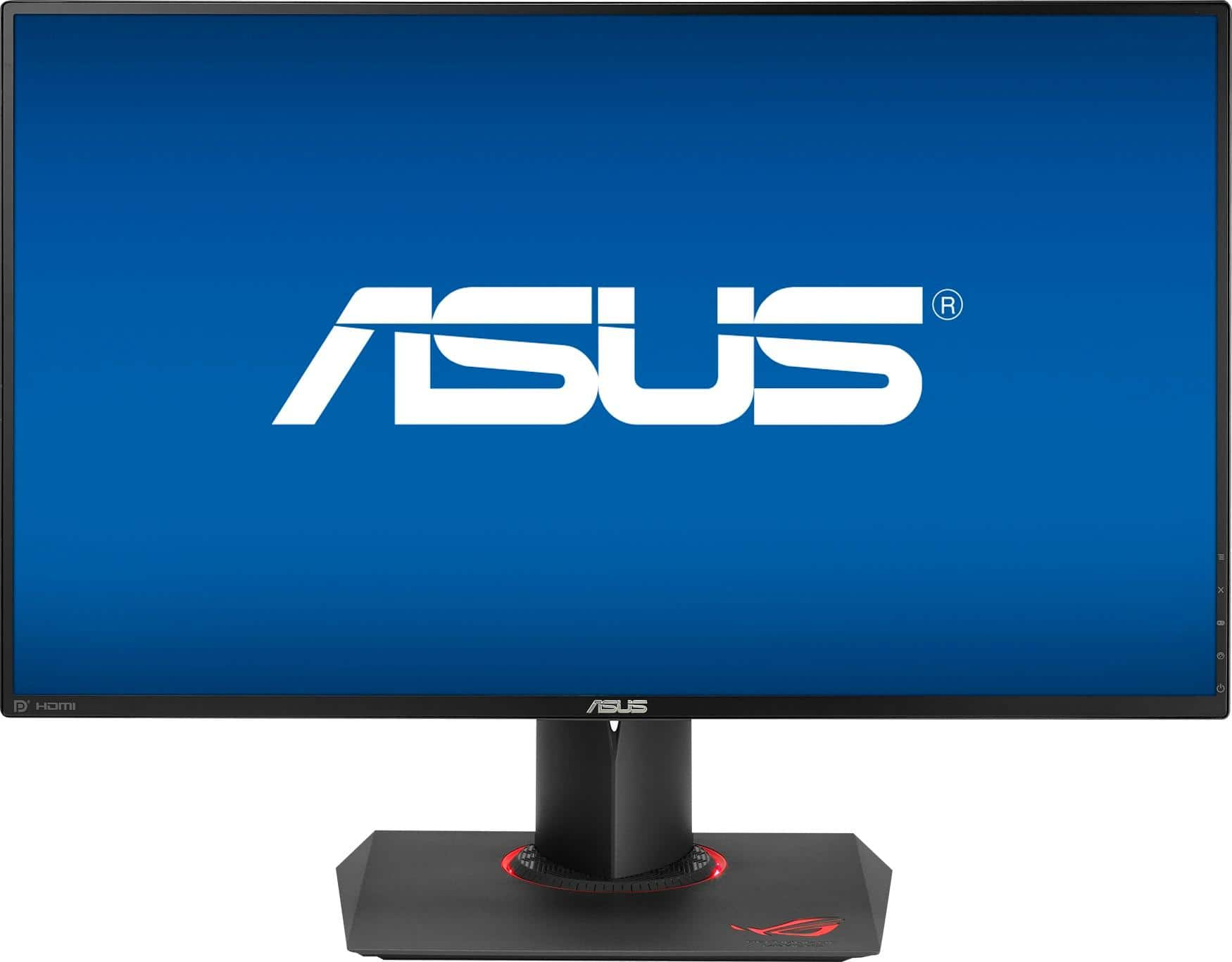
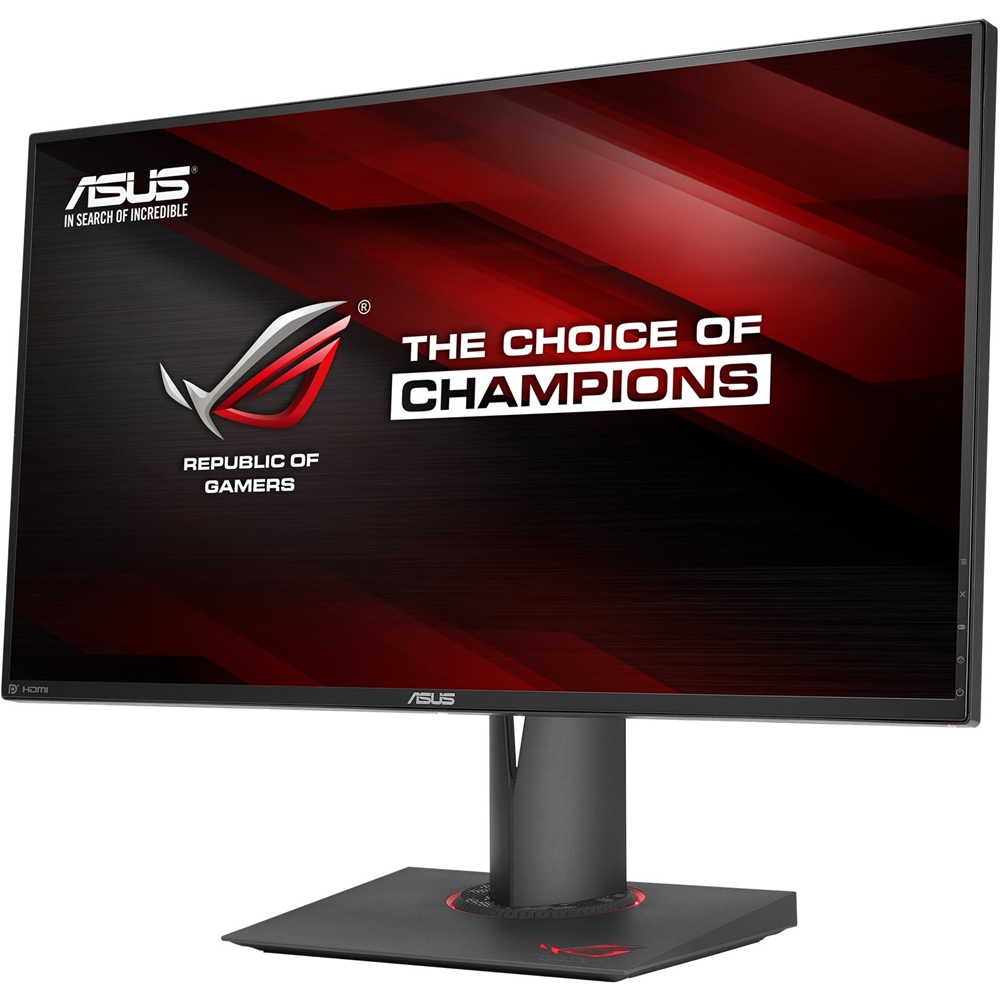

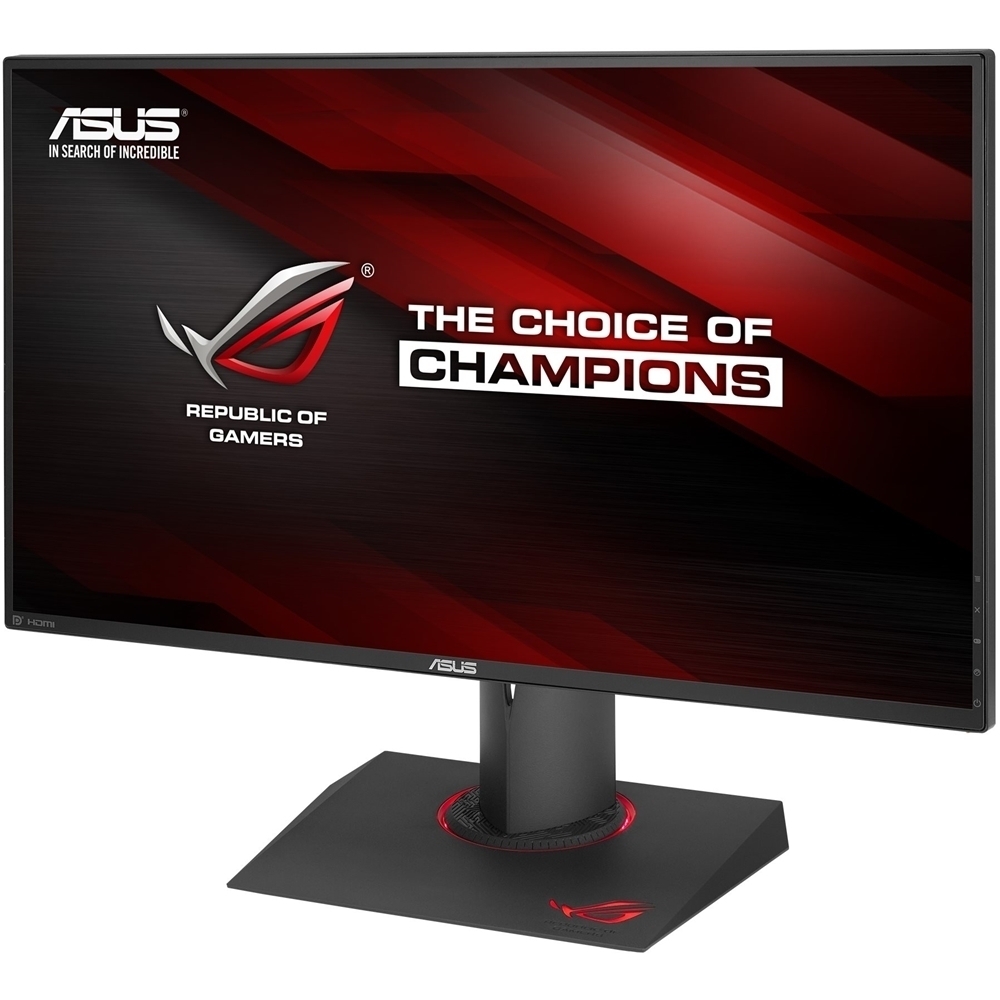
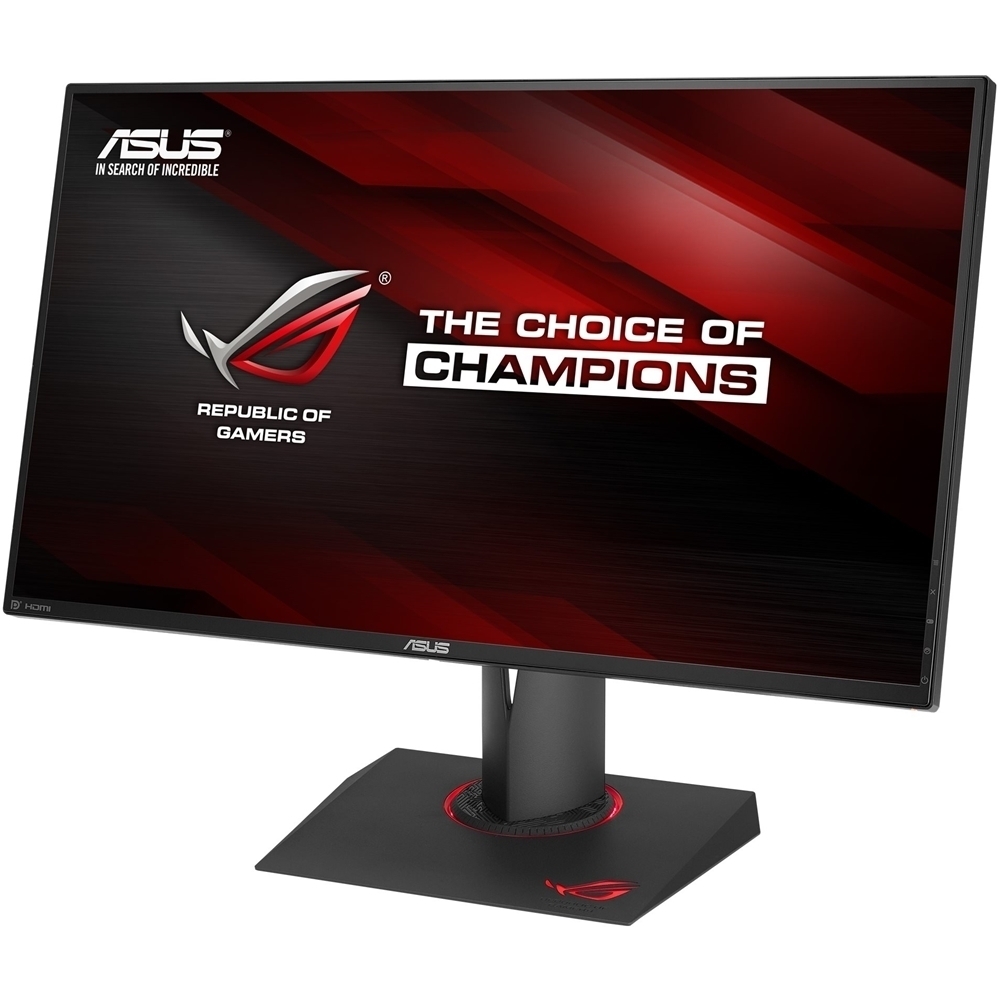

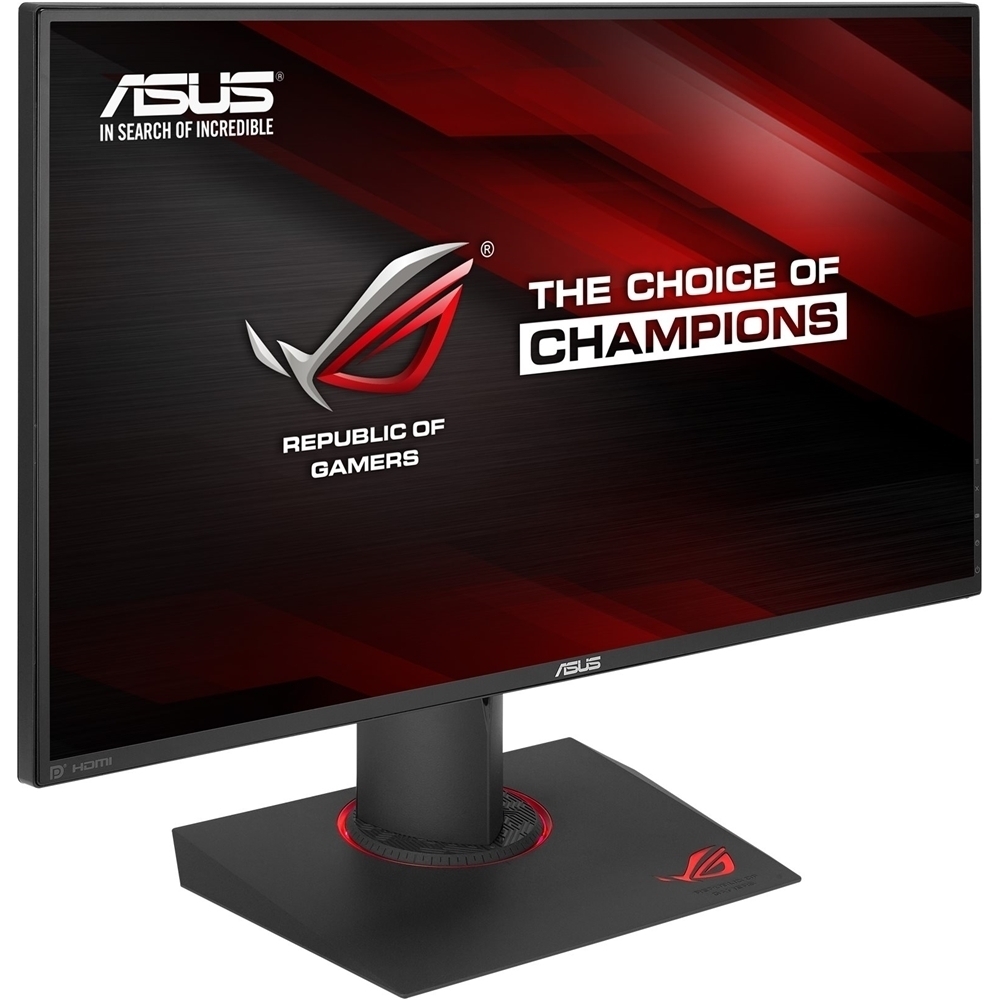
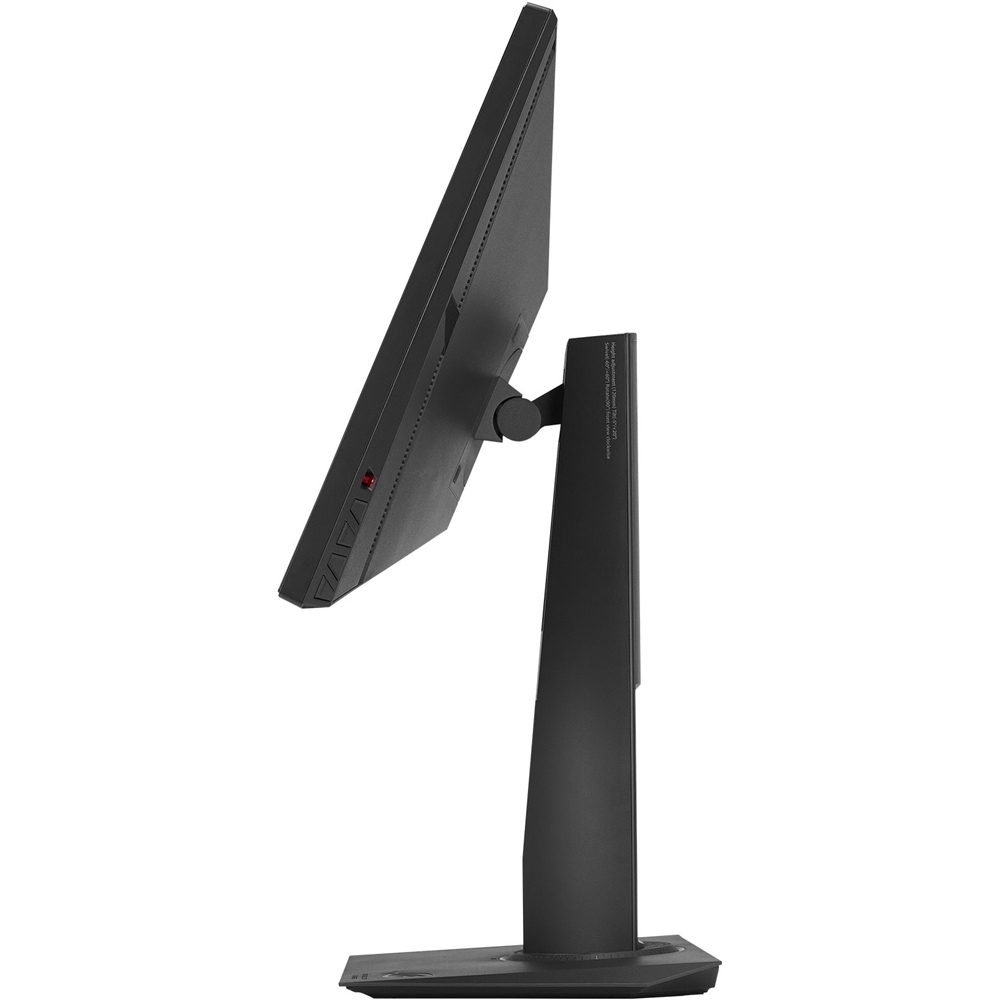
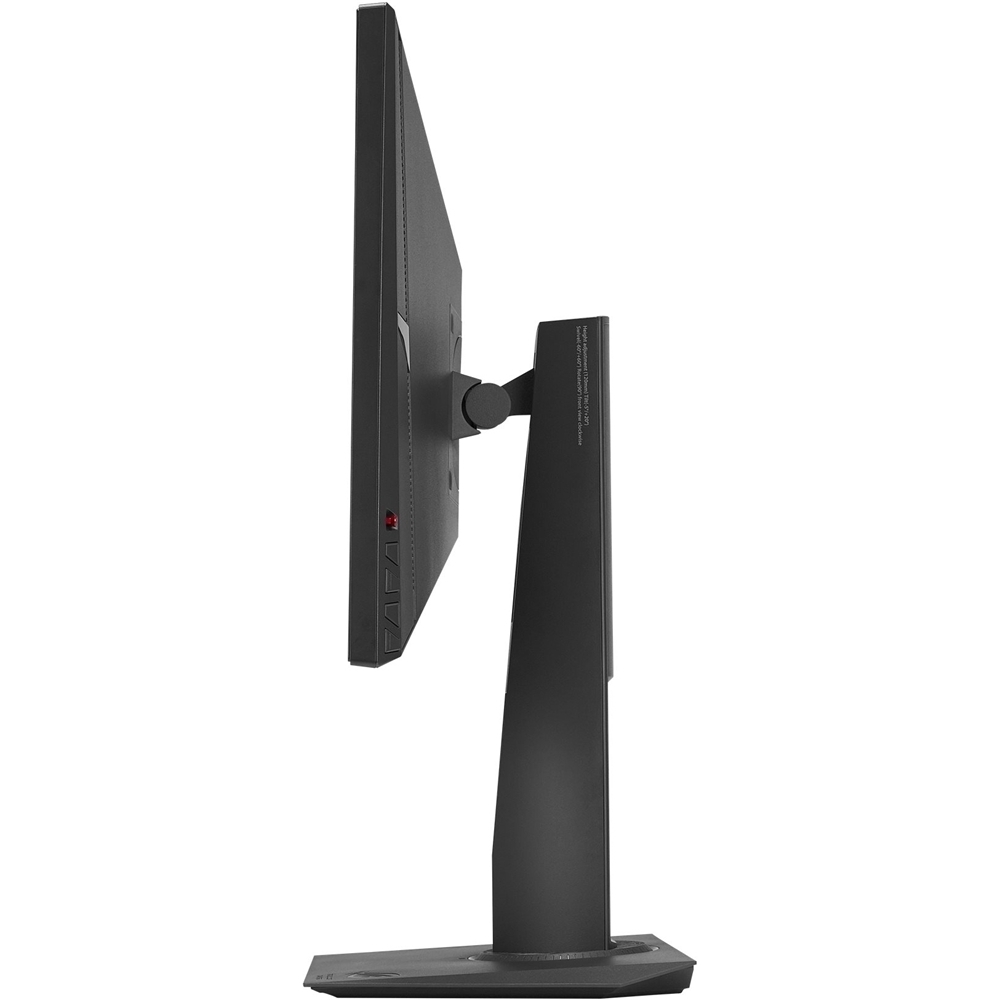



- Model:
- PG279Q
- |
- SKU:
- 4854304
Customer reviews
Rating 4.7 out of 5 stars with 129 reviews
(129 customer reviews)Rating by feature
- Ease of Use4.8
Rating 4.8 out of 5 stars
- Value4.5
Rating 4.5 out of 5 stars
- Quality5.0
Rating 5.0 out of 5 stars
Customers are saying
Customers highly value the 27" screen size, high refresh rate, and G-Sync capabilities of this monitor, frequently citing smooth gameplay and excellent performance. While some users noted backlight bleed or IPS glow, these issues were not universally reported and many found them minimal or unnoticeable. The high resolution was also praised, although the price point was mentioned as a potential drawback by some. Overall, the positive feedback on performance and features outweighs the concerns about minor display imperfections.
This summary was generated by AI based on customer reviews.
Rated 5 out of 5 stars
Picture perfect for me
||Posted .This reviewer received promo considerations or sweepstakes entry for writing a review.Upgraded from an 8 year old 22 inch 1080p 59 mhz, i guess there is some backlight bleed or whatever, but i don't care. Out of the box just plug in wires, the stand is sweeeet and then set up color balance (lots of ez guides out there) It was expensive, but also a long term investment that will see tons of use.
I would recommend this to a friendRated 1 out of 5 stars
Returned
||Posted .This reviewer received promo considerations or sweepstakes entry for writing a review.Nice looking monitor but I had to return it because the left half of the screen had vertical lines running through it. Tried using different cables, drivers, and computers and all had the same lines. If this was a stocking product I wouldn't have minded switching it out but since it has to be ordered I didn't want to keep taking a chance so I changed to a different monitor.
No, I would not recommend this to a friend- Pros mentioned:Ips panel, Refresh rate
Rated 5 out of 5 stars
Best 2K Gaming Monitior
||Posted .This reviewer received promo considerations or sweepstakes entry for writing a review.Before reading the rest of the review, it is important to note that this is meant for nVidia graphics cards. If you don't use an nVidia card you are basically paying an extra $200 for nothing and you can save a lot of money by getting a comparable monitor with Freesync The response time and graphics quality are amazing. The 165 hz instead of 144 hz is just ASUS being overkill but I find it funny that they did that just to be slightly better than normal gaming monitors. It's IPS display is great, until they start making 4k IPS monitors that have refresh rates and response times this good, then this is your best bet for Multiplayer PC Gaming. If you only play single player games you could definitely go for a 4k monitor where response time is less important. I used to not believe that 60hz vs a higher refresh rate mattered that much, but I can attest it makes a huge difference. If you play Overwatch, Call of Duty, or really any multiplayer game you will just straight up be better at them. 11/10 stars but for real if you only play single player games I recommend just getting a 4k monitor.
I would recommend this to a friend - Pros mentioned:G-sync, Refresh rateCons mentioned:Price
Rated 5 out of 5 stars
Excellent Gaming Monitor
||Posted .This reviewer received promo considerations or sweepstakes entry for writing a review.This is a great 1440P gaming monitor. Over clocks to 165 if you can run that many FPS on your system. I leave mine at 144HZ. I opened this up at the store to make sure I didn't get stuck with a bunch of dead pixels. I recommend doing that. Back light bleed is present but not really noticeable. GSync is excellent, no more tearing. Pricey but worth it for any serious gamer. I recommend at least a GTX 1080 to get the most out of this.
I would recommend this to a friend - Pros mentioned:G-sync, Ips panel
Rated 5 out of 5 stars
Perfect!
||Posted . Owned for less than 1 week when reviewed.This reviewer received promo considerations or sweepstakes entry for writing a review.I recently bought the younger sibling (PG248Q) because it was on sale. It was such a great monitor as it was 180hz and G-Sync and i have a Titan X Maxwell. However, i didn’t care much for the TN Panel as i was coming from the ASUS PB278Q 1440p IPS monitor. I always wanted the original swift but not with a TN Panel at that price. When i saw the great deal (with price match), i had to buy this at the opportunity. I prefer 1440p and the larger screen over the PG248Q. You really cannot tell the difference from 165hz to 180hz as most GPUs have trouble even reaching 165hz. I average between 110-130 frames in most games. Therefor, i ended up returning the PG248Q and replacing it for this. It’s pretty much the same monitor, except for the resolution of 1080p vs 1440p, and 165hz vs 180hz (overclocked), and screen size of 24” vs 27”. I mean it’s also 4ms vs 1ms in response time, but i can’t even tell the difference. Now for backlight bleed that is famously notorious for this monitor. Mine is perfect!!! The bleed is so minimal, i don’t even notice it! The bleed was my main worry about getting this monitor. That said, they are still making this monitor. The date of manufacture on mine is October 2019.. literally two months ago! They must’ve made a few improvements or something. This monitor is now a couple years old, but if you can get it on sale, it is totally worth it! The main selling points for me was 27” and IPS panel, 1440p, 165hz, and G-Sync. I really wanted a curved G-Sync UltraWide, but most are only 100hz. For me, the sweet spot is around 144hz, but above 120hz. I hear some have trouble overclocking past 100hz too. When prices come down, i definitely look into those, but the PG279Q does not disappoint. I highly recommend this as a gaming monitor.
I would recommend this to a friend - Pros mentioned:Color, G-sync, Ips panel
Rated 5 out of 5 stars
A phenomenal monitor!
||Posted . Owned for 1 year when reviewed.This reviewer received promo considerations or sweepstakes entry for writing a review.Got this to replace a 24" Viewsonic monitor. It is totally awesome. I use it for both gaming and photo editing and am thrilled with it. It's a 144hz IPS g-sync monitor. I used suggested settings from a web site specializing in suggested calibrations and, at 27% brightness, it was almost painfully bright. Had to kick in "blue light filter" in Windows 10 and have it on all the time. (That or wear sunglasses). Highly recommend!
I would recommend this to a friend - Pros mentioned:Color, Refresh rate
Rated 4 out of 5 stars
Great monitor - not so great controls
||Posted . Owned for 1.5 years when reviewed.This reviewer received promo considerations or sweepstakes entry for writing a review.This monitor can be made very bright! At 144Hz (165Hz OC), it has a fast refresh, too.I adjusted the colors and have the monitor slightly cooler, which I prefer, but have noticed it makes some greens look too blue in Excel. While this sounds like a personal problem, what is not is the cheap red control knob on the back that is used to navigate all monitor settings. It broke. I don't know if it was heat that simply made glue inside fail, or maybe my two monitors clipped each other and the one monitor broke the knob on this monitor, but I can no longer make any adjustments. Luckily, I paid for the Geek Squad protection plan, so hopefully I can get this monitor replaced or repaired. Another issue that seems to happen to some with this monitor is that a thin vertical section from the middle of the screen appears to get shifted to the left or right outside edge. Turns out that this can be remedied by changing the screen resolution and then changing it back again, or the more convenient turn it off and back on again option. This issue happens fairly frequently and according to online source seems to be an issue with the Gsync control module. That's another reason I'll be bringing my monitor back. More about the monitor, it does have some bleed through in very dark scenes, but it's not terrible and seems a good trade off for the expanded viewing angle and screen brightness. Maybe someday I'll get an OLED, but this monitor is much better than the 22" 60Hz TN Acer monitors that I'm upgrading from. It really is a beautiful monitor, so much so that I've been reluctant to bring it back for fear that I'll end up with a refurb with dead pixels and cosmetic defects that is "acceptable" according to someone's policy.
I would recommend this to a friend Rated 4 out of 5 stars
A Gaming Monitor
||Posted .This reviewer received promo considerations or sweepstakes entry for writing a review.So I've basically been on low end dinosaurs for the longest time and wow is this an upgrade. If you're skeptical about not being able to tell there's a difference... there is. You'll notice right away! If you're used to this level of monitors already though you'll likely notice it less but if you're like me and considering an upgrade from HD/sub HD and 60Hz or less, then yeah this makes a noticeable difference. I do agree that colors need some calibration though. It works okay out of the box, but you can tell the colors are a bit off and if you tweak it then it looks much, much better. Part of the reason I'm docking a star because if you're paying so much for a monitor the default settings should be more up to par. Still, it's fixable. Haven't had any issues with dead pixels, backlight bleeding, or anything. All the ports work and it rotates fluidly. The other reason I'm docking a star is because the port locations just feel a bit awkward to me. Ports are on the bottom and can be a bit of a pain to get to once you've finished set up and find yourself needing to plug something in or checking if an issue you're having is cord related. The control buttons are on the bottom right side and work fine for a single monitor set up; however, I imagine if you're going to run dual or triple set ups accessing them would be a hassle too dending on your needs. You'll be able to reach the power button easily enough since its on the bottom, but for the other settings you'll have to reach up a bit. The onboard speakers are functional. They're not gonna be the best speakers ever, but they'll work alright for general purposes unless you're big on audio performance--then I'd probably recommend you get additional speakers (though you're probably gonna do that anyway if you're big on audio). Like, my Hyper X Cloud Stinger has better audio quality than the onboard speakers.
I would recommend this to a friend- Pros mentioned:ColorCons mentioned:Price
Rated 5 out of 5 stars
As of yet, the best 1440p 16:9 monitor!
||Posted .This reviewer received promo considerations or sweepstakes entry for writing a review.All the features this monitor packs are executed perfectly! Monitor is well calibrated out of the box especialy on the default scenery mode. i had this monitor and the Acer's XB271HU side by side and I can tell u the screen on this one is much brighter (acers whites looks a bit more yellowish). The OSD/Menu is much easier to navigate on the Asus as it has a directional pad. The only downside this has over the acer is price. The acer equivalent of this model is around $100-200 cheaper. Overall this is a great masterful monitor. However i did return mine (along with the acer) because i got the 34 widescreen version of this which has roughly the same features but wider.
I would recommend this to a friend - Pros mentioned:Color, G-sync
Rated 5 out of 5 stars
Amazing Monitor
||Posted .This reviewer received promo considerations or sweepstakes entry for writing a review.This thing is a beast. The g-sync is better than Freesync and 1440p 144hz is better than 4K for gaming. The color on the IPS panel is super vivid and mine has almost no glow or bleed. 10/10 would buy again. I am receiving points in the ROG Elite Rewards loyalty program for my review.
I would recommend this to a friend - Pros mentioned:Ips panel, Refresh rate
Rated 5 out of 5 stars
Great for competitive gaming!
||Posted . Owned for 3 weeks when reviewed.This reviewer received promo considerations or sweepstakes entry for writing a review.This is replacing a ASUS PG348Q 100hz ultrawide monitor that I’ve been using since they released it 2 years ago. With my current setup (9900k and ASUS Strix 1080ti oc), I was running up against the max 100 FPS and had to use vsync in all games which isn’t what I wanted to do. I purchased the PG 279q in order to keep an IPS panel with a 165hz refresh rate and let me tell you, it’s fantastic! I average around 140 FPS in a lot of newer games and it’s much more fluid compared to the ultrawide. I do miss the screen real estate of the 348q, but I needed more HZ. This monitor is getting it done and the panel is possibly a little bit better than the 348’s IPS panel. The only negative is that there is some IPS glow in upper and lower right corners, but I’ll live with it. You’ll enjoy this top end monitor if you purchase it.
I would recommend this to a friend - Pros mentioned:Refresh rateCons mentioned:Expensive
Rated 5 out of 5 stars
Amazing 1440p monitor
||Posted .This reviewer received promo considerations or sweepstakes entry for writing a review.This monitor is very expensive, but also very good. Breaking the 60hz barrier is such a huge difference if you have the gpu for it. Until there’s a high end gpu that can push 144+hz continuously, 1440p is the way to go. This monitor looks incredible. Some monitorphiles have complained about bright corners, but I can’t tell if this does or not. I use this for almost exclusively gaming and if I had a lighter corner when watching a letterboxed movie in a dark room I would do that in my living room. But sweet monitor! I’m probably 30% better at fps games even without practice. Being able to see people jump around up close is nice.
I would recommend this to a friend - Pros mentioned:Color, Ips panel, Refresh rate
Rated 5 out of 5 stars
ASUS GSync Monitor
||Posted .This reviewer received promo considerations or sweepstakes entry for writing a review.This 27” monitor is fantastic. Best gaming monitor on the market hands down, IPS panel High resolution Crazy refresh rates Colors look awesome Would definitely recommend !
I would recommend this to a friend - Pros mentioned:Ips panel, Refresh rate
Rated 5 out of 5 stars
Best IPS with Gsync 1440p monitor
||Posted .This reviewer received promo considerations or sweepstakes entry for writing a review.Best monitor I have ever owned. This is a great monitor for those who have a beefy Nvidia graphics at least a GTX 1070 or higher card and who cares about color. I used to have a regular 60hz monitor and thought that it was fine until I finally tried a high refresh rate monitor in store and was hooked. The only thing is that most gaming monitors have a TN panel (cheaper) and coming from a 60hz IPS I couldn’t bring myself to buy a TN panel since I was spoiled by the goodness of IPS. So if you want a monitor with good color accuracy and have a decent nvidia gpu and can afford it this is a great monitor.
I would recommend this to a friend - Pros mentioned:G-sync, Ips panel
Rated 5 out of 5 stars
The best monitor I've ever owned.
||Posted .This reviewer received promo considerations or sweepstakes entry for writing a review.After extensive research, I got the PG279Q monitor to replace an 11 year old Viewsonic 22". This is not an inexpensive monitor, but it is awesome! I do photo editing, streaming and some gaming and for these activities this is the one. G-Sync, IPS, 144hz (overclockable to 165hz). I've had a little trouble with Windows 10 drivers, but seems I've solved that problem. Beautiful!
I would recommend this to a friend - Pros mentioned:Color, G-sync
Rated 4 out of 5 stars
Great Gaming Monitor
||Posted . Owned for less than 1 week when reviewed.This reviewer received promo considerations or sweepstakes entry for writing a review.If you are using this monitor to game it is great. I see colors I have not to see on a 1080p. Playing Destiny 2 and Witcher 3 looks amazing. Searching the website is easy to read as well. The only complaint I have is that looking at youtube video is so-so. If the video is in 1440p or higher the video will look good. In my case, I use my older monitor or TV to view my youtube videos.
I would recommend this to a friend - Pros mentioned:Color, Refresh rate
Rated 5 out of 5 stars
The best gaming monitor
||Posted .This reviewer received promo considerations or sweepstakes entry for writing a review.Item was packed very sufficiently. The color and gamma required the least amount of calibrating on any monitor I have owned. Refresh rate at 144 Hz is essential for accurately playing fast paced and frenzied games.
I would recommend this to a friend - Cons mentioned:Price
Rated 4 out of 5 stars
Best monitor I've ever owned
||Posted .This reviewer received promo considerations or sweepstakes entry for writing a review.The down and dirty is that it is a very nice monitor, especially for the market it is going after, gamers. But, I would not pay the premium price of this monitor, if you are on the fence on the brand of your next video card, with AMD soon to release a new GPU. Freesync monitors are cheaper. If you are a diehard NVidia user and are also only going to run a single monitor setup, then the rest of this review will not pertain and I would give it 5 stars I give it 4 stars, ignoring cost, because of the placement of the monitor's buttons. They are on the right hand side, on the back of the monitor near the bottom. I knew this going in, but I didn't have access to one to really see what an annoyance this is. I would have preferred them to have been on the bottom of the monitor. It makes getting to them a pain with my dual monitor setup ( I can't move the other monitor to the left side, and would prefer not to). I use the buttons frequently, because I change the refresh rate back to 60 when I'm not playing a game. I also like to use a dimmer setting when I'm doing homework or reading on it. With this being a premium monitor that was designed for the gamer crowd, I can't imagine why they didn't think about how this inconveniences a dual monitor set up.
I would recommend this to a friend - Pros mentioned:Gaming
Rated 4 out of 5 stars
Great gaming monitor
||Posted .This reviewer received promo considerations or sweepstakes entry for writing a review.I think the monitor is great for gaming and good for other activities like photography, not the best for photography but still good.
I would recommend this to a friend - Pros mentioned:Gaming
Rated 5 out of 5 stars
Amazing!
||Posted .This reviewer received promo considerations or sweepstakes entry for writing a review.This moniter makes the entire gaming experience so much better.
I would recommend this to a friend