Customer Ratings & Reviews






![Esc 4 F 12 n & N aS a 17 A F8 F9 F0 m1 Pdc 1 Insect Delete I 1 @ 2 . 3 $ 4 % 5 A 6 & 7 8 I 9 I O - - + = Backspace Tab Q W E R T Y U I O P I [ I ] I / Cops Lock A S D F G H J K L : : M , Enter Shift 9 Z X C V B N M A 1 > ? / Shift Dolby ATMOS](https://pisces.bbystatic.com/image2/BestBuy_US/images/products/3435c6ba-37d3-4d71-b68c-8a94fdb48e46.jpg)
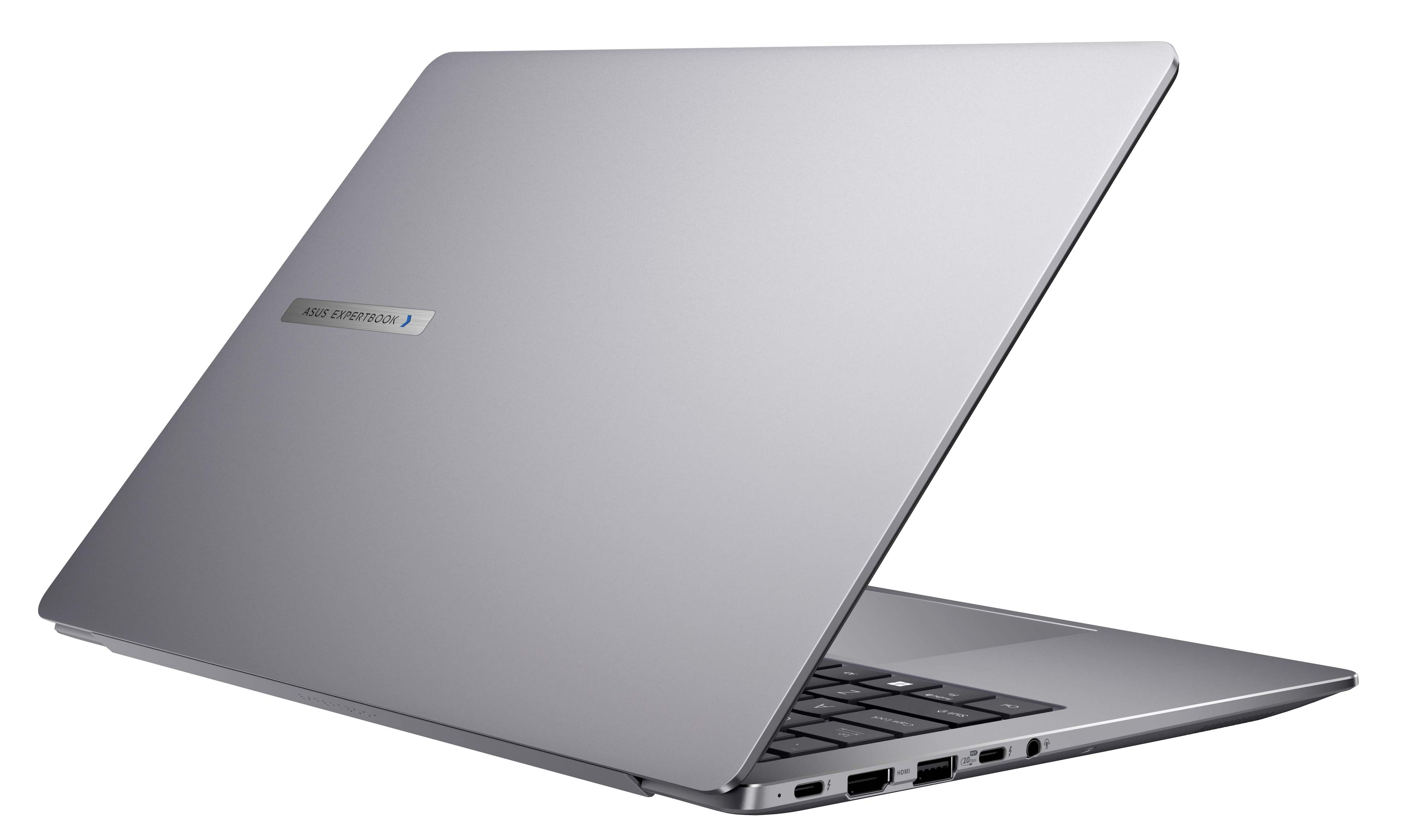
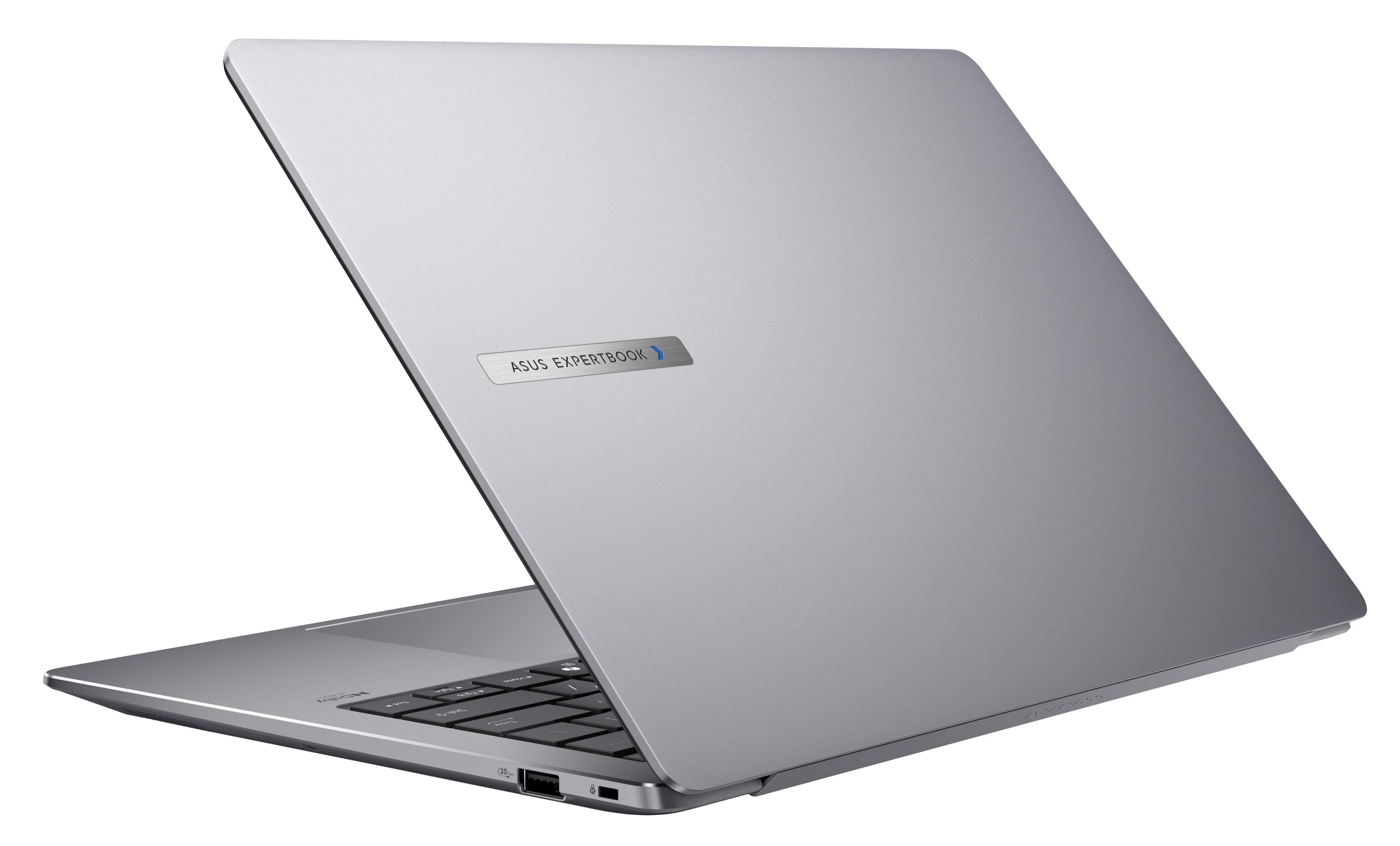
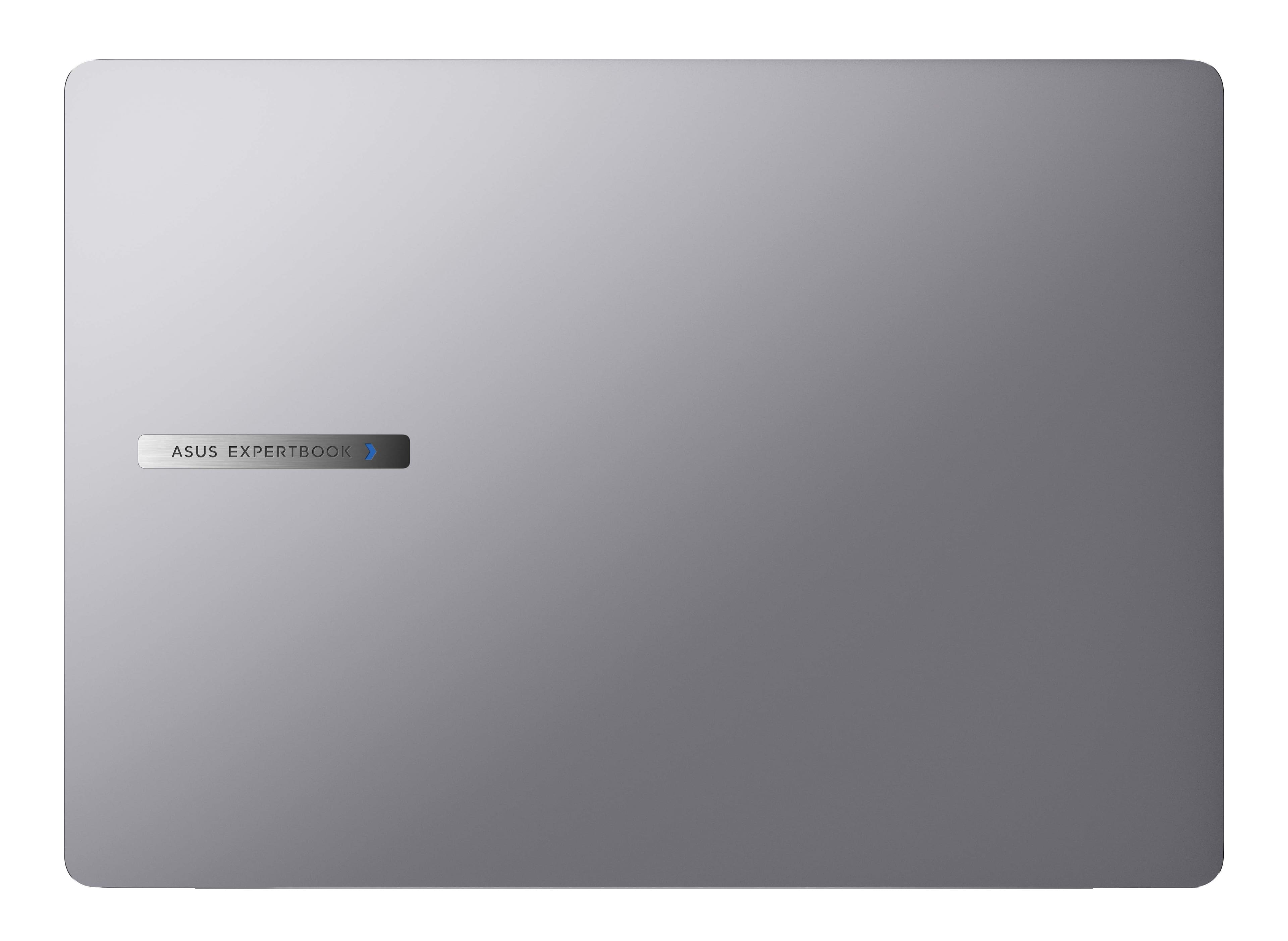









- Model:
- P5405CSA-DH76
- SKU:
- 6603653
to a friend
BUYER BEWARE Laptop Overheats Under Sustained Load
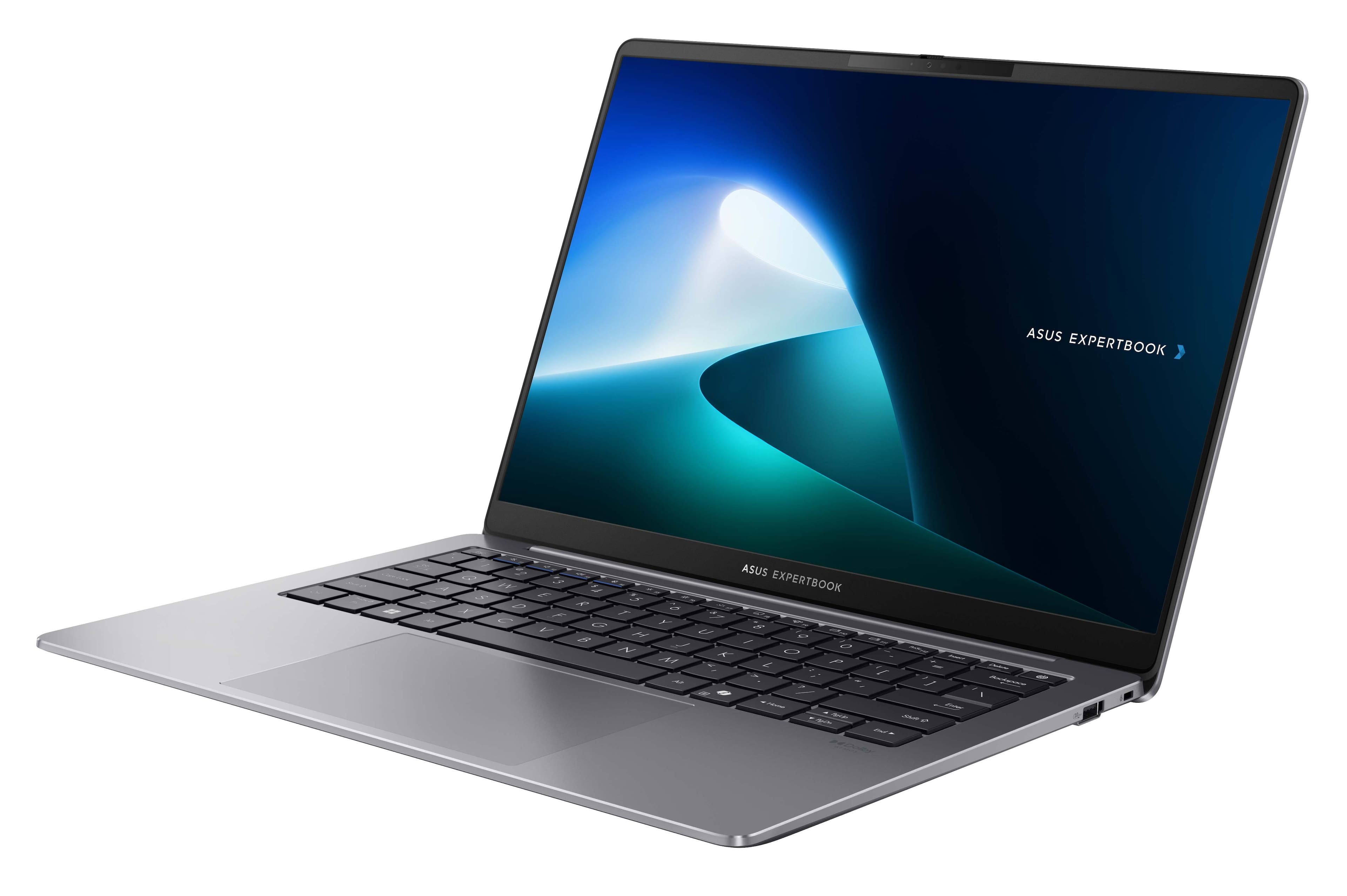
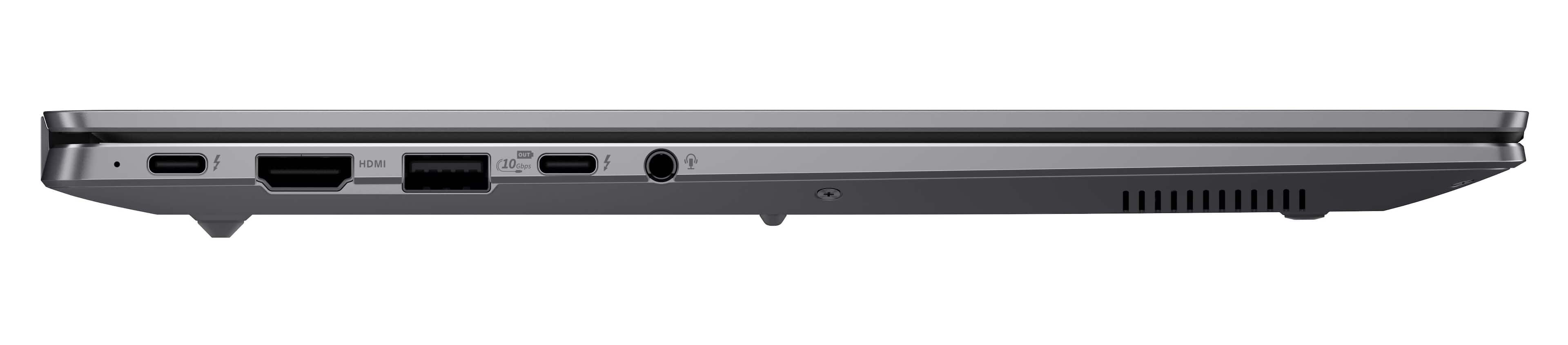
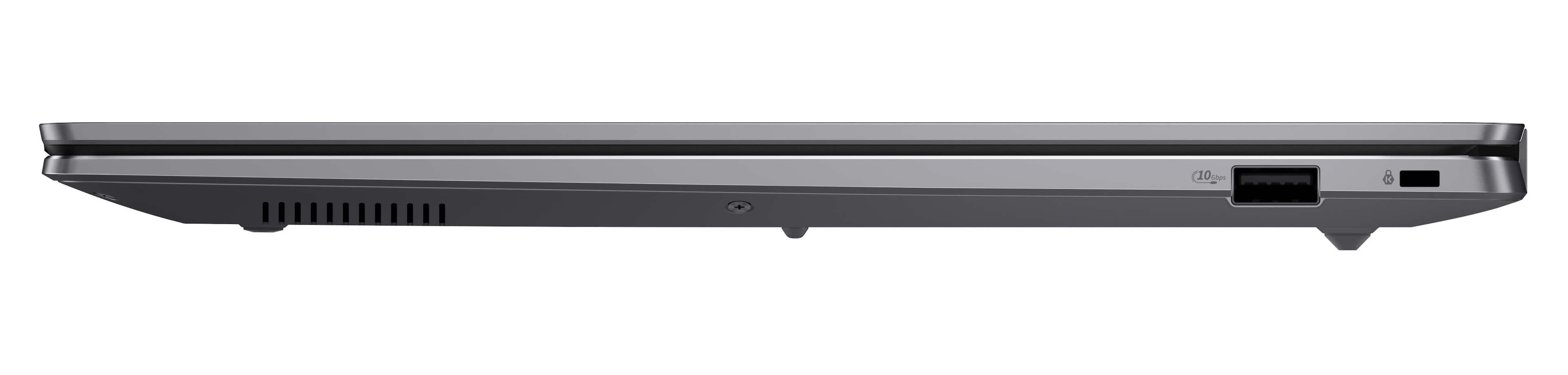
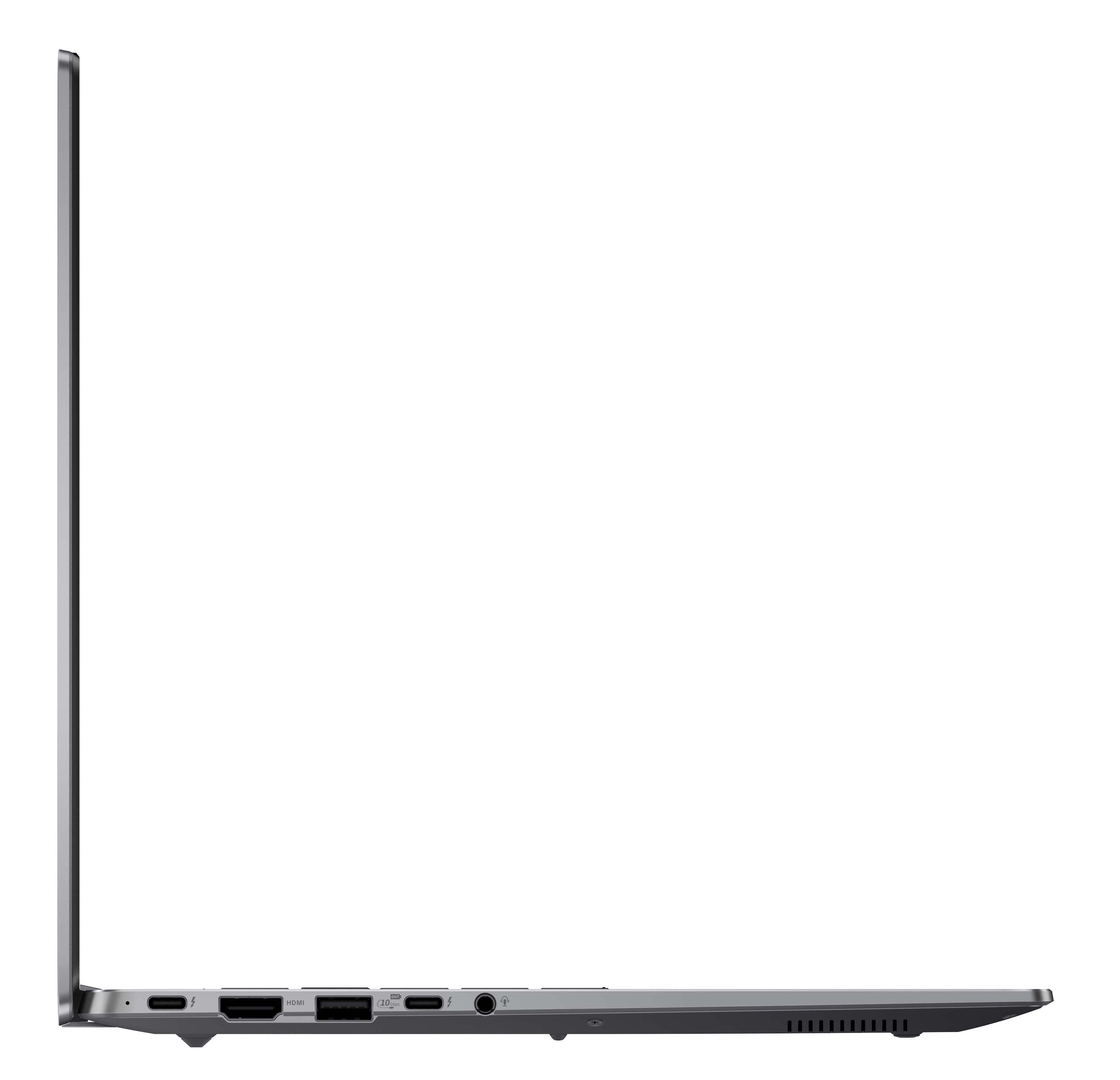
||Posted . Owned for 3 weeks when reviewed.This reviewer received promo considerations or sweepstakes entry for writing a review.I really wanted to keep this laptop. It has great features like the 144hz display, a decent keyboard and touchpad, good I/O, and even a spare NVMe slot for an easy storage upgrade path. But, that's pretty much where the good ends. The processor is great, but the single fan cooling solution ASUS provided isn't sufficient for it under sustained loads for the 258V. For example, in Helldivers 2, no longer than 13 minutes into a game did CPU temperatures reach 95C and began greatly downclocking the CPU and GPU to prevent damage. And, that's why I'm going to return it. (FYI, this was all tested plugged in on a desk in a room temperature environment, with the fans in performance mode.) Overall, this laptop is great for those whose work can be done from a browser (But to be honest, this is probably overkill if that's you). This laptop is also suitable if you're wanting to use the Microsoft suite of work applications or just generally have short bursts of intensive jobs. But, this laptop is difficult to recommend to professionals and power users.
No, I would not recommend this to a friendBrand response from ASUS Answers
Posted .Dear AgentPajamas,
Thank you for your comment.
We do understand your concern about thermal issues. It is normal for laptop, with the same hardware configuration and regardless of the manufacturer, to generate more heat than normal while under heavy load especially during gaming, WINDOWS Update and antivirus scan. When system resource utilization is high, this will generate more heat than normal and tends to trigger the fan to spin at full throttle. Please ensure the air ventilations are free from obstructions in order to have an efficient air flow for better heat dissipation. While gaming, please ensure no resource hungry applications, processes and service are running in the background, this will definitely spike the system temperature. The heat or temperature does decreases or normalizes once system resource utilization goes down. Additionally, if this laptop is running with an older BIOS version, please flash it with the most current version posted at: https://www.asus.com/us/laptops/for-work/expertbook/expertbook-p5-p5405/helpdesk_bios?model2Name=P5405CSA .
Should you need further assistance with the product, please email me at [email protected] and I would be more than happy to help. Or you are most welcome to call Product Support Hotline at: 1(888) 678-3688. Also, you can chat with an ASUS live support agent from the link: https://www.asus.com/us/support/article/1135/.
Thank you for choosing an ASUS product.
Regards,
Rodel
ASUS Customer Loyalty