Customer Ratings & Reviews
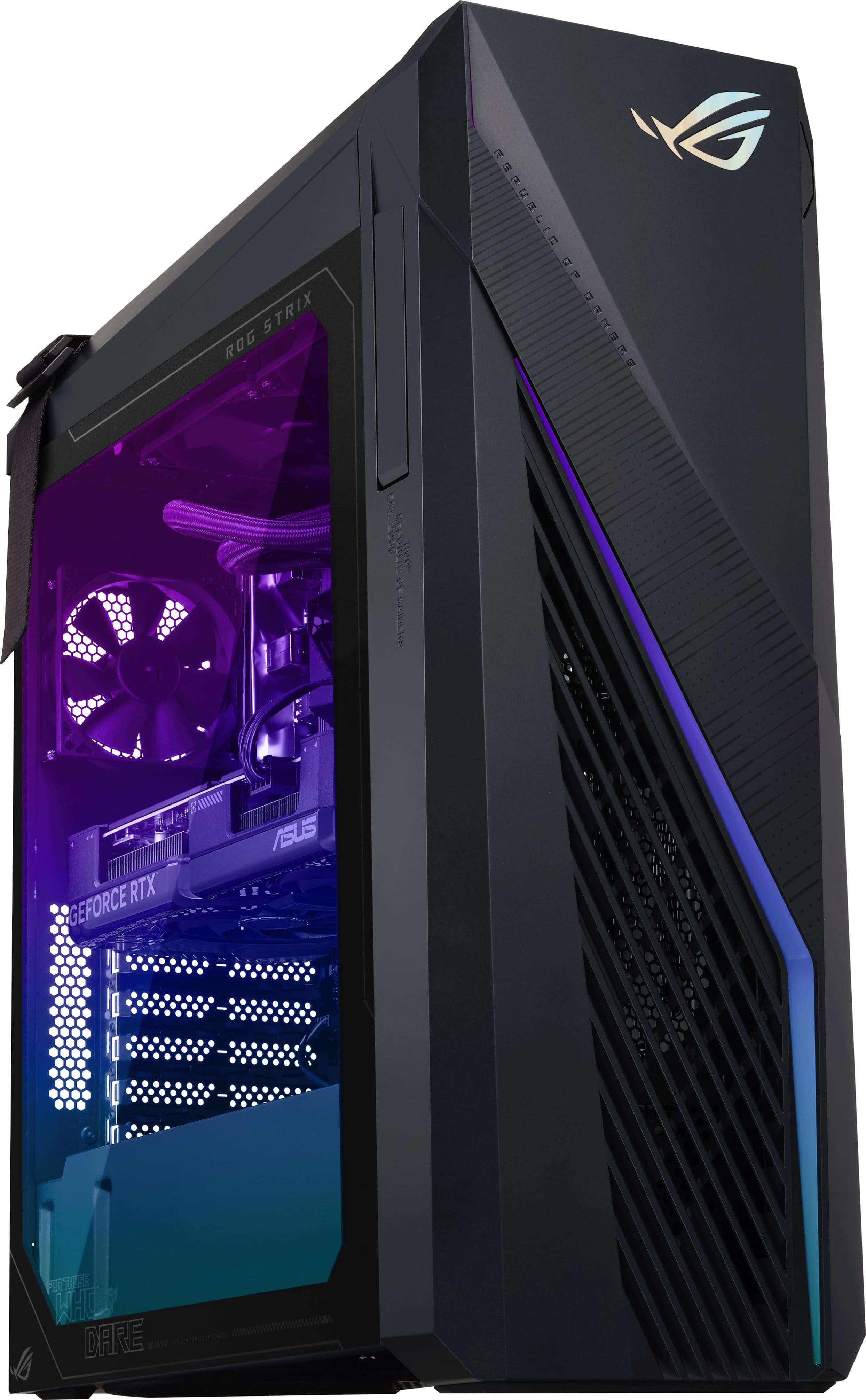
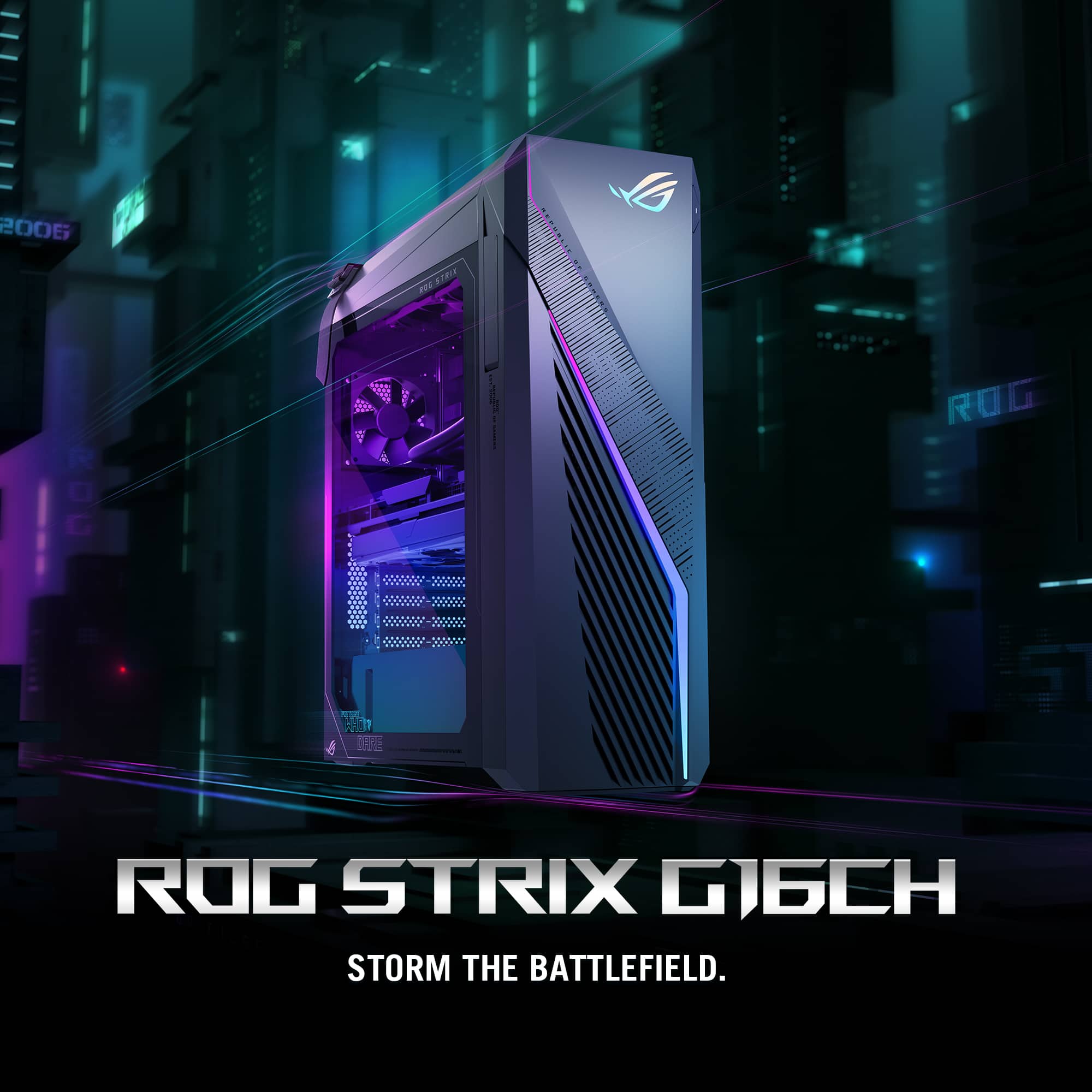
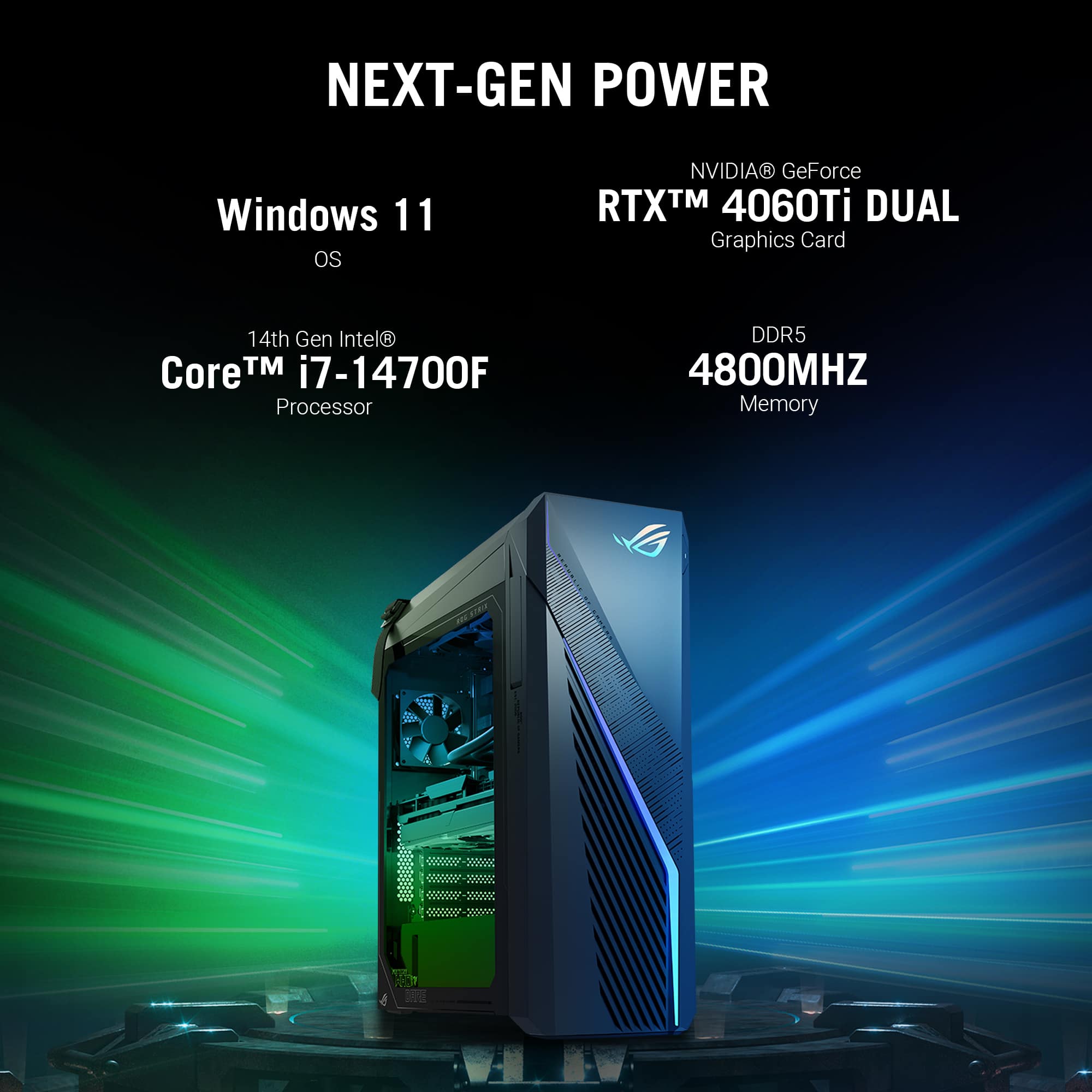
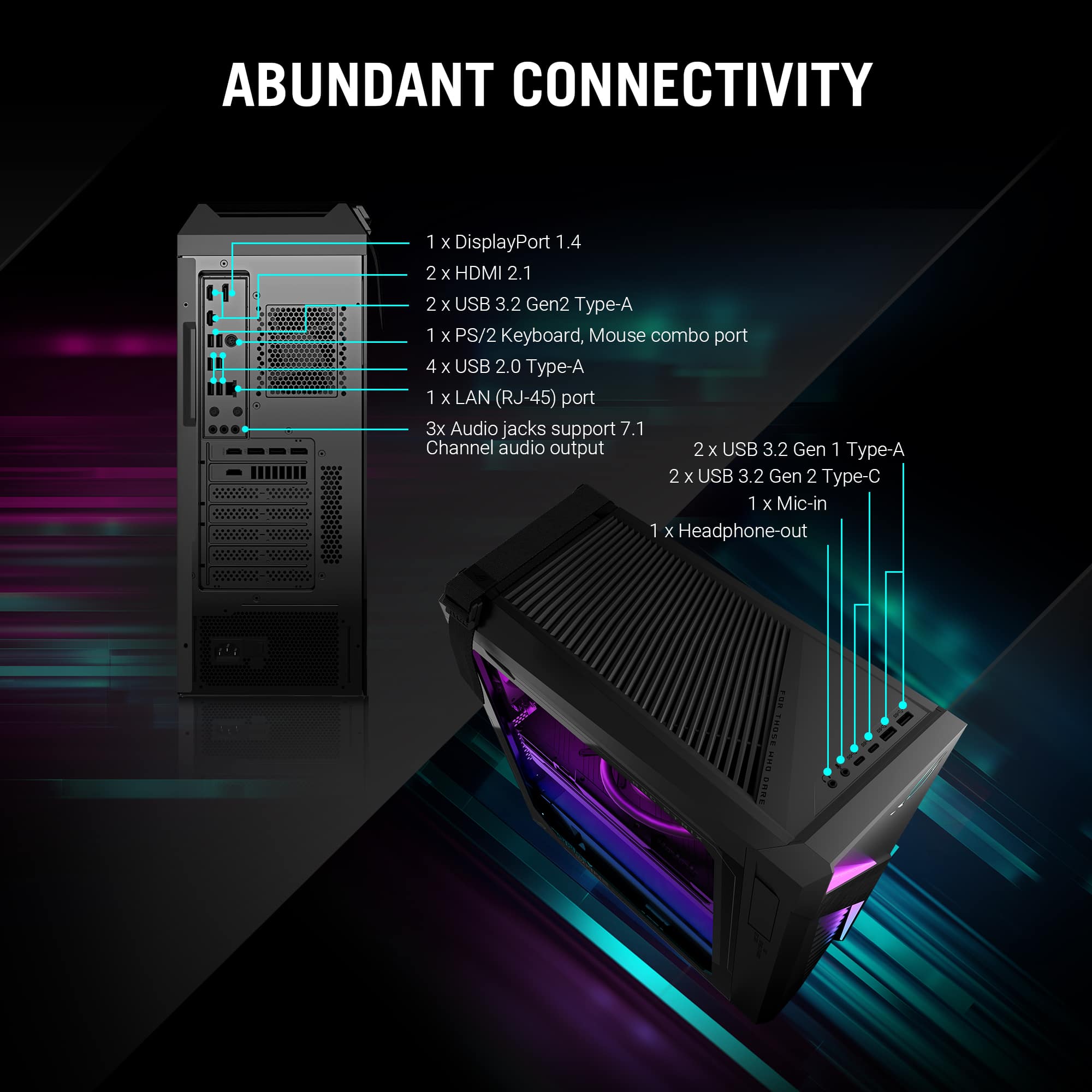
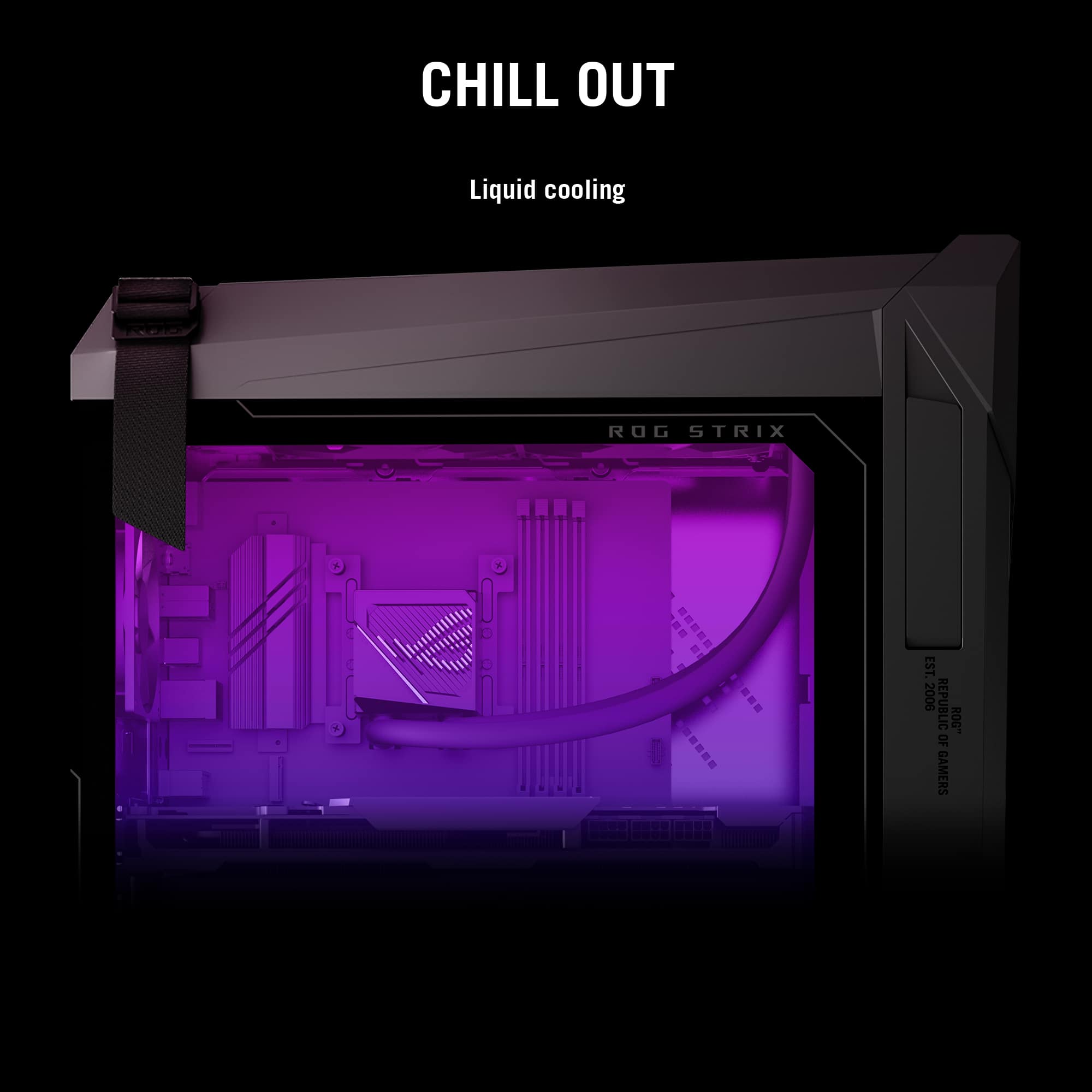
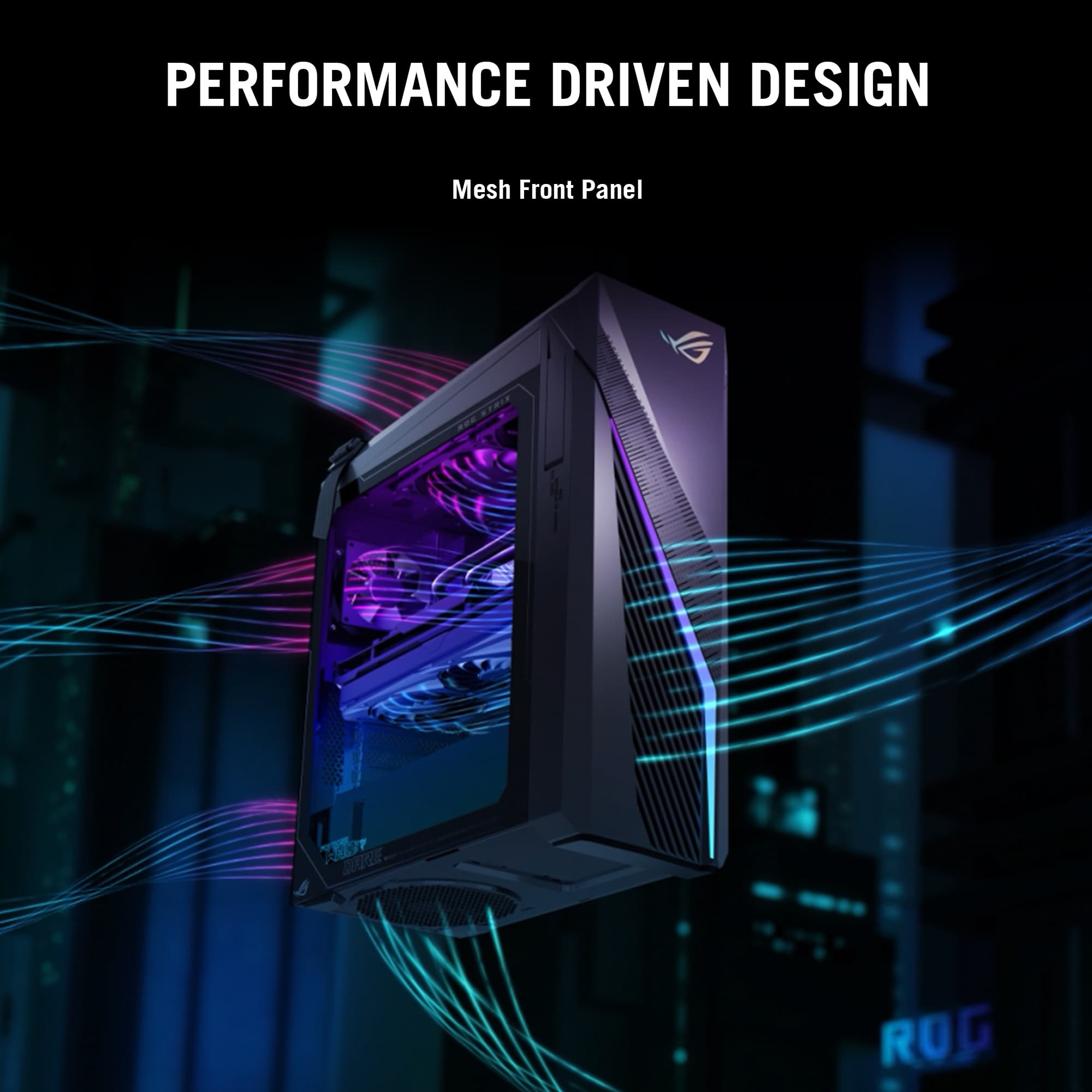
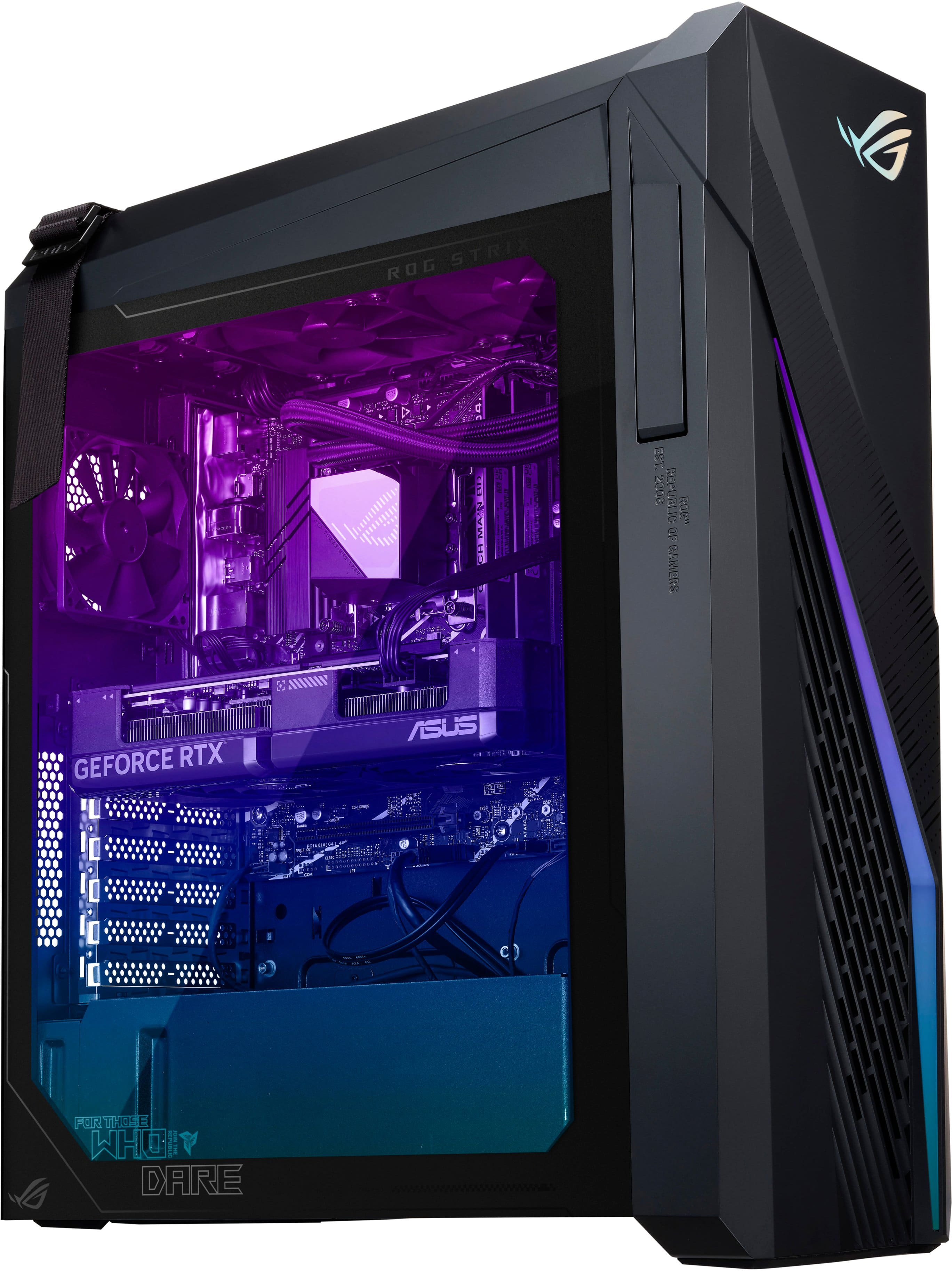
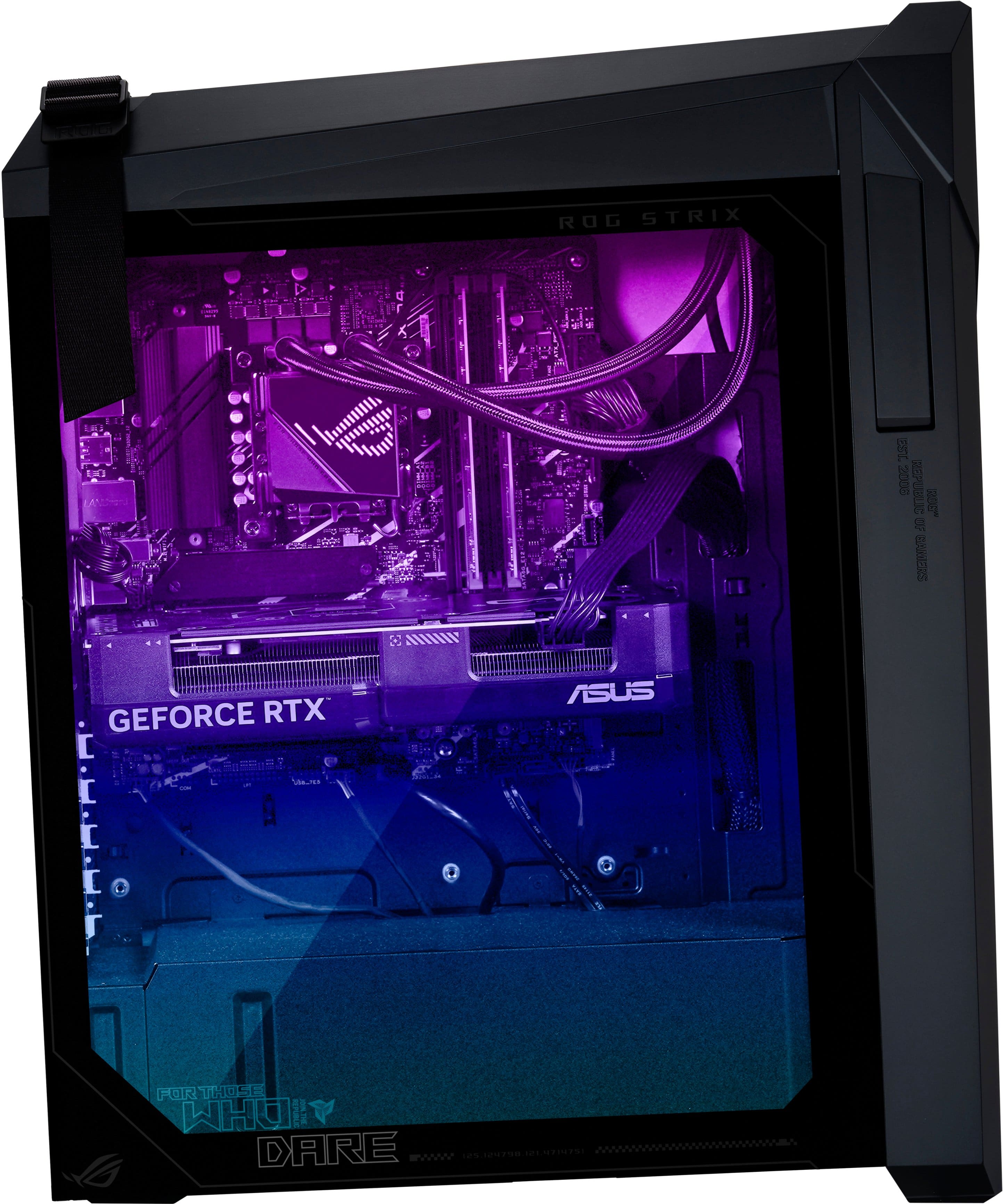
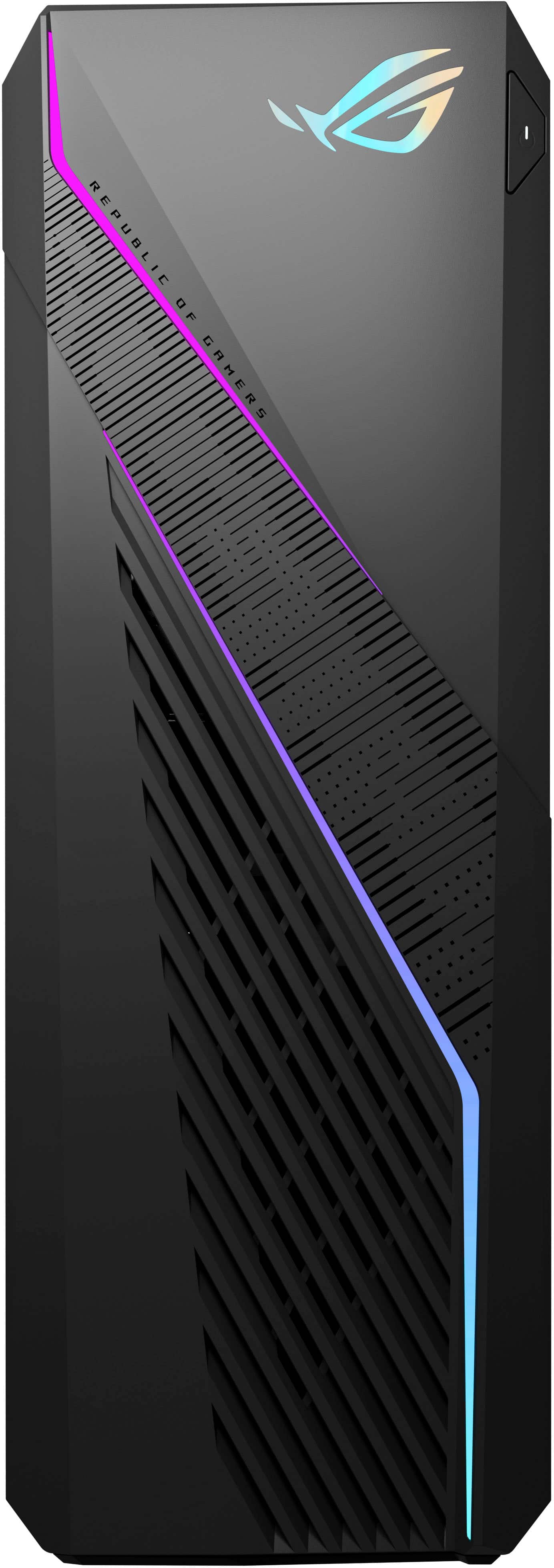
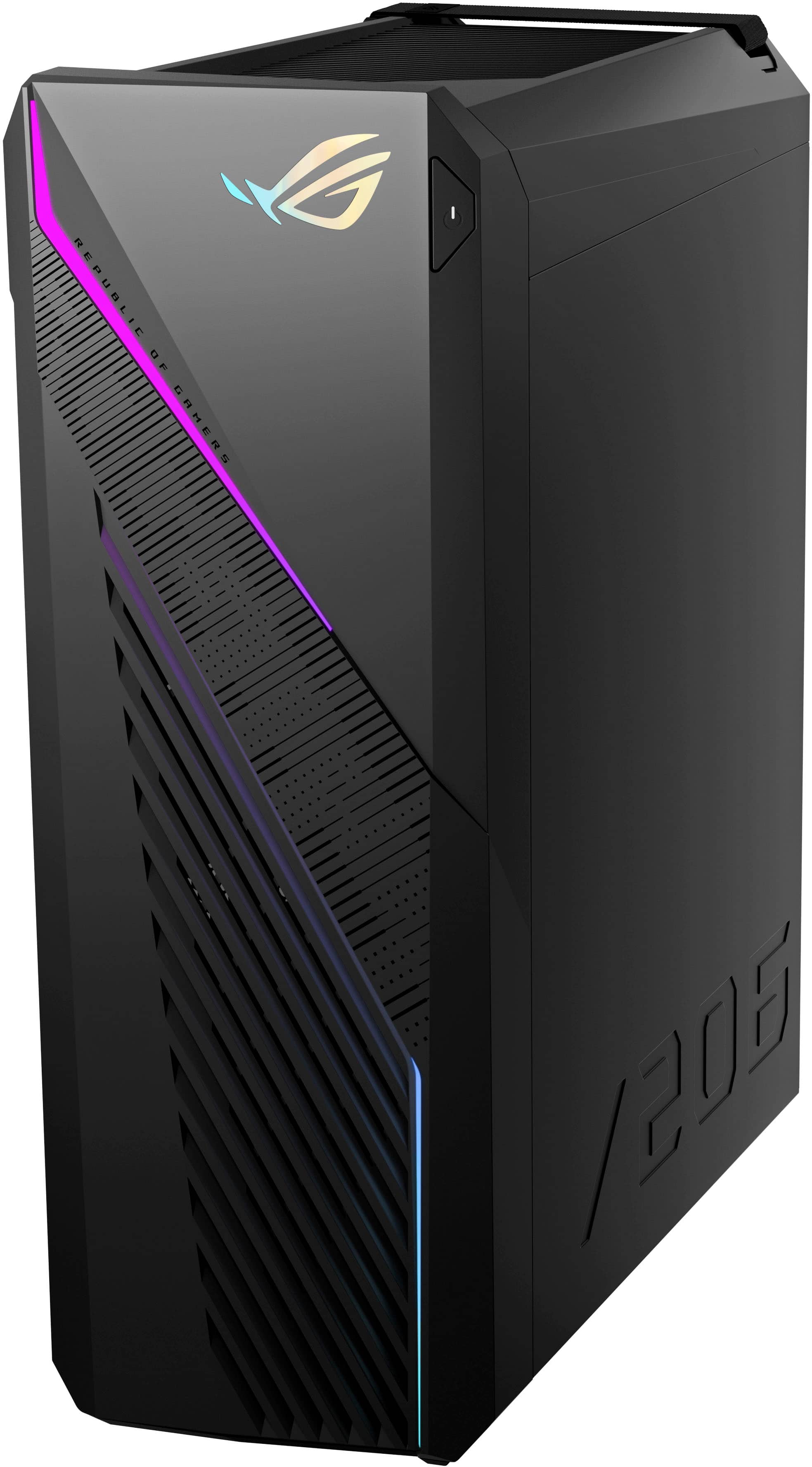


- Model:
- G16CHR-I7F4060TiVR
- SKU:
- 6572406
Rating by feature
- Value
Rating 4.6 out of 5 stars
- Quality
Rating 4.7 out of 5 stars
- Ease of Use
Rating 4.8 out of 5 stars
Customers are saying
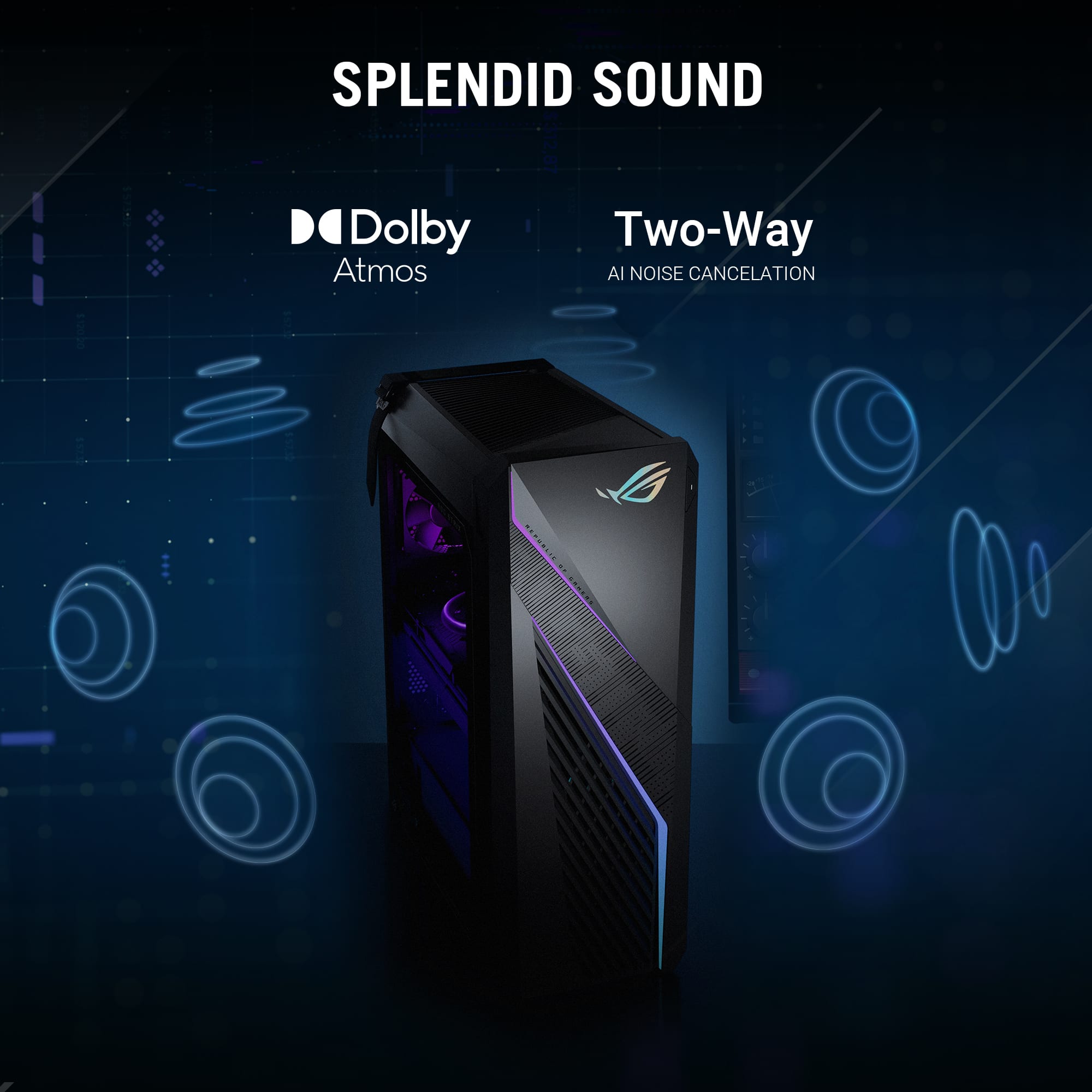
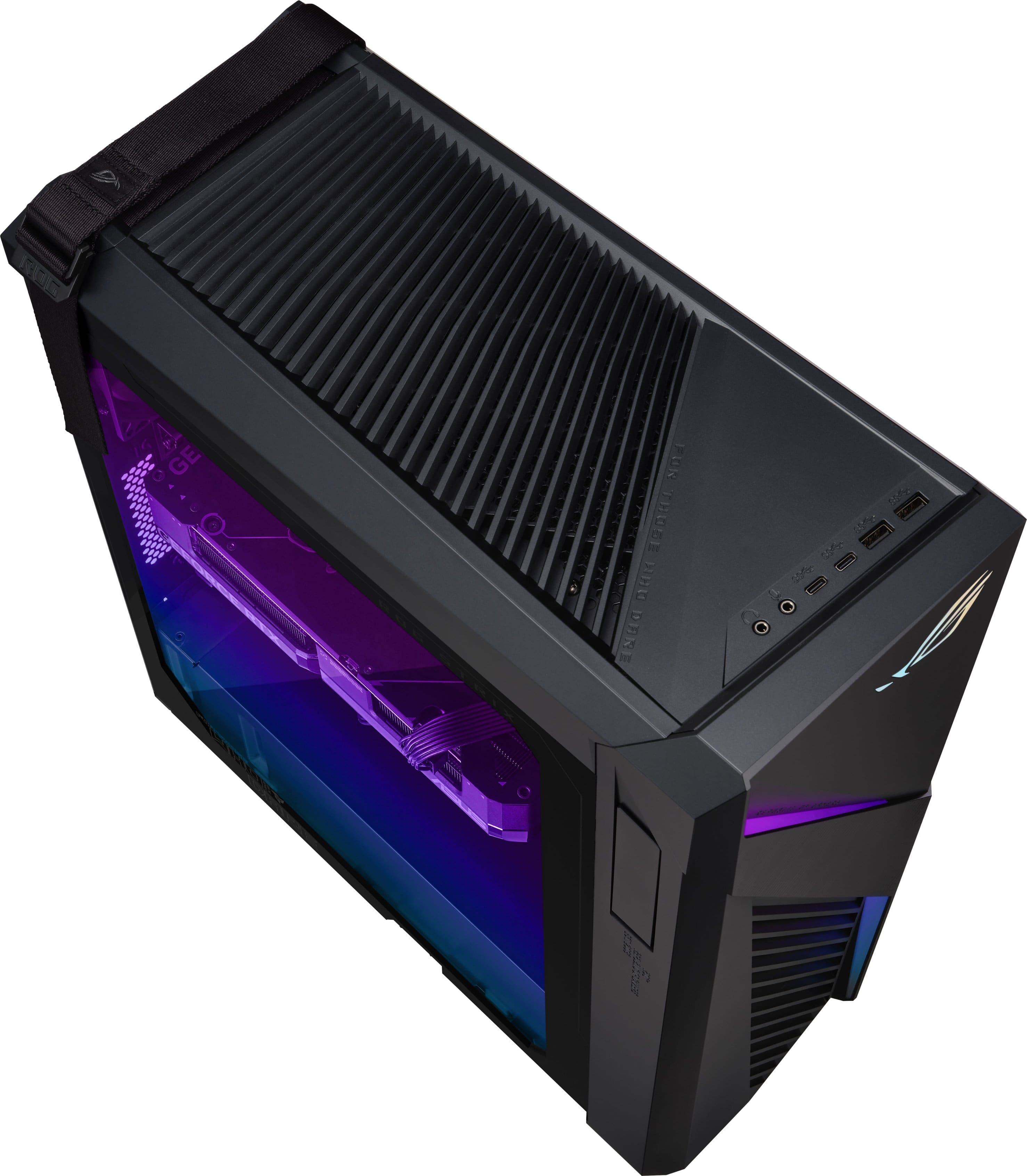
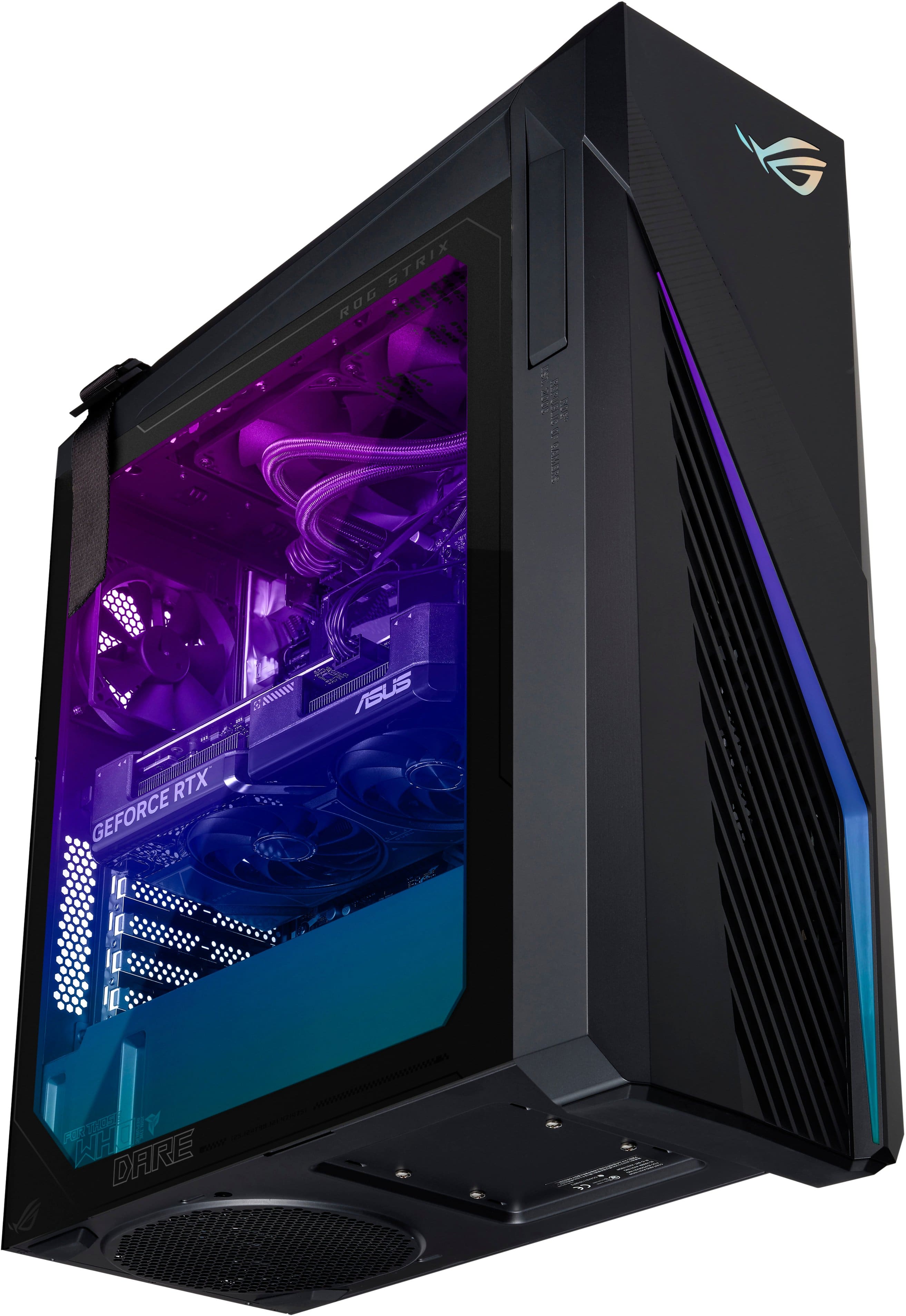
Customers are pleased with the ROG Gaming Desktop's amazing performance, speed, and quiet operation. Many appreciate the ample RAM and sleek design, considering it a great value for the price. Some find the storage space insufficient and the case size large. A few have reported issues with the functionality of the HDMI outputs.
This summary was generated by AI based on customer reviews.
Nice gaming pc
||Posted . Owned for 1 month when reviewed.This reviewer received promo considerations or sweepstakes entry for writing a review.Great pc. Out off the box gaming ready. Easy setup.
I would recommend this to a friendVery pleased
||Posted . Owned for 1 week when reviewed.This reviewer received promo considerations or sweepstakes entry for writing a review.Runs just as advertised. Use it every day and have no issues
I would recommend this to a friendawsome
||Posted . Owned for 1 month when reviewed.This reviewer received promo considerations or sweepstakes entry for writing a review.Great product getting ready to buy another for my wife
I would recommend this to a friendFirst timer
||Posted . Owned for 1 week when reviewed.This reviewer received promo considerations or sweepstakes entry for writing a review.Beautiful first tower from my little gaming laptop
I would recommend this to a friend- Cons mentioned:Storage
Buyer beware, wrong item received
||Posted . Owned for 1 week when reviewed.This reviewer received promo considerations or sweepstakes entry for writing a review.Well i got my desktop in excited not thing hey let me look at the box first got everything hooked up downloaded a few games and when I went to look at the storage I only had 1tb total. So it had me thinking, I cecked the model number on the desktop and checked the model number on the box and it didnt match this one, the one I bought. Contacting them for the replacement to be sent out has been a nightmare. So this is just a beware when ordering this check products to make sure you got what you bought
No, I would not recommend this to a friendBrand response from ASUS Answers
Posted .Dear Taylor,
Thank you for your feedback.
We certainly understand your disappointment and the inconvenience this may have caused if you received the wrong PC. Typically, we recommend that you contact your seller for a resolution if a different product was delivered to you. Should you need further assistance with the Desktop PC, please email me at [email protected] and I would be more than happy to help. Or you are most welcome to call Product Support Hotline at: 1(888) 678-3688. Also, you can chat with an ASUS live support agent from the link: https://www.asus.com/us/support/article/1135/.
Thank you for choosing an ASUS product.
Regards,
Rodel
ASUS Customer Loyalty
Grrar product
||Posted . Owned for 3 months when reviewed.This reviewer received promo considerations or sweepstakes entry for writing a review.Love it for a great gift. Recommend to all who is interesting.
I would recommend this to a friendMiselading open box
||Posted . Owned for less than 1 week when reviewed.This reviewer received promo considerations or sweepstakes entry for writing a review.Got the PC as "open box" but there was "No box" actually, received the product with all the peripherals attached and tangled, no box, LOTS of dust inside an scratches. The term open box is misleading. Be careful.
No, I would not recommend this to a friendBrand response from ASUS Answers
Posted .Dear LUISCARLOST,
Thank you for sharing your experience with the ASUS G16CHR Desktop purchased as an open box item. We’re sorry to hear that the condition did not meet expectations. While ASUS does not manage third-party retail packaging, we take your feedback seriously and will pass it along to our retail partner team for review. Your input helps us work toward a better customer experience.
We stand behind our products and continuously strive to improve our products and processes to achieve customer service excellence. If you require any further assistance, please email us at [email protected] and include the case number "N2408003380-0006" as a reference. We will do our best to resolve your case quickly. Your feedback is very important to us, and it enables us to improve our support channels. Thank you for choosing ASUS.
Best Regards,
Chantae
ASUS Customer Loyalty US Support
Misleading
||Posted . Owned for less than 1 week when reviewed.This reviewer received promo considerations or sweepstakes entry for writing a review.Site states 2 TB ssd of storage. What they don’t say is the PC comes with 2 1TB SSD‘s.
No, I would not recommend this to a friendBrand response from ASUS Answers
Posted .Dear Valued Customer,
Thanks for informing us that the specifications on the reseller's website for the ASUS ROG Gaming G16CHR Desktop are unclear. We will forward your feedback to our team for corrections to be made as soon as possible.
We stand behind our products and we continuously strive to improve our products and processes to achieve customer service excellence. If you require any further assistance, please send us an email at [email protected] and include the case number "N2408029738-0008" as a reference. We will do our best to resolve your case quickly. Your feedback is very important to us, and it enables us to improve our support channels. Thank you for choosing ASUS.
Best Regards,
Chantae
ASUS Customer Loyalty US Support
Disapointed
||Posted . Owned for less than 1 week when reviewed.This reviewer received promo considerations or sweepstakes entry for writing a review.if it wasn't open box, I would have returned it. I may still do so....Compared it to my other PC 2 years old, that has much lower stats and for whatever reason that older pc performed better on the GPU bench mark test. Substantially putting out more Frames per second.... The older pc has a 3060 TI, both are 8gb. the 2TB came in two 1TB drives, which is nice to be able to separate out OS from APPS. All else being equal the this should be a faster gaming pc compared to a 2 year old PC with lower stats, but it isnt ...
No, I would not recommend this to a friendBrand response from ASUS Answers
Posted .Dear HalfBloodNord,
Thank you for sharing your comments regarding the ASUS ROG Gaming Desktop PC. We understand that it didn't meet your full expectations, and we sincerely apologize for that as we do understand your concerns. Providing our customers with high-quality products is our top priority, and we'll forward your feedback to our team for review.
We stand behind our products and continuously strive to improve our products and processes to achieve customer service excellence. If you require further assistance, please email us at [email protected] and include the case number "N2405026005-0011" as a reference. We will do our best to resolve your case quickly. Your feedback is very important to us and enables us to improve our support channels. Thank you for choosing ASUS.
Best Regards,
Chantae
ASUS Customer Loyalty US Support
"CEO" support = good luck getting PC back
||Posted . Owned for 3 months when reviewed.This reviewer received promo considerations or sweepstakes entry for writing a review.From experience: ASUS "CEO" support is abysmal and incompetent. Your problemed in-warranty unit, unrepaired, will not get sent back in any normal timeframe, leaving you to scramble for a unit to work with. Those "CEO" reps _will_ lie to you, telling you they have no manager, and that they have done x, y and y...which amounts to absolutely nothing.
No, I would not recommend this to a friendBrand response from ASUS Answers
Posted .Dear 4to25characters,
Thank you for your feedback.
We do understand your dissatisfaction with the quality of your recent customer service experience and the inconvenience this may have caused. We do value our customers and take negative customer service experience very seriously. This is not the quality of service expected from ASUS. We do support and stand behind our products, and we continuously strive to improve our approach and processes in order to achieve customer service excellence. If you need further assistance with the product, please email me at [email protected] and I would be more than happy to help. Or you are most welcome to call Product Support Hotline at: 1(888) 678-3688. Also, you can chat with an ASUS live support agent from the link: https://www.asus.com/us/support/article/1135/.
Thank you for choosing an ASUS product.
Regards,
Rodel
ASUS Customer Loyalty
Installation Instructions to Small to Read!
||Posted . Owned for less than 1 week when reviewed.This reviewer received promo considerations or sweepstakes entry for writing a review.I am giving it a one star rating temporarily because the installation instructions are written in so small print that I can't even read them. The print is extra small as to be smaller than the fine print on a contract. Plus, there are types of cables that I don't even recognize and they are not labled and the extra small print doesn't help. I have to get a full page magnifier just to see how to hook it up which will delay installation by another 2 days while I wait for the magnifier to be delivered from Amazon. Why can't they print the instructions in a decent size font? Are they afraid their customers could read them if they did? All ratings are temporary.
No, I would not recommend this to a friendBrand response from ASUS Answers
Posted .Dear Abletudu,
Thank you for your comment.
We appreciate your feedback. Information coming from valuable customers, like you, will help us improve our future product offering. Th User's Manual for this Desktop PC is available for download at: https://www.asus.com/us/supportonly/g16chr/helpdesk_manual/ . Should you need further assistance with the product, please email me at [email protected] and I would be more than happy to help. Or you are most welcome to call Product Support Hotline at: 1(888) 678-3688. Also, you can chat with an ASUS live support agent from the link: https://www.asus.com/us/support/article/1135/.
Thank you for choosing an ASUS product. Regards,
Rodel
ASUS Customer Loyalty
Bought open box knowing the risk
||Posted . Owned for less than 1 week when reviewed.This reviewer received promo considerations or sweepstakes entry for writing a review.After recieving my order today from UPS. I opened the box to find just desktop...nothing else. No keyboard, mouse, POWER CABLE. It was the excellent condition open box which includes those things (or replacements) along with original paperwork or packaging. After further inspection, I received the 1TB not the 2TB. Customer support has not been any help besides trying to send me to my local store... i hardly ever wrote reviews but this is unreal.
No, I would not recommend this to a friendBrand response from ASUS Answers
Posted .Dear SPCGrismer,
Thank you for your feedback.
We certainly understand your disappointment with the quality of the product you received from your seller and the inconvenience this may have caused. Typically, we recommend to contact your seller for a resolution if you received the PC with missing accessories. Should you need further technical support or assistance with the product, please email me at [email protected] and I would be more than happy to help. Or you are most welcome to call Product Support Hotline at: 1(888) 678-3688. Also, you can chat with an ASUS live support agent from the link: https://www.asus.com/us/support/article/1135/.
Thank you for choosing an ASUS product.
Regards,
Rodel
ASUS Customer Loyalty
- Pros mentioned:Speed, Ssd

Gaming Nirvana
|Posted .This reviewer received promo considerations or sweepstakes entry for writing a review.As a dedicated gamer with a passion for cutting-edge technology, I recently had the opportunity to experience this ASUS ROG Gaming Desktop, and let me tell you, it's an absolute dream come true. From its powerful hardware to its sleek design and customizable features, this desktop is a dream-machine for any serious gamer looking to elevate their gaming experience to new heights. Let's start with the heart of this beast: the hardware. Powered by an Intel Core i7-14700F processor, 32GB of memory, and NVIDIA GeForce RTX 4060Ti graphics card, this desktop is a barrel bursting with performance. Whether you're diving into the latest AAA titles, streaming your game-play to adoring fans, or tackling demanding tasks like video editing and 3D rendering, this ASUS ROG Desktop handles it all with ease. The i7 processor delivers lightning-fast speeds and seamless multitasking capabilities, ensuring smooth and responsive performance even in the most demanding situations. Paired with 32GB of memory, you'll never have to worry about running out of resources, allowing you to focus on what matters most: dominating the competition. Of course, no gaming rig is complete without a top-of-the-line GPU, and the NVIDIA GeForce 4060Ti delivers in spades. With its ray tracing capabilities and AI-powered DLSS technology, you'll experience breathtaking visuals and buttery-smooth frame rates in all your favorite games. From the immersive worlds of Cyberpunk 2077 and Red Dead Redemption 2 to the fast-paced action of Call of Duty: Warzone and Apex Legends, every game comes to life with stunning detail and realism. Whether you're exploring vast open worlds, engaging in intense firefights, or marveling at the intricacies of a virtual cityscape, the 4060Ti ensures that you'll be fully immersed in every gaming experience. Storage is another area where this ASUS Desktop excels. With a spacious 2TB SSD, you'll have more than enough room to store your entire game library, media files, and applications. Not only does the SSD provide lightning-fast load times and snappy system responsiveness, but it also ensures that you'll never have to compromise on storage space. Say goodbye to long loading screens and hello to instant access to your favorite games and applications. In terms of design, this ASUS Desktop is a sight to behold. With its sleek black chassis, angular lines, and customizable RGB lighting accents, it's a true showpiece for any gaming setup. Whether you prefer a subtle and understated look or a bold and aggressive aesthetic, the Desktop can be customized to suit your style. You can even synchronize the RGB lighting effects across compatible devices, creating a cohesive and immersive gaming environment. But it's not just about looks; the ASUS ROG Desktop is also built for performance. Thanks to its robust cooling system, this PC stays cool and quiet even under heavy load. Whether you're engaged in an epic gaming marathon or tackling demanding workloads, you can trust that this Desktop will keep temperatures in check and performance at its peak. Say goodbye to overheating issues and hello to uninterrupted gaming sessions. In terms of connectivity, this ASUS Desktop has you covered. With a generous selection of ports, including USB 3.2, HDMI, and more, you can easily connect all your favorite peripherals and accessories. Whether you're hooking up multiple monitors for an immersive gaming experience, plugging in a VR headset for virtual reality adventures, or transferring files to external storage devices, you'll have plenty of options at your disposal. In conclusion, the ASUS ROG Gaming Desktop is a true powerhouse of performance and a must-have for any serious gamer. With its powerful hardware, stunning design, and customizable features, it's again, a dream come true in every sense of the phrase. Whether you're a competitive e-sports player looking for every possible advantage or a casual gamer who simply wants the best gaming experience possible, this ASUS Desktop delivers in spades. Say goodbye to compromise and hello to gaming nirvana with this ASUS Desktop.As always, hit it up in store or online with BestBuy! You won't be sorry!
I would recommend this to a friend - Cons mentioned:Storage
WRONG STORAGE
||Posted . Owned for less than 1 week when reviewed.This reviewer received promo considerations or sweepstakes entry for writing a review.Advertised at 2TB of storage but I only got 1TB. Help please.
No, I would not recommend this to a friendBrand response from ASUS Answers
Posted .Dear Ashley C,
We're sorry to hear that you've received the Gaming Desktop with the wrong SSD. This is not the kind of experience we want our customers to have with our resellers. If you are still within the return window, we recommend contacting the place of purchase for an exchange or return.
We do stand behind our products and continuously strive to improve our products and processes to achieve customer service excellence. If you require any further assistance, email us at [email protected] and include the case number "N2405026005-0009" as a reference. We will do our best to resolve your case quickly. Your feedback is very important to us and enables us to improve our support channels. Thank you for choosing ASUS.
Best Regards,
Chantae
ASUS Customer Loyalty US Support
I got a 1TB SSD
||Posted . Owned for less than 1 week when reviewed.This reviewer received promo considerations or sweepstakes entry for writing a review.The pc I picked up only had 1TB SSD as so many others in the reviews it states it has a 2TB SSD like a single 2TB stick mine didn’t returning asap.
No, I would not recommend this to a friendBrand response from ASUS Answers
Posted .Dear Randy W,
We're sorry to hear that the Gaming Desktop you've received had the incorrect SSD. If you are still within the return window, we recommend contacting the place of purchase for an exchange or return. Please rest assured that if you cannot gain resolution when contacting the place of purchase, we will be glad to provide further assistance.
We stand behind our products and continuously strive to improve our products and processes to achieve customer service excellence. For more information, email us at [email protected] and include the case number "N2408003380-0002" as a reference. We will do our best to resolve your case quickly. Your feedback is very important to us and enables us to improve our support channels. Thank you for choosing ASUS.
Best Regards,
Chantae
ASUS Customer Loyalty US Support
Junk don’t buy.
||Posted .This reviewer received promo considerations or sweepstakes entry for writing a review.This desktop is garbage not worth $1500. It cannot handle a game like Marvel Rivals. Constantly crashing no matter how you change the settings on the game and on the pc. Tried everything to make it work but nope nothing worked. Now it’s passed the return date and can’t even return this piece of junk.
No, I would not recommend this to a friendBrand response from ASUS Answers
Posted .Dear Momof4,
Thank you for reaching out.
We do understand your disappointment with this Desktop PC and the inconvenience this may have caused if you started experiencing issues playing marvel Rivals. If you are unable to play the game or other games, please update Windows, drivers, BIOS, games and the Armoury Crate utility software if outdated. Updates for the device are posted at: https://rog.asus.com/us/desktops/mid-tower/rog-strix-g16chr/helpdesk_download/. Configure the game, video and performance mode settings inside the newer version of the Armoury Crate utility software posted at: https://www.asus.com/supportonly/armoury%20crate/helpdesk_download/. Ensure your set up doesn't go beyond the game's threshold. If problem persists, Windows is possibly corrupted, we recommend to perform a Cloud Recovery or a factory reset. For helpful tips on how to perform a factory reset, please visit our Product Support page at: https://www.asus.com/us/support/cloud-recovery/ . Additionally, if you are playing these games online, please ensure this laptop has access to an established router and internet service is working properly since this will definitely affect system stability and performance. If these steps were performed to no avail, please try to run a diagnostics or optimization test using the "My ASUS" utility software or application. If this is not pre-installed on the laptop, please download the application at the Microsoft Store. For details on how to use "My ASUS", please go to: https://www.asus.com/support/FAQ/1041686/.
If you need further assistance with the product, please email me at [email protected] and I would be more than happy to help. Or, you are most welcome to call Product Support Hotline at: 1(888) 678-3688. Also, you can chat with an ASUS live support agent from the link: https://www.asus.com/us/support/article/1135/.
Thank you for choosing an ASUS product.
Regards,
Rodel
ASUS Customer Loyalty
bleh
||Posted . Owned for 1 month when reviewed.This reviewer received promo considerations or sweepstakes entry for writing a review.It has great specs for a pre built machine, but the bios doesnt like some blizzard games and the processor will eventually burn up. No updates for the bio and when i contacted asus, they told me to contact best buy.
No, I would not recommend this to a friendBrand response from ASUS Answers
Posted .Dear Torrey3,
We sincerely apologize for the BIOS issue you're experiencing with the Gaming Desktop and for the inconvenience this has caused. This is not the kind of quality to expect from our products and it's not the norm. We would like to make your experience with ASUS a better one.
Please send us an email at [email protected] and include the case number "N2502029328-0001" as a reference so that we can further investigate this issue. We know that maintaining a functioning unit is an urgent matter, and we are committed to helping you.
We stand behind our products and continuously strive to improve our products and processes to achieve customer service excellence. We will do our best to resolve your case quickly. Your feedback is very important to us, and it enables us to improve our support channels. Thank you for choosing ASUS.
Best Regards,
Chantae
ASUS Customer Loyalty US Support
Check the model number
||Posted . Owned for less than 1 week when reviewed.This reviewer received promo considerations or sweepstakes entry for writing a review.If you buy this product check the model number. Not the SKU or stock number…the actual model number and description to make sure you are actually getting what you paid for.
No, I would not recommend this to a friendBrand response from ASUS Answers
Posted .Dear Rokk,
Thank you for your comment.
We certainly understand your disappointment with the quality of the product you received from your seller and the inconvenience this may have caused. Normally, we recommend to contact your seller for a resolution for any sales related issues. Should you need further assistance with the product, please email me at [email protected] and I would be more than happy to help. Or you are most welcome to call Product Support Hotline at: 1(888) 678-3688. Also, you can chat with an ASUS live support agent from the link: https://www.asus.com/us/support/article/1135/.
Thank you for choosing an ASUS product.
Regards,
Rodel
ASUS Customer Loyalty
Doesn't turn on
||Posted . Owned for 3 weeks when reviewed.This reviewer received promo considerations or sweepstakes entry for writing a review.DOA! dead on arrival! We bought this for my daughter for Christmas. We go to hook it up it does turn on!!
No, I would not recommend this to a friendBrand response from ASUS Answers
Posted .Dear Heather B,
We're sorry to hear that the Gaming Desktop is unable to power on and we apologize for the inconvenience caused. This is not the kind of quality to expect from ASUS products and it's not the norm. Based on the issue described, we recommend performing a Hard Reset.
Hard Reset
1. Remove the Power Supply and peripherals.
2. Press and hold the power button for 60 seconds.
3. Reconnect Power Supply.
4. Turn on the power of the device.
Should the issue persist, we recommend contacting the place of purchase for an exchange or return if you are still within the window. Please rest assured that if you cannot gain resolution when contacting the place of purchase, we will be glad to provide further assistance.
We stand behind our products and continuously strive to improve our products and processes to achieve customer service excellence. For more information, email us at [email protected] and include the case number "N2405026005-0014" as a reference. We will do our best to resolve your case quickly. Your feedback is important to us and enables us to improve our support channels. Thank you for choosing ASUS.
Best Regards,
Chantae
ASUS Customer Loyalty US Support
Poor components
||Posted . Owned for less than 1 week when reviewed.This reviewer received promo considerations or sweepstakes entry for writing a review.I have had nothing but problems with this computer since day one. First one video card was bad, returned it and got a new one. After two days sound card went bad
No, I would not recommend this to a friendBrand response from ASUS Answers
Posted .Dear Amanda S,
Please accept our sincere apologies for the issues you encountered with the desktop model. This is not the kind of quality to expect from our products and it's not the norm. To troubleshoot the sound card issue described, we recommend following the steps in the FAQ below. Should the issue persist, please contact our support team at https://www.asus.com/us/support/CallUs to further investigate the problem.
We stand behind our products and continuously strive to improve our products and processes to achieve customer service excellence. For more information, email us at [email protected] and include the case number "N2405026005-0018" as a reference. We will do our best to resolve your case quickly. Your feedback is very important to us and enables us to improve our support channels. Thank you for choosing ASUS.
Best Regards,
Chantae
ASUS Customer Loyalty US Support
[Windows 11/10] Troubleshooting - Sound (Speakers/Microphones) problems - https://www.asus.com/in/support/faq/1015070/