Customer Ratings & Reviews
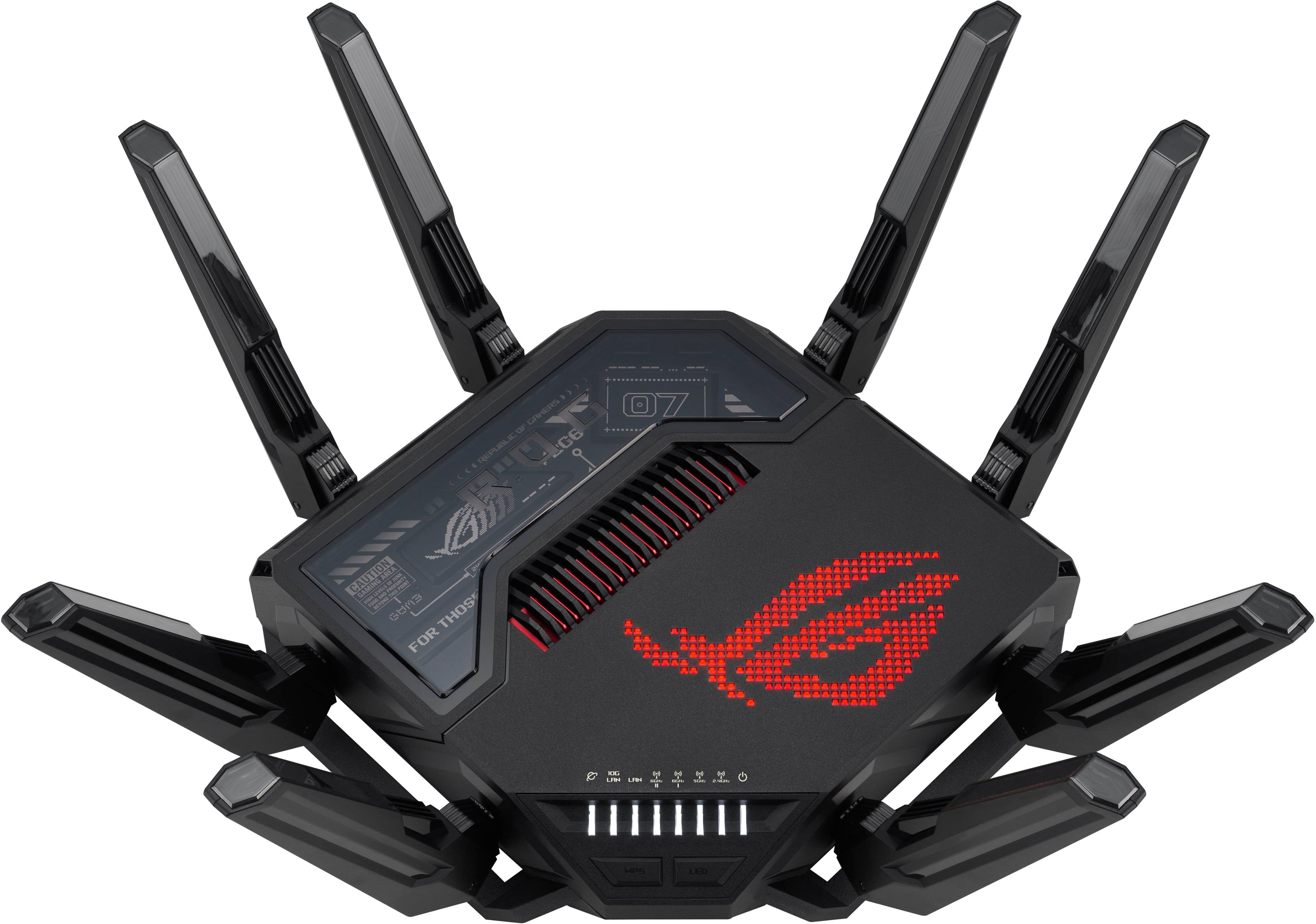




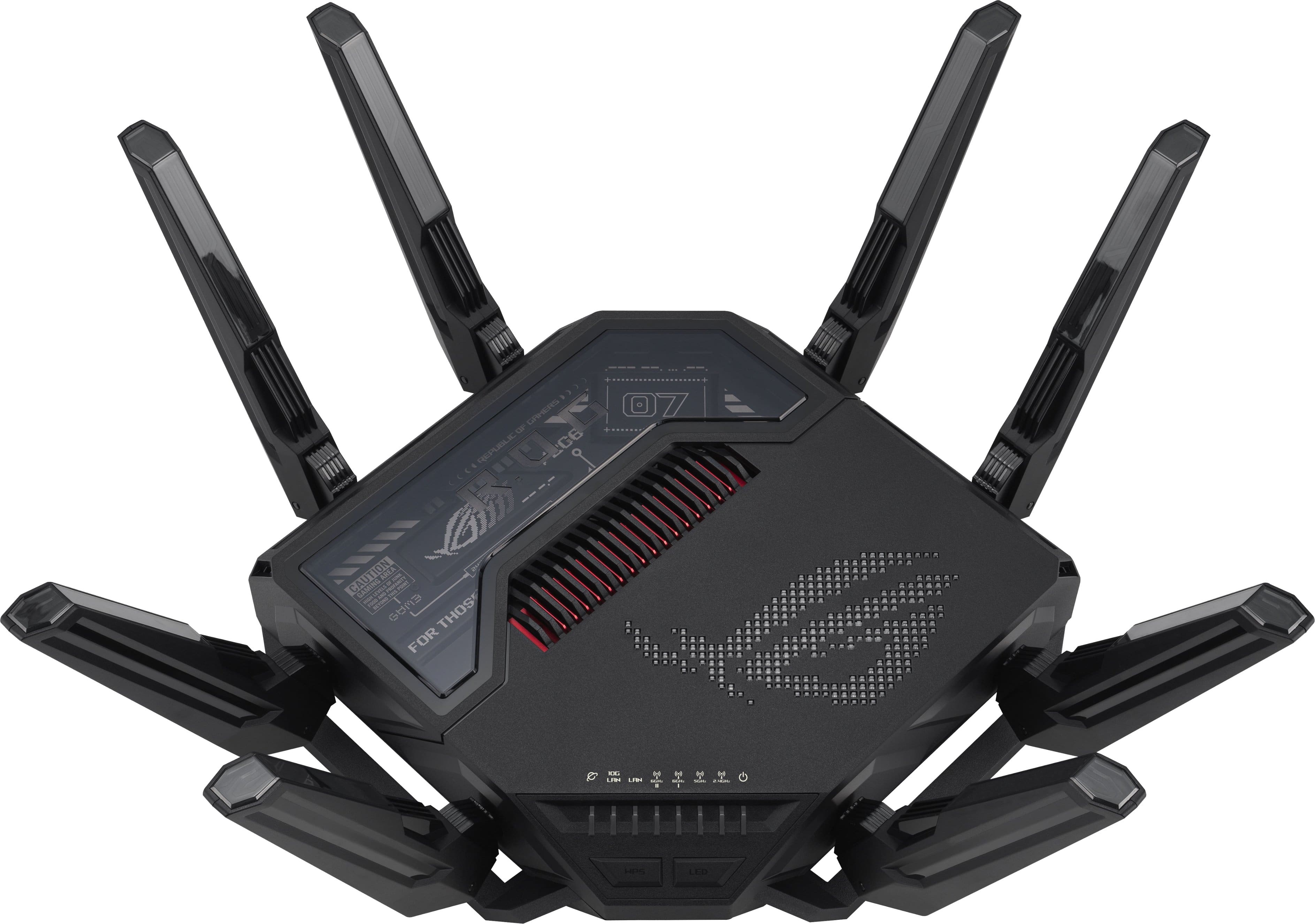
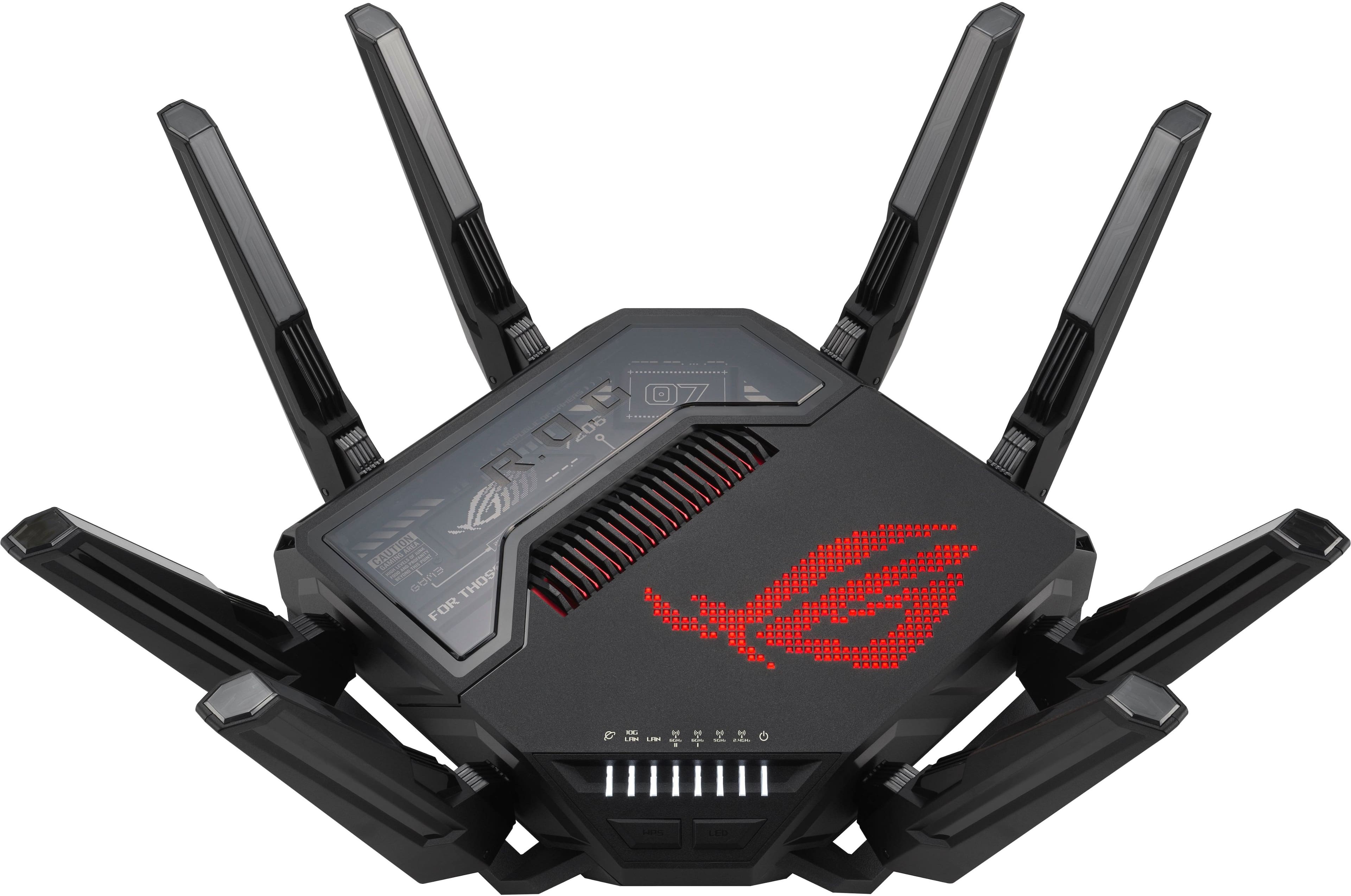
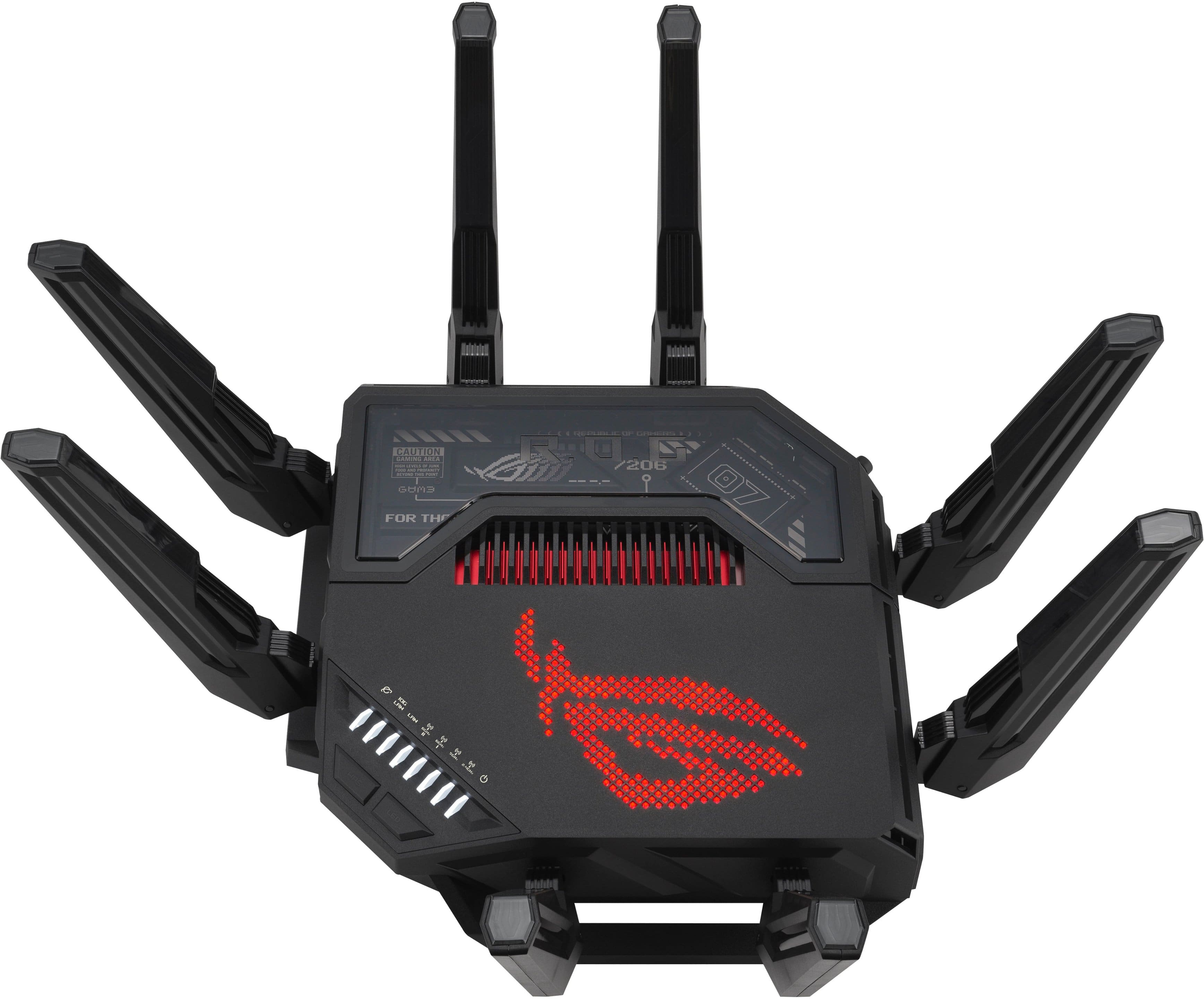
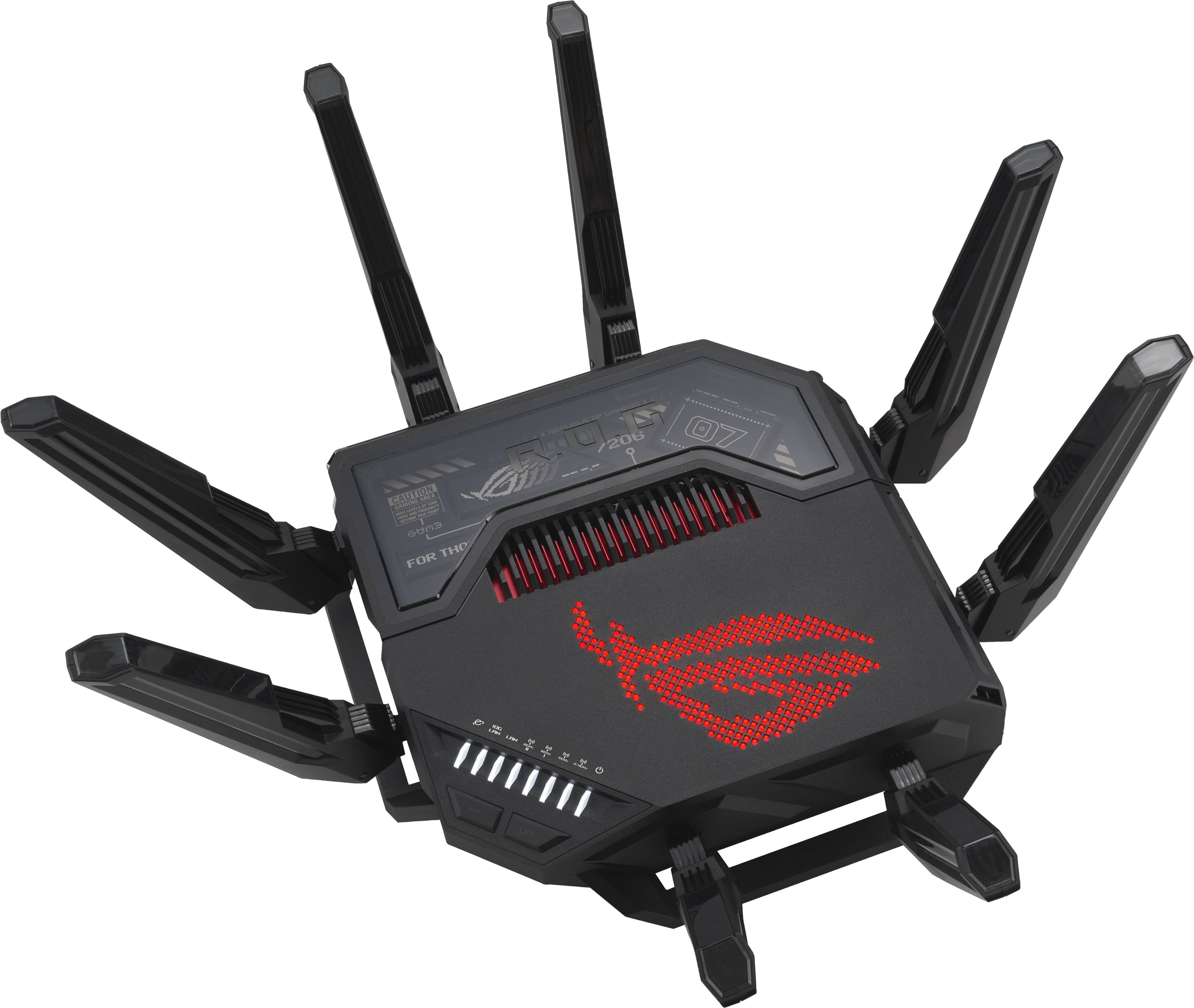
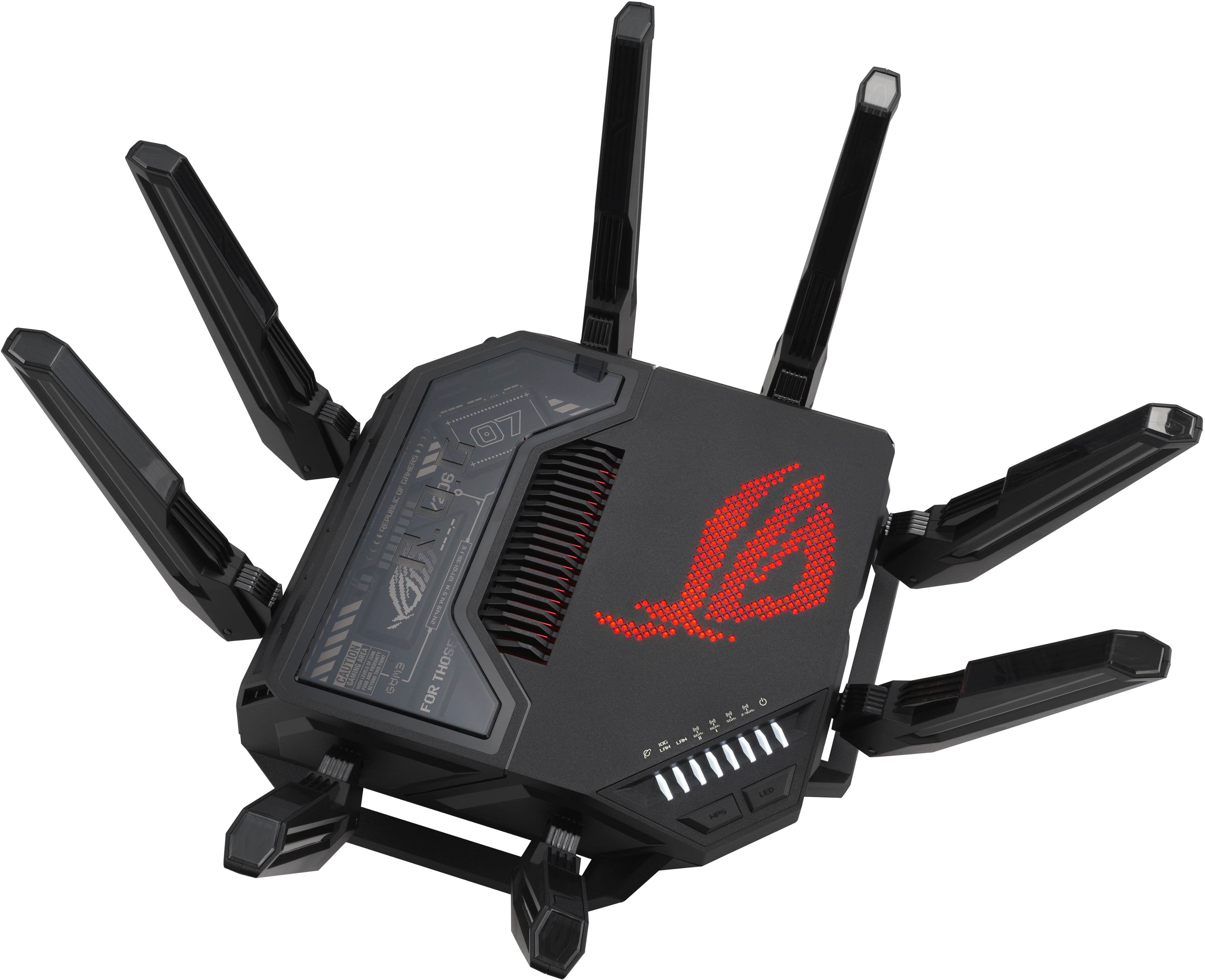
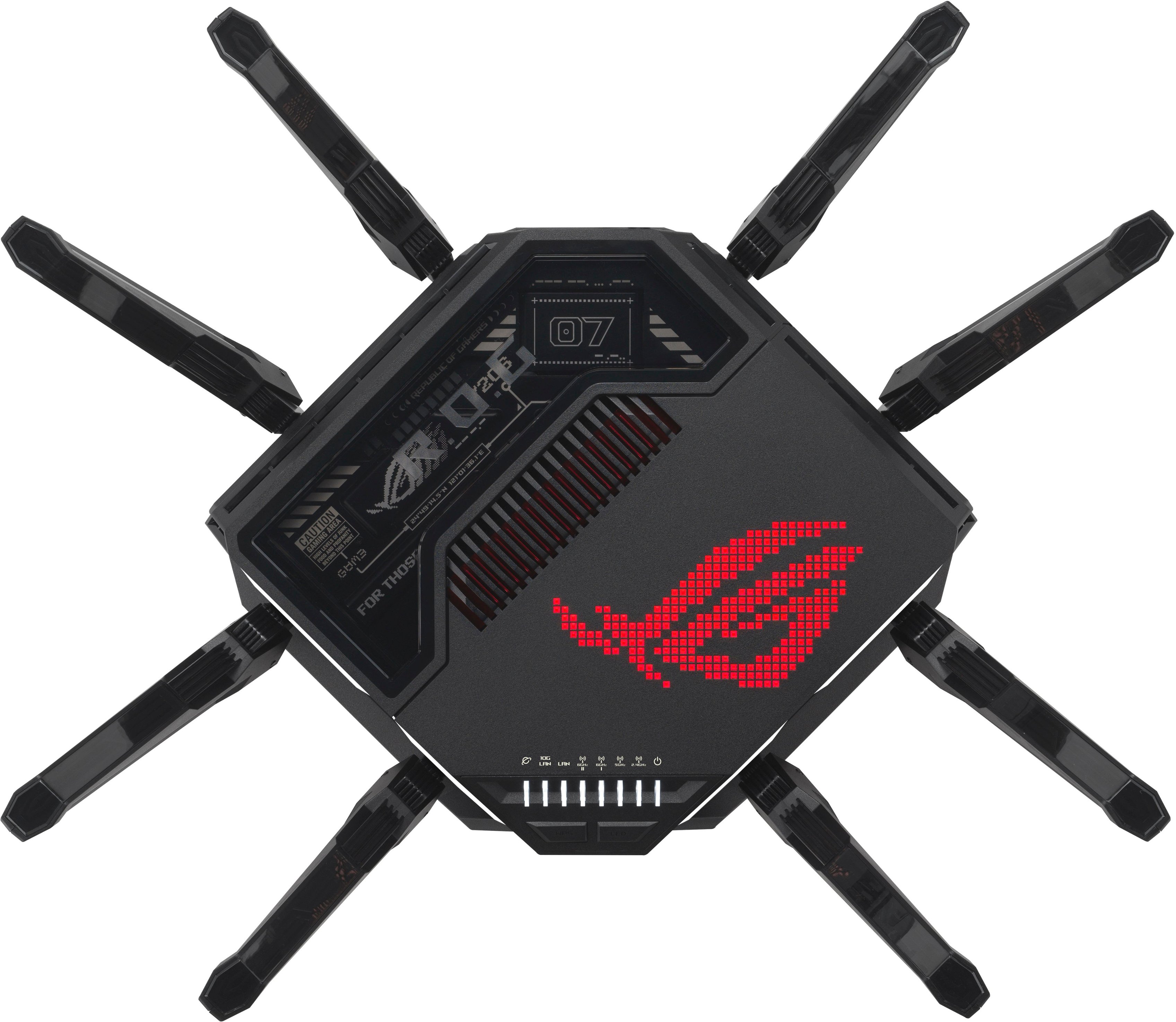
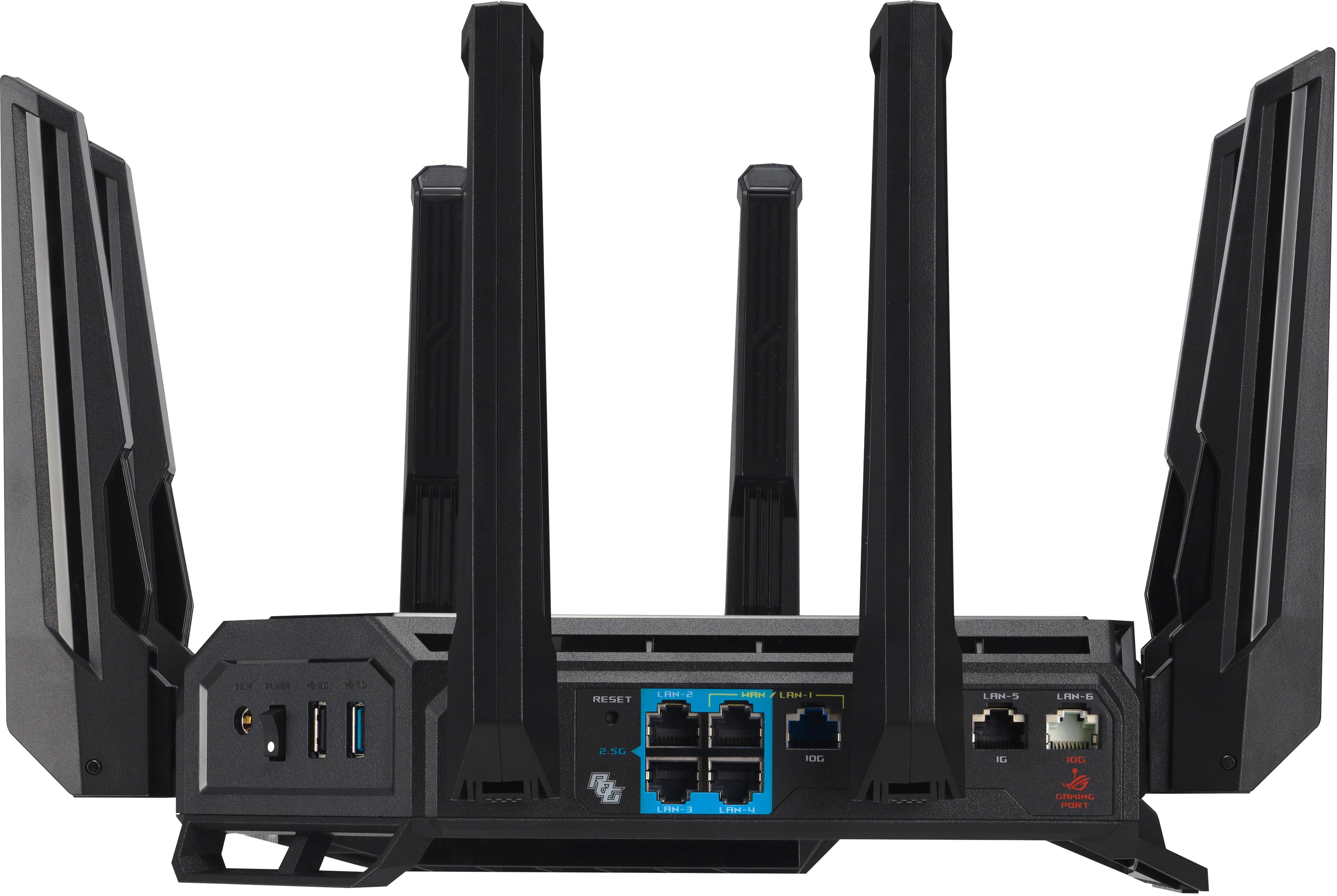
- Model:
- GT-BE98 PRO
- SKU:
- 11146212
Rating by feature
- Setup
Rating 4.7 out of 5 stars
- Range
Rating 4.7 out of 5 stars
- Signal Strength
Rating 4.7 out of 5 stars
Asus GT-BE98 Pro
||Posted . Owned for 3 weeks when reviewed.This reviewer received promo considerations or sweepstakes entry for writing a review.A great value in the high end , its like getting a switch for free with all the ports on it ..
I would recommend this to a friendJoe r
||Posted . Owned for 3 weeks when reviewed.This reviewer received promo considerations or sweepstakes entry for writing a review.Great router! Lots of gaming options and looks amazing! A true center piece!
I would recommend this to a friendBugs render it overpriced
||Posted . Owned for 1 month when reviewed.This reviewer received promo considerations or sweepstakes entry for writing a review.Not ready for prime time. I expect better from ROG. Having MLO enable introduces connection issues. Can't even use all the features of this bulky powerful router.
No, I would not recommend this to a friendBrand response from ASUS Answers
Posted .Dear Rayban,
We are sorry to hear about the difficulties you’ve experienced with your ASUS GT-BE98 PRO router, particularly the connection issues when enabling MLO and the inability to fully utilize the router’s features. We sincerely apologize for the inconvenience this has caused.
To assist with troubleshooting, we recommend following the steps outlined in our FAQ guide linked below. If the issue persists after completing these steps, please contact our support team directly at https://www.asus.com/us/support/callus/ so we can assist with further diagnostics or provide warranty service if necessary.
We stand behind our products and continuously strive to improve our products and processes to achieve customer service excellence. For more information, email us at [email protected] and include the case number "N2509004695-0004" as a reference. We will do our best to resolve your case quickly. Your feedback is very important to us and enables us to improve our support channels. Thank you for choosing ASUS.
Best Regards,
Chantae
ASUS Customer Loyalty US Support
[Troubleshooting] WiFi signal is often disconnected: https://www.asus.com/support/faq/1030641/
cost triple price No major improvement
||Posted .This reviewer received promo considerations or sweepstakes entry for writing a review.WiFi range did not increase, nor did it speed up my WiFi faster than my old router. It took me 2-3 days to adjust the antennas to get coverage in my whole house.
No, I would not recommend this to a friendBrand response from ASUS Answers
Posted .Dear BigTou,
We regret to learn that you are experiencing connectivity issues. To troubleshoot this issue, we recommend following the steps in the FAQ below. Should the issue persist, please contact our support team at https://www.asus.com/us/support/CallUs to further investigate the problem or assist with repairing the device.
We stand behind our products and continuously strive to improve our products and processes to achieve customer service excellence. For more information, email us at [email protected] and include the case number "N2510005431-0001" as a reference. We will do our best to resolve your case quickly. Your feedback is very important to us and enables us to improve our support channels. Thank you for choosing ASUS.
Best Regards,
Schottky
ASUS Customer Loyalty US Support
FAQ-[Wireless Router] How to improve Wi-Fi Connection https://www.asus.com/us/support/faq/1047919/
Amazing router
||Posted .This reviewer received promo considerations or sweepstakes entry for writing a review.If you have a house full of gamers this is a must have.
I would recommend this to a friendConnection failures
||Posted . Owned for 1 week when reviewed.This reviewer received promo considerations or sweepstakes entry for writing a review.It’s okay have to return to exchange for another one this one isn’t connecting to my modem
I would recommend this to a friendBrand response from ASUS Answers
Posted .Dear GabeE,
Thank you for sharing your experience with the ASUS GT-BE98 PRO router. We sincerely apologize for the inconvenience you've encountered with the device not connecting to your modem. We understand how frustrating setup issues can be, especially with a new product. We understand that you have returned the router, and we truly hope the replacement unit functions normally and delivers the expected performance.
We stand behind our products and continuously strive to improve our products and processes to achieve customer service excellence. If you require any further assistance, please email us at [email protected] and include the case number "N2504024088-0005" as a reference. We will do our best to resolve your case quickly. Your feedback is very important to us, and it enables us to improve our support channels. Thank you for choosing ASUS.
Best Regards,
Chantae
ASUS Customer Loyalty US Support
A step forward
||Posted . Owned for less than 1 week when reviewed.This reviewer received promo considerations or sweepstakes entry for writing a review.Great Router with the latest Wi-Fi 7 capabilities. Offers great flexibility for advanced users.
I would recommend this to a friendAbsolute BEAST!
||Posted . Owned for 2 weeks when reviewed.This reviewer received promo considerations or sweepstakes entry for writing a review.Absolutely the BEST! This router has more features than you’ll ever use… but their there in case I need them is what I tell the wife!
I would recommend this to a friendBest Router for Gaming
||Posted .This reviewer received promo considerations or sweepstakes entry for writing a review.Great router. Easy set up. Powerful and consistent.
I would recommend this to a friendHome
||Posted . Owned for 2 weeks when reviewed.This reviewer received promo considerations or sweepstakes entry for writing a review.Great for gaming but needed while home coverage mesh was in my cards
I would recommend this to a friendCan't turn off Smart Connect
||Posted . Owned for 2 weeks when reviewed.This reviewer received promo considerations or sweepstakes entry for writing a review.For some genius reason Asus decided they did not want you to be able to turn off smart connect which makes many IoT devices stop working. So if you have security cameras, door bells, robot vacuums, ect that use a 2.4 Ghz band. Expect this to not work and there is no solution to turn off the problem, Smart Connect. Asus pulled a Micro-soft and removed the ability to turn off features to force people to use them. functionality is reduced, doesn't connect to half of my IoT devices anymore. Taking this thing right back to the store. Dont make it hard for people to connect IoT devices. Tried Asus support. Just got redirected to Best Buy and they told me to return it. Class F technical support. After trying to follow troubleshooting steps with Best Buy to turn off Smart Connect we find that these are dated and will not work. Very disappointing from a brand I used to think represented quality. Its a shame to see them go down this road.
No, I would not recommend this to a friendBrand response from ASUS Answers
Posted .Dear JoseM,
Thank you for your comment.
We do understand your disappointment with this router and the inconvenience this may have caused if you cannot disable Smart Connect. To turn off Smart Connect, you can use the ASUS Router application or the Web GUI, ensure this router is running with the most current firmware version. If you don't see an option to disable, you can create a new 2.4GHz network for your IoTs with a unique SSID. For helpful tips on how to configure Smart Connect, visit our Product Support page at: https://www.asus.com/us/support/faq/1012132/ .
Should you need further assistance with the product, please email me at [email protected] and I would be more than happy to help. Or, you are most welcome to call Product Support Hotline at: 1(888) 678-3688. Also, you can chat with an ASUS live support agent from the link: https://www.asus.com/us/support/article/1135/.
Thank you for choosing an ASUS product.
Regards,
Rodel
ASUS Customer Loyalty
Overall Disappointing
||Posted .This reviewer received promo considerations or sweepstakes entry for writing a review.Overall I'm disappointed in this router. For the price I paid for it, I expected it to be better than the five year old ASUS router I replaced with it, but it is not. Speeds are actually slower across the board throughout my home, regardless of location or device. It works, but it doesn't work nearly as well as it should for what you pay for it.
No, I would not recommend this to a friendBrand response from ASUS Answers
Posted .Dear Danielle B,
Thank you for your feedback regarding the ASUS GT-BE98 PRO Router. We apologize for the inconvenience and understand your concerns about performance, especially given your expectations for an upgrade. Your comments have been noted and will be shared with our product team for review.
To help improve Wi-Fi speed and coverage, we recommend reviewing the steps in the troubleshooting guide linked below. If the issue continues, please contact our support team at https://www.asus.com/us/support/CallUs so we can assist you further.
We stand behind our products and continuously strive to improve our products and processes to achieve customer service excellence. For more information, email us at [email protected] and include the case number "N2509004695-0001" as a reference. We will do our best to resolve your case quickly. Your feedback is very important to us and enables us to improve our support channels. Thank you for choosing ASUS.
Best Regards,
Chantae
ASUS Customer Loyalty US Support
[Wireless Router] How to improve Wi-Fi Connection - https://www.asus.com/support/faq/1047919/
[Wireless Router] How to improve wireless speed by setting Channel Bandwidth in Wireless Router? - https://www.asus.com/support/faq/1011431/
best for game
||Posted . Owned for 3 weeks when reviewed.This reviewer received promo considerations or sweepstakes entry for writing a review.Love it best thing i got for my house.Good for gaming
I would recommend this to a friendTerrible experience for the BE98-Pro
||Posted . Owned for 7 months when reviewed.This reviewer received promo considerations or sweepstakes entry for writing a review.Keeps on dropping Wi-Fi clients, but keeps ethernet clients online, even after firmware update. Multiple people are having the same issues as I see posts online about same problem with the same router and there is no solution.Get it you want to do constant maintenance. Terrible flagship model. Was asus user for 20+ years but now I’m done.
No, I would not recommend this to a friendBrand response from ASUS Answers
Posted .Dear Luis,
We're sorry to hear that the router's Wifi signal is often disconnected and we apologize for the inconvenience caused. To troubleshoot this issue, we recommend following the steps in the FAQ below. Should the issue persist, please contact our support team at https://www.asus.com/us/support/CallUs to further investigate the problem or assist with repairing the device.
We stand behind our products and continuously strive to improve our products and processes to achieve customer service excellence. For more information, email us at [email protected] and include the case number "N2406011506-0004" as a reference. We will do our best to resolve your case quickly. Your feedback is very important to us and enables us to improve our support channels. Thank you for choosing ASUS.
Best Regards,
Chantae
ASUS Customer Loyalty US Support
[Troubleshooting] WiFi signal is often disconnected - https://www.asus.com/support/faq/1030641/
Not ready for PrimeTime !!
||Posted . Owned for 3 months when reviewed.This reviewer received promo considerations or sweepstakes entry for writing a review.I bought this ASUS GT-Be98 Pro BE30000 router shortly after it was released, at first it worked quite well. I wanted to try a leading new router and check out increases in performance. The honeymoon did not last long. we stream, my wife uses her PC constantly and I am doing and using tech daily not only for my home but also my business. The router went out a lot so much so there was a lot of tension at home, we're both retired. I returned it to Best Buy. This was the first time this has happened with an Asus Product. I think it was not ready for prime time. I decided to buy and older Asus Router that I had followed for a long time, The Asus ET 12 Pro AIMesh set. It was less money and worked flawlessly. In the future I think I will stay a couple of models back, where the kinks have been worked out.
No, I would not recommend this to a friendBrand response from ASUS Answers
Posted .Dear Bill,
We sincerely apologize for the issues you've faced with the ASUS GT-BE98 PRO Gaming Router and for any inconvenience this may have caused you. What you've experienced was not intentional or representative of our brand. Our top priority is providing our customers with high-quality products, and we'll forward your feedback to our team for review.
We understand that you have returned the router for a different model, we hope that it functions normally and you will enjoy using it.
We stand behind our products and continuously strive to improve our products and processes to achieve customer service excellence. If you require any further assistance, please email us at [email protected] and include the case number "N2406011506-0005" as a reference. We will do our best to resolve your case quickly. Your feedback is very important to us, and it enables us to improve our support channels. Thank you for choosing ASUS.
Best Regards,
Chantae
ASUS Customer Loyalty US Support
Worse router ever from Asus!
||Posted . Owned for 1 week when reviewed.This reviewer received promo considerations or sweepstakes entry for writing a review.Worse router aver from Asus!, I have being a customer for years, and of all the Asus routers this is my worst and terrible, I on my way back to Best Buy to return it, and it Lags, and disconnection very often, my Asus Ax11000 pro has a better range than this garbage. no way, I am going back to get a new AX11000 Pro, One thing is for sure I am not going to buy this guy ever again!
No, I would not recommend this to a friendBrand response from ASUS Answers
Posted .Dear GerVi7,
We sincerely apologize for the issues you've faced with the router and the inconvenience caused. This is not the kind of quality to expect from ASUS products and it's not the norm. At ASUS, we take quality control, testing, and inspections seriously to ensure our products meet high standards. What you've experienced was not intentional or representative of our brand. The decision to make a purchase can be important, and we want to ensure that our customers receive the best products and services. We understand the impression this may have created and we hope this will not be a long-term lasting impression as you have chosen ASUS as a trusted brand for excellence. Providing our customers with a high level of satisfaction is our top priority, and we'll forward your feedback to our Product Team for review.
Having returned the router for a different model, we hope that the replacement functions normally and you enjoy using it.
We stand behind our products and continuously strive to improve our products and processes to achieve customer service excellence. For more information, email us at [email protected] and include the case number "N2406011506-0001" as a reference. We will do our best to resolve your case quickly. Your feedback is very important to us and enables us to improve our support channels. Thank you for choosing ASUS.
Best Regards,
Chantae
ASUS Customer Loyalty US Support
Not buying another one
||Posted .This reviewer received promo considerations or sweepstakes entry for writing a review.with my spectrum router and modem i had 1 to 5% packet loss on upload speed in fortnite when I tried this router my packet loss got worse and up to 30% I am not buying asus router again I dont know why the quality of the hardware has gone down the hills so much
No, I would not recommend this to a friendBrand response from ASUS Answers
Posted .Dear Robert,
Thank you for sharing your experience with the ASUS GT-BE98 PRO router. We’re sorry to hear about the increased packet loss during gameplay and understand how frustrating this can be, especially when performance expectations aren’t met.
To help resolve the issue, we recommend reviewing the steps in the troubleshooting guide linked below. If the issue continues, please contact our support team at https://www.asus.com/us/support/CallUs so we can assist you further.
We stand behind our products and continuously strive to improve our products and processes to achieve customer service excellence. For more information, email us at [email protected] and include the case number "N2406011506-0013" as a reference. We will do our best to resolve your case quickly. Your feedback is very important to us and enables us to improve our support channels. Thank you for choosing ASUS.
Best Regards,
Chantae
ASUS Customer Loyalty US Support
[Wireless Router] How to improve Wi-Fi Connection - https://www.asus.com/support/faq/1047919/
Garbage.
||Posted .This reviewer received promo considerations or sweepstakes entry for writing a review.This is am expensive piece of crap, randomly drops 2.4ghz band, randomly reboots itself, now daily, without anything in the logs to see why. Buying a different brand and just eating the $700 i guess
No, I would not recommend this to a friendBrand response from ASUS Answers
Posted .Dear Karwoski,
Thank you for your comment.
We do understand your disappointment with this router and the inconvenience this may have caused if you are experiencing randomly drops 2.4Ghz band, randomly reboots itself. To resolve the random drop connection, place the router in the center of the area you want to cover, avoid placing the router near metal objects, electronic devices or direct sunlight, position the router on a flat, hard surface and halfway between the floor and ceiling. Additionally, dense building materials, such as gypsum, concrete walls and planks can affect Wi-Fi signal penetration. Verify if the PC or device connecting to the router is working properly and within range to the router, the router is within 30 feet to the ISP's modem, if not wired with a network cable, and ISP's internet service or connection is working properly or stable. Legacy devices may not work properly with WIFI-7, please check updates for these devices. Also, try to disable "Smart Connect" and connect these devices manually to 2.4GHz. Additionally, we recommend updating the router's firmware if it is running with an older version. Firmware is available for download at: https://rog.asus.com/networking/rog-rapture-gt-be98-pro/helpdesk_bios/. With the random reboot, ensure this router was placed in a well-ventilated location and ensure it is connected to a working power outlet or AC source.
Should you need further assistance with the product, please email me at [email protected] and I would be more than happy to help. Or, you are most welcome to call Product Support Hotline at: 1(888) 678-3688. Also, you can chat with an ASUS live support agent from the link: https://www.asus.com/us/support/article/1135/.
Thank you for choosing an ASUS product.
Regards,
Rodel
ASUS Customer Loyalty
No connection with the Router
||Posted .This reviewer received promo considerations or sweepstakes entry for writing a review.This router, i love this router, but the thing is. It does not boost no wifi, it may say that it did, but truthfully it did not benifit nothing. At first i was so exited, but trying to connect it. Nope.... nothing happen, even if i fallow the manual. Nothing happen, no benefits what so ever. If you have a At&T router, do not buy this. It will not work with At&T service.
No, I would not recommend this to a friendBrand response from ASUS Answers
Posted .Dear Kabold,
Thank you for your feedback regarding the ASUS GT-BE98 PRO router. We regret to hear about the challenges you've encountered, particularly with AT&T service compatibility.The GT-BE98 PRO is engineered for high-performance networking; however, certain internet service providers may require specific configuration steps to ensure full functionality. To address this matter promptly, we recommend reaching out to our support team at https://www.asus.com/support, where a representative will be glad to assist you further.
We stand behind our products and continuously strive to improve our products and processes to achieve customer service excellence. For more information, email us at [email protected] and include the case number "N2406011506-0009" as a reference. We will do our best to resolve your case quickly. Your feedback is important to us and enables us to improve our support channels. Thank you for choosing ASUS.
Best Regards,
Chantae
ASUS Customer Loyalty US Support
Best Buy Shipping? They are no Amazon
||Posted . Owned for 2 weeks when reviewed.This reviewer received promo considerations or sweepstakes entry for writing a review.I can’t review this product because it never arrived at my home and I have not yet received a refund I filed a complaint with my creditor PAY PAL, they told me I M supposed still make payments, I told them no I will not be making payments while Best Buy is NOT taking responsibility for their carriers mistake. I could not care less about their carriers error, I want my refund pronto before my first payment is due. Buyer Beware!
I would recommend this to a friendBrand response from ASUS Answers
Posted .Dear Paximus,
Thank you for your feedback.
We do understand your dissatisfaction with the quality of your recent customer service experience from your seller and the inconvenience this may have caused if there was a shipping delay. We recommend to contact your seller for a resolution if you didn't received the laptop. If you need further assistance with the laptop, please email me at [email protected] and I would be more than happy to help. Or you are most welcome to call Product Support Hotline at: 1(888) 678-3688. Also, you can chat with an ASUS live support agent from the link: https://www.asus.com/us/support/article/1135/.
Thank you for choosing an ASUS product.
Regards,
Rodel
ASUS Customer Loyalty