Customer Ratings & Reviews
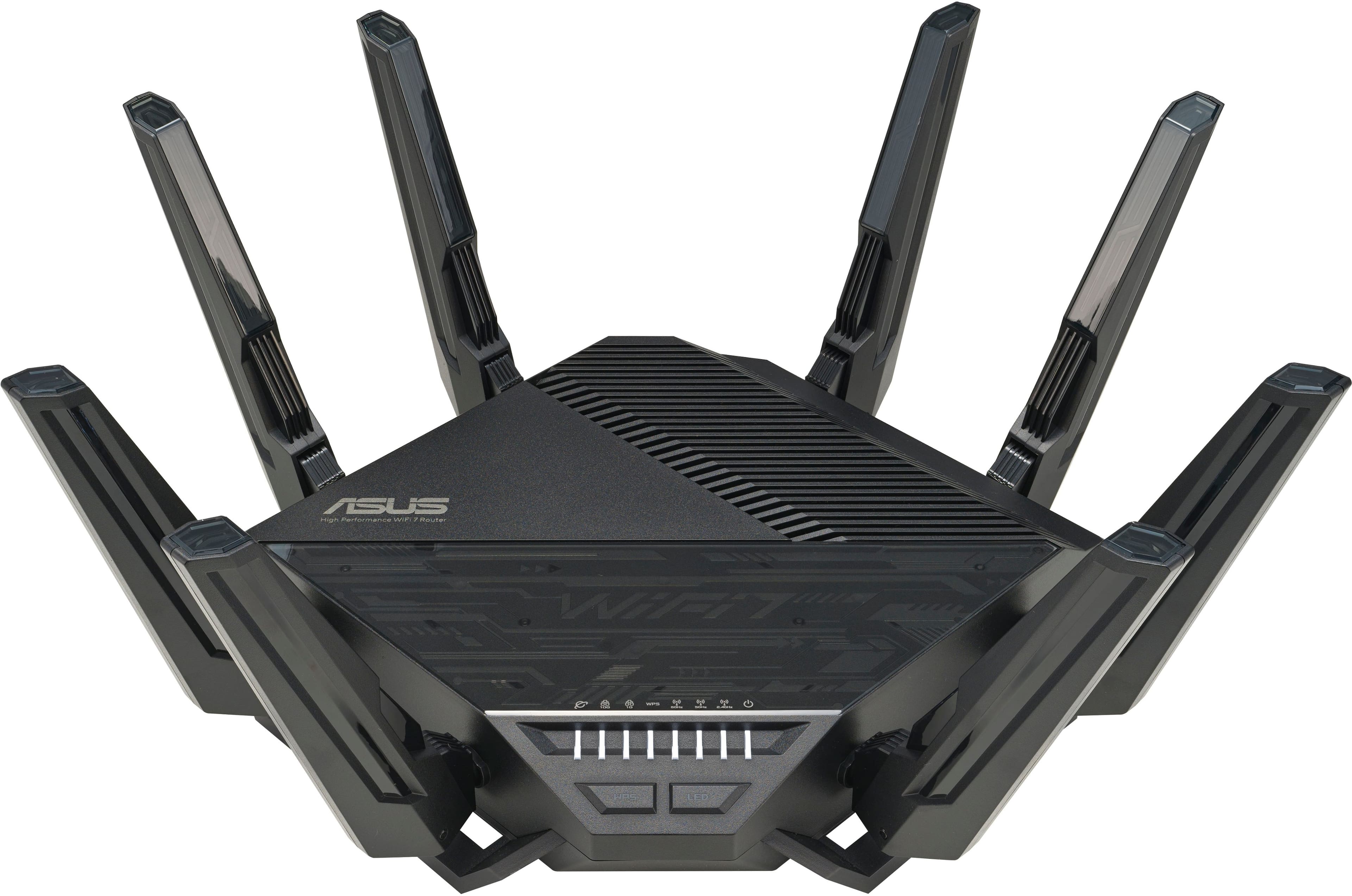



- Model:
- RT-BE96U
- SKU:
- 10141949
Rating by feature
- Setup
Rating 4.2 out of 5 stars
- Range
Rating 4.4 out of 5 stars
- Signal Strength
Rating 4.4 out of 5 stars
Average
||Posted . Owned for 3 weeks when reviewed.This reviewer received promo considerations or sweepstakes entry for writing a review.Works but i dont think it worth the high price. Software has issues around real time qos monitoring.
No, I would not recommend this to a friendGood router, a little pricey but seems worth it.
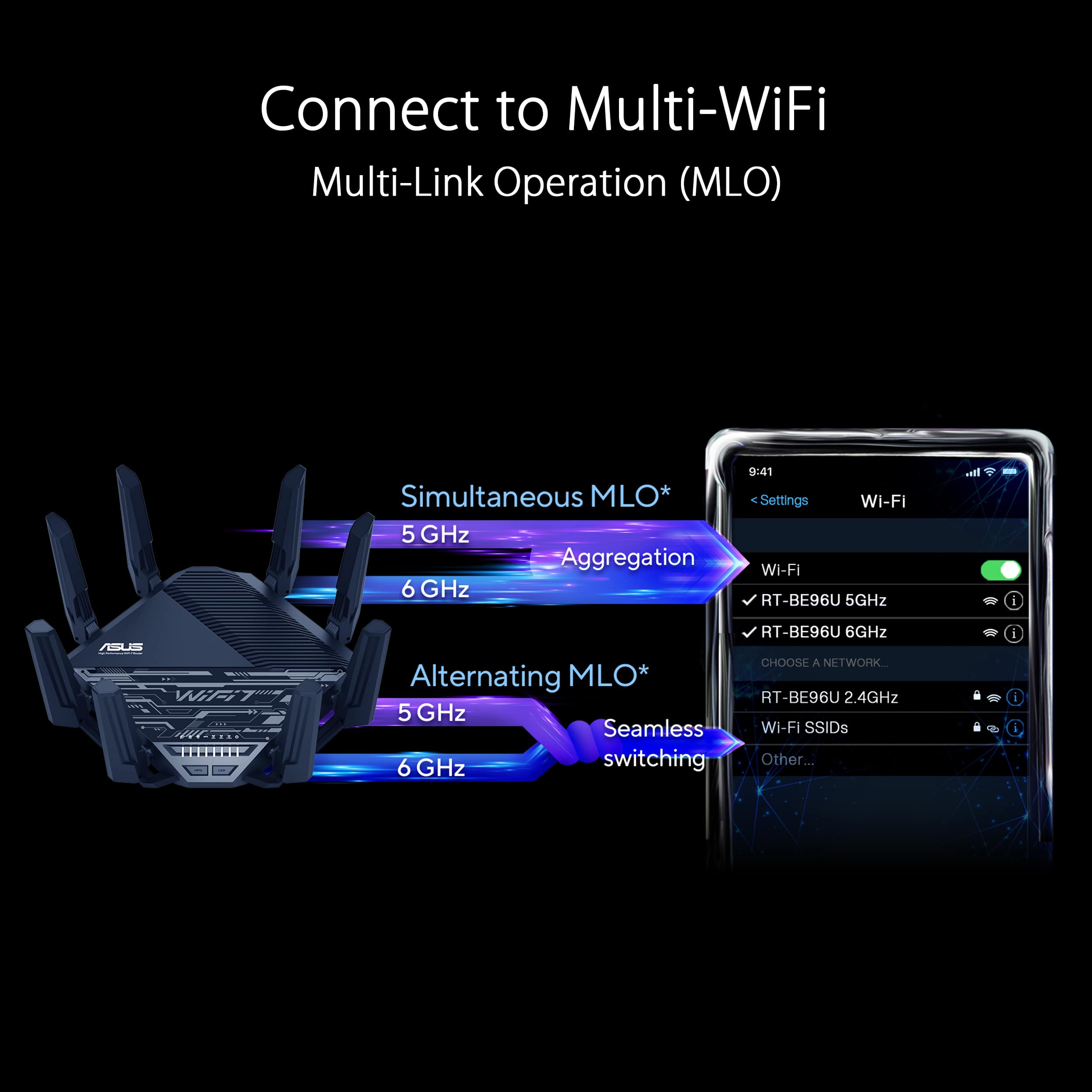
||Posted . Owned for 3 weeks when reviewed.This reviewer received promo considerations or sweepstakes entry for writing a review.overall it was fairly easy to setup, if you have some experience with routers. The two wifi 6 channels work really well, the third wifi 7 channel seems to drop at times, but not sure if it is the devices I am using. (Samsung galaxy phone). Covers the whole house, including basement and upstairs with the router on the first floor.
I would recommend this to a friendAmazing
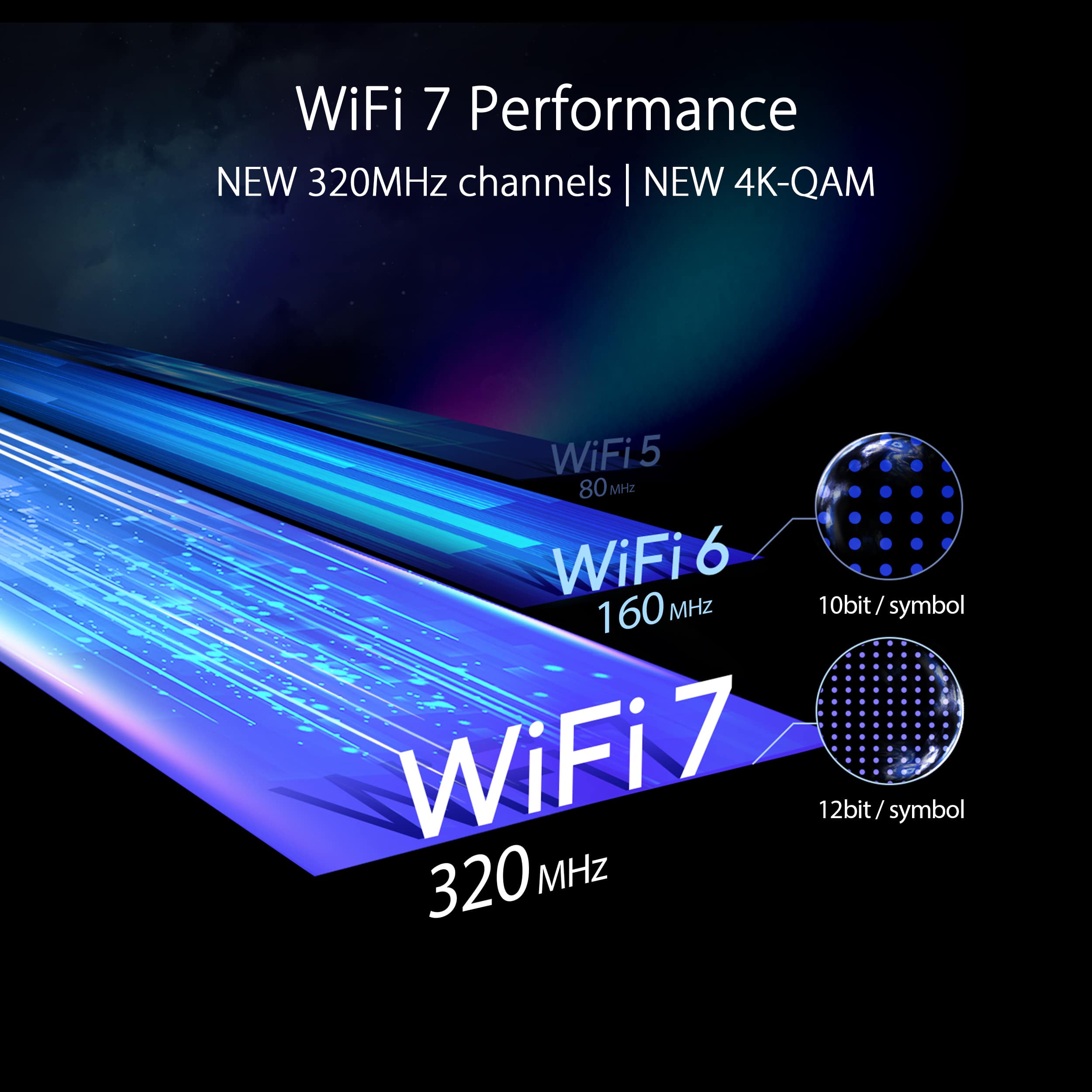
||Posted . Owned for less than 1 week when reviewed.This reviewer received promo considerations or sweepstakes entry for writing a review.I was a little reluctant to purchase this router because of price and wifi 7 not being finalized. I'm more than happy i purchased it though. Its brain dead easy to set up and works extremely well. My old wifi i would only get 200-300 mb/s on my Google Pixel 7pro but with the new asus router it jumped to 1.2 gb/s. My network has anywhere from 15-25 wifi devices running at a time without a single issue. The app gives so much control over what the router can and cannot do. Very much worth the price.
I would recommend this to a friendVery fast even without Wifi 7
||Posted . Owned for less than 1 week when reviewed.This reviewer received promo considerations or sweepstakes entry for writing a review.WiFi 7 hasn’t been finalized yet, but despite that this router incredibly fast, with our iPhone 15 Pro’s getting 1.4-.1.6 Gbps on the 6 GHz radio, while our iPads and MacBook Pro’s hitting 940 Mbps on the 5 GHz radio even while streaming 4K video and doing backups to a network drive. It also handles our 50+ devices with amazing ease. Definitely worth it.
I would recommend this to a friendGood pick
||Posted . Owned for 2 weeks when reviewed.This reviewer received promo considerations or sweepstakes entry for writing a review.Loving it, but i have to disable Wifi 7 for better compatibility with older devices. The range could cover 2500 sqft with few barriers and walls. !!!!Important to remember!!!!! is you cannot change security and authentication level to WPA. Transitional Security stay at WPA3/WPA2. No change
I would recommend this to a friendSebastian Gonzalez
||Posted .This reviewer received promo considerations or sweepstakes entry for writing a review.Excellent Router. Amazing. Strength signal. Most importantly, don't need a modem. Connected directly to my Verizon.
I would recommend this to a friendBeast, but
||Posted . Owned for 1 month when reviewed.This reviewer received promo considerations or sweepstakes entry for writing a review.Definitely fast when it comes to my wifi 6/6E products. The issue is it drops out. It doesn't stay connected to the app. I can't log in on my desk top. I've done factory resets. Still doesn't work. Made sure all updates was done. Thinking of returning it and just waiting for the next model. Maybe all the bugs will be worked out.
No, I would not recommend this to a friendBrand response from ASUS Answers
Posted .Dear valued customer,
We regret to learn that you are experiencing connectivity issues. We do stand behind our product, and we continuously strive to improve our approach and processes in order to achieve customer service excellence. Please follow the troubleshooting steps in our FAQ below. If all steps have been completed, please reach out to us by email at [email protected] and provide the link to this review for reference. We’ll do our best to provide a quick resolution to your case. Your feedback is important as it helps with improvements to ASUS support channels. Please refer to this case number (N2304022272-0019).
Thank you for choosing ASUS.
Best Regards,
Schottky
ASUS Customer Loyalty US Support
https://www.asus.com/support/FAQ/1047919
Meets Expectations
||Posted .This reviewer received promo considerations or sweepstakes entry for writing a review.Installation was trouble free. Works great. Wanted an to update router for streaming and internet work. It does the job as advertised.
I would recommend this to a friendWould recommend
||Posted . Owned for 1 month when reviewed.This reviewer received promo considerations or sweepstakes entry for writing a review.Really helps me make use of 1GB internet. Very fast and companion app is helpful for monitoring connected devices and relative speeds.
I would recommend this to a friendNever buy this if you value your sanity
||Posted . Owned for 1.5 years when reviewed.This reviewer received promo considerations or sweepstakes entry for writing a review.If i could give this 0 stars i would. Kept dropping settings as if it were reset randomly and always in any power outage it did as well. Bought a battery backup which worked for a short time. But it just died the other day. I paid over $700 for this in 2023 and I know I had the extended warranty on that as I did on the other two I bought to set up a mesh system. Was great til it wasn’t. Now after starting a case with them long ago they’re saying my warranty expired, but odd,y enough the other two bought after that are still good til 2027. They never had any answer to the issue other than it was a known issue. I used to love asus, mostly for motherboards but this issue and the other two routers alone aren’t enough to get a strong enough signal throughout our home. Epic fail. They’re saying it expired in sept and even knowing the documented case I opened they said sorry, not under warranty. So it cost me over $350 a year for the less than two years it worked. I’d say maybe a few months before the issues started.. I’ve been a tolerant customer til now, but id never buy this again. I wanted it to be great, because when it worked it was but my last Netgear Nighthawk was a workhorse til the day it died after 12 years.
No, I would not recommend this to a friendBrand response from ASUS Answers
Posted .Dear DeborahF,
We sincerely apologize for the delayed response, this is unfortunately due to a technical issue. We hope that your settings issue with your ASUS router has been resolved, however, if you are still experiencing issues we are more than happy to help. ASUS routers losing settings are often fixed by updating firmware, ensuring the power adapter is stable, or performing a factory reset via the reset button. Persistent issues might require a "hard factory reset" using the WPS button method to restore default settings. Please follow the steps found in the FAQs linked below. We stand behind our products and continuously strive to improve our products and processes to achieve customer service excellence. For more information, send us an email at [email protected] and provide the case number "N2312025203-0018" for reference. We’ll do our best to provide a quick resolution to your case. Your feedback is important as it helps with improvements to ASUS Support channels. Thank you for choosing ASUS.
Best Regards,
Leonardo
ASUS Customer Loyalty US Support
[Wireless Router] How to update the firmware of your router to the latest version? - https://www.asus.com/us/support/faq/1008000/
[Wireless Router] ASUS router Hard Factory Reset - Method 2 - https://www.asus.com/support/faq/1039078/
Nicest router ever!
||Posted . Owned for 2 weeks when reviewed.This reviewer received promo considerations or sweepstakes entry for writing a review.Best router ever. Super easy to install and configure
I would recommend this to a friendElite
||Posted . Owned for 2 months when reviewed.This reviewer received promo considerations or sweepstakes entry for writing a review.Works perfectly for 3 floors and through walls. Great router.
I would recommend this to a friendSeveral Month Review
||Posted . Owned for 6 months when reviewed.This reviewer received promo considerations or sweepstakes entry for writing a review.Excellent router. Great coverage. Plethora of configuration options. Only negative is the size.
I would recommend this to a friendGreat Router!
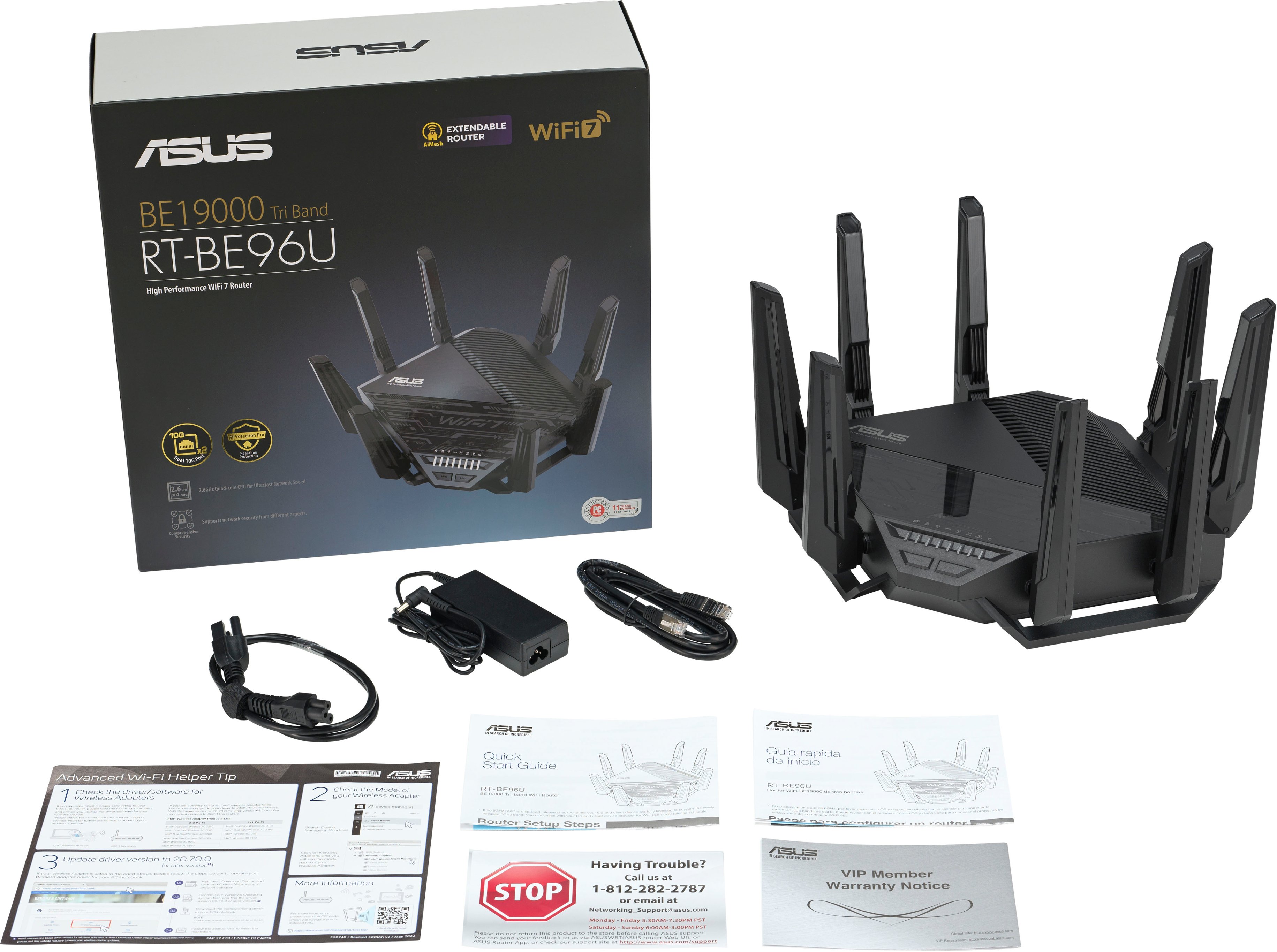
||Posted . Owned for 3 weeks when reviewed.This reviewer received promo considerations or sweepstakes entry for writing a review.Upgraded due to my previous Nighthawk AX11000 deciding to quit on me. I have only 1 complaint- the packaging is overkill. So many plastic clings to peel from the router (each antenna has multiple). I think getting all the plastic off took longer than plugging in and completing setup entirely. Performance is top notch. Local data transfers fly now! The setups available for multiple guest sub networks are fantastic. Worth the money- buy it!
I would recommend this to a friendThis is it
||Posted . Owned for less than 1 week when reviewed.This reviewer received promo considerations or sweepstakes entry for writing a review.This router has what is needed, we have iPhone 15 Pro Max that gets faster internet speed in the same spot over our Asus RT-AX86U. The ability with VLANs both Wifi and wired is a plus, 2GB RAM and the quad core can handle the NordVPN connection for selected devices no problem. Only one VPN connection allowed at a time is a downer, but AdguardDNS account integration makes up for it. Port forwarding for online PC, Playstation, Xbox, and Switch was easy setup.
I would recommend this to a friendGreat speed at distance
||Posted . Owned for 7 months when reviewed.This reviewer received promo considerations or sweepstakes entry for writing a review.Overall it brings great speed at distance, I needed something to reach my Tesla outside so it could finish updates. Job well done, Asus!
I would recommend this to a friendRouter
||Posted . Owned for 9 months when reviewed.This reviewer received promo considerations or sweepstakes entry for writing a review.So many options when setting it up. I’ve never had an issue getting wifi around my place and would buy another one again and again. Don’t waste your money on cheap things that claim they work. This works and can help you with vpn and a bunch of other things
I would recommend this to a friendSeems to be a great router but not better
||Posted .This reviewer received promo considerations or sweepstakes entry for writing a review.Got this as an upgrade for an Asus Be7200, but after installation I didn’t get the bump in speed, distance, number of devices, that I expected when upgrading, so I returned the expensive Be96U. The BE7200 has been a great main router, so I am sticking with it.
I would recommend this to a friendGave my cat a jump scare, up-side-down spider!
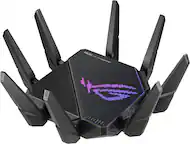
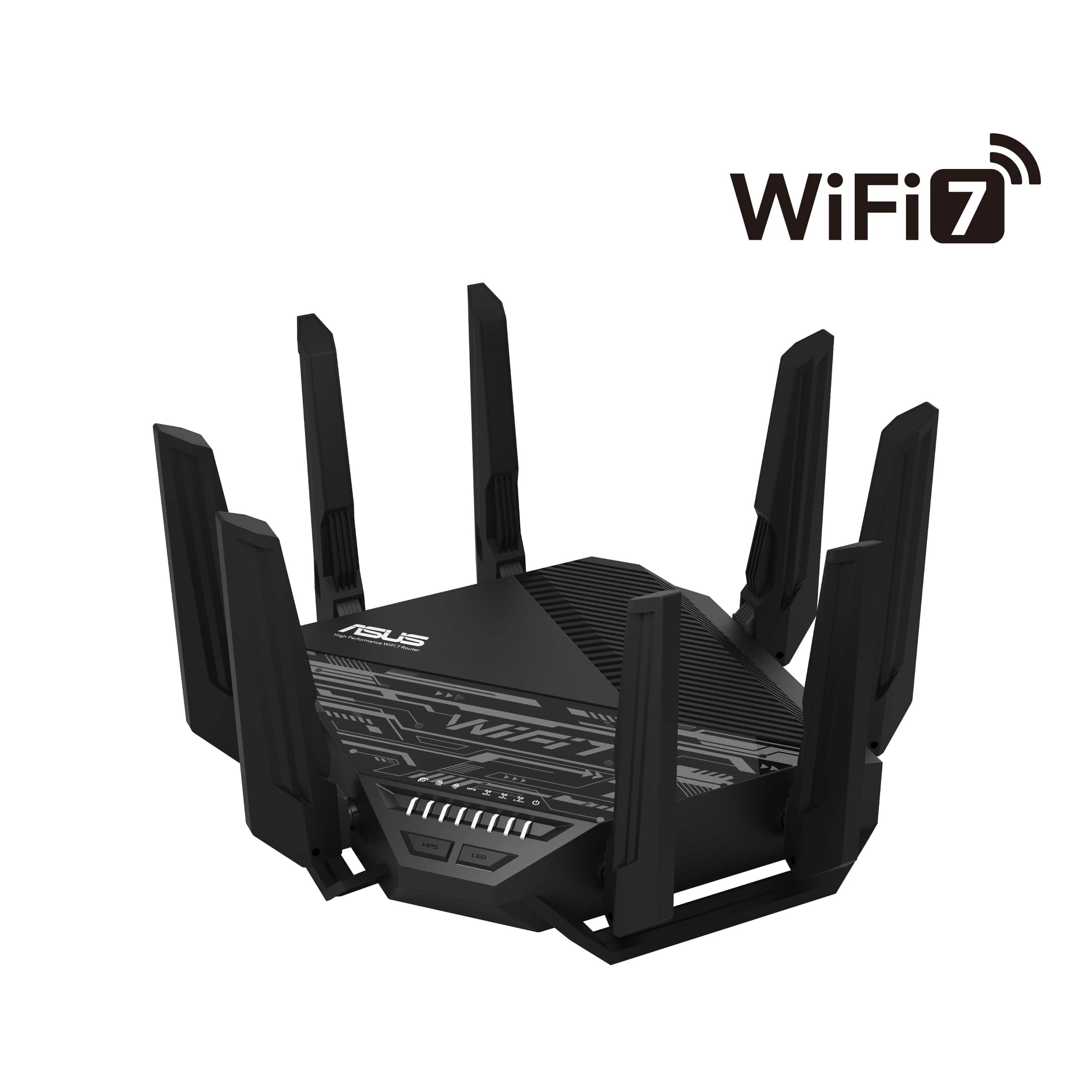
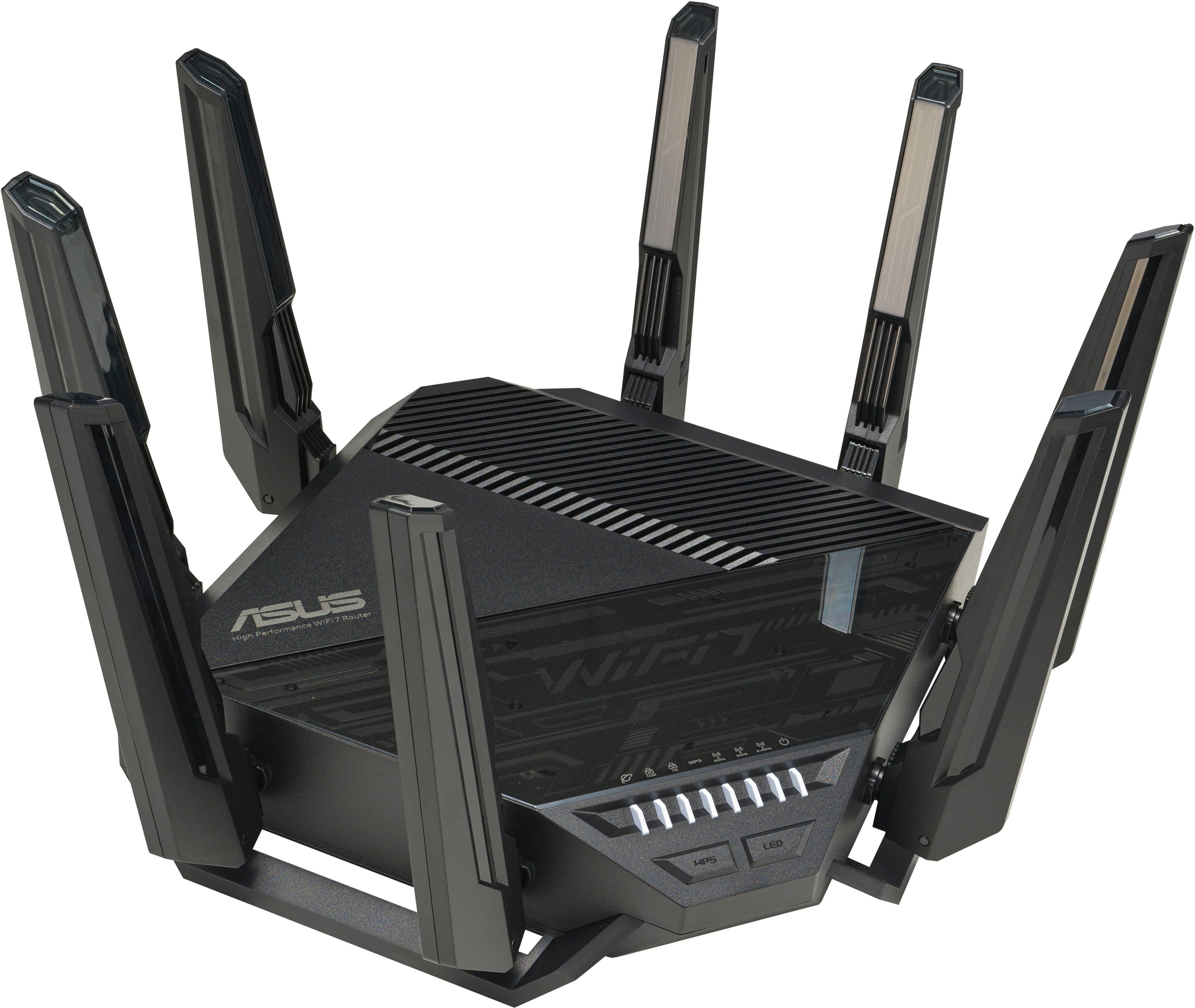
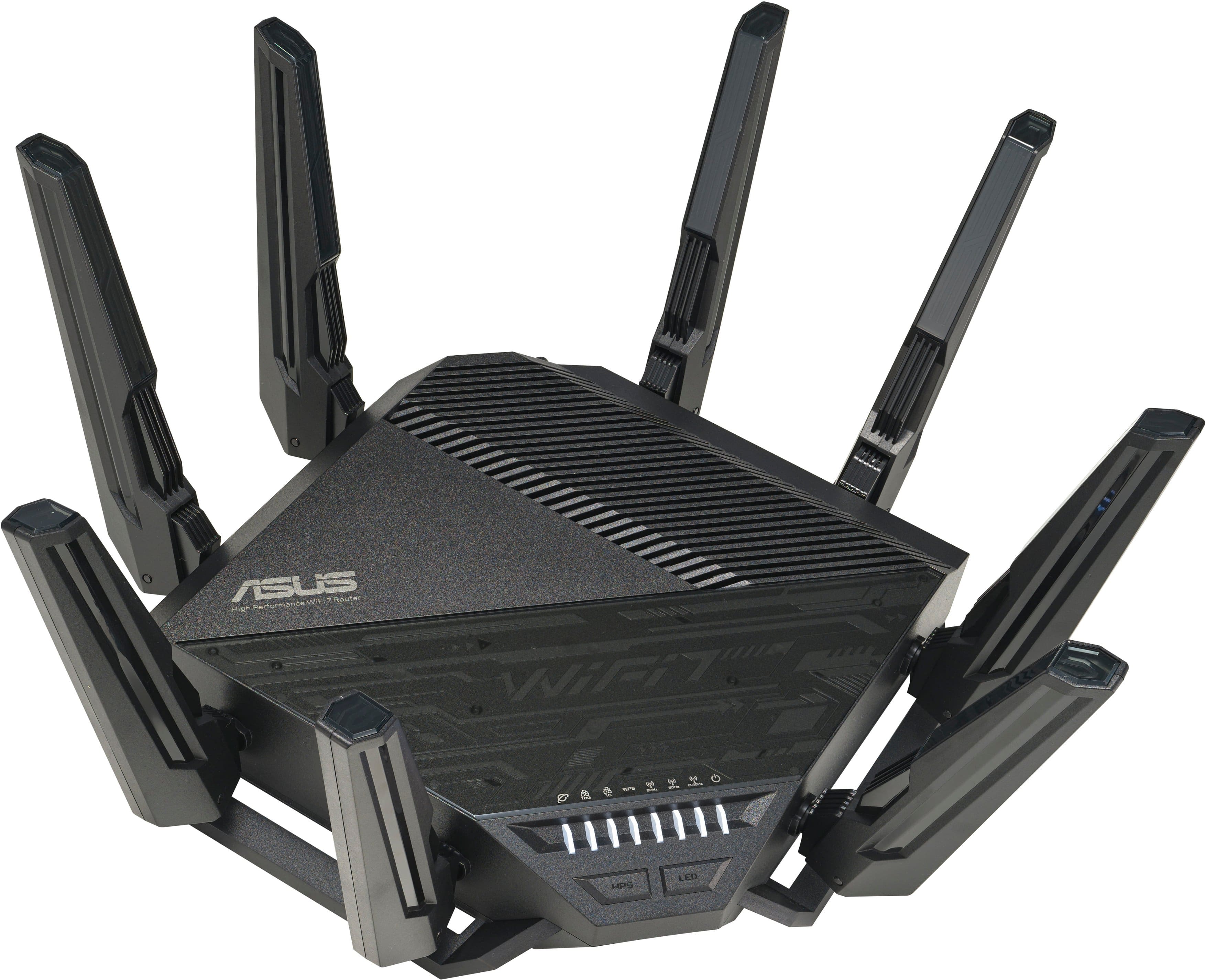
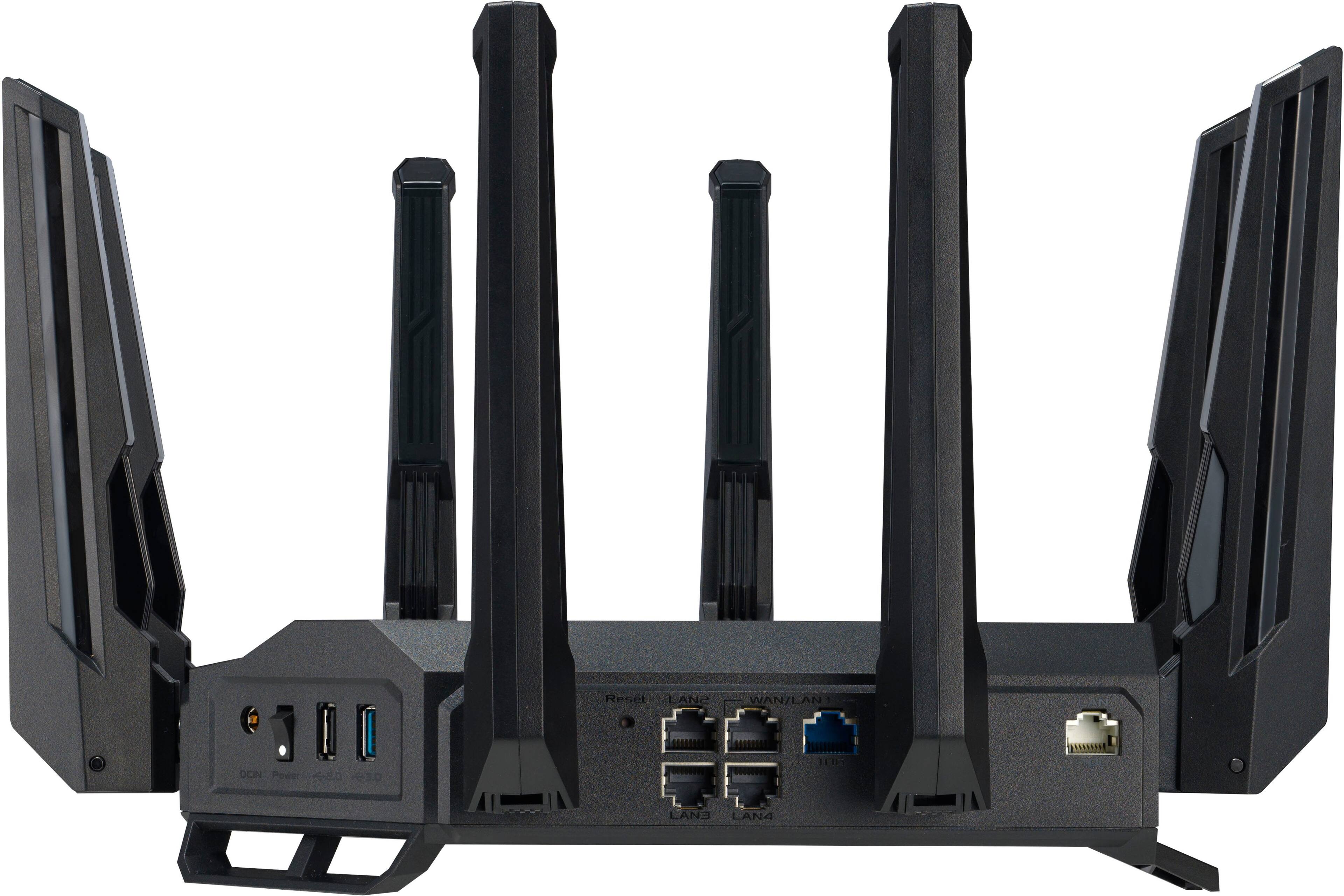
||Posted . Owned for less than 1 week when reviewed.This reviewer received promo considerations or sweepstakes entry for writing a review.Big sophisticated looking contraption, with 8 ample antennas to give your home a super boost in WiFi signals, Ethernet signal. I do not have many devices that are even 6E compatible but knowing my new $2k iPad will definitely be able to hook up to this router, and to be tested. Price is a killa, which made me think multiple times, and a bunch of reviews before I took the plunge. Due to the price, not many adopters, hence reviews are not too many as well, but I thought I could help potential buyers shed some light. Product is rock solid, so far the processor within the router is quick in handling all processing requirements for the router. Former Asus routers, would hiccup sometimes, when you try to use the app to login. However, have not seen a bad delay, nor will it stall. If you have setup routers in the past, I would encourage you to use the web based cloud page and not the Asus app. Just replace the router's old WAN and your computer you are trying to configure this new router with at the back of the Ethernet ports. Go to the web link provided in the Quick Start guide. Tested speeds on multiple games, and seeing a nearly double download and upload speeds. So far, no restart yet. For my former Asus router, I needed to schedule a reboot every night, so that it could continue to perform amicably. When you start adding devices into you home, turning your home a fully automated smart home, one essential device people tend to skip is the heart of all your networking system, your router. Finally, all my smart devices are able to get the bandwidth, and strong connection signal that they deserve. Will update as I go, maybe with a comment if I am not able to edit this review.
I would recommend this to a friendWorks great with Quantum Fiber's C6500XK Smart NID
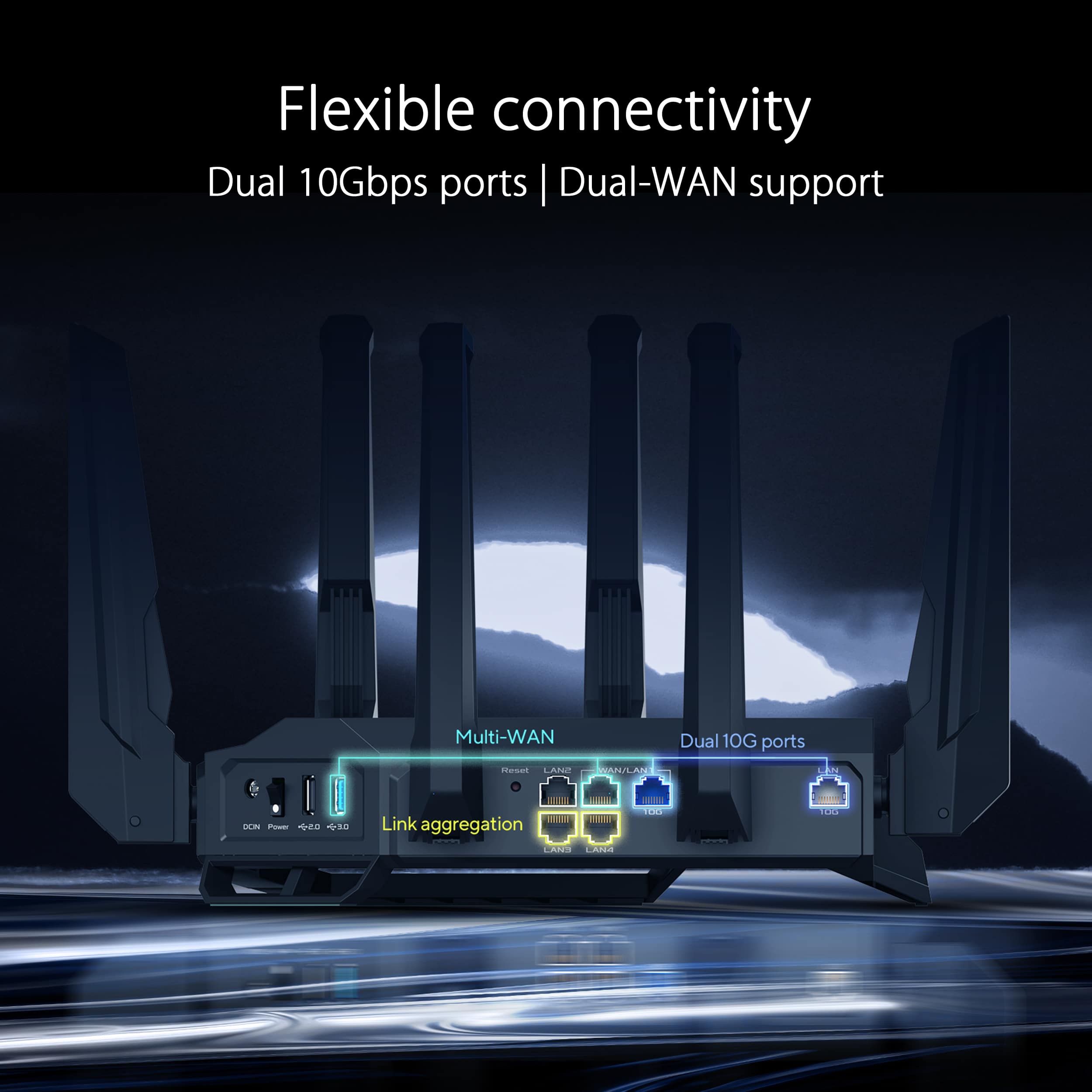
||Posted . Owned for 5 months when reviewed.This reviewer received promo considerations or sweepstakes entry for writing a review.I have been using this connected to my Quantum Fiber C6500XK using 10Gbps Ethernet. It does a much better job of covering my house than my old router. I have not used the mesh feature yet. It is important to use it in AP mode with the C6500XK, as the C6500XK is a router without WiFi or even an Ethernet switch.
I would recommend this to a friend