Customer Ratings & Reviews
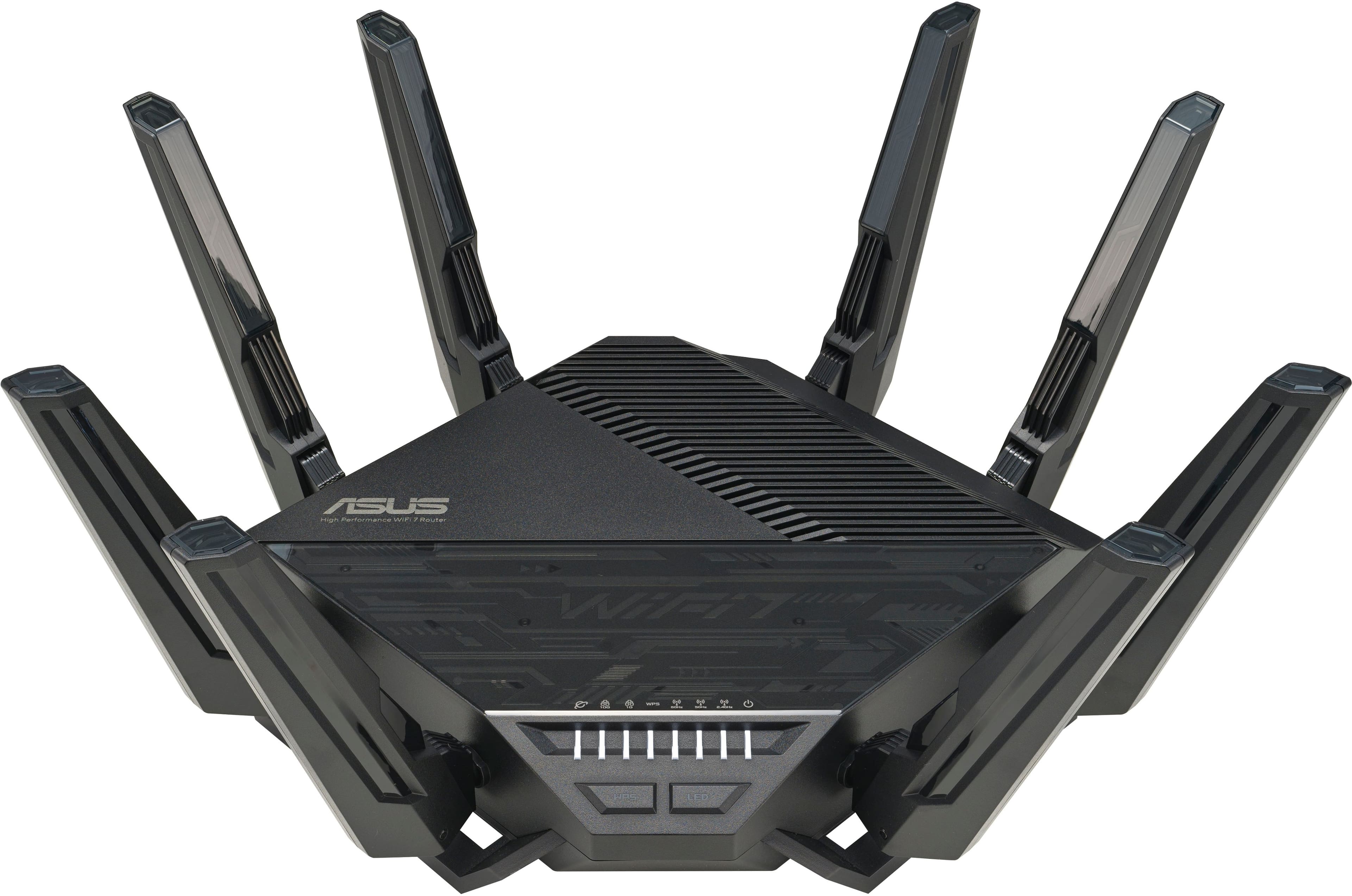
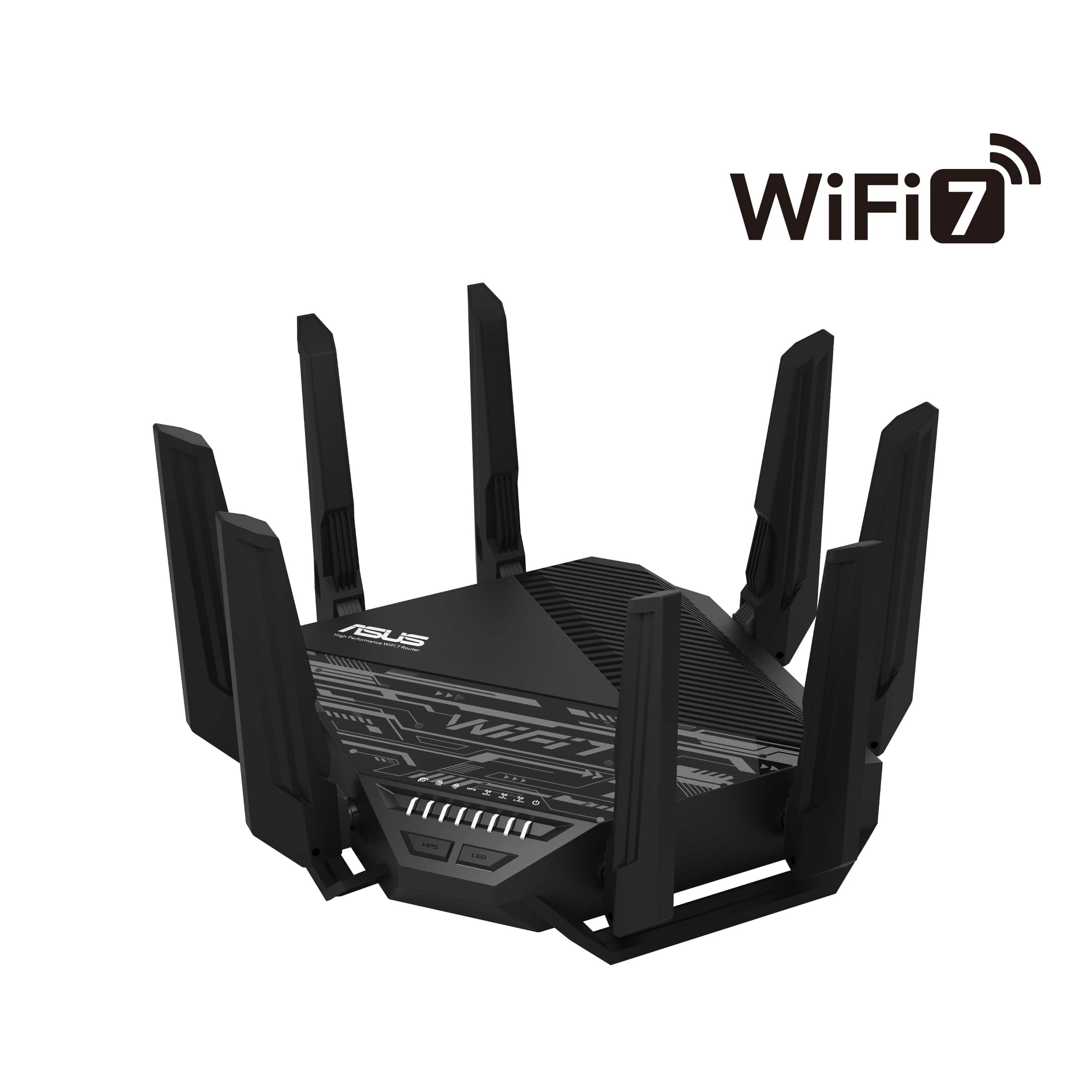
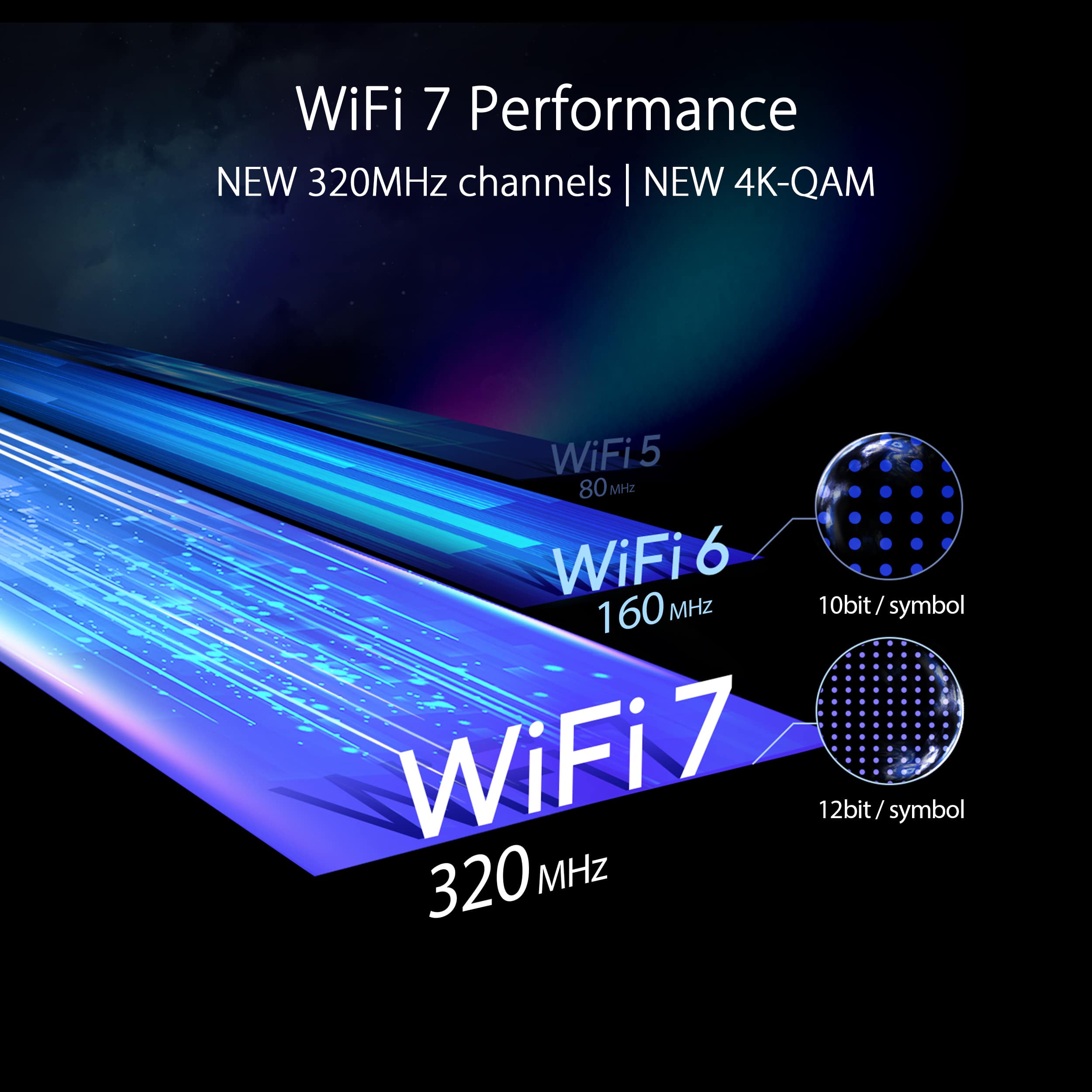
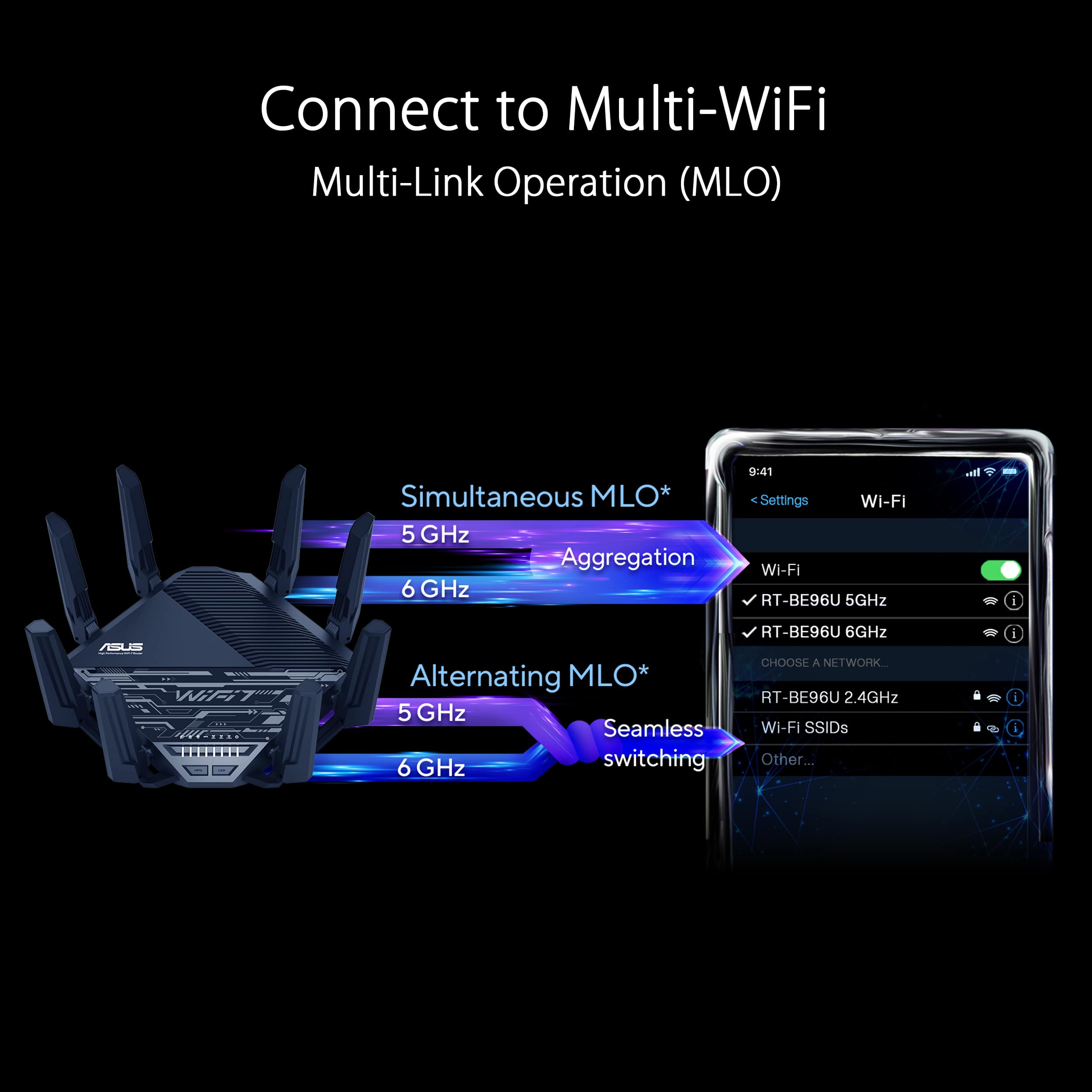
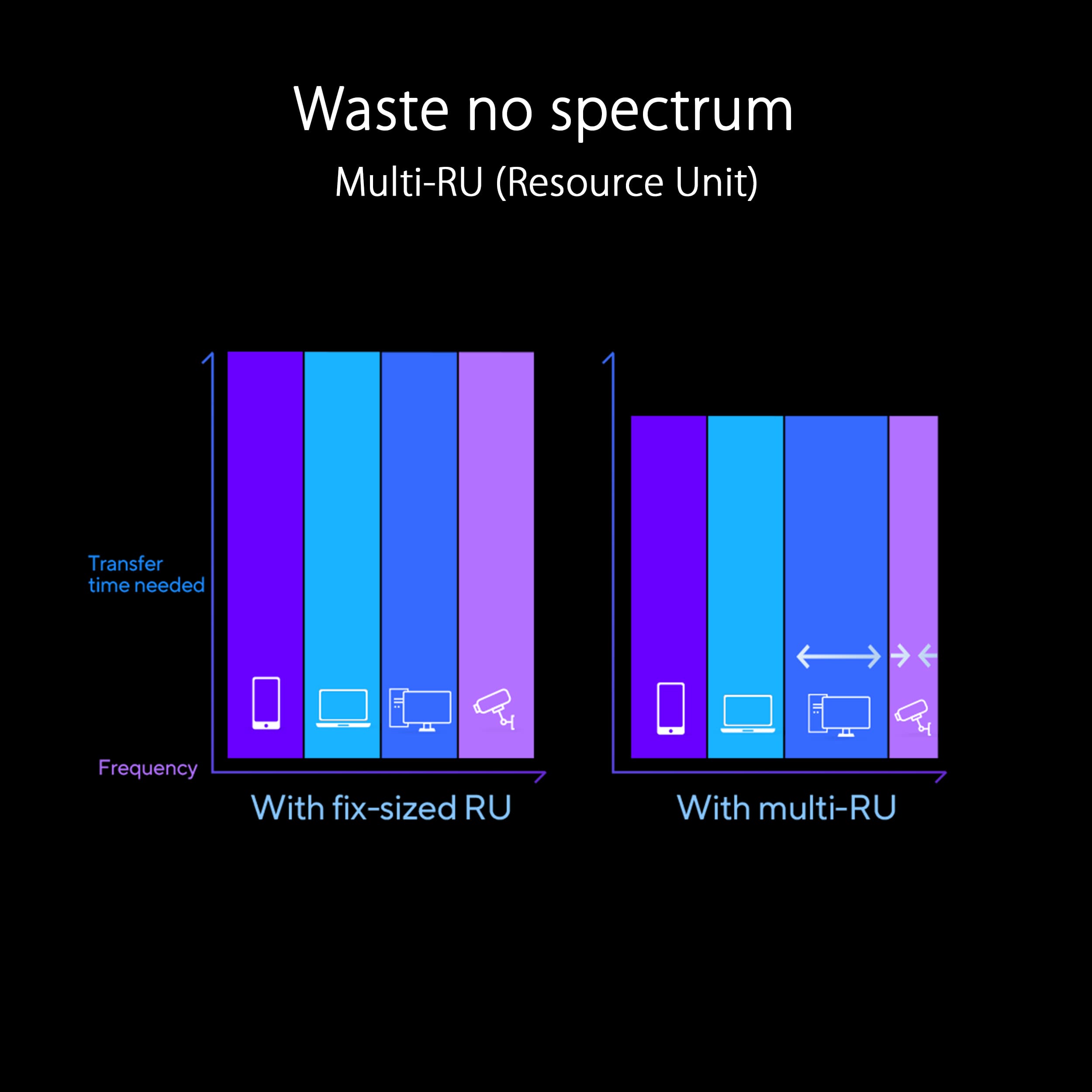
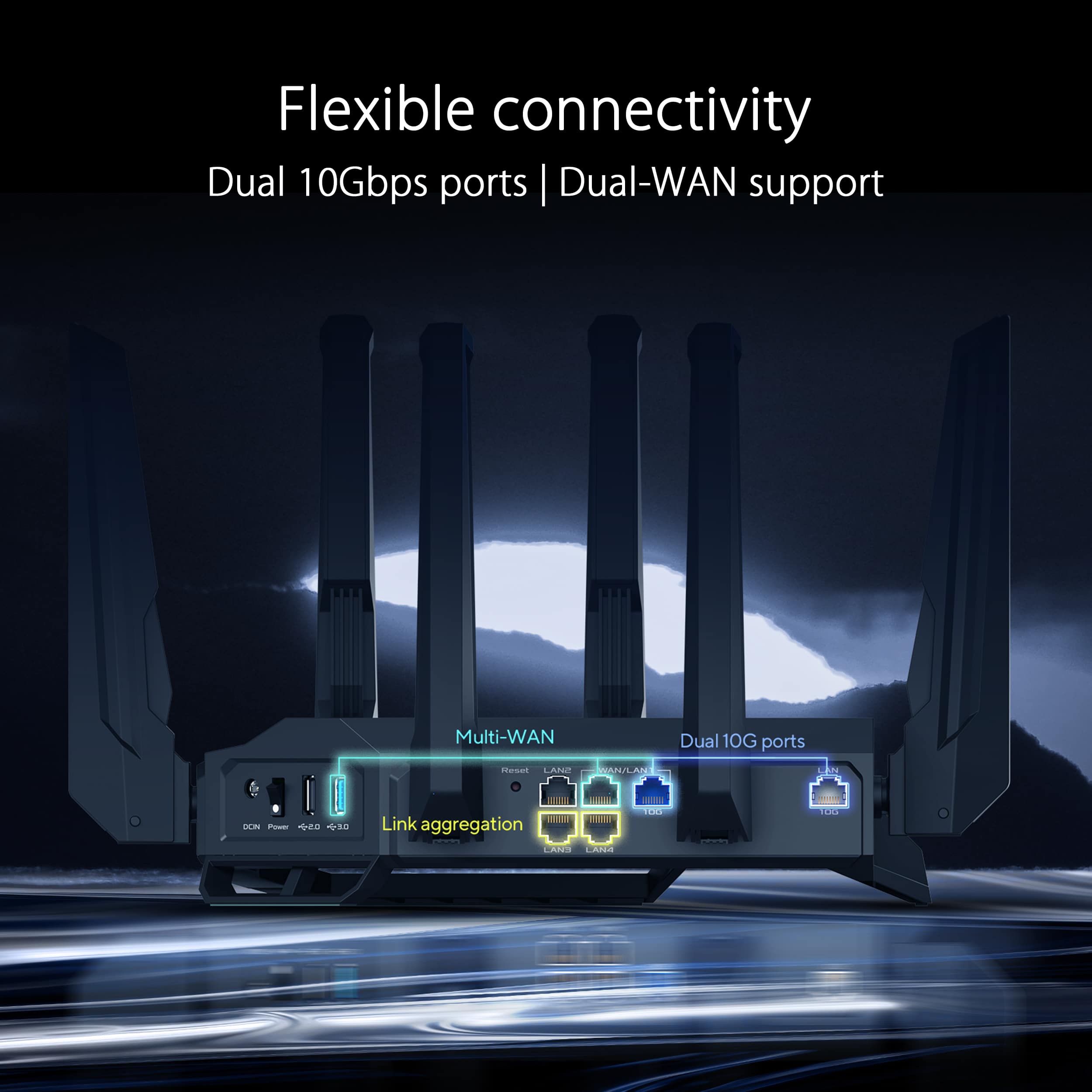

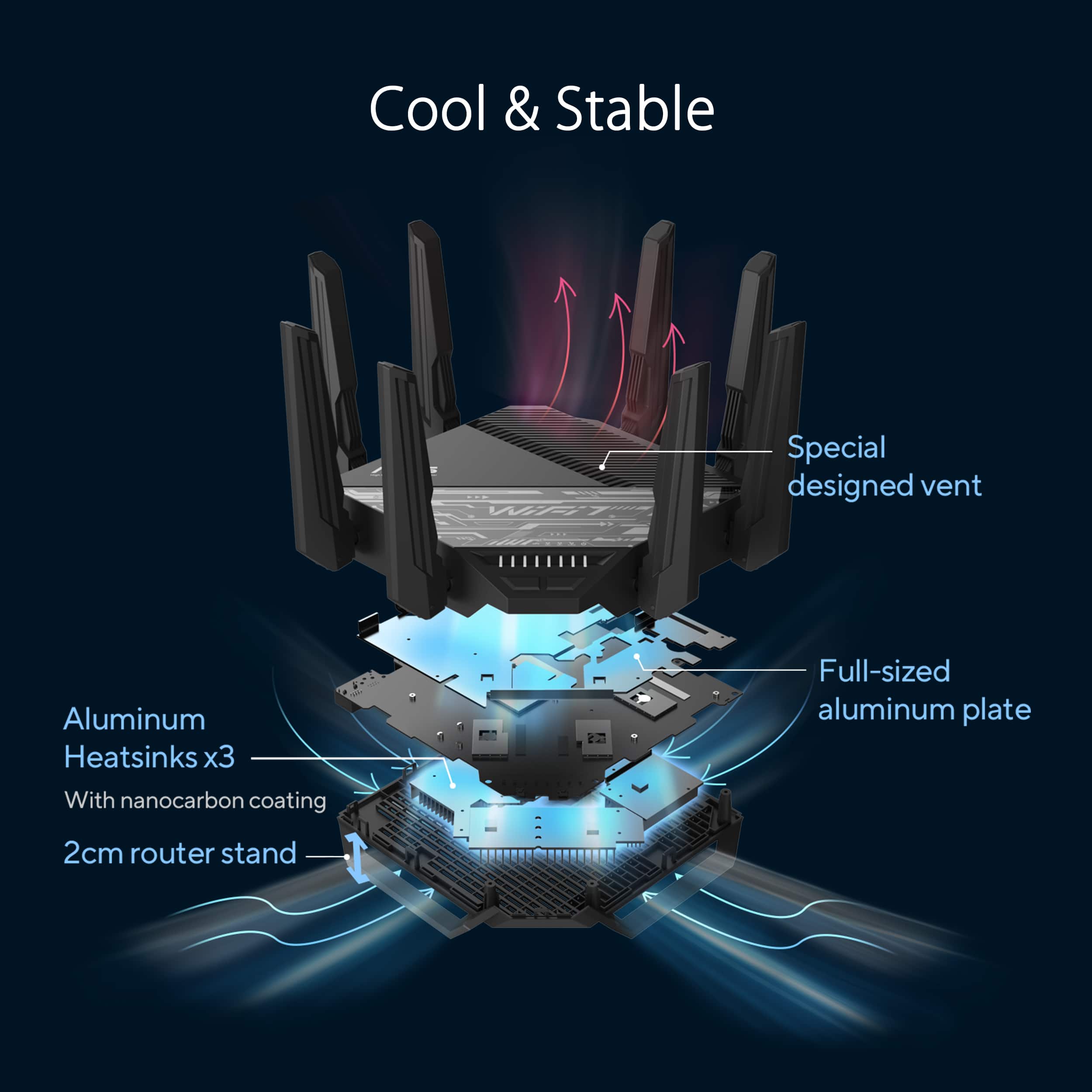


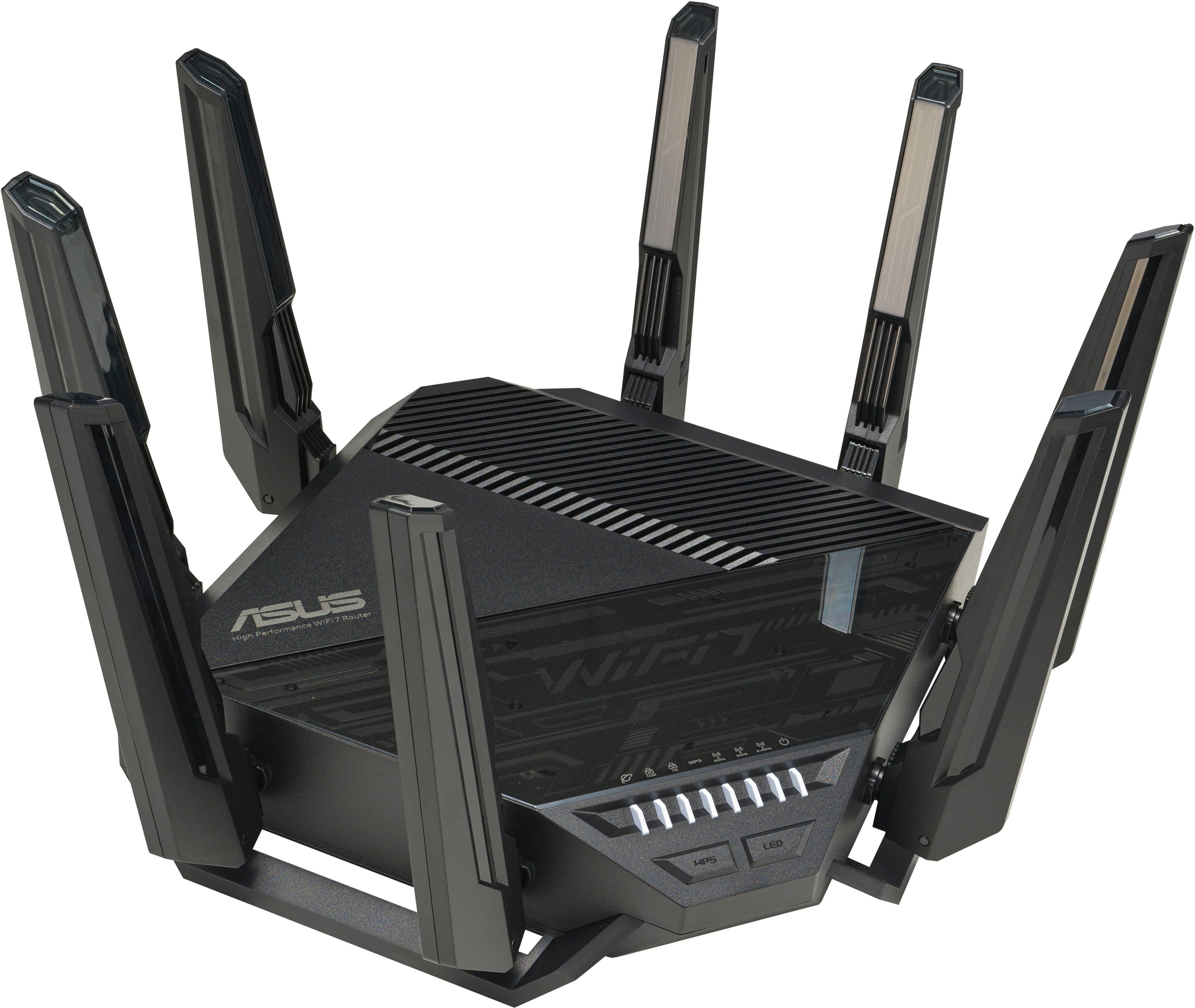
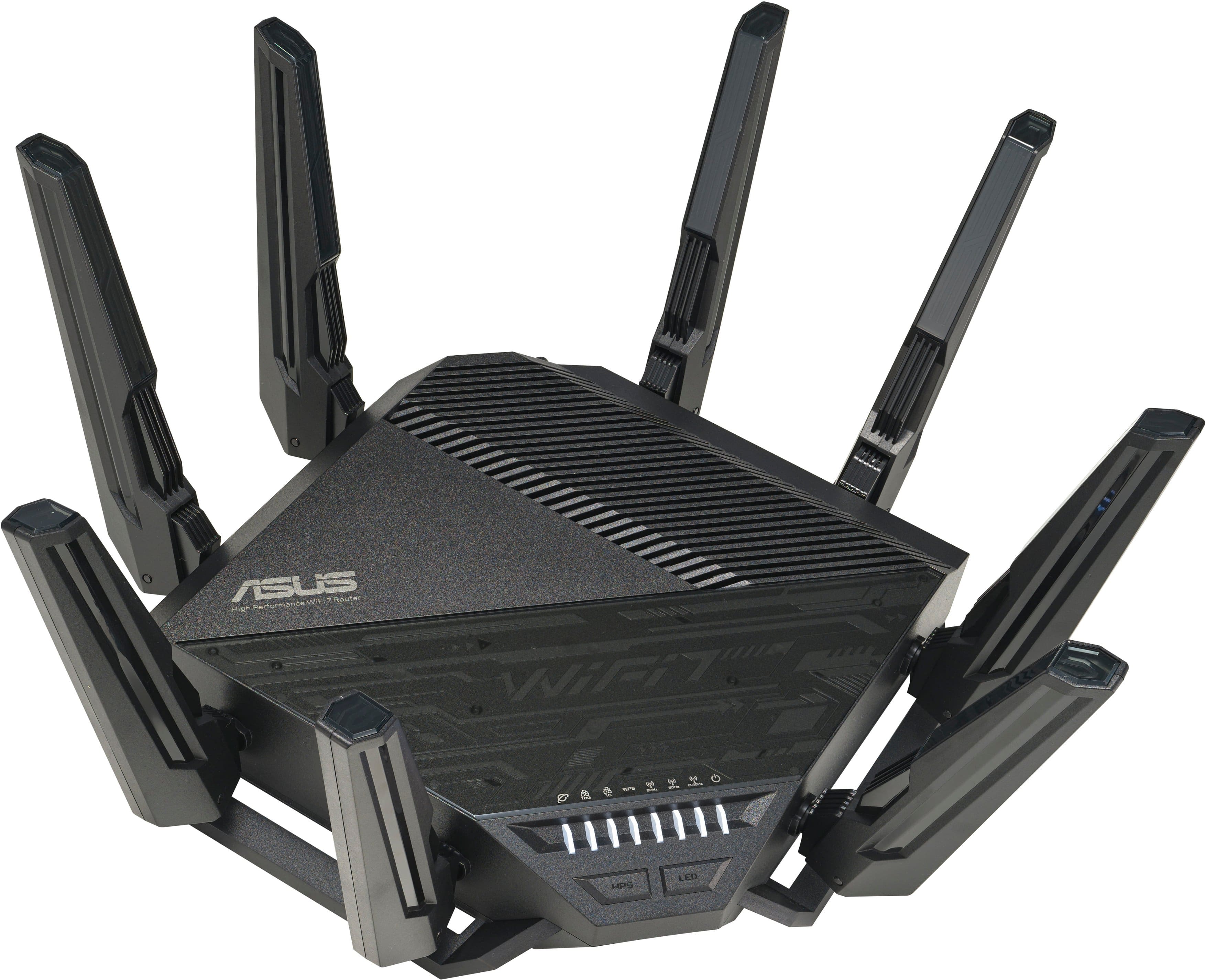
- Model:
- RT-BE96U
- SKU:
- 10141949
Rating by feature
- Setup
Rating 4.2 out of 5 stars
- Range
Rating 4.4 out of 5 stars
- Signal Strength
Rating 4.4 out of 5 stars
Its a great router
||Posted . Owned for 1 week when reviewed.This reviewer received promo considerations or sweepstakes entry for writing a review.The only problem is asus website to get to the router ive been using the mobile app but its very high tech fast and gamer friendly
I would recommend this to a friendBE96U has issues.
||Posted . Owned for 1 month when reviewed.This reviewer received promo considerations or sweepstakes entry for writing a review.I have owned several ASUS routers in the last 20 yrs. This one has to be the worst. In the 2 months I have owned this router it lost connection to the internet several times. Had to reboot cable modem and the router. Finally the router would not connect to the internet anymore. So I returned it. Plus the speeds were no better then the one I replaced this with. I ended up going installing my older ASUS Router. It connected right up to the internet. Maybe Asus will fix the issues with this router. If they do I might try it again. I own several ASUS products. ASUS missed the boat with this model.
No, I would not recommend this to a friendBrand response from ASUS Answers
Posted .Dear Rharris62,
Thank you for your comment.
We do understand your disappointment with the product and the inconvenience this may have caused if the router cannot connect suddenly. To resolve the issue, try resetting the router, check if your ISP's modem credentials still matches the router's settings, and you may need to reconfigure if changes were made on your ISP's modem. Additionally, we recommend updating the router's firmware if it is running with an older version. Firmware is available for download at: https://www.asus.com/us/networking-iot-servers/wifi-routers/asus-gaming-routers/rt-be96u/helpdesk_bios?model2Name=RT-BE96U . Should you need further assistance with the product, please email me at [email protected] and I would be more than happy to help. Or, you are most welcome to call Product Support Hotline at: 1(888) 678-3688. Also, you can chat with an ASUS live support agent from the link: https://www.asus.com/us/support/article/1135/.
Thank you for choosing an ASUS product.
Regards,
Rodel
ASUS Customer Loyalty
Rather large item
||Posted . Owned for 1 month when reviewed.This reviewer received promo considerations or sweepstakes entry for writing a review.No complaints about the quality of the wifi signal. It is a very large router. First firmware upgrade got stuck a few times before it successfully completed.
I would recommend this to a friendSmoke em if you got em
||Posted . Owned for 3 months when reviewed.This reviewer received promo considerations or sweepstakes entry for writing a review.Killer router, also bought tp-links BE router, this one outperformed. Price is redickaliss though
I would recommend this to a friendDecend WIFI 7 for the average Users
||Posted . Owned for less than 1 week when reviewed.This reviewer received promo considerations or sweepstakes entry for writing a review.This is a decent wifi 7 tri band. ASUS is one of the best Router when you are using OVPN. if you have the money to spend on the ASUS Router I will recommend the ROG Rapture GT-BE98 Pro Quad band. So far ASUS router are my prefer router because of the Open VPN service and also for free aiprotection, web filters all the wifi options available on a router in another routers this servie is around 99 dollars per year or 49.99 for vpn (not OVPN).
I would recommend this to a friendThis thing is a beast!
||Posted . Owned for 3 weeks when reviewed.This reviewer received promo considerations or sweepstakes entry for writing a review.This router is a monster! That truely is unbeatable. It is almost as fast on wi-fi that it is on wired!
I would recommend this to a friendVery much worth it
||Posted . Owned for 2 weeks when reviewed.This reviewer received promo considerations or sweepstakes entry for writing a review.Works very well, easy to set up, connection very strong through out house.
I would recommend this to a friendintermittent issues WAN connections
||Posted .This reviewer received promo considerations or sweepstakes entry for writing a review.Wifi works very well. This doesn't help much as it drops WAN connection intermittently (few times a day, on/off every few minutes). ISP router just works at the same time. Reboot seems to help but this is supposedly top tier product.
No, I would not recommend this to a friendBrand response from ASUS Answers
Posted .Dear llukas,
We regret to learn that you are experiencing connectivity issues. To troubleshoot this issue, we recommend following the steps in the FAQ below. Should the issue persist, please contact our support team at https://www.asus.com/us/support/CallUs to further investigate the problem or assist with repairing the device.
We stand behind our products and continuously strive to improve our products and processes to achieve customer service excellence. For more information, email us at [email protected] and include the case number "N2412010246-0003" as a reference. We will do our best to resolve your case quickly. Your feedback is very important to us and enables us to improve our support channels. Thank you for choosing ASUS.
Best Regards,
Schottky
ASUS Customer Loyalty US Support
FAQ: How to improve Wi-Fi Connection https://www.asus.com/us/support/faq/1047919/
Total garbage! worse router I have ever owned.
||Posted . Owned for 6 months when reviewed.This reviewer received promo considerations or sweepstakes entry for writing a review.Total garbage! worse router I have ever owned. If you want nothing but problems then this is the router for you. Tried contacting Asus for questions only to be referred to geek squad which is the bottom of the barrel for any kind of support. The crazy woman who I got and could hardly understand (obviously out of the country) tried to tell me that anytime the router is rebooted that you have to go to all you devices and reenter the network password. WHAT! She should be asking if you want fries with that router. Not to mention anytime the router needs to be rebooted which is often, you devices will tell you your password is incorrect so you need to go into the router settings and reenter your same network passwords and apply then go back to your devices and reenter the exact same password that it just told you was incorrect to connect. Pulling this piece of junk out of my network today. That's $700 down the drain as its to late to return it.
No, I would not recommend this to a friendBrand response from ASUS Answers
Posted .Dear JosephR,
We do understand your dissatisfaction with the quality of the product, your recent customer service experience and the inconvenience this may have caused.
All ASUS products undergo intensive quality control testing and inspections, the issue you are experiencing with the router is random. ASUS provides warranty coverage for the product.
We do value our customers and take negative customer service experience very seriously. This is not the quality of service expected from ASUS. We continuously strive to improve our approach and processes in order to achieve customer service excellence. If you need further assistance with the product, please email me at [email protected] and I would be more than happy to help. Or, you are most welcome to call Product Support Hotline at: 1(888) 678-3688. Also, you can chat with an ASUS live support agent from the link: https://www.asus.com/us/support/article/1135/.
Thank you for choosing an ASUS product.
Regards,
Rodel
ASUS Customer Loyalty
Support phone number not answered
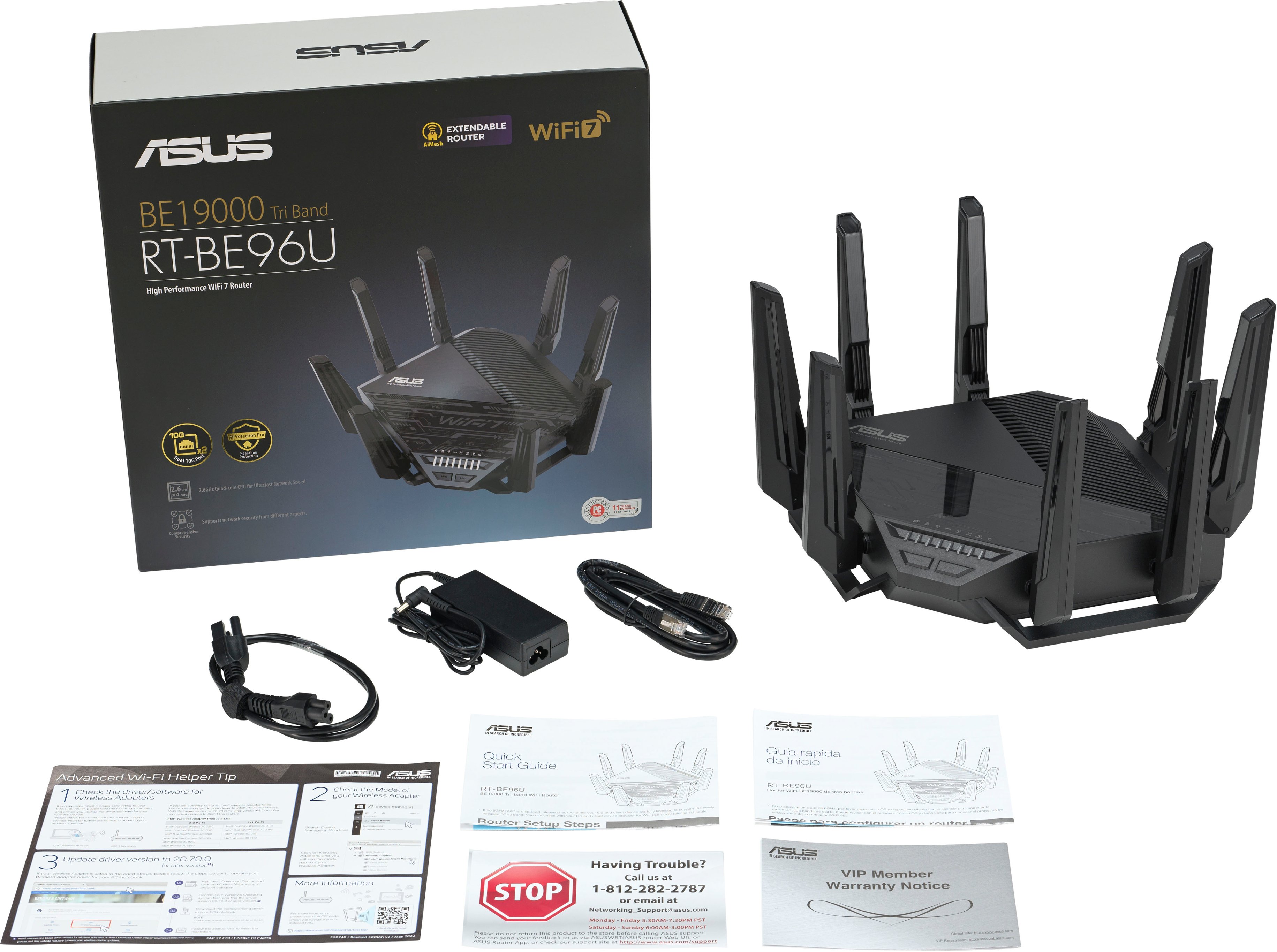
||Posted . Owned for less than 1 week when reviewed.This reviewer received promo considerations or sweepstakes entry for writing a review.I bought this router for $700 and I can’t get it to connect right out of the box. There’s a card inside of the box with the red stop sign that says if you have problems call this phone number. No one answers it. Recordings recordings recordings no one wants to talk to help me out. Not what I expected for a $700 router. I guess Best Buy will be eating this one as soon as I can get back there to turn it back in.
No, I would not recommend this to a friendBrand response from ASUS Answers
Posted .Dear Averageconsumer,
We sincerely apologize for the connectivity issue you're experiencing with the router and for the inconvenience caused. This is not the kind of quality to expect from our products and it's not the norm. To further investigate this problem, we recommend contacting our support team at https://www.asus.com/us/support/CallUs.
We stand behind our products and continuously strive to improve our products and processes to achieve customer service excellence. For more information, email us at [email protected] and include the case number "N2312025203-0009" as a reference. We will do our best to resolve your case quickly. Your feedback is very important to us and enables us to improve our support channels. Thank you for choosing ASUS.
Best Regards,
Chantae
ASUS Customer Loyalty US Support
Red light of Death
||Posted .This reviewer received promo considerations or sweepstakes entry for writing a review.This router crashes on a regularly bases. I have the lastest firmware installed and it has the red light of death. I had to install my old router to have internet. If you have a version 1.0 hardware its trash. I am now fighting to get a newer version from Asus.
No, I would not recommend this to a friendBrand response from ASUS Answers
Posted .Dear AllenK,
Thank you for your comment.
We do understand your disappointment and the inconvenience this may have caused if you are experiencing the red light of death. This can either be a setup, internet connection and a hardware issue. If the firmware on this router was updated, check your network setup. Ensure this router's security credentials matches with your ISP's modem information. Also, place it in a central location within your home, away from walls and obstructions, keep it elevated off the floor and away from electronic devices that may cause interference. Furthermore, legacy devices may not work properly with WIFI-6E and WIFI-7, please check updates for these devices. Also, try connecting these manually to either 2.4GHz or 5GHz. Should you need further assistance with the product, please email me at [email protected] and I would be more than happy to help. Or you are most welcome to call Product Support Hotline at: 1(888) 678-3688. Also, you can chat with an ASUS live support agent from the link: https://www.asus.com/us/support/article/1135/.
Thank you for choosing an ASUS product.
Regards,
Rodel
ASUS Customer Loyalty
expensive but worth it
||Posted . Owned for 1 month when reviewed.This reviewer received promo considerations or sweepstakes entry for writing a review.works very well so far. have for a little over a month.
I would recommend this to a friendGreat Router, latest technology
||Posted . Owned for 1 month when reviewed.This reviewer received promo considerations or sweepstakes entry for writing a review.After having a little difficulty setting the router up, I found the settings I needed and this router is a beast. Purchased to be the hub of an ASUS AI mesh. It works flawlessly.
I would recommend this to a friendNot so wifi.. be better for the price.
||Posted . Owned for 1 month when reviewed.This reviewer received promo considerations or sweepstakes entry for writing a review.New wifi 7 router randomly stopped working. Unable to get DHCP from isp. Ended up putting my old wifi router in place of this. Apparently many people have issues with this.
No, I would not recommend this to a friendBrand response from ASUS Answers
Posted .Dear ArlandP,
Thank you for your comment.
We do understand your disappointment with the product and the inconvenience this may have caused if you are experiencing connection problem. To resolve the unstable connection, please verify the PC or device connecting to the router is working properly and within range to the router, the router is within 30 feet to the ISP's modem if not wired by a network cable, and ISP's internet service or connection is working properly or stable. If you are connecting legacy devices, these may not work properly with WIFI6-F, please check updates for these device. Also, try connecting this manually to either 2.4GHz or 5GHz. Furthermore, so we recommend updating the Mesh router firmware if it running with an older version. Firmware is available for download at: https://www.asus.com/us/networking-iot-servers/wifi-routers/asus-gaming-routers/rt-be96u/helpdesk_bios?model2Name=RT-BE96U .
Should you need further assistance with the product, please email me at [email protected] and I would be more than happy to help. Or, you are most welcome to call Product Support Hotline at: 1(888) 678-3688. Also, you can chat with an ASUS live support agent from the link: https://www.asus.com/us/support/article/1135/.
Thank you for choosing an ASUS product.
Regards,
Rodel
ASUS Customer Loyalty
Great Product
||Posted . Owned for 3 weeks when reviewed.This reviewer received promo considerations or sweepstakes entry for writing a review.Great product! Helps internet and cable and wii fii. I would recommend it.
I would recommend this to a friendSo far I like it
||Posted . Owned for less than 1 week when reviewed.This reviewer received promo considerations or sweepstakes entry for writing a review.This beast has loads of options that most buyers won't need but it's designed well enough and with enough options to be used in small businesses. It also can be used in an AIMesh with other ASUS routers.
I would recommend this to a friendNice router
||Posted . Owned for 3 months when reviewed.This reviewer received promo considerations or sweepstakes entry for writing a review.Really enjoying it months later definitely a good purchase for a gamer house
I would recommend this to a friendLove it
||Posted . Owned for 1 week when reviewed.This reviewer received promo considerations or sweepstakes entry for writing a review.I had a Nighthawk 1900 before and at the far-end my place i was getting about 120mbps. After I changed the router to this one I was getting about 420mbps big improvement. Great for gaming.
I would recommend this to a friendAwesome but flawed
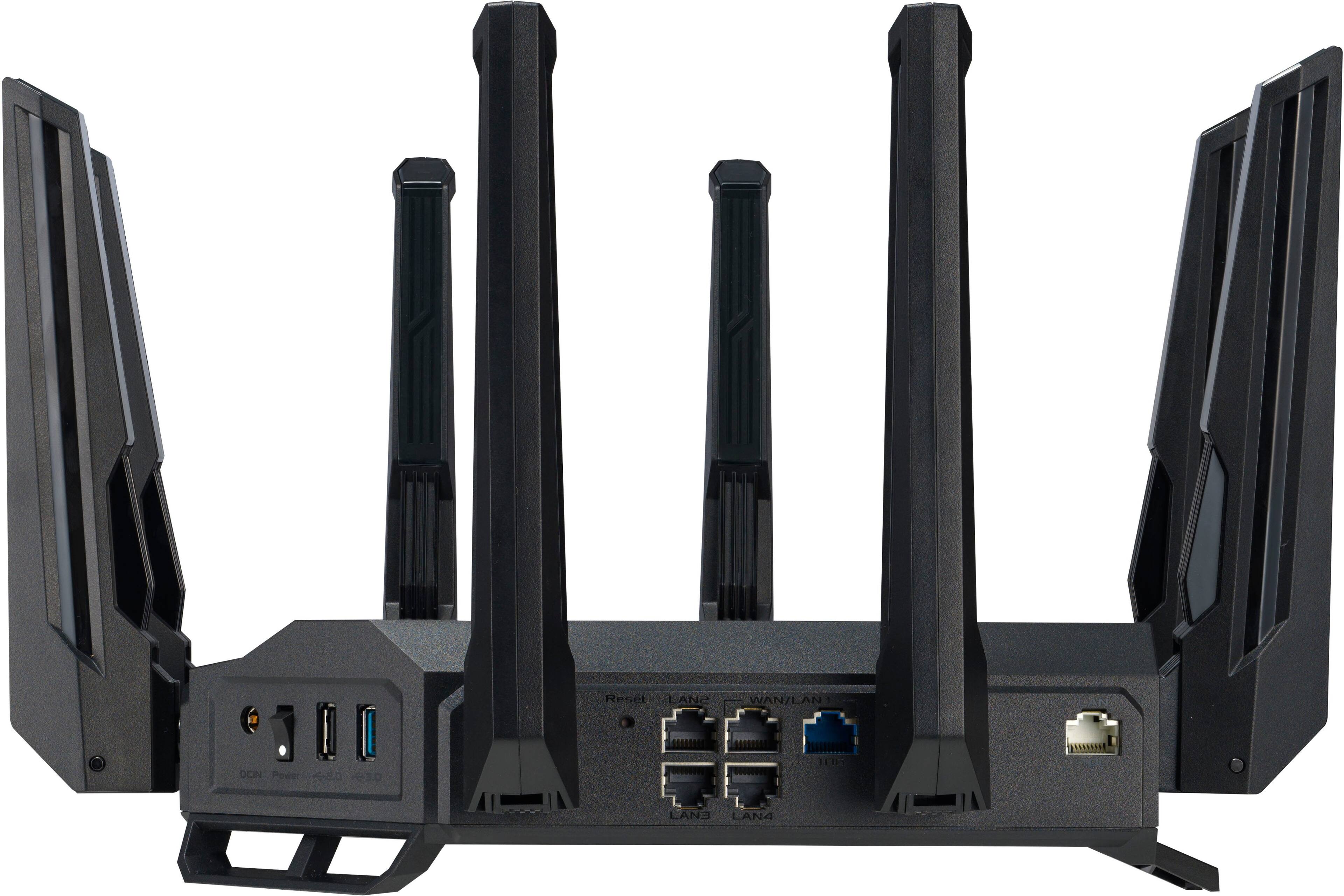
||Posted . Owned for 1 month when reviewed.This reviewer received promo considerations or sweepstakes entry for writing a review.Worked good at first until I started having random disconnects that could be fixed by reseating the wan cable. Eventually wan port stopped working completely. Seen I couple others having similar problems so I returned it. Will be keeping an eye out if firmware will fix this issues.
No, I would not recommend this to a friendBrand response from ASUS Answers
Posted .Dear Scott T,
We sincerely apologize for the wireless connectivity issue you've faced with the ASUS BE96U router and for the inconvenience this has caused. What you've experienced was not intentional. Our top priority is providing our customers with high-quality products, and we'll forward your feedback to our team for review.
Having returned the router, we hope that you were able to obtain a functional replacement.
We stand behind our products and continuously strive to improve our products and processes to achieve customer service excellence. If you require any further assistance, please email us at [email protected] and include the case number "N2312023183-0005" as a reference. We will do our best to resolve your case quickly. Your feedback is very important to us, and it enables us to improve our support channels. Thank you for choosing ASUS.
Best Regards,
Chantae
ASUS Customer Loyalty US Support
Router
||Posted . Owned for 6 months when reviewed.This reviewer received promo considerations or sweepstakes entry for writing a review.Worked great for six months and now it keeps dropping the internet connection
No, I would not recommend this to a friendBrand response from ASUS Answers
Posted .Dear Alan,
Thank you for your comment.
We do understand the inconvenience this may have caused if you started experiencing connection problems after six months of usage. To resolve this, try to power cycle both this router and your ISP's modem, and check if the router's credentials still matches with your ISP's modem security information. Additionally, check if the PC or device connecting to the router is still working properly and your ISP's internet service or connection is working properly or stable. Also, we recommend updating the router's firmware if it is running with an older version. Firmware is available for download at: https://www.asus.com/us/networking-iot-servers/wifi-routers/asus-gaming-routers/rt-be96u/helpdesk_bios?model2Name=RT-BE96U. Should you need further assistance with the product, please email me at [email protected] and I would be more than happy to help. Or, you are most welcome to call Product Support Hotline at: 1(888) 678-3688. Also, you can chat with an ASUS live support agent from the link: https://www.asus.com/us/support/article/1135/.
Thank you for choosing an ASUS product.
Regards,
Rodel
ASUS Customer Loyalty