Customer Ratings & Reviews

Customer reviews
Rating 3.7 out of 5 stars with 3 reviews
(3 customer reviews)to a friend
Customers are saying
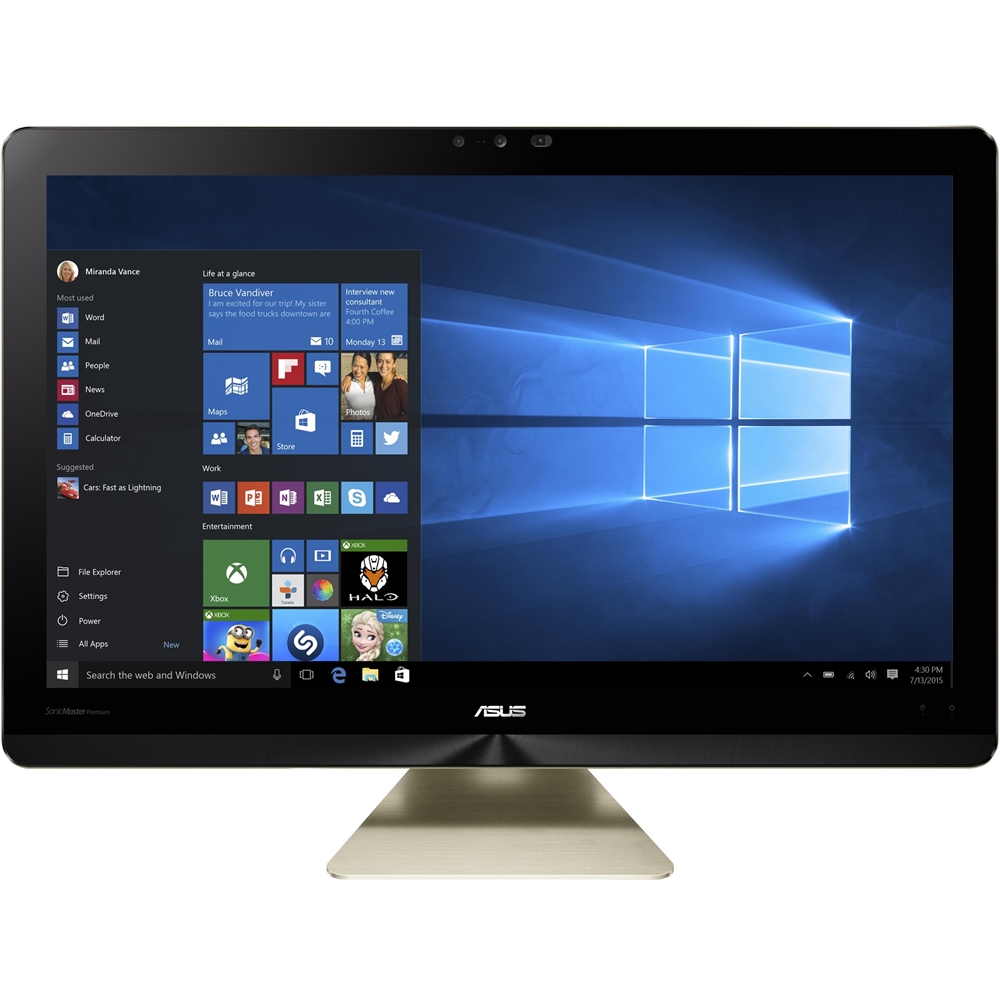
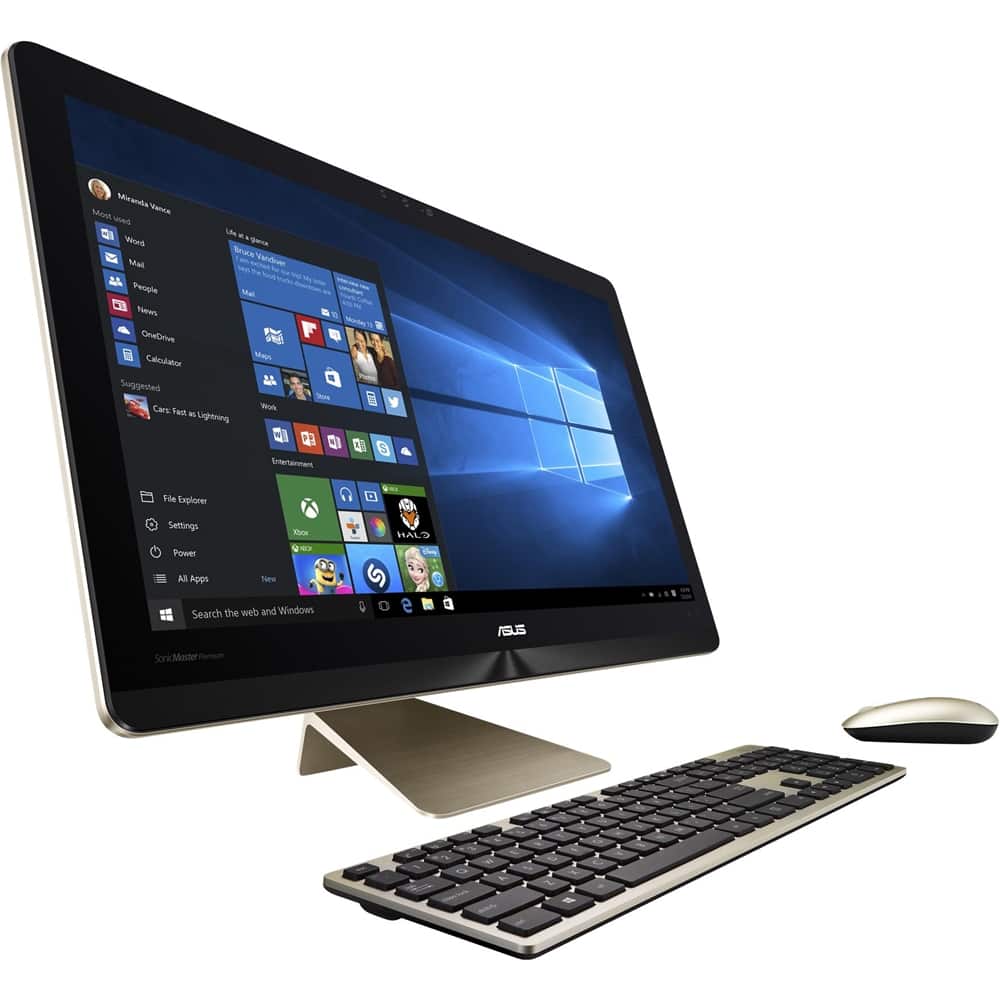
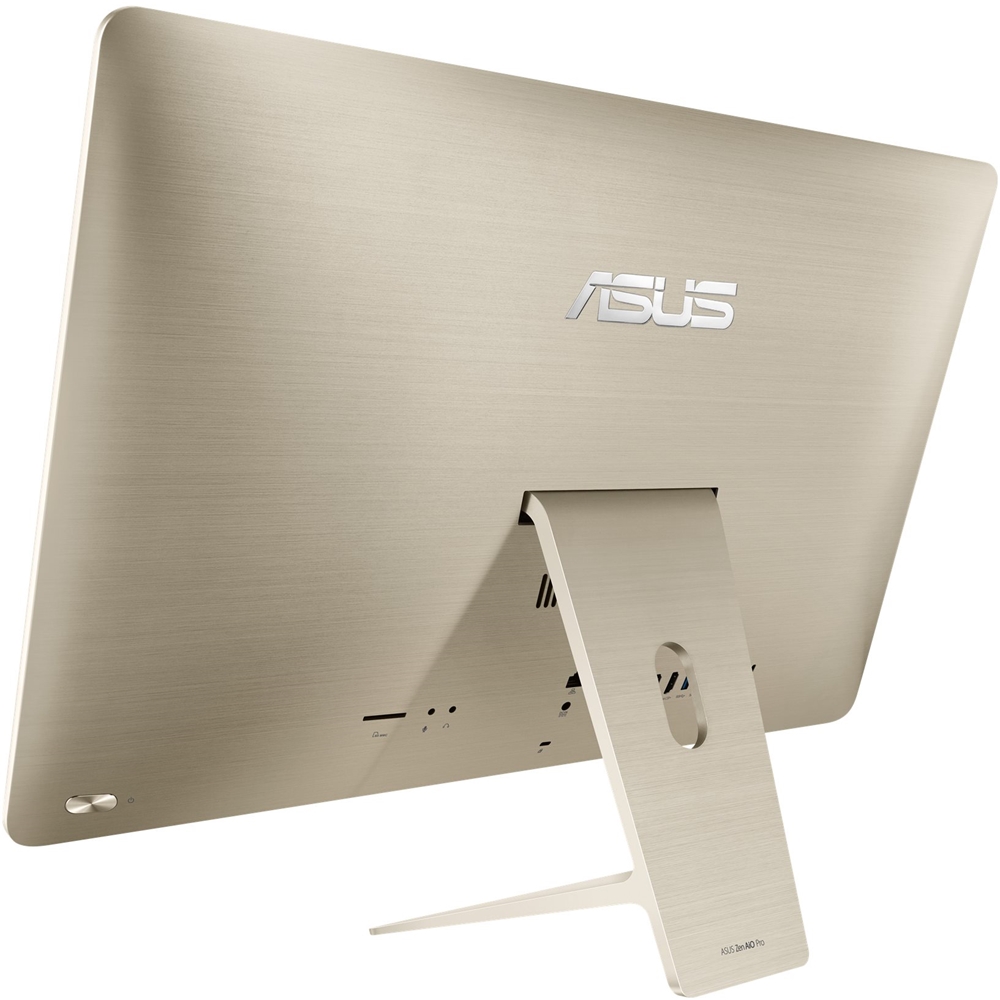
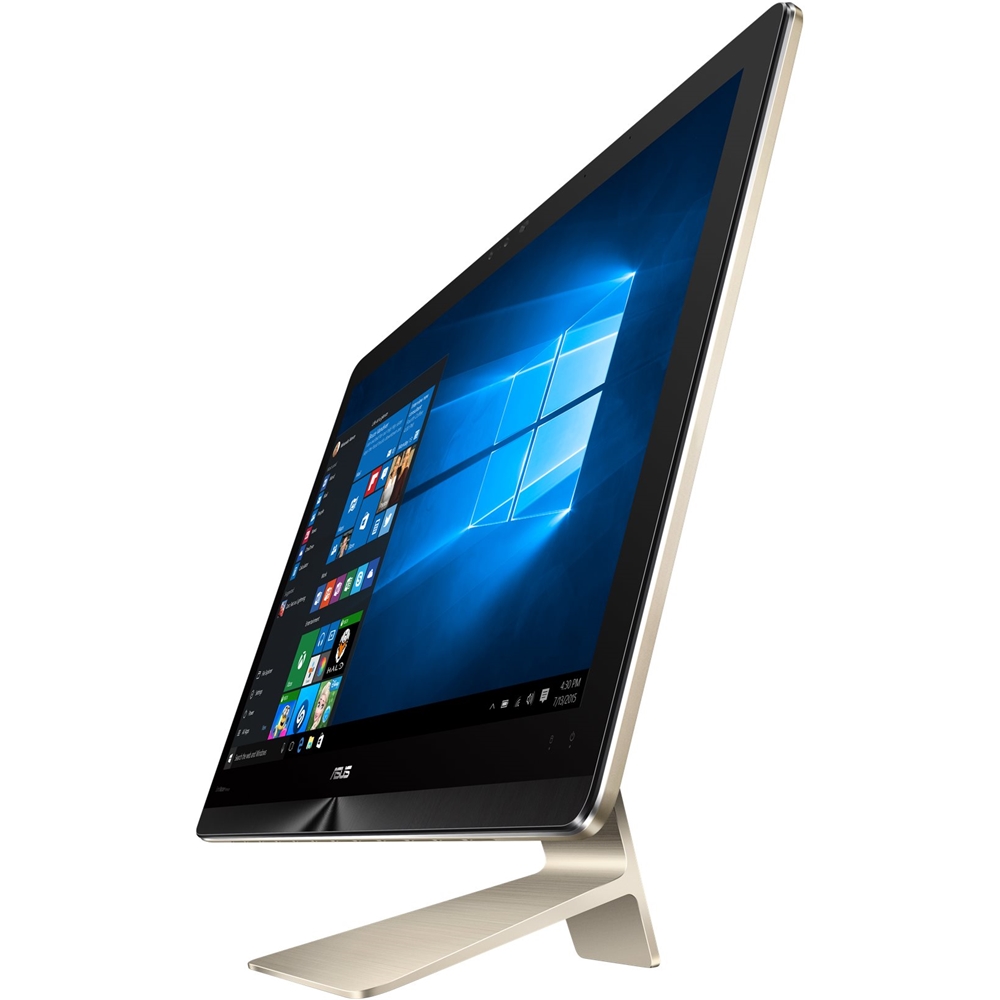
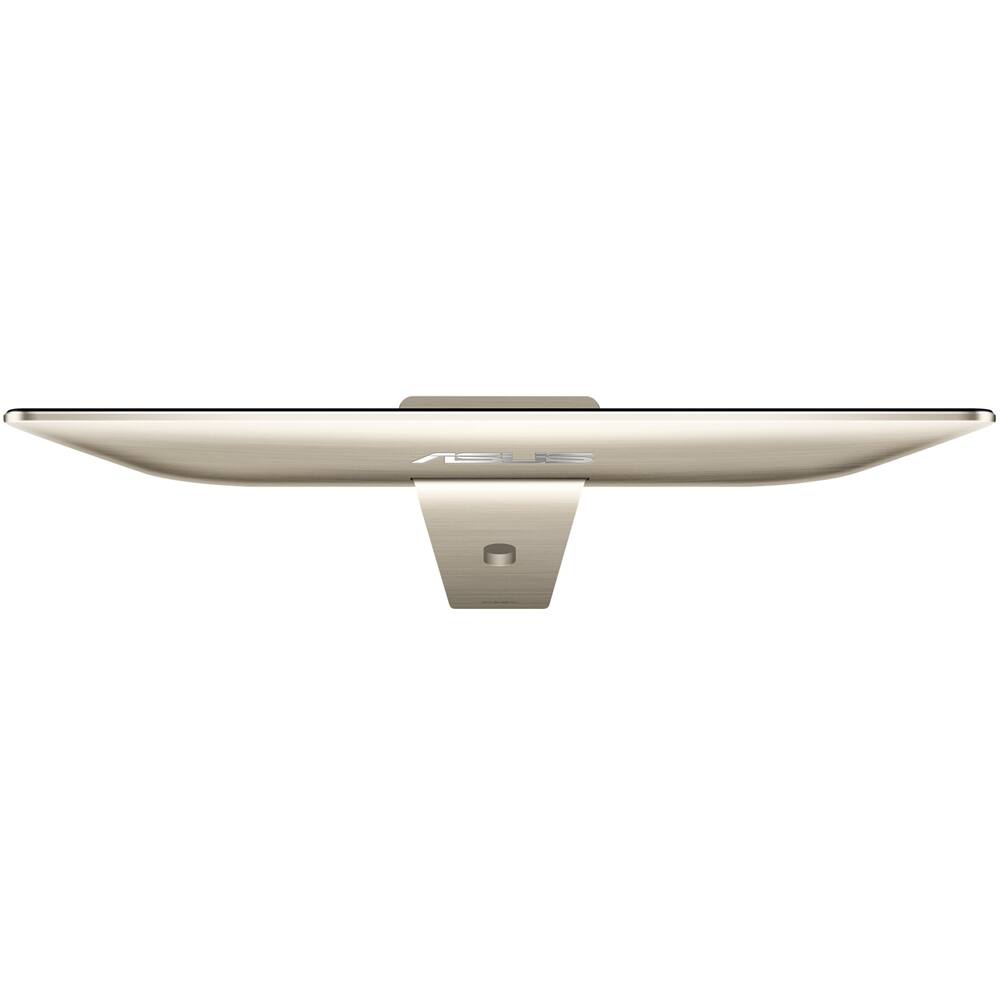
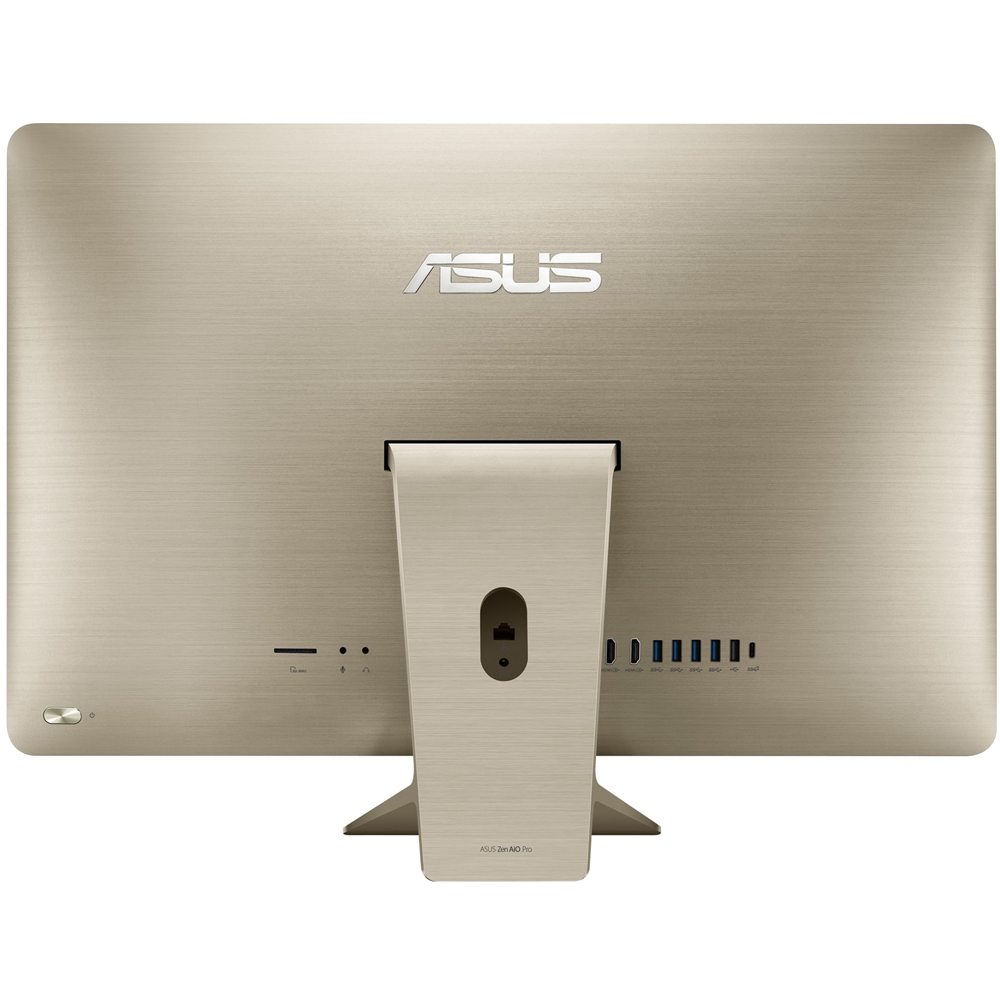
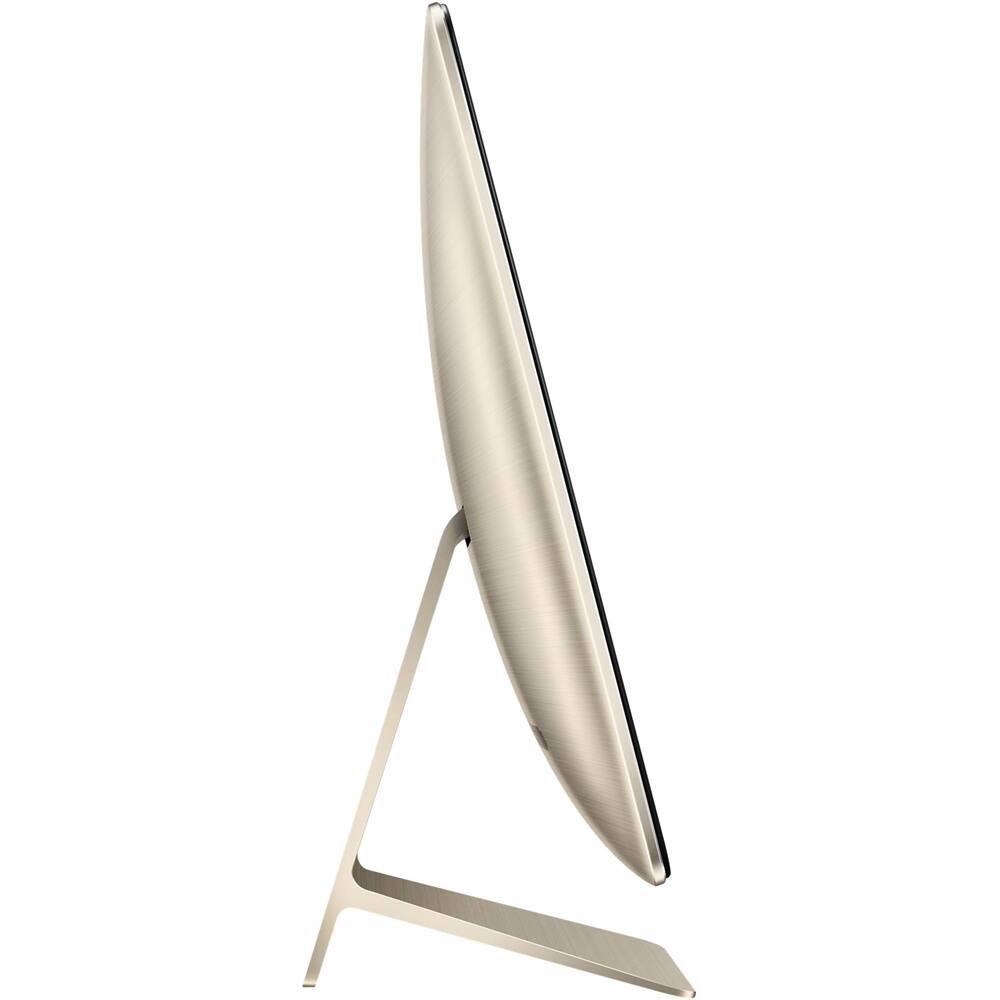
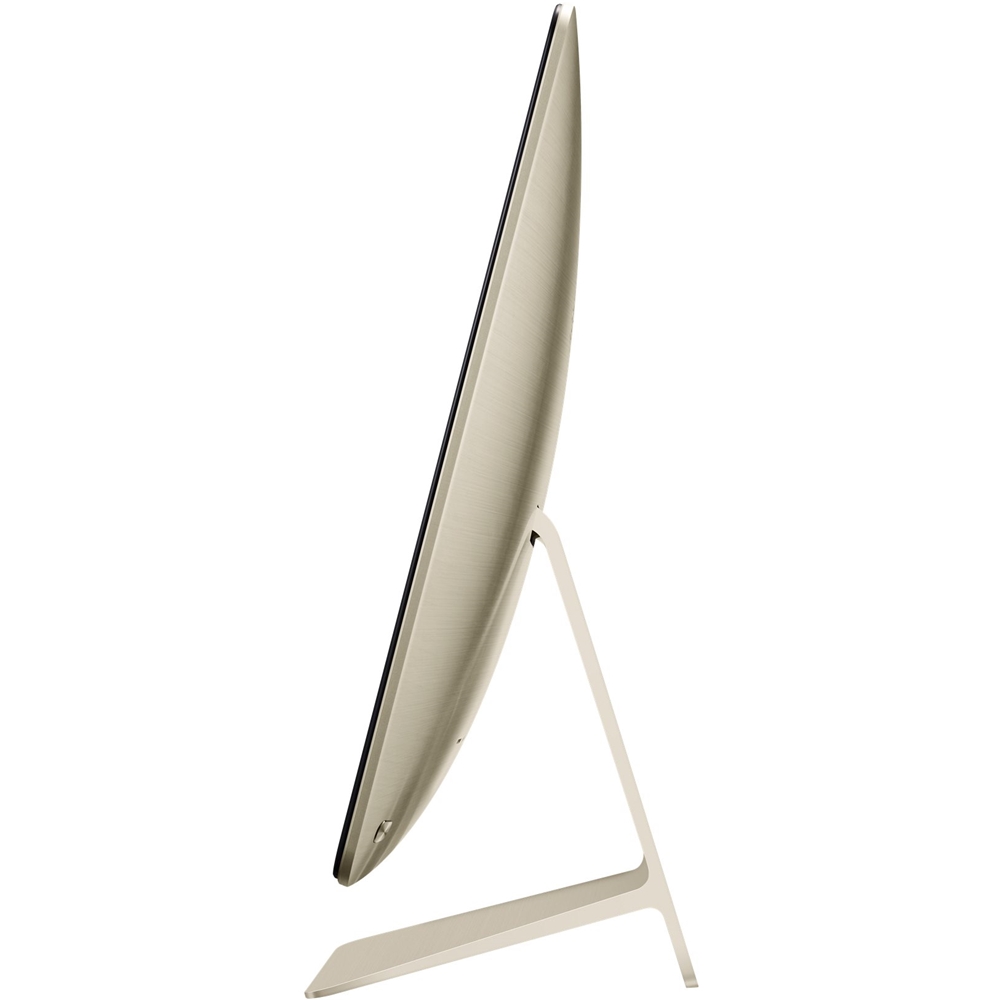
Customers enjoy the overall design of the Zen AiO Pro, but some have noted concerns regarding the screen quality. The screen's shininess and small icon toolbars have been cited as drawbacks for some users. A few customers also mentioned that the keyboard could be improved. These issues, however, do not appear to overshadow the positive aspects of the product for all users.
This summary was generated by AI based on customer reviews.
- Cons mentioned:Screen quality
Rated 3 out of 5 stars
Weak performer
||Posted .This reviewer received promo considerations or sweepstakes entry for writing a review.Great looks and hardware but functionality is lacking. It's not always easy to determine if the problems I have are all or partially Windows-related or how much is caused by the PC assembler (Asus). This pc is definitely slower working than the 4 yr old Sony that it replaced. I installed the programs on the SS drive and data on the SATA disc; that seems to have caused very slow response time so now I've moved data files onto the SS drive and performance is much better though not great. Of course that leads one to ask why the SATA drive is even there?? The display with huge dpi pixel count looks great for viewing although I'm still struggling with the correct settings as one frequently-used program has a real problem with trying to set the cursor on very tiny icons and drop-down menus because they are tiny-tiny. There's also a couple of web sites I frequently use that display very over-sized fonts on drop-down menus. The former problem is a real issue although the later just an irritant. I've got some longer-term concerns regarding the wireless keyboard and mouse. I find I have to really 'pound' on the keyboard keys (as compared to previous keyboards) and the mouse cursor is not always fully responsive. Previous experience with wireless mouse cursor problems like this tend to get worse with time although there's always the back-up wired mouse to fix that issue.
No, I would not recommend this to a friend - Cons mentioned:Screen quality
Rated 4 out of 5 stars
Monitor screen is very shiny
||Posted .This reviewer received promo considerations or sweepstakes entry for writing a review.This is a really beautiful computer, I looked forward to getting it. It does have a very ZEN feel about it. Everything is very high quality. But the monitor is so shiny that even in a dark room, all I would see is my reflection in the monitor. It was very distracting to the point that I returned the computer. I guess some companies are even selling a glare screen for this computer. Not what I wanted to do.
No, I would not recommend this to a friend - Cons mentioned:Screen quality
Rated 4 out of 5 stars
Would get 5 stars except for Shiny Screen
Posted .This reviewer received promo considerations or sweepstakes entry for writing a review.Beautiful, lightweight, desktop replacement with lots of storage. Very fast boot up and programs run quick and smooth. Out of the box, the unit spent most of it's first 3 days downloading and installing updates to the OS and drivers. On day 3 it automatically downloaded a new Windows 10 version and spent 15 hours installing it... it installed fine and everything works! The unit would get 5 stars except for the 4K screen. The picture is beautiful but the screen is shiny - unless you are in a room with no lighting the shiny glare and reflections from the screen make it hard to look at very long because your eyes get tired fighting the glare. Very poor screen for watching things like Netflix. The high screen resolution also makes the icon tool bars of many programs way too small to use, microscopic in fact,. I'm trying screen protectors to fix the glare. Or I will run an hdmi cable from it to a tv...this part of the experience is very disappointing. The wireless keyboard and mouse are smallish and could be better; their silver finish looks cheap. The only setup instructions in the entire box just showed how to put batteries in the mouse (no instructions for anything else). So be prepared to go online or call for help.
No, I would not recommend this to a friend