Customer Ratings & Reviews

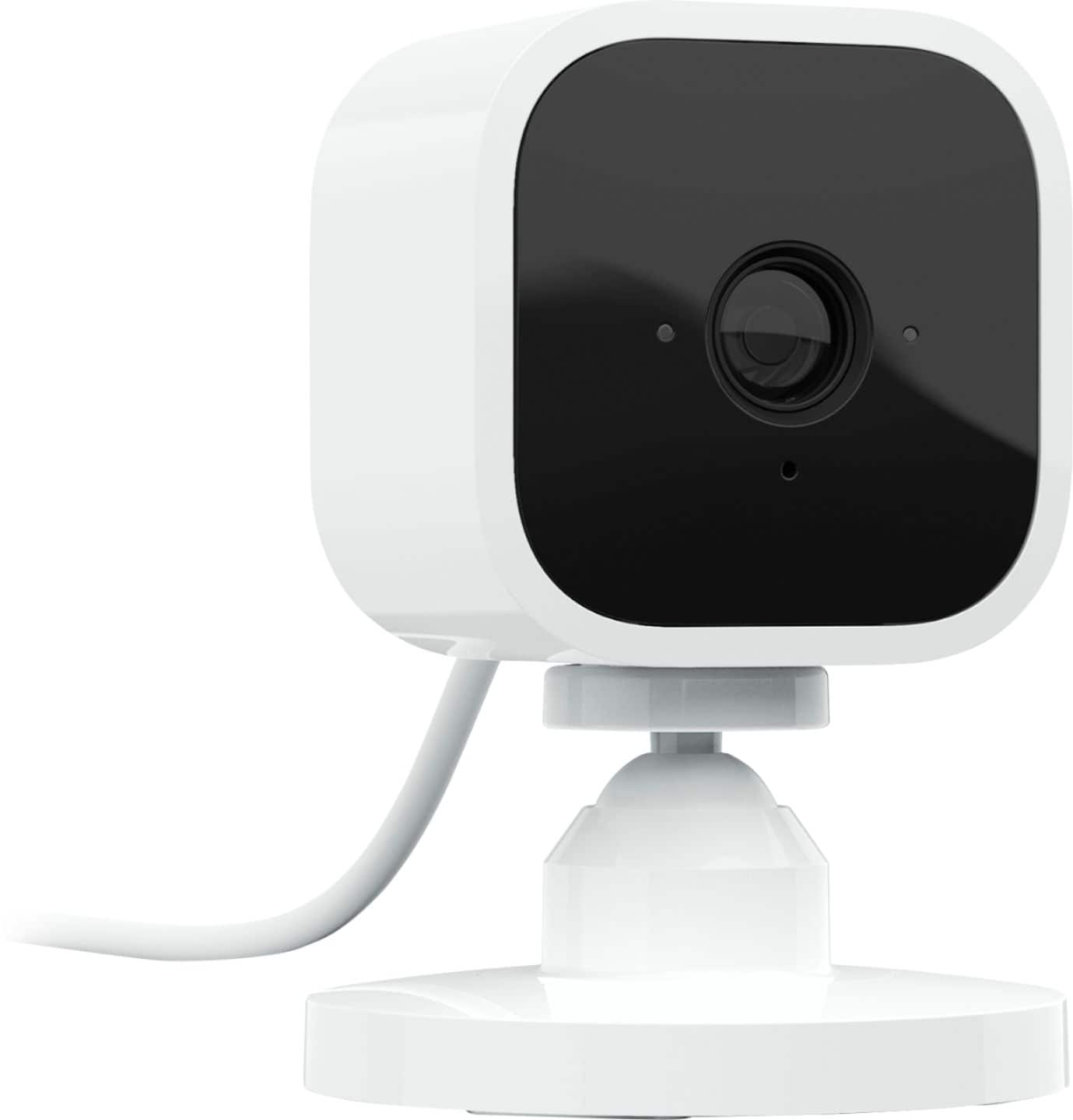
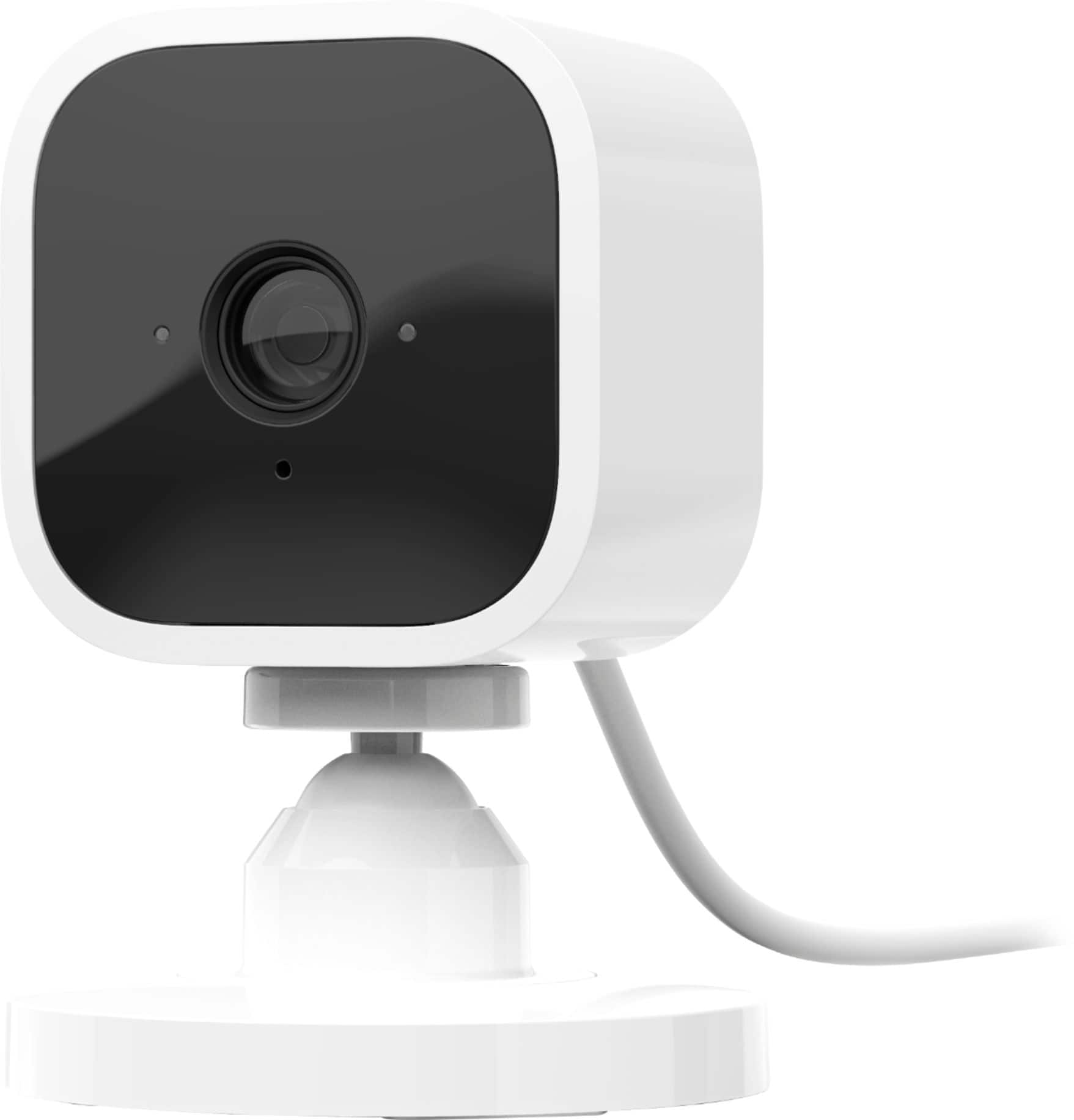
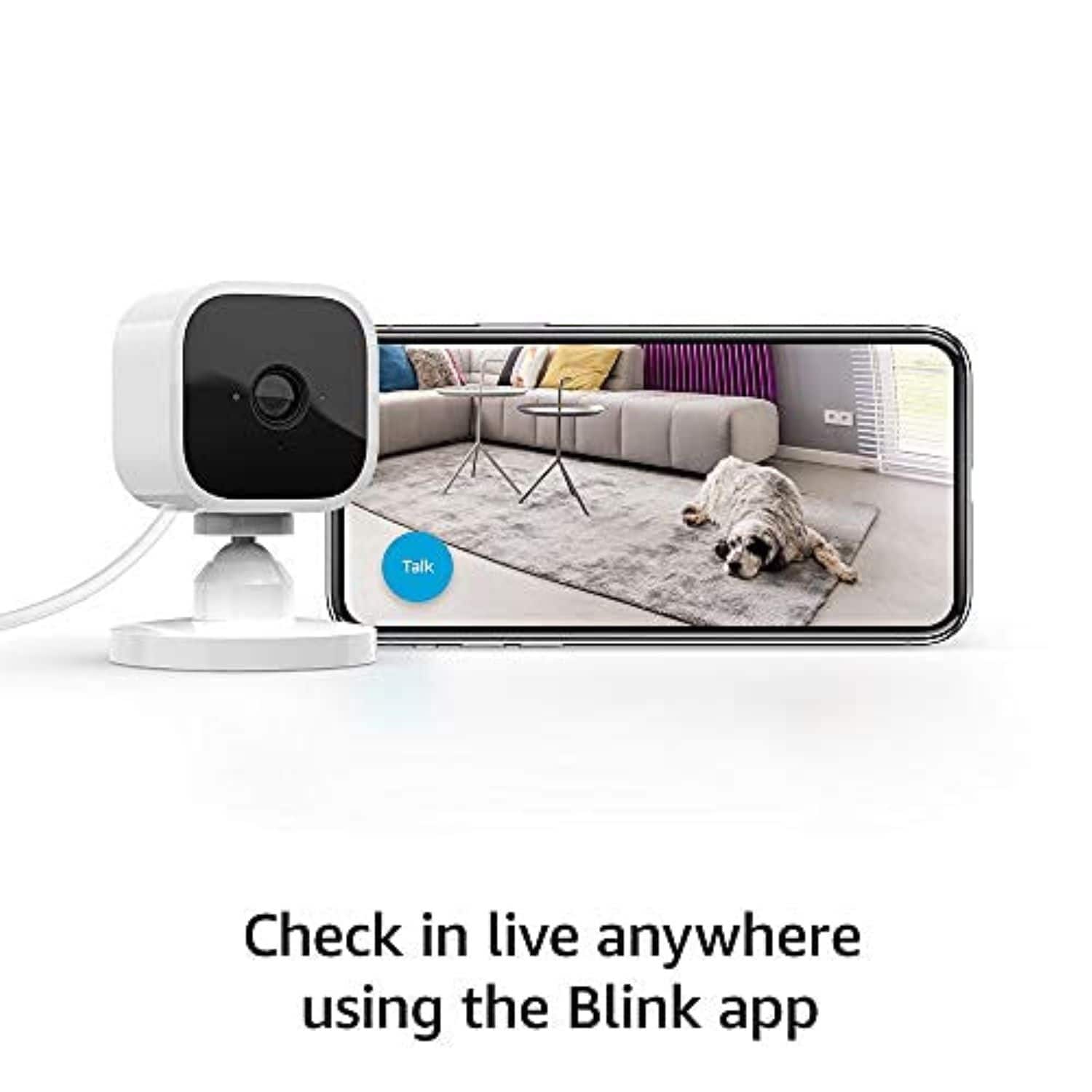

- Model:
- B07X27VK3D
- SKU:
- 6401019
Rating by feature
- Value
Rating 4.6 out of 5 stars
- Quality
Rating 4.5 out of 5 stars
- Ease of Use
Rating 4.6 out of 5 stars
Customers are saying
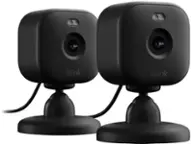
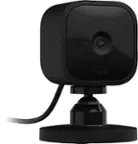
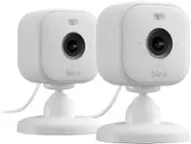
Customers are impressed with the camera quality, ease of use, and affordable price of the Mini - Compact indoor plug-in smart security camera. Many appreciate its small size, motion detection, and night vision capabilities, making it a good security option. However, some users have reported issues with connectivity, battery life, and the live view option. Additionally, the subscription requirement has been a concern for some customers.
This summary was generated by AI based on customer reviews.
- Pros mentioned:Camera quality
Dog watcher
||Posted .This reviewer received promo considerations or sweepstakes entry for writing a review.These things are great for watching to see what your dog is doing at home when you’re not there LOL
I would recommend this to a friend Nice
||Posted .This reviewer received promo considerations or sweepstakes entry for writing a review.Bought for my mom and she loves them work for what she needs
I would recommend this to a friend- Pros mentioned:Camera quality
Great indoor camera would recommend
||Posted . Owned for 1 month when reviewed.This reviewer received promo considerations or sweepstakes entry for writing a review.Great camera for indoors clear pictures also no batteries love this camera
I would recommend this to a friend - Pros mentioned:Ease of use
Good indoor cameras
||Posted . Owned for 2 months when reviewed.This reviewer received promo considerations or sweepstakes entry for writing a review.Easy to install cameras and very easy to use with app
I would recommend this to a friend Customer Support is a pain
||Posted . Owned for more than 2 years when reviewed.This reviewer received promo considerations or sweepstakes entry for writing a review.Even the price is cheaper of these devices, the customer support is very bad. If you setup this camera once then you will have a pain to setup again, customer support to "unlock" the device, even you use blink application devices can disappear and it is a pain, Customer support is not "unblocking" the cameras even you submit the receipt or demonstrate that cameras are yours.
No, I would not recommend this to a friendBrand response from Amazon Devices Customer Support
Posted .Hi there,
Thank you for sharing your experience with the Blink Mini security cameras. I'm truly sorry to hear about the difficulties you've encountered with customer support—dealing with device setup issues is frustrating enough without the added challenge of getting help to resolve them.
Your concerns about devices disappearing from the Blink application and the difficulty in getting cameras "unlocked" even after providing proof of ownership are serious issues that shouldn't happen. When you've submitted receipts and demonstrated that the cameras are yours, the support process should be straightforward, not an obstacle course.
I understand that while the price point is attractive, the value diminishes significantly when you can't reliably access and use your devices. Setup should be a one-time process, not something that becomes a recurring pain point requiring support intervention.
For immediate assistance with your camera access issues, I'd recommend:
First, try removing and re-adding the cameras through the Blink app under "Manage Account" > "Systems" to see if this resolves the disappearing device issue.
Second, if you continue to experience problems with device unlocking, contact Blink support directly at 1-833-425-4655 or through the Blink app, and ask to escalate to a supervisor if the initial representative cannot resolve your access issue.
Third, keep all documentation of your purchase and previous support interactions readily available for reference.
Your feedback about the customer support experience is valuable and helps identify areas where the service needs improvement. Customers deserve responsive, effective support, especially when dealing with security devices.
- Pros mentioned:Overall performance
I spy
||Posted . Owned for 1 month when reviewed.This reviewer received promo considerations or sweepstakes entry for writing a review.Love these cameras. Work great to check on the cat.
I would recommend this to a friend - Pros mentioned:Camera quality
Camera
||Posted . Owned for 8 months when reviewed.This reviewer received promo considerations or sweepstakes entry for writing a review.Camera works good for inside use. Clear picture and easy to set up and use.
I would recommend this to a friend - Pros mentioned:Camera quality
Blink Mini Camera
||Posted . Owned for 1 month when reviewed.This reviewer received promo considerations or sweepstakes entry for writing a review.Fun thing to have! I synced it with the Echo Show 8 that was part of a package deal so I can monitor my back deck.
I would recommend this to a friend - Pros mentioned:Camera quality
Camera
||Posted . Owned for 3 weeks when reviewed.This reviewer received promo considerations or sweepstakes entry for writing a review.Excellent camera to use inside the home with a very good image
I would recommend this to a friend - Pros mentioned:Price
Best indoor cam
||Posted . Owned for 3 months when reviewed.This reviewer received promo considerations or sweepstakes entry for writing a review.Best security cam for its price. Perfect for indoor use
I would recommend this to a friend - Pros mentioned:Camera quality
Keep an eye out on your house
||Posted . Owned for 2 months when reviewed.This reviewer received promo considerations or sweepstakes entry for writing a review.Bought the outdoor 2 camera set. Liked so much I came back for indoor. Kinda fun watching my cats when we’re gone
I would recommend this to a friend - Pros mentioned:Ease of use
Cool
||Posted . Owned for 3 weeks when reviewed.This reviewer received promo considerations or sweepstakes entry for writing a review.Its easy to install and records most of the things. when u checking the Live feed it records from your end too.
I would recommend this to a friend - Pros mentioned:Camera quality
Great buy
||Posted . Owned for 2 weeks when reviewed.This reviewer received promo considerations or sweepstakes entry for writing a review.Excellent product. I love how loud it is the intercom and the quality is better than expected.
I would recommend this to a friend - Pros mentioned:Camera quality
Great camera
||Posted . Owned for 4 months when reviewed.This reviewer received promo considerations or sweepstakes entry for writing a review.I love my camera to spy on my fur baby. I can talk through it and hear what others are saying.
I would recommend this to a friend - Pros mentioned:Camera quality
Great Camera
||Posted . Owned for 3 weeks when reviewed.This reviewer received promo considerations or sweepstakes entry for writing a review.Clear camera quality. It holds a strong wifi signal and the sound is clear.
I would recommend this to a friend - Pros mentioned:Ease of use
Good purchase
||Posted . Owned for 2 months when reviewed.This reviewer received promo considerations or sweepstakes entry for writing a review.This is my first purchase of the indoor blink camera. I really like how i can check on my house when I'm not home.
I would recommend this to a friend - Pros mentioned:Ease of use
Easy to set up
||Posted .This reviewer received promo considerations or sweepstakes entry for writing a review.Easy to set up! Great for monitoring on your smart devices when you’re away!
I would recommend this to a friend Great little cameras, difficult to figure out...
||Posted . Owned for less than 1 week when reviewed.This reviewer received promo considerations or sweepstakes entry for writing a review.These are great but for some reason I do not get notifications on my phone when there is movement. I have gone in through the settings trying to figure out what is going on and I'm unable to do so. I can go into the app and look at the live feed, but cannot get notifications.
I would recommend this to a friend- Pros mentioned:Camera quality
Camera
||Posted . Owned for 3 weeks when reviewed.This reviewer received promo considerations or sweepstakes entry for writing a review.This is a great camera the quality is very good love this
I would recommend this to a friend - Pros mentioned:Ease of use
Great security system
||Posted . Owned for 6 months when reviewed.This reviewer received promo considerations or sweepstakes entry for writing a review.I love having this in the house for when I am gone and I can see what’s going on. I have the whole blink system
I would recommend this to a friend