Customer Ratings & Reviews


Customer reviews
Rating 4.5 out of 5 stars with 226 reviews
(226 customer reviews)Rating by feature
- Value4.3
Rating 4.3 out of 5 stars
- Quality4.6
Rating 4.6 out of 5 stars
- Ease of Use4.5
Rating 4.5 out of 5 stars
Rated 5 out of 5 stars
Great Printer
||Posted . Owned for 3 weeks when reviewed.This reviewer received promo considerations or sweepstakes entry for writing a review.Great printer. Be warned, it's not light. Make sure you have a stand/desk that can bear the weight. Take your time in the set up to make sure everything is connected for scanning. Overall, I'm very happy with this printer. If you're looking for something that has a higher capacity than a traditional "home office printer" this is worth the money.
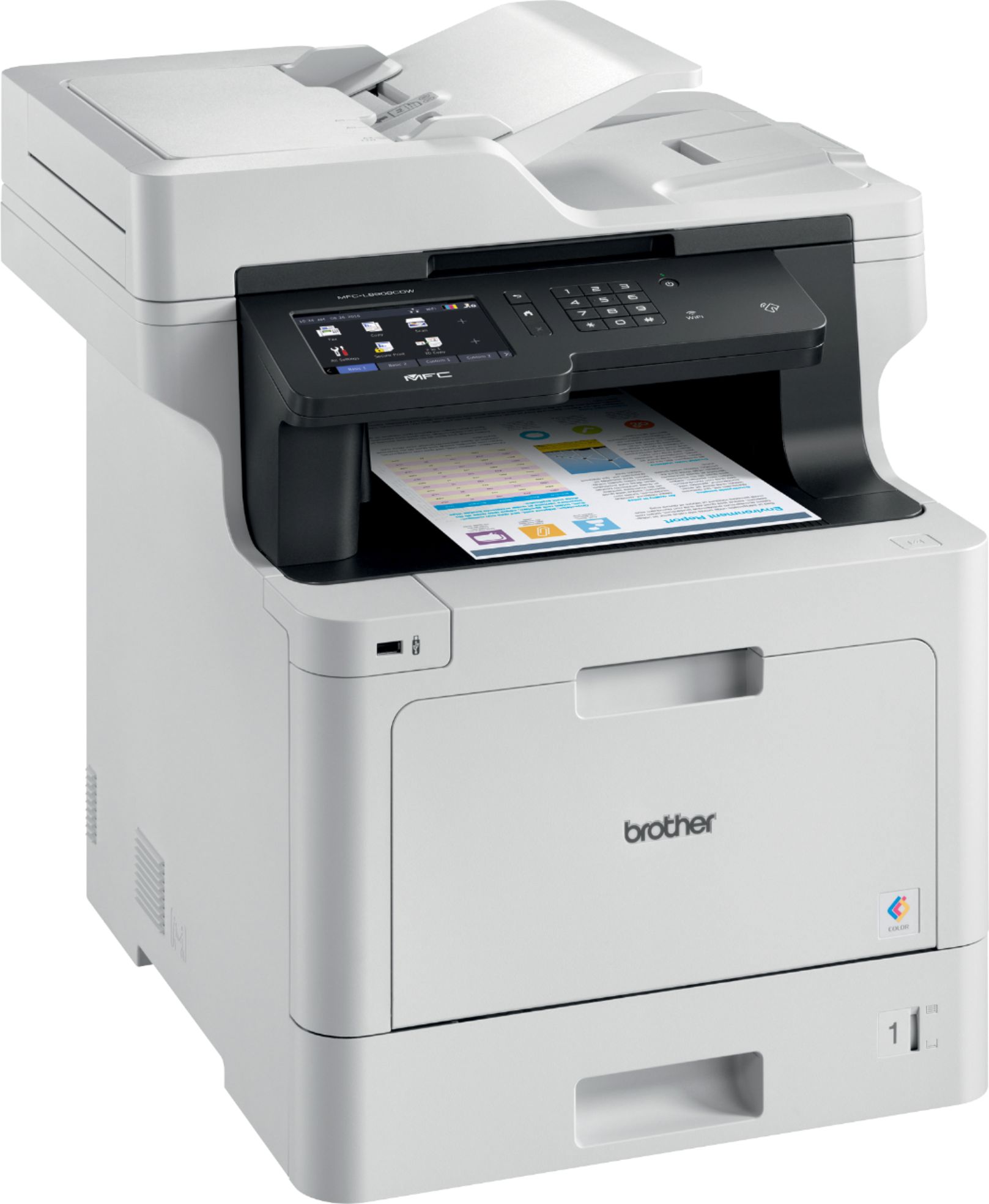
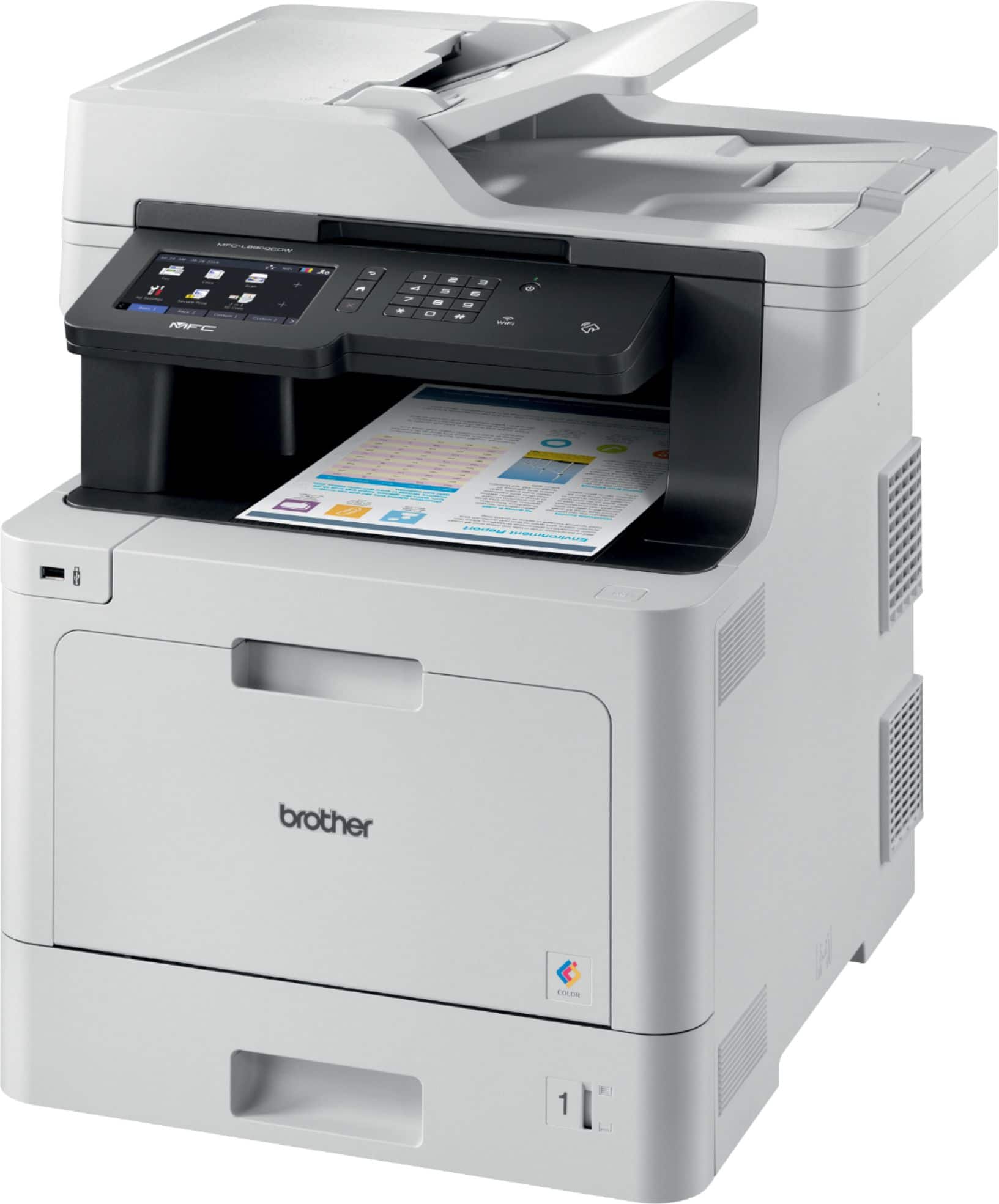
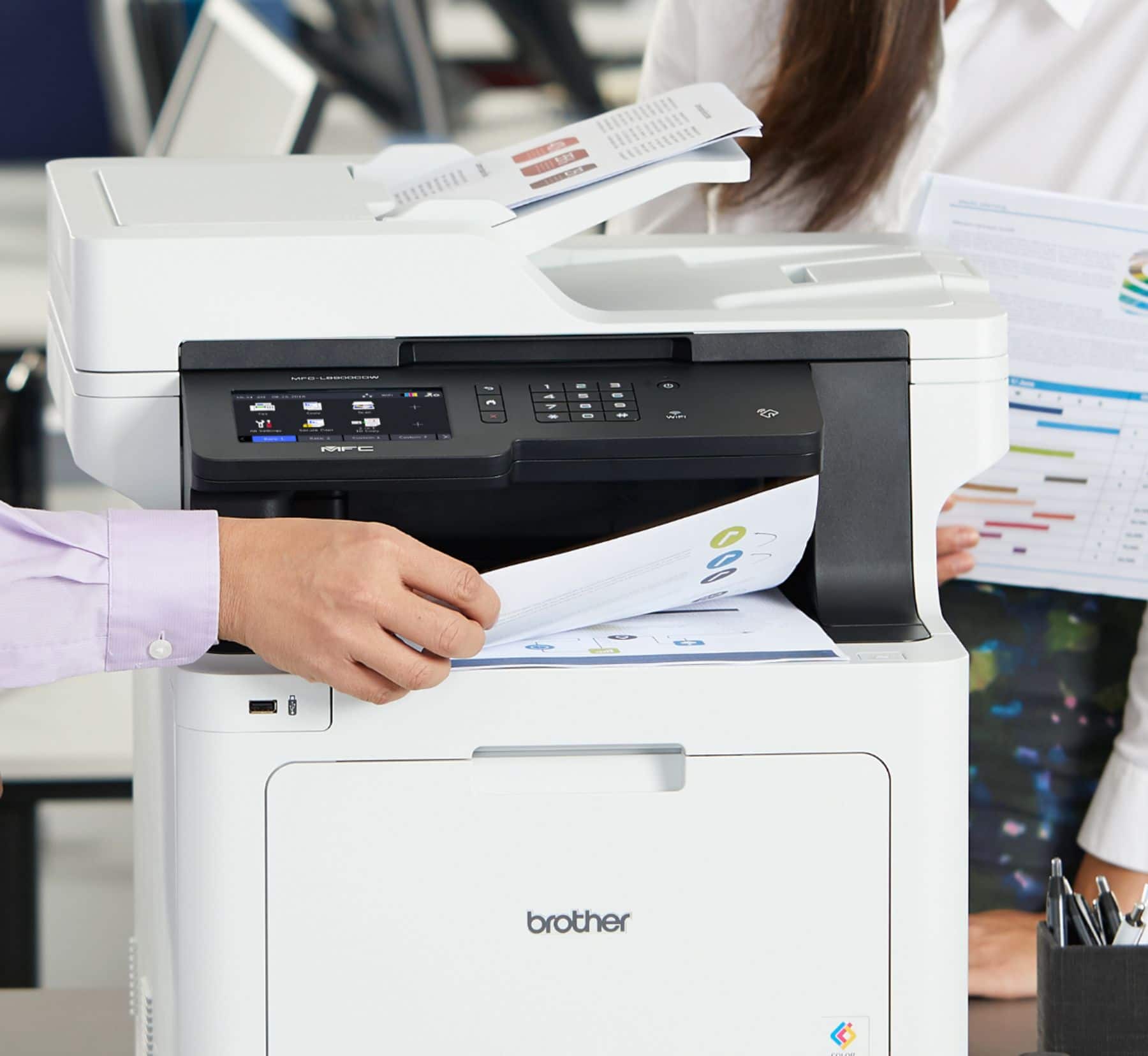
This review is from Brother - MFC-L8900CDW Wireless Color All-in-One Laser Printer with with Duplex Print, Scan, and Copy, Great for Business - White
I would recommend this to a friendRated 5 out of 5 stars
Great printer for even better price!
||Posted . Owned for 1 month when reviewed.This reviewer received promo considerations or sweepstakes entry for writing a review.Great printer, highly recommended! We use it for a light business but overall, the quality and ease of use is phenomenal. Brother always has put out a great product and would recommend this
This review is from Brother - MFC-L8900CDW Wireless Color All-in-One Laser Printer with with Duplex Print, Scan, and Copy, Great for Business - White
I would recommend this to a friendRated 5 out of 5 stars
Brother MFC-L8900CDW
||Posted . Owned for 3 weeks when reviewed.This reviewer received promo considerations or sweepstakes entry for writing a review.Very good color laser all-in-one printer. I got it for home use, printing & scanning documents from PC & iPhones. Much better than ink-jet, toner doesn't dry out like ink-jet ink does. Comes with a set of standard size toner cartridges. If you subtract the cost of the cartridges from the cost of the printer, you'll realize how inexpensive the printer really is. The printer is heavy and needs to be on a sturdy table. Mine is on an end table next to my desk. The setup went smoothly with the printer on WiFi and the CD-Rom in my desktop. At the end of the setup, the printer and the PC updated themselves from the Internet. I leave it on and asleep 24x7. Print & scan quality are excellent. The print, copy & ADF scanner resolution are 600 DPI, the flatbed scanner is 1200 DPI. Colors are good for office use but definitely not photo quality. If you print color photos, you need an ink-jet. I bought this printer because of it's overall functionality & quality. I use duplex printing & scanning 99% of the time. I really like the ADF single pass duplex scanner, it never jams. The reversing ADF scanner in my previous printer (another mfg'r) used to jam more often than not. Also this ADF scanner's 600 DPI resolution is really appreciated, the other mfg'r that I considered highlighted his 1200 DPI flatbed resolution but carefully avoided mentioning his ADF resolution. If you go to the store and try that other mfg'rs ADF scanner, you find out that it's still the same 300 DPI that it was in 2013.
This review is from Brother - MFC-L8900CDW Wireless Color All-in-One Laser Printer with with Duplex Print, Scan, and Copy, Great for Business - White
I would recommend this to a friendRated 5 out of 5 stars
Easy to set up, very fast, great quality
||Posted .This reviewer received promo considerations or sweepstakes entry for writing a review.The printer was easy to setup. I use this printer everyday, all day, and it never jams. It is very fast. The quality of the printing is high. The scanner is also fast and quality is excellent.
This review is from Brother - MFC-L8900CDW Wireless Color All-in-One Laser Printer with with Duplex Print, Scan, and Copy, Great for Business - White
I would recommend this to a friendRated 5 out of 5 stars
Spoiled rotten
||Posted .This reviewer received promo considerations or sweepstakes entry for writing a review.I have had ink cartridge printers up until now and tired of the lack of printers qualities they left me with. The manufactures kept giving me fixes to make their products work the way they said that they do. I finally bit the bullet and put out more cash. The Brother MFC-L8900CDW cost more than the all in one's that I had been buying but so far, has given me excellent printouts and photos. Being a laser printer, I expect to get many years and thousands of prints in the years to come. I have only had my new Brother for about 3 weeks. the set up was easy and only took about 1 hour to get it ready on 4 PC's and cell phones. The PC's with Windows 7 were a slight challenge but are talking to it like they are supposed to. Being a laser, it takes a few seconds to warm up before the print job starts but that is just a lasers characteristic. I will update this if I find this to be a boondoggle testament.
This review is from Brother - MFC-L8900CDW Wireless Color All-in-One Laser Printer with with Duplex Print, Scan, and Copy, Great for Business - White
I would recommend this to a friendRated 5 out of 5 stars
Laser Printer
||Posted .This reviewer received promo considerations or sweepstakes entry for writing a review.Works great, is fast and prints exactly how I expected it to.
This review is from Brother - MFC-L8900CDW Wireless Color All-in-One Laser Printer with with Duplex Print, Scan, and Copy, Great for Business - White
I would recommend this to a friendRated 5 out of 5 stars
Great all in one printer
||Posted .This reviewer received promo considerations or sweepstakes entry for writing a review.Great "All in One" printer, copier, scanner. Although a large foot print, quality is great, easy to use, and will reduce costs in long run due to not having to buy ink that always seems to dry out and clog a printer at a horrendous cost. Also toner will last even when left for an extended period. Was looking for something that could perform all these features with toner, had good reviews, and didn't break the bank. This unit seems to hit the mark.
This review is from Brother - MFC-L8900CDW Wireless Color All-in-One Laser Printer with with Duplex Print, Scan, and Copy, Great for Business - White
I would recommend this to a friendRated 5 out of 5 stars
BEST PRINTER I HAVE OWNED (so far)
||Posted . Owned for 3 weeks when reviewed.This reviewer received promo considerations or sweepstakes entry for writing a review.This printer does everything I could want or need. It wakes up when not used and prints perfectly without errors every time. Side note. Brother printers and Arris modems do not play well together. A Brother printer will not wake up correctly using an Arris modem. Brother reached out to Arris and it isn't fixable. This works perfectly on my Asus router.
This review is from Brother - MFC-L8900CDW Wireless Color All-in-One Laser Printer with with Duplex Print, Scan, and Copy, Great for Business - White
I would recommend this to a friendRated 4 out of 5 stars
Lots of Features but..
||Posted .This reviewer received promo considerations or sweepstakes entry for writing a review.This laser printer has a lot of features for the money, ex, has duplex scanning as well as duplex printing (excellent) but slower printing than expected for a laser printer (very disappointing). The fax function is also disappointing as there is little to no indication of what happening during the faxing of a document (no page # of # sending, connected, etc.). More times than not, the fax doesn't go through though it appears to have connected to a fax machine at the other end. It also seems to want to resend a fax even when a completed fax is confirmed (annoying).
This review is from Brother - MFC-L8900CDW Wireless Color All-in-One Laser Printer with with Duplex Print, Scan, and Copy, Great for Business - White
I would recommend this to a friendRated 5 out of 5 stars
Great printer
||Posted .This reviewer received promo considerations or sweepstakes entry for writing a review.We bought this printer for our churche office. It prints quality copies and its very fast
This review is from Brother - MFC-L8900CDW Wireless Color All-in-One Laser Printer with with Duplex Print, Scan, and Copy, Great for Business - White
I would recommend this to a friendRated 5 out of 5 stars
Good product
||Posted .This reviewer received promo considerations or sweepstakes entry for writing a review.So far, so good. It was very easy to set up. The scanning is quick and the print quality is really good!
This review is from Brother - MFC-L8900CDW Wireless Color All-in-One Laser Printer with with Duplex Print, Scan, and Copy, Great for Business - White
I would recommend this to a friendRated 4 out of 5 stars
Good printer for small office use.
||Posted .This reviewer received promo considerations or sweepstakes entry for writing a review.Overall it is what we expected for our use in our church. A bit slower but print is clear, color is very good compared to our former Eco Tank. Sales person was helpful. I do wish that the paper handling was a bit easier but that is probably a learning curve which comes with use.
This review is from Brother - MFC-L8900CDW Wireless Color All-in-One Laser Printer with with Duplex Print, Scan, and Copy, Great for Business - White
I would recommend this to a friendRated 5 out of 5 stars
Excellent all-around multi-function laser printer
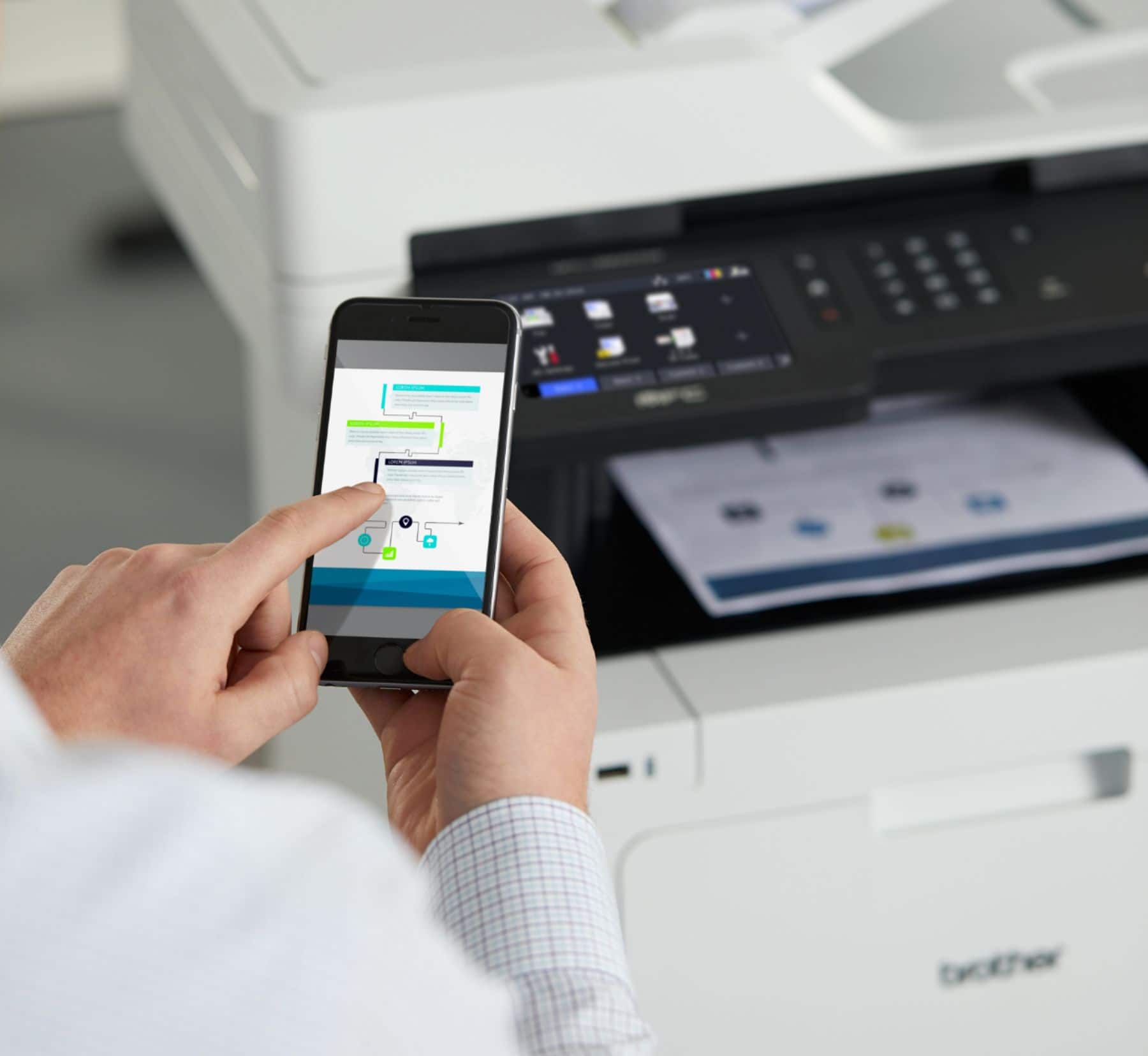
||Posted . Owned for 1 month when reviewed.This reviewer received promo considerations or sweepstakes entry for writing a review.This printer is relatively easy to set up, the WiFi works well for convenient printing from computer tablet, phone, and the output is sharp. Not designed for photo printing, (typical of laser printers), but everything else comes out looking professionally produced. Although a bit on the big and expensive side, it appears to be built to last and it is easy to manipulate the paper tray and document feeder.
This review is from Brother - MFC-L8900CDW Wireless Color All-in-One Laser Printer with with Duplex Print, Scan, and Copy, Great for Business - White
I would recommend this to a friendRated 5 out of 5 stars
Excellent printer
||Posted . Owned for 3 weeks when reviewed.This reviewer received promo considerations or sweepstakes entry for writing a review.The ease of installing this printer on my network was incredible! I have a Brother HL-L2370dw that was challenging to put on my network because of the small display window. I don’t like to add on superfluous software and choose to do a manual set-up. Piece of cake for the MFC-L8900CDW. I like the way this printer prints and copies and it definitely meets my needs.
This review is from Brother - MFC-L8900CDW Wireless Color All-in-One Laser Printer with with Duplex Print, Scan, and Copy, Great for Business - White
I would recommend this to a friendRated 5 out of 5 stars
great printer
||Posted . Owned for 3 weeks when reviewed.This reviewer received promo considerations or sweepstakes entry for writing a review.Great printer! Clear, Quiet and quick. My third Brother printer between work and home and I think they've won me over for a long time.
This review is from Brother - MFC-L8900CDW Wireless Color All-in-One Laser Printer with with Duplex Print, Scan, and Copy, Great for Business - White
I would recommend this to a friendRated 5 out of 5 stars
Best in class multifunction printer
||Posted . Owned for 1 year when reviewed.This reviewer received promo considerations or sweepstakes entry for writing a review.For some years, my wife and I had been getting mid-range inkjet multifunction printers for our home office. The problem was that regardless of manufacturer, they were constant points of frustration. They had high ink costs, mediocre performance, and couldn't handle the print life we required. I finally decided to go with a proper work-group class laser. The problem was that it HAD to be a multifunction unit. We settled on this Brother printer. We have had it about a year now and could not be more pleased. Print quality is outstanding. Brother keeps the drivers up to date. It has a sufficiently large paper tray. And while the toner is obviously going to be a bit pricey because it's color, we are still on the original toner cartridges that came with the printer. If you are tired of the inkjet game, I would strongly suggest you bite the bullet and invest in a real printer. You won't regret it.
This review is from Brother - MFC-L8900CDW Wireless Color All-in-One Laser Printer with with Duplex Print, Scan, and Copy, Great for Business - White
I would recommend this to a friendRated 5 out of 5 stars
Perfect prints
||Posted . Owned for 1 month when reviewed.This reviewer received promo considerations or sweepstakes entry for writing a review.This printer creates perfect prints every time either black and white or full color. It is extremely fast as well.
This review is from Brother - MFC-L8900CDW Wireless Color All-in-One Laser Printer with with Duplex Print, Scan, and Copy, Great for Business - White
I would recommend this to a friendRated 5 out of 5 stars
Love it!
||Posted . Owned for 3 weeks when reviewed.This reviewer received promo considerations or sweepstakes entry for writing a review.Set-up was easy. Networking was easy. Super clear copies from anywhere in my house, off any of my devices. I love it. I use it mostly for legal work, so I print a ton of large documents and I scan a lot of documents. I’ll never buy another inkjet. So far, it has worked flawlessly, and I’ve gone thru about 12 reams of paper in 5 days with it.
This review is from Brother - MFC-L8900CDW Wireless Color All-in-One Laser Printer with with Duplex Print, Scan, and Copy, Great for Business - White
I would recommend this to a friendRated 4 out of 5 stars
Nice printer for the money
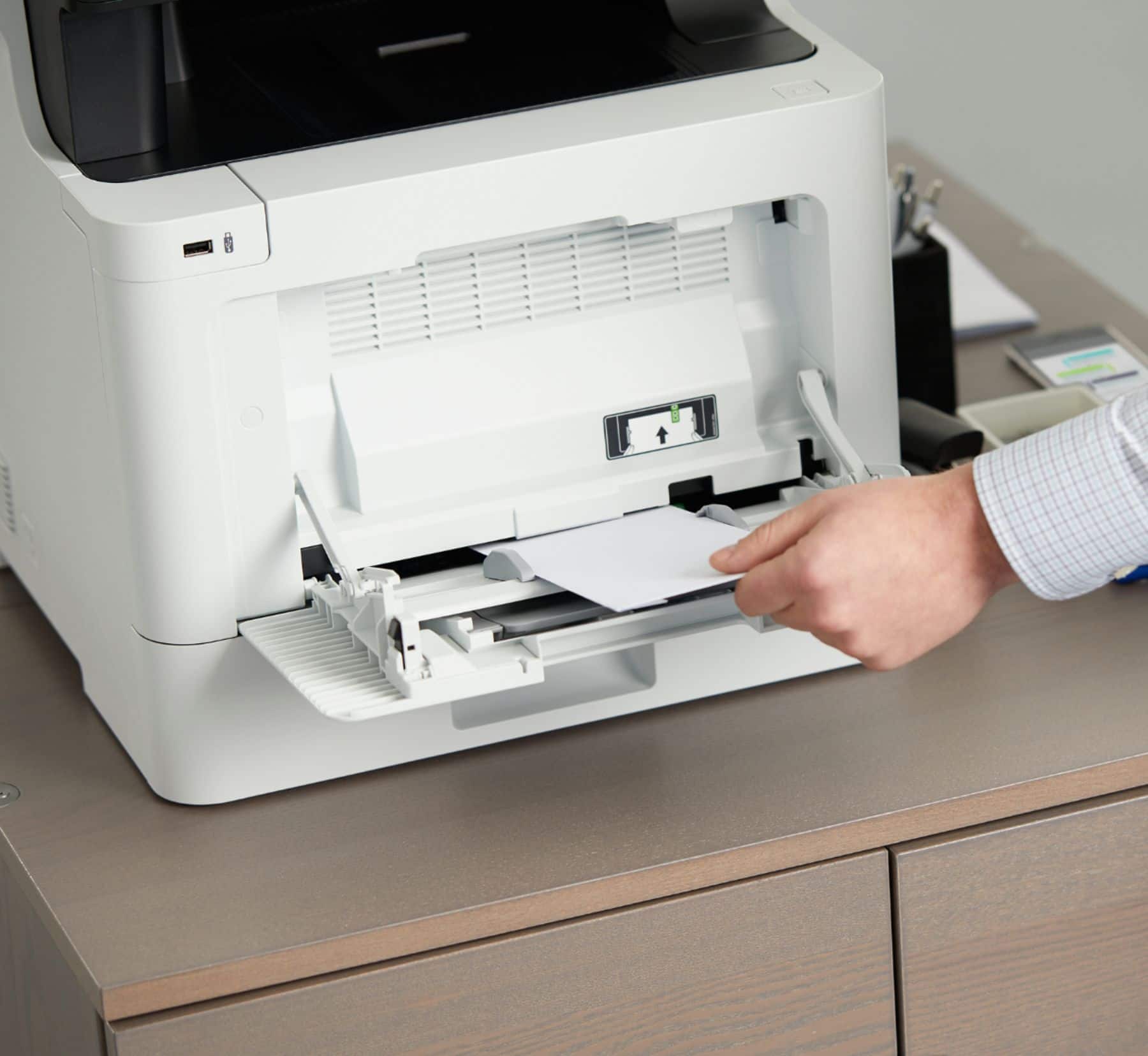
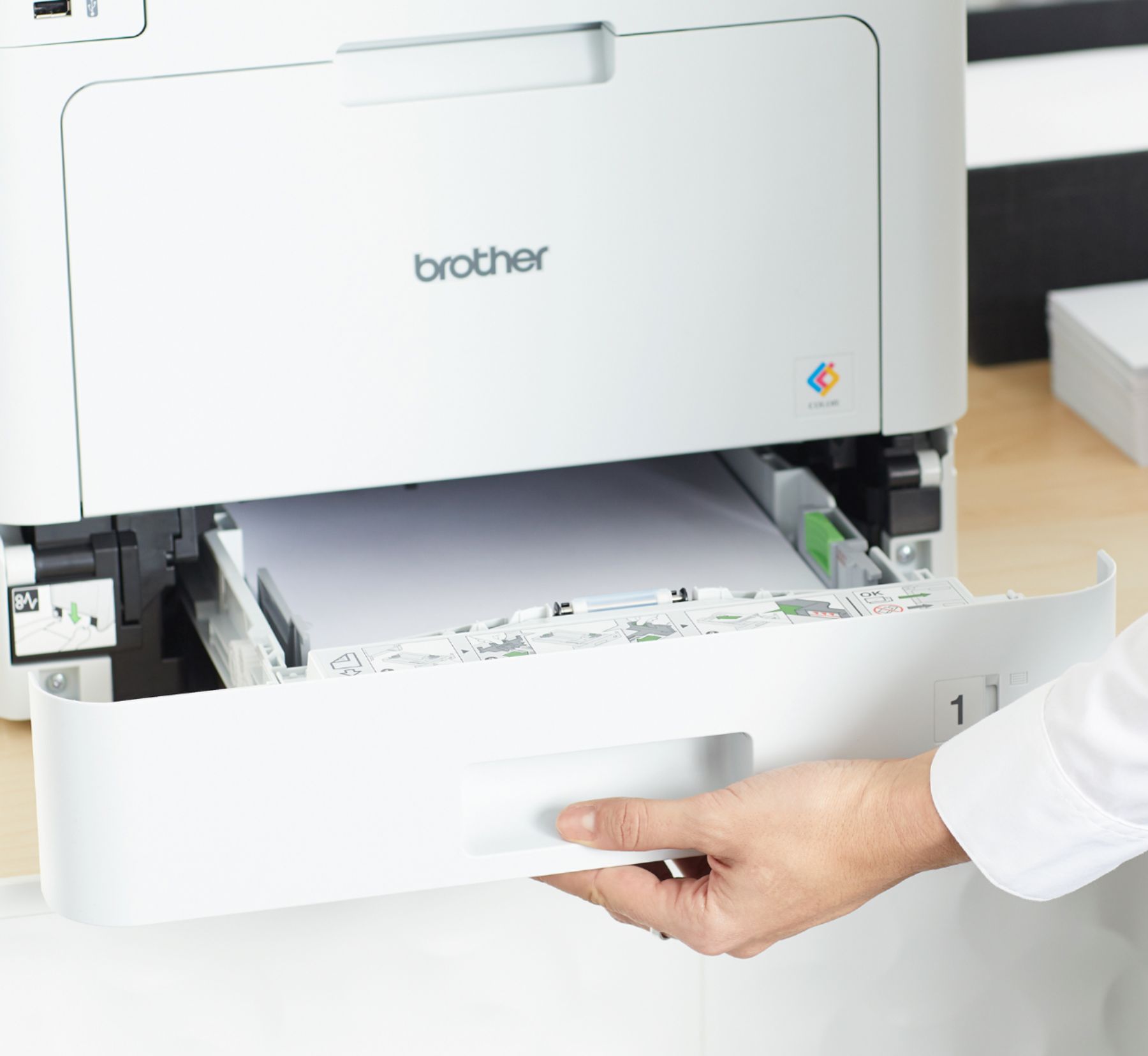
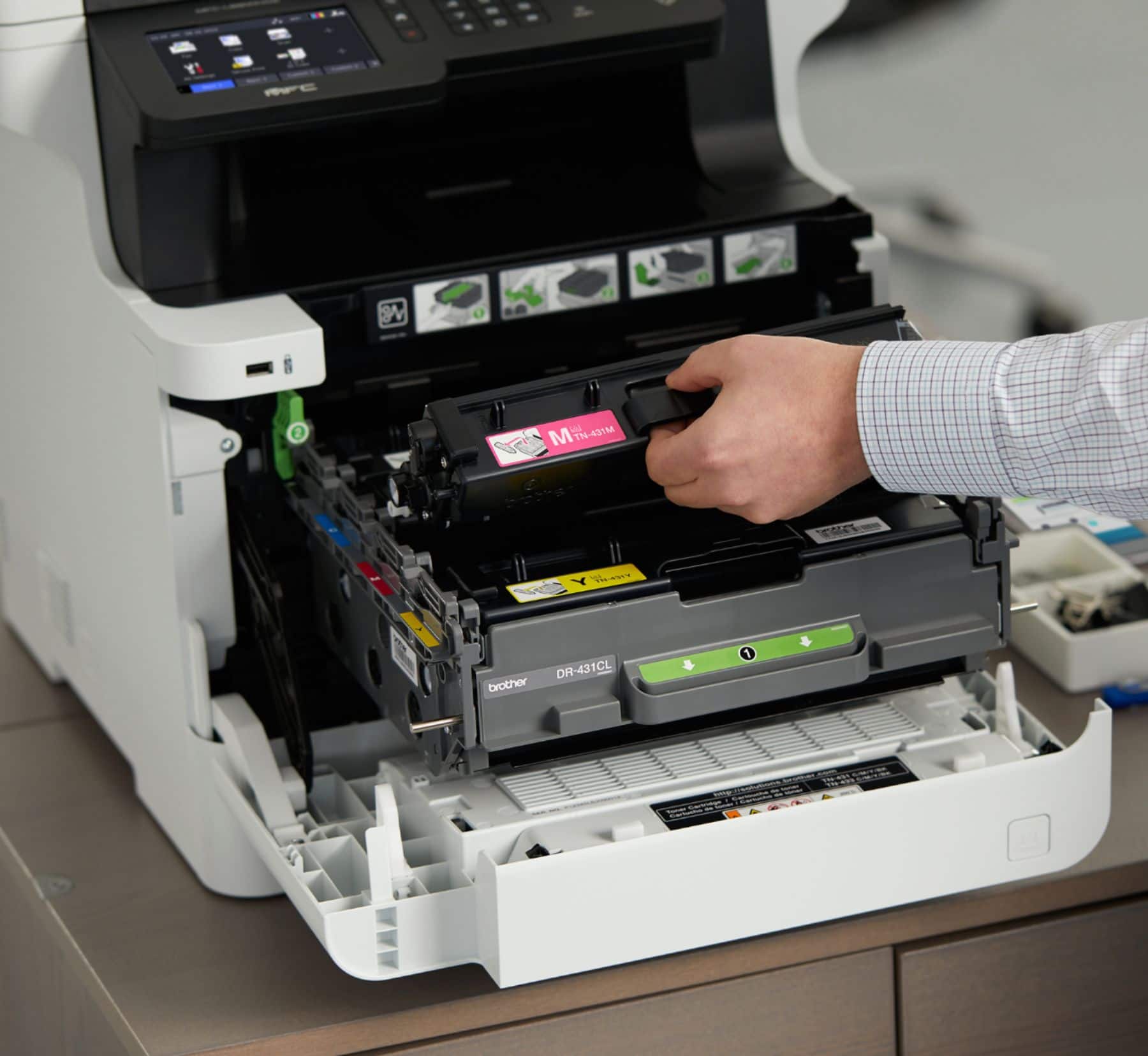
||Posted .This reviewer received promo considerations or sweepstakes entry for writing a review.Been HP users for many, many years, so was a bit reluctant to try a Brother, but after a few weeks of use, would recommend it. Fairly easy to set up, although you'll need to download a true user's manual for more in-depth info on full capabilities and available, helpful settings. Wish there was a bit more metal than plastic (such as on fold-out tray for large paper), but that's common with most printers in this class. Good print quality. Expected to need to buy toner cartridges after just a few days of testing, but the ones that come with it seem to be full capacity and there's a good viewable graphic of the toner status. Planning to buy an optional paper tray for legal paper now too.
This review is from Brother - MFC-L8900CDW Wireless Color All-in-One Laser Printer with with Duplex Print, Scan, and Copy, Great for Business - White
I would recommend this to a friendRated 5 out of 5 stars
Great multifunctional toner printer
||Posted .This reviewer received promo considerations or sweepstakes entry for writing a review.I was tired of replacing ink cartridges on ink jet printers for home use so finally invested into a much better printer. Scanning, printing, copying, and email functionality is perfect. Quality of print jobs also is greatly improved over typical ink jet printers.
This review is from Brother - MFC-L8900CDW Wireless Color All-in-One Laser Printer with with Duplex Print, Scan, and Copy, Great for Business - White
I would recommend this to a friend