Year-End SaleEnds 1/1/26. Limited quantities. No rainchecks.

Main Content

Customer Ratings & Reviews
Your price for this item is $759.95
The comparable value price is $949.99

Customer reviews

Rating 4.6 out of 5 stars with 46 reviews

Rating Filter

Rating by feature

  • Value

    Rating 4.4 out of 5 stars

  • Quality

    Rating 4.6 out of 5 stars

  • Ease of Use

    Rating 4.5 out of 5 stars

Pros mentioned filter

Cons mentioned filter

93%would recommend to a friend
The vast majority of our reviews come from verified purchases. Reviews from customers may include My Best Buy members, employees, and Tech Insider Network members (as tagged). Select reviewers may receive discounted products, promotional considerations or entries into drawings for honest, helpful reviews.
Page 3 Showing 41-46 of 46 reviews
  • Tech Insider Network Member

    Rated 4 out of 5 stars

    Only charges via USB-C PD, if you use with OBS

    |
    Tech Insider Network Member
    Posted .
    This reviewer received promo considerations or sweepstakes entry for writing a review.

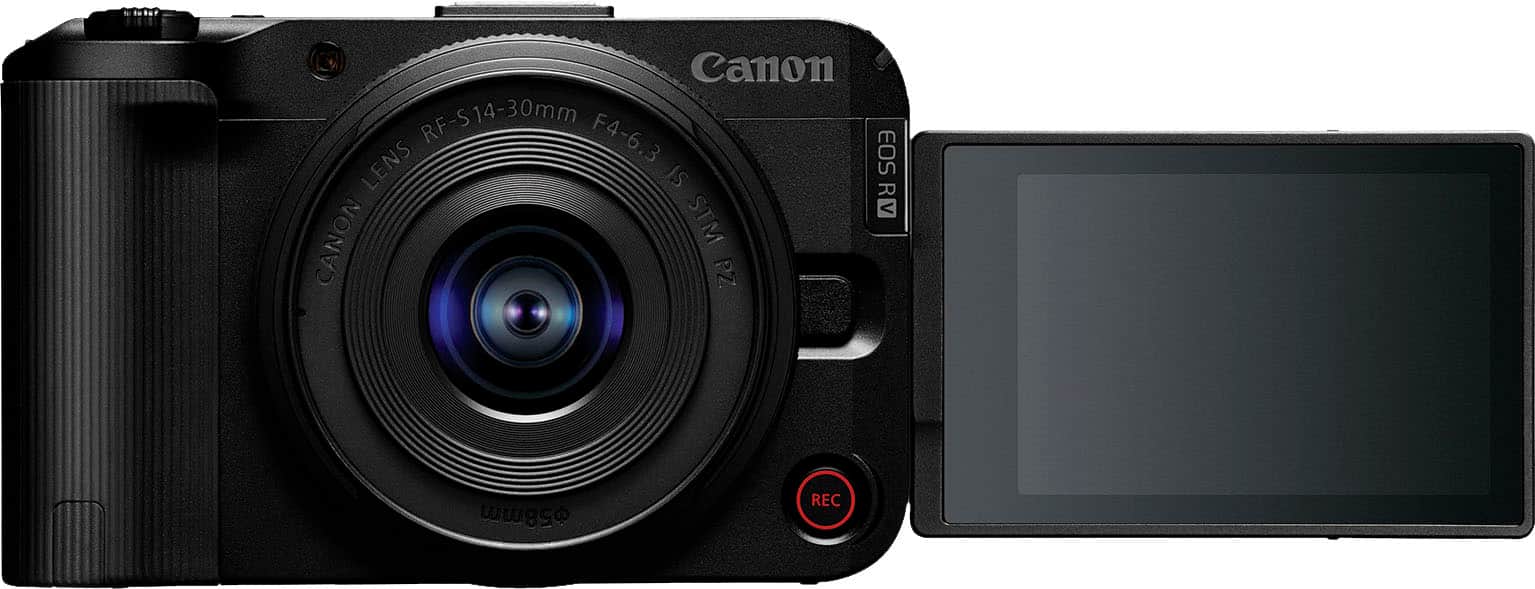
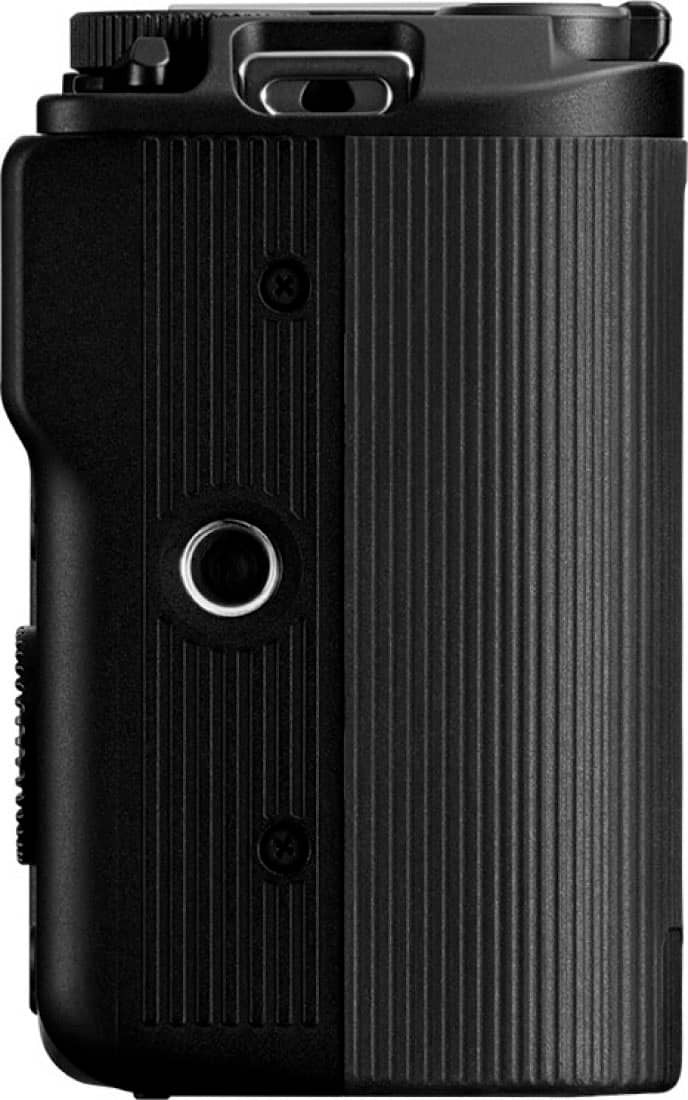
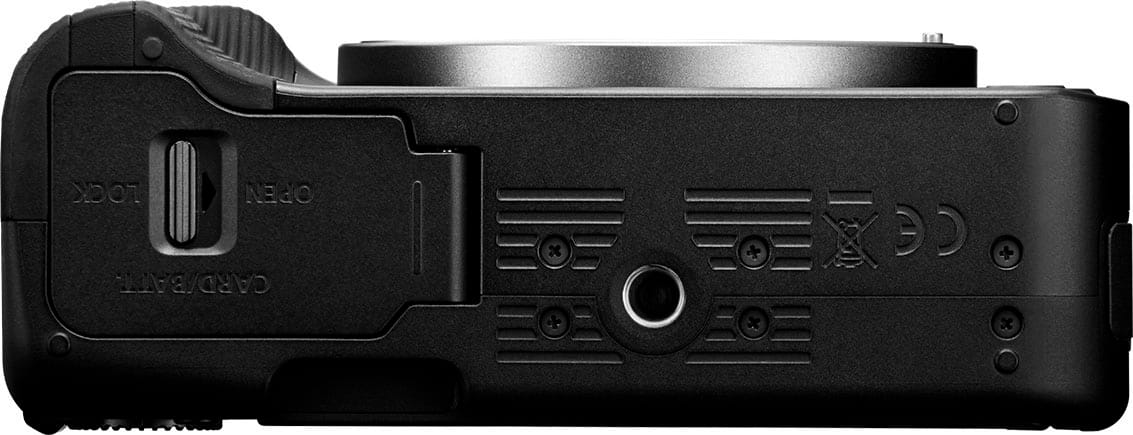
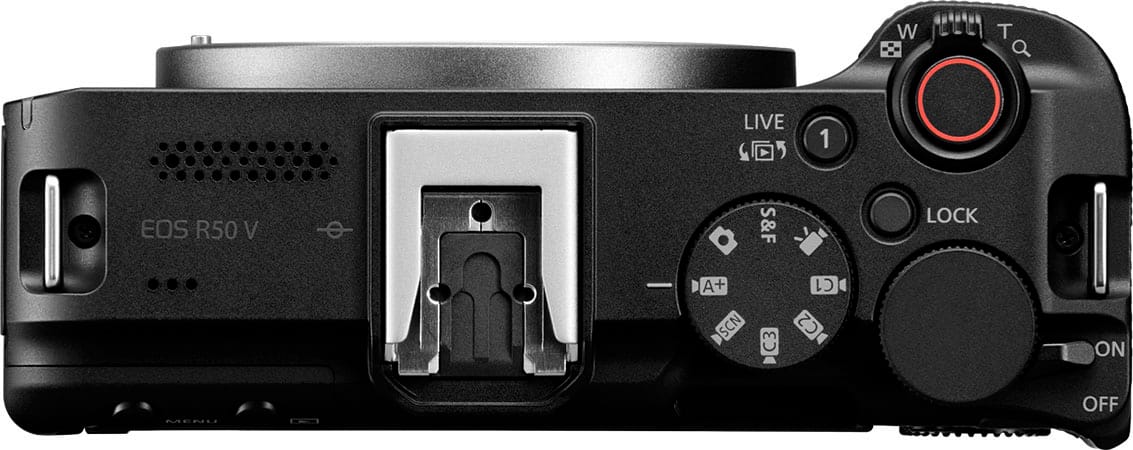
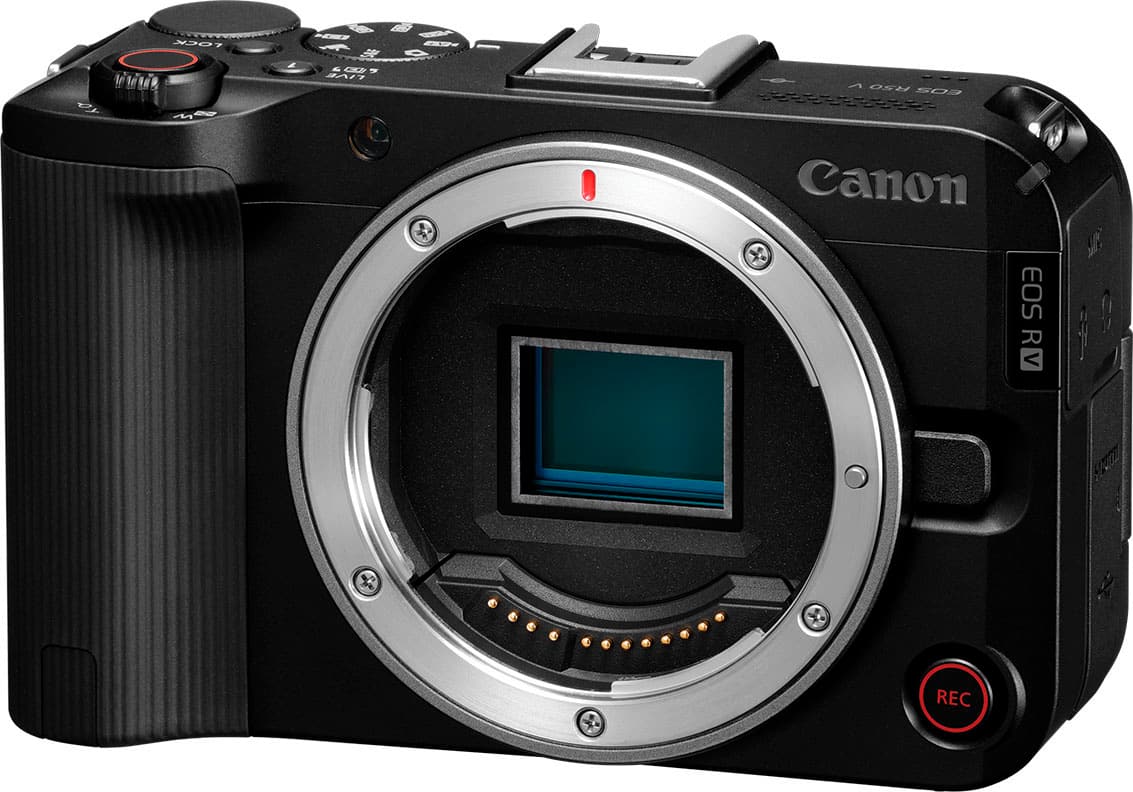
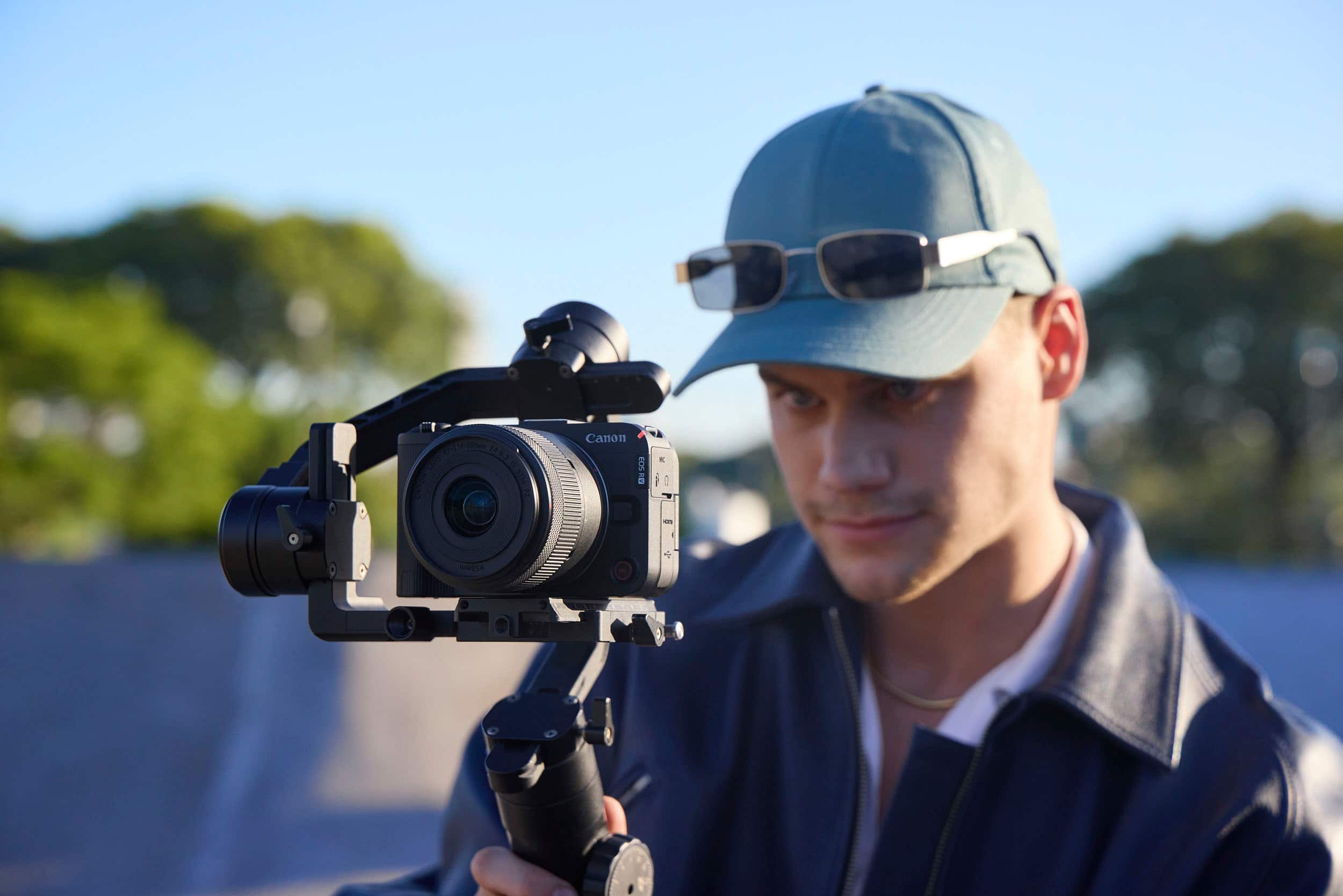
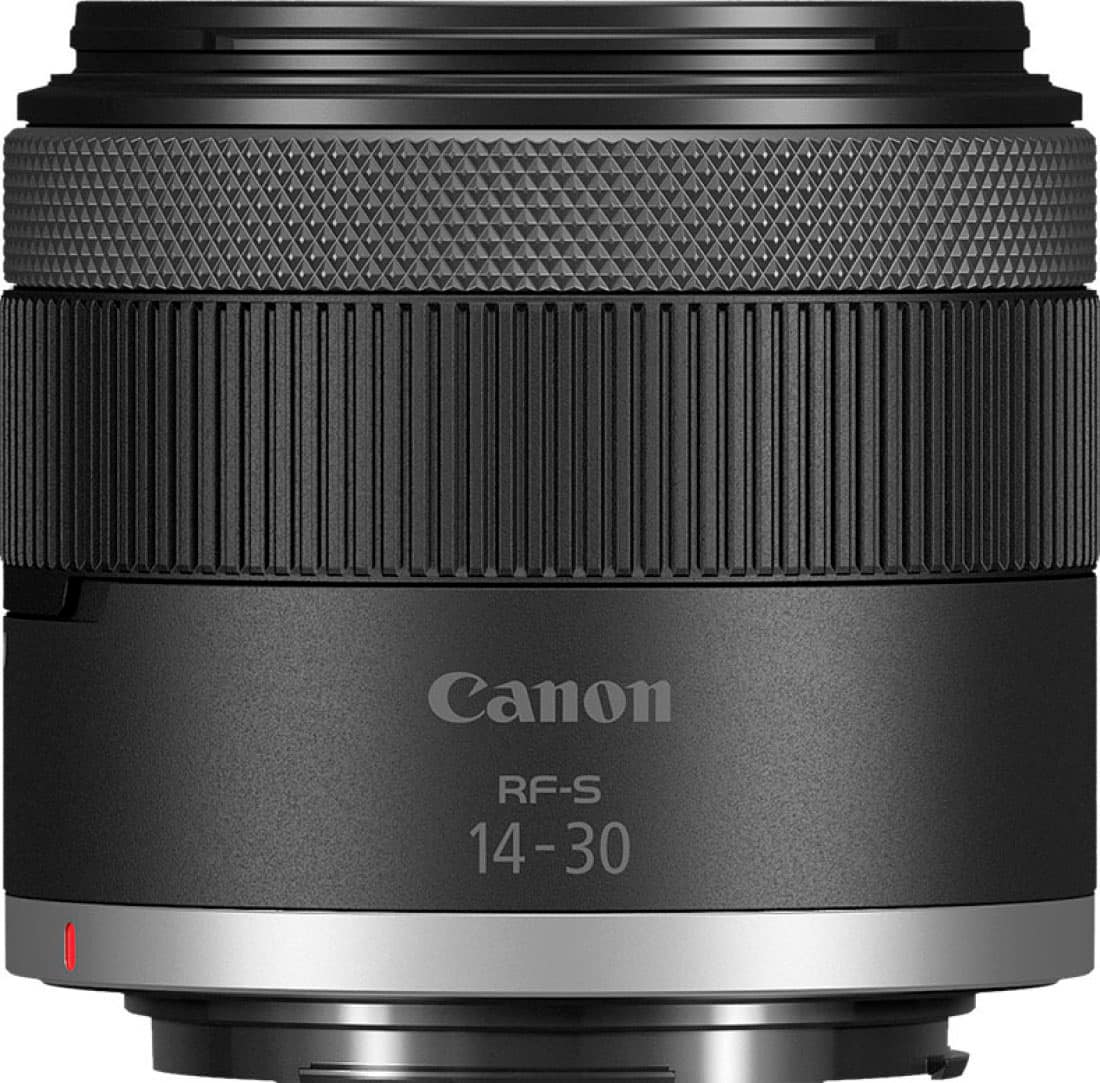
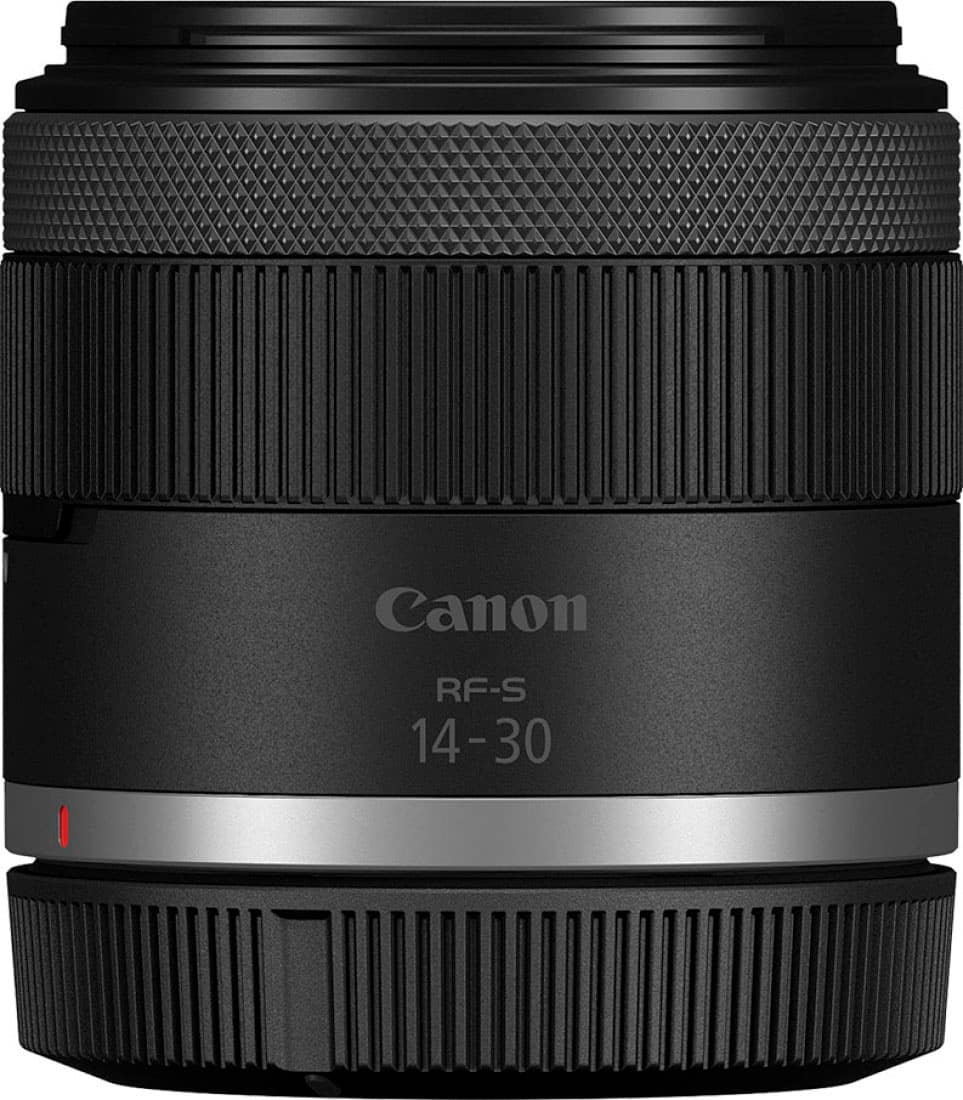
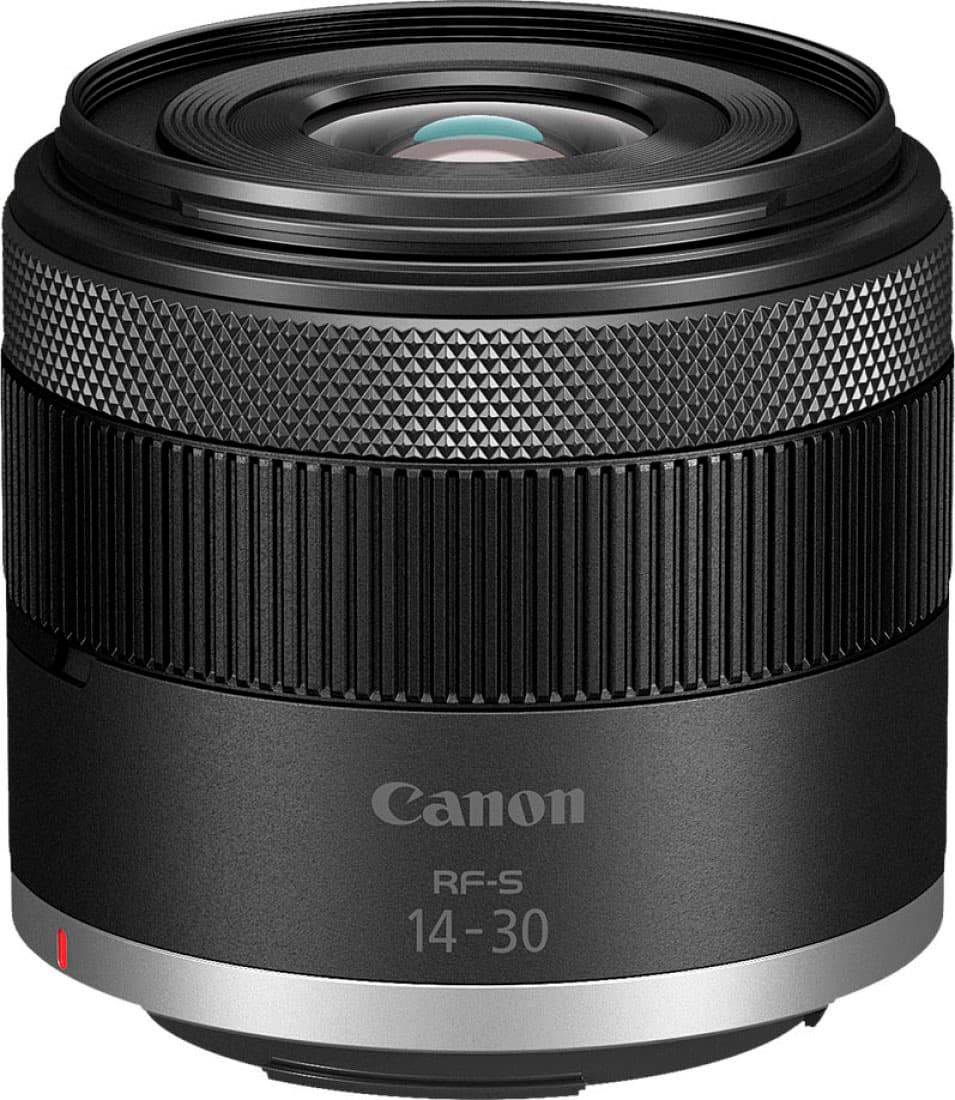
    I got this camera to help produce my wife's Youtube and streaming content. Unlike the R50, the addition of a V means that this camera is focused on video creation, as evidenced by the fact that seven of the eight modes on the function dial are for shooting video and only one is reserved for still pictures. And that's fine for me. Heck, even Instagram is mostly videos these days. And I already had a Canon with some glass pieces that I thought I could use with it. As it turns out, I had EF lenses, and this uses RF, so it was a no-go, at least not without an adapter. The camera is very similar in size and shape to the other entry mirrorless video-forward cameras on the marke. I'm curious to see if it is as customizable, if it will fit into the same rigging kits that are in all the youtube videos. But this review is focused only on what came in the box. After setting up the camera, setting the date and time, and telling it my wifi password, I was excited to try out the wifi streaming. One less wire going into my computer, right? So I install the official EOS Webcam software and try to pair my camera wirelessly. Oh, I can't do that without a paid subscription? Well, then I'll use the dang cable. Wait, using the official software without a paid subscription limits you to 720p and 30fps? What if I just turn off this program and use the camera directly in OBS? Works just fine for 1080p (which is what I stream at). Pretty disappointing that what I figured was basic functionality, i.e. ability to wirelessly stream video to pc, is locked behind a subscription based paywall. I got the camera with the RF-S 14-30mm F4-6.3 IS STM PZ Kit lens. Using the camera during the stream worked really well. The fact that the zoom lens doesn't telescope worked really well with my teleprompter. Using the widest angle and set up about 3 feet away from my subject at eye level, I was able to get a nice waist-up shot while keeping the whole room in focus, which was important for the live cooking demo that we were streaming. The autofocus tracked my wife well as she moved about the kitchen both side to side in front of and away from and towards the camera. One of the interesting features of this particular camera is the vertical mount. With more people finding it acceptable to watch videos vertically and even, ugh, prefer such atrocities, it was only natural to have a camera that could easily be mounted to a tripod in a vertical orientation without the use of ball mounts and a lot of jankiness. They even stuck a record button on the front, for those taking selfie videos. I tried holding the camera like a phone to film myself, but I kept inadvertently pressing buttons and changing something. There's a lock button to keep you from doing that, but unless you remember to set it, well, after a enough times of messing up you'll remember. Now I'm curious to see how cinematic I can make a vertical video with this setup. I wonder if they sell a vertical matte box. Not even an hour into the stream, not recording, just using the camera to stream via OBS, it cut out due to being out of battery. I had just charged them to full, since I had gotten the flashing battery warning while setting up the stream earlier in the morning. This really confused me, because I thought that the camera was able to charge via USB. My other mirrorless camera charged just fine while using it as a webcam, so I didn't understand how I could be out of battery. Despite being on a USB 3.2 10gps powered socket on my laptop, I noticed that the battery charge light was not on. I checked my other camera and it was charging just fine off the laptop. Well, it turns out that it only charges if you use the USB-C port that has power delivery. So I swapped cables, since my other, very similarly shaped, mirrorless camera charges regardless of if you use a USB-A to C or a C to C cable. The next stream went off without a hitch, once I charged the battery again and used the right cable (thankfully my laptop has a USB-C slot with PD, otherwise this camera would definitely have not work out). Taking the camera off the tripod and using it as a handheld is not the most comfortable thing in the world. The small gripping area and oddly balanced weight distribution once the lens is on (the kit lens is easily twice as long as the camera) make my wrist ache after a few minutes. I've got my eye on a gimbal, but not sure if it's too big for a mini one. There's quite a few dedicated modes on the dial for different shooting scenarios. There's a slow/fast motion slot, full auto everything, aperture priority, specialized modes like product demo that reprograms the autofocus to ignore people, and even slots that are customizable for you to program your favorite settings. I was primarily planning to use this in a fixed mount, but I ordered the 16mm prime lens for when I do get the gimbal. There were only a couple other minor annoyances. For one, the hinge on the battery door is so close to the mount hole that you cannot access the battery if the camera is on a tripod. It wouldn't have been that big a deal if my prompter wasn't connected to the camera, causing me to dissasemble the entire thing because at the time I didn't know I needed to plug into a USB-C port with PD if I wanted to charge while using the camera to stream from my PC. I also was disappointed in how short I was able to stream for while on a fresh battery, less than an hour, about 50 minutes streaming at 1080p. My biggest gripe is still having wifi streaming and higher resolutions / framerates locked behind a subscription. I seem to be able to access all the same functions of the camera for my intended usage without having the software installed, and so I guess having less processor/RAM/bandwidth overhead is always welcome. I just gotta remember to plug in to the right port.

    I would recommend this to a friend
  • Tech Insider Network Member

    Rated 5 out of 5 stars

    Content creation made easy

    |
    Tech Insider Network Member
    Posted .
    This reviewer received promo considerations or sweepstakes entry for writing a review.

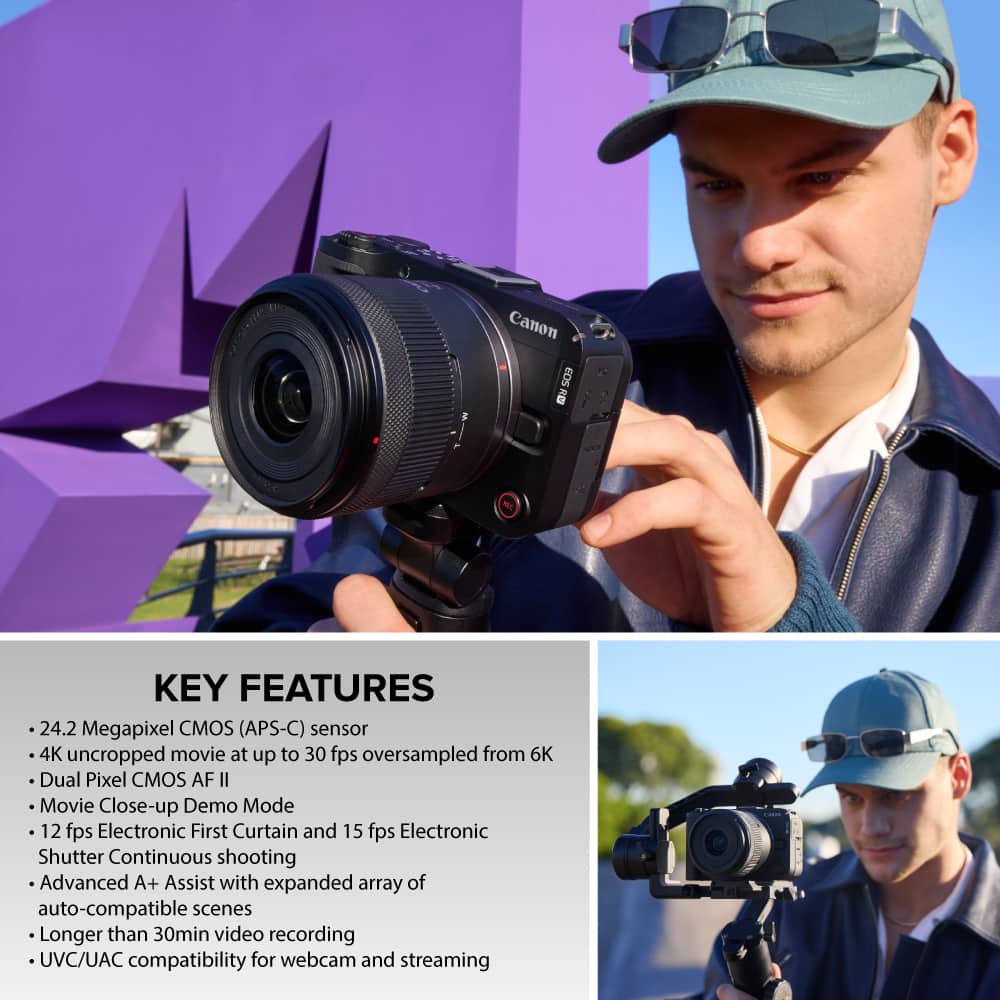
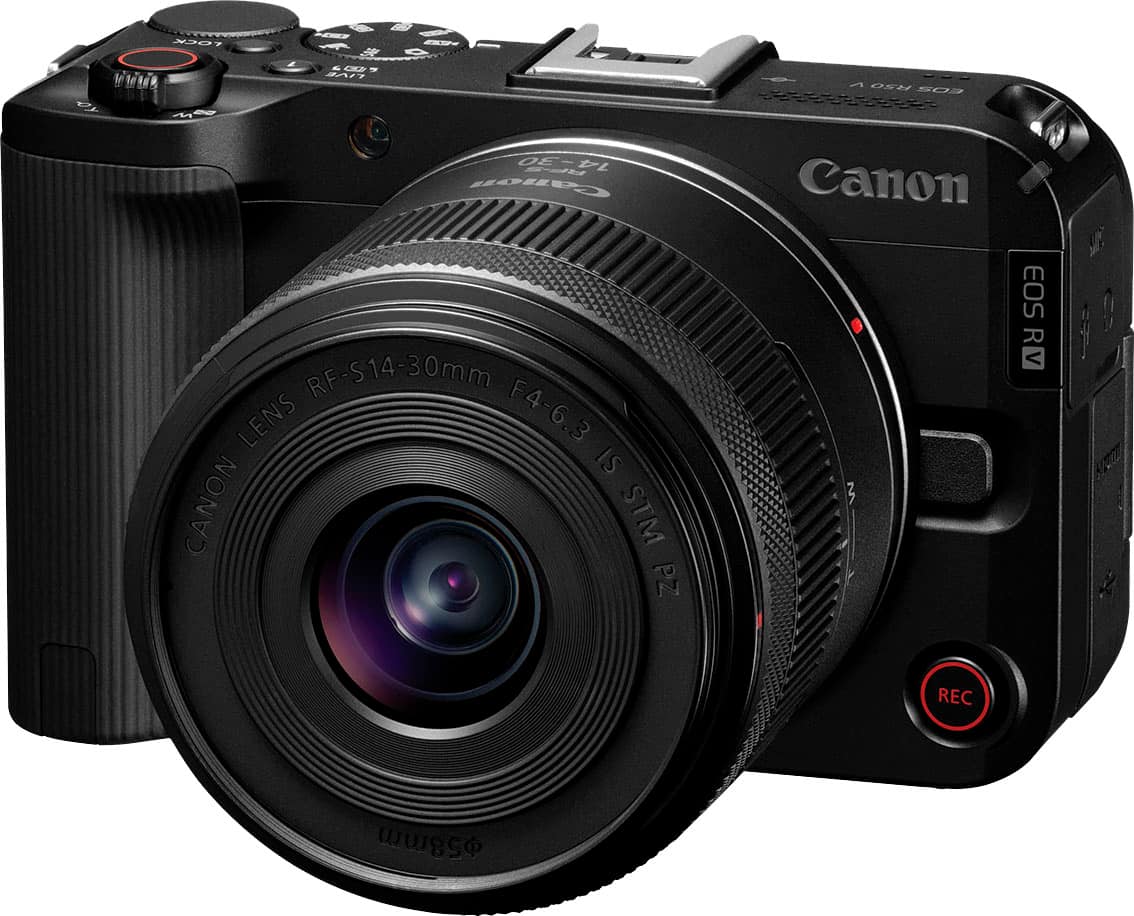
    As a video content creator constantly on the move and in need of versatility, the Canon EOS R50 V paired with the RF-S 14-30mm F4-6.3 IS STM PZ lens is the perfect balance of size and capability. I can use interchangeable lenses, it is a mirrorless camera, and it delivers a powerful hybrid solution for creators who need higher end features without the bulk of cinema gear. The RF-S 14-30mm PZ lens is an ultra wide-angle lens with power zoom capability that makes for smooth zooming in and zooming out. Perfect for stationary video shots of whiskey bottles for my whiskey IG page. I also travel and look for whiskey all over the world, so my camera of choice has always been my phone due to wanting to travel light. The quality, content creator friendly features, and compact nature R50 V have made me change my go to travel camera. Here is why: There is a dedicated front record button which is extremely useful when recording by myself, which is most of the time. The vertical video tripod mount makes you want to use this for live streams and social media content in general because even the menus flip to portrait mode. This camera was built around social media content creators, and the ease of use shows. Due to the content creator features and the vertical tripod, this is the easiest transition for a content creator that is moving up from their phone. My iPhone 15 pro can’t keep up with Canon’s automatic exposure and creative scene modes. Yes there are filters etc, but the video sensor in the R50 V is massive when compared to most phones. This has allowed me to dabble in low light situations that I struggled to do with my phone. If you want a step up from your smartphone or your run of the mill camera that didn’t have content creators in mind, you should give the EOS R50 V a hard look because it has simplified content creation which means less time spent editing and more time engaging with your followers.

    I would recommend this to a friend
  • Tech Insider Network Member

    Rated 5 out of 5 stars

    Convenient Professional Quality

    |
    Tech Insider Network Member
    Posted .
    This reviewer received promo considerations or sweepstakes entry for writing a review.

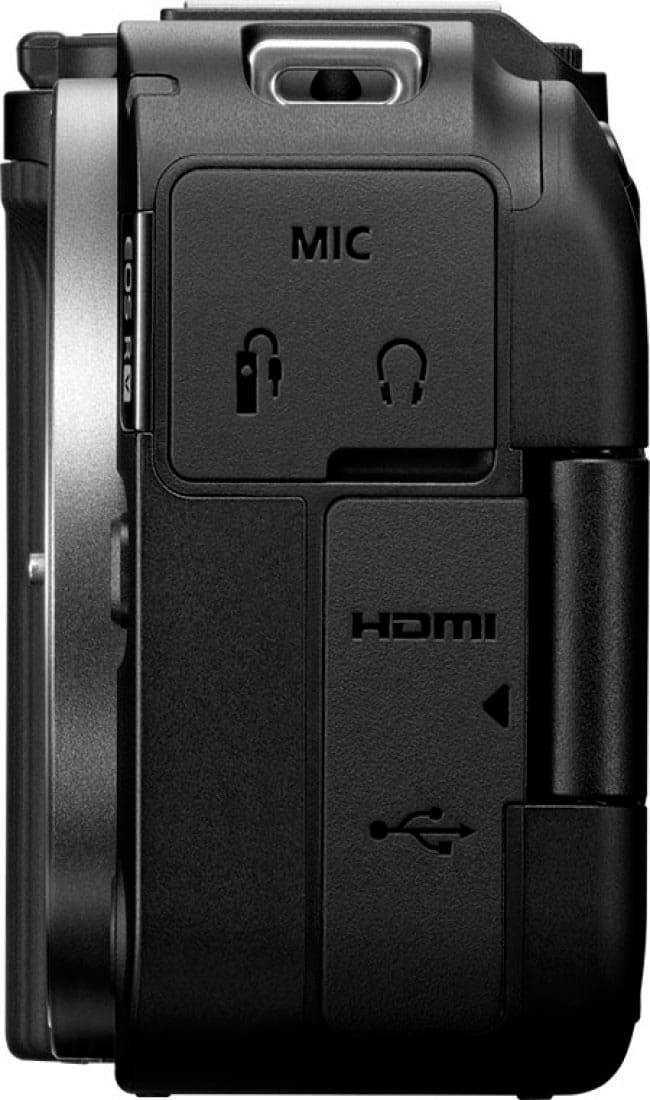
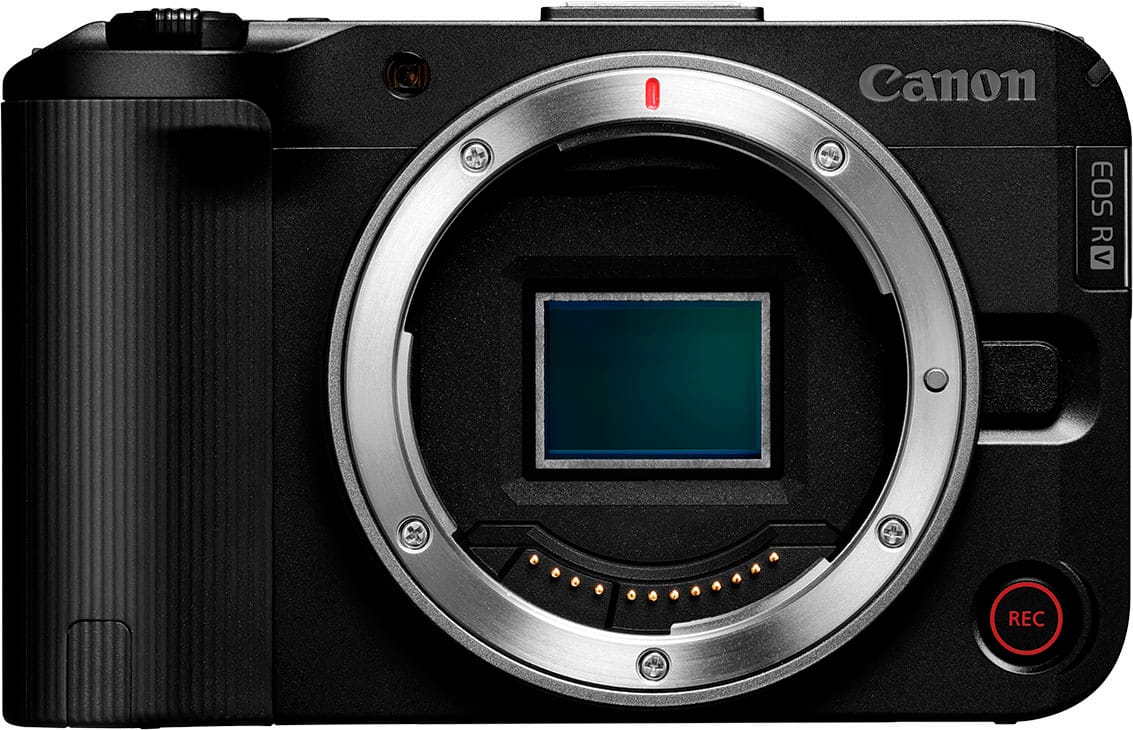
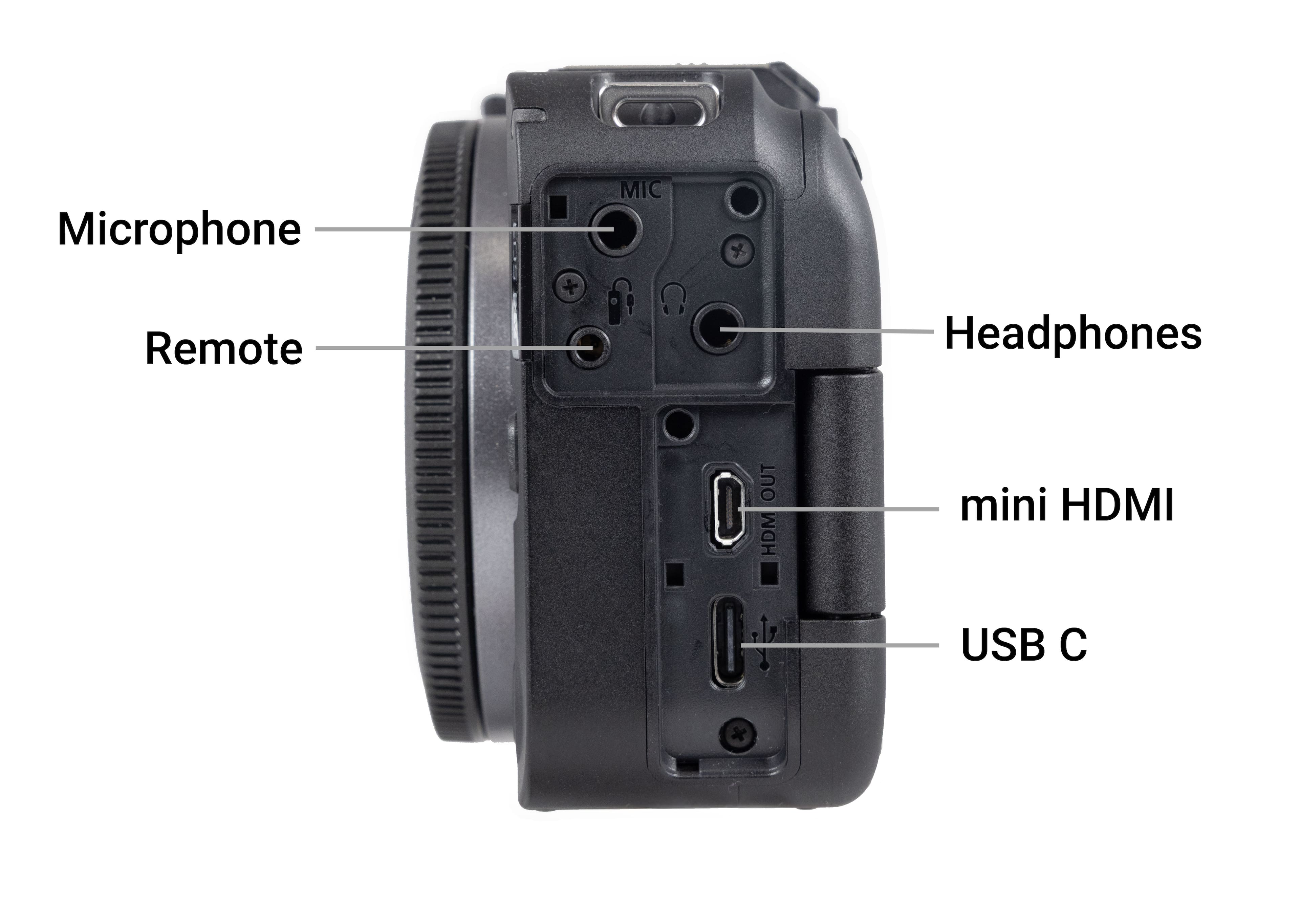
    The Canon EOS R50 V is a compact, mirrorless, 4K video camera that is easy to use and provides professional functionality. The camera has an impressive 24.2 megapixel APS-C sensor and has the ability to record 4K UHD video that benefits from intelligent oversampling from the sensor's native 6K resolution. This results in detailed and sharp imagery that rivals cameras costing nearly twice as much. It comes standard with a RF-S14-30mm F4-6.3 IS STM PZ lens. I was also able to use my existing Canon RF 24-105mm F4-7.1 IS STM lens. Both lenses performed well. Ease of use and interchangeability of lenses are two very important features for a fairly novice creator. I also understand that you are able to use some older Canon lenses with an adapter which could also be a cost saver, however, I did not try that out. In addition to interchangeable lenses, performance, and lower cost, the R50V has many useful features like flexible networking capabilities and ease of connection USB-C for power and data, micro HDMI output, separate mic and headphone jacks, plus a multi-function hot shoe that allows you to connect Canon's shotgun mic without any cables. If you are a creator looking for a professional level video camera that is easy to use and won't break the bank, I highly recommend the Canon EOS R50 V.

    I would recommend this to a friend
  • Tech Insider Network Member

    Rated 5 out of 5 stars

    Wonderful Camera and App Features

    |
    Tech Insider Network Member
    Posted .
    This reviewer received promo considerations or sweepstakes entry for writing a review.

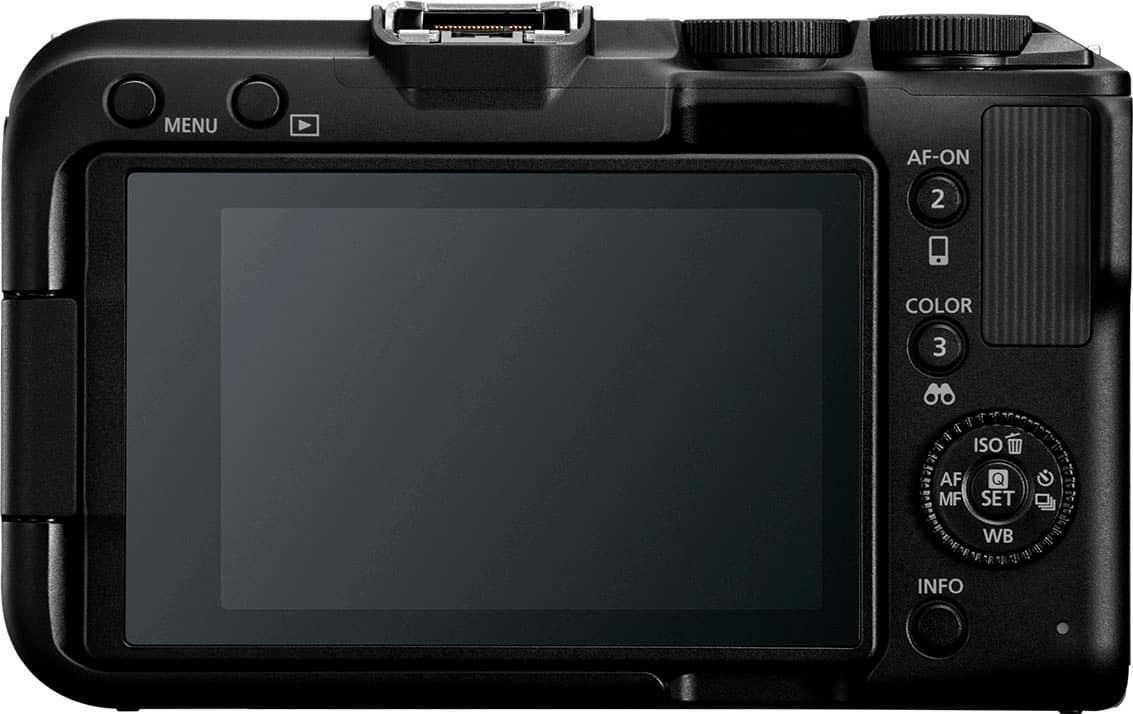
    The camera features are very thought out and useful. Screen: Love that it works both as touch and can be interacted with the button panel as well. The screen rotates and can be flat or off to the side which was super useful when wanting to use for streaming. Interface seemed intuitive but that may be because I owned a cannon before. Connection: I tried streaming from my phone to multiple streaming services and it worked great. I also tried it as a camera for my computer by plugging in the lightning cable to my laptop, it showed up in OBS and worked immediately. Quality was high and there was no lag in the situations I tried it in. Zoom: I love the interchangeable lens and wish I had another to swap with. The angle on this one is pretty decent for general purpose but it did not zoom in as much as I would have liked. It was really nice to turn the focus ring and have it reflected in the zoom on the camera, it feels really natural. App: The app is incredibly useful! It had way more features than I expected. I especially like being able start and stop the camera from a distance.

    I would recommend this to a friend
  • Tech Insider Network Member

    Rated 4 out of 5 stars

    Ultimate Vlogging Camera for Beginners

    |
    Tech Insider Network Member
    Posted .
    This reviewer received promo considerations or sweepstakes entry for writing a review.

    I was interested in Canon’s EOS R50V because I have adopted Sony’s line of compact cameras geared for content creators. Their size makes them easier to include on adventures but still allow you to capture high quality content. Both the Canon EOS R50 V and the Sony ZV-E10 II are thoughtfully designed with content creators in mind, each offering a suite of features tailored for vlogging, video production, and online sharing—yet they approach this goal in slightly different ways. The Canon EOS R50 V is clearly aimed at first-time creators who want a simple yet capable camera they can pick up and start using with minimal setup. It features a fully articulating touchscreen, intuitive user interface, and Canon’s refined Dual Pixel CMOS AF II, which reliably locks focus on faces and eyes—perfect for walk-and-talk vlogs or family interactions. Canon enhances the R50 V’s creator appeal by including vertical video support, USB livestreaming, and a dedicated video mode button, making it easier than ever to go live on social platforms or shoot vertical content for TikTok and Instagram. The RF-S 14–30mm power zoom lens that comes in the kit also caters to handheld video, allowing smooth zooming without manual lens adjustments. The Sony ZV-E10 II, meanwhile, builds upon Sony’s well-established creator-focused ZV line, offering even more robust tools for video-centric users. It includes a 3-capsule directional microphone with a windscreen, eliminating the need for an external mic in most casual outdoor scenarios—a huge plus for spontaneous shooting. Like the Canon, the ZV-E10 II also features a fully articulating touchscreen and vertical video capabilities, but it takes content creation a step further with advanced video specs like 4K 60fps 10-bit 4:2:2 internal recording, slow-motion 1080p at 120fps, and Sony’s Real-Time Eye Autofocus, which excels in dynamic, fast-moving scenes. Features like product showcase mode, background defocus button, and soft skin effect are built specifically for creators, influencers, and vloggers. Both cameras simplify the post-production and sharing process. The Canon R50 V supports direct USB-C livestreaming and webcam functionality without extra software, making it plug-and-play for live content creators. Sony offers similar functionality, though with a bit more setup required depending on your streaming platform. In essence, Canon has crafted the R50 V to be a beginner-friendly content creation machine—straightforward, lightweight, and integrated into modern social workflows—while Sony’s ZV-E10 II packs more professional-grade tools into a similarly compact body, aimed at creators who want more flexibility and room to grow. Whether you’re documenting family life, building a YouTube channel, or streaming on the go, both cameras are built to serve as reliable digital storytelling companions. While these cameras are direct competitors and have very similar specifications, there are still some most obvious differences, one big one is battery life, Sony’s is double in capacity and it's noticeable when shooting video. I would recommend buying an extra battery for the Canon immediately. Additionally, the extensive offering of lens options for the Sony makes it easily more appealing but the hope would be Canon accelerating lens options for their APS-C line up. The question is do you want to buy a more expensive camera body but have tons of quality priced lens options with the Sony OR buy a cheaper camera body and then pay more for additional lens options. To each their own, and you will need to decide what works best for you. I still prefer the Sony route. Lastly, layout of the camera body has a few neat design enhancements that Canon includes like the vertical or horizontal tripod mount but they paired SC card and battery under the more commonly used horizontal mount so you would need to disassemble your cage or tripod mount to access the battery or sd card. Sony strategically located these to not be blocked when you have body accessories in use. Depending on your camera and photography skill sets both cameras have a certain learning curve and I feel some of the tech that comes with the canon might warrant a slightly steeper learning curve. When initially setting up the Canon, you need to download an app and create an account to allow for future file transfers. While convenient, I prefer to utilize my MacBook Pro to touch up photos before sharing. So I wish there was an easy way to bypass the need for another mobile app and account with password. Bottom Line — For Amateur Video Creation: For a hobbyist recording family adventures, both cameras are solid, but here’s the best fit: If you want higher-end video quality with the flexibility to use full-frame style lenses and value audio performance out of the box, go for the Sony ZV‑E10 II. Ideal for crisp 4K/60 footage, excellent tracking, and built-in mics—perfect for capturing kids playing, family hikes, or events. If you prioritize portability, live streaming, and ease of use, the Canon EOS R50 V kit is fantastic—lighter overall, superb autofocus, livestream-ready, and great value. Final thoughts - either camera is going to wow you with how many features can be packed into such a small form factor. This style of camera will continue to evolve and be the go to for quite a few demographics. Do your research and decide which route makes the most sense for what your needs will be. For the consumer, its win-win!

    I would recommend this to a friend
  • Tech Insider Network Member

    Rated 5 out of 5 stars

    A must have for content creators

    |
    Tech Insider Network Member
    Posted .
    This reviewer received promo considerations or sweepstakes entry for writing a review.

    Canon is known for making some of the best cameras on the market. I personally have been a canon photographer/videographer for a very long time. They also make consumer affordable cameras and high-end professional cameras. Some dedicated to video and others dedicated to video. In the past decade content creating has become a popular profession and most people use cellular phones for creating content. The Canon R50 V is one of the first cameras from Canon that feels like it was designed with content creators in mind and the list of features really proves that. This camera is an interchangeable lens video creation camera based on canons RF lenses. That means you are able to attach any of the latest lenses and can also use an adapter to use canons older lenses. However, I believe the best way to use this is with the type of lens that comes with in a bundle. The RF-S14-30mm F4-6.3 IS STM PZ lens is a one-of-a-kind power zooming ultra angle wide lens. I am not sure if it is the first of its kind, but I have never seen another lens/camera that offers power zoom on an interchangeable lens camera without an adapter. This allows you to have smooth and fast zoom. I believe the focal length of 14-30 is perfect for content creation. It gives you a wide angle for doing things such as vlogging but also has enough zoom when capturing other things. As previously mentioned, this camera focuses on video and content creation. Vertical videos have become much more popular with apps such as Tik-Tok and Instagram. This camera gives you a vertical tripod mount and a record button on the front of the camera. This allows you to record vertical videos, especially ones focused on yourself much easier. Canon also includes easy to use automatic exposure and scene modes, such as Movie for Close-up demo, Smooth skin and movie IS mode as well as color filters. Since it is a video centric camera there is no view finder included, and it allows the camera to remain compact and easy to hold. The rear screen flips out and can turn both towards the subject or the person holding the camera. It does have a hot shoe that can be used for an external microphone. It also includes audio OUT for audio monitoring. If you are a content creator and would like to take your videos to the next level. This might be the camera for you. Its compact size allows it to be transported easily. It will allow you to capture videos in ways that are just not possible with a cell phone. I highly recommend giving this a try if you are a content creator.

    I would recommend this to a friend
Sponsored