Customer Ratings & Reviews
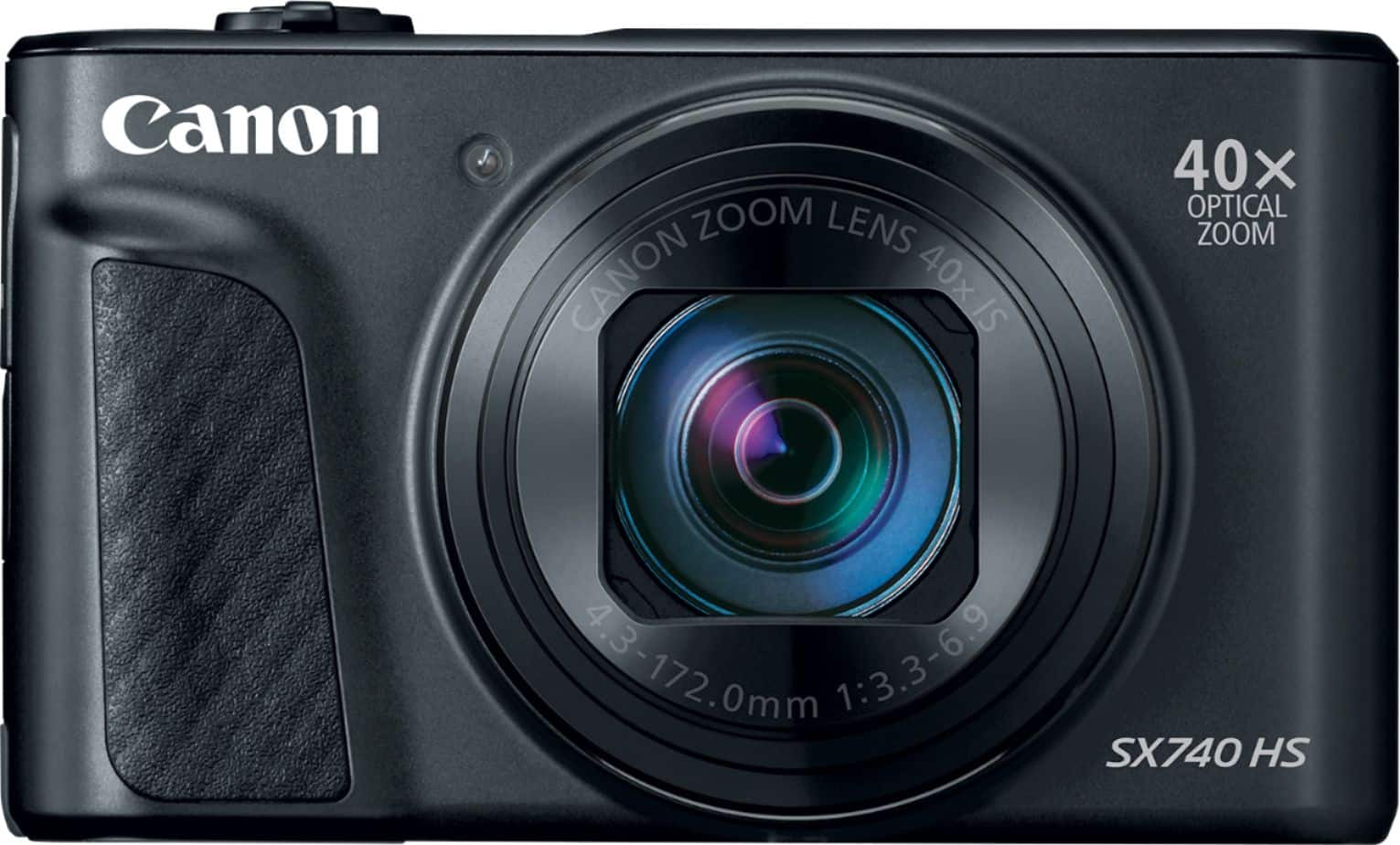
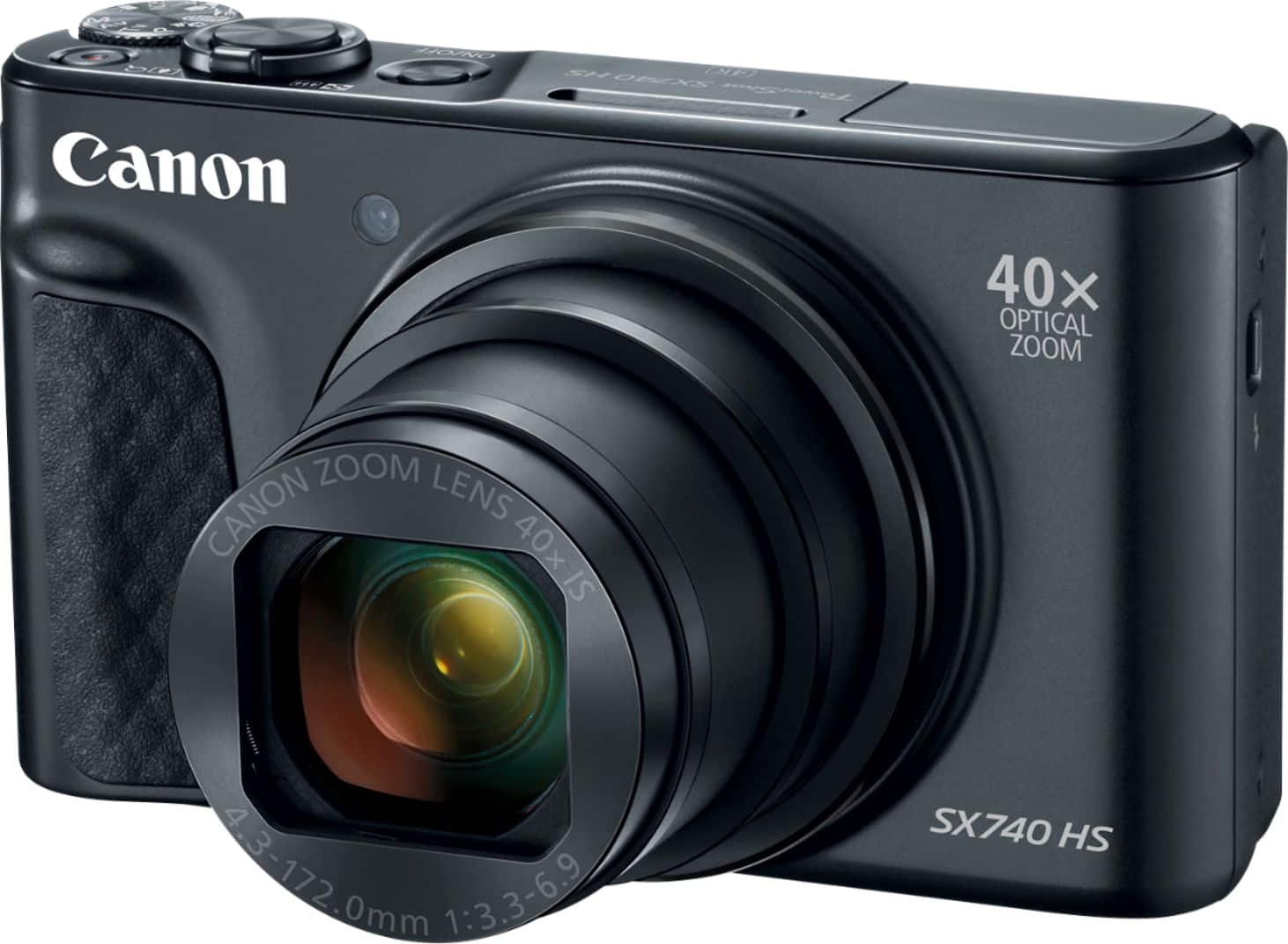
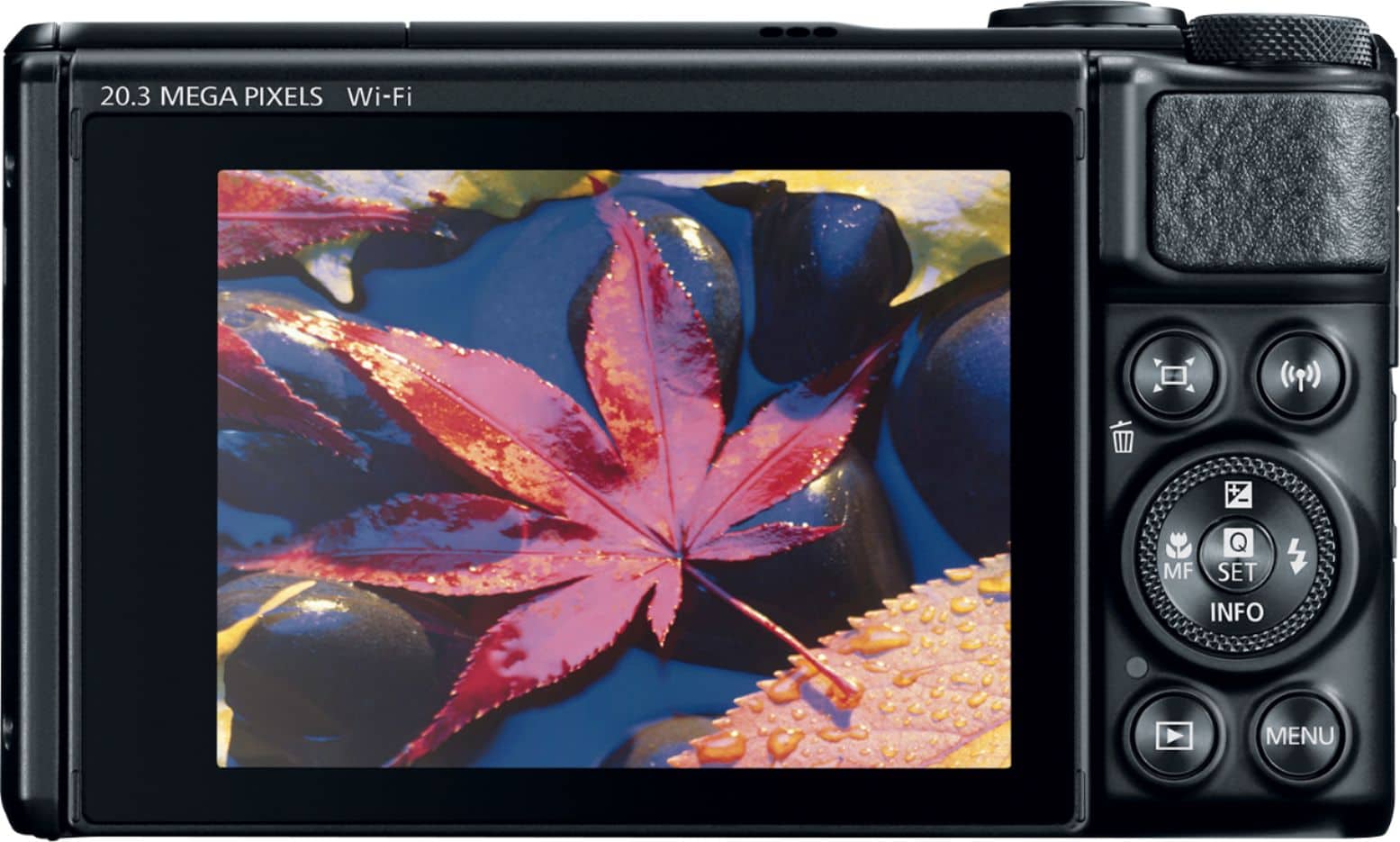
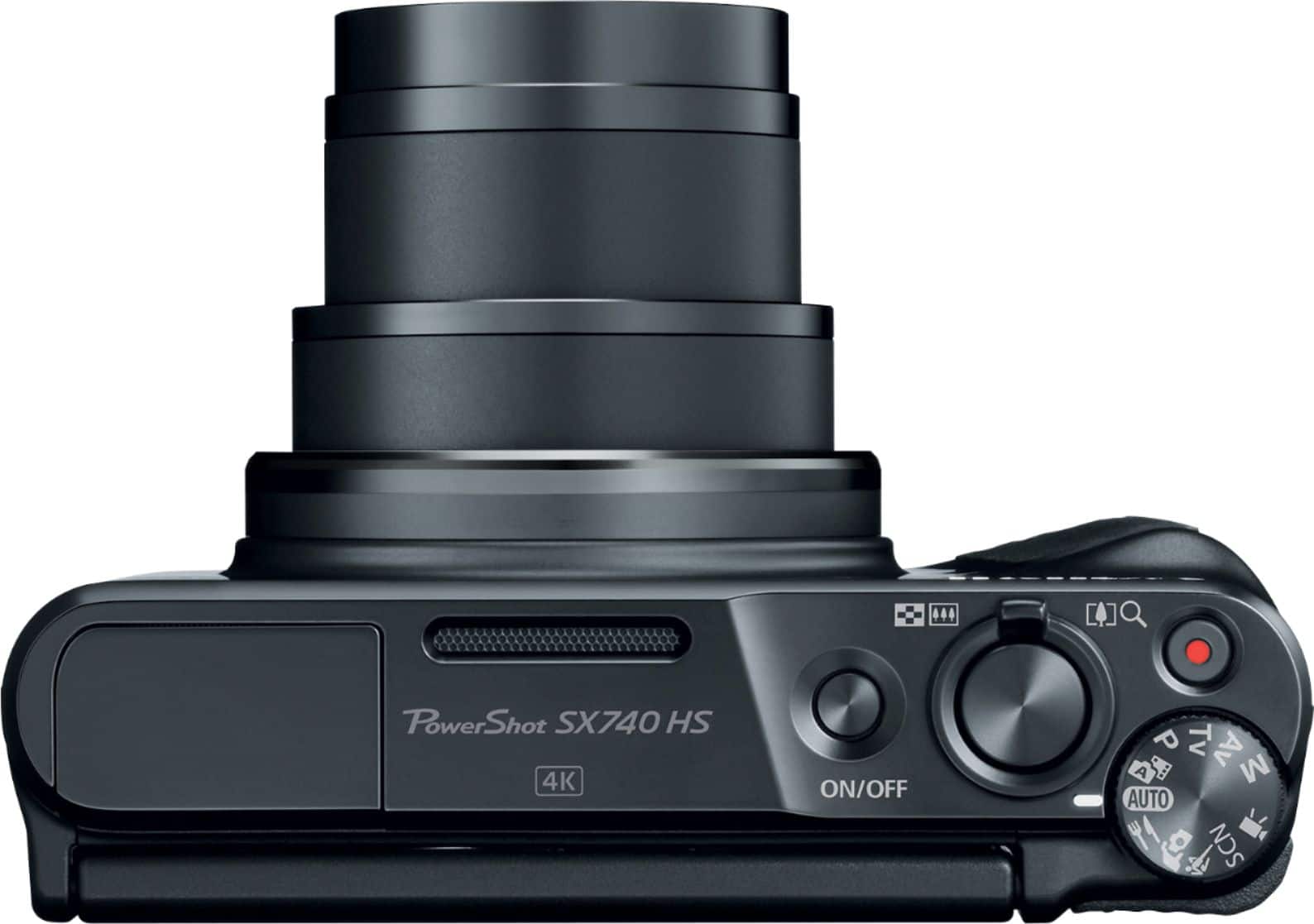




- Model:
- 2955C001
- |
- SKU:
- 10537085
Customer reviews
Rating 4.6 out of 5 stars with 1126 reviews
(1,126 customer reviews)Rating by feature
- Value4.5
Rating 4.5 out of 5 stars
- Quality4.7
Rating 4.7 out of 5 stars
- Ease of Use4.6
Rating 4.6 out of 5 stars
to a friend
Customers are saying
Customers highly value the excellent Picture Quality. They frequently mention that the product takes great photos.
This summary was generated by AI based on customer reviews.
Rated 5 out of 5 stars
Great camera
||Posted . Owned for 1 month when reviewed.This reviewer received promo considerations or sweepstakes entry for writing a review.Takes great picutres. Very easy to use and learn all the bells and whistles with it. Love that I can transfer photos to my phone for easy upload and sending to family and friends.
This review is from Canon - PowerShot SX740 HS 20.3-Megapixel Digital Camera - Black
I would recommend this to a friendRated 5 out of 5 stars
Superb camera!
||Posted . Owned for 1 month when reviewed.This reviewer received promo considerations or sweepstakes entry for writing a review.Really great camera for a good price point. I’ve had many digital and video cameras but this is by far the best.
This review is from Canon - PowerShot SX740 HS 20.3-Megapixel Digital Camera - Black
I would recommend this to a friendRated 4 out of 5 stars
Takes great pictures and videos
||Posted .This reviewer received promo considerations or sweepstakes entry for writing a review.I'm an electrical engineer might be more critical than the average reviewer. I have the original first generation of this camera SX700HS. This new camere is the 4th generation, a little larger. It takes great pictures but they changed the buttons which I don't like. The first generation buttons were bigger and had higher protection rims around the buttons. Holding the camera trying to press the video record I sometimes trigger menu button and miss the shot. This never happened in the first generation. The screen glass is about 20% larger (right and left side) than the display. They have the real estate to make the screen larger but they keep it at 3". The processor is much faster than the first generation, it can take 10 pictures a second. This video was taken with the camera, the sun as going down https://youtu.be/gqWlZzwN58Y
This review is from Canon - PowerShot SX740 HS 20.3-Megapixel Digital Camera - Black
I would recommend this to a friendRated 5 out of 5 stars
Love
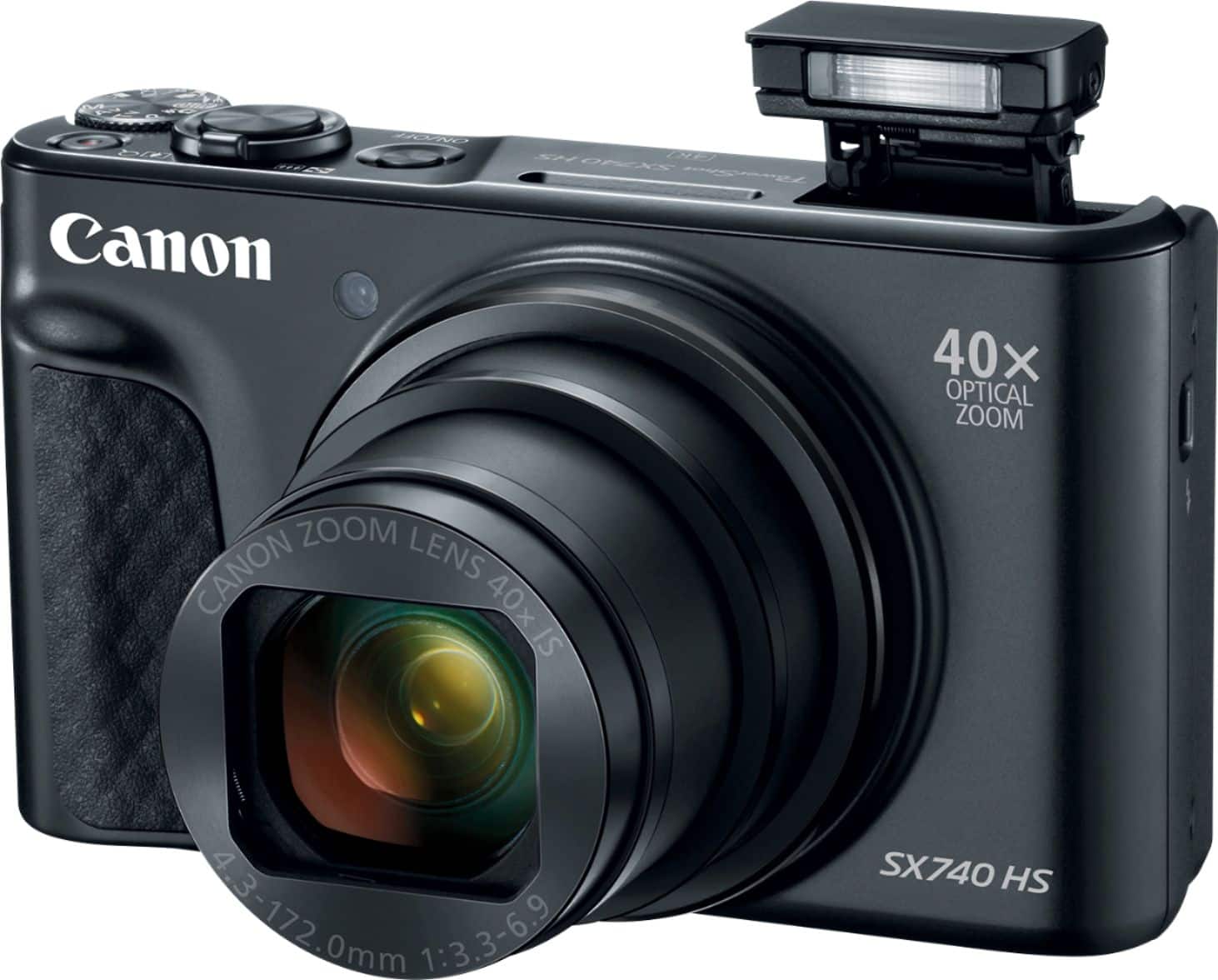
||Posted . Owned for 3 weeks when reviewed.This reviewer received promo considerations or sweepstakes entry for writing a review.Great quality, love my new camera. External flash is so bright. Zoom is amazing as well.
This review is from Canon - PowerShot SX740 HS 20.3-Megapixel Digital Camera - Black
I would recommend this to a friendRated 4 out of 5 stars
Nice pics, easy use
||Posted . Owned for 3 weeks when reviewed.This reviewer received promo considerations or sweepstakes entry for writing a review.I like it a lot! Wish it was touchscreen and the quality is amazing with good lighting or natural lighting. The best quality photos come with flash. I use the camera to vlog and take photos.
This review is from Canon - PowerShot SX740 HS 20.3-Megapixel Digital Camera - Black
I would recommend this to a friendRated 5 out of 5 stars
Great pictures and app interface
||Posted . Owned for 3 weeks when reviewed.This reviewer received promo considerations or sweepstakes entry for writing a review.I love this camera! I am a beginner with taking photos with anything beyond a cell phone camera, and while I get a little confused with advanced settings, this camera is very much "point and shoot", I love it! The zoom is incredible as well.
This review is from Canon - PowerShot SX740 HS 20.3-Megapixel Digital Camera - Black
I would recommend this to a friendRated 5 out of 5 stars
love this camera’nn
||Posted . Owned for 1 month when reviewed.This reviewer received promo considerations or sweepstakes entry for writing a review.love this camera! so light and compact would recommend to anyone looking for a great small camera
This review is from Canon - PowerShot SX740 HS 20.3-Megapixel Digital Camera - Black
I would recommend this to a friendRated 4 out of 5 stars
Sx740
||Posted . Owned for 2 months when reviewed.This reviewer received promo considerations or sweepstakes entry for writing a review.Quality is great, has so many features, still learning how to use it but overall I’m loving it.
This review is from Canon - PowerShot SX740 HS 20.3-Megapixel Digital Camera - Black
I would recommend this to a friendRated 4 out of 5 stars
Good snapshot camera
||Posted . Owned for 1 month when reviewed.This reviewer received promo considerations or sweepstakes entry for writing a review.The SX740HS is a big step up over the older SX620, though it's twice as much. There are some manual settings if you want to get creative, but most users will rely on the presets to get decent pictures. The wider lens, the 40x zoom and the 20.3 MP sensor will be far superior to cell phone pictures.
This review is from Canon - PowerShot SX740 HS 20.3-Megapixel Digital Camera - Black
I would recommend this to a friendRated 4 out of 5 stars
Amazing zoom!
||Posted . Owned for 10 months when reviewed.This reviewer received promo considerations or sweepstakes entry for writing a review.The zoom on this camera is amazing!! It handles high exposure pretty well. Great for a beginner at a good price. Great for selfies as well.
This review is from Canon - PowerShot SX740 HS 20.3-Megapixel Digital Camera - Black
I would recommend this to a friendRated 5 out of 5 stars
Powerful Pocket Camera!
||Posted . Owned for 1 month when reviewed.This reviewer received promo considerations or sweepstakes entry for writing a review.I Wanted a Pocket Camera with Good Zoom Distance and this is It! Easy to Set Up and Get Started on Capturing what You Love. As You Get to Know this Camera Better it has Options for Manual Use that will Surprise and intrigue. If Manual is not Your Thing, All Automatic will do You just Fine. I Really like that I can Transfer Pictures Wirelessly to my Cell Phone, Tablet or Computer with the Canon Camera Connect App.
This review is from Canon - PowerShot SX740 HS 20.3-Megapixel Digital Camera - Silver
I would recommend this to a friendRated 5 out of 5 stars
Awesome zoom!
||Posted . Owned for 1 month when reviewed.This reviewer received promo considerations or sweepstakes entry for writing a review.Read the online manual to use some of the special features...not that intuitive. Did I mention that the zoom (starts at 40x, then doubles to 80x, then digital zoom adds another 20x...so 100x zoom. What the...wow?
This review is from Canon - PowerShot SX740 HS 20.3-Megapixel Digital Camera - Black
I would recommend this to a friendRated 5 out of 5 stars
Excellent camera and price
||Posted . Owned for 1 month when reviewed.This reviewer received promo considerations or sweepstakes entry for writing a review.Great camera. I carry it with me everywhere I go. Pictures are crisp. Easy to transfer between camera and phone.
This review is from Canon - PowerShot SX740 HS 20.3-Megapixel Digital Camera - Black
I would recommend this to a friendRated 5 out of 5 stars
Bliss
||Posted . Owned for 1 month when reviewed.This reviewer received promo considerations or sweepstakes entry for writing a review.I’ve had this camera before it was stolen... I love it ! Hence why I bought it a second time and with COVID leaving few options!
This review is from Canon - PowerShot SX740 HS 20.3-Megapixel Digital Camera - Black
I would recommend this to a friendRated 5 out of 5 stars
Great point and shoot!
||Posted . Owned for 2 months when reviewed.This reviewer received promo considerations or sweepstakes entry for writing a review.Excellent camera with great out-of-the-box settings. Easy to use and great pictures my first outing in Alaska.
This review is from Canon - PowerShot SX740 HS 20.3-Megapixel Digital Camera - Black
I would recommend this to a friendRated 5 out of 5 stars
User friendly
||Posted .This reviewer received promo considerations or sweepstakes entry for writing a review.My son is just getting into photography. This has been a great first camera to explore different subjects from baseball to pictures of our dogs to beautiful vacation photos
This review is from Canon - PowerShot SX740 HS 20.3-Megapixel Digital Camera - Black
I would recommend this to a friendRated 5 out of 5 stars
Great Camera for beginners
||Posted .This reviewer received promo considerations or sweepstakes entry for writing a review.I went on a Safari with my new Camera, the pixel quality, the Zoom, the easy setting are above my expections
This review is from Canon - PowerShot SX740 HS 20.3-Megapixel Digital Camera - Black
I would recommend this to a friendRated 5 out of 5 stars
Great camera
||Posted . Owned for 1 month when reviewed.This reviewer received promo considerations or sweepstakes entry for writing a review.Great camera with good zoom. Good size that you can carry around easy. Has WiFi so easy to transfer pictures with canon app. Has lot of settings that you can choose and takes great pictures in the auto mode. Have had canon cameras before and never had any problems with any. Of them.
This review is from Canon - PowerShot SX740 HS 20.3-Megapixel Digital Camera - Silver
I would recommend this to a friendRated 5 out of 5 stars
Great zoom
||Posted . Owned for 7 months when reviewed.This reviewer received promo considerations or sweepstakes entry for writing a review.I am enjoying the zoom on this camera. The camera is well made.
This review is from Canon - PowerShot SX740 HS 20.3-Megapixel Digital Camera - Black
No, I would not recommend this to a friendRated 5 out of 5 stars
Lily&Hawks
||Posted . Owned for 3 weeks when reviewed.This reviewer received promo considerations or sweepstakes entry for writing a review.Extremely happy with purchase . . . Great Camera . . . Easy to use
This review is from Canon - PowerShot SX740 HS 20.3-Megapixel Digital Camera - Black
I would recommend this to a friend