Customer Ratings & Reviews
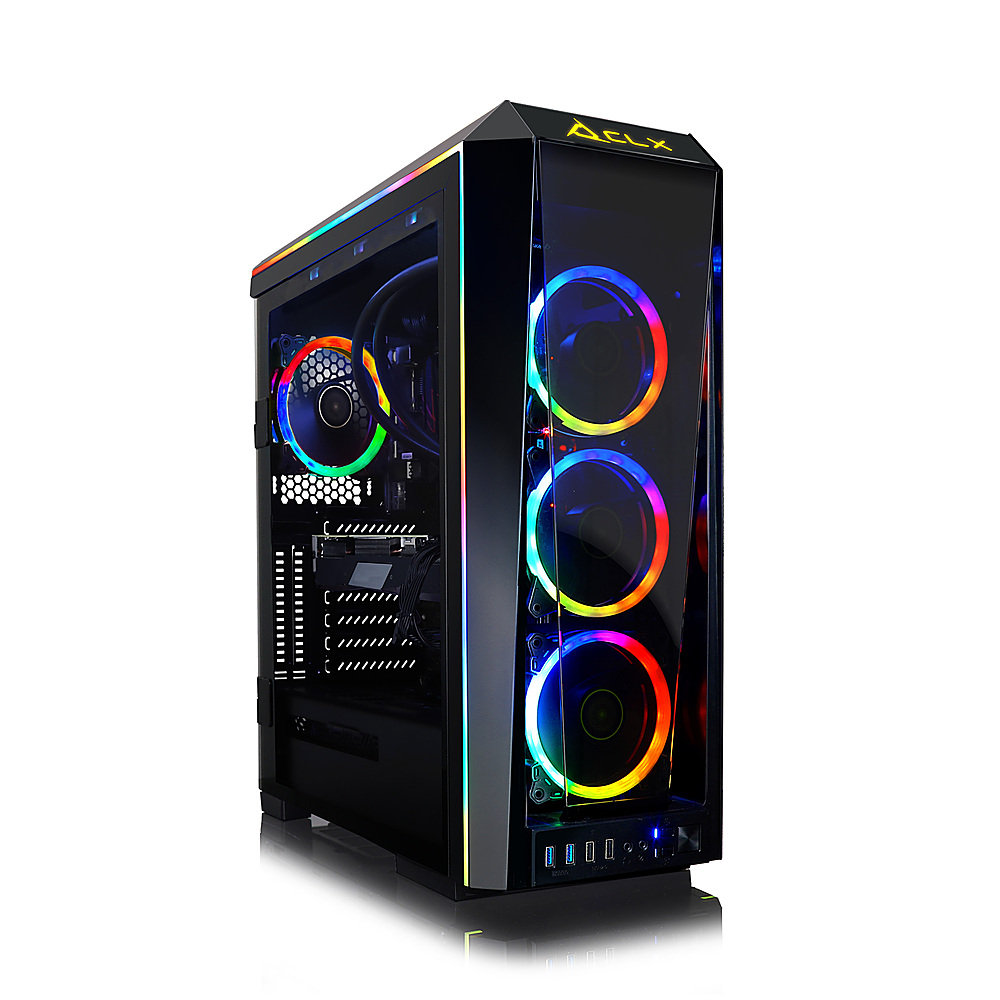
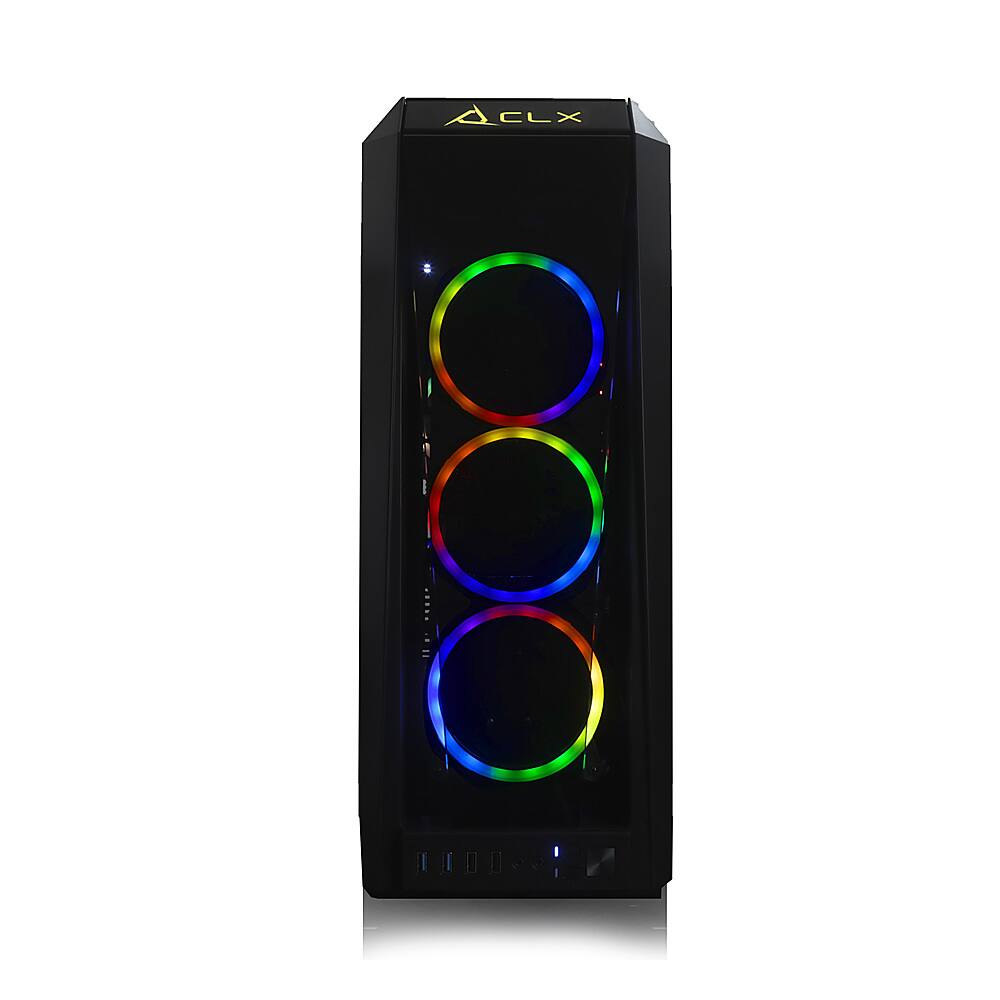
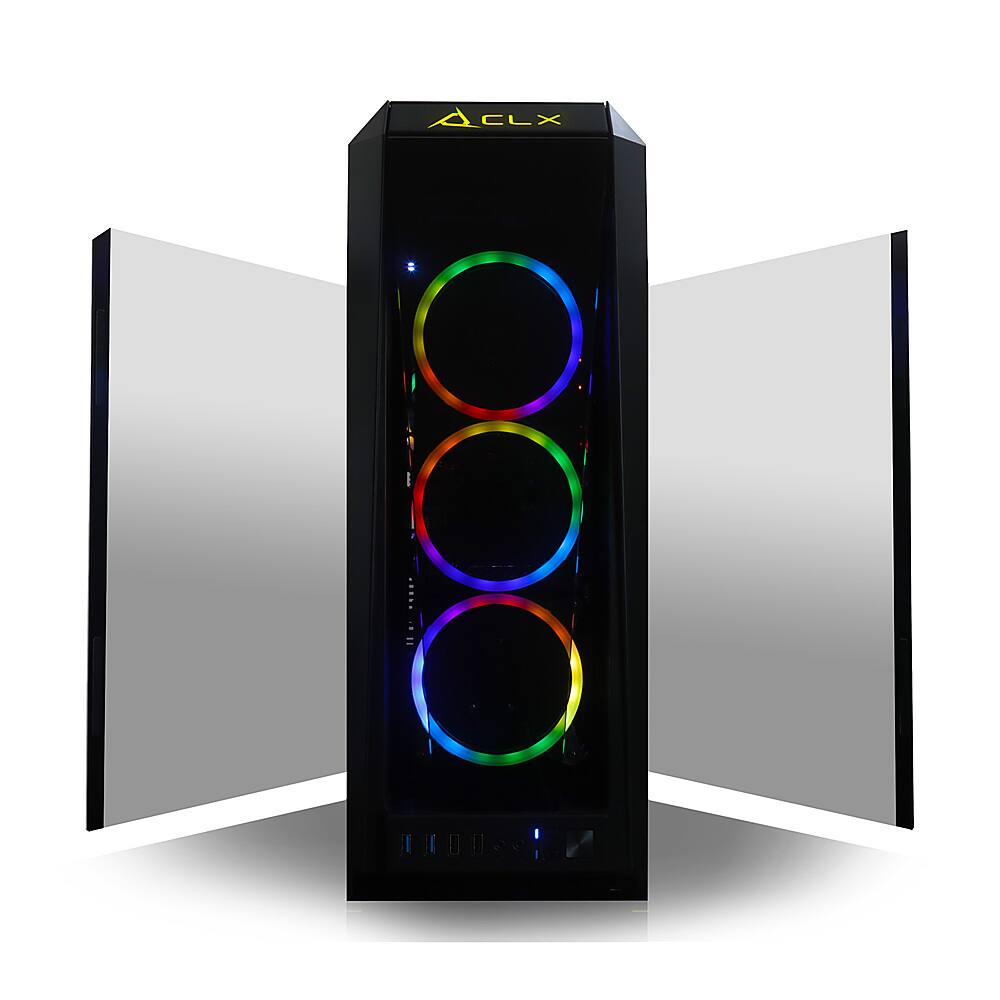
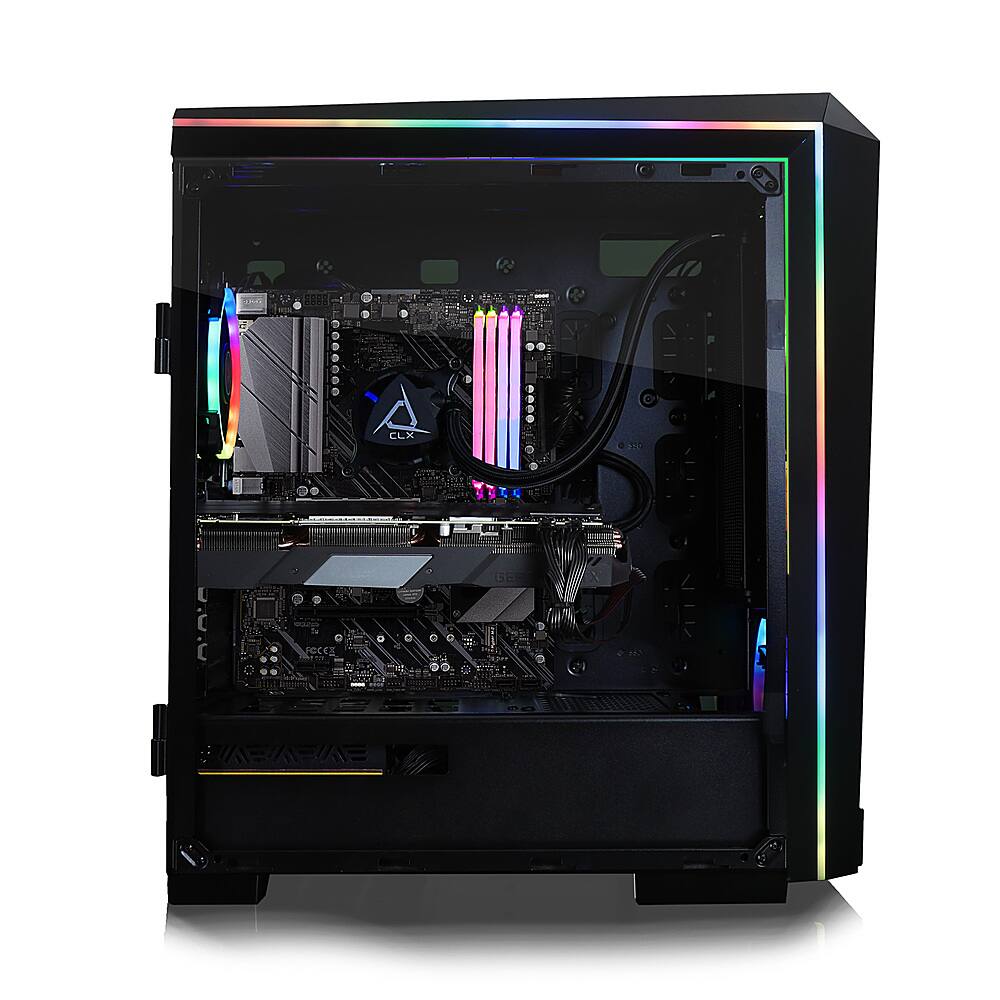
- Model:
- TGMSETRTH0B22BM
- |
- SKU:
- 6441398
Customer reviews
Rating 3.3 out of 5 stars with 3 reviews
(3 customer reviews)to a friend
Rated 4 out of 5 stars
Great PC, but liquid cooling has never worked.
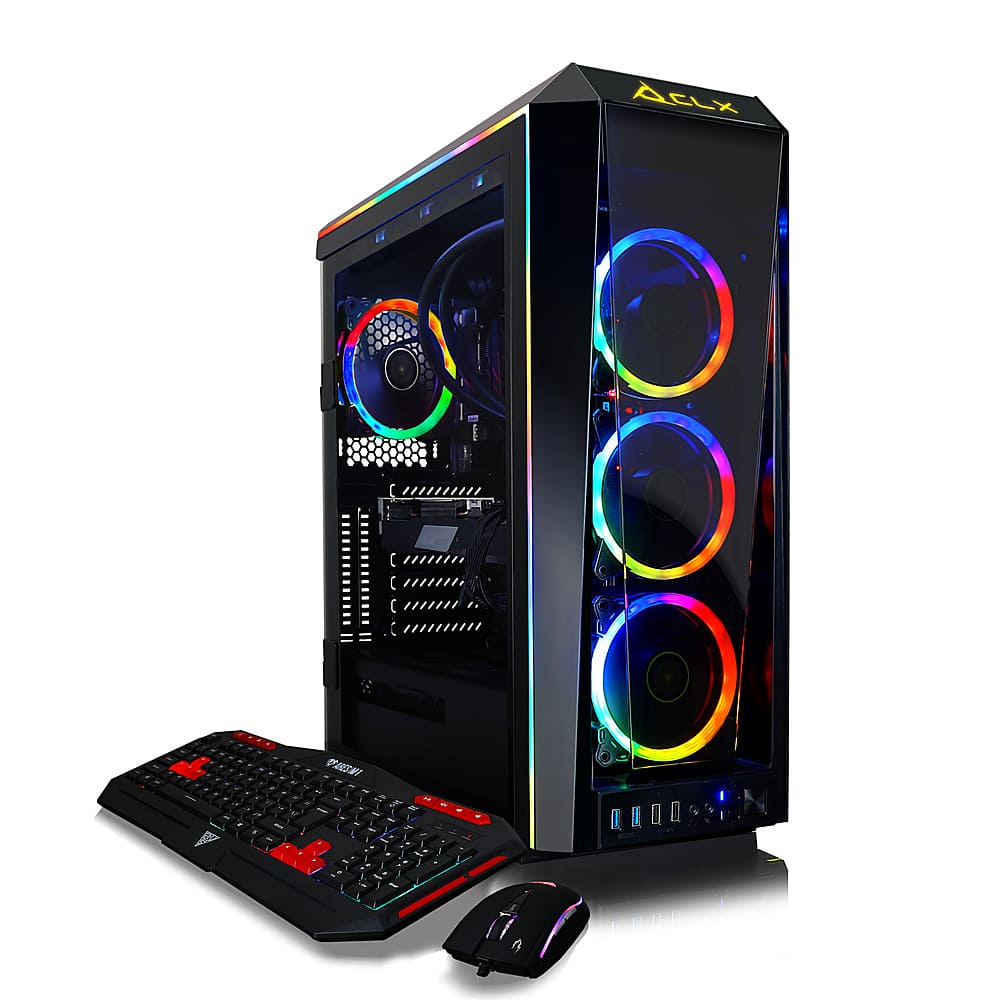
||Posted . Owned for 1 year when reviewed.This reviewer received promo considerations or sweepstakes entry for writing a review.The liquid cooling has never worked since I got it. I tried everything I could find in the first month but there's a persistent ticking sound and the card got really hot. I ended up opening the case and pointing a small desk fan at it temporarily and now a year later I'm finally getting it fixed (and cleaned... the external fan isn't a great solution tbh). Otherwise it's a great computer. Haven't found a game yet I can't play smoothly at max settings.
No, I would not recommend this to a friendRated 5 out of 5 stars
Excellent Value for the Price!
||Posted . Owned for 1 month when reviewed.This reviewer received promo considerations or sweepstakes entry for writing a review.Bought for gaming and streaming. More than enough space and memory for I wanted. Very happy with this purchase.
I would recommend this to a friendRated 1 out of 5 stars
Doesn’t work. DOA
||Posted . Owned for 1 month when reviewed.This reviewer received promo considerations or sweepstakes entry for writing a review.Christmas morning. Lights up, but no signal coming out. Assembly instructions, but it’s assembled. NO setup instructions…
No, I would not recommend this to a friendBrand response from CybertronPC Customer SVC
Posted .BooCLX,
We regret any issue encountered with setting up the system, and will of course be happy to help!
So that we may do so, please contact our Friendly Support Team, toll-free, at 855.490.2569.
For reference, something that may remedy the issue easily and swiftly, is to double-check the port that the display is connected to.
There are two sets of video output ports, only one of which is active.
If the display is connected to one of the ports near the top of the system, among the various USB, audio, network and other ports, then it is connected to a properly inactive port on the motherboard.
Instead, the display should be connected to one of the ports near the middle of the system, in a horizontal row, as these are the only active video ports, being part of the dedicated GeForce RTX 3070 graphics card itself.
If the above did not remedy the issue, or if you have any additional questions, please do not hesitate to contact our Friendly Customer Support Team, using the information provided above.
Thank you, and please rest assured, we will assist you!