Customer Ratings & Reviews
- Model:
- SC250R
- SKU:
- 6580295
Rating by feature
- Value
Rating 4.4 out of 5 stars
- Quality
Rating 4.4 out of 5 stars
- Ease of Use
Rating 4.2 out of 5 stars
Customers are saying
Customers express satisfaction with the SC 250R 4K Dual-View Dash Cam's video quality, ease of use, and overall performance. Many appreciate its convenient size, rich app features, and helpful features like loop recording. However, some customers have reported connectivity issues and challenges with the mounting tape. Despite these drawbacks, the dash cam generally receives positive feedback.
This summary was generated by AI based on customer reviews.
- Pros mentioned:Video quality

Not what I was looking for or expected
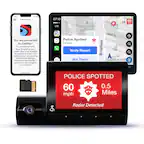
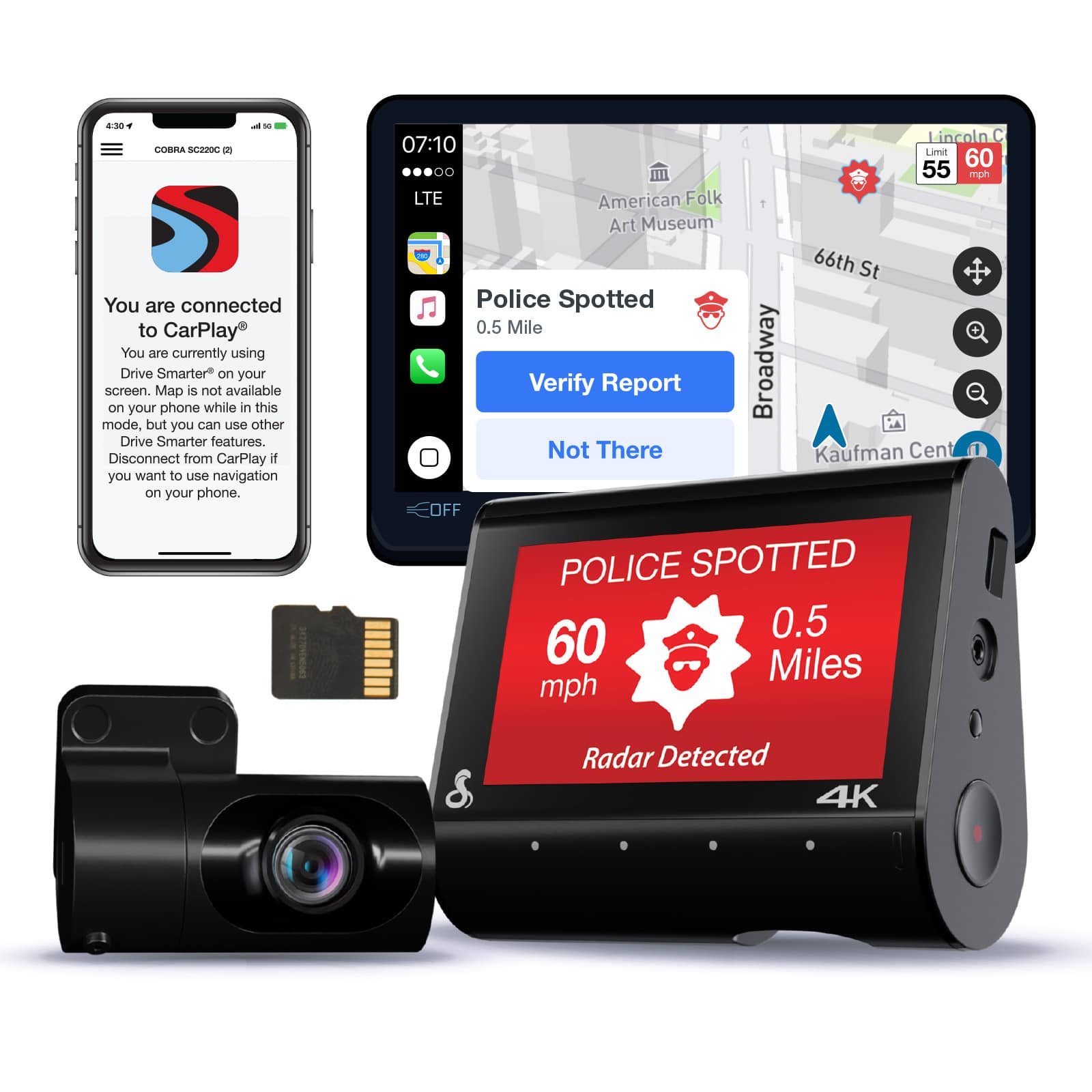
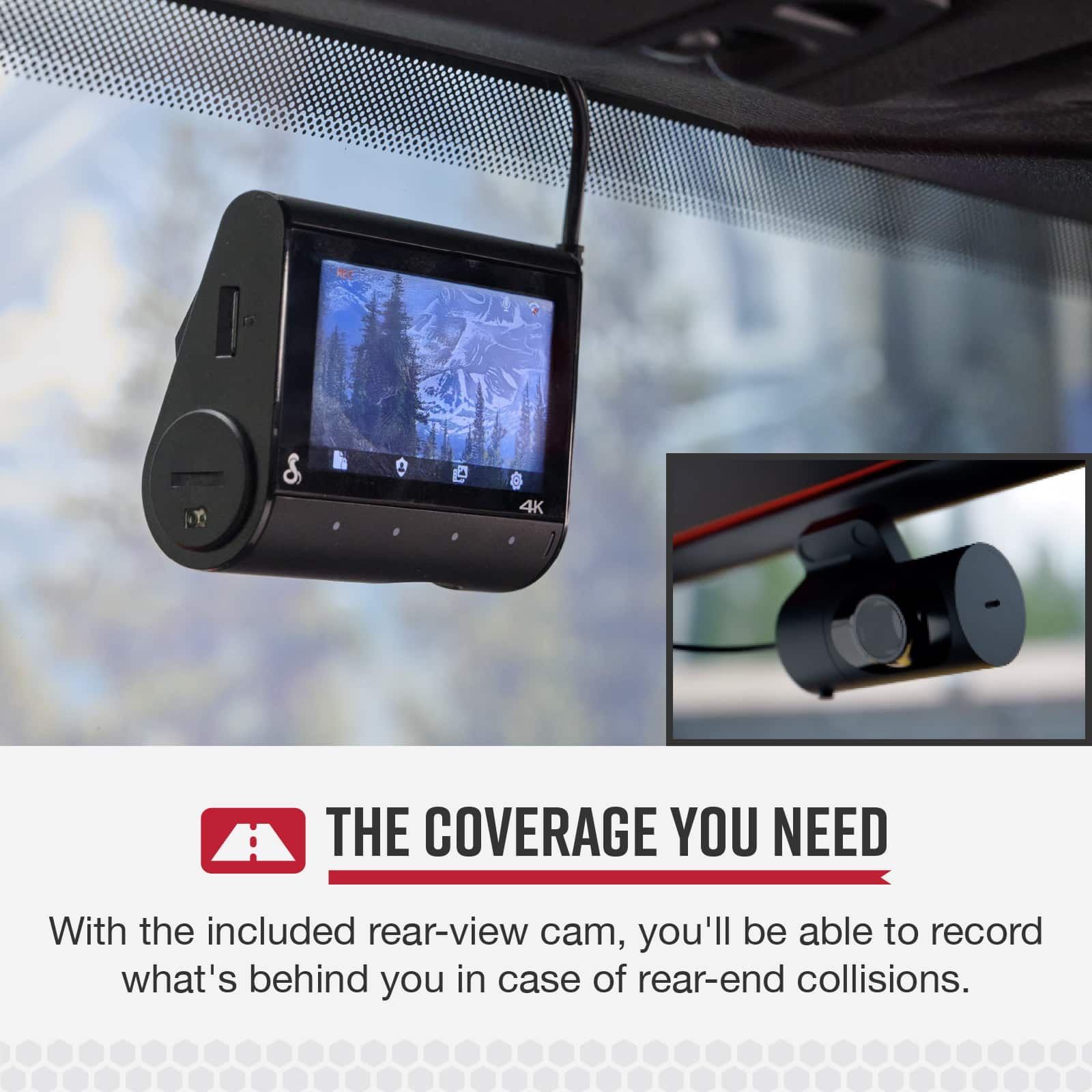
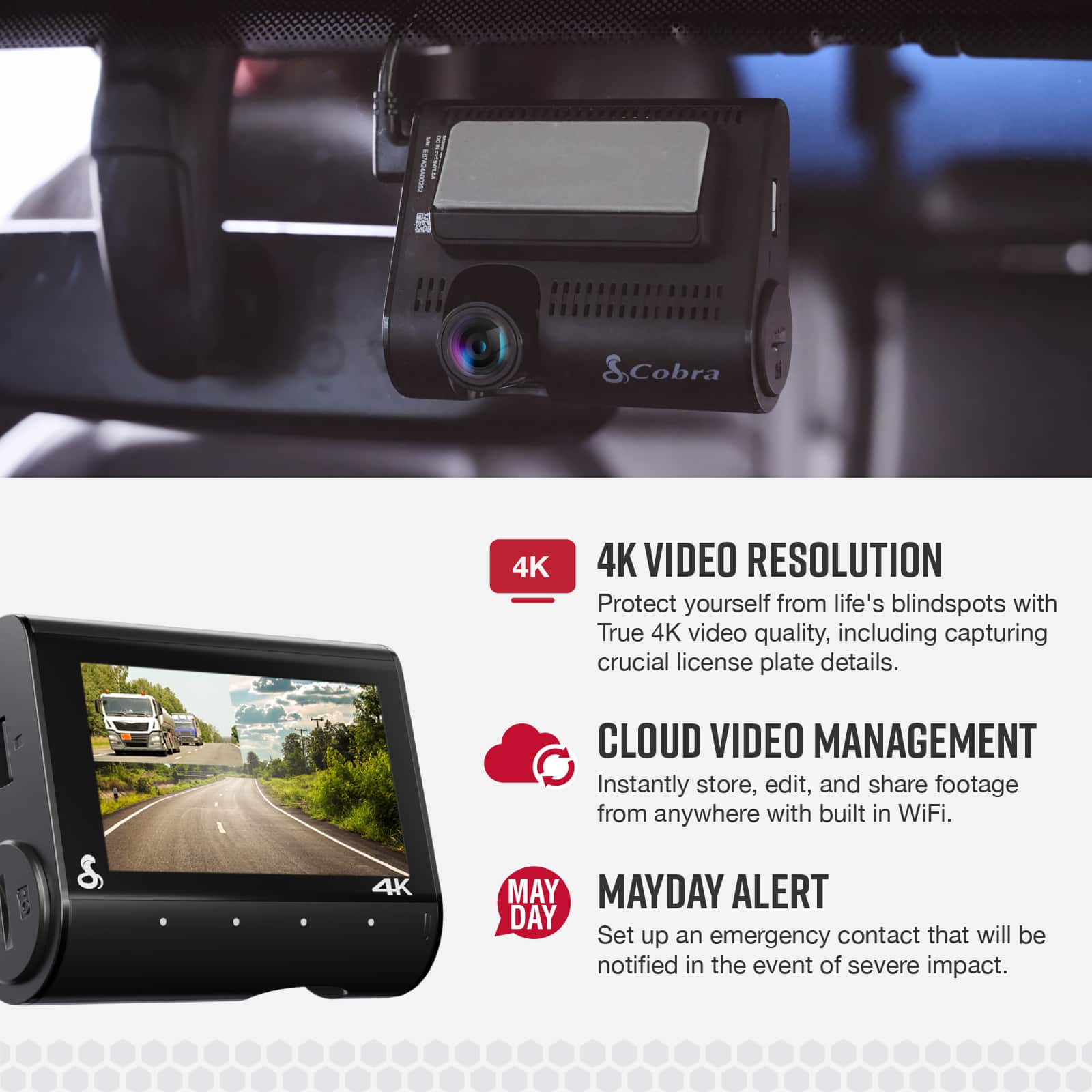
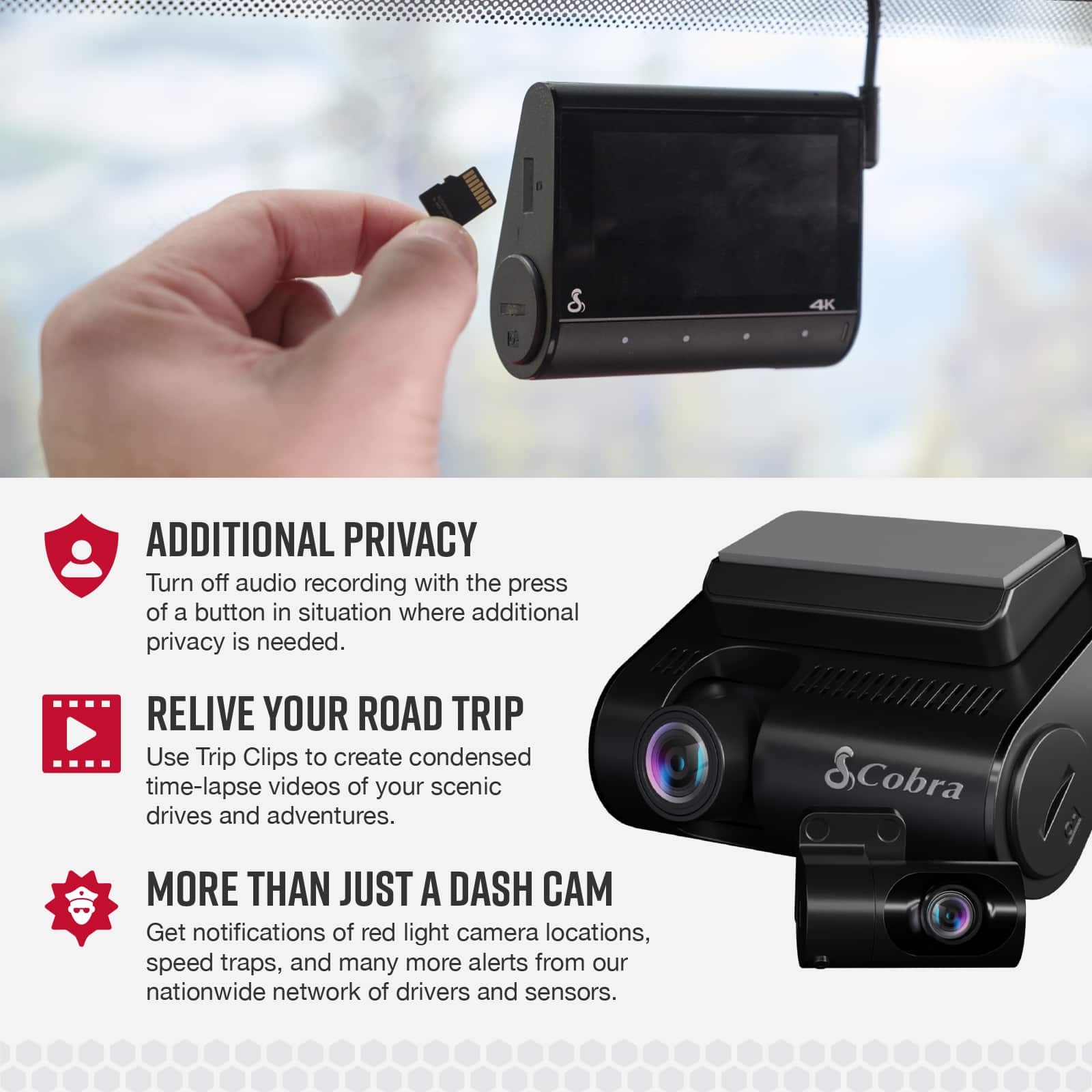
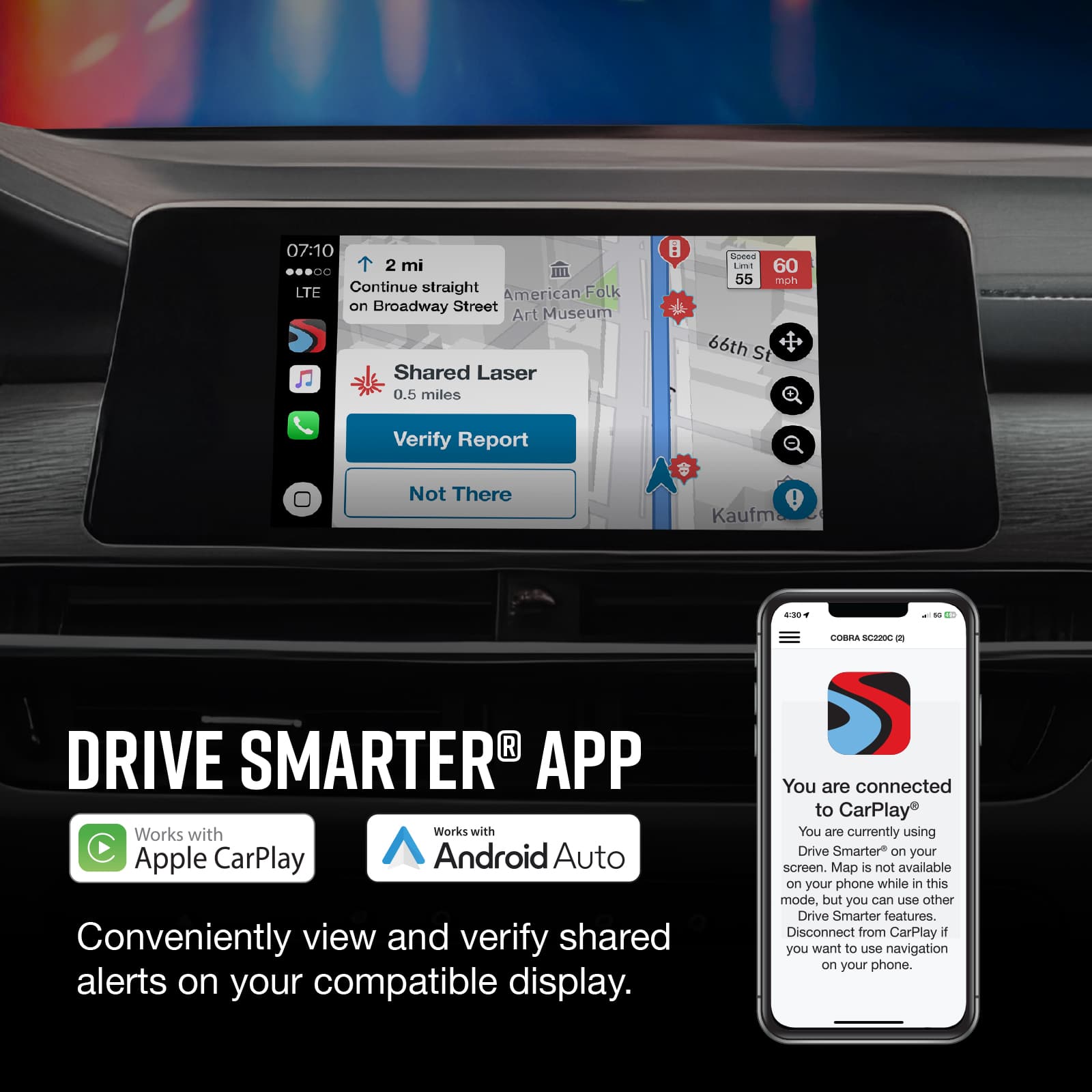
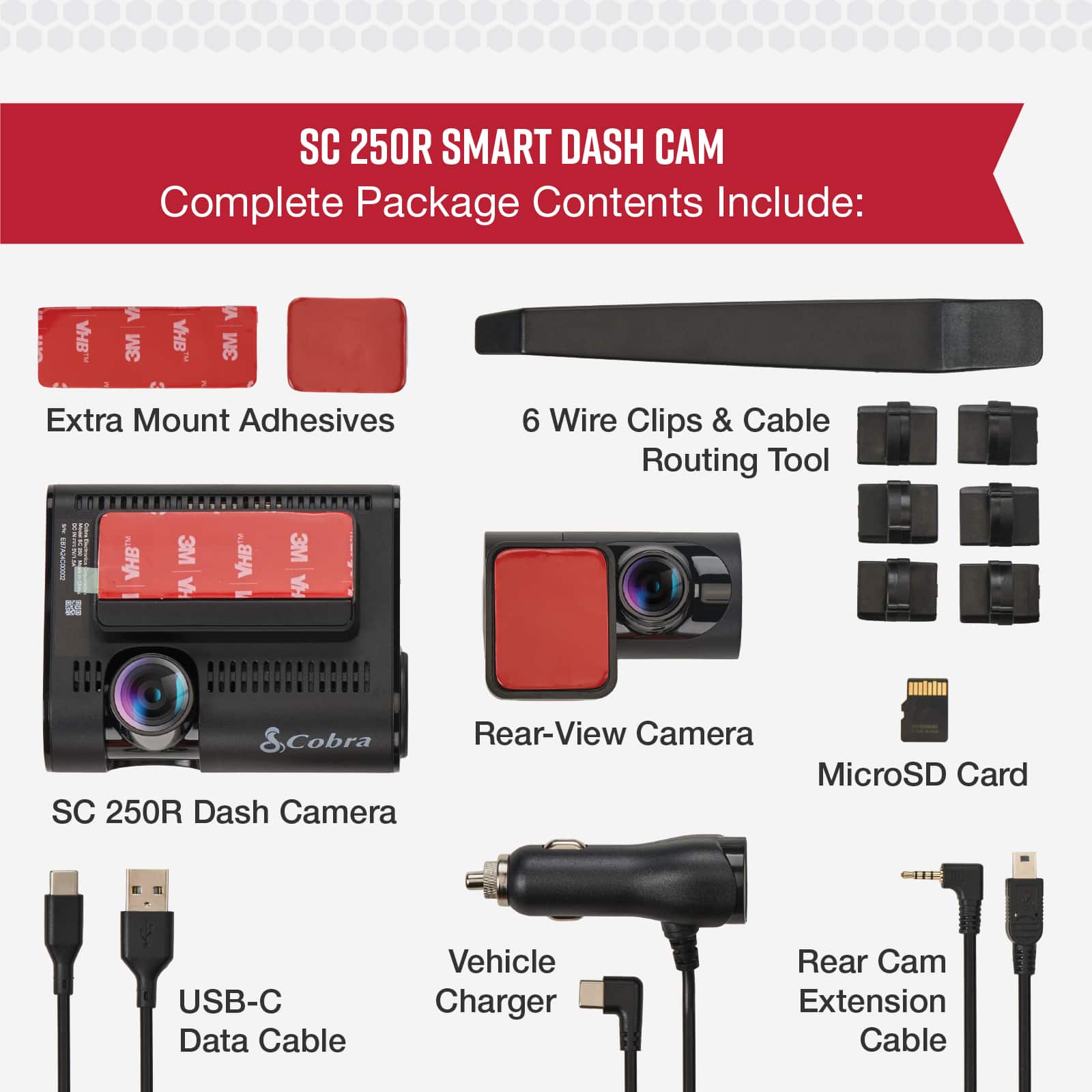
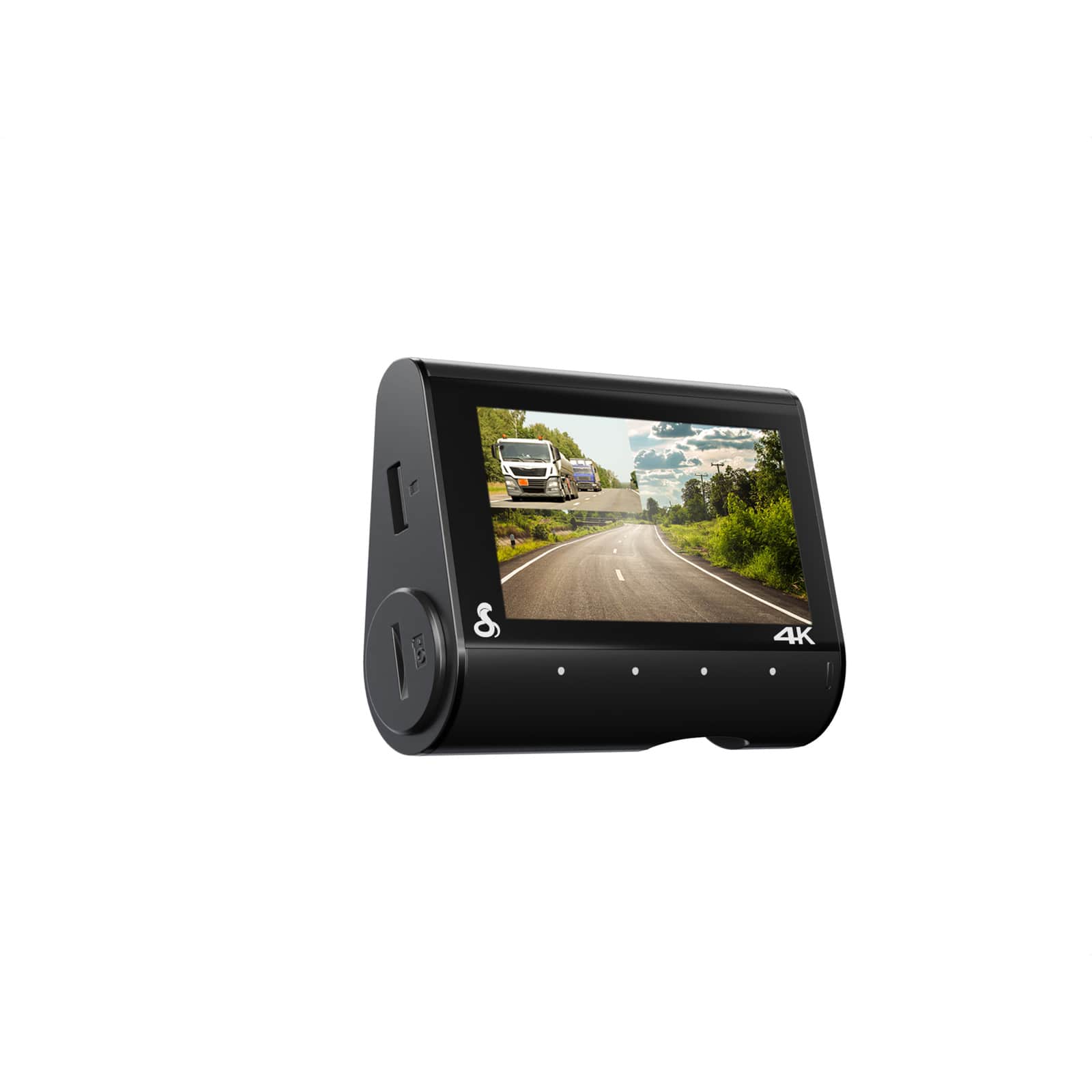
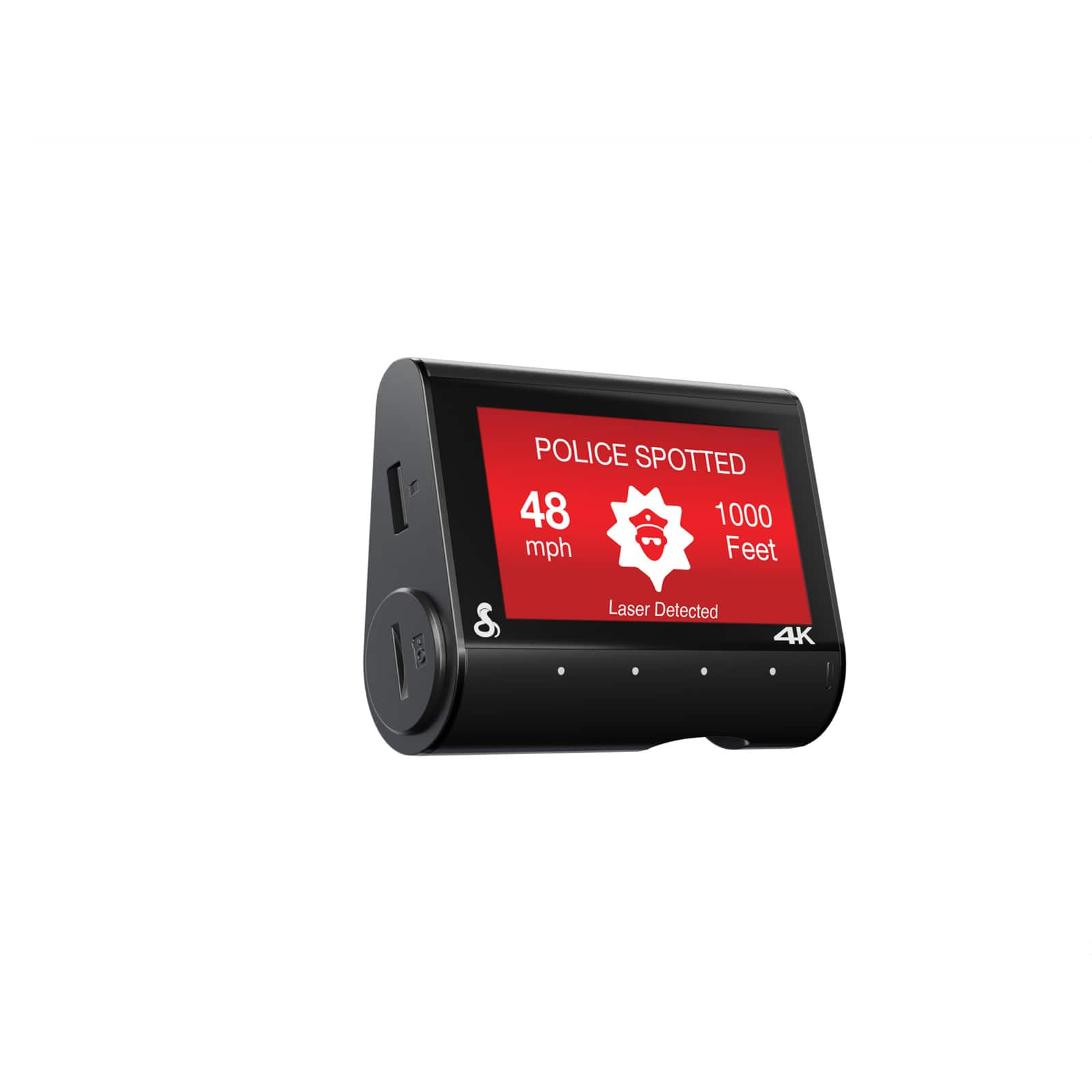
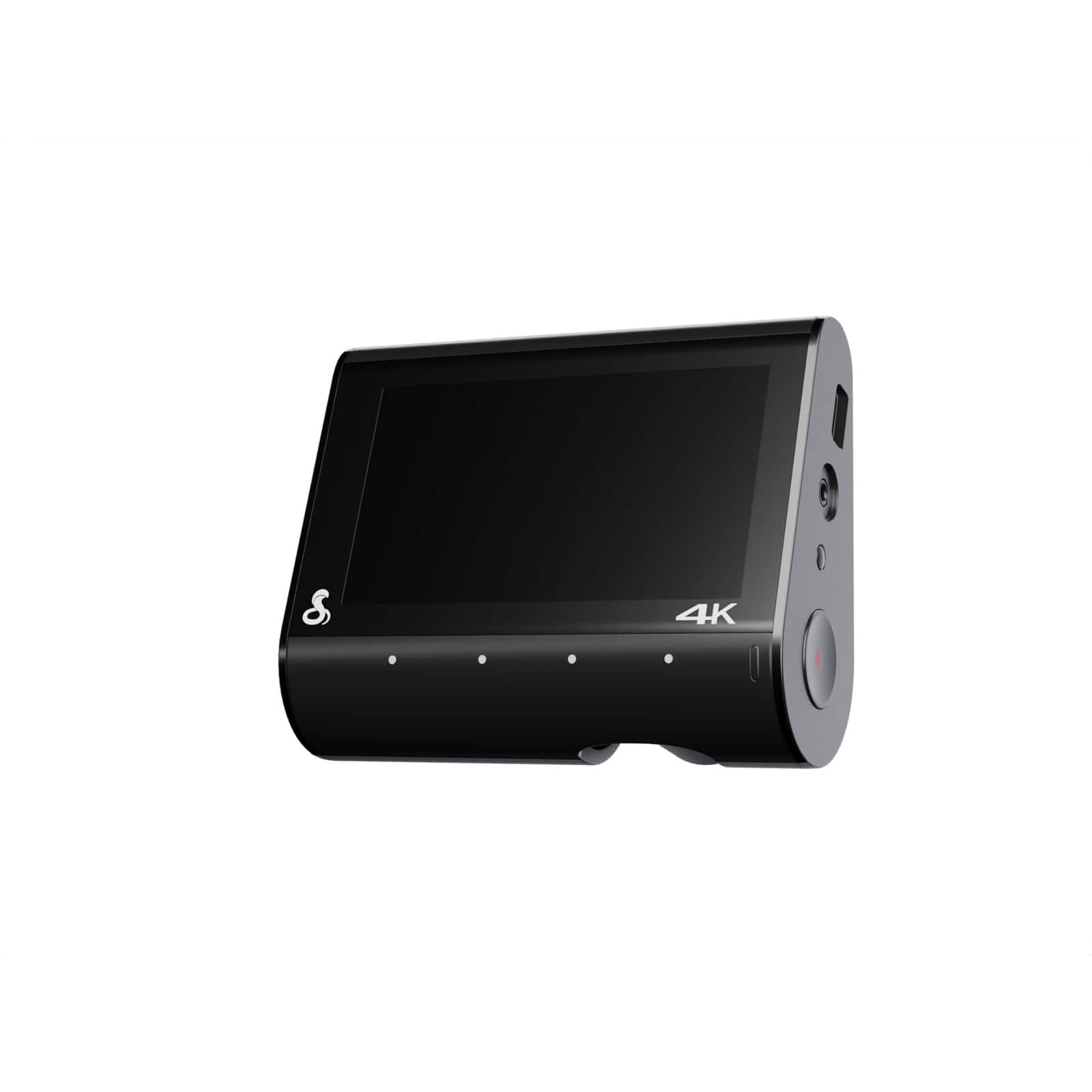
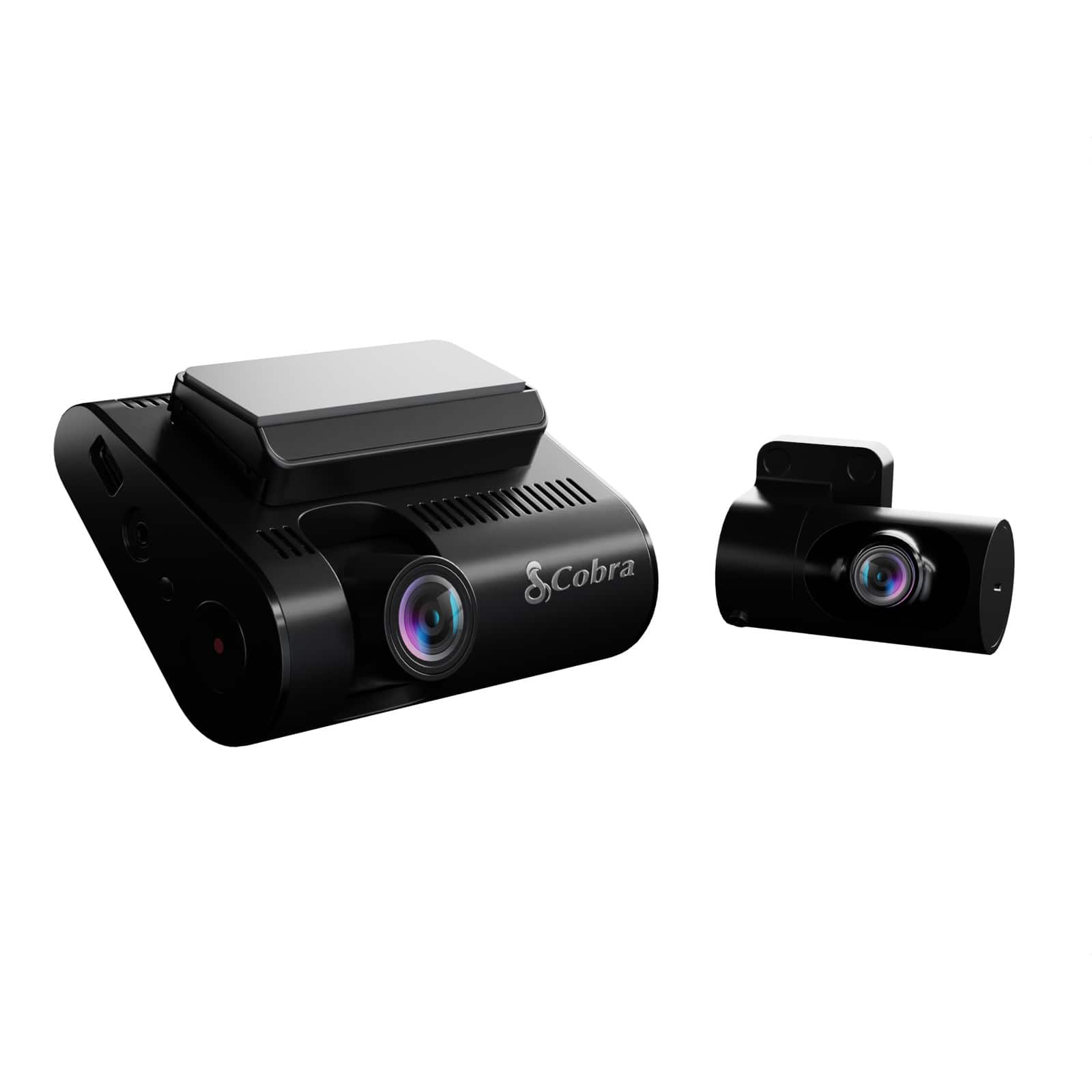
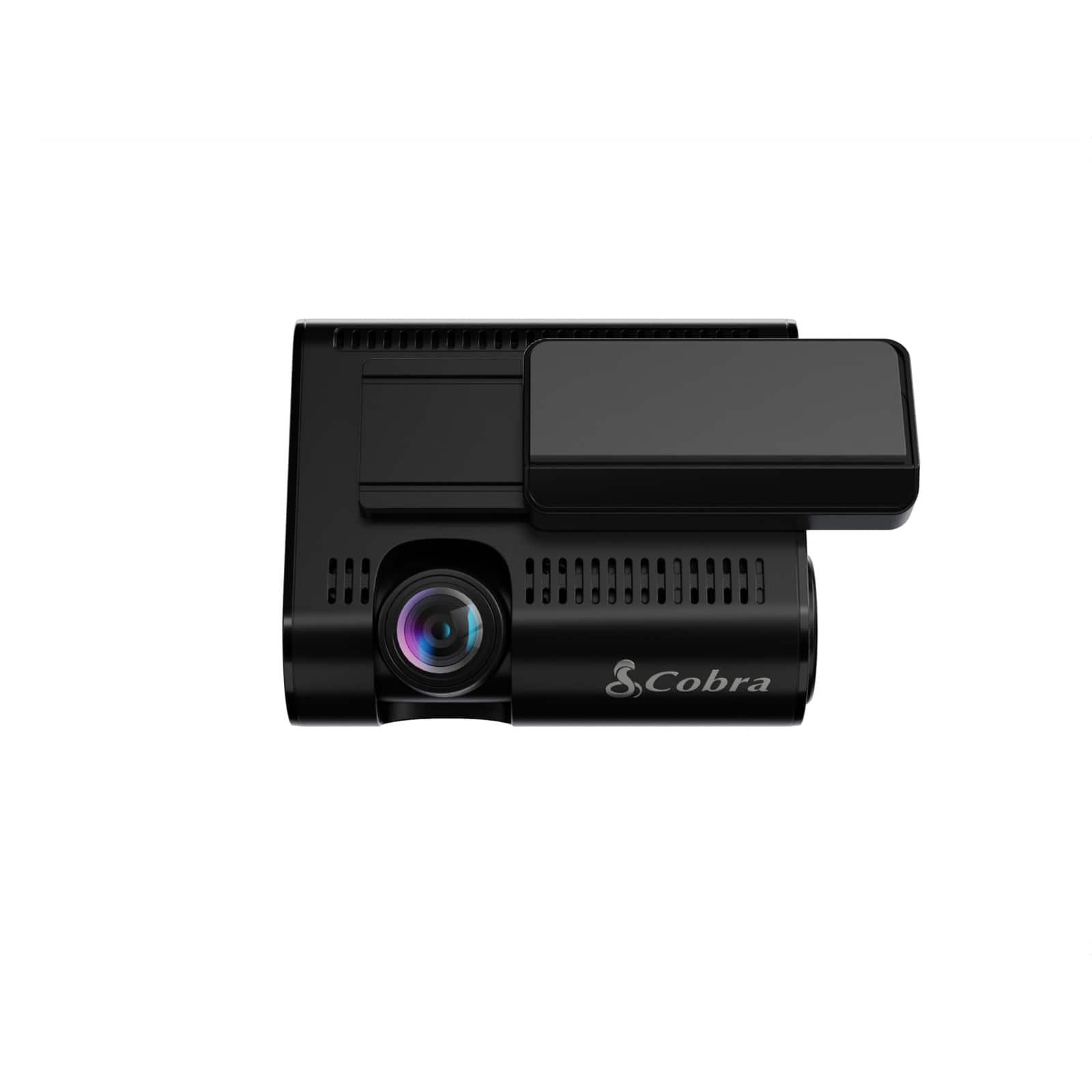
|Posted .This reviewer received promo considerations or sweepstakes entry for writing a review.I'll get right to the point on this one, I'm a bit disappointed with this product. I wanted to get in the dash camera game, especially in today's world where everything needs to be documented. If you get in an accident , or someone just happens to try and use you for insurance fraud, a dash cam can be a lifesaver. Heck this product actually DOES do a good job in the dash camera department. 4K video which is really clear and easy to see. It even includes a rear camera to record any rear end collisions you may encounter. Again your word vs. the other drivers. They might rear end you, but say you braked and somehow it's your fault. This would help you prove that it was in fact, not your fault. Only downside with the rear camera is that it's not 4K like the front camera. Still works for what it will be used for. So why am I disappointed? Why only 3 stars? Well, this is advertised as tracking radar and being a radar detector. Heck the main picture of the product when you first click on this link or do a search is the main camera unit screen showing red and saying "police spotted" and "radar detected". So I figured "wow I can get a dash cam AND a radar detector in one". Radar detection is something I could definitely use. I find myself running late alot to work and sometimes driving a bit too fast to not make my boss angry, so any help spotting police would be great. I don't get paid enough to also get a $300 ticket. So I was hoping this could help me. To me this is a little bit of false advertising and you really do need to read about this product to see what you are getting. Does it track radar? Yes, sort of. This product is not a 1 stop shop for the radar detection. You cannot plug it in, go for a drive, and immediately get radar notifications and alerts. What you need to do to make that happen, is download an app (extra step) called the drive smarter app. You have to go through a whole setup to connect the app to your dash cam. Once you do that and only then apparently, is when you get the radar alerts also known as "360 alerts" in the drive smarter app. But every time you start your vehicle, you have to first open up the drive smarter app and wait for it to connect to the dash cam. So a bit annoying. It should be built in. And honestly, I'm not sure how well the "360 alerts" or radar alerts actually work? I couldn't find much in the instruction manual or anything on the app. I have used this for 2 weeks and have only had 2 yes TWO alerts ever pop up, and I drive to and from work everyday. The first was a blue "K" alert, which I think is some other type of emergency service radar besides police, and the one time I had an actual red "K" alert for police like the listing picture shows, it was apparently a reported alert by another drive smarter app user, and when I got to the spot there was not a cop there. The icing on the cake, was I drove past a cop one day, no alerts. I also just yesterday driving home from work had a cop right behind me for most of the way, and no alerts. So what is the point of this? Does it, or does it not pick up law enforcement and is it only in certain situations? Would be nice to know the answer to this up front instead of feeling flustered having to do endless research to try and find an answer to what should be an easy question. Or is it that the only "alerts" this picks up are when users report them? The radar is the thing that really bugs me, and why I took off 2 stars. After 2 weeks of using this product I should have a solid understanding of what this does and doesn't do, and I find it really hard to answer that in regards to the radar functions. I also don't know if the radar only works if I enter navigation details into the drive smarter app, or if the radar works on it's own just with the drive smarter app open? Will have to read through endless reviews to see if any other users have a solution to this question. As far as the rest of the features, they are pretty good. Like mentioned the camera quality itself is 4K so really good there. Installation was relatively easy for me. The kit came with both cameras, some really sticky adhesive tape to mount both cameras, the power cords, some wire clips, and a plastic tool to help remove the door and dash trim if need be. I will say please do yourself a favor and take the time to install this properly. HIDE YOUR CORDS. Don't be one of those people that just mounts the camera on the windshield, then just plugs in the plug to the 12v port and leaves all the cords dangling and messy. That just looks terrible. I spent about 30 minutes running the cords properly in the A pillars and upper trim and managed to get everything hidden and looking professional. The other feature which I mentioned above briefly is the ability of GPS turn by turn navigation using the drive smarter app. Yes there are other apps that can be used (google maps, apple maps, etc), and alot of cars with smart features have these built into the vehicle dash screen these days. So I guess IF you have an older vehicle that doesn't have that, this would be helpful. and I guess if you do have a smart vehicle the drive smarter app will work with apple play and other systems to put the info right on your vehicle screen. When you load up the drive smarter app and enter your destination, the GPS turn by turn info appears right on your dash cam screen showing you how far to go and also has voice instructions. Another downside is the main camera screen that you mount to your windshield is about 3" wide. Pretty tiny and hard to see. Plus it's not touch screen. It has these 4 buttons that run along the bottom, that you have to tap to make choices on the screen. A bit annoying at times as you might think you are pushing one button but end up pushing a different one by mistake. All 4 buttons are the same exact button and color so nothing distinguishes them apart. Overall if you want just a good dash cam with good video quality and includes a rear camera, this is a good product. BUT if you are looking for something with radar detection as well, I would pass on this and keep looking.
No, I would not recommend this to a friendBrand response from Cedar Electronics Team
Posted .Thank you for your review and for choosing Cobra. The SC 250R is designed to receive shared and community alerts, including radar notifications and police sightings, among others. By connecting the camera to the Drive Smarter app via Bluetooth, it will begin to receive these alerts, which are either transmitted to the cloud by other users and devices or reported directly by them. It's important to understand that the presence of a police vehicle does not necessarily indicate the use of radar. For any inquiries or concerns, feel free to reach out to us at 800-543-1608, and we will gladly provide assistance.

- Pros mentioned:Video quality
Peace of mind, in 4K
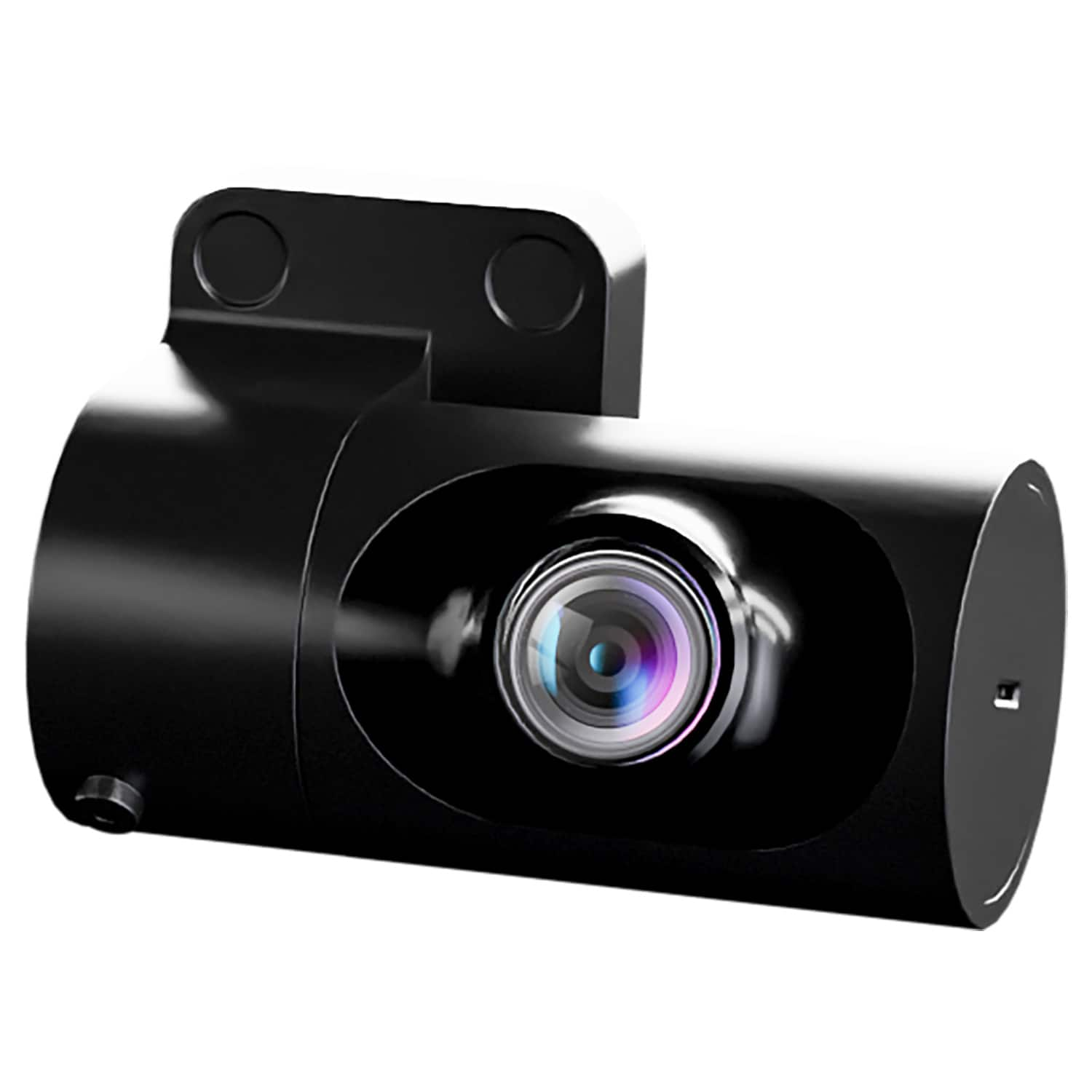
|Posted .This reviewer received promo considerations or sweepstakes entry for writing a review.The Cobra SC 250R dual view front and rear dash camera is an excellent choice if you're in the market for a dual view dash camera. I already had the SC 220 in my daughters truck and I really liked how easy it was to install and setup in there, so I decide to try the SC 250R in my 2021 Ram 1500 Laramie. I liked the fact that it's 4K and also have more options to place the separate cabin/rearview camera. Let me just say that it was a bit more challenging install in my truck. Specifically because there is only one 12V cigarette lighter type outlet, and it's on the top of the dash, so if you want to be able to easily disconnect the SC 250R, you're going to have a lot of wires out in the open making it look kind of messy in my opinion. That's not what I wanted, so I opted to hardwire it to a circuit that comes on with the truck, making for a cleaner looking install. Another minor issue is that I have a sliding back window, and can not place the camera in the middle of the window to get an ideal view. I should also mention that the 2021 Ram's have a fairly large rearview camera assembly that takes up a lot of real estate in the middle of the windshield, so placement was a bit tricky. I first placed the main camera next to the mirror on the drivers side, but I realized that the SC 250R slides off in the direction towards the rearview mirror so I decided to place it directly under the rearview, centering the camera. Thankfully there was extra two way tape included. I also opted to place the rearview camera on the back window just next to the sliding window. It's not ideal, but either way it would be off center, and it doesn't interfere with the sliding window. The SC 250R uses the Drive Smarter app. The app is mainly a GPS, but gives you "360 Alerts", which are radar, speed, and red light cameras. It will also allow you to update firmware OTA. You also have access to cloud video management as well as the onboard videos that are stored on the included 32GB micro SD card. You get a lot in this package. After getting it all setup, I'm glad I did it. I have peace of mind now when driving knowing that I could potentially have video proof in case something goes wrong.
I would recommend this to a friendBrand response from Cedar Electronics Team
Posted .Thank you so much for the excellent review! It is great to hear that you are happy with the features and performance of your dash camera. Enjoy!
A great little device - everyone needs one!
|Posted .This reviewer received promo considerations or sweepstakes entry for writing a review.Just the right size to not get in the way, but not to small that you have to squint to see what's on the screen. The controls are touch actuated, so you don't end up with fingerprints all over your screen. A 32GB MicroSD card is included, and the cabling was long enough to reach from one end of our Grand Cherokee L to the other so that both cameras were active. The Grand Cherokee L doesn't have a cigarette lighter jack up front (go figure?) so I picked up an aftermarket ODB2 port to USB-C power adapter so I didn't have to use up the hot commodity USB ports in the front seat of the vehicle. Picture clarity is spot on - very very clear and crisp. I do have concerns about how much video will be stored on a 32GB card, especially when you add in the optional audio recording - I think I'll be picking up a larger MicroSD card, but for many people, I think 32GB will do the job just fine. My preference tends to lean towards longer retention while still keeping the resolution at the highest settings, so larger will be better for me. The app - I don't hate it, but I won't go out of my way to use it either...,Apps like this have come a long way, but there are other apps available that have community-sourced data as well that are completely free and can be displayed on your Android Auto/Apple Carplay screen. A nice, well-rounded package though. These days a dash-cam is a must-have device - this one is a definite keeper!
I would recommend this to a friendBrand response from Cedar Electronics Team
Posted .Thank you for the great review! The Drive Smarter app is free with a compatible device, such as the SC 250R and not only provides shared and community alerts, but also allows you to access all of your dash camera settings directly through the app. If you have any questions about your camera or the Drive Smarter app, please feel free to contact us at 800-543-1608.
- Pros mentioned:Video quality
Keeps me alert, aware, and informed
|Posted .This reviewer received promo considerations or sweepstakes entry for writing a review.Great, responsive dash cam with loads of features once you get it all working. Since there are so few, I will start with the negatives. First, there is no battery. In the past cams I have owned, having a few seconds after powering down has been useful. I plan to hardwire the camera to the battery to somewhat accommodate that need, but it would be useful to have a battery in the event I forget the charger, etc. Second, the "buttons" take getting used to vs "feeling" like it should be a touch screen, but that will fade with time. Now, the great. Crystal clear video on both cameras. I can see it all. License plates, signs, etc. Video can be easily uploaded if needed through app. Once connected to a hotspot (I tether from my phone) you get all the extra bells and whistles from the surrounding areas. Speed traps, red light cameras, and other bonuses that sync with the app. T The app is very responsive, intuitive and is a great companion to the camera. Gallery view, live traffic and warnings, and mapping. Similar to Google Maps and Waze, but having it sync directly to the dash cam has been more useful that I would have originally thought. Having a dash cam that has integrated safety and warning features has proven itself to be extremely useful, especially since driving is becoming more and more chaotic where I live. Of the many cameras I have owned in the past, this one definitely ranks at the top. Just get it hardwired.
I would recommend this to a friendBrand response from Cedar Electronics Team
Posted .Thank you so much for the wonderful review! Enjoy!
- Pros mentioned:Ease of use
Amazing Dashcam
|Posted .This reviewer received promo considerations or sweepstakes entry for writing a review.The Cobra 4K DashCam is amazing. It was very easy to install. It was easy to set up. The Dashcam is very user-friendly and I would definitely recommend it to anyone looking for a great Dashcam. What makes it so great? Well let's talk about how easy it was to set up, out of the box it gives you what you need to connect it and configure it to your liking. It comes with an SD Card which is a huge plus because out of the three dash cams I own, this is the only one with its own SD Card. So there in and of itself is a huge plus in my book. Once the dash cam was configured the way I wanted it, it was as simple as turning it on and downloading the app. I followed the instructions on the App and configured the dash cam settings the way I wanted it to be set and I was up and running in less than 20 minutes (it took a little bit for me to place the rear camera due to wanting it to be perfect). Like I stated before this dash cam was great and I am super happy with it. It's an easy five stars for me.
I would recommend this to a friendBrand response from Cedar Electronics Team
Posted .It is great to hear that you are happy with the performance and features of your SC 250R. We appreciate the fantastic review! Enjoy!
Car Cam
Posted .This reviewer received promo considerations or sweepstakes entry for writing a review.Seems to be of a good quality; however, I have not had it long enough to make a thorough determination.
I would recommend this to a friendBrand response from Cedar Electronics Team
Posted .Thank you for the great review! We’re glad to hear the SC 250R is making a good initial impression. If you have any questions or need help, please do not hesitate to contact us at 800-543-1608.
Great concept but misses the mark in some ways
|Posted .This reviewer received promo considerations or sweepstakes entry for writing a review.The Cobra 4K Dual-View Front & Rear Dash Cam comes jammed packed with features, but also missed the mark in some crucial ways. This is my 4th dash cam, and what really is intriguing is the dual view options. You can tell Cobra really put a lot of thought into features like navigation, traffic camera alerts, and even police detection. Out of the box can be a bit overwhelming, even for someone who has had prior experience running cables, and getting one setup. The instructions leave a lot to be desired, and you do have the option to scan a QR code for more. Cobra sends you everything that you need, and that even includes an SD card already installed. The cameras are powered by plugging it into your auxiliary power outlet (cigarette lighter), so in order to peer the rear camera you do have to run the power cord to the back of your car, in my case SUV. Having to run that cable under the panel of my floorboards is a lot for someone with a larger vehicle, especially if you want it to look clean and not see the wire. This is something to think about for people who aren’t tech/installation savvy. Once I finally was able to get both cameras setup with help, I realized the picture quality left a little to be desired especially the rear camera quality. Overall, the Cobra 4K Dual-View Front & Rear Dash Cam gets the job done, and will do a good enough job watching the back and front of your vehicle with enough quality to catch license plates.
No, I would not recommend this to a friendBrand response from Cedar Electronics Team
Posted .Thank you for choosing Cobra! Should you have any questions or need assistance, please contact us at 800-543-1608. We're happy to help!
- Pros mentioned:Video quality
SC250 CAM
Posted .This reviewer received promo considerations or sweepstakes entry for writing a review.Works great for me. The 4K video is the best I've seen. You get remote live view, but I didn't hardwire my camera. Videos download to the phone
I would recommend this to a friendBrand response from Cedar Electronics Team
Posted .Thank you so much for the great review!
- Pros mentioned:Video quality
One of the better units out there
Posted .This reviewer received promo considerations or sweepstakes entry for writing a review.Hi definition videos and it has buit in stabilization so videos are crisp and clear, You can’t go wrong with this camera
I would recommend this to a friendBrand response from Cedar Electronics Team
Posted .Thank you for the wonderful review! Drive safely and enjoy your new dash camera!
- Pros mentioned:Ease of use
Front and back dashcam
Posted .This reviewer received promo considerations or sweepstakes entry for writing a review.Loved the product and was very easy to setup and install the same day after purchasing this product.
I would recommend this to a friendBrand response from Cedar Electronics Team
Posted .We are so glad you love it! Thank you for the excellent review!
Mediocre sw
Posted .This reviewer received promo considerations or sweepstakes entry for writing a review.I have had to contact Cobra via emails or phone for many things, which should've been explained in the really vague "instructions." My SD card was full, and i thought this thing overwrites the sd card? The buttons are too hard to find and locate. They make it sound like you can do everything from your phone, which BTW adds more electronic chaos to driving!
I would recommend this to a friendBrand response from Cedar Electronics Team
Posted .Thank you for your valuable feedback. The SC 250R is designed for easy operation. By pairing your camera via Bluetooth with our Drive Smarter app, you can easily access your camera settings and video recordings. Once the SD card is full, the dash cam will continuously overwrite the oldest footage recorded with recent recordings. To protect a clip so that it will not be overwritten, press the Action Button so that the clip is moved into the locked content partition. An Emergency Recording is triggered when the Action Button is pressed or when the G-Sensor
registers a significant impact. Emergency Recordings create locked files that are not overwritten by the loop recording. If you have any questions or need assistance, please feel free to contact us at 800-543-1608. We're happy to help!
Not a good buy at all
Posted .This reviewer received promo considerations or sweepstakes entry for writing a review.It does not have all the functions advertised online or on the packaging, very disappointing
No, I would not recommend this to a friendBrand response from Cedar Electronics Team
Posted .We appreciate your review. All advertised settings and features are included with your SC 250R. If you'd like more information on settings and how to access them, feel free to contact us at 800-543-1608 or you can access the full owner's manual here: https://cdn.shopify.com/s/files/1/2203/2035/files/SC250R_WEB_MANUAL_FIN_REV_08624_26949c49-44b0-4ee8-b766-afe3f3eaffa0.pdf?v=1724186794