Customer Ratings & Reviews





- Model:
- CH-9302011-NA
- SKU:
- 5854505
to a friend
Customers are saying
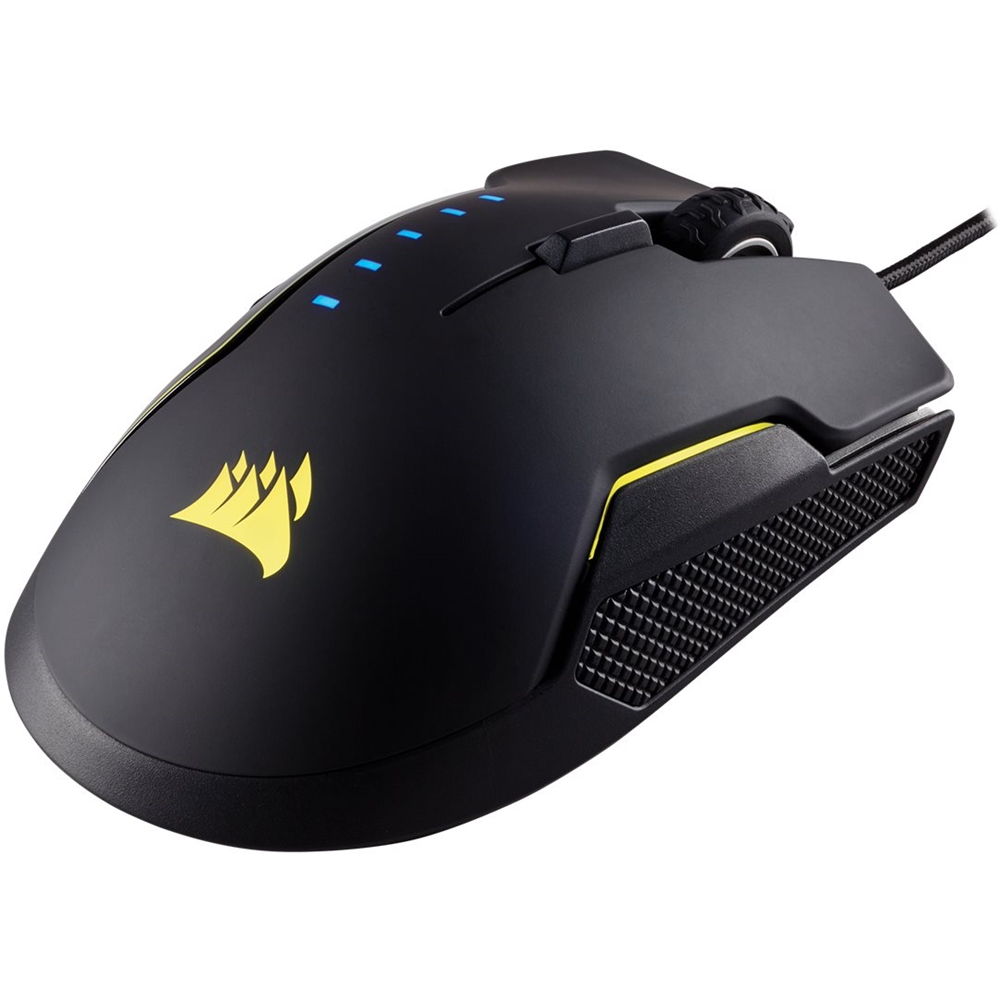
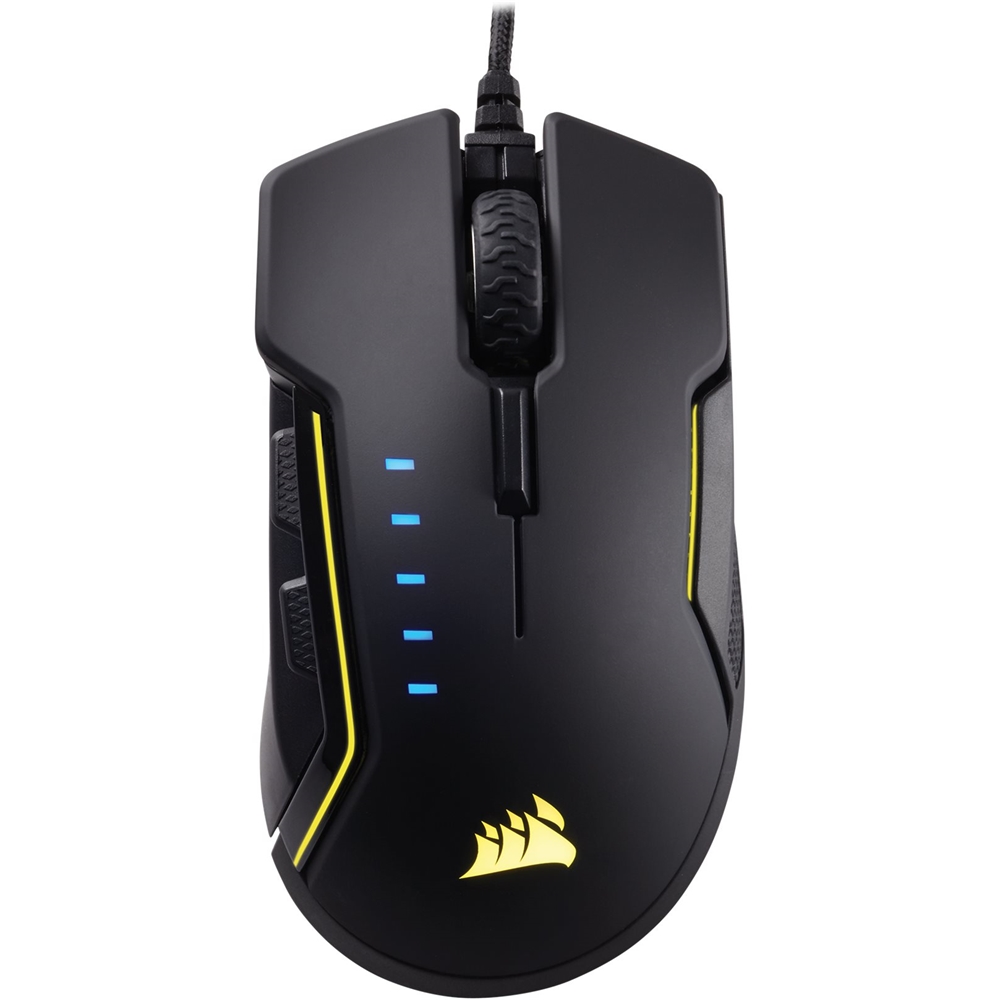
Customers love the GLAIVE Wired Optical Gaming Mouse for its comfortable design. Customers rave about how the mouse feels great in their hands, making it perfect for extended gaming sessions.
This summary was generated by AI based on customer reviews.
My favorite thumb rest
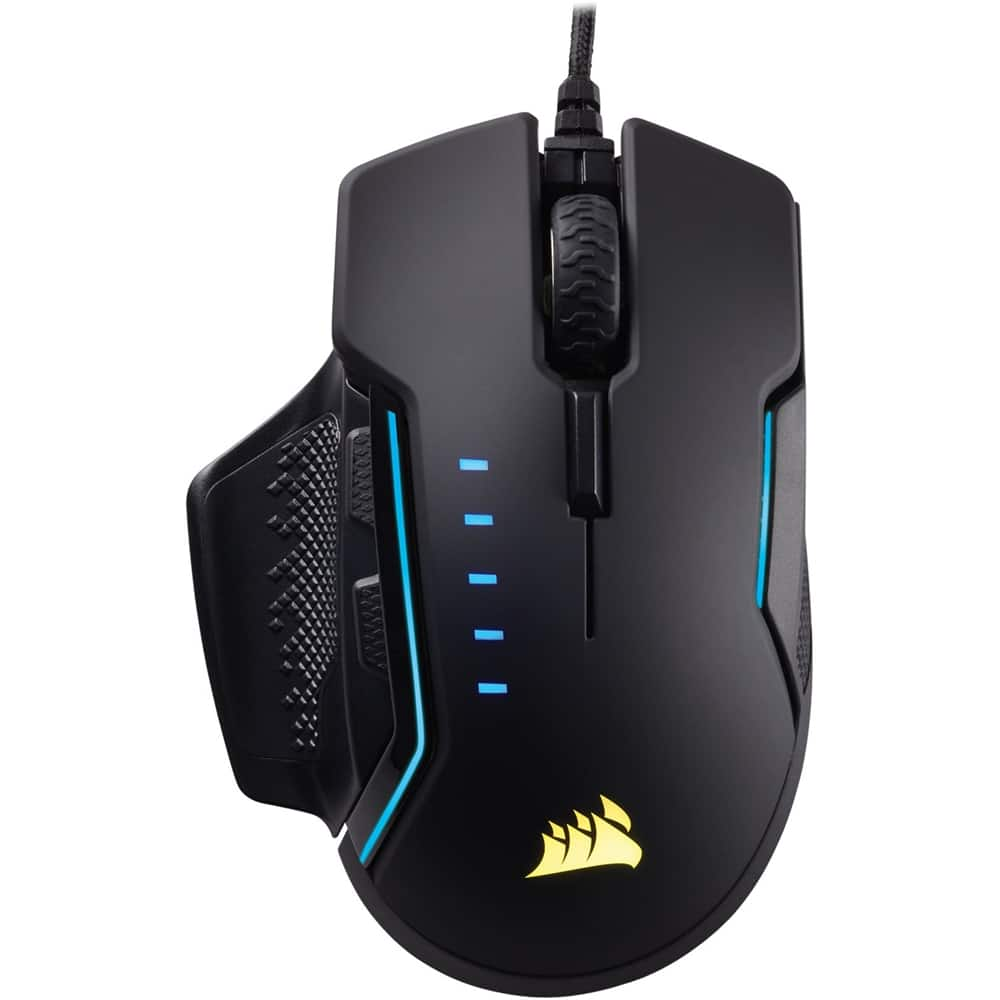
||Posted .This reviewer received promo considerations or sweepstakes entry for writing a review.Out of the box with a very long tail comes the Glaive RGB mouse. Install went smoothly and like my mouse pad the lighting effects are controlled thru CUE software. The mouse comes with three interchangeable thumb grips. I love this mouse and I'm now hooked on Glaive.
I would recommend this to a friendLove this mouse
||Posted .This reviewer received promo considerations or sweepstakes entry for writing a review.Replaced my previous Corsair mouse and I'm so glad i did. Brighter LED's much more comfortable mouse with an option to switch out the thumb guard. Love it!!
I would recommend this to a friendLove this mouse!
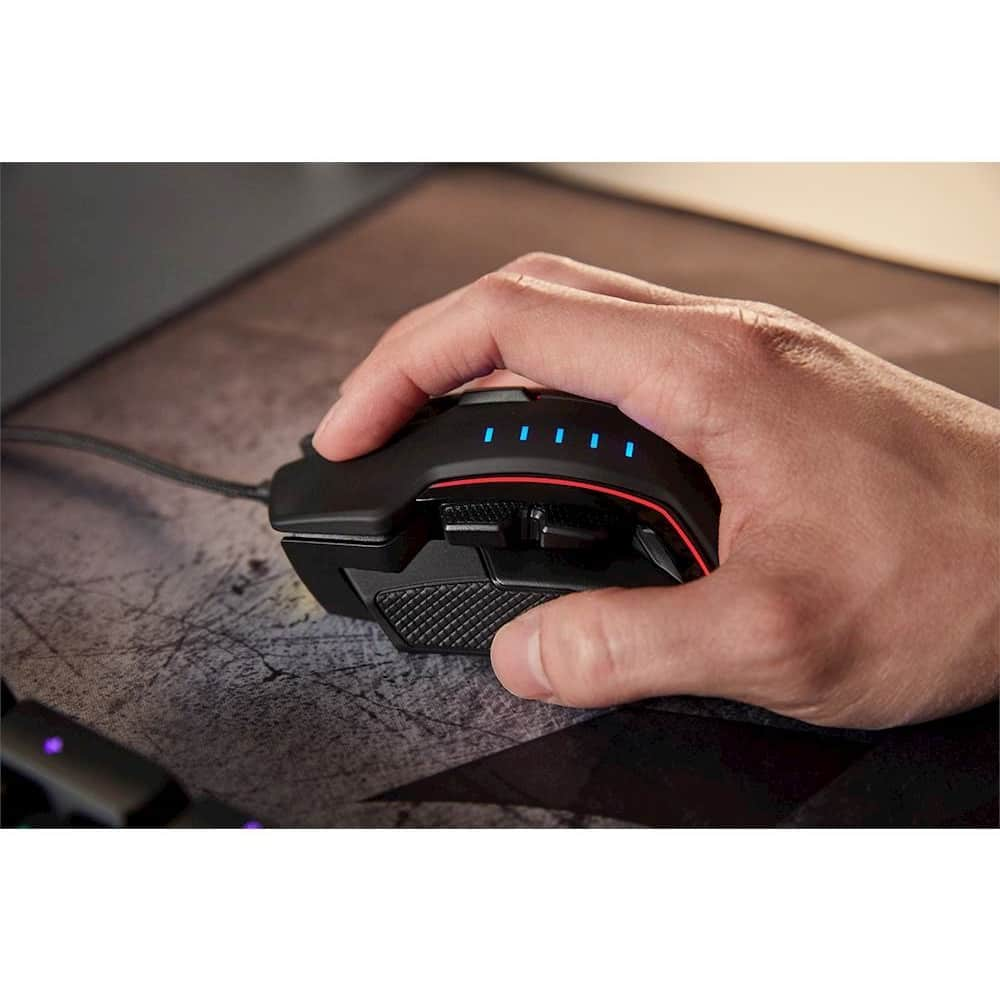
||Posted .This reviewer received promo considerations or sweepstakes entry for writing a review.Mouse is super comfortable for gaming and feels great in your hand. RGB features are a bonus as well!
I would recommend this to a friendCorsair Gaming mouse!
||Posted .This reviewer received promo considerations or sweepstakes entry for writing a review.This is a awesome mouse! feels nice in my hands, nice RGB, and will last forever! Corsair mouse are some of the better ones out there, so you don't have to worry about things going wrong in the mist of battle! these go on sale regularly too!
I would recommend this to a friendGreat mouse
||Posted . Owned for 8 months when reviewed.This reviewer received promo considerations or sweepstakes entry for writing a review.I bought this for my sons gaming computer and he loves it !
I would recommend this to a friendGreat Gaming Mouse
Posted .This reviewer received promo considerations or sweepstakes entry for writing a review.I went from an almost 10 year old Microsoft Sidewinder mouse to this, and I'm never looking back. I'm a fan of mice on the bigger side and this one fits the bill. It's not oversized by any means, but I prefer it over the Scimitar or something a bit smaller. The 3 grips that come with it are really nice, but I find myself using the default grip since it feels the best to me. The 5 quick adjustable DPI presets come in very handy depending on the game that I am playing, and the CUE software helps me dial those in perfectly. No complaints with this mouse!
I would recommend this to a friendIt's okay
Posted .This reviewer received promo considerations or sweepstakes entry for writing a review.Mouse is fine, nothing spectacular about it but nothing bad either. It's a heavier mouse and became uncomfortable after extended periods of use. I would advise to look at Logitech (G502 or G903) if you're looking for something with more programmable buttons and a better feel. I would recommend this to someone who was strictly going for Corsair mice but if they were open to other brands then I'd more than likely recommend Logitech or SteelSeries mice over this.
I would recommend this to a friendBrand response from Corsair Art
Posted .Hi Chavez,
What seems to be the specific issue you found with the mouse? Please reach out so we can try to help: support.corsair.com
Hardware Issue - First Gen Problem Many Experience
Posted .This reviewer received promo considerations or sweepstakes entry for writing a review.The switch is a problem, double clicking and highlighting words. Reinstalling the CUE(drivers) fixes the word highlighting issue when it comes up but it doesn't work for the double clicking. It's a hardware issue. Someone on the Corsair forums had to take apart their mouse and slightly bend the switch to fix the issue. Seems to be a first gen issue that quite a few people experience.
No, I would not recommend this to a friend