Customer Ratings & Reviews

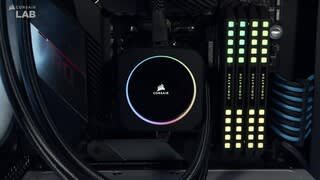

- Model:
- CW-9060061-WW
- SKU:
- 6488319
Rating by feature
- Value
Rating 3.8 out of 5 stars
- Quality
Rating 4.2 out of 5 stars
- Ease of Use
Rating 4.1 out of 5 stars
Customers are saying
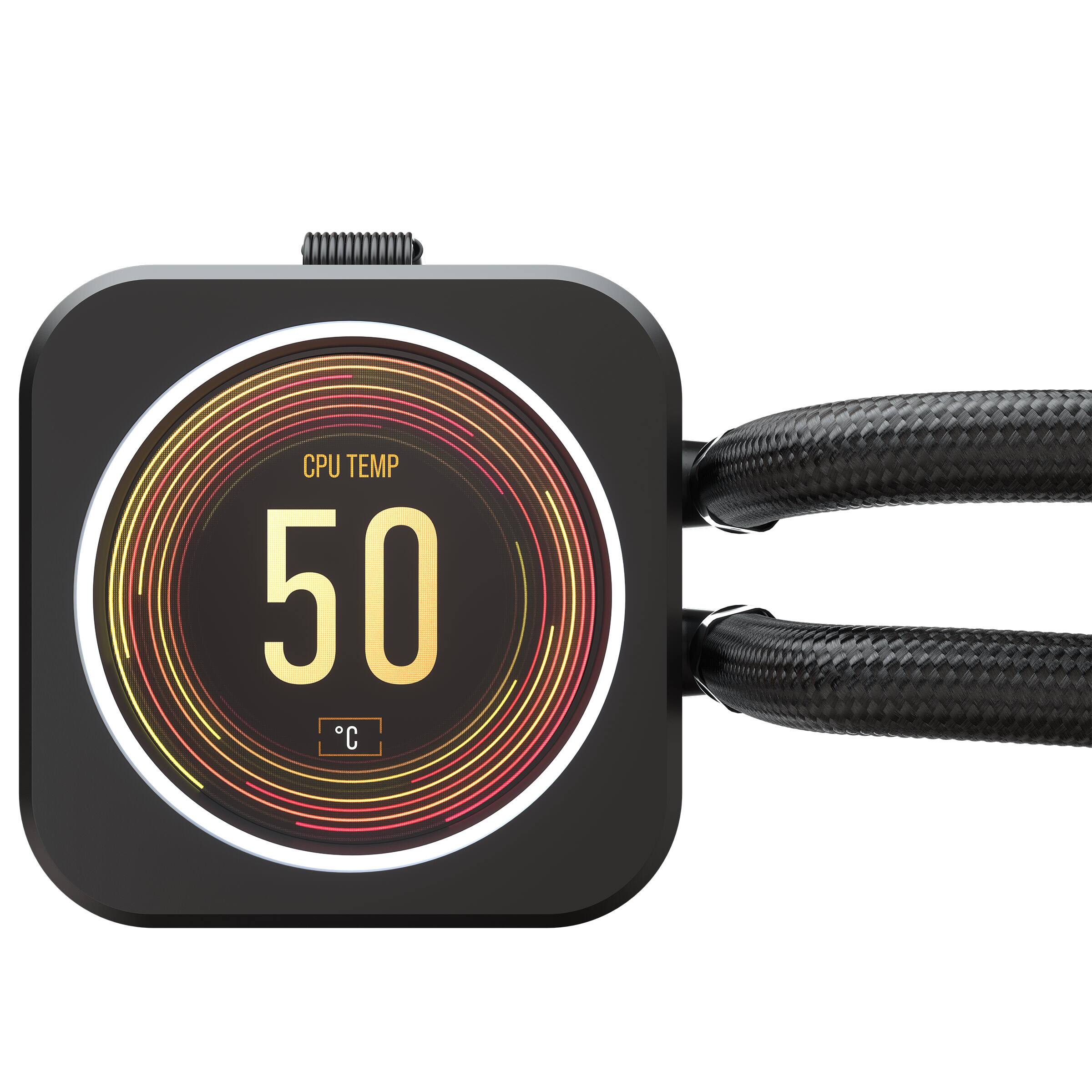
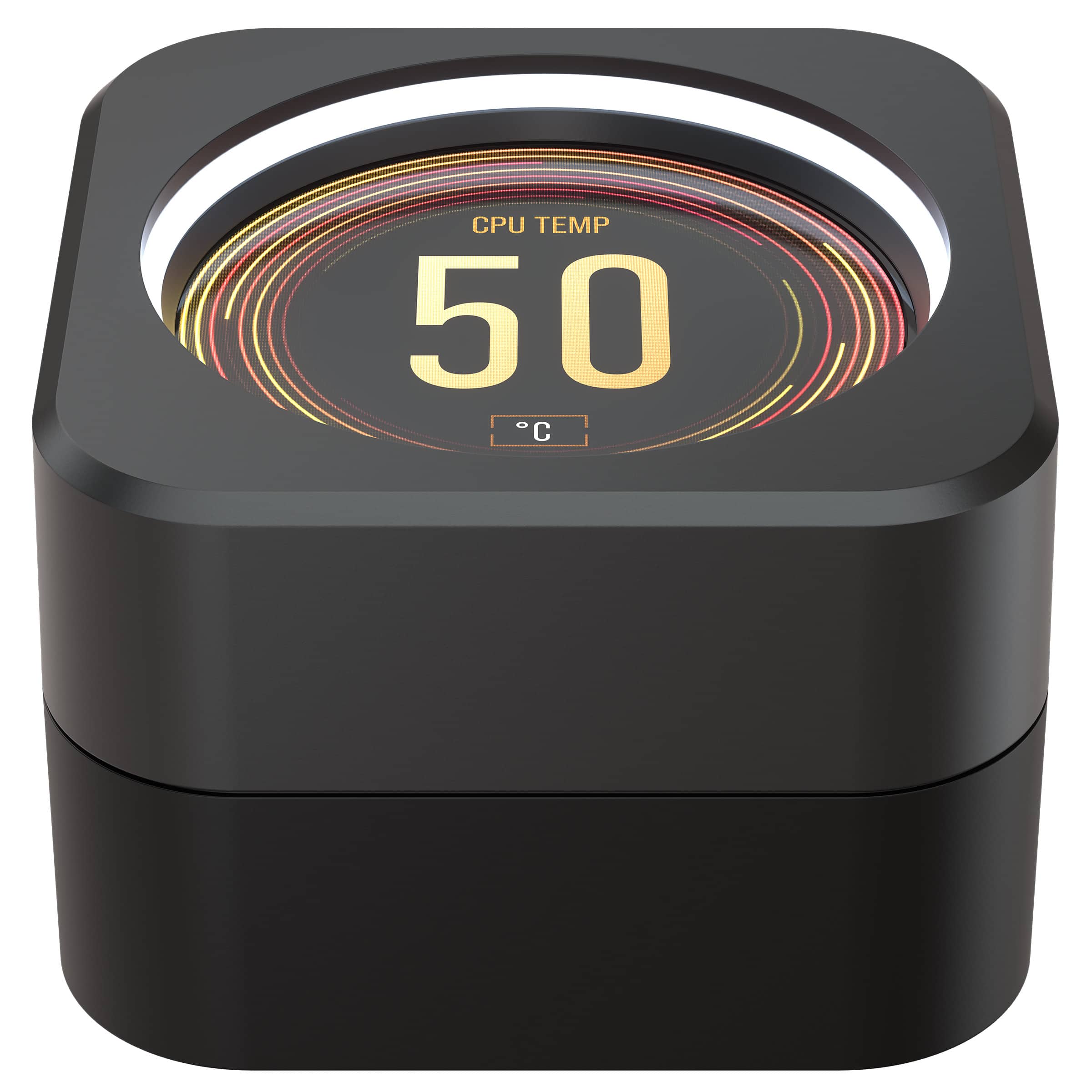
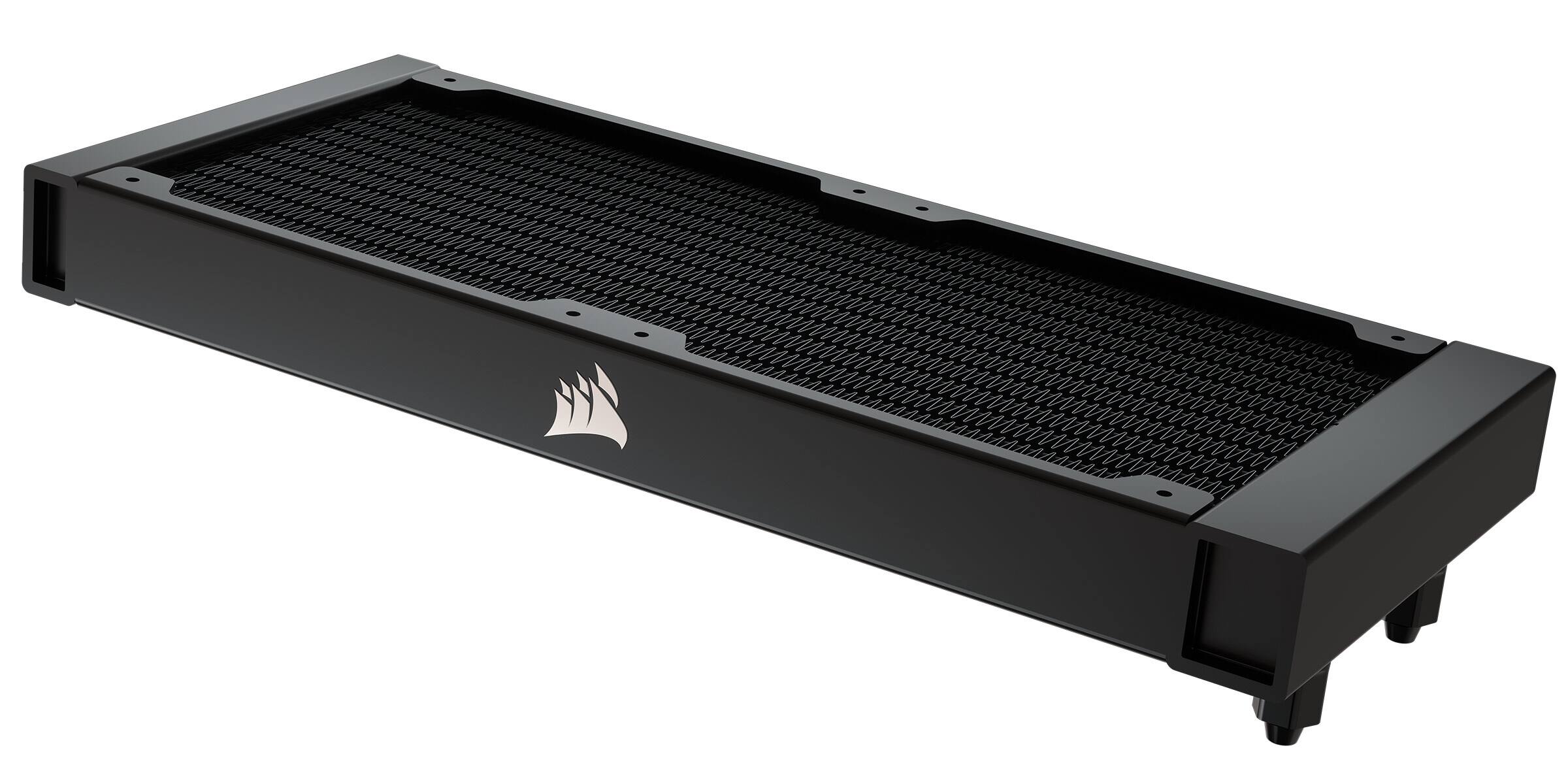
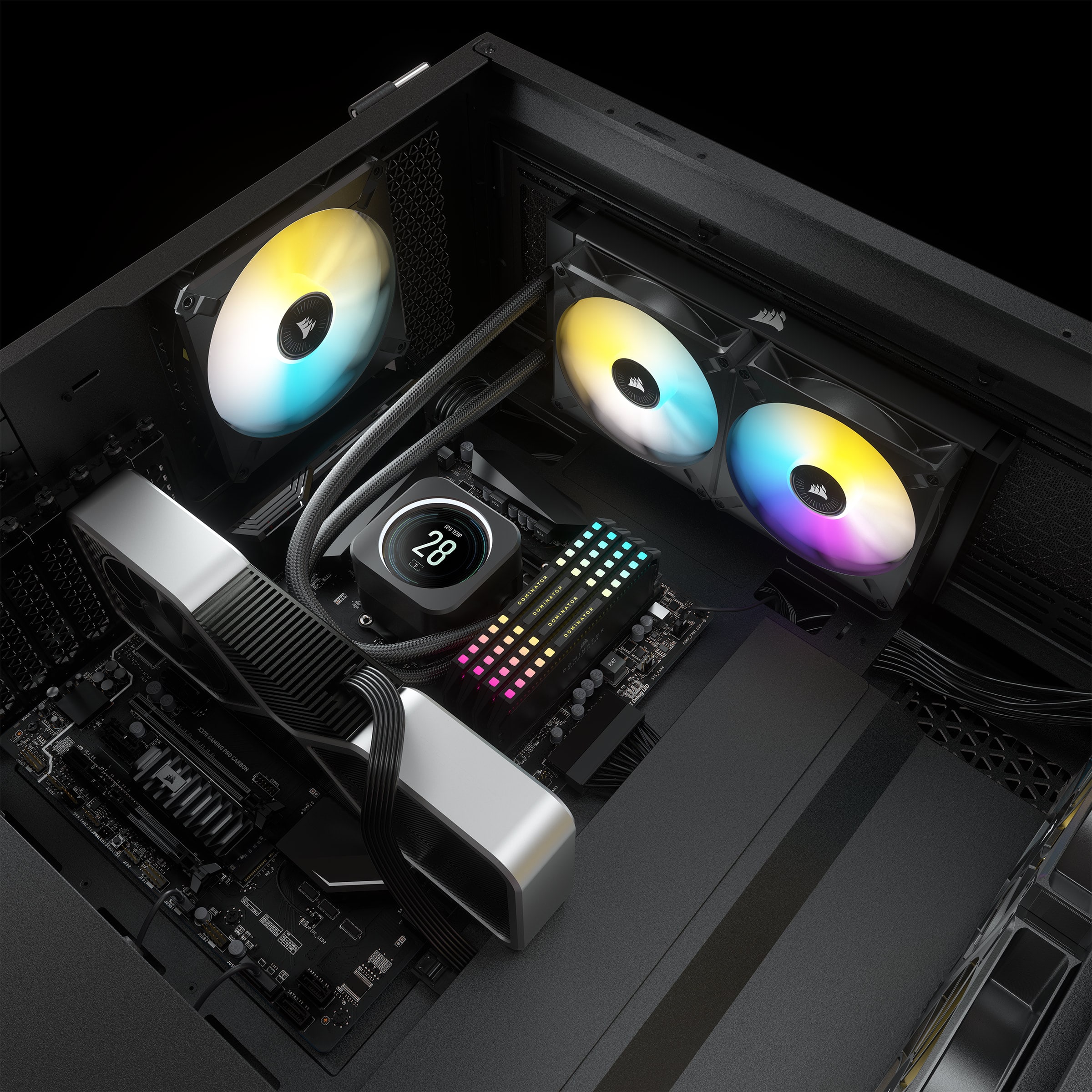
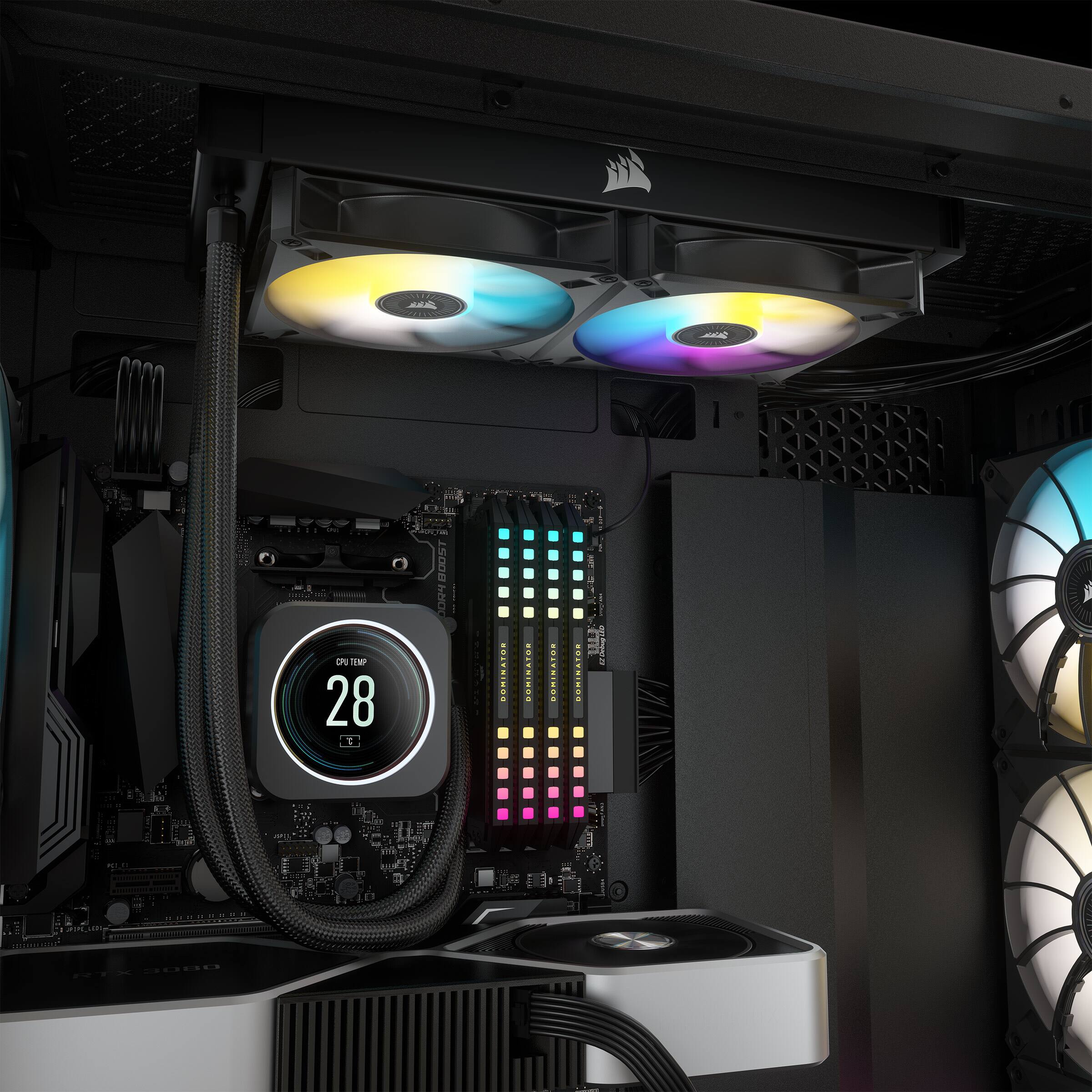
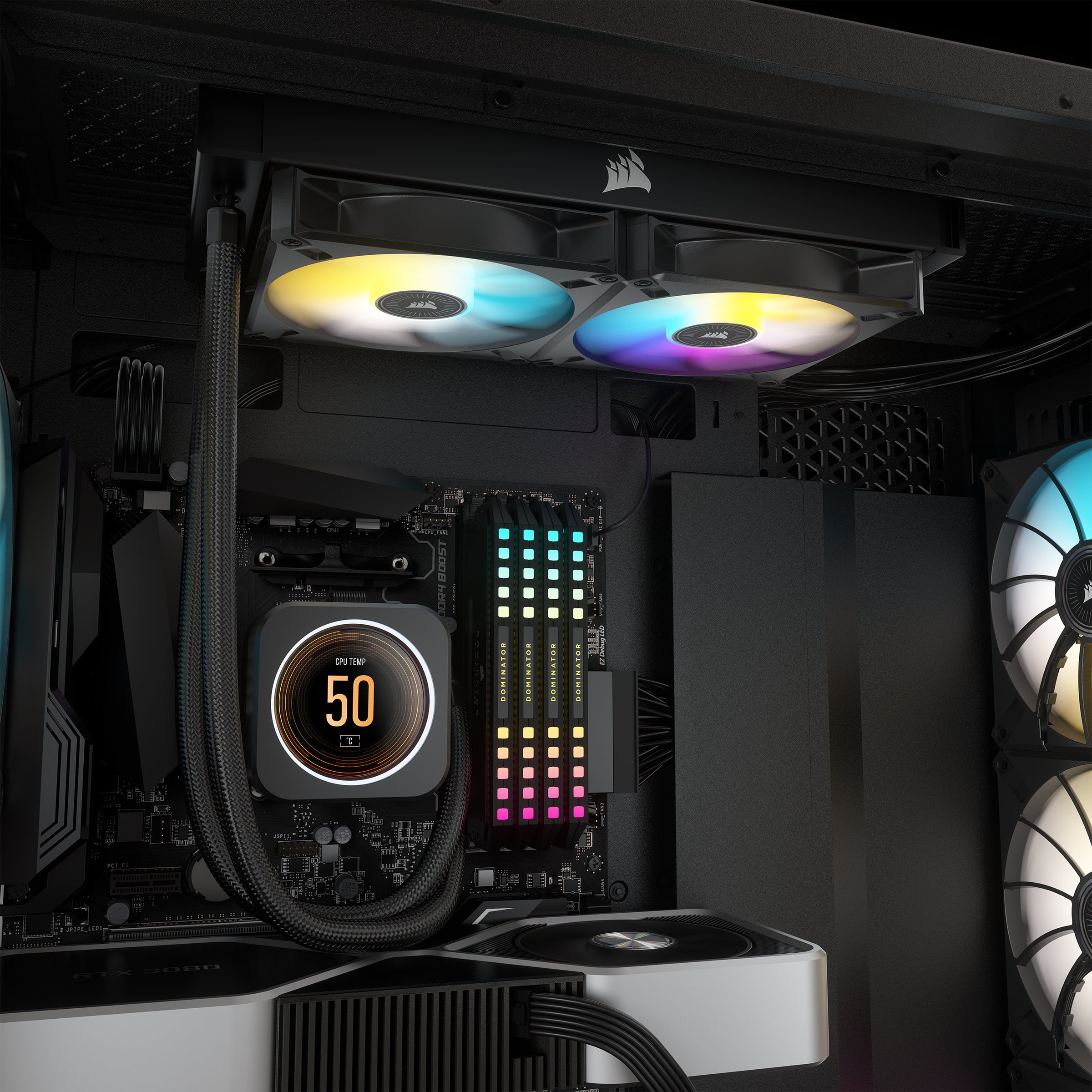
Customers enjoy the iCUE H100i ELITE LCD's excellent cooling capabilities and high-quality LCD display. Many found installation easy and the unit quiet during operation. Positive feedback also highlights the user-friendliness of both the hardware and software.
This summary was generated by AI based on customer reviews.
- Pros mentioned:Installation, Lcd display
Performance is fine, great display
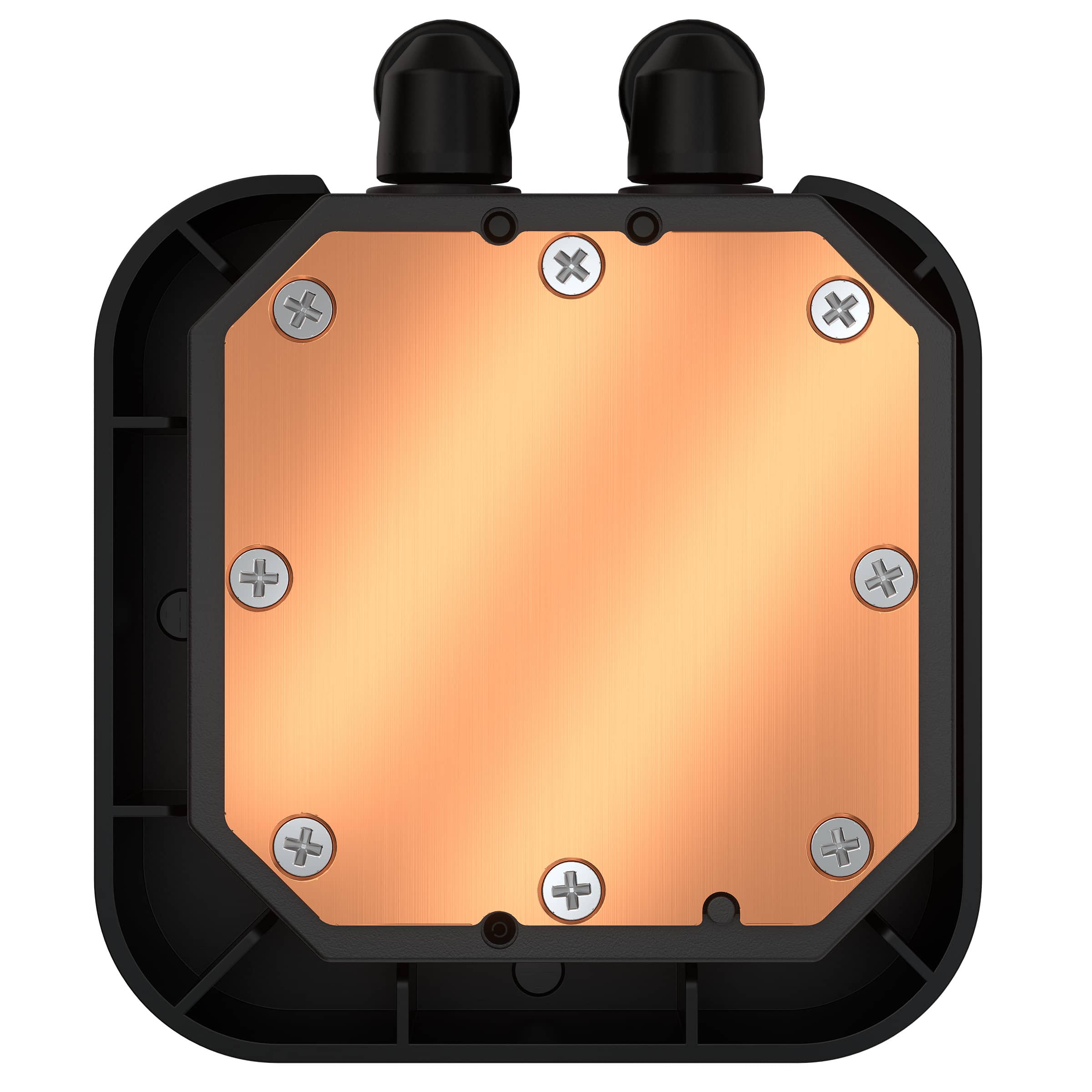
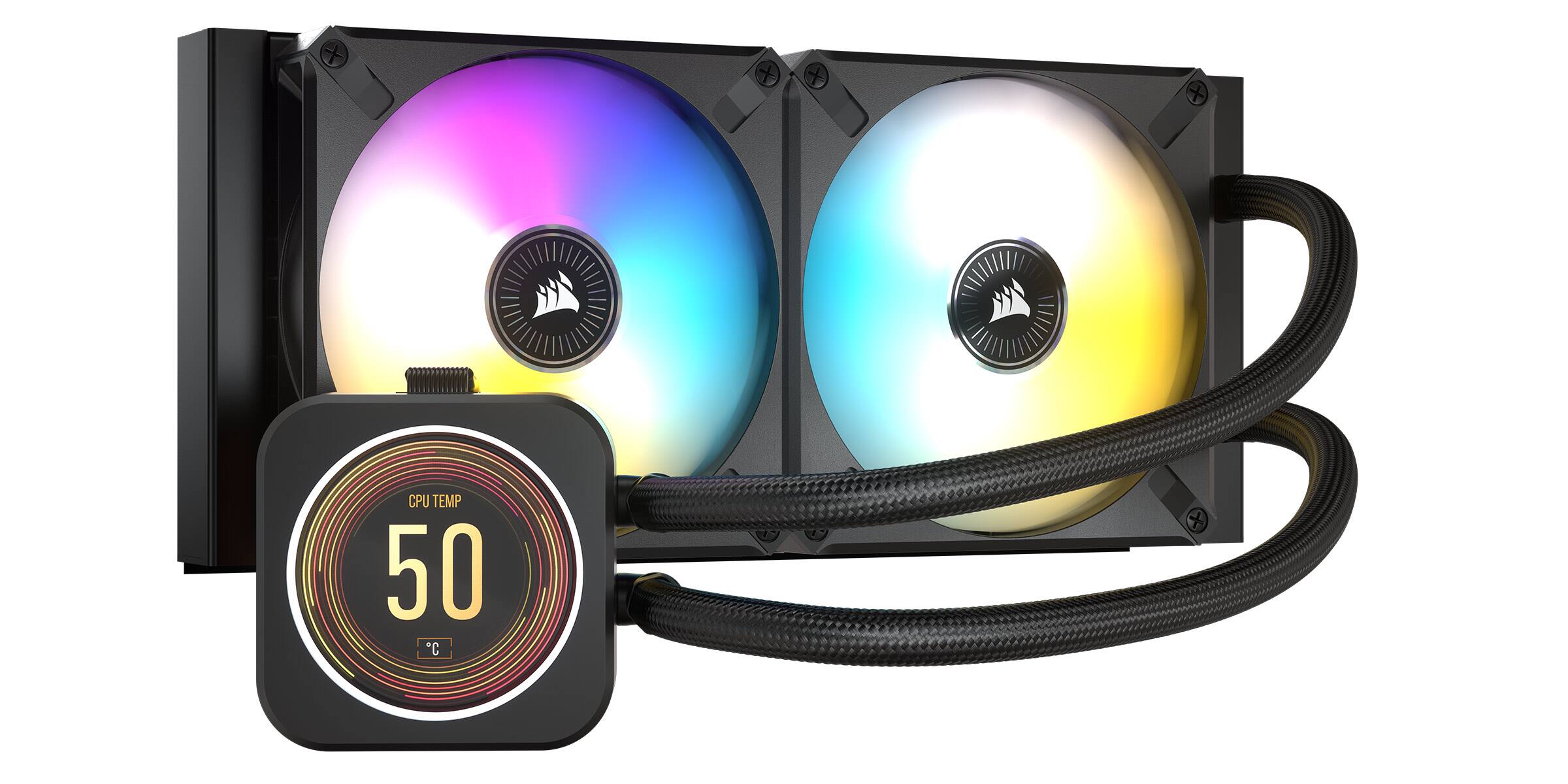
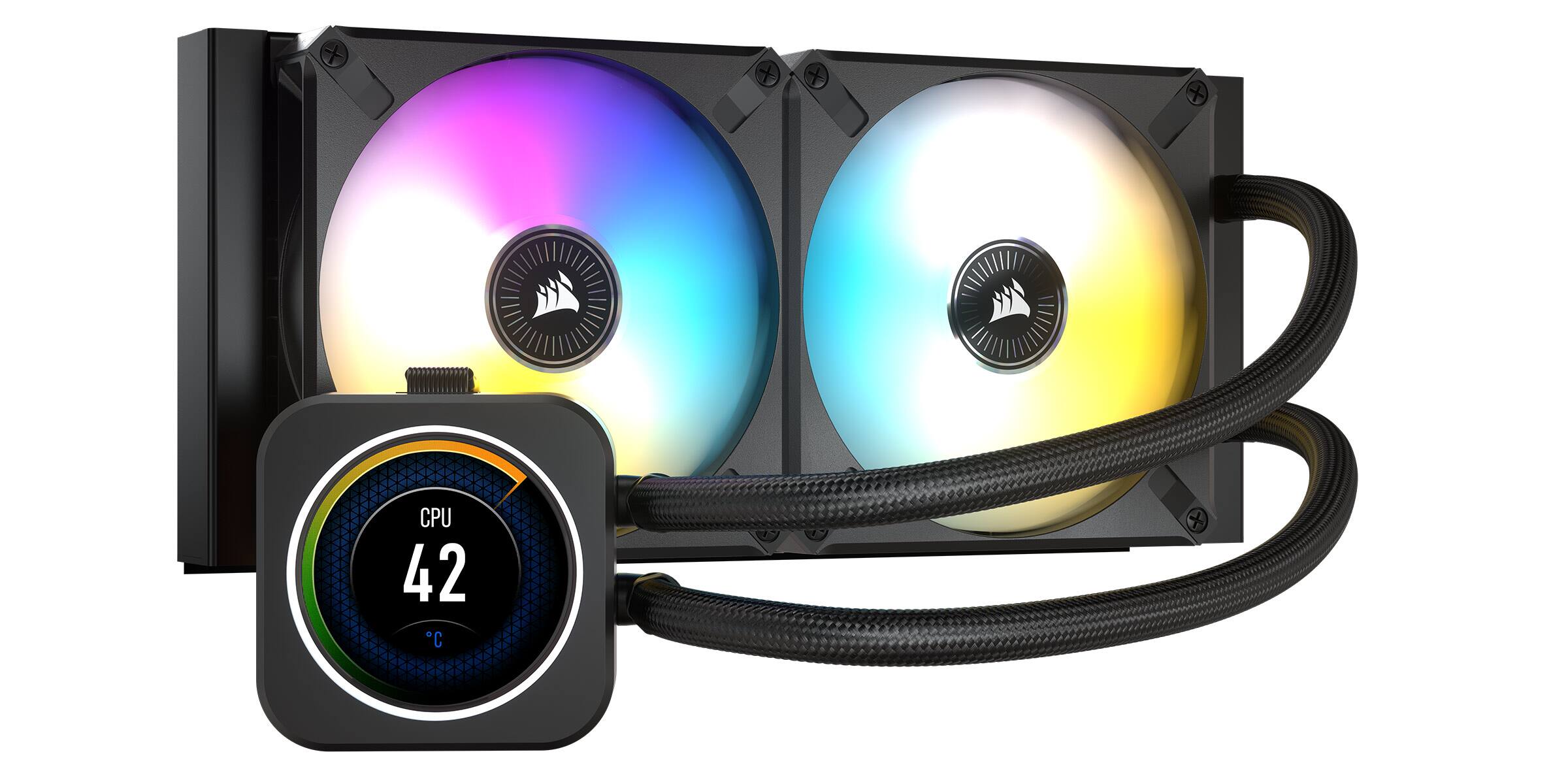
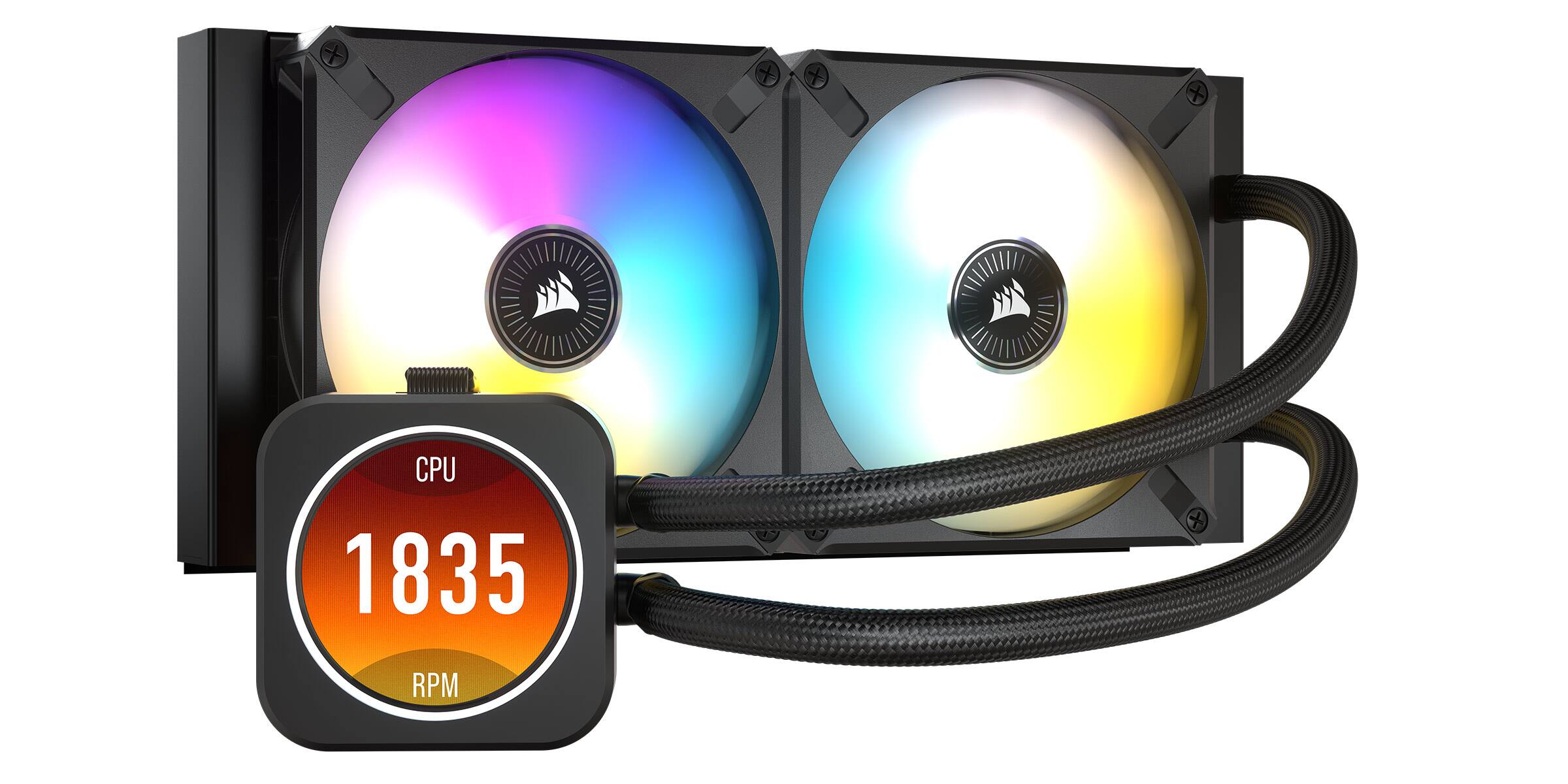
||Posted . Owned for 1 week when reviewed.This reviewer received promo considerations or sweepstakes entry for writing a review.People looking at this cooler want the display. You can spend much less and get Corsair's H100i Elite cooler without the LCD. Performance is the same between the two. You're paying a premium for the LCD display. I knew that going into this purchase and am glad I spent the extra money on this model. I'm not sure I would trust this to properly cool a stressed 12th or 13th gen Core i9, but it is fine with my Ryzen 7 5800. Idle temperatures are around 40°C and gaming temperatures go up to 64-66°C. I have the fans configured so that they're pushing air out of my case through the radiator. I'm sure I could get my CPU down cooler by pulling in fresh air from the top and expelling it out the front and back of my tower. It's fine the way I have it though. The LCD display is high quality. It's bright and has a wide viewing angle. I have no issues seeing it through the tinted glass of my Corsair tower and it goes well with their RGB setup. I initially had issues with iCUE seeing the LCD display and ring of LED lights around it. I could download GIF images and a lighting setup to it, for when communication with iCUE is lost, but I could not change it live. I wasn't sure what the problem was and tried moving the controller box to a different USB port on my motherboard. Same issues. Turns out the small 6-pin (?) connector that goes into the controller box needed plugged further in, it almost sits flush with the controller box. I cut two narrow strips of electrical tape to hold it in place. It's easy for me to change what's on the LCD panel in addition to the lights around it. Corsair uses two ML 120 fans with this setup, they're a step up from their LL 120 fans and offer both inner and outer LEDs for color changing. Installation was easy, though I accidentally put the fans in a push/pull configuration as shown in the two photos I've attached with the smaller graphics card. That was fixed the next day. Operating temperatures are still the same after upgrading from an RTX 3060Ti to a 4070Ti despite my case being 4-5°C warmer. I highly recommend this AiO for anyone that wants a decent cooler with a high-quality display that you can customize. It's easy to upload your own GIF to it or cycle through several options Corsair offers. Just make sure the ribbon cable is fully plugged into the controller is comes with and don't mix your fans or else you won't be able to fully control them (don't plug LL120 fans into the controller if you're plugging the ML120 fans into it).
I would recommend this to a friend - Pros mentioned:Cooling, Lcd display
Best 240mm AIO
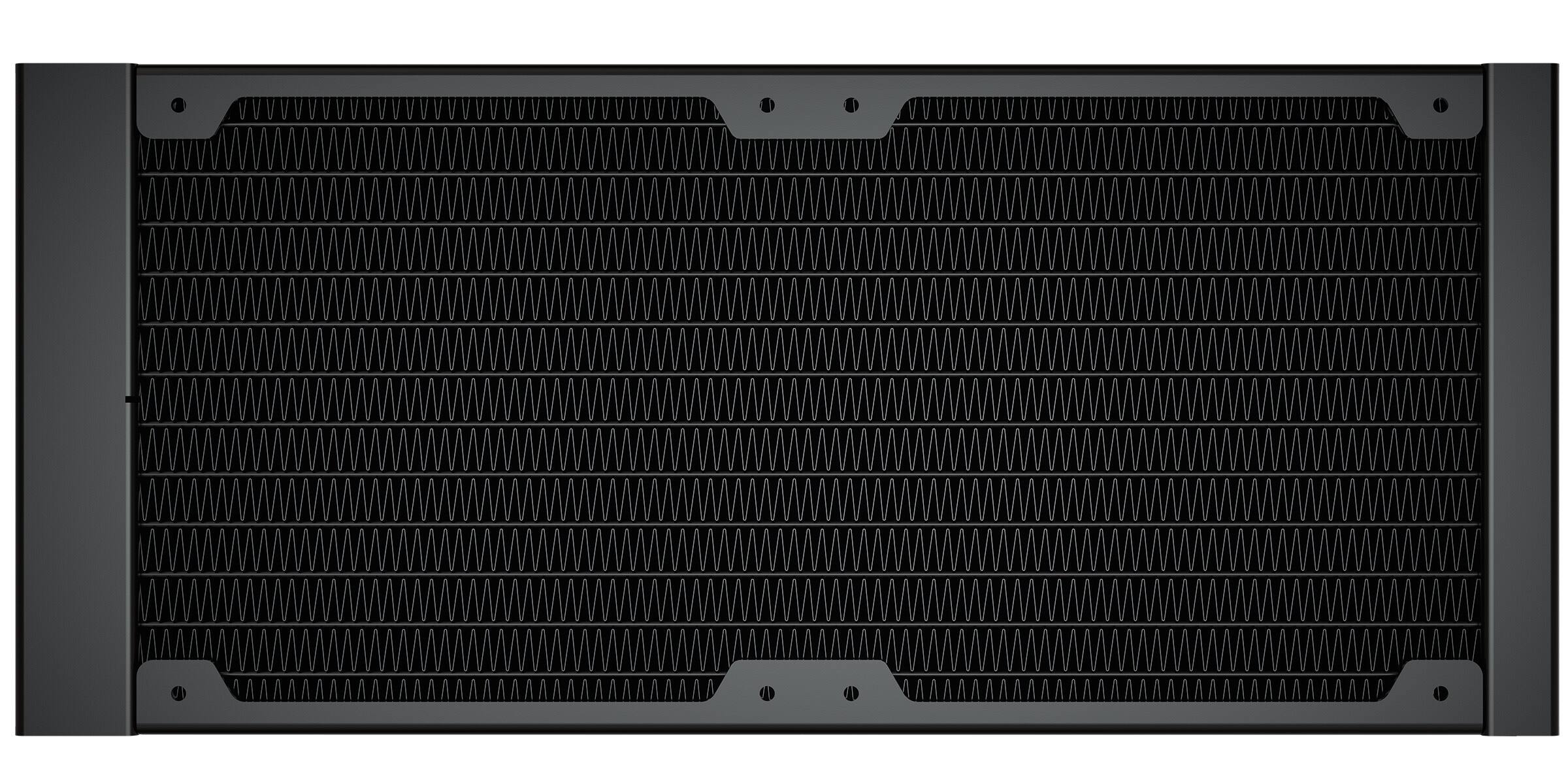
||Posted . Owned for 4 months when reviewed.This reviewer received promo considerations or sweepstakes entry for writing a review.When it comes to LCD AIOs this one is among the best, especially for the price. The included RGB hub provides one place for all your case fan and pump header wires to go. Paired with Corsair’s 4000D Airflow it keeps the hottest running CPUs nice and chilly.
I would recommend this to a friend - Pros mentioned:Cooling, Lcd display
Does incredibly well!
||Posted . Owned for 9 months when reviewed.This reviewer received promo considerations or sweepstakes entry for writing a review.This keeps my 9900K super cool in a semi well ventilated case. It has a cool screen for temps and videos if wanted. It's a really cool, no pun intended, AIO.
I would recommend this to a friend - Pros mentioned:Cooling
Good but missing something
||Posted . Owned for less than 1 week when reviewed.This reviewer received promo considerations or sweepstakes entry for writing a review.Overall this is a good product, especially if on sale. My main issue with this comes from Corsair themselves. Inside the box they do not provide any sort of manual or instructions for installation. It's not terribly hard to figure out, however there is a proper orientation in order for the LCD screen to appear right side up. I installed mine "wrong" (see picture), and didn't know that I did until I was done with my build. There's also no way to flip the monitor in iCue. Aside from that, it keeps temps really cool inside the case.
I would recommend this to a friend - Pros mentioned:Cooling, Lcd display
Well integrated with Corsair products
||Posted . Owned for 1 week when reviewed.This reviewer received promo considerations or sweepstakes entry for writing a review.Great AIO COOLER that works well with corsair iCue. The lcd display is sharp and clean, and cools well. The fans are high quality. Comes with a great “Commander Core” that powers the unit and serves as an RGB and PWM control hub.
I would recommend this to a friend - Pros mentioned:Cooling
Cools way better than fans. GIFs can be added
||Posted . Owned for 2 weeks when reviewed.This reviewer received promo considerations or sweepstakes entry for writing a review.Absolutely love this liquid cooler in my pc case. I bought a pre-built Asus that was getting gaming Temps at 85-90+ Celsius. Swapped PC cases and added a liquid cooler and now my gaming Temps are 55-60+ Celsius. I would definitely buy again. 100% recommended.
I would recommend this to a friend - Pros mentioned:Cooling, Installation
Cool LCD cooler that’s fun to use!
||Posted . Owned for 3 weeks when reviewed.This reviewer received promo considerations or sweepstakes entry for writing a review.Love it. Does what it’s suppose to do. Keeps temperatures down. Easy to install on LGA 1700. The Cooler has a failsafe that triggers if the LCD screen gets hot. Would love to see Corsair continue to improve on this product over time. ICUE software is sometimes a pain but useful.
I would recommend this to a friend - Pros mentioned:Cooling, Lcd display
Best AIO on the market
||Posted . Owned for less than 1 week when reviewed.This reviewer received promo considerations or sweepstakes entry for writing a review.I have a 240 radiator and it keeps my cpu temps under 60 degrees. The Ips monitor looks amazing and tones of customizable features. The price is worth it. Also comes with commander core
I would recommend this to a friend Love it But…
||Posted . Owned for 2 weeks when reviewed.This reviewer received promo considerations or sweepstakes entry for writing a review.I bought this Item thinking it would look great in my new system and it did. But immediately I had issues with the firmware and after researching for hours I realized the issue is with the usb splitter it comes with. DO NOT ISE THE SPLITTER. It will not allow you to do the update. It will brick the unit and you will have to remove the icue software, download it again and then power cycle the pc. Plug the usb directly into the motherboard. Even now after being able to preform the firmware update my unit randomly displays a red warning symbol…
I would recommend this to a friendBrand response from Corsair
Posted .Hi Vincent,
Sorry to hear about your experience. Have you tried updating your motherboard's BIOS to the latest version? There have been USB optimizations in BIOS updates. If you continue to experience any trouble, please get in touch with us, we'd be more than happy to help: support.corsair.com
-Albert
- Pros mentioned:Cooling
Keeps cpu cool but lcd is ok
||Posted .This reviewer received promo considerations or sweepstakes entry for writing a review.LCD seems cheaper. Not as nice as the kraken z73. But it keeps the temps low. So I guess that’s all that matters.
I would recommend this to a friend - Pros mentioned:Cooling
Looks great, cools better
||Posted . Owned for 6 months when reviewed.This reviewer received promo considerations or sweepstakes entry for writing a review.This is the best way to cool the notoriously hot 12th gen Intel CPUs. Install was very easy as well and the iCUE software is great and very accessible.
I would recommend this to a friend - Pros mentioned:Lcd display
Beautiful display on a durable, quiet and quality
||Posted . Owned for 1 month when reviewed.This reviewer received promo considerations or sweepstakes entry for writing a review.Wonderful AIO cooler, The LCD makes it look and function even better. Quality and innovation you would expect from Corsair.
I would recommend this to a friend - Pros mentioned:Ease of use
Its just so cool.
||Posted . Owned for 2 weeks when reviewed.This reviewer received promo considerations or sweepstakes entry for writing a review.It runs cool and looks cool. Easy to set up hardware and software wise.
I would recommend this to a friend H100i LCD
||Posted . Owned for 2 weeks when reviewed.This reviewer received promo considerations or sweepstakes entry for writing a review.I love this cooler, Definitely recommend it! Especially for mid CPUs. Mine stays around 50 to 60 degrees celsius
I would recommend this to a friend- Pros mentioned:Cooling, Lcd display, Noise level
Awesome screen and awesome temps!!
||Posted . Owned for 3 weeks when reviewed.This reviewer received promo considerations or sweepstakes entry for writing a review.This aio is awesome! Not only can you put any image you want on the lcd screen, but it does a great job at cooling a 13th gen intel cpu! Temps never went above 60 degrees Celsius in game! The unit is pretty quiet compared to the Thermaltake one I had. When idling it was completely silent and when gaming it was a small fan hum. Unfortunately I did have to return this item because I had to return the pre built i got, but planning on buying the 360 version!
I would recommend this to a friend - Pros mentioned:Cooling, Lcd display
Very Cool and Chill
||Posted . Owned for less than 1 week when reviewed.This reviewer received promo considerations or sweepstakes entry for writing a review.When the LCD upgrade kit came out I rushed to buy it. I was saddened to find out it didnt work after days of trying. Sucked I had to return it. Fast forward a year and now I finally have it and it works! Now I can put my favorite NSFW gifs! Keeps my 13700k chilled at 45-55c while gaming. I don't use all more cores so 240mm is just the right amount of cooling for me. If you are doing content creation or productivity I would advise going for the 360mm--especially the new Raptor lake Intel CPU's because they run HOT!
I would recommend this to a friend Great product at a great cost
||Posted . Owned for 3 weeks when reviewed.This reviewer received promo considerations or sweepstakes entry for writing a review.I purchased a new Intel i9-13900k processor and needed something to cool it. Larger fans wouldn't fit so I had to go with the 240mm fan. This one is really expensive but it was the only one available at the store for pickup but had great specs and reviews otherwise. This has kept my entire system running smooth and without an issue. I don't worry about heat on my CPU with this.
I would recommend this to a friend- Pros mentioned:Cooling, Ease of use
Good cooler, looks amazing, average performance
||Posted . Owned for 1 month when reviewed.This reviewer received promo considerations or sweepstakes entry for writing a review.Decent performance from a 240mm AIO. Looks stunning in a glass side case, and easy enough to setup and install, kind of thick cable coming off the LCD/pump but nothing that can’t be worked with. Temps are nothing to write home about, but about par for the course for 240mm AIOs
I would recommend this to a friend - Pros mentioned:Cooling, Lcd display
Pretty good at cooling.
||Posted . Owned for 10 months when reviewed.This reviewer received promo considerations or sweepstakes entry for writing a review.Bought this for my PC as I was having heating issues, never once did my PC get over 40°C with this plus the display allows me to look at my CPU temps easily.
I would recommend this to a friend - Pros mentioned:Cooling
Good ngl
||Posted . Owned for 1 year when reviewed.This reviewer received promo considerations or sweepstakes entry for writing a review.The fan is super quiet and had my pc running nice and cool the temp gauge was super useful constantly kept my pc in check
I would recommend this to a friend