Customer Ratings & Reviews



- Model:
- CD-9010001-NA
- SKU:
- 6409313
Rating by feature
- Value
Rating 3.6 out of 5 stars
- Quality
Rating 4.3 out of 5 stars
- Ease of Use
Rating 4.1 out of 5 stars
Customers are saying
Customers are satisfied with the brightness, easy setup, and customization options of the iCUE LS100 Smart Lighting Strip Starter Kit. The lighting strips are also expandable, allowing users to add more strips if desired. Some customers have expressed concerns about the strength of the magnets used to hold the strips in place and the price of the product.
This summary was generated by AI based on customer reviews.
- Pros mentioned:Brightness, Ease of useCons mentioned:Price
Great quality, easy to use.
||Posted . Owned for 1 month when reviewed.This reviewer received promo considerations or sweepstakes entry for writing a review.Super easy to install, the magnets are particularly handy for easy application/removal when needed. I attached mine to dual monitors and it provides just the right amount of glow without looking tacky. The icue controls are intuitive but could use some more variety. Overall a great product even though it’s a bit pricy, wait for a sale and it’s a steal.
I would recommend this to a friend - Cons mentioned:Magnets
A few improvements could make this great
||Posted . Owned for 1 month when reviewed.This reviewer received promo considerations or sweepstakes entry for writing a review.Installed on a 27" monitor. The magnet idea is neat, but they aren't very strong (typically you don't want strong magnets around electronics), so can easily be knocked out of place. The lights have a diffuser on them which limits the brightness. I think it works well and creates a subtle effect, but you could potentially just remove the diffuser if you want a brighter effect. The USB cable should be longer and I replaced mine with a longer cable to be able to use it on a wall mounted monitor. I enjoy the ambient effects that follow what's on my screen. Works great with other Corsair products, which is probably it's biggest advantage.
I would recommend this to a friend - Pros mentioned:BrightnessCons mentioned:Magnets
Its kind of great
||Posted . Owned for less than 1 week when reviewed.This reviewer received promo considerations or sweepstakes entry for writing a review.The past reviewers are correct, the magnets are too weak to keep the lights up. I recommend Command strips. Other than that the lights work and make everything look nice. I can synchronize the lighting to my music, games, video, or reading. It is quite nice when reading at 1 am in the morning, which helps reduce eye strain.
I would recommend this to a friend - Pros mentioned:Brightness
Love these easy to install
||Posted .This reviewer received promo considerations or sweepstakes entry for writing a review.Connected the 2 smaller ones directly to my motherboard (z390 gaming pro carbon ac) the other 2 behind my monitor I love the brightness of these ones they are expensive but well worth it
I would recommend this to a friend - Pros mentioned:Brightness, Installation, Software

Ambient lighting enhancement
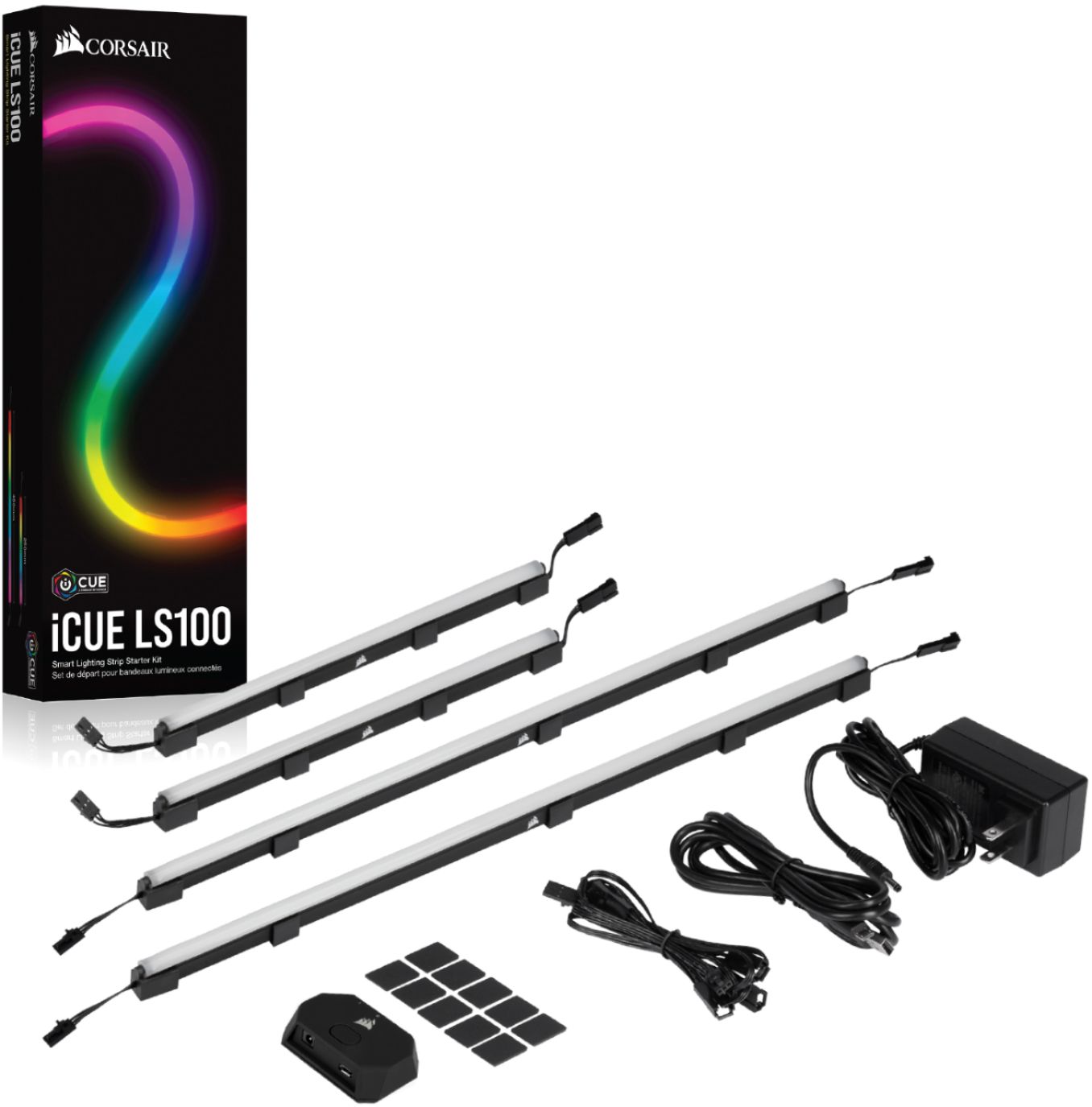
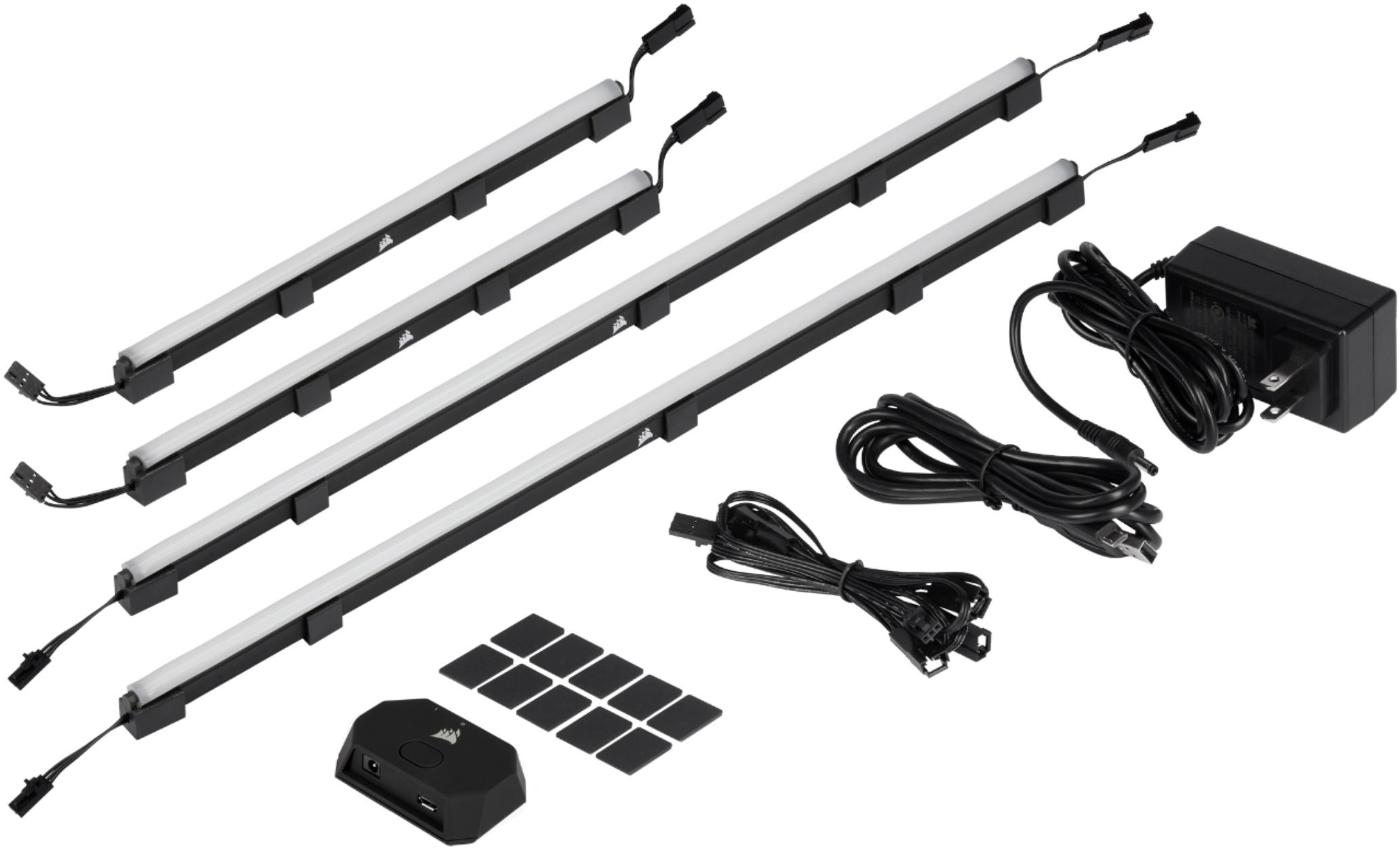
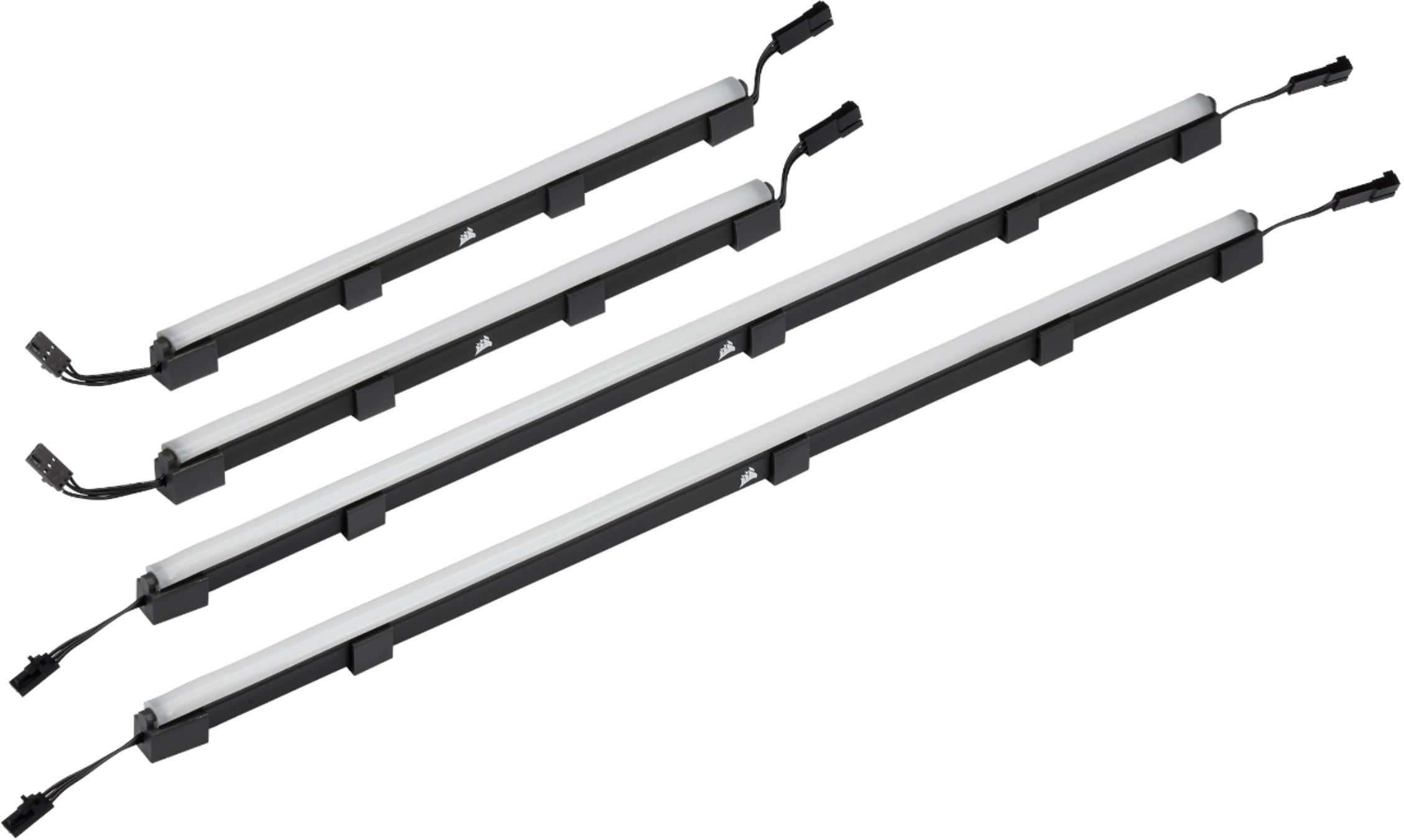
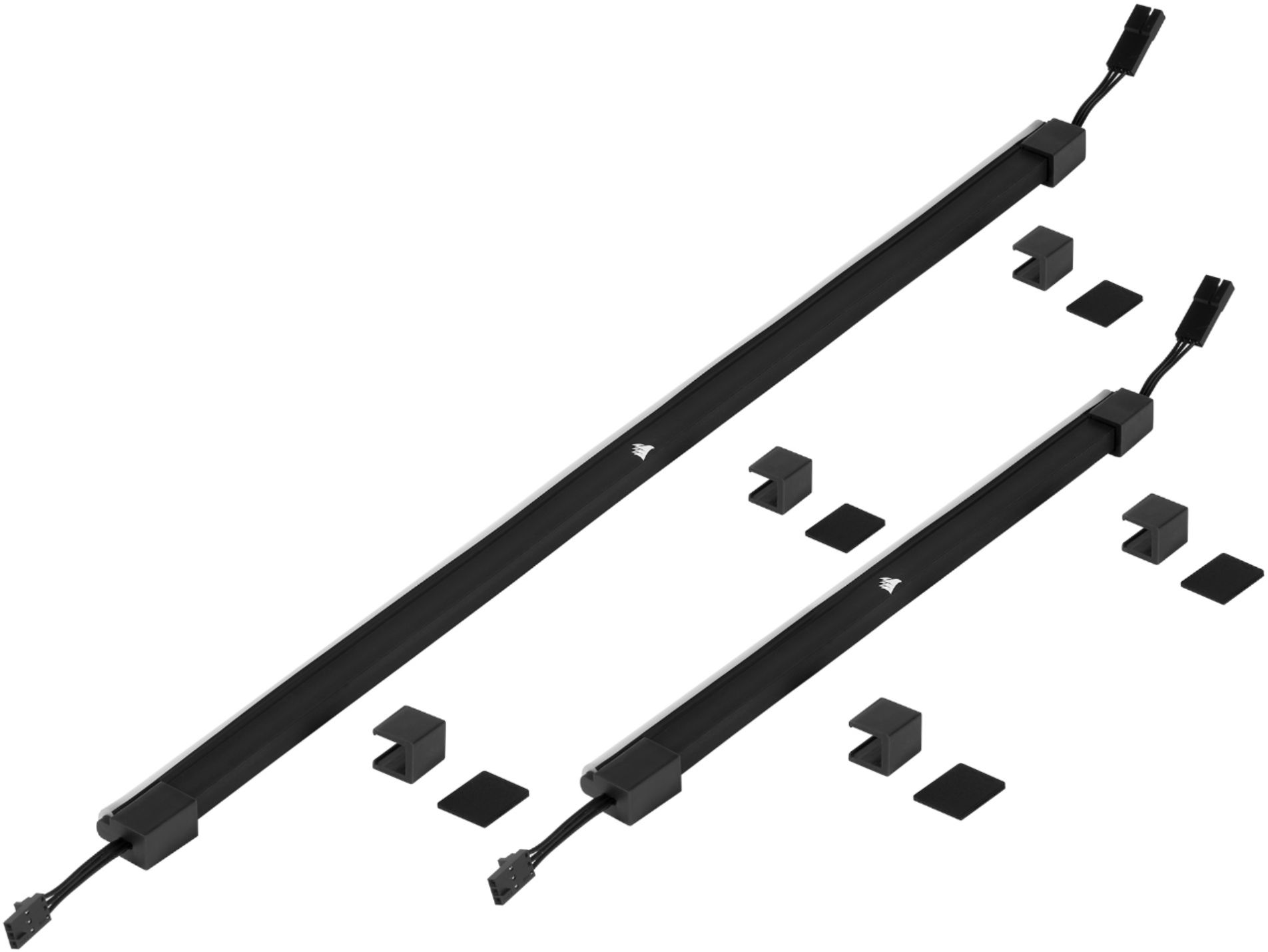
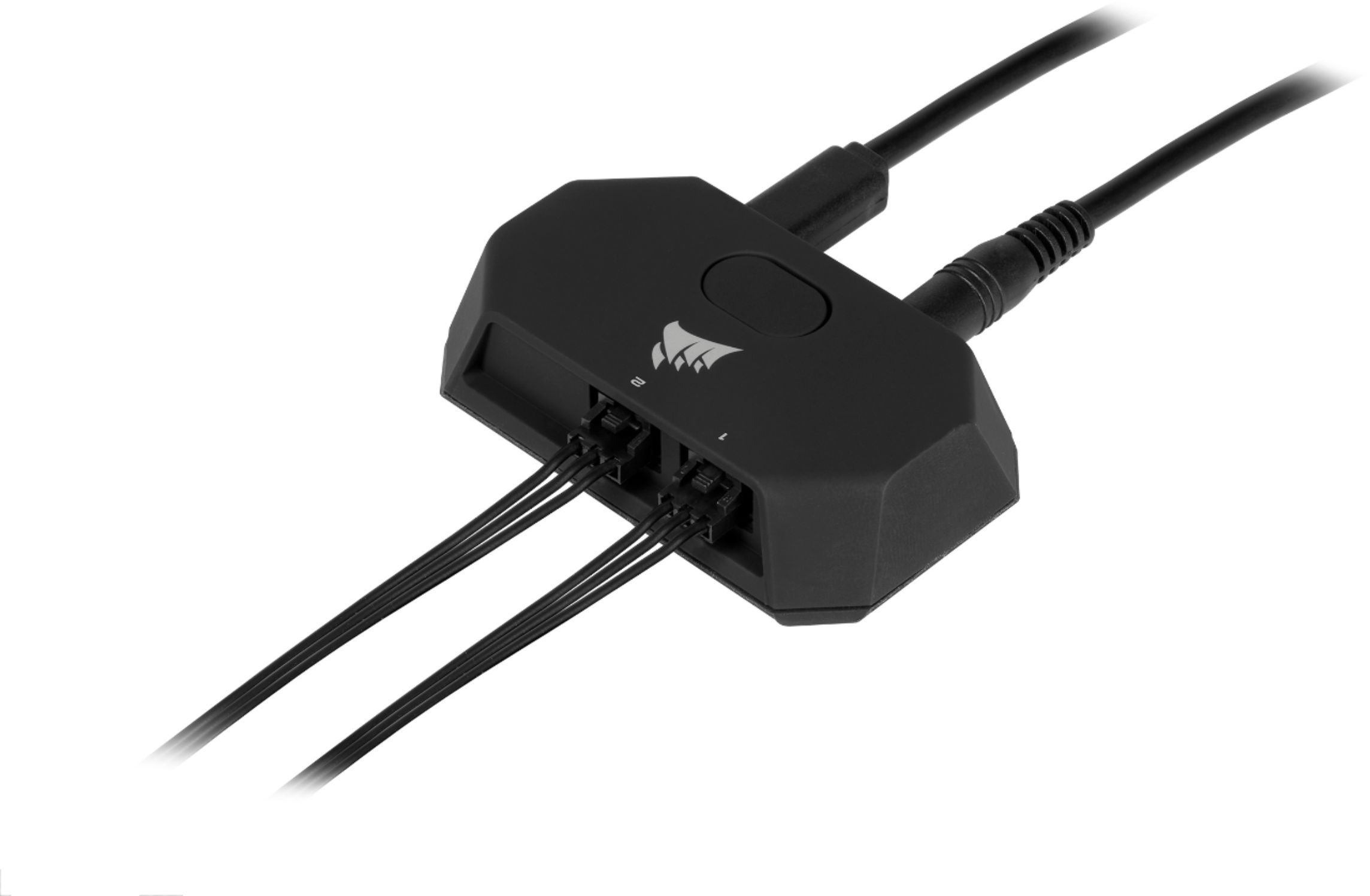
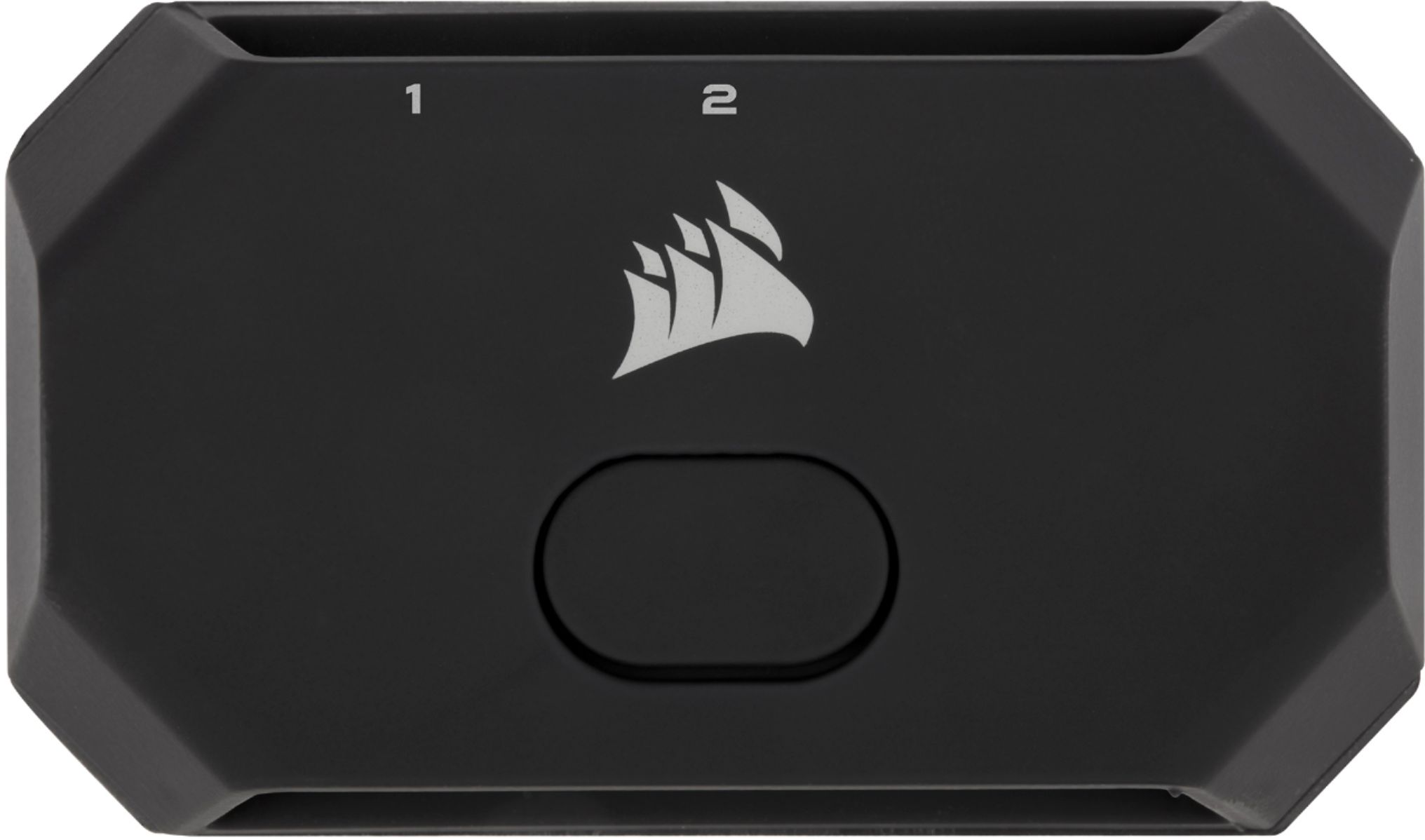
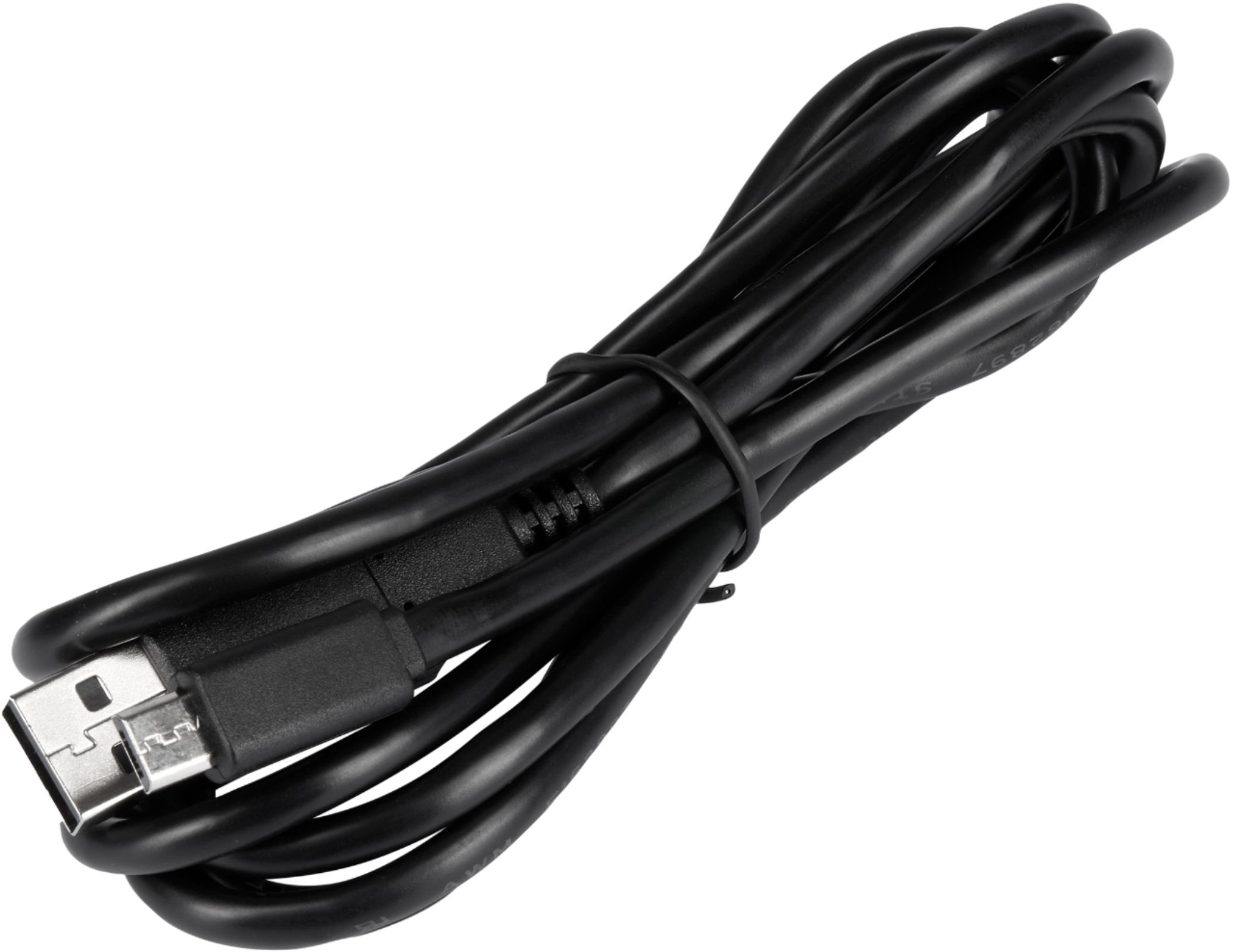
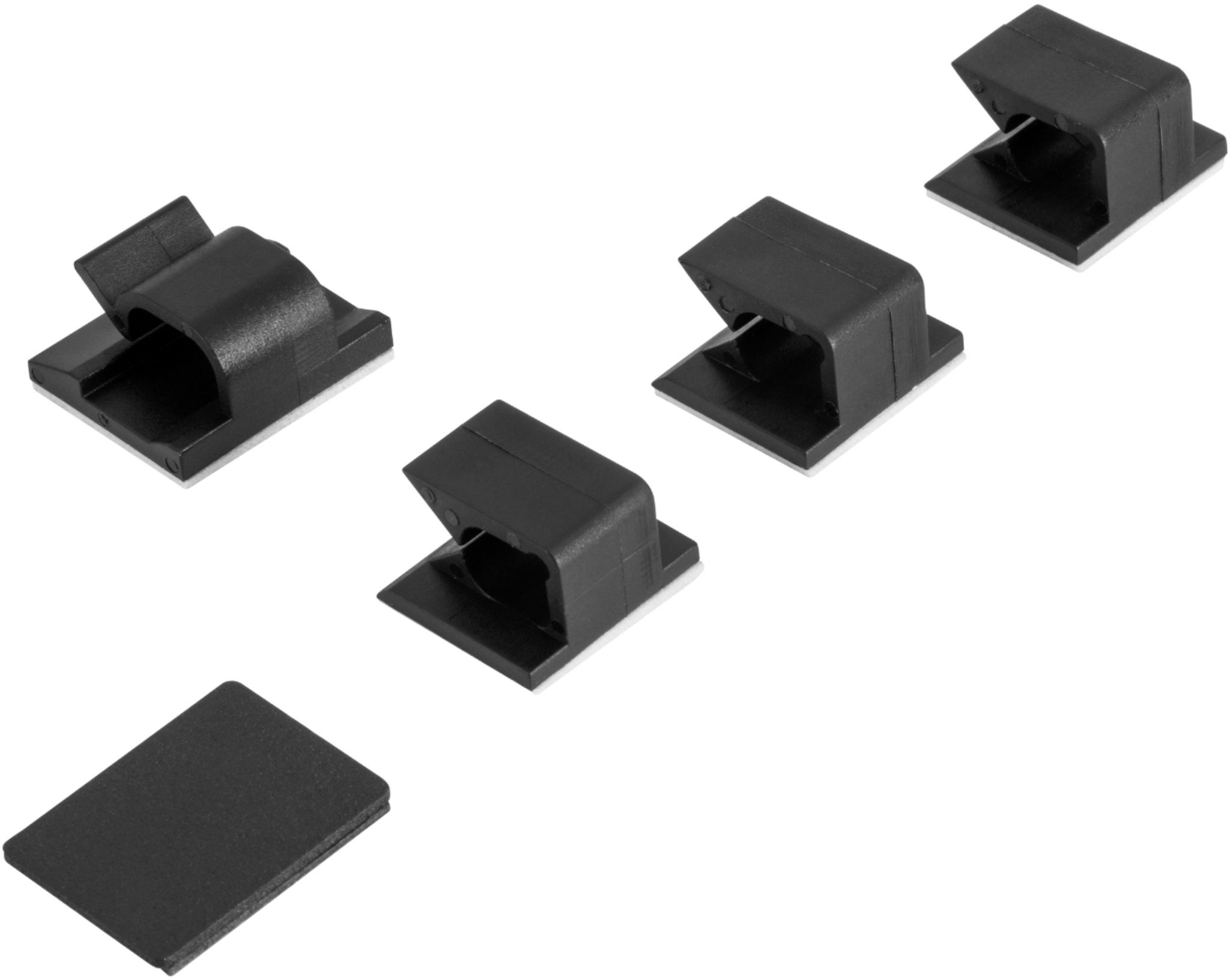
|Posted .This reviewer received promo considerations or sweepstakes entry for writing a review.I'm a big fan of RGB lighting and my peripherals are Corsair and razer which all sync together with my Philips Hue. I already own iCUE LT100 Smart Lighting Towers and found the Corsair iCUE LS100 Smart Lighting stripes are a nice addition to the gaming experience, they add a relaxing environment while preserving the elegance of color changing through various color mode options using Corsair native software (iCUE). The iCUE Kit includes 2 of 250mm strips, 2 of 450mm strips, sticky magnets that stick from one side on the back of the monitor, and the other is the magnet that attaches to the strips for easy removing and cleaning, double-sided cable management clips, and the switcher box for on/off that also sticks on the back of the monitor for manual turning on/off the lightings. Setup: Overall installation is easy and simple and took me approximately around 15 minutes to get everything done and running. iCUE software is the heart of the Corsair lighting kit. Using the software provides a tremendous amount of options for personal ambient lighting such as gaming, video playing, audio, and other options. lighting strips dynamically match what is on the screen and colors sync immersively with contents. In order to turn off the lights when the PC is off, simply go to iCUE software and select hardware lighting channel, and from the bottom windows select lighting type then custom and change static color RGB value to zeros; after setting this up, lights would turn off when iCUE software is not running, or the PC is off. The product works as it should be and offers various options to choose the ambient color effect that suits my experience.
I would recommend this to a friend May have gotten a defective strip
||Posted . Owned for 6 months when reviewed.This reviewer received promo considerations or sweepstakes entry for writing a review.The lights worked fantastic. Until one day one of the short strips went haywire. Ever since I’ve taken that one out, the three others have functioned fine. Looks great otherwise. Would recommend if the strip didn’t go bad. Defective parts happen.
No, I would not recommend this to a friendFeels like custom RGB water cooling
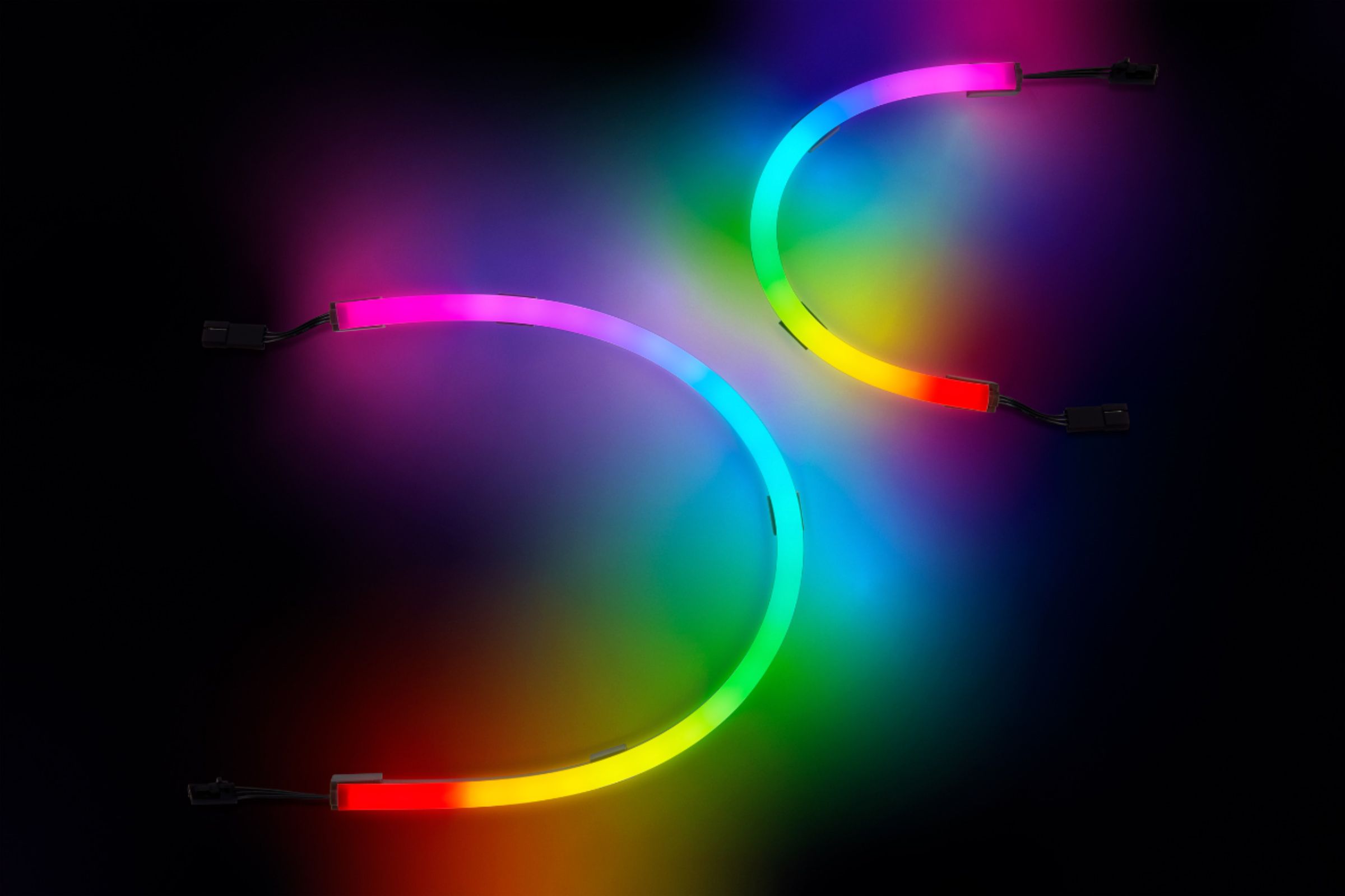
||Posted . Owned for 3 weeks when reviewed.This reviewer received promo considerations or sweepstakes entry for writing a review.If you are buying this just to replace your old rgb strips, you will be surprised by how much more are you getting for your money. These strips produce such a diffused lighting effect which forced me to actually use them inside of pc case rather than outside. Ilined it along the graphics card and motherboard, and now it looks like I have an expensive custom water cooled system, in which i can comtrol the colors or tubes at variour points, an added bonus. Wow. Amazing.
I would recommend this to a friend- Pros mentioned:Brightness
Nice RGB
||Posted . Owned for 2 months when reviewed.This reviewer received promo considerations or sweepstakes entry for writing a review.Nice RGB very customizable with corsair iCUE and decent bright
I would recommend this to a friend - Pros mentioned:Brightness, Ease of use, Installation
Totally Changed the Gaming Dynamic!
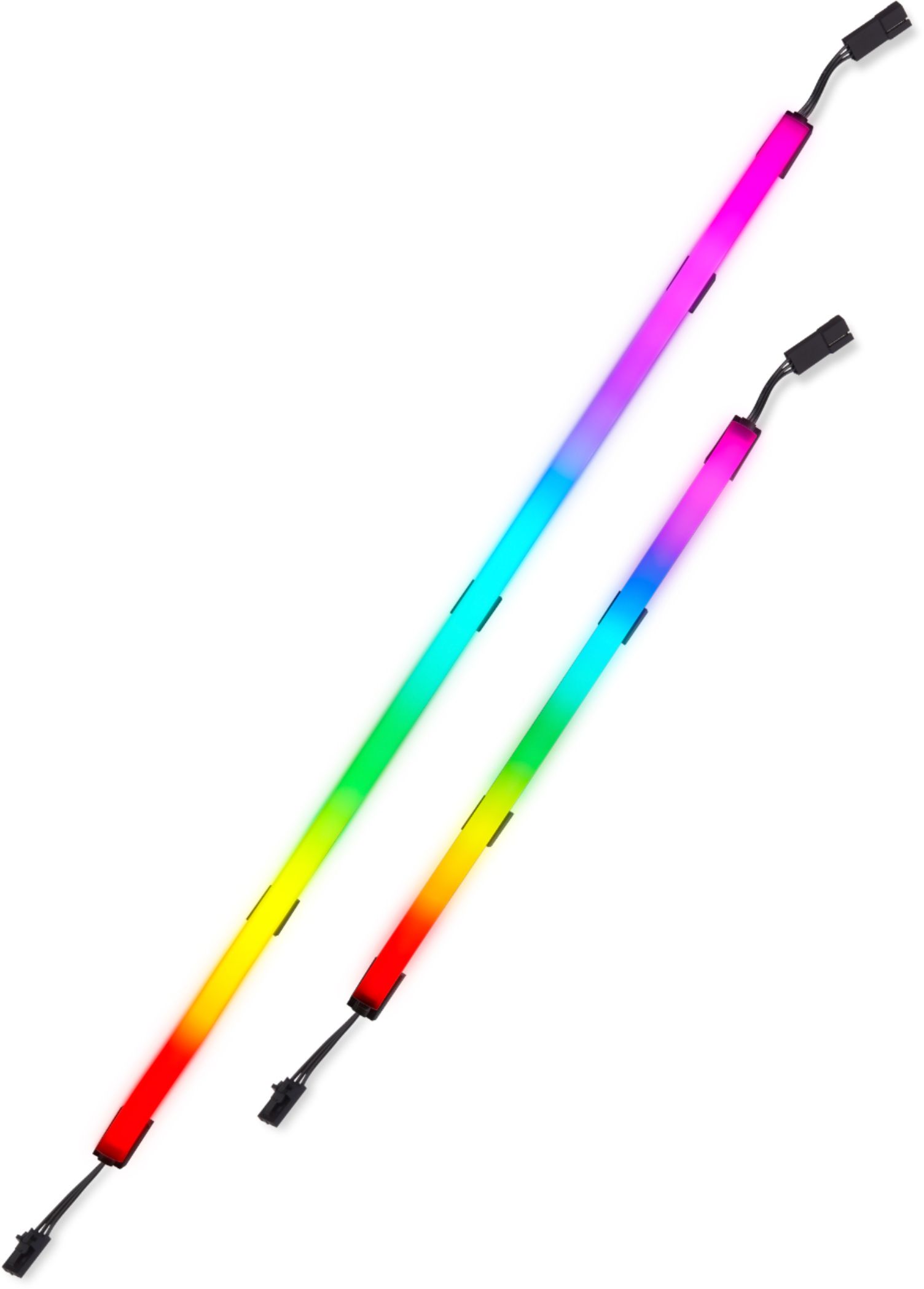
|Posted .This reviewer received promo considerations or sweepstakes entry for writing a review.The Corsair iCUE LS100 Smart Lighting Kit has totally changed the 'feel' of my son's gaming environment! It's so much more dynamic now! The kit was very simple to install, took about 15 mins total to get it set up on the back of the PC. The kit comes with everything you need, from sticky backed magnetic mounts, to cable management clips, and extension cables as well, meaning that you can lay out the lighting however you desire. It is incredibly flexible, so you are not just limited to the edge of a monitor, or the straight edges of your PC. This kit contains two 450mm light strips and two 250mm light strips, offering a total of 84 LEDs in total, along with a power/control module. Once set up, you download the Corsair iCUE software, and you can configure the lights to your hearts content. The app is a little unintuitive at times, and it took us a couple of attempts to get the lighting exactly as we wanted it. We had it looking great, went to shut down his PC and the lighting changed back to a rainbow and remained on, even with the PC off. We had to go back into the settings and set each state 'Awake/Sleep/Off', but of course, they aren't called that. You can set up scenes, like you would with many other smart lights, and every time the PC is turned on, the screen will play, be it a static color, a swirling wave of color (of your choice) or synchronizing along with the content on your screen (games/videos), there are so many possibilities with this kit. It really is fantastic! And, as mentioned, you can set lighting characteristics for each mode of your PC, so one style, say animating with the content of your screen when 'Awake', then maybe a rainbow effect when your machine is in 'Sleep' mode, and then maybe a soft white glow when the PC is off. It's incredibly versatile! It's unobtrusive as well. It sits on the back of your monitor, out of direct line of sight, and you can place the controller module wherever you want on the back. And everything is magnetic, so it's not permanently there, if you want to remove it if you are taking your monitor somewhere. That's a really nice touch there. It has built-in light diffusion in the form of a frosted curved bar on the top of the light strips, that really throws the light far and wide. Overall we are extremely happy with the performance of the physical iCUE LS100 kit, it's well made, looks durable and is a fun addition. My only comment would be for the software to be a little more intuitive as to the states of the lighting (Awake/Sleep/Off) to make it clear which mode it's in, would make this set perfect!
I would recommend this to a friend - Pros mentioned:Ease of use, InstallationCons mentioned:Magnets
Great starter kit to add ambient lighting
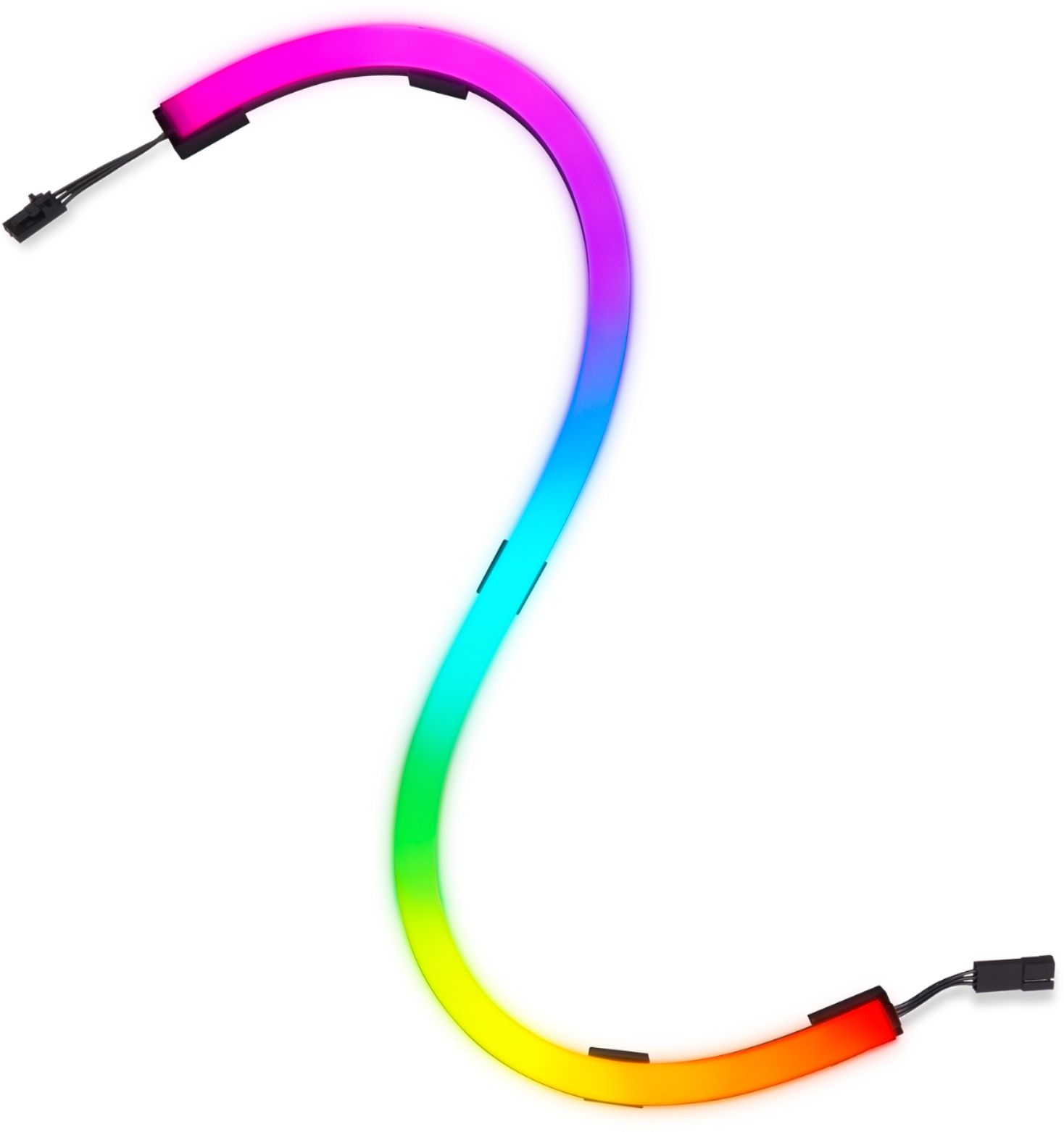
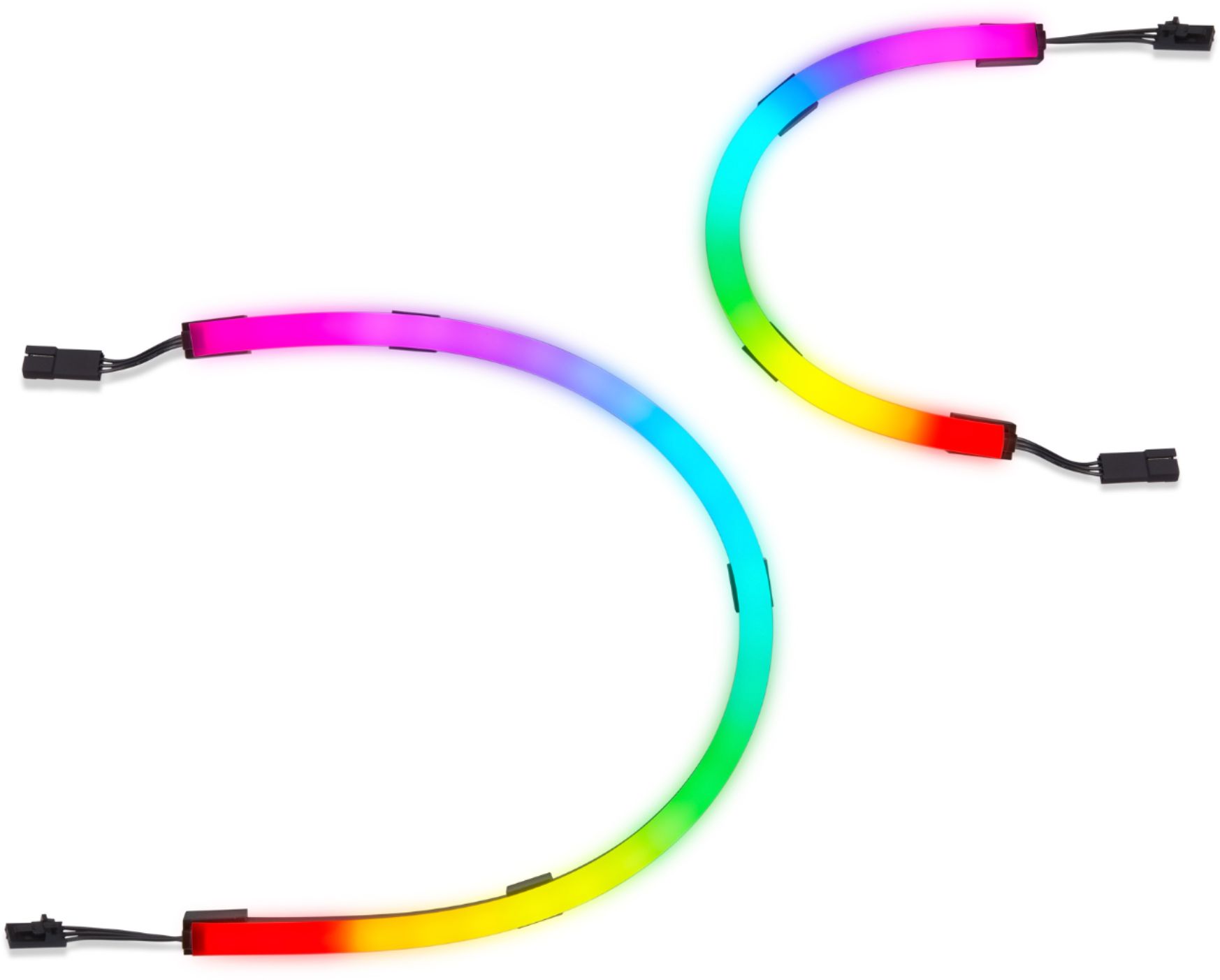
|Posted .This reviewer received promo considerations or sweepstakes entry for writing a review.Corsair is my go to for a lot of my custom PC peripherals and this starter kit doesn't disappoint. I am currently using it for one of my monitors that has no lighting behind it to add to my overall room effects. Box comes with everything you need to start. 2x long strips (450mm) and 2 short strips (250mm), mounting hardware (aka magnets) power brick and cords. By the way, the RGB strips are super flexible so have no fear when bending them for different looks. I found set up was a little frustrating as in my opinion the magnets are on the weaker side, which I understand as you don't want super powerful ones near your delicate electronics. I felt that if I were to accidently bump into my desk or something, a strip or 2 would likely fall off causing me to remount it all over again. I actually future proofed that and put my mind at ease by using command strips to make sure they aren't going anywhere. Installation probably took my roughly 15-20 minutes. Novice level difficultly. I already use iCUE for a lot of my other Corsair RGP items (RAM, AIO, etc) so this was basically plug n play for me. Multitudes of lighting effects and colors to choose from to enhance your gaming environment. In the end, the lighting effects added a nice touch to my setup and would recommend it to anyone shopping around.
I would recommend this to a friend - Pros mentioned:Ease of use, Software
RGB Everything
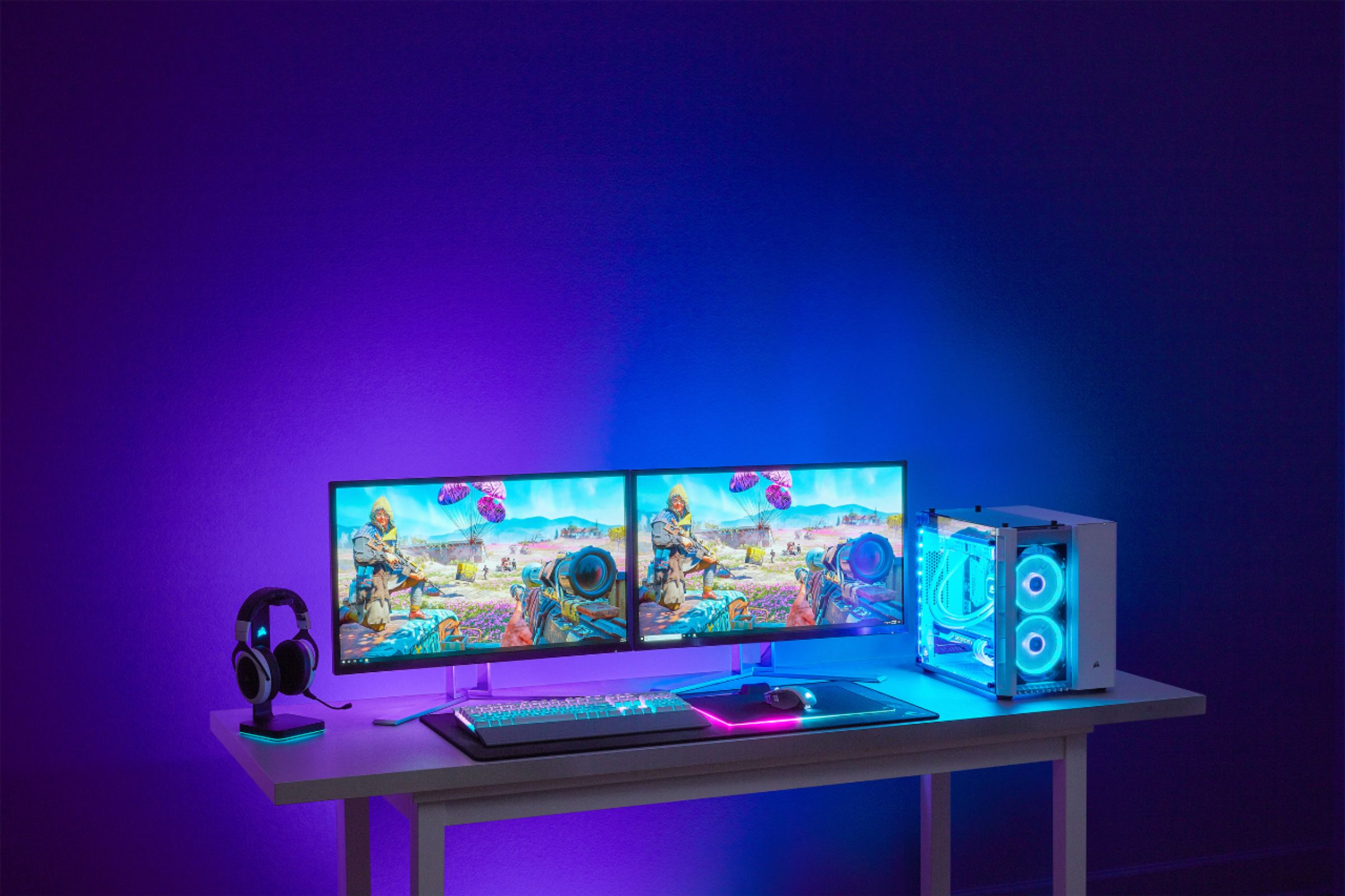
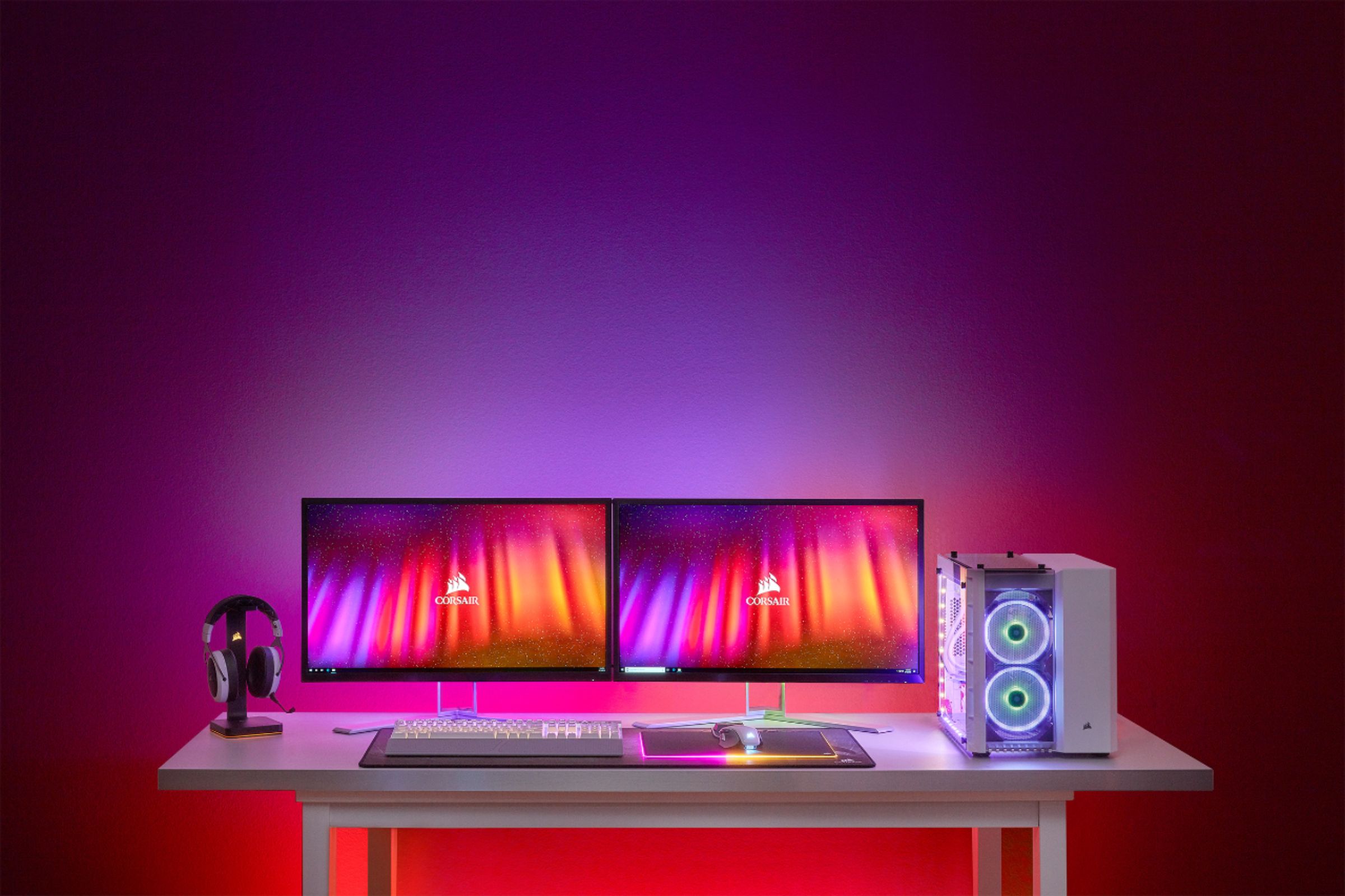
|Posted .This reviewer received promo considerations or sweepstakes entry for writing a review.Corsair is a leader in PC peripherals, memory, and accessories. This is a great option to add RGB to your desk or pc build. I went ahead and got excited to see that these are not just LED strips but rather they are covered in a flexible rubber exterior that softens the light. The light is plenty bright and the spread on the wall behind my display is clearly visible. Obviously it will depend on the lighting conditions in your own room but in the dark is when the party comes alive. It was fairly easy to install on the back of the display. I loved that it is magnetic! You can place the mounts that are double sided sticky tape and then adjust your strip as you see fit. My advice is to plan your run prior to putting it together. You may come into issues if the back of your display is not really flat as the input/controller sticks on to a flat surface. The kit comes with everything you would need for about a 27 inch display. You can get an expansion kit if you want more strips to add on a 2nd monitor. Corsair's ICue software is actually really easy to use and you are able to customize anything Corsair related. You can setup different profiles and sync it all in one place. Those looking for a gaming or multimedia build, RGB everything in your room, should look into this kit.
I would recommend this to a friend Very dim
||Posted .This reviewer received promo considerations or sweepstakes entry for writing a review.Returning. Very dim. Not very secured either. Magnets slip off very easily when moving your monitor around. I purchased the item for the ambient video setting but the brightness was very poor. Only way I was able to get it to be bright was to elect one solid color. One photo is with one light on and the other is all the lights in the house off.
No, I would not recommend this to a friendBrand response from Corsair Art
Posted .Hi,
Thank you for your feedback. If you have any questions or concerns, we'd be happy to help: support.corsair.com
-Albert
- Pros mentioned:Ease of use
RGB Your Way
|Posted .This reviewer received promo considerations or sweepstakes entry for writing a review.Pros Integrated with other iCue devices Easily installed and removed with magnetic mounts Enhances gaming experiencing in video mode Can link to extension kit for dual or ultrawide monitor Operates with computer off Light diffuser smooths individual leds Cons Not very bright Requires USB connection for more than one mode Installation and Setup The Corsair LS100 RGB Lighting Kit is a monitor lighting kit that can be used in multiple ways to add extra lighting to your gaming rig. While it comes with 4 strips and a controller, it can be extended for dual monitors, ultrawide monitors, or as other ambient lighting anywhere near your computer. The strips are held on by magnetic clips that hold onto sticky back metal pads. The pads and clips have indexing marks to make sure the lights strips stay on a 90-degree angle. If you install them on the back of your monitor, you must install them counterclockwise from the bottom right of the monitor while looking at the back. This is important so that lighting profiles move in the correct direction any custom profiles you create don’t’ work on the wrong side. Of course, with this being an iCue product you can integrate it with other Corsair iCue products to create a synchronized lighting setup. While the software can have multiple profiles, the controller stores one. This profile can be used when the iCue software is not controlling the lights, such as when the computer is off. What seems to be a bit of an odd limitation is you either a choice of automatically having the lights turn off with your computer or a single lighting profile that works without the computer. The profile stored on the controller is toggled with the button on the controller. This is because if you want to have the lights turn off with the computer the instructions say to set the controller’s profile to be no light. While connected via USB and when iCue is running you can configure things exactly the way you like. You can use stock lighting profiles, static profiles, various moving lights profiles, sound mode, and video mode. If none of those work you can make your own even going so far as to configure each led individually. Sound mode changes the lighting with your music or other sounds. Video mode is probably the most functional. It can add more immersion to videos or games by duplicating the colors ad the edge of the monitor giving the sense your monitor is larger. Performance While their brightness is overpowered in anything other than a dark room, the effect is very smooth. The light diffuser smooths the lights to where individual LEDs aren’t noticeable unless you are looking directly at the strip. Ideally these strips look best when tucked under or behind something. Movements looked very smooth with no appearance of stepping between LEDs even at the slowest setting. When use in video mode the response times in games was good adding to the immersion. It also comes in handy if you like to watch videos or even regular movies at your computer. Summary Overall, the Corsair iCue LS100 Kit is a well built and simple to use RGB kit. If you are in the market for an RGB monitor kit, particularly if you already use iCue compatible products, the LS100 should be on your short list.
I would recommend this to a friend - Pros mentioned:Brightness, Ease of use
Easy to set up and works well
|Posted .This reviewer received promo considerations or sweepstakes entry for writing a review.Setup of these lights was super simple. The kit included clips that attach to the monitor via adhesive and to magnetically to the LED strips. Installation was extra simple because the clips can slide along the LED bar and the LED bars are flexible. The lights wire together by simply clipping together. The controller also mounts via adhesive. The controller allows for expansion to additional lighting which is a great feature. These lights are pretty bright and show up well on the wall behind my monitor. I have my monitor on a mounting arm; I’d say less than 5 inches from the wall, and the lights show up clearly. I love having them on while I’m gaming as I can never have enough RGB, haha. The lights are computer-controlled via USB. In the software, the lights can be customized. The lights can adapt to happening on the screen, but I struggled to get it set up due to how Xbox apps are saved to Windows (they are locked in a hidden folder). I have a Corsair mouse, and I was able to customize the mouse in the same program as the lights which was also super convenient.
I would recommend this to a friend - Pros mentioned:Software
Cool and Completely Configurable
|Posted .This reviewer received promo considerations or sweepstakes entry for writing a review.TLDR: (that’s Too Long, Didn’t Read) An easy and cool way to add a splash of color and light effects to anything - especially a gaming rig. A lot to set up but you can tune everything exactly to your liking. PC-only… no Mac support. Pros: * Cool. * Extremely configurable. * Comprehensive software. * Ability to run one “profile” even with the PC off or disconnected. Cons: * A lot to set up. * No Mac support - PC-only. Summary: For most gamers, what’s on the screen or in their headphones defines the gaming experience. That’s not everything. These configurable lights can add even more dimension to your visual experience. I won’t get into what bits are included in the kit because you can see that in the main product description. Setup is relatively straightforward but there is a lot to do. Each light strip has adjustable mounts that you can slide to where they work best. Each mount is magnetic and there are little metal pads with sticky tape on them so as to attach the metal pads to something like the back of your monitor, a table, a wall, etc… The strips can either chain together to form one large “channel” or you can pair them up and have the two pairs that are separately controlled instead. Extension wires are provided so they don’t have to be butted up against each other. The control box is small and also has a magnetic attachment to metal pads. There is a power button on the box that works to turn on or off the “hardware” preset that you assign in the software so the lights can work even when the PC is off or the USB cable is not plugged in. The lights themselves are diffused but the colors and patterns really shine. The cables are all relatively thin and easy to route. The software is amazingly complete. You can define custom profiles, choose the direction of light patterns and just about anything else that you might want to do with the lights. You can also assign various profiles that run when a specific app is started. If you’re looking for easy plug-and-play; this may not be right for you. If you want total control over the lights; what they do, when they do it and how they look; this will give you all you need. Again, the Mac is not supported…. just so you know.
I would recommend this to a friend - Pros mentioned:Installation
Great for RGB lovers
|Posted .This reviewer received promo considerations or sweepstakes entry for writing a review.If you like RGB lighting and customizing you look of your PC, this is a great kit for you. Lighting can be synched with other Corsair RGB devices to give your entire gaming setup a custom and synchronized lighting effect. With the LS100 kit you can project the colors on your screen screen onto your wall through the lighting strips in real time! Note that you need to download the latest version of CORSAIR iCUE at CORSAIR.com to control the kit. Build quality is excellent, as are the lighting effects. They are diffused nicely to create even colors. Installation was mostly easy, although the magnetic mounting system could use stronger magnets in my opinion. Overall, Corsair's LS100 Smart Lighting Kit is a solid product. If you're considering RGB lighting for your monitor or desk, it's worth putting the LS100 on your list of considered products.
I would recommend this to a friend Excellent ambient RGB kit
|Posted .This reviewer received promo considerations or sweepstakes entry for writing a review.I own a variety of Corsair's products, and in my experience they're second to none, both in terms of build quality and effects, so I was excited to add this ambient light kit to my rig. Setup was simple and straightforward. The light strips themselves are in the "neon" style, with a thick silicone diffuser placed over the strips, and they have connectors on each end. There are also four extension cords included in the box in case you need to place them further apart. The strips are mounted with brackets that allow you to face them straight up, or facing outward, giving you the ability to face them in any direction you need. They can easily be altered from facing one direction to another if you decide they'd look better in a different orientation. The control box comes with a magnetic mount, so you can easily remove and replace it if you need to. The kit is meant to be used outside of your PC, and connects to it via a USB port, but you could probably set it up as an internal kit without too much trouble. It uses the same proprietary connectors as other corsair products, and should connect to a Commander Pro or similar corsair RGB hub if you already have one. I decided, to mount the strips behind my monitor. I may at some point decide to try them out mounted behind various parts of my desk, but I'm happy with the way it looks for now. Corsair's iCue software is powerful and effective, allowing a wide variety of effects, which can be stacked on each other and assigned down to each individual light, and their website offers a large number of ready to run profiles that you can import. It's also got a reputation for being enough of a resource hog that it affects gaming performance, though after some of the more recent updates, this has been less of an issue. As I type, the iCue software is using up between 3-5% of my CPU time, and I haven't experienced the sort of frame drops I used to in the last major version. Overall, I'm very happy with the product and recommend it to anyone looking to add some ambient flair to their setup.
I would recommend this to a friend- Pros mentioned:BrightnessCons mentioned:Price
great for under desk/monitor
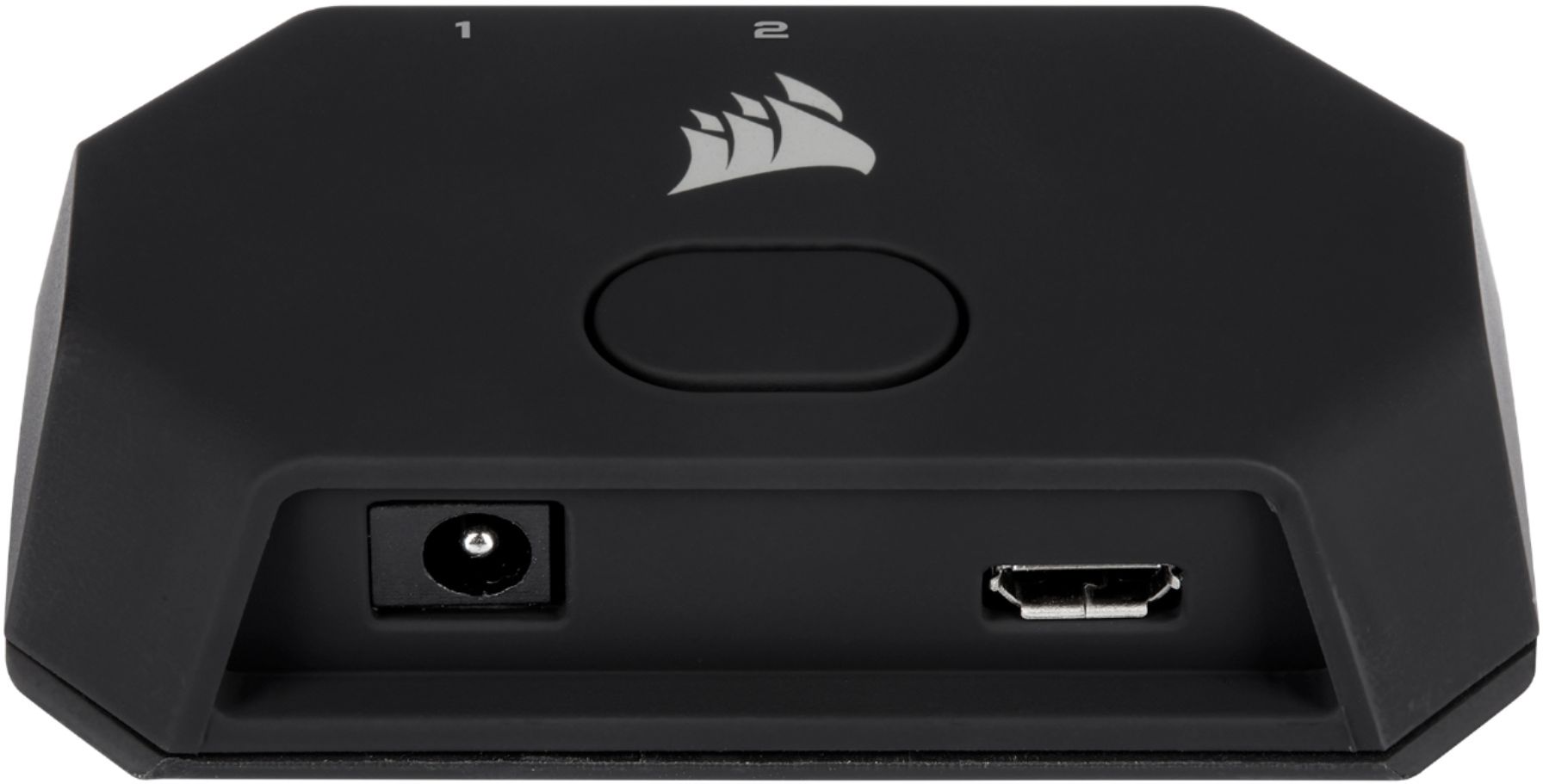
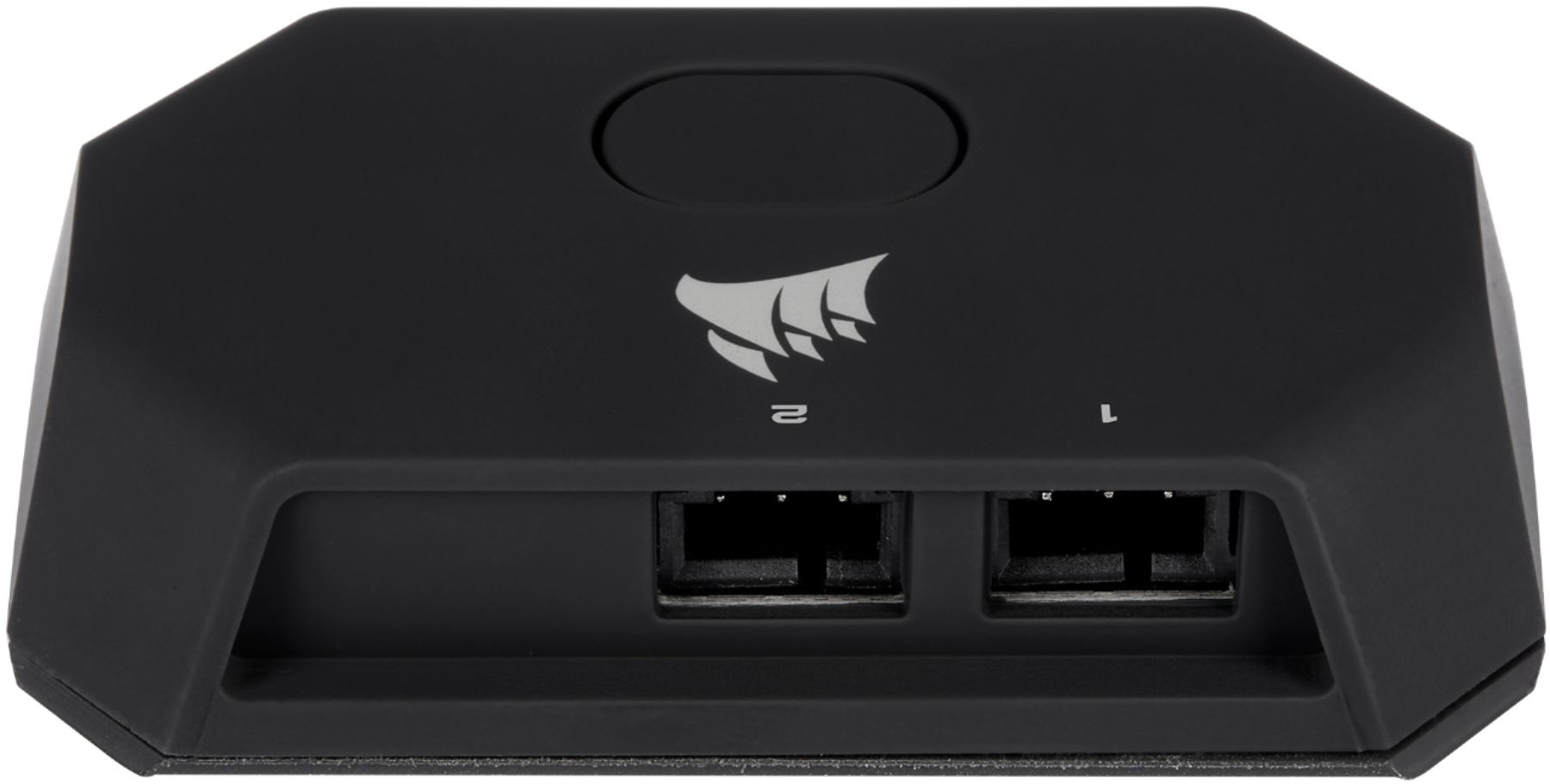
||Posted . Owned for 11 months when reviewed.This reviewer received promo considerations or sweepstakes entry for writing a review.These lights are very bright and are a very nice quality. Integrates with Icue to give you full control of the lighting or you can use the included controller button to switch profiles. They give you multiple ways to mount it via double sided sticky tape or electronic safe magnets that are actually pretty strong. they give you the Power adapter to hook it up to an outlet and have it powered that way but they also give you the cords and means to hook it up to a Corsair rgb header on your motherboard or (not included) commander pro/commander core/commander core xt all in all a wonderful accessories from corsair. There definitely are awesome if you are trying to deck out your fancy pc with all corsair rgb inside and outside of the pc case. they are a bit pricey but the quality and features make it pretty worth it plus to have everything running on icue gives you control of everything in one place> Also the included wires for connecting to corsair rgb header can be used for there other lighting strips!
I would recommend this to a friend - Pros mentioned:Ease of useCons mentioned:Magnets
A Good Product that could be a Great One
||Posted . Owned for 1 week when reviewed.This reviewer received promo considerations or sweepstakes entry for writing a review.Great product for adding some backsplash lighting to a gaming setup. Not the brightest LEDs though, they certainly are not quite as bright as the advertising photos suggest, unless your monitor is right up against the wall. The software is easy enough to use and has a lot of flexibility. The magnets that hold the LED strips could be stronger. The adhesive on the back of them is fantastic - once stuck to the monitor it's a real pain to move - but the magnet that sticks to the LED strips feel like they barely have a grip. Also the LED strips come bent over in the package, meaning they don't sit as "flat" on your screen. Not a real problem, and the flimsiness is welcome if the screen is an oblong shape on the back. Overall, I'm happy with it. Some improvements would make this a truly special little add on.
I would recommend this to a friend - Pros mentioned:Brightness, Customization, Ease of use
Solid, bright and perfect for any setup!
||Posted . Owned for 1 week when reviewed.This reviewer received promo considerations or sweepstakes entry for writing a review.Corsair has done a fantastic job giving people a complete ecosystem for their computers and this just adds to it. Lights are easy to install and look amazing when synced with other Corsair devices! ICUE allows you to customize each light and with the lights already diffused it looks crazy. Adding on lights is easy just wish they made internal set for pc cases.
I would recommend this to a friend