Customer Ratings & Reviews



- Model:
- CH-9317011-NA
- SKU:
- 6350465
Rating by feature
- Value
Rating 4.2 out of 5 stars
- Quality
Rating 4.3 out of 5 stars
- Ease of Use
Rating 4.3 out of 5 stars
Customers are saying
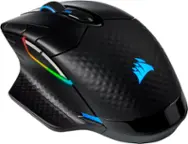
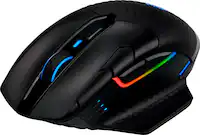
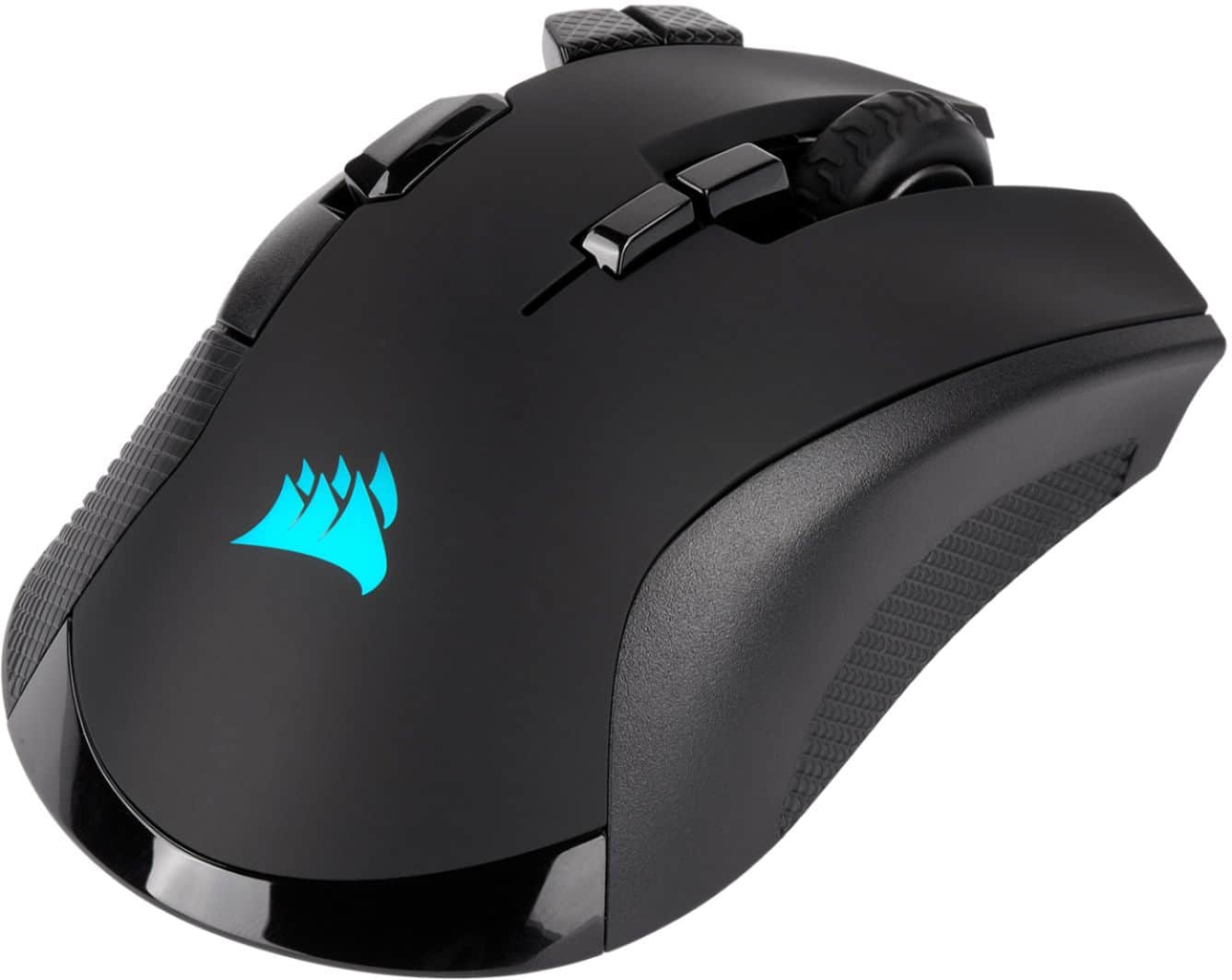
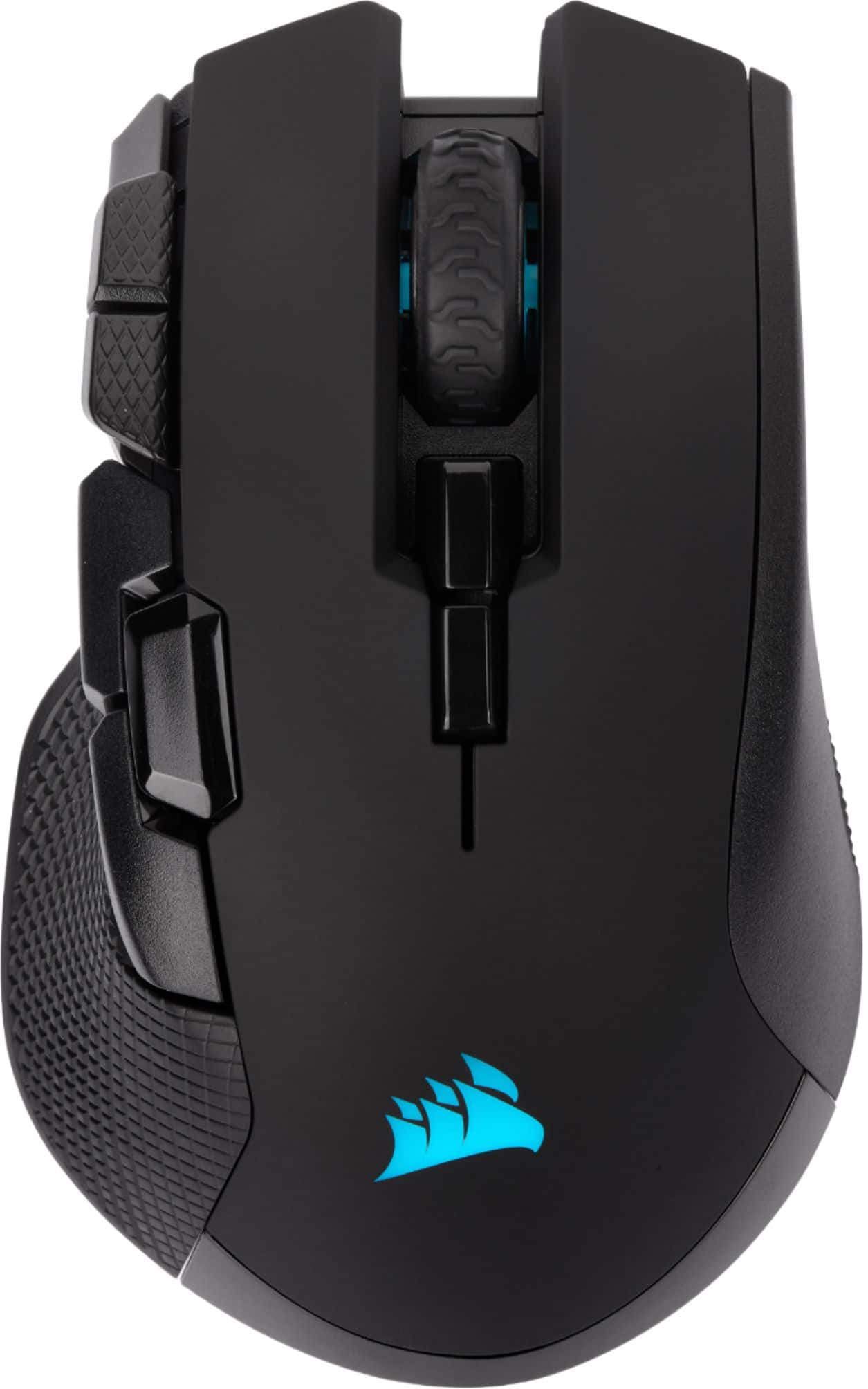
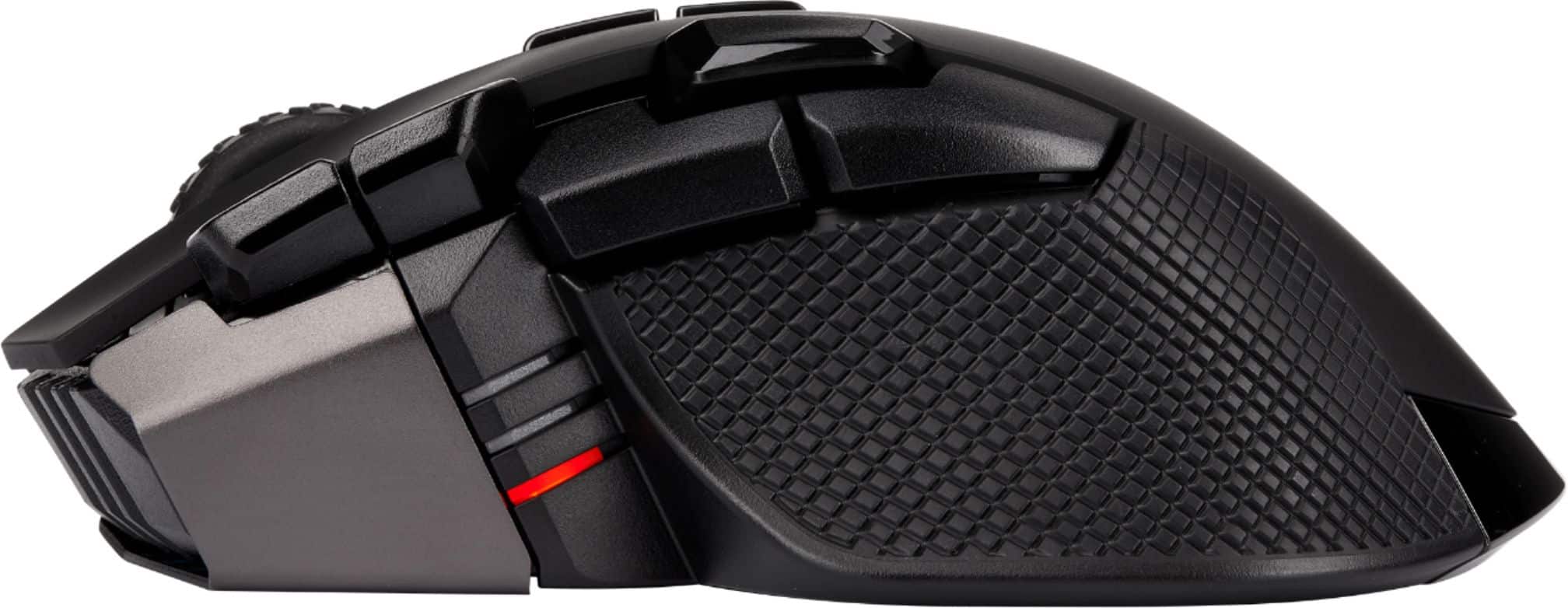
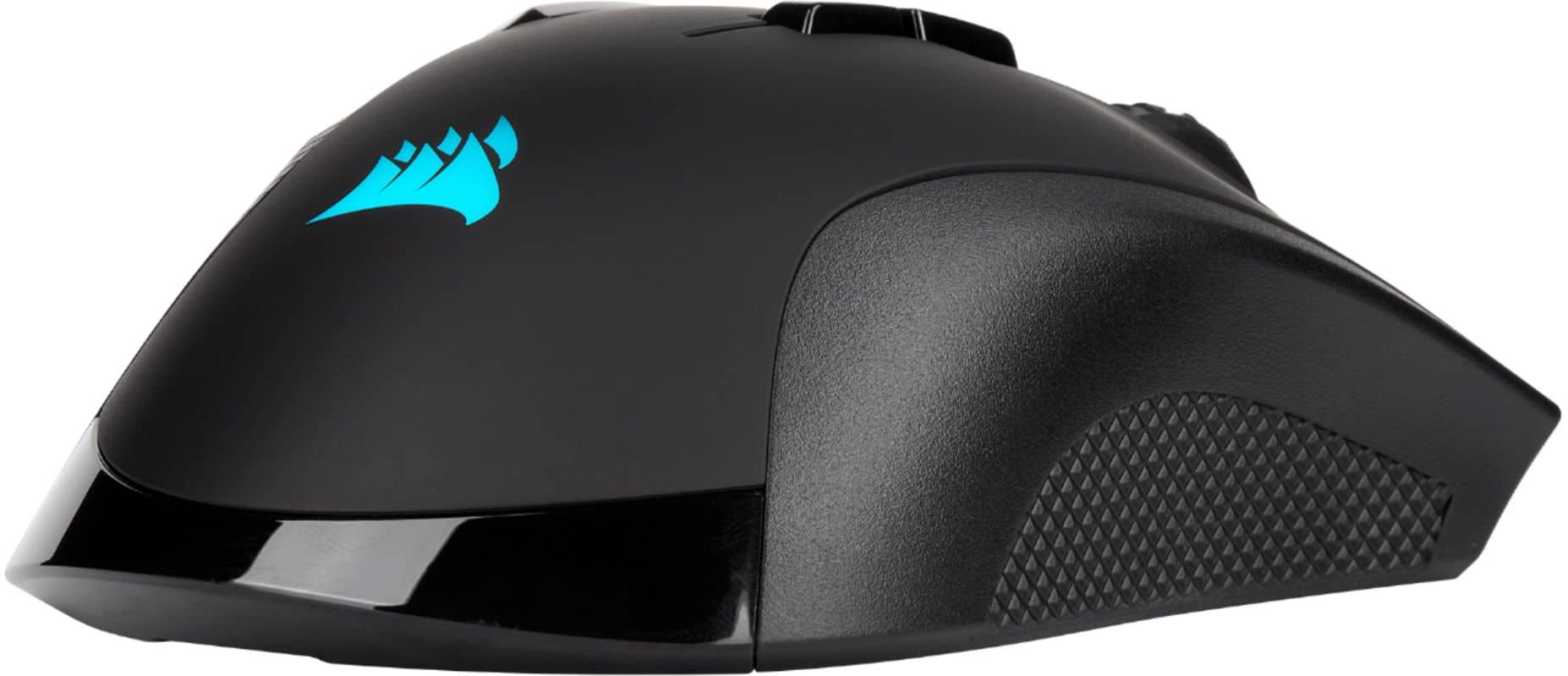
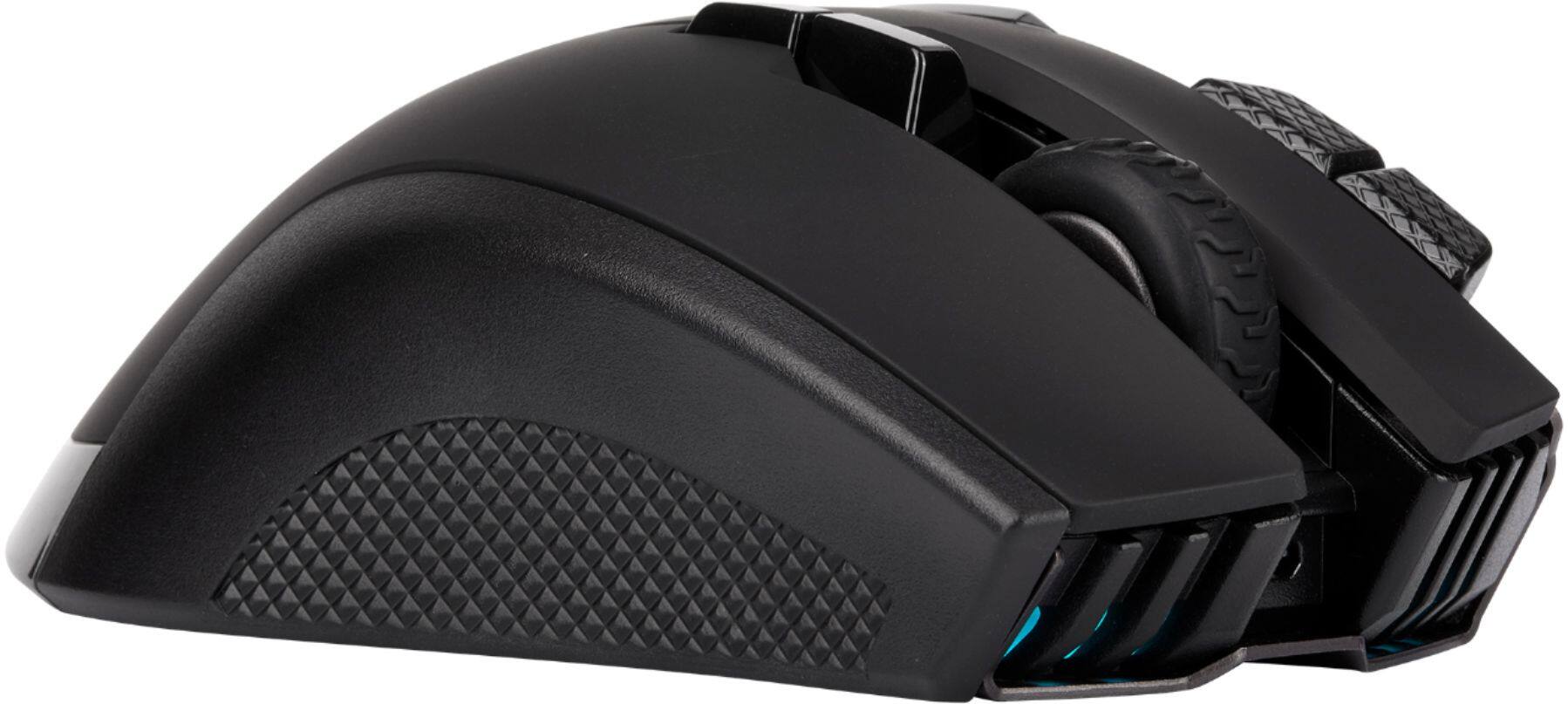
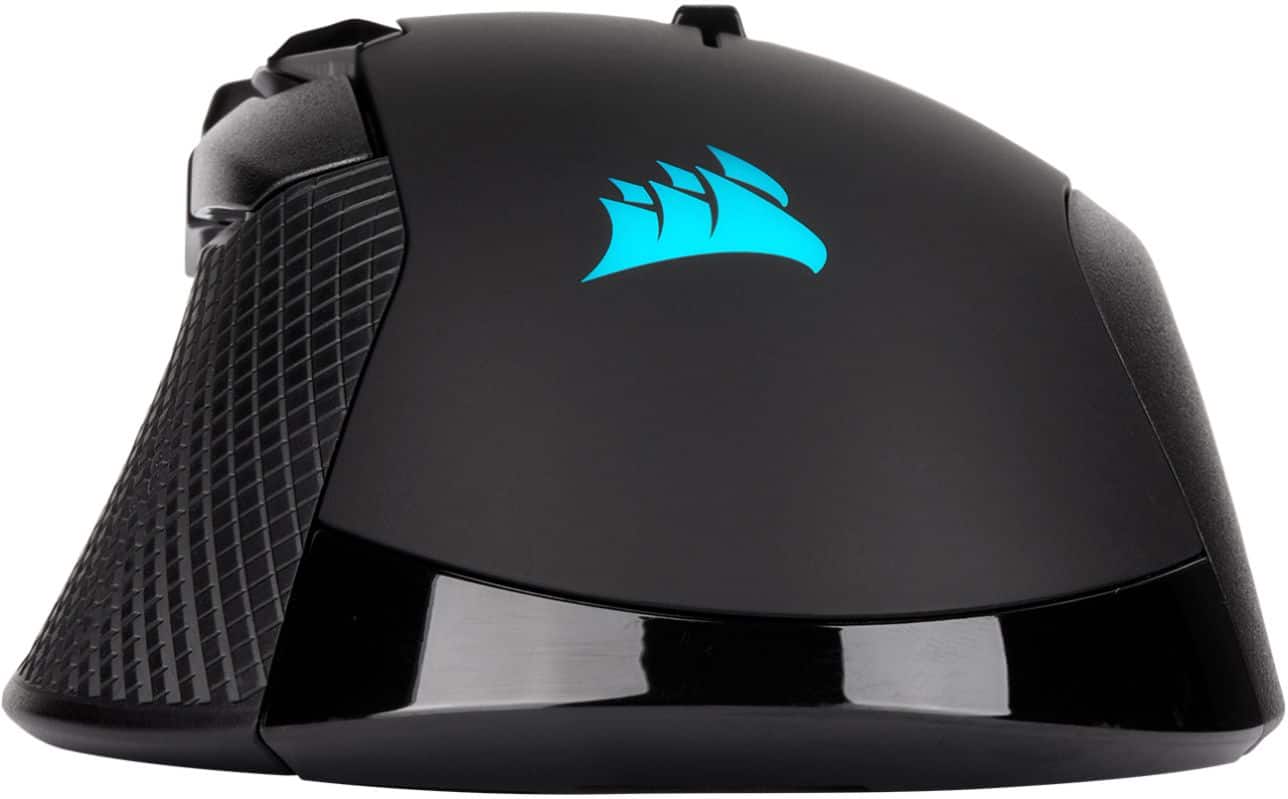
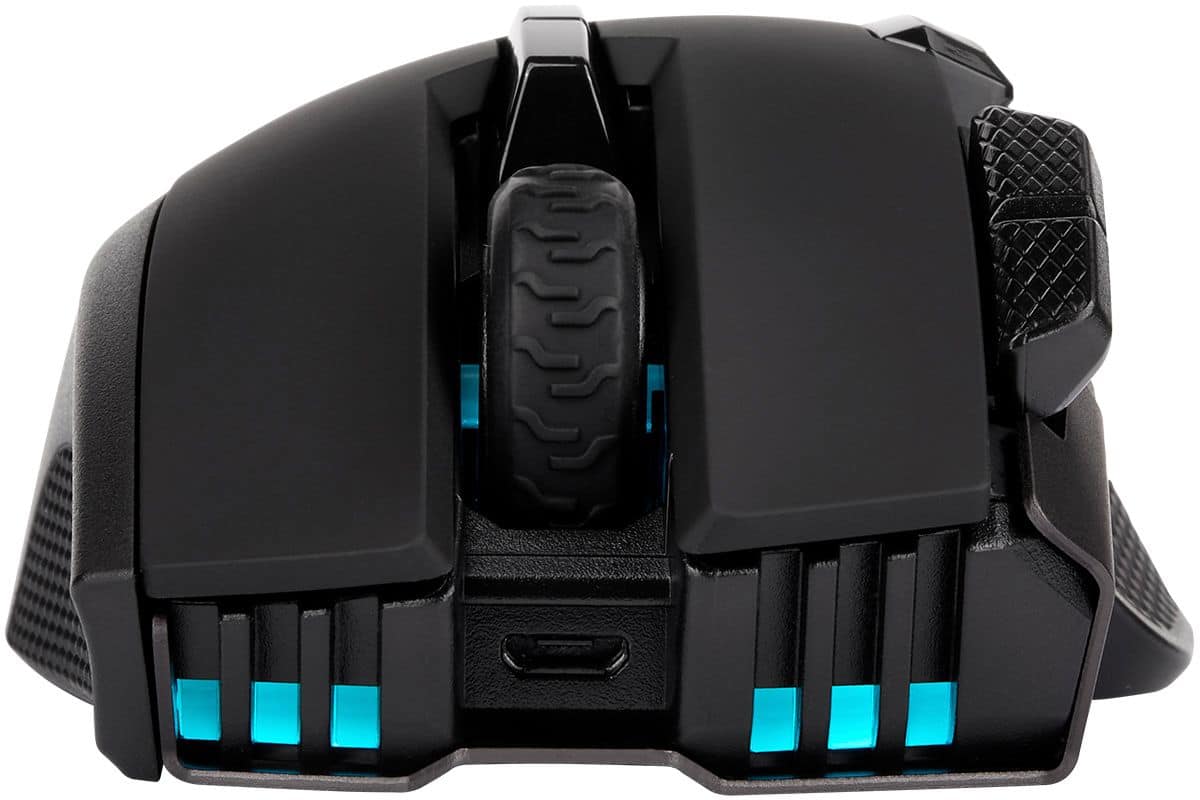
Customers are enthusiastic about the IRONCLAW RGB Wireless Optical Gaming Mouse's overall performance and comfortable ergonomics. Many appreciate its reliable connectivity, fair battery life, and ease of use. However, some users have reported concerns regarding the button quality, particularly with the scroll wheel, and have found the software to be difficult to use.
This summary was generated by AI based on customer reviews.
- Pros mentioned:Connectivity, Overall performanceCons mentioned:Button quality
Average
||Posted . Owned for 1 month when reviewed.This reviewer received promo considerations or sweepstakes entry for writing a review.It's a decent wireless mouse. Quality feels good and it works well. I had a little problem with it connecting wirelessly but an update fixed that. Button placement is my biggest problem with it, just feel like the layout could've been designed better, but over all I'm happy with it and i don't plan on returning it.
I would recommend this to a friend - Pros mentioned:Ergonomics
Nice design, good DPI, but with one issue
||Posted . Owned for 2 weeks when reviewed.This reviewer received promo considerations or sweepstakes entry for writing a review.I purchased this mouse for in-store pick up and I have to admit I did it on accident. I thought it was a different mouse from Corsair, but I decided to at least try it out and maybe return it if I didn't like it. So far I like this mouse. It has a good weight to it, and it fits in the palm of my hands very nicely because I usually use a mouse with a claw grip style; my palm resting up against the back of the mouse while my fingers are shaped like a claw allowing me to make precise button choices. Unfortunately not everything is rainbows and unicorns, but I want to preface the cons with this; I didn't mean to purchase this specific mouse and I hadn't felt it in my hand before. Normally I like to see how a mouse feels in my hand before I buy it. The button placements are a bit on the larger side. Not unbearable, but the multiple large buttons can result in misclicks. My main complaint comes from the battery life. It claims 50 hours, but I usually have to recharge the battery two times a week. It's gone dead on me while playing video games which is a huge annoyance.
No, I would not recommend this to a friend - Pros mentioned:Overall performanceCons mentioned:Button quality
An excellent mouse with a few notable flaws.
||Posted . Owned for 1 month when reviewed.This reviewer received promo considerations or sweepstakes entry for writing a review.As a daily driver, it works great. Feels very solid, and I like how quiet it is. On occasion I bump the dpi buttons on accident but it's not a big deal, and I can remap them with the iCUE software if needs be. I bought this mouse because other reviews told me is was good for people with very large hands. While it is definitely a large mouse, I find it is not quite big enough for a "palm" grip so it gets uncomfortable after long gaming sessions on shooters or other games with a lot of clicking. The wireless functions are basically not working for me. I experience huge lag and misclicks from only 4 feet away using both Bluetooth and the dongle, so I just keep it plugged in.
I would recommend this to a friend - Pros mentioned:Ergonomics
More buttons make it better!
||Posted .This reviewer received promo considerations or sweepstakes entry for writing a review.Very comfortable, its an improvment over the regular wired Ironclaw due to the extra buttons. I don't love wireless mice, so I mostly just leave it plugged in 24/7 and it seems to work just fine.
I would recommend this to a friend - Pros mentioned:Battery life, Ergonomics
Great mouse
||Posted . Owned for 1.5 years when reviewed.This reviewer received promo considerations or sweepstakes entry for writing a review.Great casual gaming mouse. No issues, battery last so long I forgot I have to charge it sometimes. A little on the heavier side for mice but great quality and feeling. Super ergonomic. Just enough rgb lighting to fit ur fancy.
I would recommend this to a friend - Pros mentioned:Ergonomics
Pretty solid gaming mouse for the $$
||Posted . Owned for 2 weeks when reviewed.This reviewer received promo considerations or sweepstakes entry for writing a review.Bought this to play COD: Warzone, and it has done a great job so far. Skip down to Summary for TLDR. First off, as someone with multiple Corsair products (keyboard, headsets, mouse pad (!)) one of the best things is the integration of the various peripherals with the iCue software. It's not perfect software, but it's awfully slick. The mouse is perfect for large hands, as this is pretty big mouse. Buttons in pretty much ideal position, though this is subjective to each user. Sensitivity goes beyond what one should honestly play at: i have set to 1600 dpi, a fraction of its 18000, and I find it just as responsive as any wired mouse I've had. Multiple profiles for Gaming and other functions is fantastic. I honestly feel like I'm a better player with it, though I'm pretty mediocre still! Least I fully know that I am the problem, not my hardware! Only minor detraction's i have our: 1) the battery only lasts like 2 days, even having the power save option in iCue turned on. This is fixed by just plugging in the micro-usb cable and use as a wired mouse, but a little extra run time would be nice. I believe using bluetooth instead of 2.4ghz wireless mode can get additional usage, but bluetooth is not preferred for gaming. 2) Maybe i'm just use to junky mice, but some of the buttons click a little to easily, particularly the main left and right click, if you click at the very front end of the mouse button. If you click in the middle of the long buttons, it seems pretty normal, but if you get a grip on it that makes your fingertips click the very frontend of the buttons, it seems like it takes little to no effort to click, resulting in accidental shots in-game. This is probably a "me" issue, but just being honest with my experience. Other than that, really solid mouse, with alot of very nice and usable features. Mouse could be a little heavier/solidly built: it doesn't feel cheap, but it feels a little flimsy and a little bit of extra material, or removable weights could make this a more solid feeling product. Another gripe is the iCue software, but that is not due to the mouse itself, but again just relaying my experience. The iCue software is: 1) not beginner friendly for the best features that it possesses. They honestly need some UI guys to redo it and make things make more sense. But once you do figure it out, using online guides/videos, it is a very feature rich software package. BUT, it sure crashes/locks up alot. And this seems to be an ongoing issue with iCue for many years. A quick reboot of the PC or of the service itself fixes it, but can be a minor annoyance as it seems to happen every couple days. Summary: Great mid-range priced wireless mouse especially for larger handed users. Integrating with other Corsair products is a great feature due to iCue software. Even works good as a normal daily usage/work mouse.
I would recommend this to a friend - Pros mentioned:Battery life, Ergonomics
Excellent Mouse for Gaming and Productivity
||Posted . Owned for 3 weeks when reviewed.This reviewer received promo considerations or sweepstakes entry for writing a review.This mouse is ideal for larger hands- I have very large hands and this fits me better then the Logitech MX Master 3 does. I really like the grooves in the main two buttons, my fingers fit perfectly and it feels more natural. The battery life of this mouse is also very good. I have not charged it in a while and i still have half the battery left. If you are getting this mouse for RGB, you will be disappointed. There are lights in the front, side and on the palm rest. The side lights cannot be adjusted to any sort of pattern etc. That leaves only the front and back. The back is covered by my hand so you never see the RGB when using it. The front lights are neat, but like i said, you do not get this mouse for the RGB. Also, I am very used to the Logitech G Hub software and learning the ICUE software was harder to do. I actually really love the mouse, but I do not like the ICUE software- it is also buggy and I never know when the software will do something strange, such as power cycling my Corsair Hydro H115I Platinum water cooler system. Even with these issues, i still really like the mouse and would recommend it. For those who have questions over getting a good mouse, I highly recommend going somewhere where you can hold and feel the mouse in your hand before you buy it. I have gone through four mice in the last six months before i found this one, and in all honesty, I find it a toss up on if i like this mouse or the MX Master 3 better.
I would recommend this to a friend - Pros mentioned:Connectivity
Get it now!!
||Posted . Owned for 1 week when reviewed.This reviewer received promo considerations or sweepstakes entry for writing a review.Awesome mouse. Great functionality. Programming it may take some getting used to however, there are a ton of videos available that can walk you through any function and\or macro you are trying to implement. Feels good to hold and even has a calibration option to use to calibrate it based on the surface you have it on. DPI is easy to adjust and the options via the software feel endless. If you play any games in competitive fashion, the amount of setting s this mouse has will impress you. If you looking for a wireless mouse that also supports Bluetooth AND can be used as a wired muse as well, look no further. If there are any cons, it would be that it doesn't have as many buttons as some of the others. I don't primarily play mmo's so this isn't a huge deal for me as I feel those type of games would benefit from the mice that have those extra buttons on the side. In saying that this can still hold its own between the options the software provides and the buttons it currently does have. Also, the sniper may take some time to get used to, but what doesn't when it's new. A side note: When using the mouse in Bluetooth mode, you can not use the software to make changes to the profiles you set. In fact, in order to use the profiles, you have to map them to one of the hardware profiles on the mouse BEFORE using it in Bluetooth mode. Once you get the mouse you'll understand what I mean by this. Either way, get this mouse TODAY!!
I would recommend this to a friend - Pros mentioned:Overall performance
You know what they say about a big Mouse?
||Posted .This reviewer received promo considerations or sweepstakes entry for writing a review.Big mouse for big hands, love the size and how it works
I would recommend this to a friend - Pros mentioned:ErgonomicsCons mentioned:Software
Decent for the price, but not perfect
||Posted . Owned for 1 week when reviewed.This reviewer received promo considerations or sweepstakes entry for writing a review.I really like this mouse for the most part. It fits larger hands well and is comfortable to use. My biggest complaints with it are relatively minor: Low running time on battery, and the buggy iCue software for controlling the lighting. This mouse will only last about 2 days on a charge with regular use, far less than most replaceable AA battery mice. Not a big deal since you can just plug it back in and continue to use it when it dies, but if you are not in the habit of plugging it back in daily, you'll be doing that regularly.
I would recommend this to a friend - Pros mentioned:Ergonomics
Good product
||Posted . Owned for 1 week when reviewed.This reviewer received promo considerations or sweepstakes entry for writing a review.Pretty solid gaming mouse for the $$ Bought this to play COD: Warzone, and it has done a great job so far. Skip down to Summary for TLDR. First off, as someone with multiple Corsair products (keyboard, headsets, mouse pad (!)) one of the best things is the integration of the various peripherals with the iCue software. It's not perfect software, but it's awfully slick. The mouse is perfect for large hands, as this is pretty big mouse. Buttons in pretty much ideal position, though this is subjective to each user. Sensitivity goes beyond what one should honestly play at: i have set to 1600 dpi, a fraction of its 18000, and I find it just as responsive as any wired mouse I've had. Multiple profiles for Gaming and other functions is fantastic. I honestly feel like I'm a better player with it, though I'm pretty mediocre still! Least I fully know that I am the problem, not my hardware! Only minor detraction's i have our: 1) the battery only lasts like 2 days, even having the power save option in iCue turned on. This is fixed by just plugging in the micro-usb cable and use as a wired mouse, but a little extra run time would be nice. I believe using bluetooth instead of 2.4ghz wireless mode can get additional usage, but bluetooth is not preferred for gaming. 2) Maybe i'm just use to junky mice, but some of the buttons click a little to easily, particularly the main left and right click, if you click at the very front end of the mouse button. If you click in the middle of the long buttons, it seems pretty normal, but if you get a grip on it that makes your fingertips click the very frontend of the buttons, it seems like it takes little to no effort to click, resulting in accidental shots in-game. This is probably a "me" issue, but just being honest with my experience. Other than that, really solid mouse, with alot of very nice and usable features. Mouse could be a little heavier/solidly built: it doesn't feel cheap, but it feels a little flimsy and a little bit of extra material, or removable weights could make this a more solid feeling product. Another gripe is the iCue software, but that is not due to the mouse itself, but again just relaying my experience. The iCue software is: 1) not beginner friendly for the best features that it possesses. They honestly need some UI guys to redo it and make things make more sense. But once you do figure it out, using online guides/videos, it is a very feature rich software package. BUT, it sure crashes/locks up alot. And this seems to be an ongoing issue with iCue for many years. A quick reboot of the PC or of the service itself fixes it, but can be a minor annoyance as it seems to happen every couple days. Summary: Great mid-range priced wireless mouse especially for larger handed users. Integrating with other Corsair products is a great feature due to iCue software. Even works good as a normal daily usage/work mouse.
I would recommend this to a friend - Cons mentioned:Button quality
Cheaply made but great design
||Posted . Owned for 1 week when reviewed.This reviewer received promo considerations or sweepstakes entry for writing a review.Definitely a medium-sized hand mouse for palm grip users. But the mouse quality itself is highly lacking in build quality and button quality. It feels cheap, no doubt. Holding it in your hand it feels heavy, which is a good thing sometimes! But it's not built like it weighs.. side buttons are average in quality and the DPI adjuster buttons feel like garbage. Scroll wheel also feels like garbage and there are numerous posts on the internet about the scroll wheel not even working anymore.
I would recommend this to a friendBrand response from Corsair Art
Posted .Hello Eamon,
Thanks for the feedback. Was there an issue with your specific unit?
If you have anything else we can help with, please reach out: support.corsair.com
-Art
- Pros mentioned:Battery life, Connectivity, Ergonomics
Great addition to a gaming laptop
||Posted . Owned for 1 month when reviewed.This reviewer received promo considerations or sweepstakes entry for writing a review.Bought as a gift for my son who bought a new gaming laptop it works really well he likes that it is rechargable and can be used wired or wireless , fits his hand well
I would recommend this to a friend - Pros mentioned:Battery life, Ease of use
Gaming mouse
||Posted . Owned for less than 1 week when reviewed.This reviewer received promo considerations or sweepstakes entry for writing a review.I think this mouse for the price is great!! It changes color, is easy to use, light, battery last long. I will definitely recommend it!!
I would recommend this to a friend - Pros mentioned:Ergonomics
Great for Big Hands
||Posted . Owned for 1.5 years when reviewed.This reviewer received promo considerations or sweepstakes entry for writing a review.If you have larger hands its a great mouse. It was very comfortable and i could use all of the buttons. Unfortunately after about a year and a half my son dropped it and it no longer works.
I would recommend this to a friend - Pros mentioned:Ergonomics
GREAT Office & Productivity Mouse
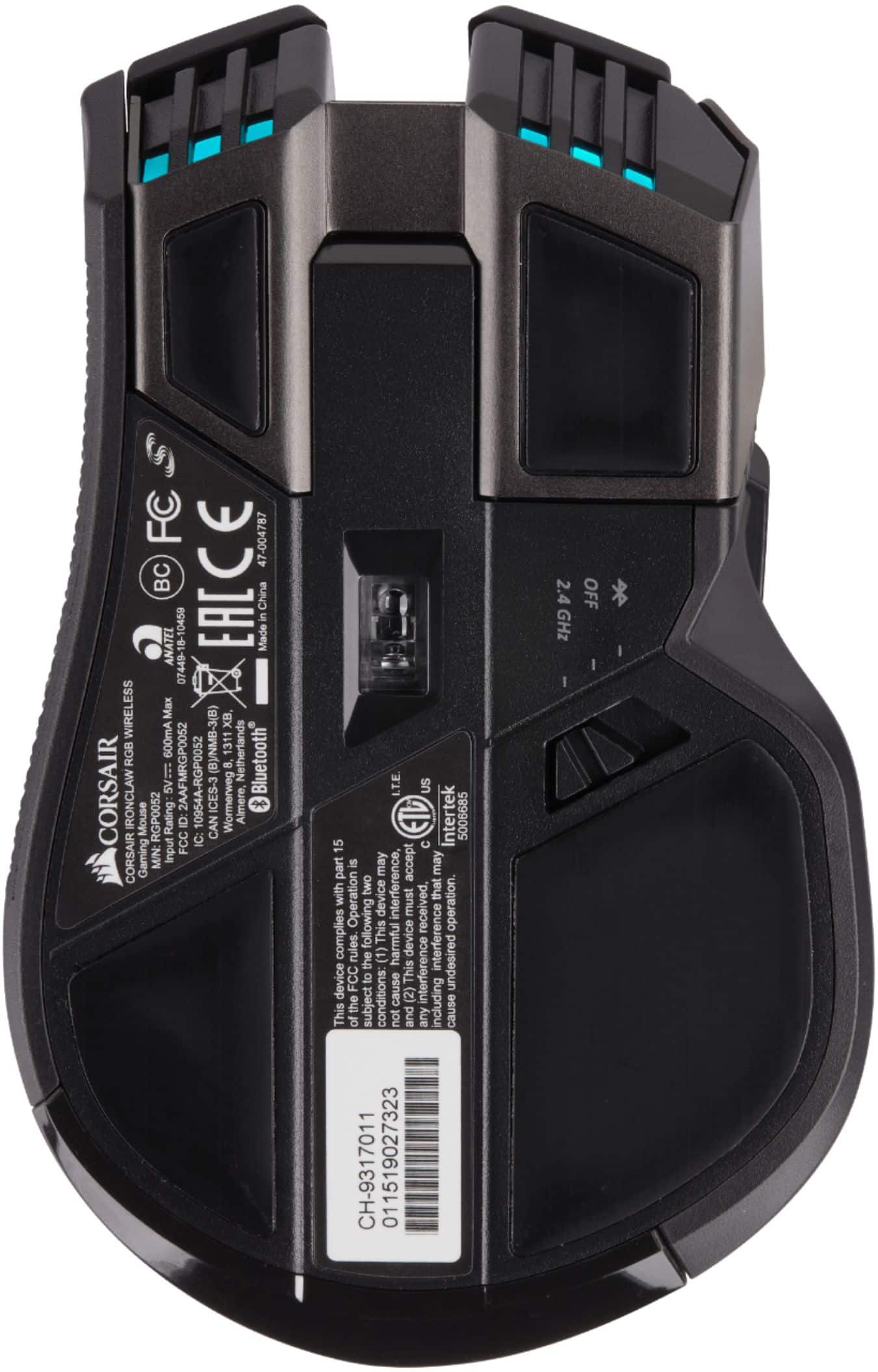
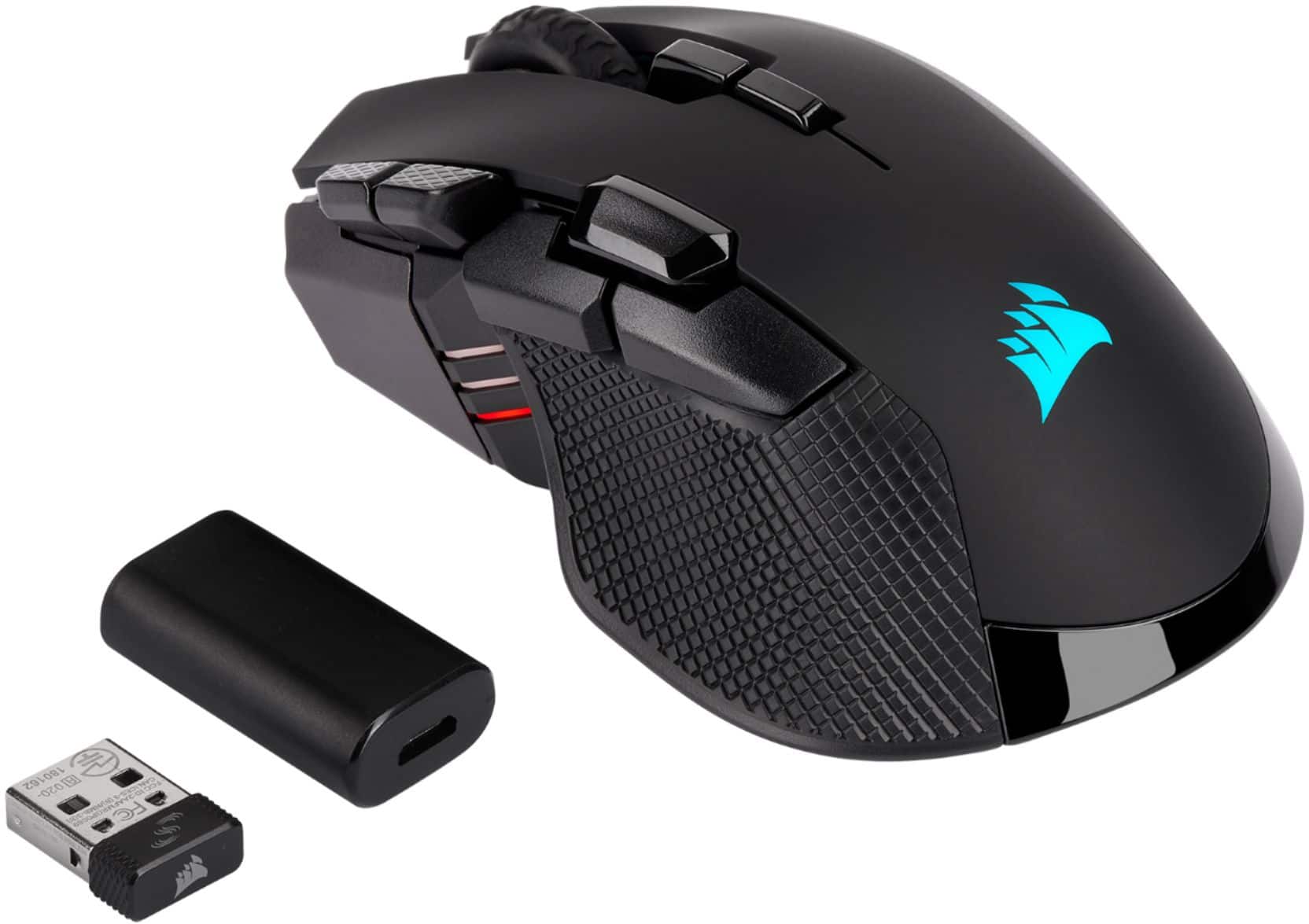
||Posted . Owned for less than 1 week when reviewed.This reviewer received promo considerations or sweepstakes entry for writing a review.So I'm fully aware this is a gaming mouse, however, I'm a 3 monitor office jack of all trade kind of guy. Not a programmer, just a Microsoft Office and other programs where I use macros in Excel and command keystrokes (copy/paste, etc). The software is a little confusing at 1st as to profiles, saving profiles, saving actions to buttons. My largest issue was not noticing that the actions are not useable while connected to bluetooth (there is a rocker switch on the bottom with bluetooth / off / 2.4ghz that is needed (there is a usb adapter to connect the 2.4ghz). As for assigning actions and commands, it's pretty straightforward and quite easy. The best part are the TONS of combinations/configurations that you can load to meet almost ALL you can think you might need for almost any and every application. The buttons are big and easily accessible for anyone with medium to large hands. Smaller hands might find it a little taxing on reaching. The buttons at the front of the mouse to the left of the left click button have grooves for a nice feel. As I said the 3 buttons towards the back on the left are nice and big and easy to access without being clunky or to big. The mouse as a whole feels really nice and comfortable/ergonomic in the hand. The "grips" on the sides of the mice are a great touch and also feel comfortable. As for the reviewers who mention the issues with the left/right mouse clicks that sticks or loses functionality, I cannot speak to that issue. I'm not even close to being a gamer so I have no idea the amount of pressure applied to these buttons, but if it's anything like my days of lame video gaming, it probably is a hazard of the adventure. I'm also unsure of what the dpi/connection/latency is for this being a wireless mouse, so can't give a helpful opinion on that. As for an office product, it's brilliant for my needs as it pertains to productivity and function where I can use the mouse for almost every function except typing. If you use Excel and macros often, the multiple buttons are configurable to your liking and I wish I had found this much, much sooner for that very purpose. I have used Logitech MX products from the Master to the Master 3 while I loved ergonomic feel, I wanted something much more programable and USEFUL. If you're a gamer, I'm sorry this review is probably useless, but if you are and office / admin / Microsoft Office user, buy it.
I would recommend this to a friend - Pros mentioned:Connectivity
Excellent
||Posted . Owned for less than 1 week when reviewed.This reviewer received promo considerations or sweepstakes entry for writing a review.I've been looking for a replacement of my G602 because Logitech broke support in new G-Hub. Since I have a lot of Corsair stuff already, I decided to try this mouse. I like big mouses. First attempt was a failure. I do not know is it a hardware failure or bug in newest firmware, but mouse kept disconnecting from iCue and because of that you are loosing all customization. Went back to BestBuy and replaced it with new one. This time I did not update firmware and YES! It is working properly! Very good mouse with a lot of customization. Has BT with is huge plus for me as I can use with with my MacMini too. What I do not actually like is the rubber surface on a left side. It gets hot after intense gaming , but I think I can get used to it over time.
I would recommend this to a friend - Pros mentioned:Connectivity, Overall performance
we have a winning champion
||Posted . Owned for 7 months when reviewed.This reviewer received promo considerations or sweepstakes entry for writing a review.larger ergonomic design good for those with larger hands also very good grip. there are multiple high end gaming mice but this one is one of the best ones for sure everyone. the capability of being used either wirelessly, via bluetooth connection, and also wired (when plugged in to charge) is amazing, this mouse works at full capacity while it is plugged in and charging. battery life is decent (the only thing that doesn't make this mouse the champ) but everything else makes this monster my first choice over any other mouse out there. I recommend it 100%
I would recommend this to a friend - Pros mentioned:Ergonomics, Overall performance
Awesome Mouse worth the Price
||Posted . Owned for 1 week when reviewed.This reviewer received promo considerations or sweepstakes entry for writing a review.It’s a great Mouse and pretty. Downside is that the battery may last about 4-5 days but that’s cause of the RGB goodness. Overall it has a USB charger that can also plug into the PC if the battery dies and you can charge it. Once charged you can disconnect the USB and it stays connected wirelessly without hassle. I recommend the mouse. I also don’t turn the mouse off so it stays on for days and that’s why it dies on me. But if I turn it off when not in use it will last longer than 4-5 days. Has multiple inputs and mouse speed sensitivity which it has 3 lines of color light indicated 1 for slow up to 3 as the fastest. Smooth and easy to maneuver and feels good.
I would recommend this to a friend - Pros mentioned:Ergonomics

Awesome mouse for gamers!
|Posted . Owned for 2 months when reviewed.This reviewer received promo considerations or sweepstakes entry for writing a review.I recently bought the Corsair Ironclaw mouse, and it’s exceeded my expectations. Right out of the box, the mouse feels solid and well-built, with an ergonomic design that fits perfectly in my hand. It's especially comfortable for larger hands, making long gaming sessions much more enjoyable. Performance-wise, the Ironclaw is outstanding. The high-precision optical sensor provides smooth and accurate tracking, and the customizable DPI settings allow me to fine-tune sensitivity to my liking. It’s made a noticeable difference in my gameplay, especially in fast-paced shooters. The setup was simple, and the Corsair iCUE software makes it easy to customize the RGB lighting and button configurations. I love having multiple programmable buttons that I can assign to different functions, enhancing my gaming efficiency. Overall, the Corsair Ironclaw is an excellent choice for gamers seeking comfort, precision, and customization. I highly recommend it to anyone in need of a reliable and high-performance gaming mouse!
I would recommend this to a friend