Customer Ratings & Reviews

- Model:
- CH-9317110-WW
- SKU:
- 6666378
to a friend

Highly Customizable with Excellent Battery Life
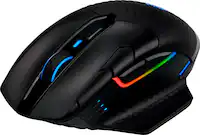
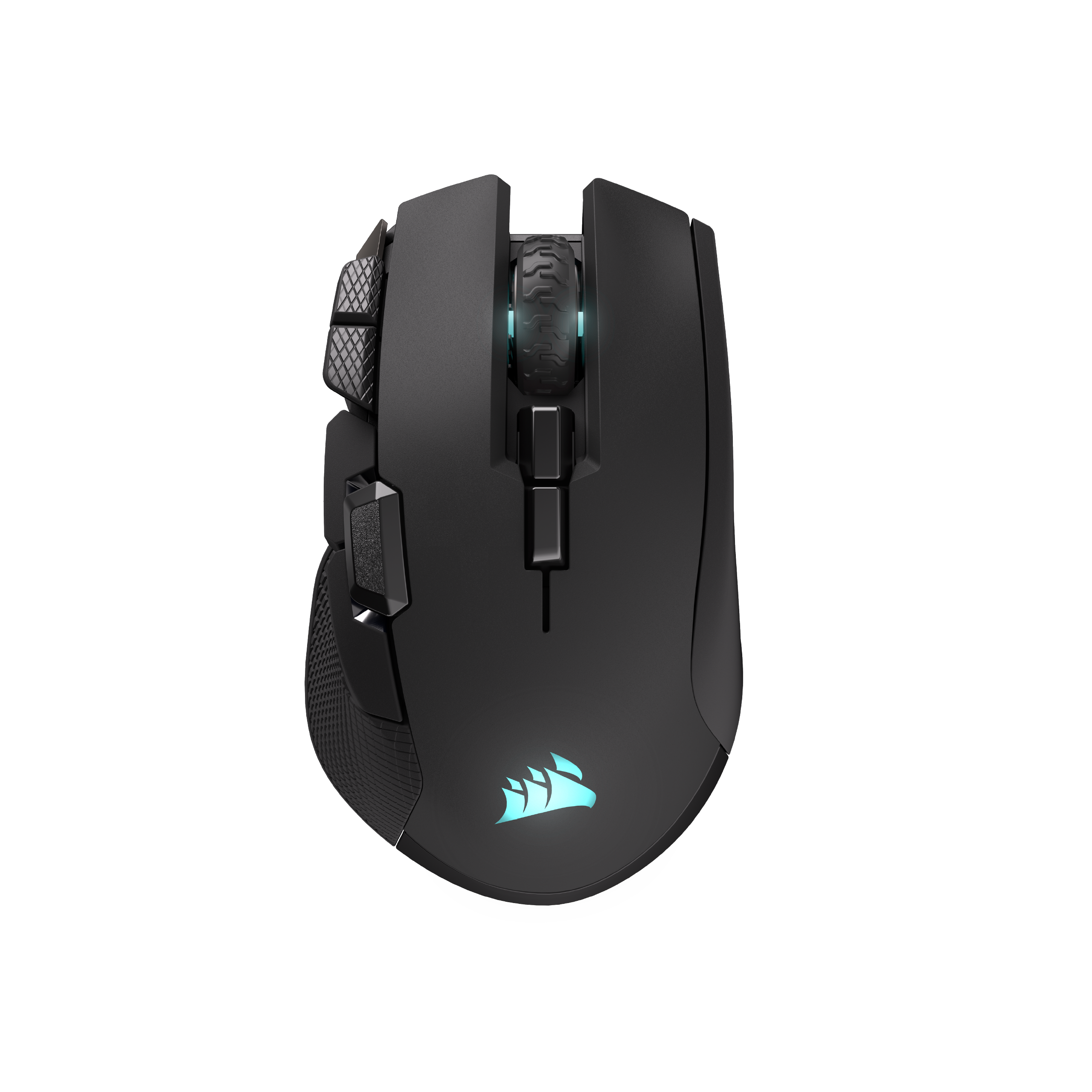
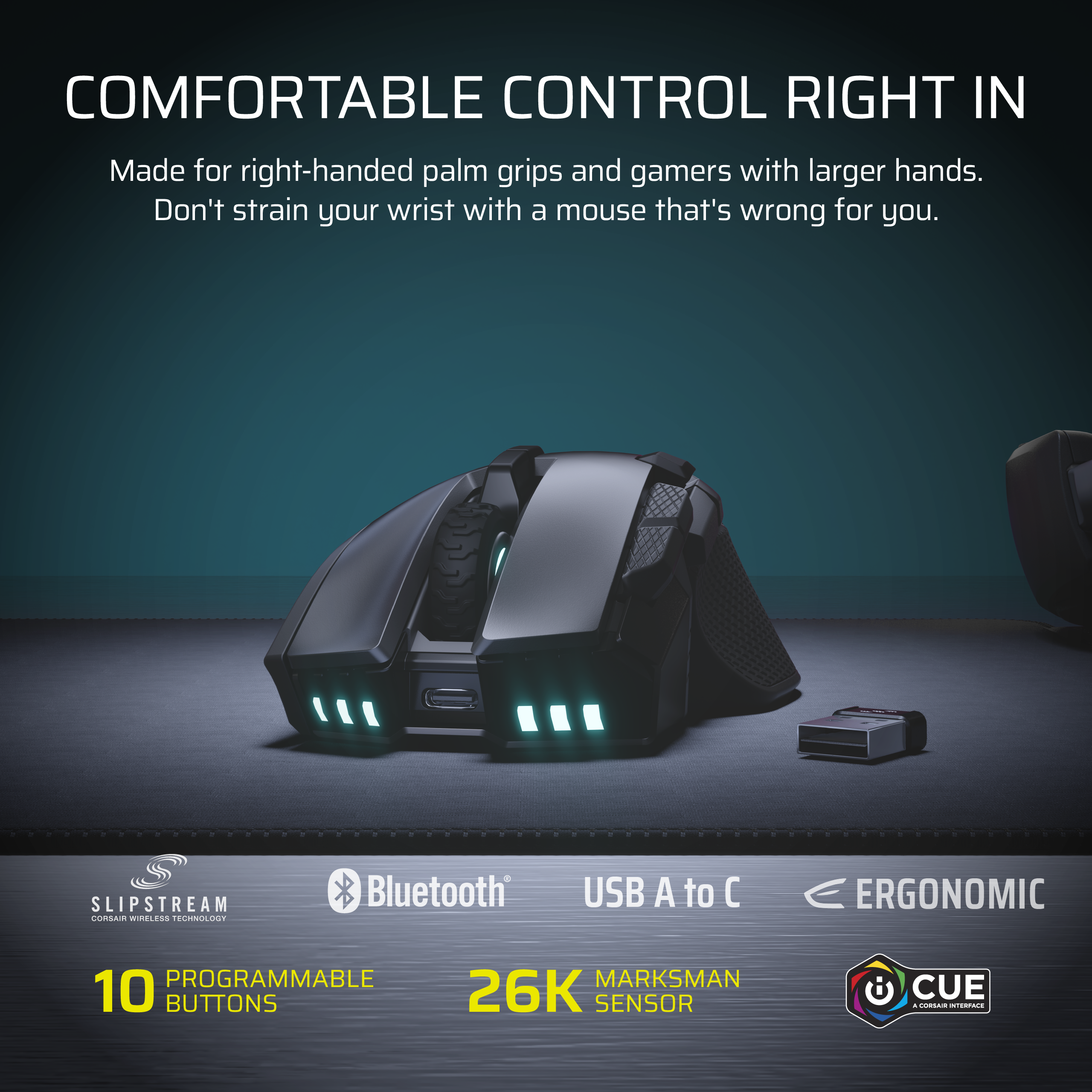
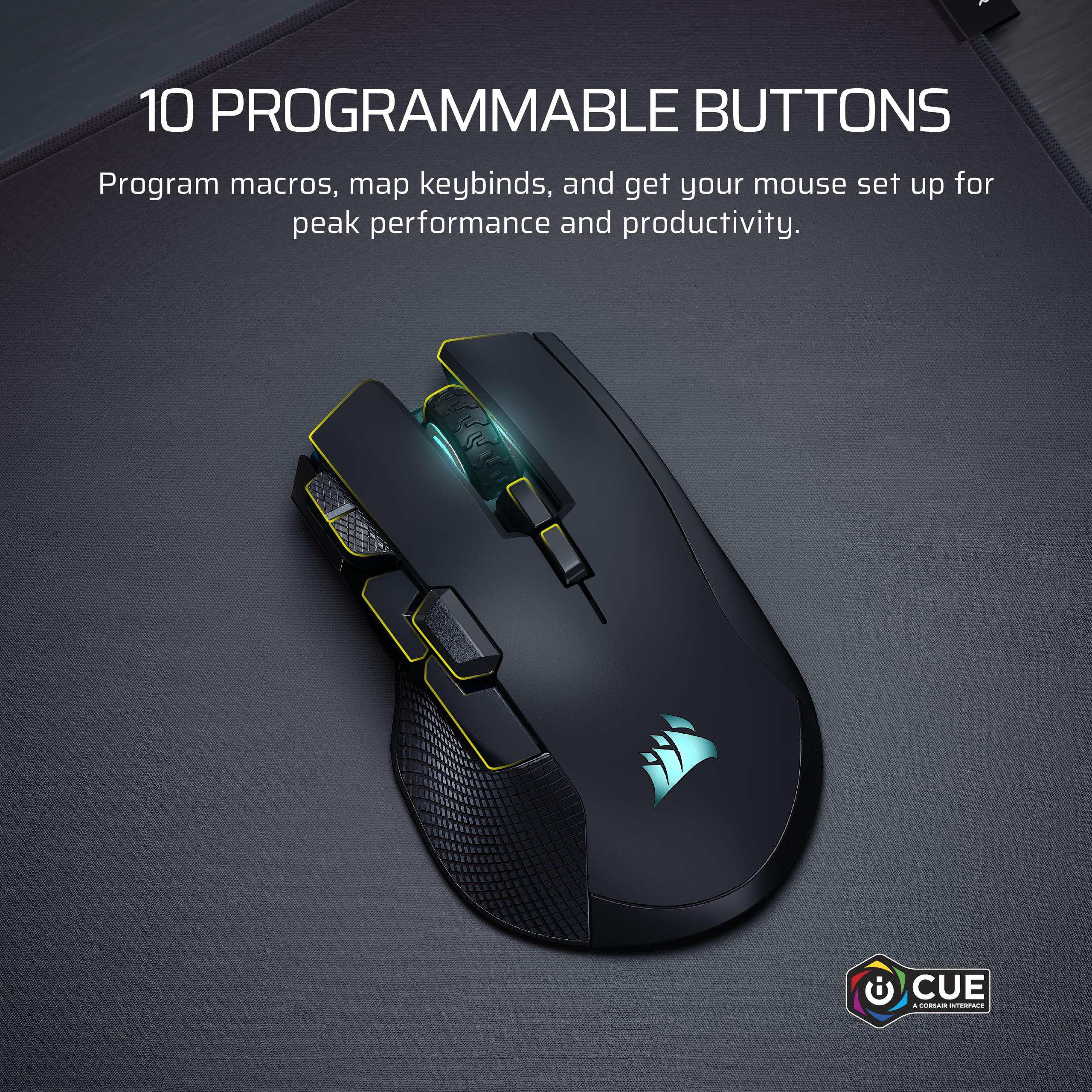
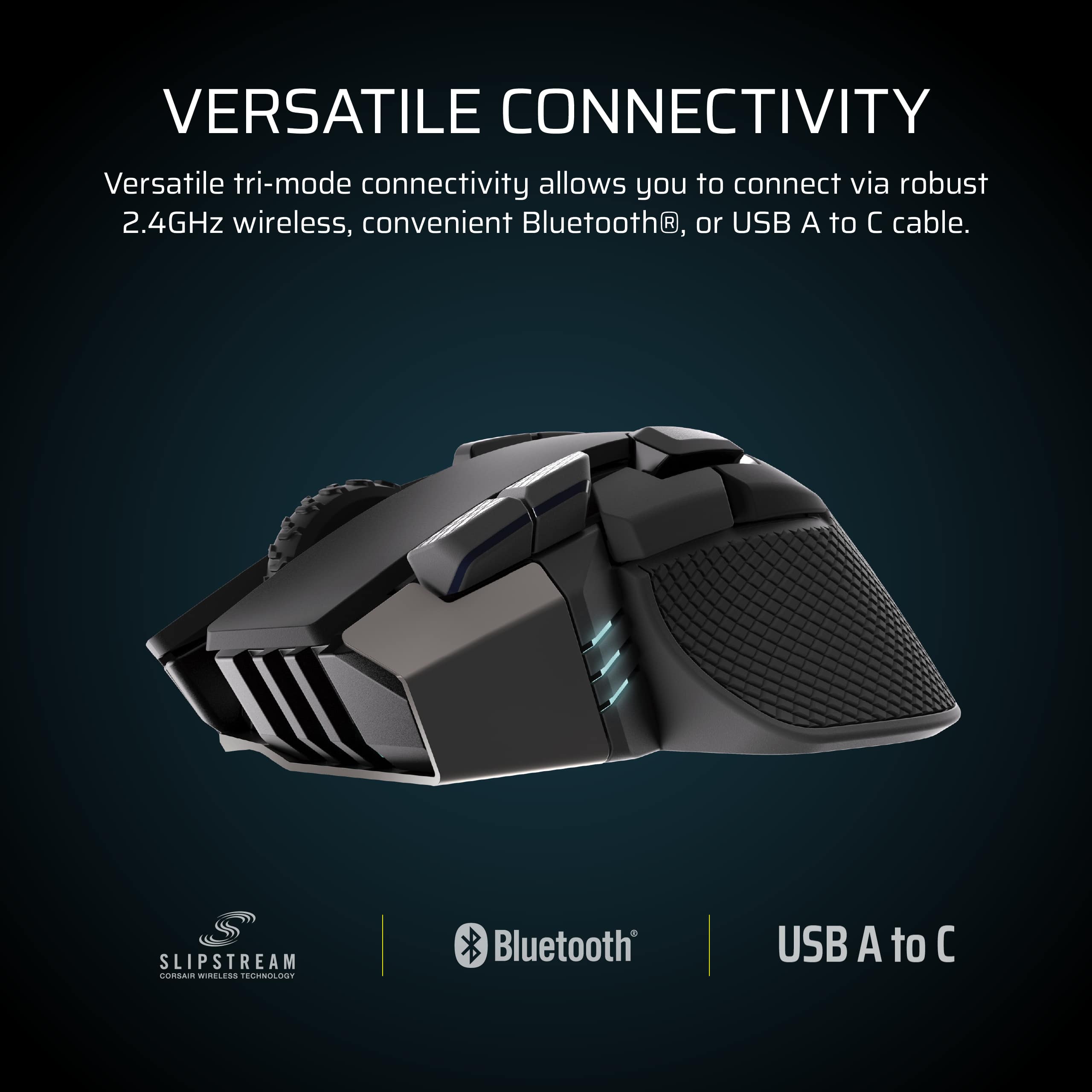
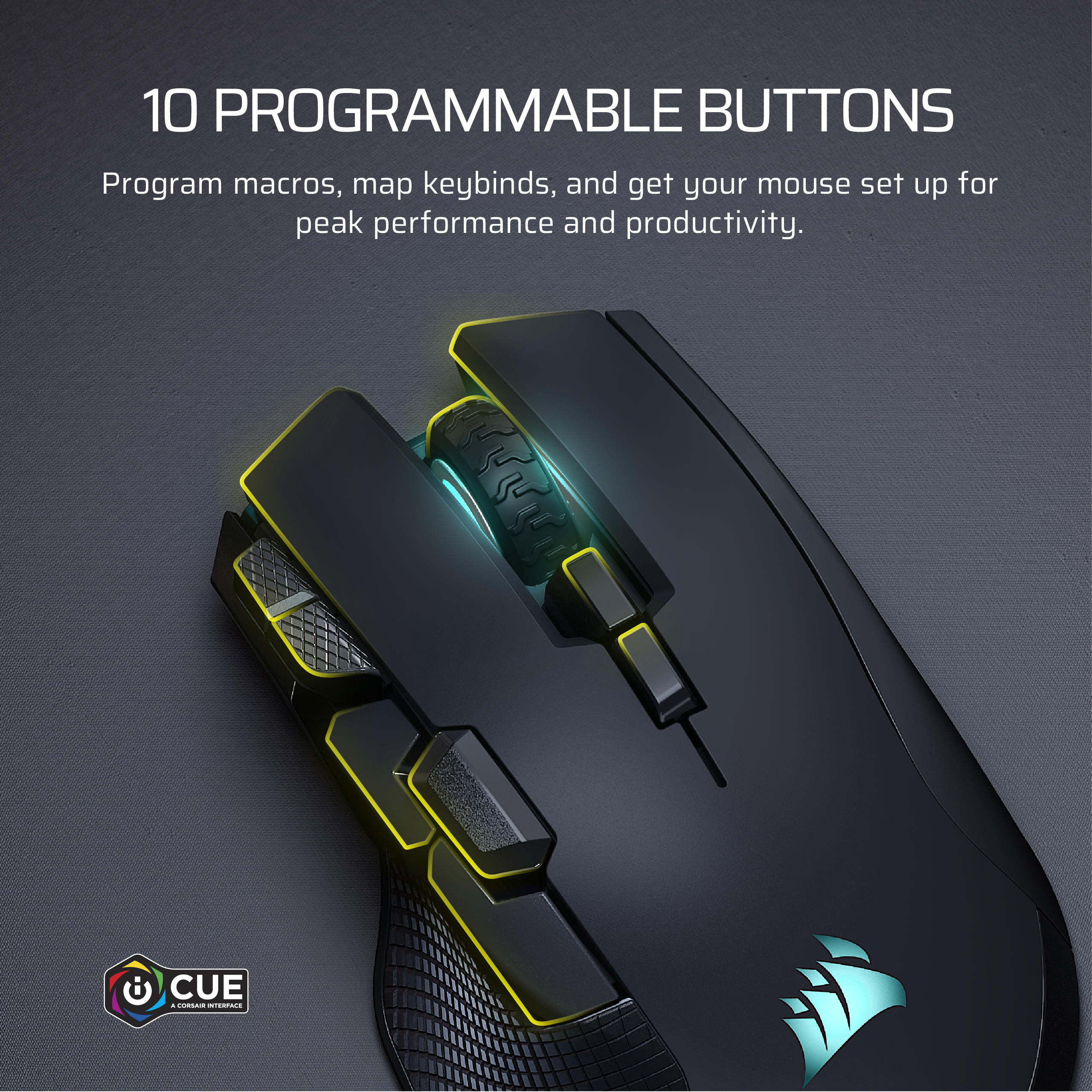
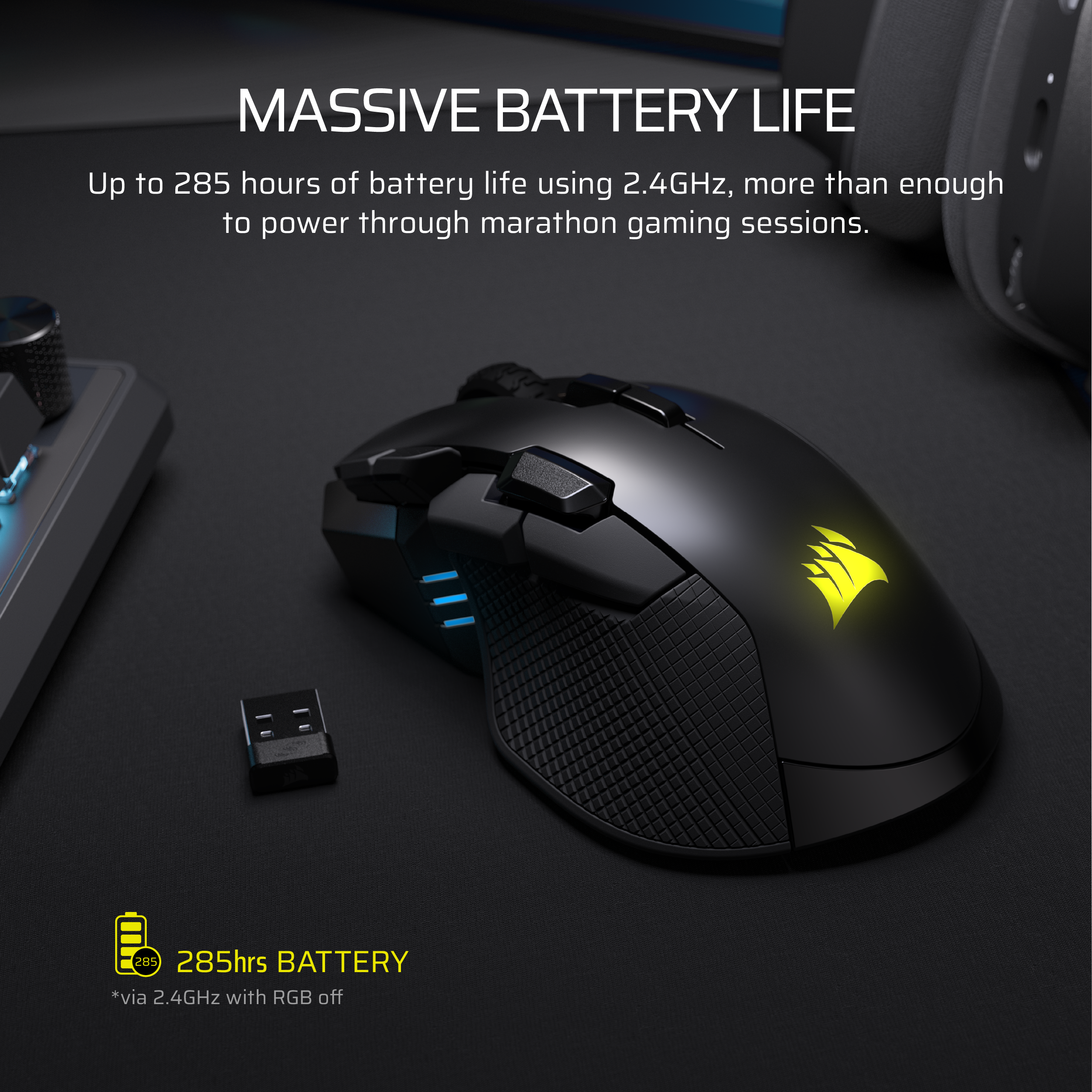
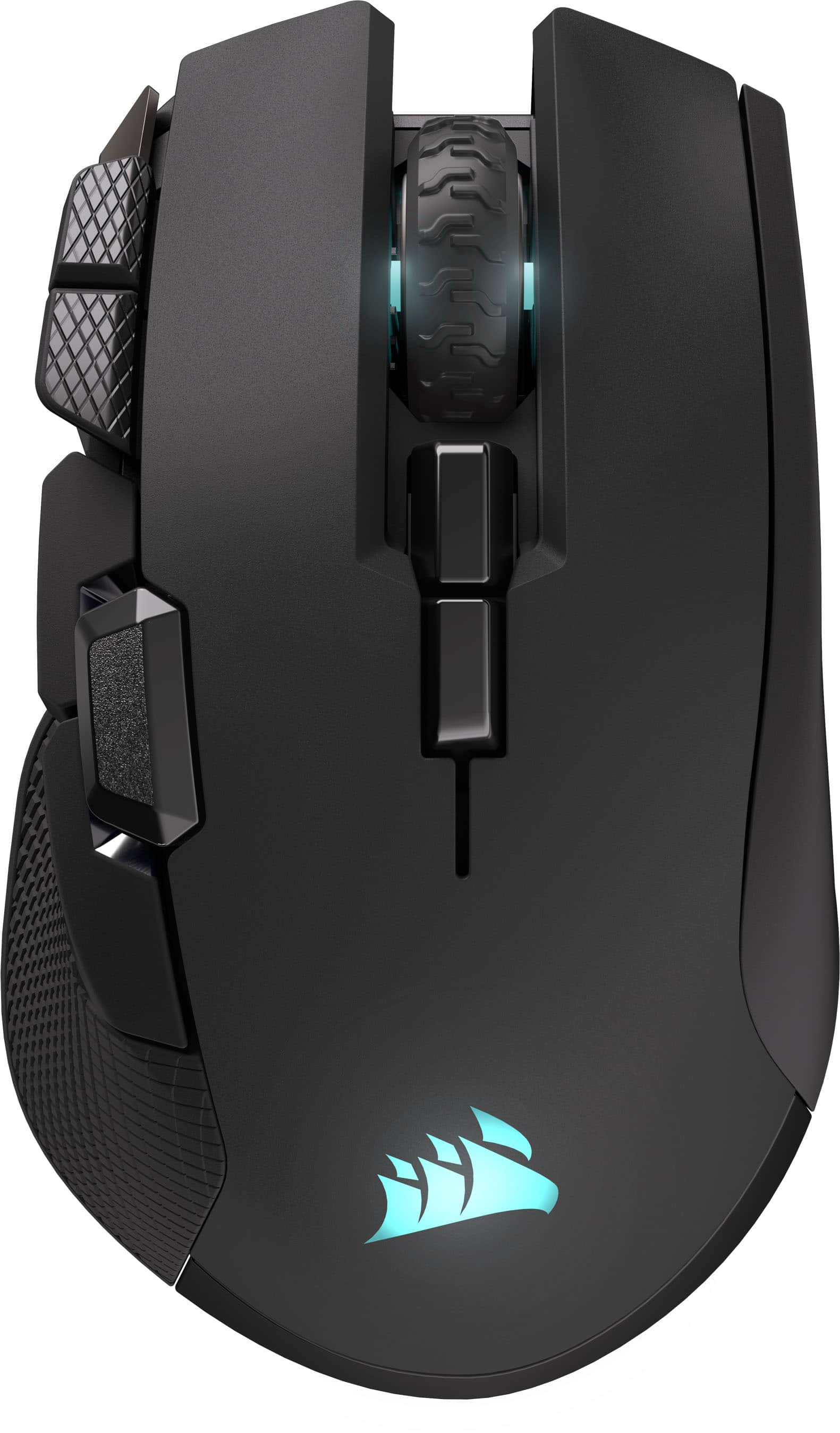
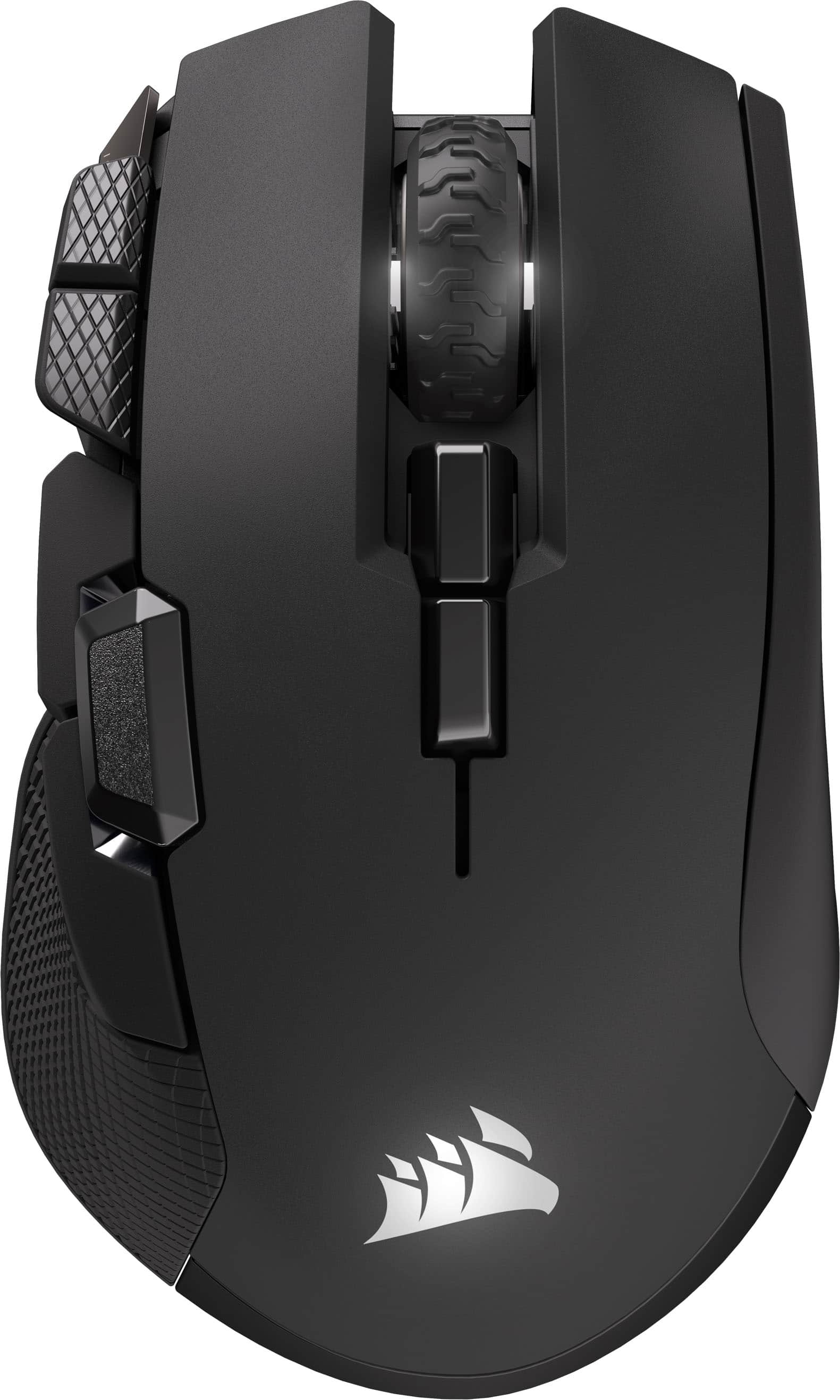
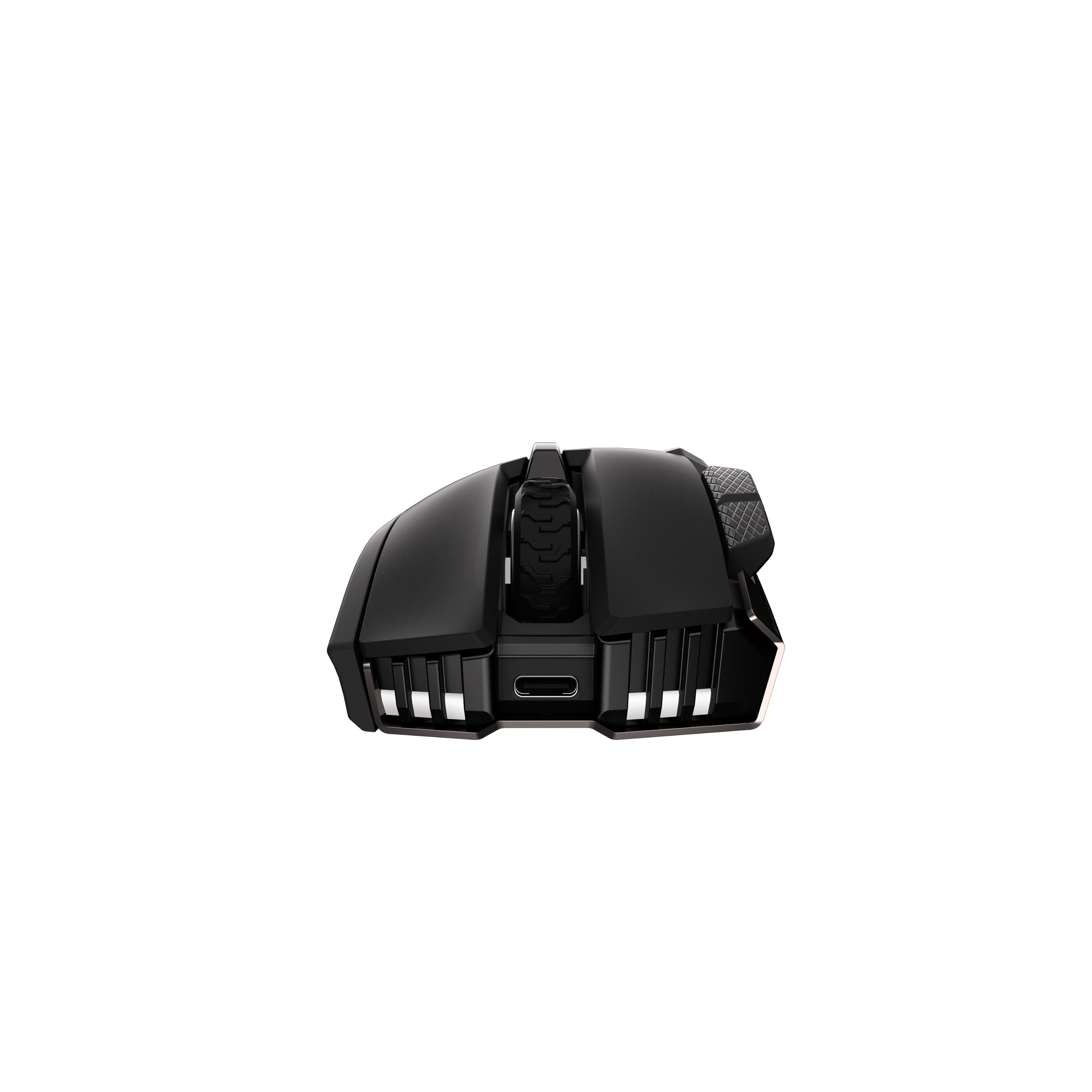
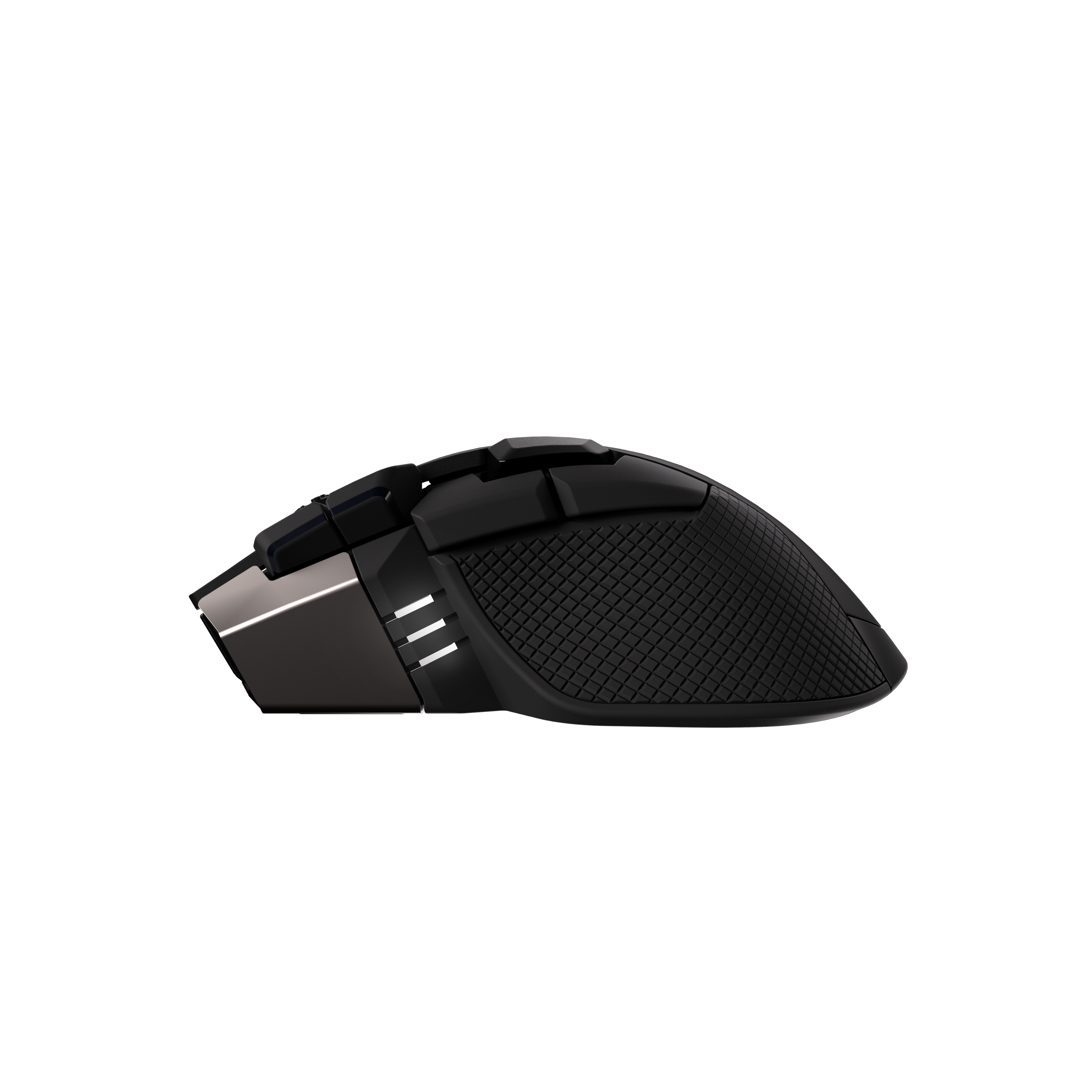
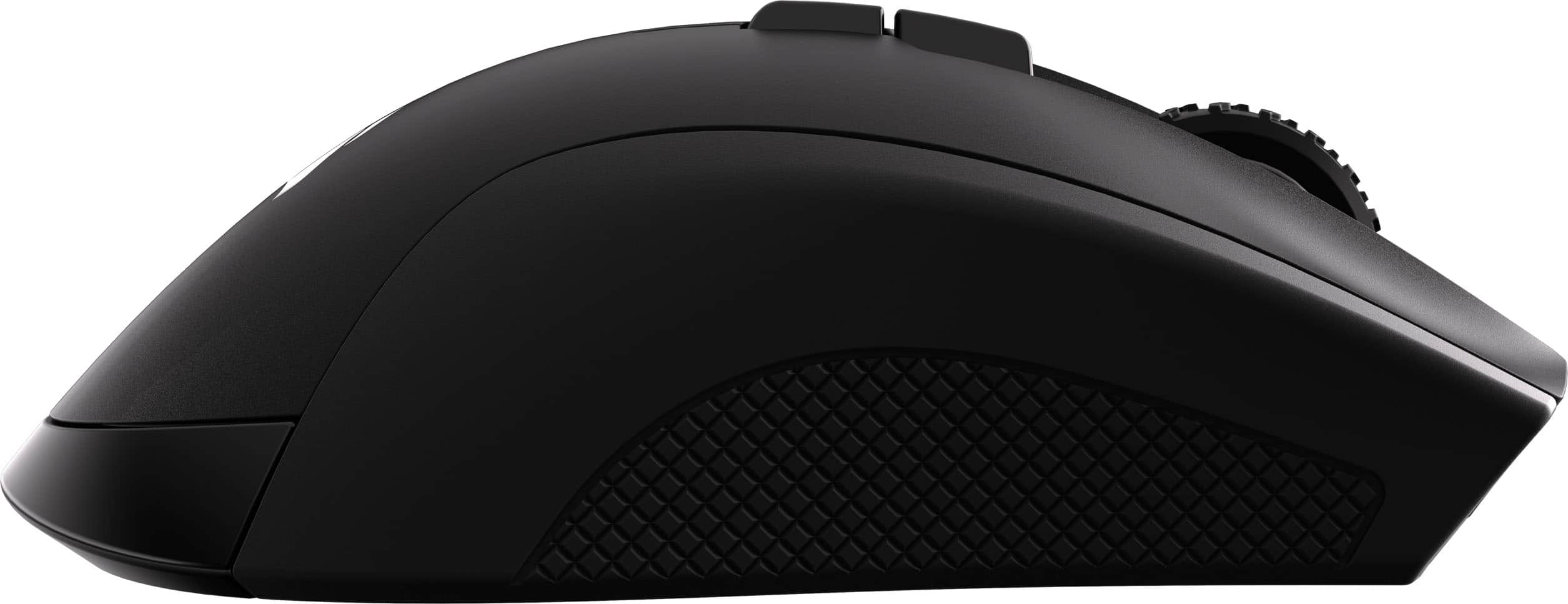
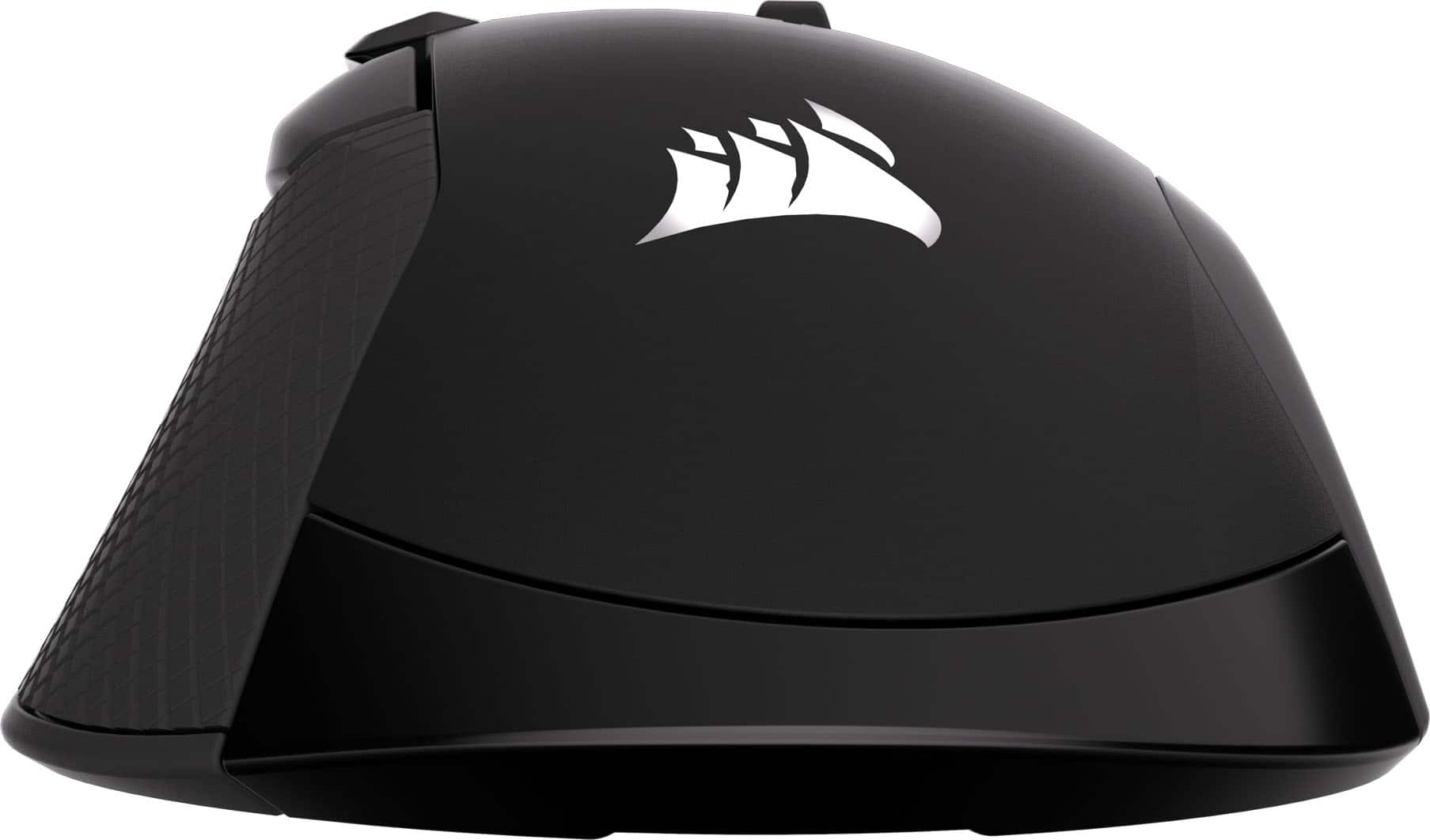
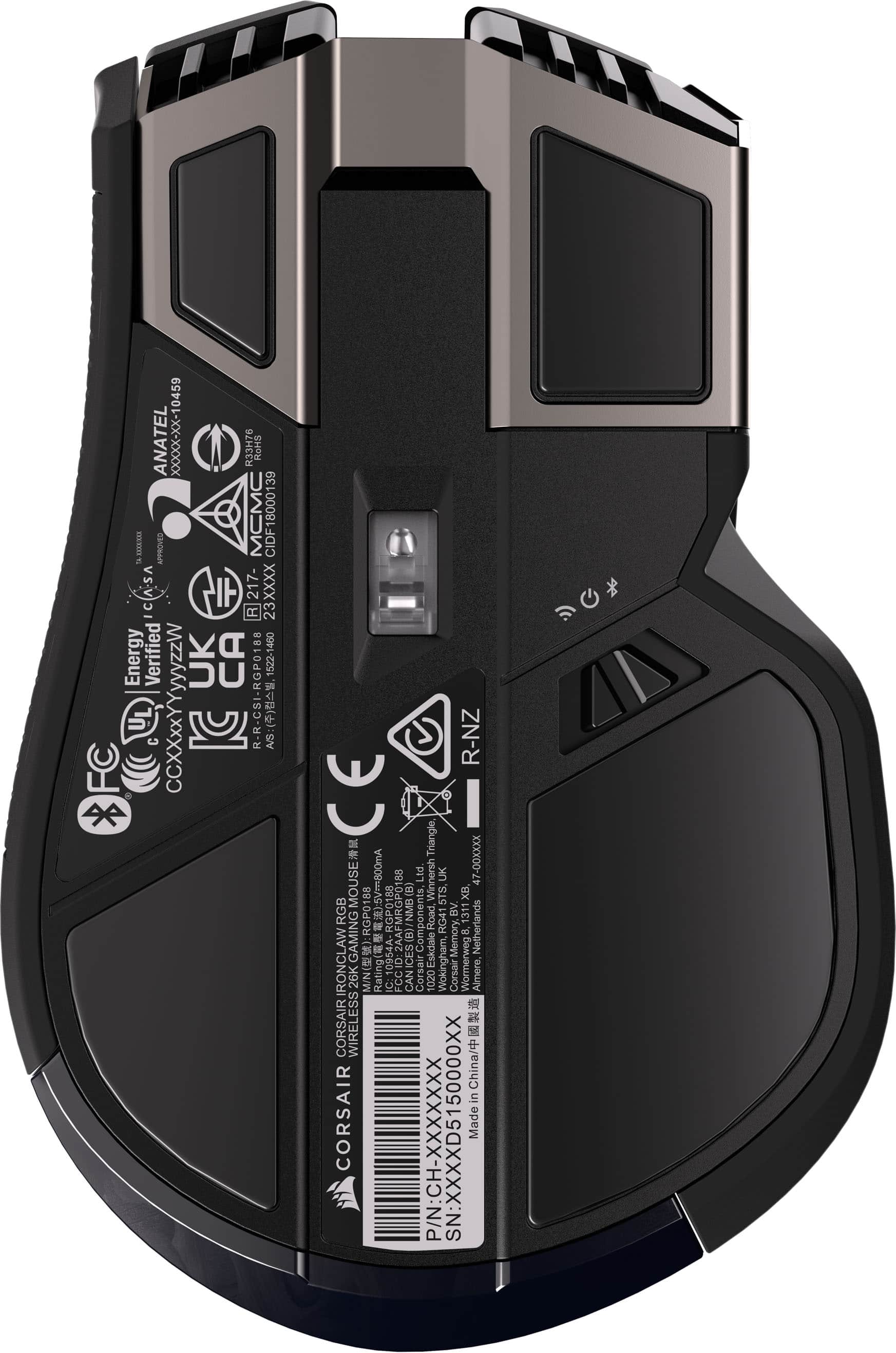
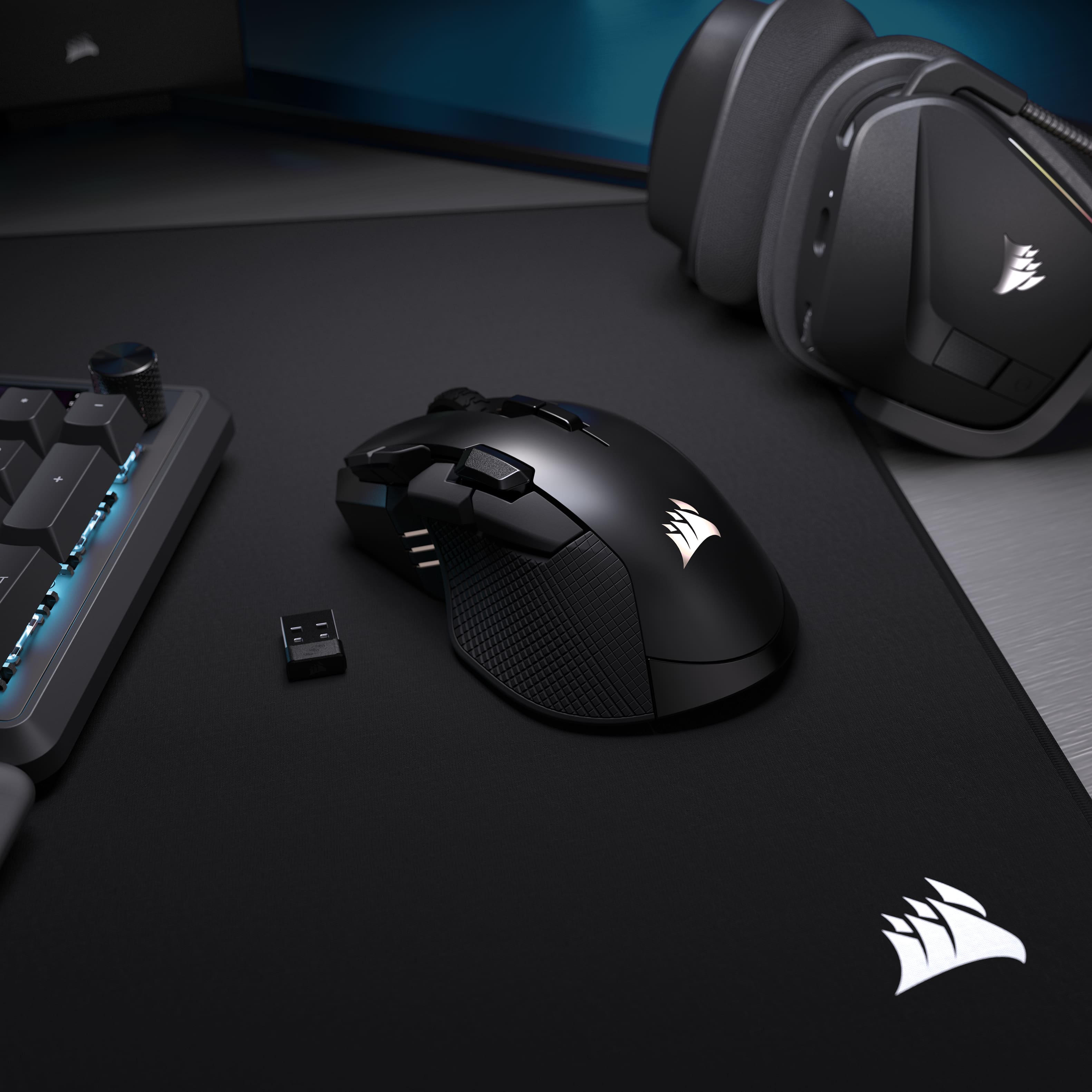
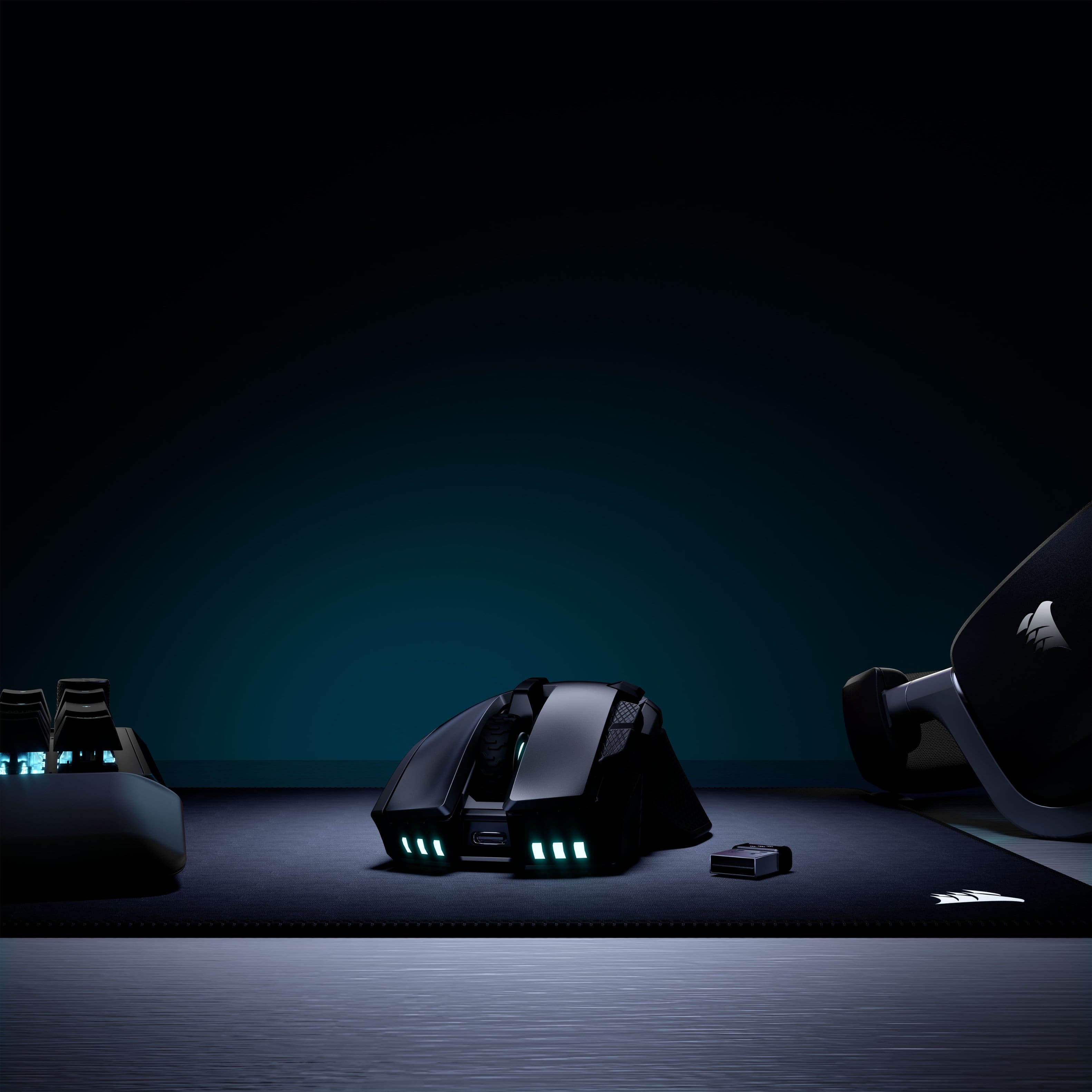
|Posted .This reviewer received promo considerations or sweepstakes entry for writing a review.While it has a large arching design profile, you’ll find that it’s comfortable and easy to reach the many extra buttons strategically placed. Design, Ergonomics, and Buttons Corsair has a consistent design which I’ve grown to love. The mouse is made of plastic that doesn’t feel cheap or fragile. It’s sturdy and giving the mouse a squeeze offers up little flex. The buttons have a nice tactile feedback. There is also stippling on the sides to offer up some additional grip. What was odd is that the stippling on the left is smoother and more comfortable while the right side is a bit more aggressive and noticeable. Not sure why they decided to do two different types of grip but I’m more of a fan of the smoother style where the thumb rests. It wouldn’t be corsair without some RGB lighting. The sails on the palm rest of the mouse is customizable and is diffused very nicely through the plastic. You can also find on the front of the mouse RGB in what is designed to look like vent fins on the front (their not, but designed to look like), but it adds some flair and a bit more color customization to the mouse. This mouse has a few extra buttons, but some of the more important ones. The thumb buttons are easy enough to get to, most would refer to these at the forward and back buttons, which are the first two to likely get remapped for gaming. There is a third button centered and above these two which can be best pressed using the first “pad” of your index finger. For me, these were quickly remapped in Battlefield 6 to use my gadgets. Any chance to keep my fingers on the movement buttons is going to be an advantage for me. If you like to be able to switch your sensitivity or DPI settings on the fly, depending on if you’re running around close range or trying to line up a sniper shot across the map, you can do that as well with the two buttons just to the left of the left click button. Obviously these can be remapped as well, but I’ve been leaving mine as I frequently swap classes based upon what will be more strategic and having a sensitive response to movement is very important in close quarters, you might want something more precise and steady when aiming across the map. Finally, you can swap between 3 different profiles, using the two buttons just below the scroll wheel. There are 3 status indicator lights on the left hand side to let you know what you have selected (also used for DPI setting). You may have different button mappings for different games or applications. If you include the scroll wheel but not the profile or left and right mouse buttons, this leaves you with 6 customizable buttons you can switch between, which means you could potentially map those 6 across 3 profiles, giving you 18 different commands you could cycle between. Wild. Software – iCUE Peripheral software, you either love it or you hate it, and I have done both for almost all that have existed for the last 10-15 years. However, iCUE I believe has a more refined product than most, with a focus on deep integration with RGB lighting, system monitoring, as well as compatibility with other lighting companies to create a whole room theme. They also offer a lot of device customization which is where the Iron Claw comes in. Each button, with the exception of the left click, can be customized to perform a multitude of tasks. You can remap the buttons to imitate a keystroke, a keystroke combination (think opening Xbox Gamebar or Steam overlay), a series of keystrokes, text, media control, or disable it altogether if you don’t need it. What is also neat is how you can have these customizations take over when you’re connected to a PC running iCUE or you can save these profiles to the mouse and you can keep these customizations when running on a PC without iCUE. Just keep in mind that you may have to connect the mouse to your PC with the included cable (along with the dongle) the first time you use it just so iCUE can properly detect the wireless adapter and mouse pairing. Connectivity and Other Thoughts I love that this comes with both a USB and Bluetooth connectivity. The long battery life benefits come from the 2.4ghz USB adapter without backlighting, touting up to 285 hours of uptime, just under 12 days. Also, if you use across multiple devices, just being able to swap from one to another using Bluetooth is handy as well. Getting it back into Bluetooth pairing mode after you’ve paired once isn’t very obvious, I had to look it up, but hold the profile up button when powering on the mouse into Bluetooth mode gets it done, however, there is plenty of room on the bottom for a dedicated button. I do wish the dongle was a flush type C instead of the typical Type A nubbin. The cable is a Type A to Type C as well, but I can appreciate how nicely built corsair’s included cables are with their products, I have many of them and they’re still holding up well. I didn’t talk much about how well it glides across the surface, sensor responsiveness, or how you can calibrate the sensor for the surface you’re using. It wasn’t standout for me compared to other modern gaming mice I’ve used and I didn’t notice a discernable difference after calibrating to my mouse pad. However, a more trained eye or pro gamer might be able to tell these differences. This will probably become my go to mouse for gaming, and since I game on a laptop, it becomes my travel mouse. While it’s a little bit large for travel, the versatility and customization is hard to ignore and having such awesome battery life keeps me playing longer without having to charge every other day.
I would recommend this to a friendSolid Gaming Mouse with All the Comfort
|Posted .This reviewer received promo considerations or sweepstakes entry for writing a review.I’d been wanting to swap out my current gaming mouse for a different grip, one that was more focused on FPS and MMO. I wanted to keep it within the ecosystem of software that I’ve already got installed, as I’ve got ICue already for my case fans, I decided to check out what was available from Corsair. That’s when I stumbled across the Ironclaw Wireless SE Gaming Mouse and decided to give it a try. Pros: - Comfortable Palm Grip for MOBA, FPS, and MMO. - Good weight in hand & Smooth surface motion. - 10 Programable buttons. - Works with iCue software. Cons: - None. Out of the Box: Right away I could tell I would really like the Ironclaw mouse, the way it just fit into your hand really impressed me. The mouse is on the heavier side than the average wireless mouse at 130 grams, but the weight is evenly distributed across the mouse which makes it very comfortable in hand. One of the often-overlooked features I look for in a mouse is being plug-and-play, Corsair doesn’t disappoint ensuring the Ironclaw has the capability. I find it very important for a wireless gaming mouse if you’re going to use it with a gaming laptop or on the go, as being able to connect via Bluetooth without needing any extra software running in the background does make a difference when playing on battery power. You do have to install iCUE to customize the mouse settings, but I consider it worth it at least once to setup the mouse. Software: I’ve used Corsair iCUE for many years now, mainly for fans and lighting but also for other accessories controls like mice and keyboards. The current version of iCUE is a massive improvement over prior versions, with a very standard approach to all devices and running stable. As I already had the iCUE installed for my case fans, I didn’t need to install another software, but I did need to update it to get the newest drivers for the Ironclaw. Once updated, the Ironclaw displayed on the home page with my other devices. iCUE allows you to modify the lighting effects, key assignments for the 10 programable keys, the DPI, and the surface calibration of the Ironclaw. One of the first adjustments I always make on a new mouse is to update the DPI settings, adjusting to my preferred levels. The Ironclaw has 4 DPI settings, including a Sniper setting for lower DPI for those critical long distant shots. The mouse has 3 onboard profiles you can configure and switch between on the fly, allowing you to adjust the lighting, key assignments, and DPI. Feel & Use: As mentioned, right away I noticed the Ironclaws palm grip was very comfortable and provided great mouse control, especially with the side grips. This was great for those quick snap shots and close combat encounters, providing enough grip to quickly move the mouse without losing control. I had to adjust my DPI a bit, but once I settled in on the right DPI I was able to get the right movement down with the mouse weight and grips to move quickly but not over correct my movements. The only consideration that needs to be had is to regularly clean the grips as the grooves are deep enough to collect gunk over time. My only concern at first was the choice for material on the top shell with the left & right buttons, as the plastic felt a bit cheap and too smooth, like the kind of plastic that get slick after gaming for a bit. But after using the Ironclaw for the last few days, I was happy to find that was an unfounded concern. I had no issues with grip on the clicks nor did I find the shell to have any performance issues. Usually when I hear 10-programable buttons on a mouse, I think back to those old Corsair Mouses that had 12 buttons all on the one side of the mouse, and the impracticality of pressing anyone of the buttons at the right time. The Ironclaw on the other hand has each button in an easy to find and practical placement, where one finger is not going to be doing all the work. I mostly like the 2 extra buttons at the bottom of the left click as they’re right inline with where my finger rests, which works perfectly for remapping common buttons to. Connectivity & Battery Life: The Wireless Slipstream dongle worked perfectly on my desktop, with zero noticeable latency even while playing competitive FPS games. I was able to just as easily connect the mouse to my laptop using the Bluetooth, without any noticeable issues either. A USB-C to USB-A cable is included for charging the mouse but can also be used to wire the mouse directly. This allows for zero down time if you forget to charge the mouse when the battery is low. I’ve only had to charge the mouse once so far, with continuous use over about 4 days with the battery still at high status. I did disable to Lighting, as that greatly extends the battery life of the mouse according to Corsairs results from 54hrs on Wireless 2.4GHz with lighting on to 285hrs without lighting. You can get up to 532 hrs via Bluetooth without lighting, but I will primarily use this mouse with the wireless dongle for the best performance while gaming. Conclusion: If you’re looking for a gaming mouse that excels at FPS, MMO, and MOBA games while feeling great in the palm of your hand, the Corsair Ironclaw wireless SE gaming mouse is a great consideration. The 10-programable buttons and DPI up to 26K allow for customization to fit your gaming style. I’ll be gripping the Ironclaw daily for the foreseeable future and will be recommending it.
I would recommend this to a friendGreat value for price point versus quality
|Posted .This reviewer received promo considerations or sweepstakes entry for writing a review.Over the last several years, Corsair has become one of the top-tier PC gaming accessory companies. They're known for their high-quality products, ranging from headphones to keyboards. I've had a few of their mice over the years. I've had their lower-tier, mid-tier, and most expensive models, and I've been impressed by each in one facet or another. In today’s PC gaming world, the selection of mice is virtually endless. Sometimes it's difficult to differentiate the good from the not-so-good. After spending a week with Corsair's Ironclaw SE, it's been a comfortable mouse that is one of the most comfortable I've used in recent years. Corsair's build quality has always been great for me, and this one hasn't disappointed. Comfort is one of the most important aspects of a gaming mouse. If it doesn't feel right, it doesn't matter how it performs, right? When using the Ironclaw, it feels like it forms to my hand's size, rather than my hand cramping to fit the mouse's size. While some gaming mice sport a sleek design, the Ironclaw has a more tank-like look. It's larger than my previous Skimitar Elite Corsair mouse, which was awesome, with more programmable buttons than the Ironclaw, but again, comfort-wise, the Ironclaw beats it. The Ironclaw has 10 programmable buttons, specifically tailored to your gaming needs, rather than the 16 the Skimitar has. For me, 10 is more than enough, since I rarely use all of them. Setting up the mouse was a breeze. All I had to do was plug in the wireless adapter, turn on the mouse, and I was ready to dive into my gaming sessions. I chose to connect it via 2.4 GHz instead of Bluetooth. It took a couple of attempts, but that was mainly because I needed to update my iCue software first. Once I did that, the program recognized the mouse right away, allowing me to adjust the color hue to match my Corsair keyboard. While I'm not a huge fan of the iCue program. It often disconnects my keyboard from the software; at least it never interrupts the connection with my PC, which is a relief. The accuracy and smoothness of the mouse work great for me. For $89, I wouldn't call it a top-tier mouse. At least it's not in that market, but for the price, it's an incredible value given the comfort and build quality. Of course, comfort is subjective, so hopefully you'll get a chance to try it and compare it to other mice to see if it's comfortable for you.
I would recommend this to a friendMeant for larger hands, works great @ a fair price
|Posted .This reviewer received promo considerations or sweepstakes entry for writing a review.Disclaimer-I’m no professional player(I’m great on controller) or am I a dedicated mouse and keyboard master, but I am trying to get better at using a mouse and not only a controller. Although I do switch between the 2, I like to get better. So this is a review from someone who is just “ok” with the keyboard and mouse. But I have to say I think this would be a great choice for anyone just starting out and who has larger hands. This mouse fits my hand like a glove hence the naming ironclaw(I believe). It doesn’t cause wrist fatigue whatsoever. Buttons are very tight and easy to press plus they are positioned almost perfectly imo. 10 programmable buttons are plenty for any gamer both new or pros. You do have to download the Corsair software to do so but it seems to work well and I didn’t have any issues either programming buttons or changing the RGB lighting. Also updating the usb receiver and mouse is easy but you must have the mouse connected with the very nice cable that comes included. You can play via usb, Bluetooth or wired. I use wireless. Battery life is great. I charged it up fully once I got it and battery is still on green after 5 whole days. It might actually last the rate 200+ hours lol. Amazing if you really think about it. Weight is perfect and sliding and lifting feels good and natural. This has a very good In House sensor with a high dpi of 26k. Super accurate and fast. No issues with lag or any kind of drop outs that I noticed. I think this will help me to get more comfortable with kb&m In time. Also the price is actually very reasonable for what you get. Corsair makes quality products so I know this will last me years. Only thing I can say that I wish was better was the RGB. I wish it was brighter and was a bit more flashy. But that’s just how I like it. Happy with the overall quality and performance.
I would recommend this to a friendFor wide range of games, excellent battery life
|Posted .This reviewer received promo considerations or sweepstakes entry for writing a review.Corsair has been making great gaming mouse, and the Ironclaw Wireless SE if of no exception. This model offers a comprehensive range of features with three connectivity modes, precise performance, ergonomic design, and excellent battery life. Design This gaming mouse is designed for core gamers. Sitting at an entry level price range, it offers a gaming mouse with good ergonomics. It has a nice heft to it—neither too heavy nor particularly light. This mouse has generous number of buttons, a total of 10 programmable buttons. The mouse is suitable for wide range of games from RTS to FPS. As a gaming mouse, it includes RGB lighting. Performance The mouse bears a 26k DPI sensor and the adjustable sensitivity works well to cater different styles of play. The mouse is comfortable to hold and doesn't cause fatigue. Clicks are responsive and it’s easy to utilize the programmable buttons quickly. Of course, the mouse is macro programmable through Corsair’s iCue app. I played PVE FPS games and the mouse works really well. Conclusion This gaming mouse is designed for a broad audience of gamers and works well with many types of games. Pros: 10 programmable buttons Excellent battery life Three modes of connectivity Cons: None for me
I would recommend this to a friendJust out of Reach
|Posted .This reviewer received promo considerations or sweepstakes entry for writing a review.I have used several gaming mice but this is the first one that my medium sized hand struggled to adapt to. The ergonomic feel of the mouse is fine and the overall build quality is great. But to make use of the extra buttons forces me to move my index finger which causes me to lose control of the primary top button. This is fine if you are using the buttons for non-action functions but in the midst of a battle it becomes a losing option. If you have large hands you may be able to activate the new buttons without issue but I struggled with it whether I used a palm or claw grip on the mouse. This is a good mouse but its definitely meant for people with large hands and flexible index fingers. Pros: - Ergonomic fit for large hands - Very responsive - 10 Configurable buttons - Mouse material is easy to grip - Bluetooth, wireless and wired connectivity - Long battery life - Configurable RGB lighting Cons: - No storage for the wireless dongle - The extra buttons are not easily reached and take time to adjust to The IronClaw has all the top specs for being a responsive gaming mouse. The buttons have good actuation feedback when pressed and they aren’t overly noisy. The issue I have with this mouse is the placement of the extra buttons. On my Corsair M65 all the buttons are easy to access and trigger. However, on the IronClaw there are three buttons that sit above the forward/back buttons but they are below the index finger area so they are too far to reach with my thumb and force me to remove my index finger from the main button to access them. So even though these buttons can be configured for any function/macro via Corsair’s iCue software I found that I could only use them for non-intense actions. When playing Planet Crafter I assigned them the inventory and crafting functions and I was happy. When playing War Thunder I assigned them fire control and repair modes and needless to say I was not successful trying to find these buttons under fire! With time I am sure I would adapt to these buttons but I don’t find them intuitive. If you use the mouse more as a palm grip vs a claw grip then the buttons are slightly easier to reach but they still aren’t in an ideal location for my hand. The mouse sits tall and feels heavier than most gaming mice but I find the extra heft also allows you to be more accurate when playing FPS games. The textured sides are great for gripping but the thumb rest is bare minimum. Using Corsair’s iCue software you can configure profiles and macros as well as the RGB lighting.
I would recommend this to a friendTons of buttons, odd shape, solid mouse
|Posted .This reviewer received promo considerations or sweepstakes entry for writing a review.Gamers now have a million mice to choose from. Every company has a wide range of mice designed just for YOU. After spending some time with Corsair's Ironclaw, I can't deny it's a solid mouse. Would it be my personal choice? My answer might be different than yours. Setup for this mouse was relatively easy. Connect the wireless adapter, cut the mouse on, you're good to go. Tweaking the mouse? That requires iCue. Luckily I already have iCue installed, no prob. I checked for updates a million times, iCue did not recognize the Ironclaw. I tried pairing it with the adapter (which, iCue did recognize) even though I felt I didn't need to since the mouse was already working...all that did is disconnect the mouse from the adapter. When I reconnected the mouse following the instructions on the screen, iCue STILL didn't recognize the mouse. Normally this wouldn't be a big deal, the mouse works, the mouse works...however, this mouse has 10 buttons, if you can't program them, what's the point? I "repaired" the iCue installation, then BAM! It recognized the mouse. I've had mice with lots of buttons before...but never have the buttons seemed so pronounced. Corsair's website states this mouse is for people with larger hands, and I can definitely feel it. While I have no problem accessing any necessary part of the Ironclaw, I definitely feel like I'm using my whole hand using this mouse. While some mice give fighter jet vibes, this mouse feels more like a tank. The front grill and the scroll wheel remind me of the Christopher Nolan Batmobile. Cool looking design, but is handling it as easy as some of my other mice? No. That's not to say it's difficult, but it just doesn't feel as comfortable as others. The optical sensor on the Ironclaw has a lower DPI then some of my other mice...can I feel the difference? No. Overall I feel just as accurate with the Ironclaw as any other mouse I have. Do I feel as comfortable? I feel that's more of a personal thing. Ultimately, I feel amongst the top tier mice, that's what it comes down to, and the Corsair Ironclaw Wireless SE gaming mouse is of that ilk. While it may not be my personal favorite, I can definitely see it being a top mouse to others, so I'd recommend giving it a shot.
I would recommend this to a friendVersatile gaming mouse
|Posted .This reviewer received promo considerations or sweepstakes entry for writing a review.One of the things that stand out on this mouse for me is its ergonomic design. It has nice resting spots for your index and middle finger to rest on the mouse buttons, and side grip for your thumb, all of which have a slight concave shape so it feels like the mouse is cradling your fingers. My thumb is able to reach the 3 side buttons without having to move my hand around on the mouse much. The two buttons to the left of the left click require me to lift my hand off the mouse a little bit to comfortably reach them, so personally I would've like them a little more forward on the mouse. Then there are two buttons that sit behind the scroll wheel, which naturally you'll have to lift your hand off the mouse to reach. But these are default to changing the mouse profile (3 programmable profiles), so obviously not intended to be used in the heat of gaming. The mouse has textured grips on the right side of the mouse where your ring and pinky finger may rest, and on the thumb rest area. They initially feel aggressive, but if you get a sweaty palm like I do, they are actually kind of nice for keeping a firm grip on the mouse. All of the buttons are fully programmable through iCUE software. I had to reinstall iCUE before it recognized both the dongle and mouse. But once it's there you can do full programming and save the profiles to the mouse (so iCUE doesn't specifically need to be running to take advantage of the programmed buttons). You can also control the lights on the mouse, of which include the Corsair logo on the palm rest, LEDs that surround the scroll wheel, and LEDs on the front that kind of shine down on the desk. The LEDs on the left are for status (profile, pairing, battery, etc...). Honestly, none of them are terribly bright, but that's fine. The mouse can be used in bluetooth, dongle (2.4ghz), or wired modes. Using the dongle will let you get the full features of the mouse. But unfortunately, the mouse doesn't include anywhere to stow the dongle in case you plan on travelling with the mouse. But I guess you've always got BT as backup (or wired). But I'll always wish wireless mice came with a spot to stow their dongle. Performance of the mouse is great... it can be bit finnicky on unusual surfaces, but iCUE does include an option to calibrate it for different surfaces. I just chose to make sure I use it on a mousepad. Overall, it's a quite nice mouse and I am happy with it.
I would recommend this to a friend