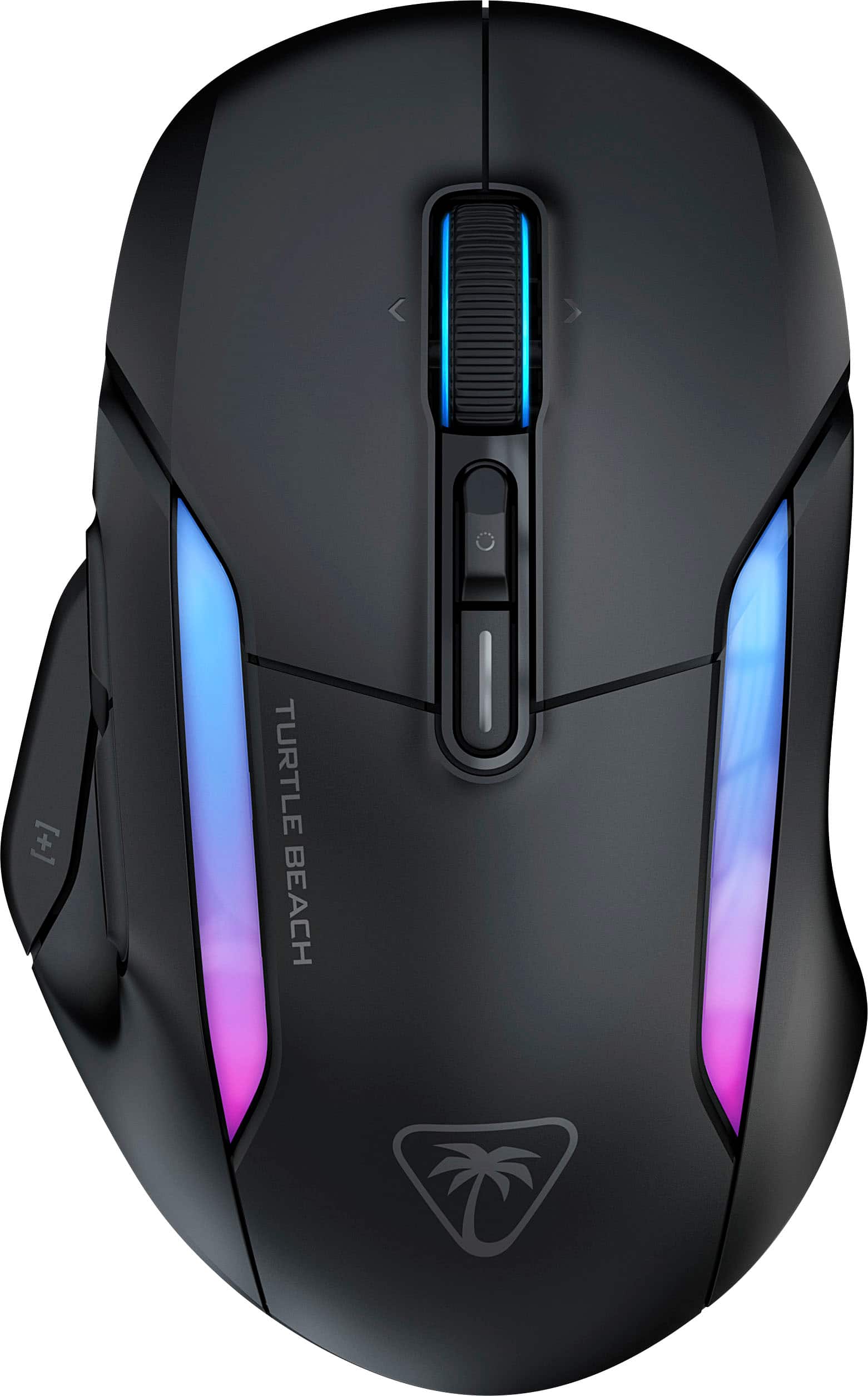
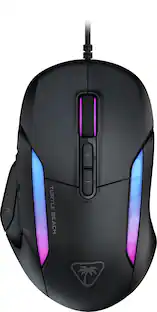
Turtle Beach - Kone II Air Wireless Optical Gaming Mouse with RGB Lighting - Wireless - Ash Black
Customers are saying
Customers praise the product's excellent ergonomics, solid build quality, and versatile connectivity options. They also appreciate its long battery life, lightweight design, and smooth glide. Further positive feedback highlights the extensive customization for buttons and lighting, as well as the innovative scroll wheel. However, some customers note that the RGB lighting accuracy could be improved.
Color
Ash BlackEngineered Ergonomic Shape
Leveraging over a decade of ergonomic engineering to perfectly suit medium and larger hand sizes no matter your grip style – claw, palm or fingertip.
Long-Lasting Wireless + Bluetooth
Play for weeks on end with up to 350-hour battery life with versatile, low-latency Bluetooth or utilize high-performance 2.4GHz wireless for up to 130 hour
Take Control
Easy-Shift [+] button duplicator technology expands Kone II Air’s 7 buttons and 4D scroll wheel with tilt capability into 21 customizable functions.
Mutli-Function 4D Scroll Wheel
Quickly glide through content with a free-spinning scroll wheel or engage tactile scrolling for enhanced precision. Tilt left and right to access two fully customizable controls.
Titan Optical Switches
Titan Optical Switches provide a tactile feel with incredible speed and durability boasting a 100 million click life cycle while a pre-tensioning system improves reliability and response time for the most accurate clicks.
- Lighting TypeRGBMaximum Sensitivity19000 dots per inchNumber of Buttons (Total)12Connection TypeWireless
Reviews
Rating 4.4 out of 5 stars with 44 reviews
Customer Images
The vast majority of our reviews come from verified purchases. Reviews from customers may include My Best Buy members, employees, and Tech Insider Network members (as tagged). Select reviewers may receive discounted products, promotional considerations or entries into drawings for honest, helpful reviews.





Compare similar products

Experience unparalleled gaming freedom with the Turtle Beach Kone II Air wireless ergonomic gaming mouse. Its exceptional battery life lets you play for weeks uninterrupted, lasting up to 350 hours via low-latency Bluetooth or up to 130 hours using high-performance 2.4GHz wireless. Designed with ergonomic precision, it fits comfortably in medium to larger hands, accommodating various grip styles such as claw, palm, or fingertip plus additional grip tape is included for enhanced control. Take command of your gameplay with Easy-Shift [+] duplicator technology, expanding its 7 buttons and 4D scroll wheel into 21 customizable functions. Glide seamlessly through content with the multi-function 4D scroll wheel, offering both free-spinning and tactile scrolling options, along with fully customizable tilt controls. Engineered for speed and durability, its TITAN Optical Switches ensure precise and reliable clicks over a 100 million click life cycle. Equipped with the advanced Owl-Eye 26K optical sensor, enjoy superb tracking performance from 50 DPI up to 26K DPI with 650 IPS (16.5m/s), complemented by pure, heat-treated PTFE glides for smooth mouse movements. Customize your gaming experience with dual-zone RGB illumination and charge effortlessly with the ultra-flexible PhantomFlex charging cable and USB-C-to-A adapter. NVIDIA Reflex compatibility further enhances your gaming prowess, delivering sub-25ms response times for lightning-fast reactions and enhanced aim precision.
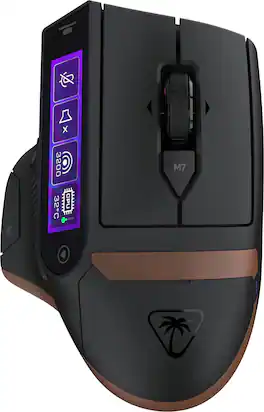
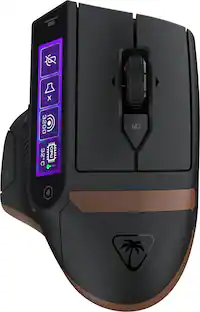
The Turtle Beach Command Series MC7 wireless gaming mouse delivers seamless control for gaming, streaming, and productivity. The Command Touch Display provides intuitive fingertip control without layered software or excess buttons. Quickly adjust DPI, switch profiles, trigger macros, or control apps without breaking focus. For streamers and creators, it becomes a powerful command hub for OBS control, mic muting, and app launches without interruption. With tri-mode connectivity, seamlessly switch between 2.4GHz wireless, Bluetooth, and wired. True 8K polling delivers ultra-low 0.125ms latency, paired with an Owl Eye 30K DPI optical sensor and Titan Optical Switches for flawless tracking and long-term durability. Enjoy zero downtime with dual 1000 mAh hot-swappable batteries and the included charging dock. Each battery delivers up to 10 hours out of the box and up to 15 hours at 8K with LED and LCD lighting off. Even better, these are the same batteries used in Stealth Pro II. Designed for stability and precision, the MC7’s ergonomic right-handed shape supports confident, controlled play with comfortable palm and claw grip support. Paired with an adaptive 4D scroll wheel, customizable RGB lighting, 11 programmable buttons, and onboard profiles, The MC7 is a core component of the Command Series ecosystem.

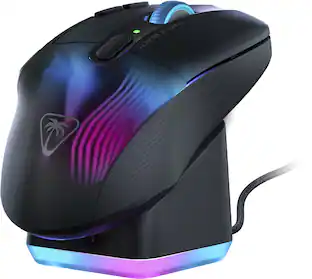
Control Your XP. The Turtle Beach Kone XP Air Wireless Customizable Gaming Mouse with Charging Dock combines the beloved Kone shape with lag-free 2.4GHz Wireless + Bluetooth connectivity. Boasting 29 programmable inputs, the Kone XP Air delivers rich customization options in a stunning translucent shell filled with LEDs for immersive 3D lighting. An Owl-Eye 19K DPI optical sensor combines with TITAN Optical Switches to provide a responsive and ultra-fast experience for a competitive edge game after game. The stylish charging dock provides five hours of play time with just 10 minutes of charging and 4 RGB lighting zones.
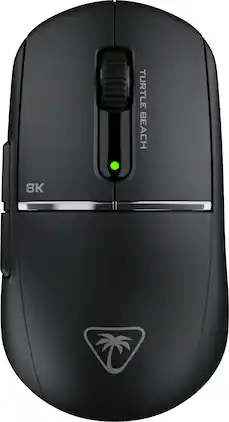
The Turtle Beach Burst II Pro delivers esports-level wireless performance with true 8K polling and ultra-low latency for the most competitive players. Designed with a performance-optimized symmetrical shape for medium hands and claw grip styles, the Burst II Pro features an upgraded Owl-Eye 30K DPI sensor with 750 IPS tracking and 70g acceleration optimized for 99.8% resolution accuracy on all surfaces including glass. True 8K wireless performance delivers 0.125ms latency—8x faster than standard gaming mice—for faster reaction time and precise aim. With a blazing-fast Titan Optical Switch rated for 100 million clicks and pre-tensioned main buttons, every press is crisp, tactile, and instant. Even at maximum performance, you’ll enjoy up to 40 hours of continuous play with 8 kHz polling—or up to 150 hours at standard 1 kHz. Weighing only 57g, this mouse combines a solid top shell, massive battery, and pro features in an ultra-lightweight design. Bundled with grip tape, three sets of skates including pure PTFE and ultra-high molecular PE skates for glass mouse pads, and a shielded PhantomFlex 8K USB-C charging cable that also attaches to the included USB adapter placing the wireless transmitter near your mouse for peak performance, the Burst II Pro offers maximum customization and true 8K support. A side-positioned DPI button gives you quick access to sensitivity changes among 8 programmable inputs, Swarm II desktop software offers mouse angle tuning and other tweaks while onboard memory stores up to 5 profiles for seamless switching. Upgrade to maximum performance with zero compromise.
| Pros for Turtle Beach - Kone II Air Wireless Optical Gaming Mouse with RGB Lighting - Wireless - Ash Black | |||
|---|---|---|---|
| There were no pros for this product— | There were no pros for this product— | Battery Life, Charging Dock, Buttons, RGB Lighting, Ergonomics | Battery Life, Weight, Connectivity, Grip, Build Quality |
| Cons for Turtle Beach - Kone II Air Wireless Optical Gaming Mouse with RGB Lighting - Wireless - Ash Black | |||
| There were no cons for this product— | There were no cons for this product— | Software, Scroll Wheel, Lag | Button Placement |
Specs
Package deals that include this item
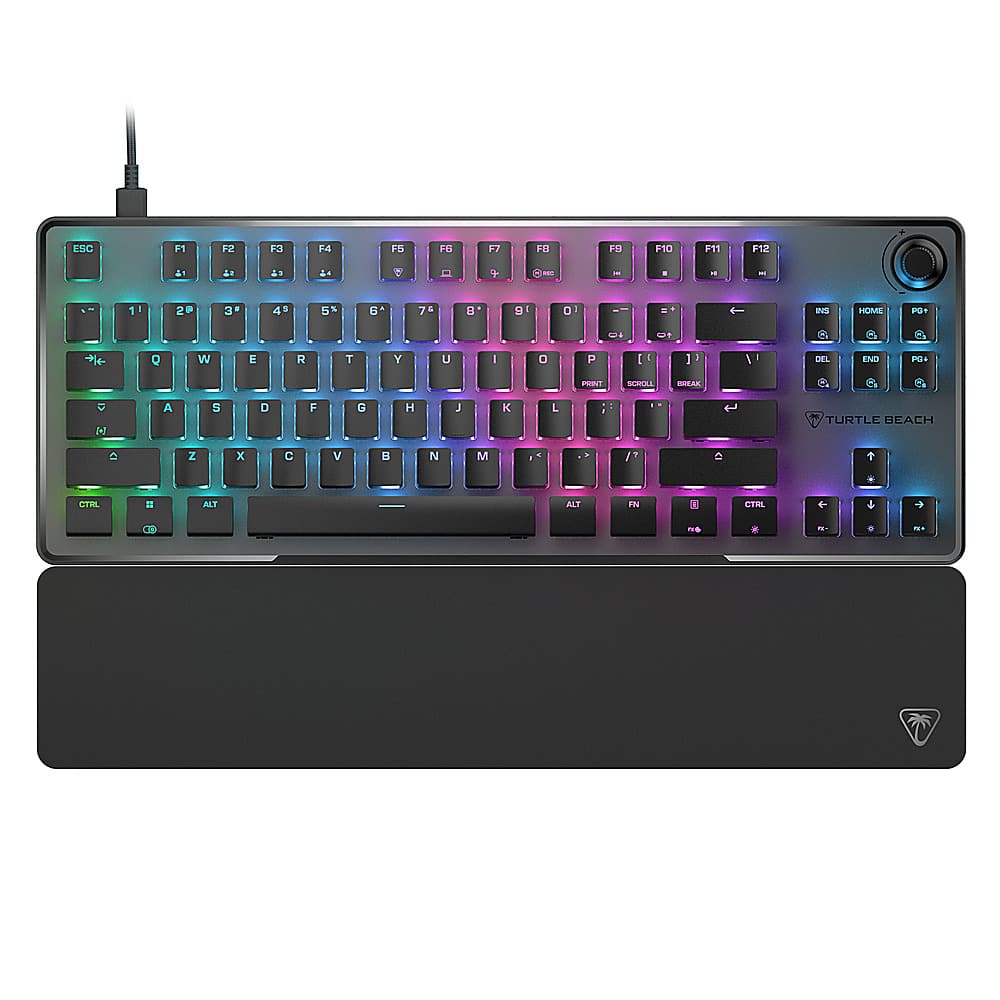
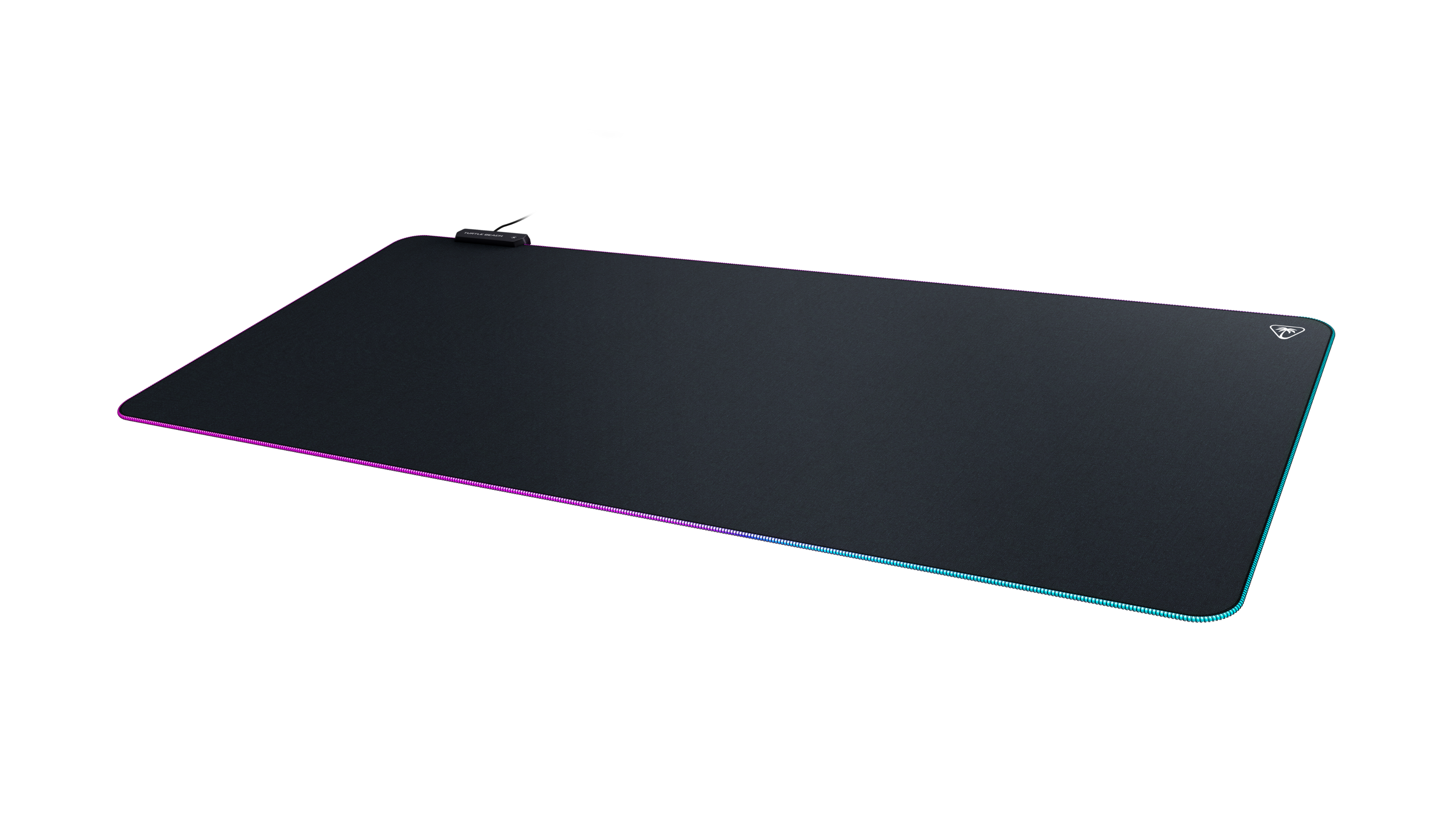
Customers often buy these together
Computer Keyboards
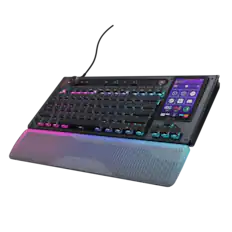

![ESC F1 F2 F3 F4 F5 F6 F7 F8 F9 F10 F11 F12
1 2 3 4 5 6 7 8 9 0 - =
Q W E R T Y U I O P [ ]
A S D F G H J K L ; '
Z X C V B N M , . /
CTRL ALT FN CTRL
INS HOME PG+ DEL END PG+
PRINT SCROLL PAUSE
TURTLE BEACH](https://pisces.bbystatic.com/image2/BestBuy_US/images/products/7be8624f-d46a-41bf-aefb-eb129fbd4211.png;maxHeight=232;maxWidth=233?format=webp)
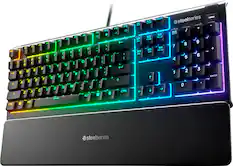
![ESC F1 F2 F3 F4 F5 F6 F7 FB F9 F10 F11 F12 DEL PRTSC P6 UP PD ON ... 1 A - 1! 2 3# 4$ 5% 6^ 7& 8* 9( 0 ) = + NUM / - TAB Q W E R T Y U I O P [ ] \ | HOME B + 9 PB UP + CAPS A S D F G H J K L : : 1 ENTER 4 5 6 SHIFT Z X C V B N M ? SHIFT 1 END S + 3 PG ON ENT CTRL ALT ALT FN O INS DEL](https://pisces.bbystatic.com/image2/BestBuy_US/images/products/a921344c-ee7b-4281-ba27-e7c65f14d628.jpg;maxHeight=232;maxWidth=233?format=webp)
![ESC 1 ! 2@ 3# 4$ 5% 6^ 7& 8 * 9( 0) = + DEL .- ... .. .. ... KOE TAB Q W E R T Y U I O P [{ [ I ] } 1/ HOME m E... CAPS A S D F G H J K L : ENTER PG UP . 1- SHIFT Z X C V B N M < > / ? SHIFT PG DN CTRL ALT ALT FN](https://pisces.bbystatic.com/image2/BestBuy_US/images/products/9b221add-4794-46b8-a559-7d835833e518.jpg;maxHeight=232;maxWidth=233?format=webp)
![Sure, here is the corrected and grouped text from the image:
**Top Row:**
- ESC
- F1
- F2
- F3
- F4
- F5
- F6
- F7
- F8
- F9
- F10
- F11
- F12
- PRTSC
- DEL
**Number Row:**
- 1
- 2
- 3
- 4
- 5
- 6
- 7
- 8
- 9
- 0
- -
- =
- \
**Letter Row:**
- TAB
- Q
- W
- E
- R
- T
- Y
- U
- I
- O
- P
- [
- ]
- \
**Letter Row:**
- CAPS
- A
- S
- D
- F
- G
- H
- J
- K
- L
- ;
- '
**Letter Row:**
- SHIFT
- Z
- X
- C
- V
- B
- N
- M
- ,
- .
- /
**Function Row:**
-](https://pisces.bbystatic.com/image2/BestBuy_US/images/products/9be10b95-8e90-4a5d-b85f-cbc6a7d8e8df.png;maxHeight=232;maxWidth=233?format=webp)
Mouse Pads





More recommended items
 PC Gaming Headsets
 Gaming Headsets
More to consider
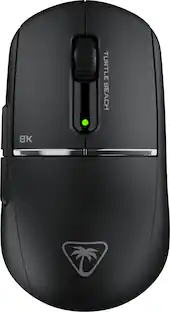
Turtle Beach - Burst II Pro High-Performance Ultra-Lightweight Wireless Optical Esports Gaming Mouse
$99.99The price was $139.99 $59.99The price was $69.99
 $75.99The price was $99.99
 Top Deal$127.99The price was $159.99
Discover related products
 $12.99The price was $13.99
 $249.00The price was $275.00
 $191.45The price was $197.23











Keep exploring
 $79.95The price was $109.95
 $79.95The price was $109.95
 $149.95The price was $215.95