Turtle Beach - Vulcan II TKL Pro Wired Magnetic Mechanical Gaming Keyboard with Analog Hall-Effect Switches - Black
Customers are saying
Customers praise the keyboard for its durable build quality and stunning, customizable RGB lighting. Users frequently highlight the satisfying key feel and the convenience of the tactile volume knob. Additionally, the inclusion of a magnetic wrist rest and user-friendly software further enhances the overall experience. The compact, minimalist design and customizable actuation points are also noted as standout features.
Color
BlackFeatures
Analog Hall-Effect Magnetic Switches
Ultra-responsive magnetic switches are pre-lubed and rated at a 150M click lifecycle for silky smooth, long-lasting key presses. Hall-effect technology equips you with game-changing features like Rapid Trigger setting, controller emulator, adjustable multi-point actuation, and more.
Rapid Trigger Performance
Dominate your opponents in FPS and battle royale games with Rapid Trigger setting. Rapid Trigger eliminates downtime between key presses, so you can immediately repress, resulting in better movement control, responsiveness and faster aiming.
Per Key Sensitivity Adjustment
Adjust the actuation point of every key together or individually, with shorter key travel for faster response in shooters, or longer key travel for more deliberate, precise control. Each key has 40 presets heights from 0.1mm to 4mm and you can assign up to three inputs per key. Plus, for added convenience these can be adjusted all together using the keyboard or individually in the Swarm II desktop software.
AIMO Intelligent RGB Lighting
With double the refresh rate of a standard gaming keyboard, AIMO lighting technology produces smooth and vibrant RGB lighting effects right out of the box and can sync with other compatible AIMO enabled products.
Advanced Customization
Adjust the AIMO RGB lighting, assign up to three different inputs per key, adjust key actuation points, enable Rapid Trigger setting and record & assign macro functions.
5 On-Board Profiles
Save up to five on-board profiles for custom lighting, key re-assignments, macros, basic functions, Hotkeys and more.
Easy-Shift [+] Button Duplicator
Our Easy-Shift [+] technology adds a secondary function to compatible keys. Simply hold down the designated modifier key for double the command power in an instant, plus it’s fully customizable in Swarm II.
Advanced Anti-Ghosting
Advanced Anti-Ghosting technology is optimized for gamers to ensure reliable keystrokes every time, even when multiple keys are pressed at once.
3rd Party Keycap Compatible
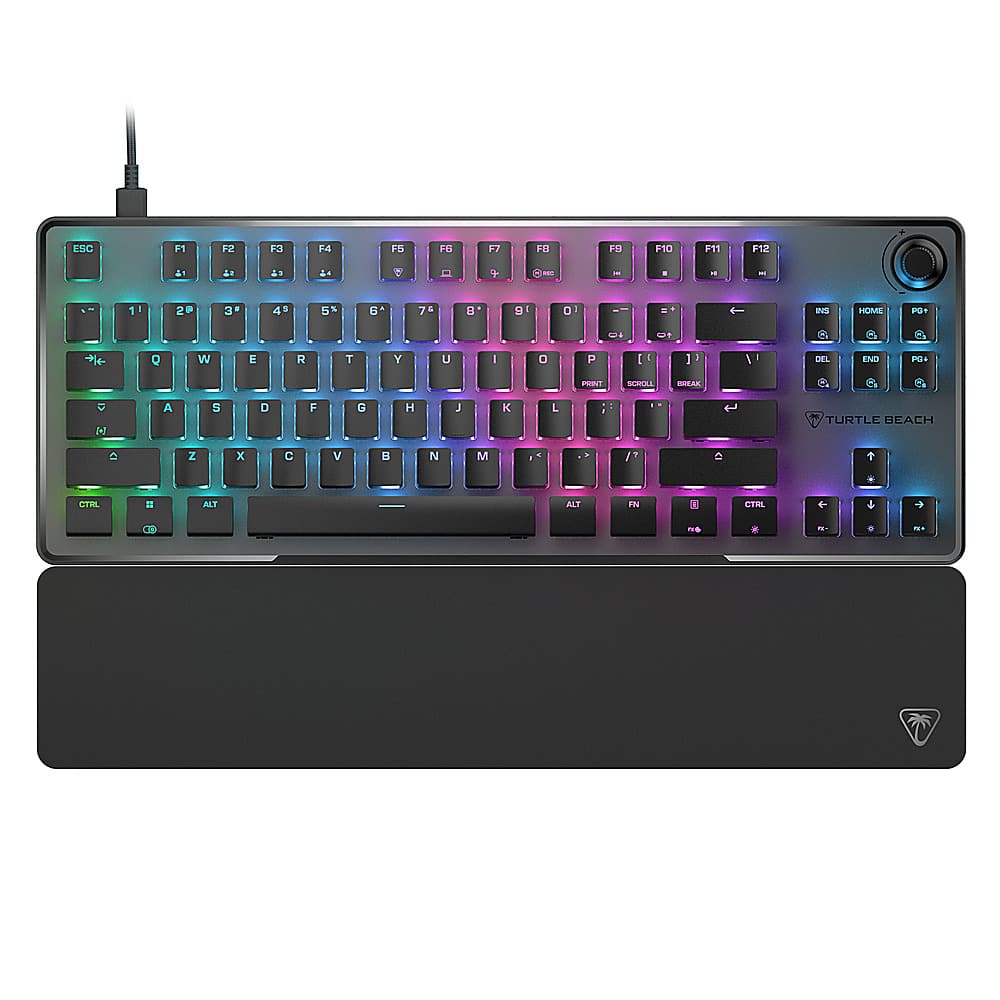
The Vulcan II TKL Pro is equipped with T-shaped ABS keycaps and is fully compatible with 3rd party keycaps to customize your layout.
Tenkeyless Form Factor
The tenkeyless form factor lets you play in a more natural, comfortable position while allowing for a larger pad and more area for mouse movement, improving your aiming accuracy.
Push-To-Mute Volume Wheel
Control master volume on the fly, and quickly push to mute using the built-in dial.
Sleek, Award-Winning Design
An iconic design featuring an aluminum plate reinforces its structural integrity and protects against wear and tear. Plus, a double kick stand design with an included, soft palm rest ensures comfort over long usage.
Specifications
- Lighting TypeRGBForm FactorTenkeyless (TKL)Keyboard TechnologyHall-effectKey Switch BehaviorLinearConnection TypeWired
Reviews
Rating 4.7 out of 5 stars with 63 reviews
- Keyboard Quality (20)
- RGB Lighting (16)
- Key Feel (12)
- Volume Knob (8)
- Software (7)
Customer Images
The vast majority of our reviews come from verified purchases. Reviews from customers may include My Best Buy members, employees, and Tech Insider Network members (as tagged). Select reviewers may receive discounted products, promotional considerations or entries into drawings for honest, helpful reviews.





Compare similar products

Rank Up to a New Level of Control. Insanely responsive, and immensely customizable, the Turtle Beach Vulcan II TKL Pro Magnetic Mechanical RGB PC gaming keyboard delivers pro-level performance in a compact TKL form. Equipped with analog hall-effect magnetic switches for silky smooth, reliable key presses rated at a 150M click lifecycle and they have a fully adjustable actuation point from 0.1mm to 4mm. And with Rapid Trigger setting, you’ll have better, more precise movement control, with less downtime between key presses. Lastly, the per-key AIMO Intelligent RGB lighting, five on-board profiles and adjustable actuation points can all be customized using the Swarm II desktop software.
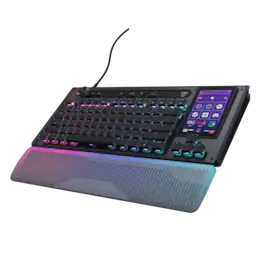
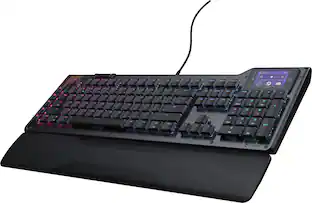
The Turtle Beach Command Series KB7 isn’t just another keyboard. It’s your command center. At the core of the KB7 is an ultra-responsive 4.3” Command Touch Display that lets you switch profiles, trigger macros, monitor system stats, and manage key functions instantly. Adjust audio, launch apps, and control system or stream functions directly from the display, all while staying locked in. Titan low-profile Hall-Effect switches rated for 100 million clicks deliver fast, precise input with adjustable actuation. Built to last, KB5’s premium double‑shot PBT keycaps maintain a clean matte finish for a superior tactile feel. Additional textured WASD keys add enhanced grip and control. A slim aluminum‑reinforced chassis and a detachable wrist rest ensure lasting comfort and durability. True 8K polling, an integrated Action Bar, and per‑key RGB lighting elevate the experience even further. Dual modular rails expand functionality with Command Series accessories like the Command Series KP7 keypad, making the KB7 the centerpiece of the Command Series ecosystem.

CORSAIR’s VANGUARD 96 pulls off the astonishing feat of shrinking a full keyboard with arrow keys, a tenkey pad, an LCD screen, rotary dial, and 6 programmable G-keys into a super-compact frame. Featuring wobble-free pre-lubricated CORSAIR MLX switches, it’s also hotswappable, supporting compatible 3-pin and 5-pin switches. The stunning LCD screen takes keyboard personalization to the next level with animations, stats, and game integration support. Quadlayer sound dampening provides satisfying keypress acoustics, and 8,000Hz hyper-polling delivers lightning-fast inputs. VANGUARD 96 also features Elgato Virtual Stream Deck integration, FlashTap SOCD handling, and easy customization via our web-based utility, CORSAIR Web Hub.
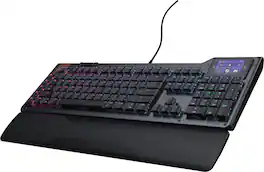
The Turtle Beach Command Series KB5 full-size mechanical keyboard puts total control at your fingertips with a 2.4” Command Touch Display that lets you customize profiles, trigger macros, and monitor key system stats while staying immersed in the game. Titan low-profile mechanical switches that actuate at just 1.2mm deliver fast, precise input. Premium double‑shot PBT keycaps maintain a clean matte finish for a superior tactile feel. Additional textured WASD keys add enhanced grip and control. Pre‑lubed switches, tuned stabilizers, and true 8K wired polling deliver smooth, ultra‑responsive keystrokes, while five dedicated macro keys and a top‑mounted clickable volume barrel provide fast, intuitive control. A low‑profile, aluminum‑reinforced chassis paired with a detachable palm rest ensures lasting comfort and durability. The KB5 isn’t just a keyboard, it’s your ultimate command center built for gaming, streaming, and beyond.
| Pros for Turtle Beach - Vulcan II TKL Pro Wired Magnetic Mechanical Gaming Keyboard with Analog Hall-Effect Switches - Black | |||
|---|---|---|---|
| RGB Lighting, Keyboard Quality, Key Feel, Volume Knob, Software | Build Quality, Performance, Ergonomics, Noise Level | Build Quality, Noise Level, RGB Lighting, Feel, Responsiveness | Build Quality, Performance, Ergonomics, Noise Level, Ease of Setup |
| Cons for Turtle Beach - Vulcan II TKL Pro Wired Magnetic Mechanical Gaming Keyboard with Analog Hall-Effect Switches - Black | |||
| There were no cons for this product— | There were no cons for this product— | Software, Key Layout, Port Placement | There were no cons for this product— |
Specs
Questions & Answers
Does this connect to ps5 and how can I get help with connecting?
Answered by Turtle Beach SupportThanks for your inquiry, Pam. Our keyboards will act as standard USB keyboards when used with the PS5, however, the software required for full functionality is only available on PC. If you have any other questions or concerns please reach out directly to our dedicated Support Team. They’re always happy to help and can be reached right from the support section of the Turtle Beach website. Thank you and have a great day!
Are the keycaps compatible with third-party keycaps?
The T-shaped caps on the Vulcan II TKL Pro keyboard are compatible with third-party keycaps, allowing for customization.
This question and answer was generated by AI based on customer and product data.What is the purpose of the Rapid Trigger setting?
The Rapid Trigger setting allows you to rapidly press and release keys at a faster rate with minimal finger lifting. This allows for more precise movements and faster aiming.
This question and answer was generated by AI based on customer and product data.Can the keyboard be used with other compatible AIMO-enabled products?
The Turtle Beach Vulcan II TKL Pro’s AIMO lighting technology can be synced with other compatible AIMO-enabled products.
This question and answer was generated by AI based on customer and product data.Does the keyboard have a detachable cable?
This keyboard has a detachable cable.
This question and answer was generated by AI based on customer and product data.

Package deals that include this item
Customers often buy these together
Mice
Mouse Pads






More recommended items
 PC Gaming Headsets
 Computer Speakers
Customers ultimately bought
CORSAIR VANGUARD 96 RGB Wired MLX Quantum Linear Mechanical Switch 96% Gaming Keyboard with FlashTap SOCD
Top Deal$139.99The price was $179.99CORSAIR K65 PLUS RGB 75% Wireless Mechanical Pre-Lubricated MLX Red Linear Switch Gaming Keyboard with Hot-Swappable Switches
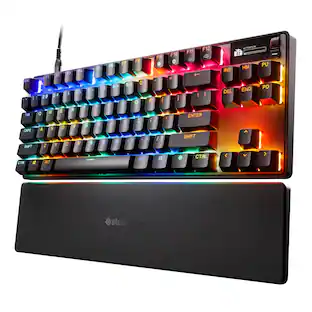
Top Deal$129.99The price was $159.99SteelSeries Apex Pro TKL Gen 3 Wired Magnetic Hall-Effect OmniPoint Adjustable Gaming Keyboard with Rapid Tap
$199.99The price was $239.99Razer BlackWidow V4 75% Wired Mechanical Orange Switch Gaming Keyboard with Hot-Swappable Design
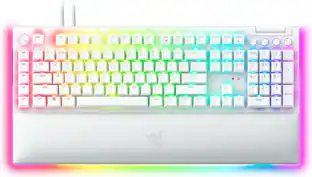
$129.99The price was $199.99Razer Huntsman V3 Pro TKL Wired Analog Optical Linear Switch Gaming Keyboard with Snap Tap
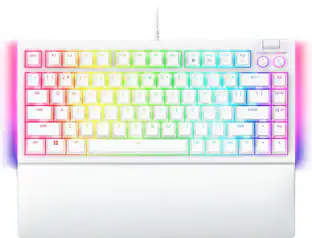
$152.99The price was $219.99Razer Blackwidow V4 75% Wired Mechanical Orange Switch Gaming Keyboard with Hot-Swappable Design
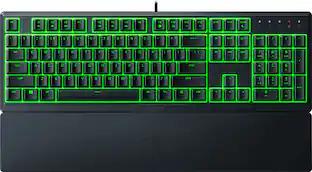
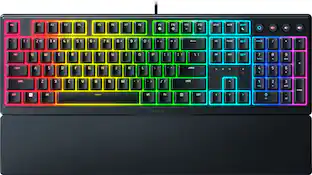
$139.99The price was $199.99Razer Ornata V3 Full-Size Wired Mechanical-Membrane Gaming Keyboard with Chroma RGB Backlighting
$69.99The price was $79.99




Explore tech essentials Sponsored
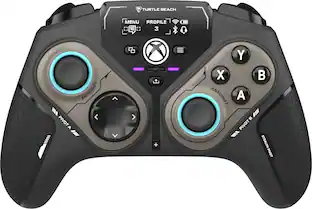
Turtle Beach Stealth Pivot Wireless Smart PC Gaming Controller with Rotating Modules
$99.99The price was $139.99
Discover related products
Z Z-Edge MS05 Single Mount Stand Arm, supports 22-40" monitor, 360° adjustable, 75x75mm / 100x100mm
$49.99The price was $69.99Acer USB C Docking Station With 2 HDMI, 9-IN-1 Docking Hub with USB A&C 3.0, SD/Micro SD, 100W Charging
$42.99The price was $47.99Acer USB C to HDMI Cable for Home Office 6.6FT (4K@60Hz), High-Speed Type C to HDMI 2.0 Braided Cord
$12.99The price was $13.99Logitech X56 HOTAS Microsoft Flight Simulator RGB Dual-Throttle and Joystick
$247.00The price was $275.00Intel Core i5-14400F 14th Gen 10-Core 16-Thread - 4.7GHz Turbo Socket LGA1700 Unlocked Desktop Processor
$170.99The price was $191.99














Keep exploring
GravaStar Mercury V60 Pro Special Edition 60% Wired Hall Effect Gaming Keyboard
$199.95The price was $299.95GravaStar Mercury K98 Pro 98% Wireless Gaming Keyboard – Tri-Mode, Gasket Mount, Hot-Swap, RGB, Numpad
$259.95The price was $359.95GravaStar Mercury V60 60% Wired Hall Effect Gaming Keyboard with 8000Hz Polling Rate
$129.95The price was $159.95Womier DK75 75% Wireless Gaming Membrane Keyboard, RGB Backlit Creamy Keyboard with Media Knob
$37.99The price was $40.00GravaStar Mercury K1 Pro Special Edition 75% Wireless Mechanical Gaming Keyboard with Hot-Swappable Switches
$199.95The price was $209.95